
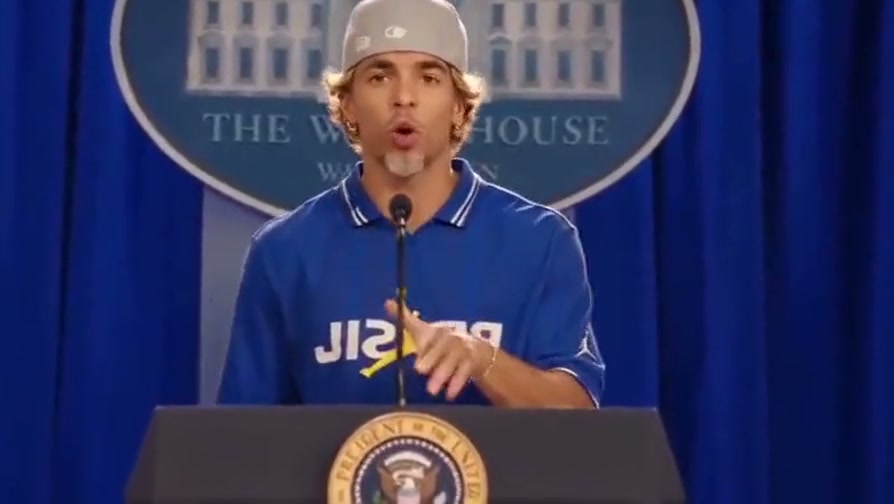
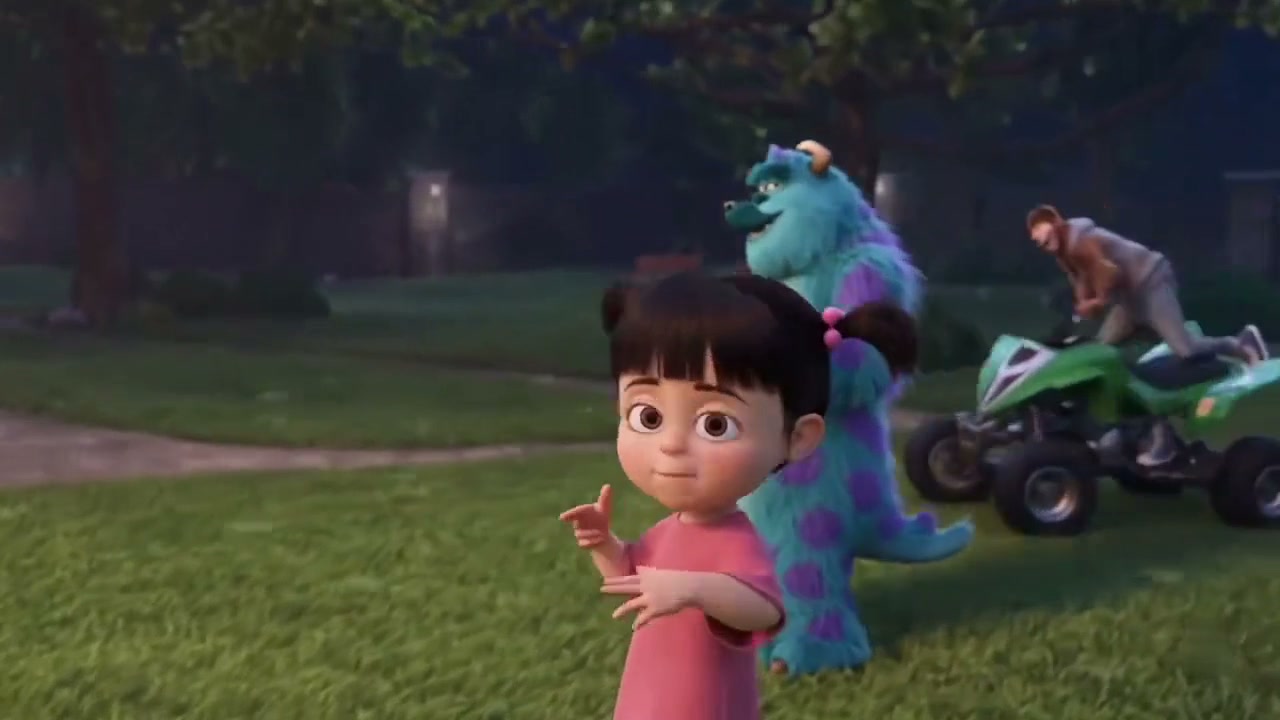
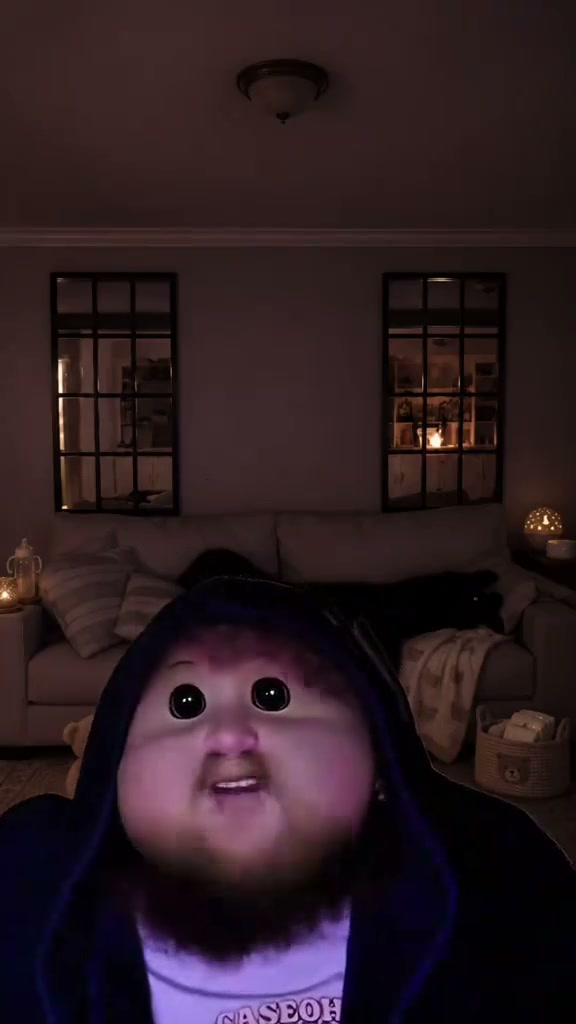
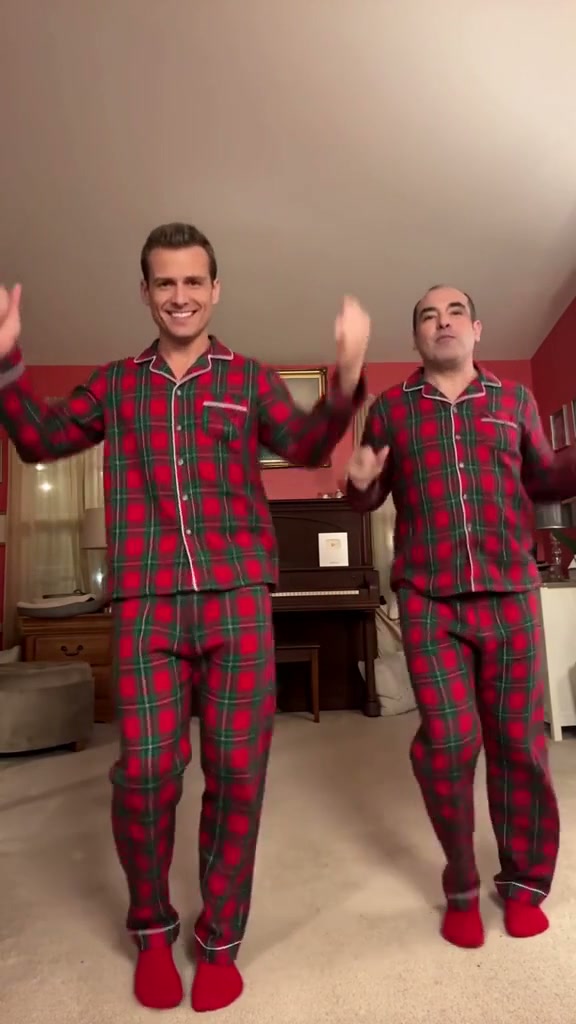
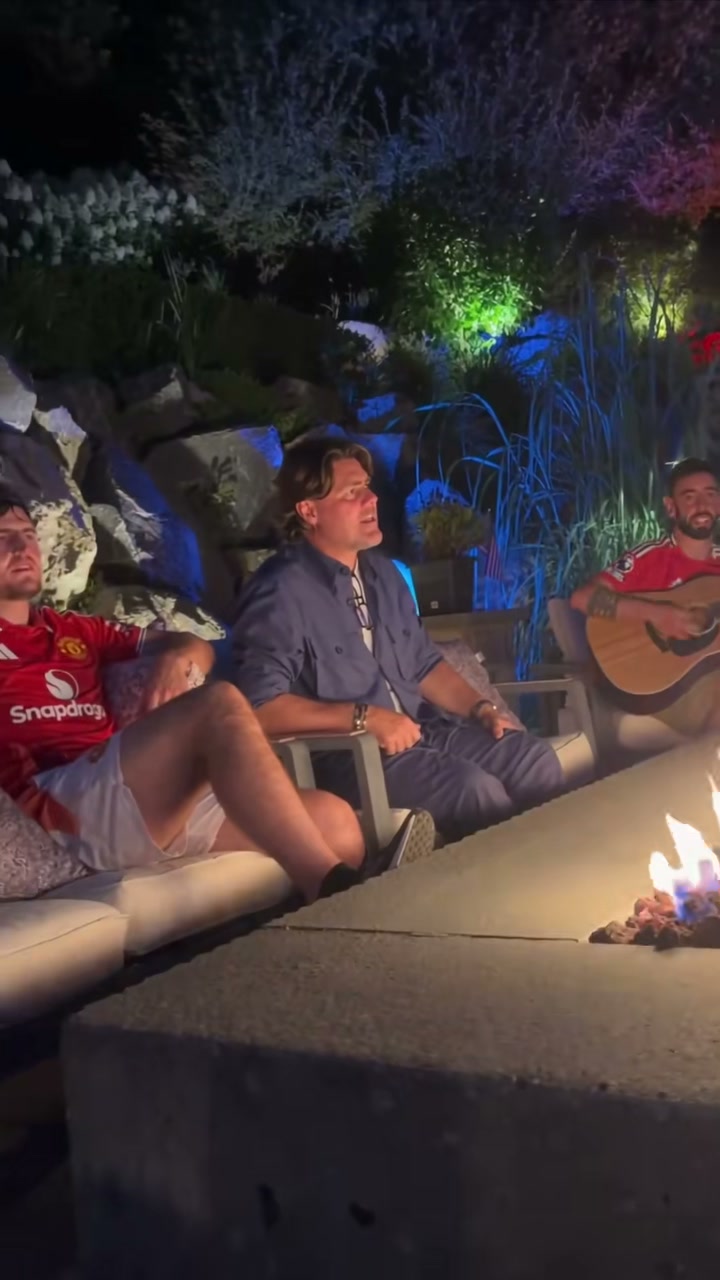
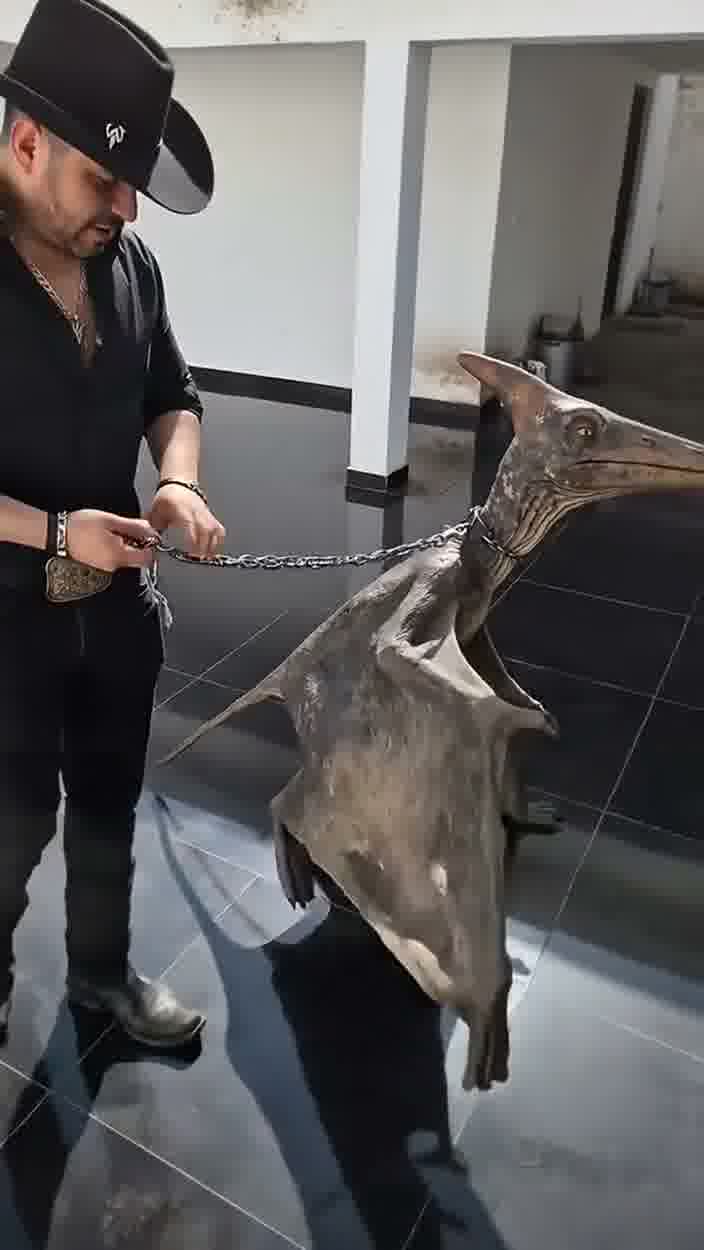
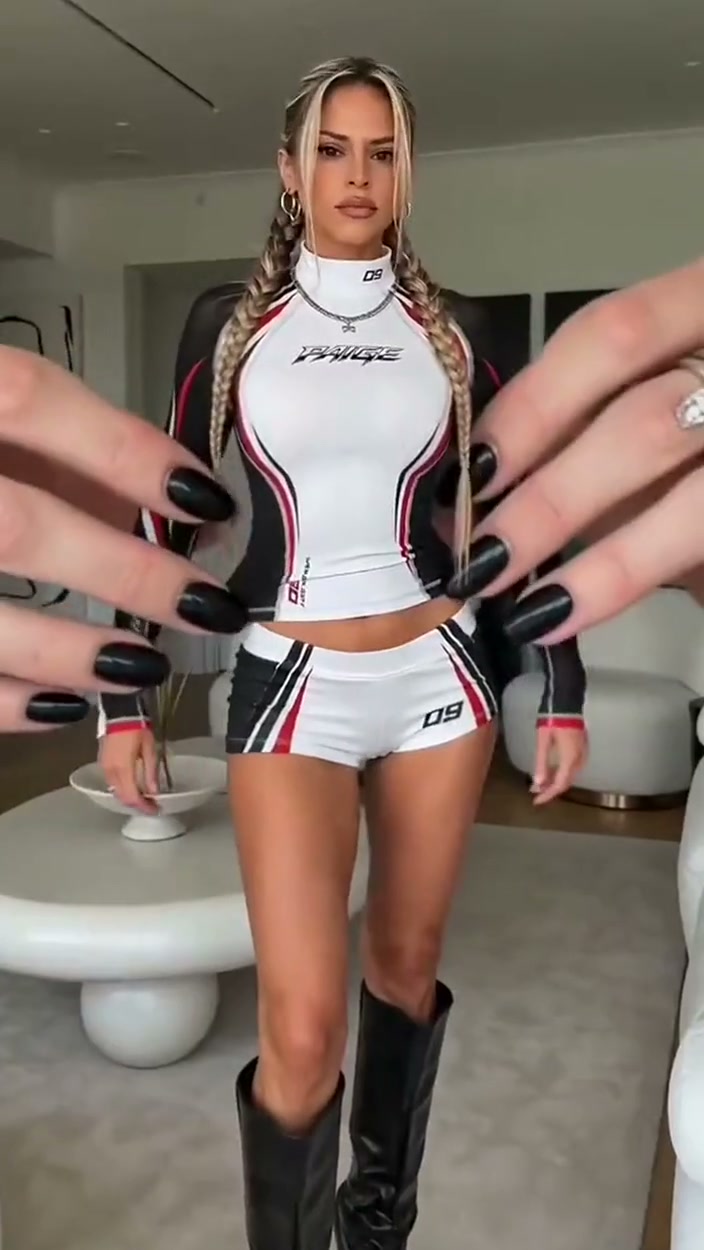
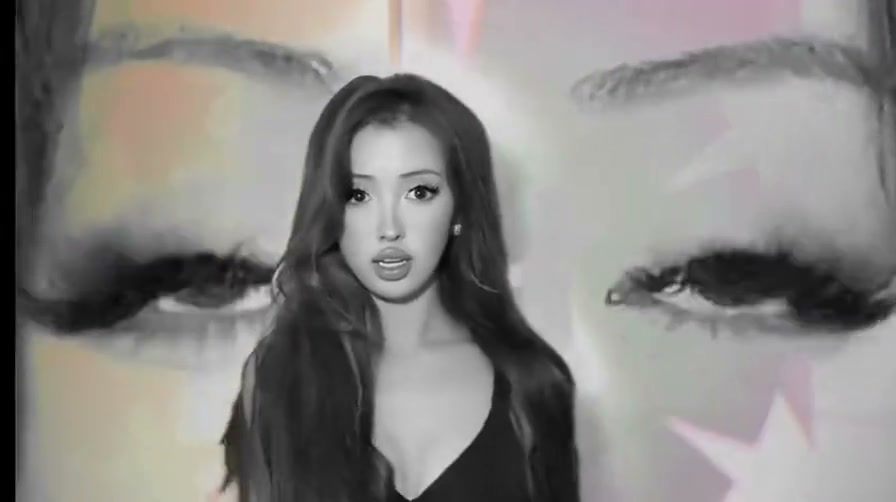
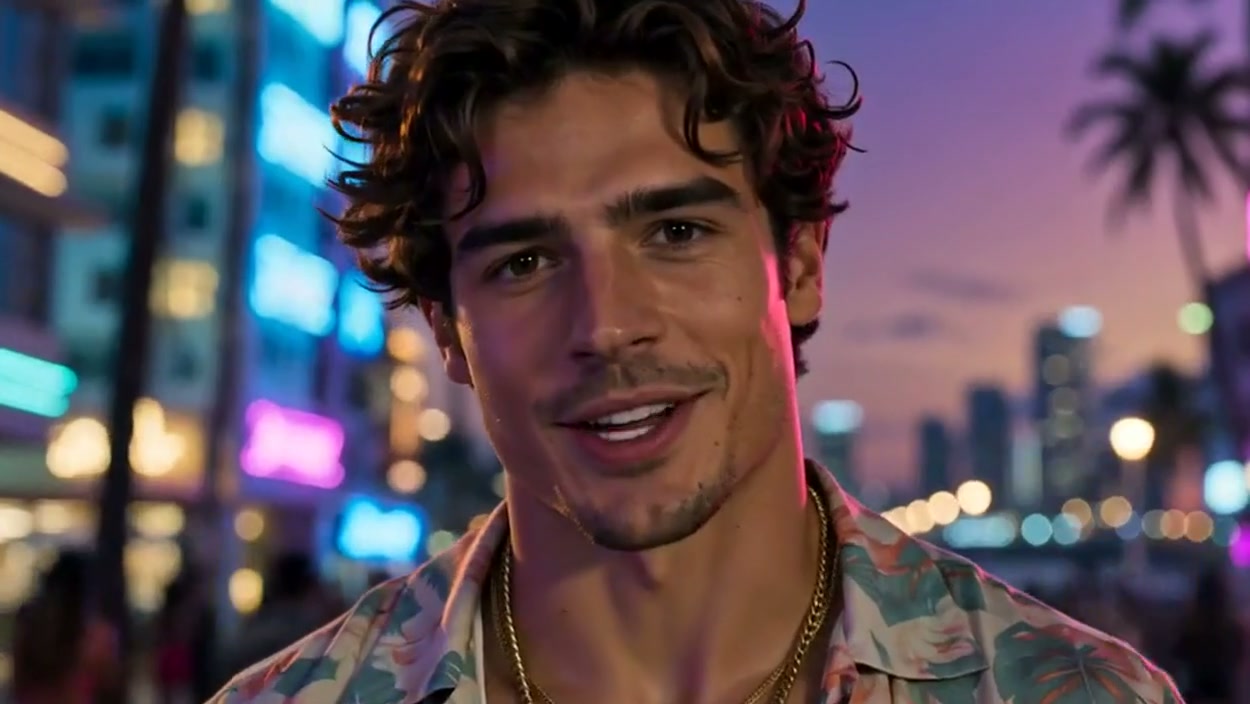
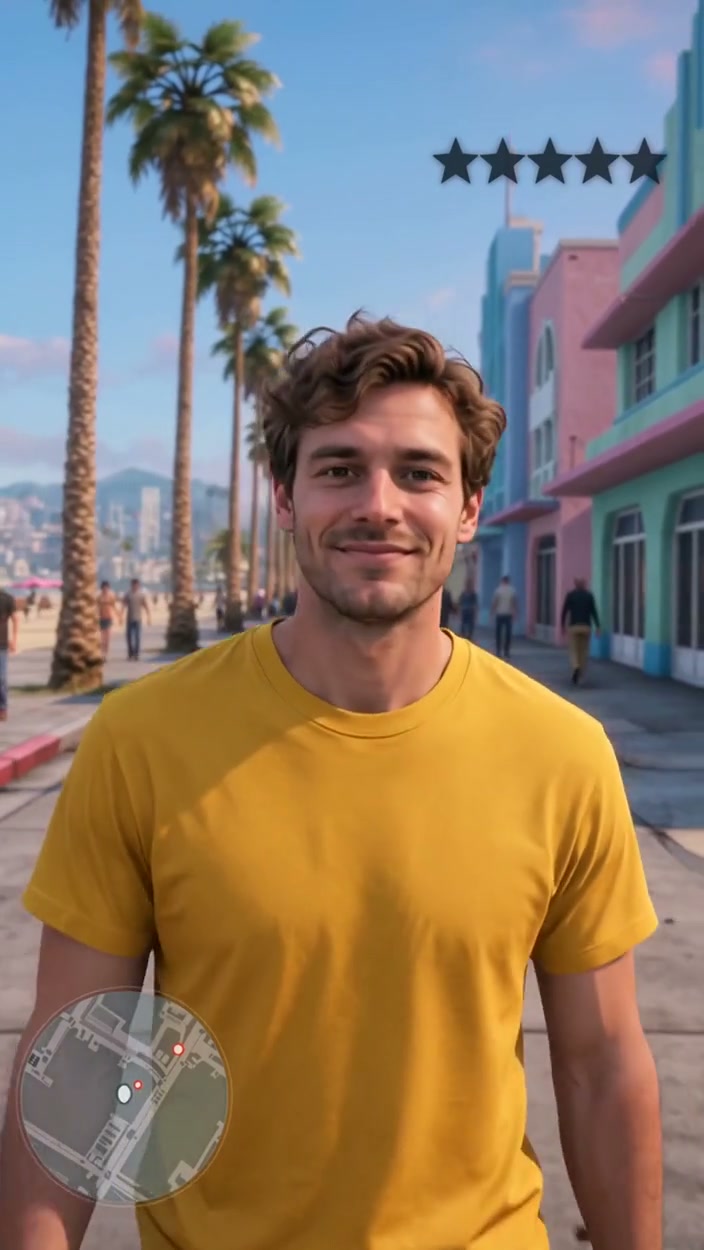
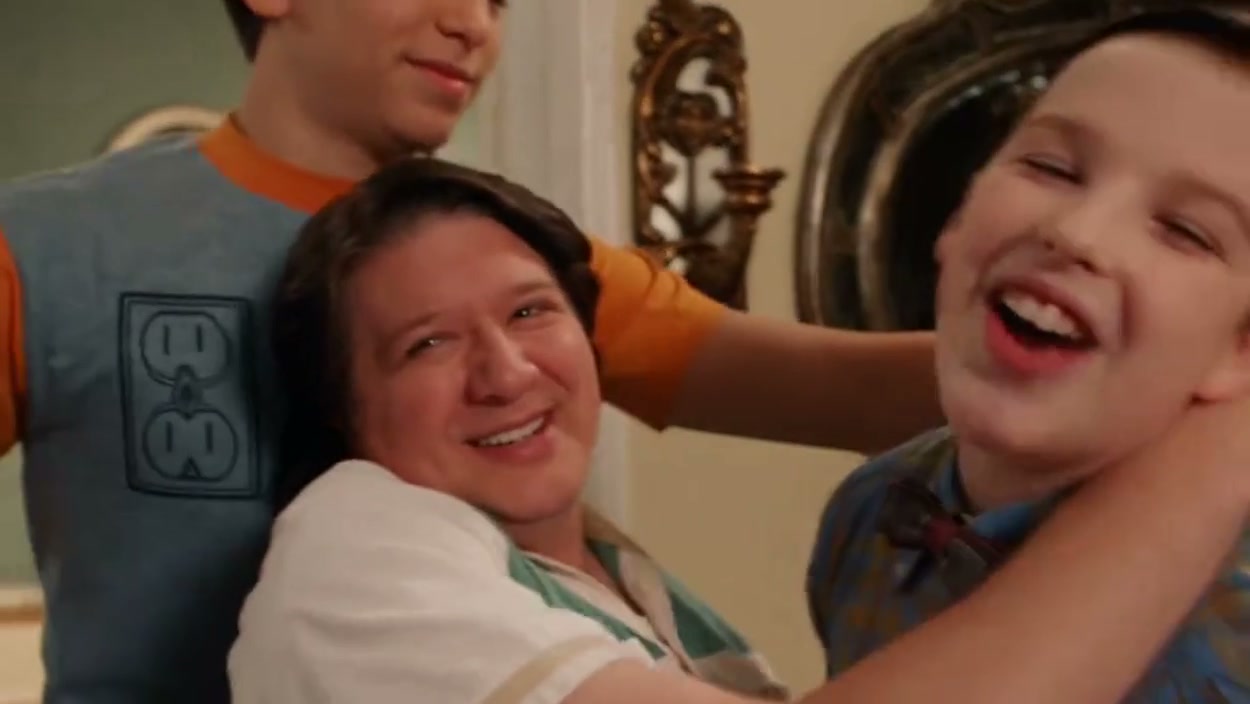
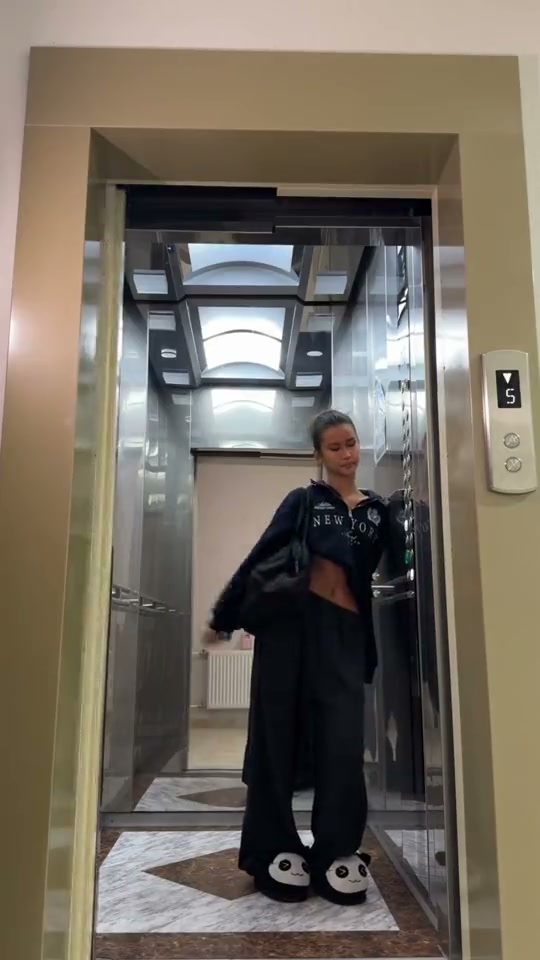
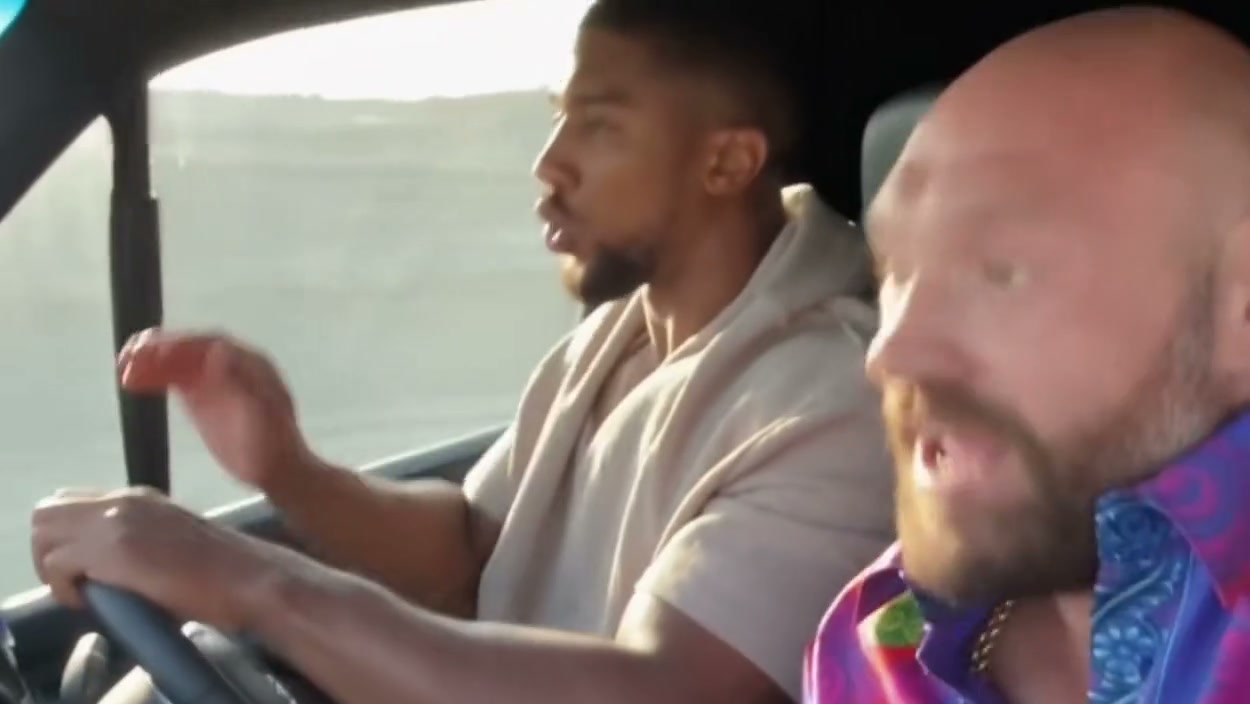
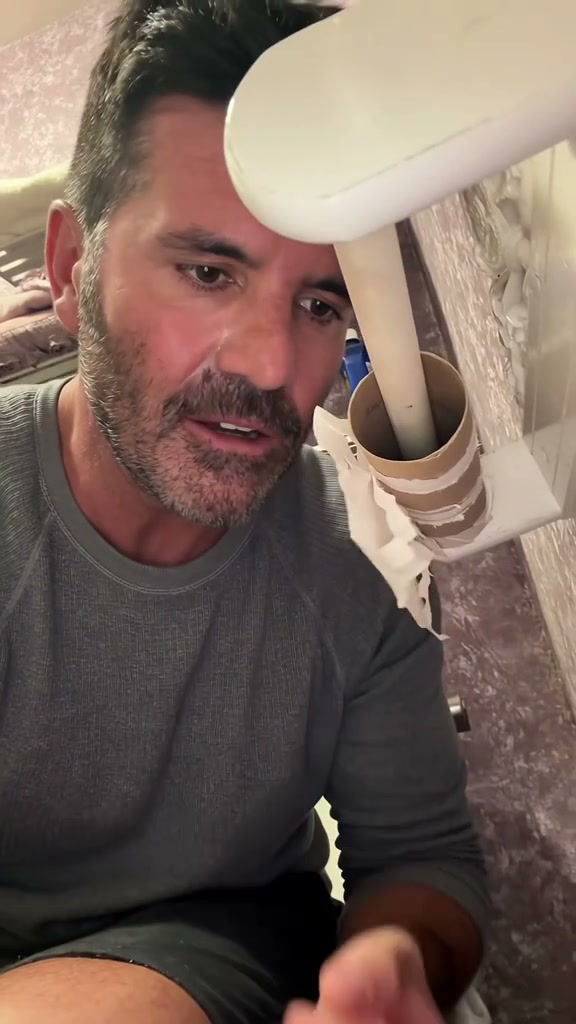
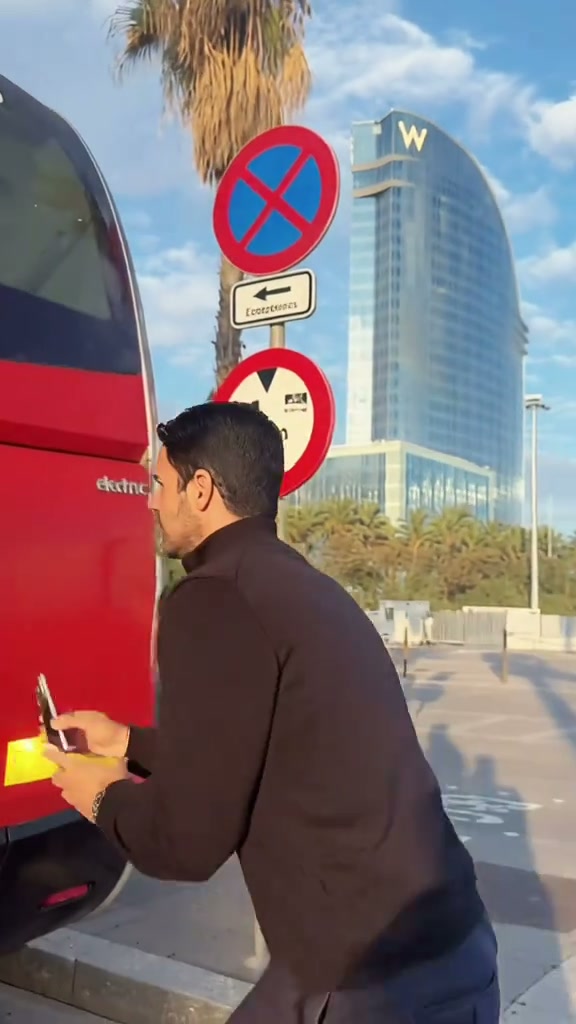
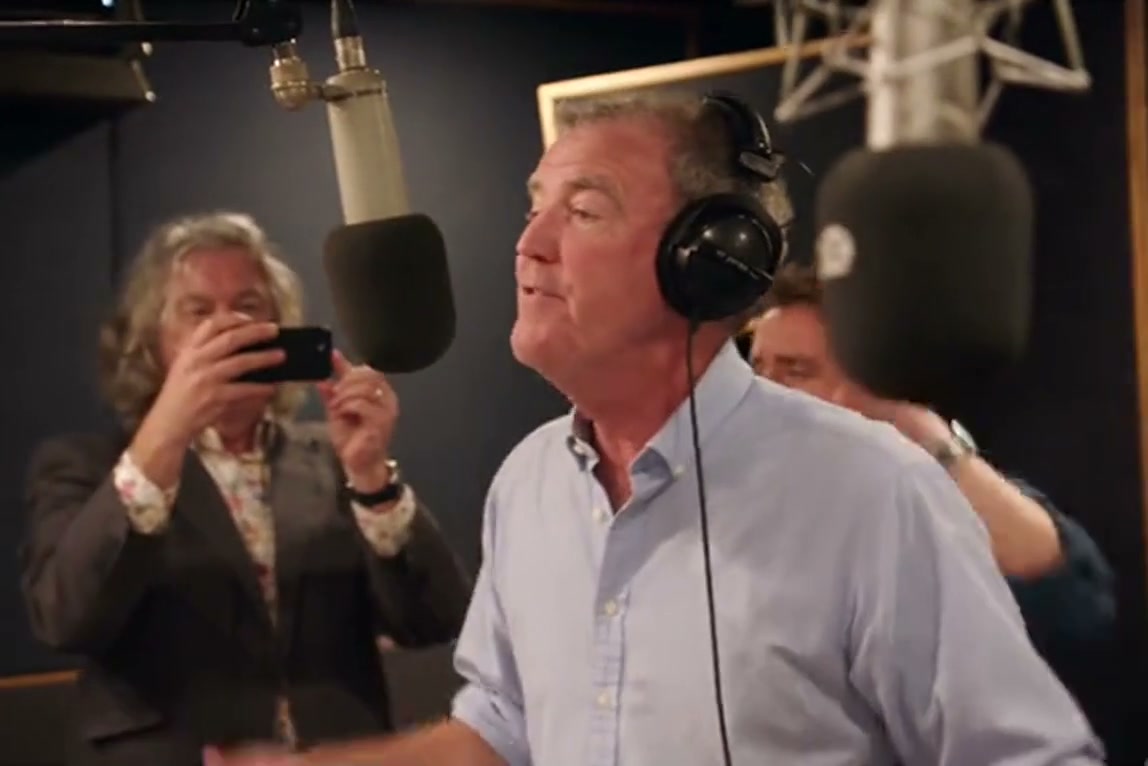
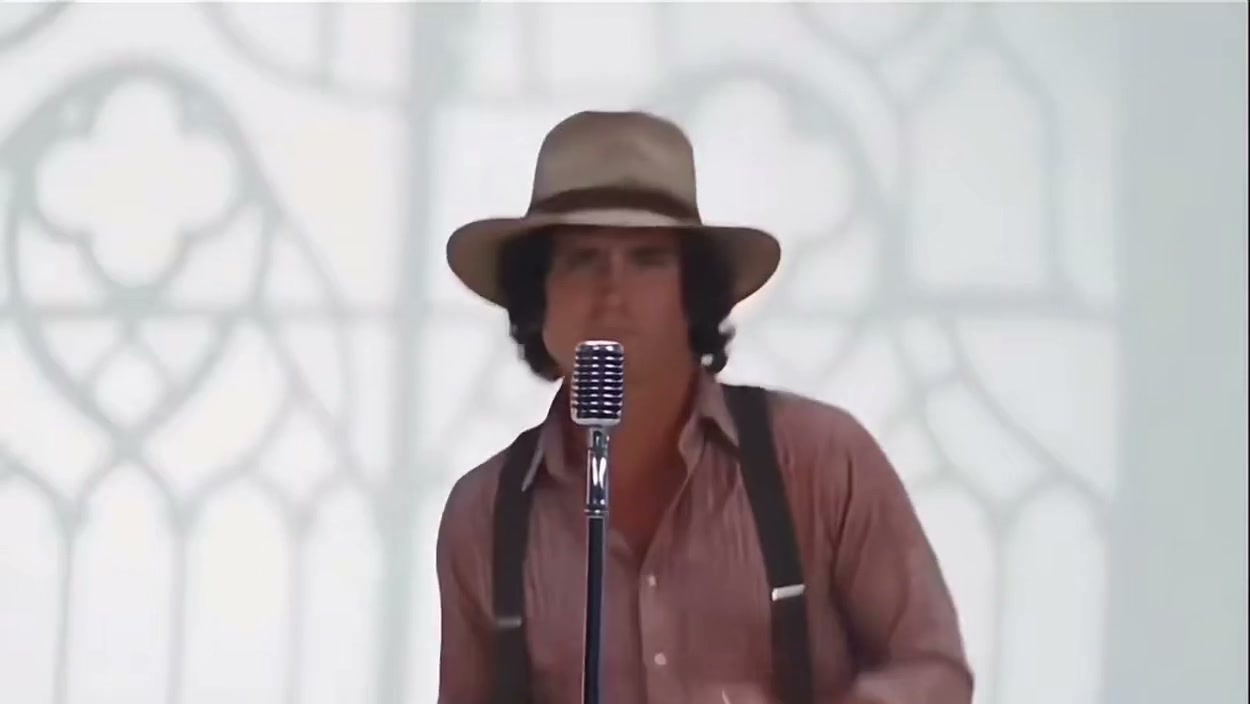
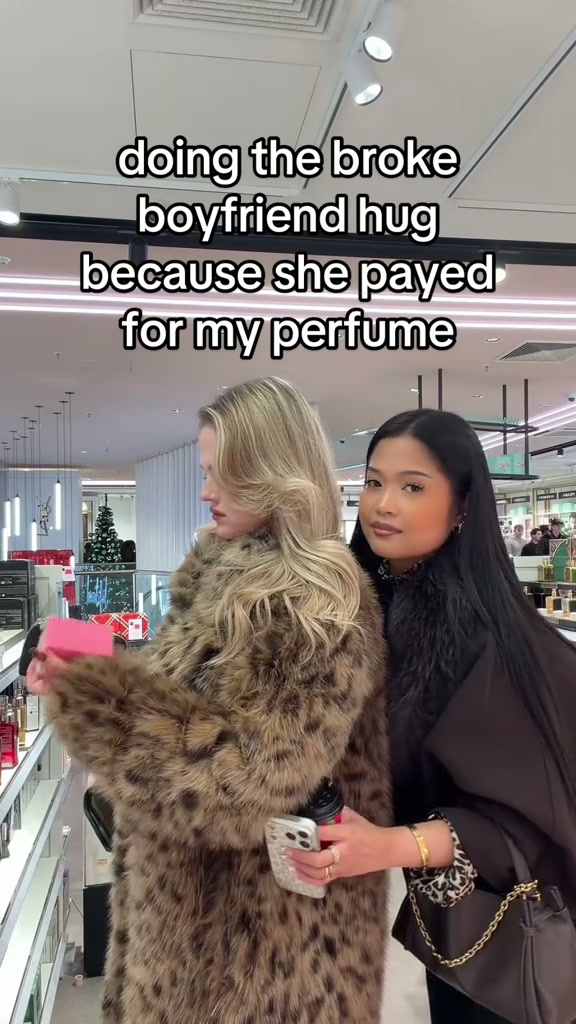
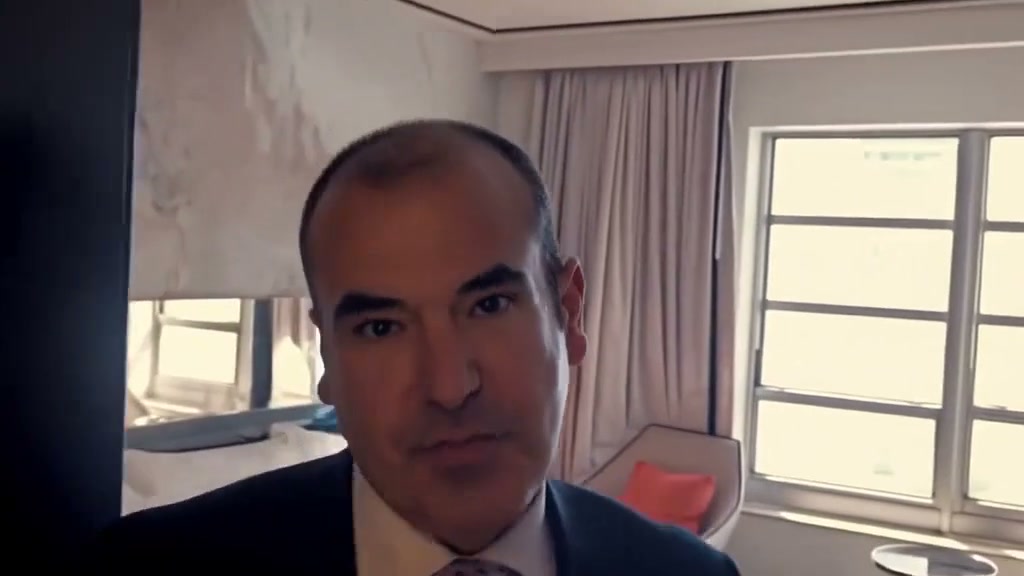
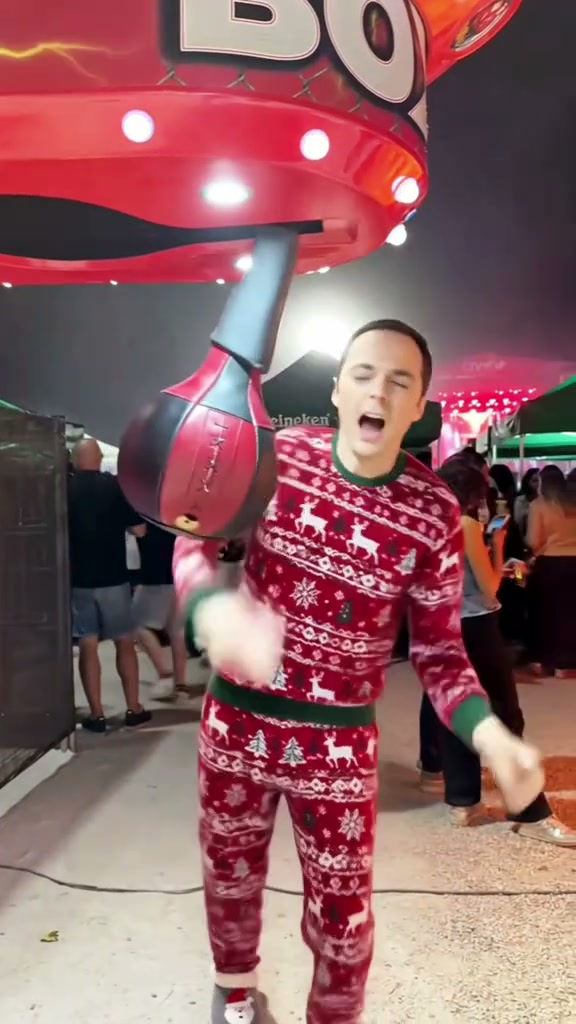
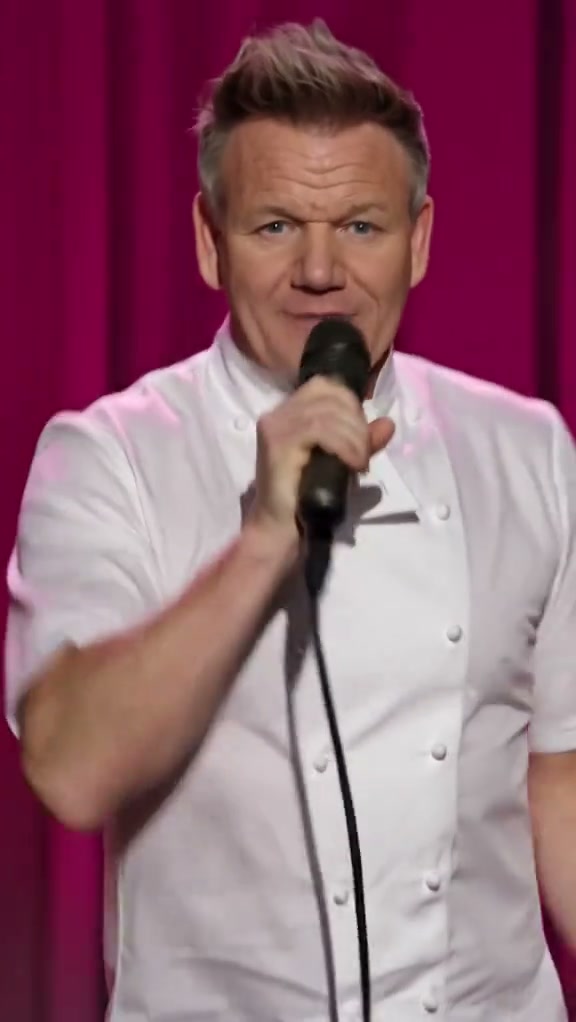
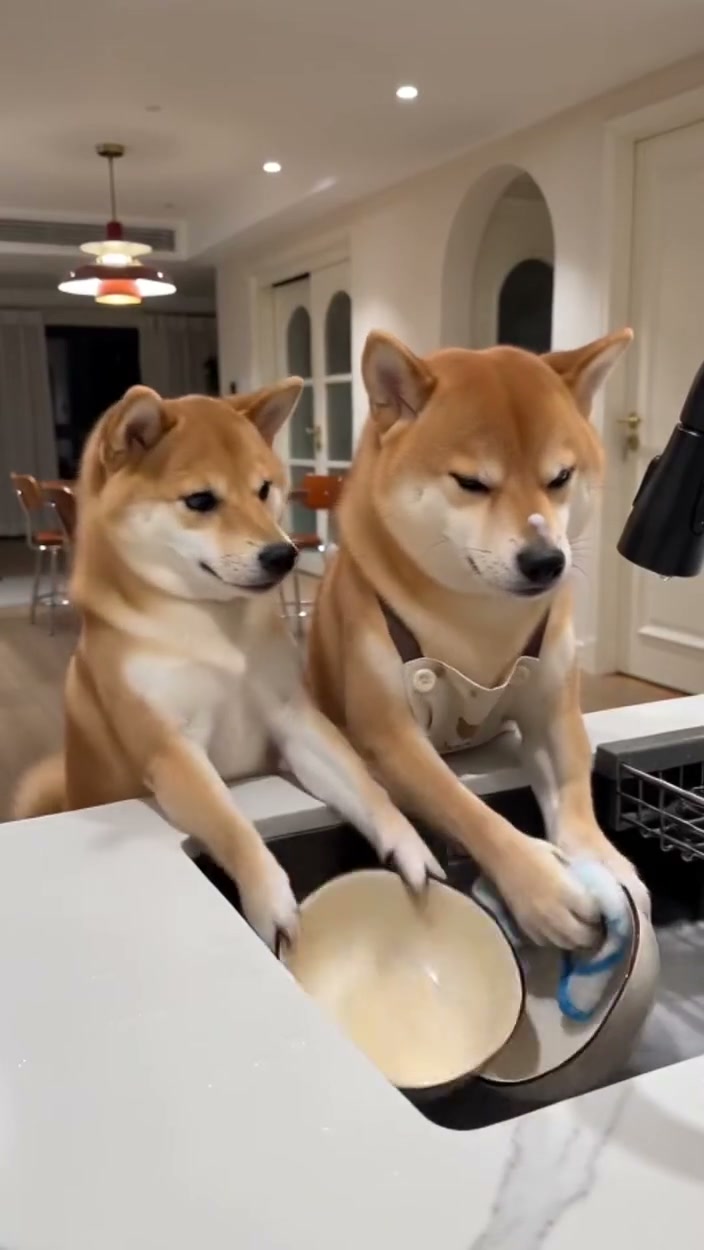
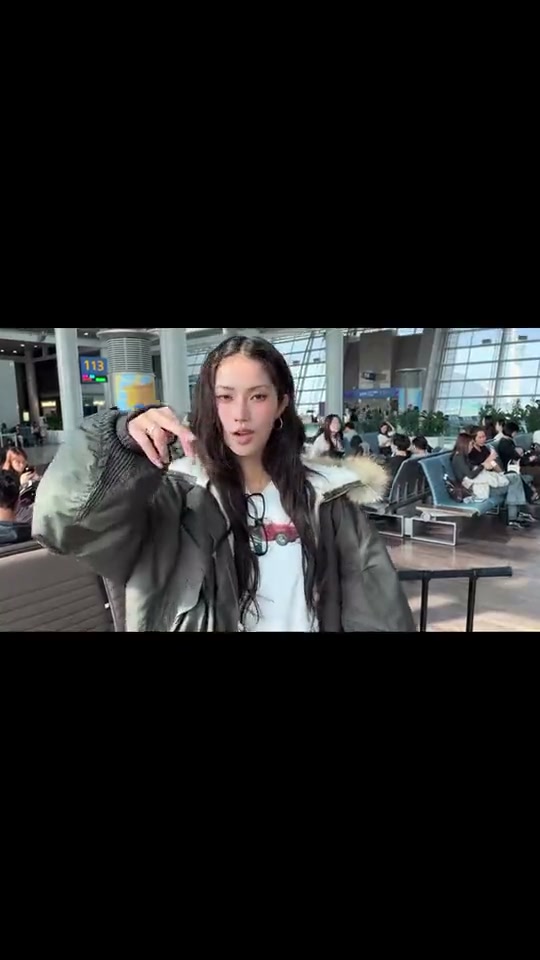
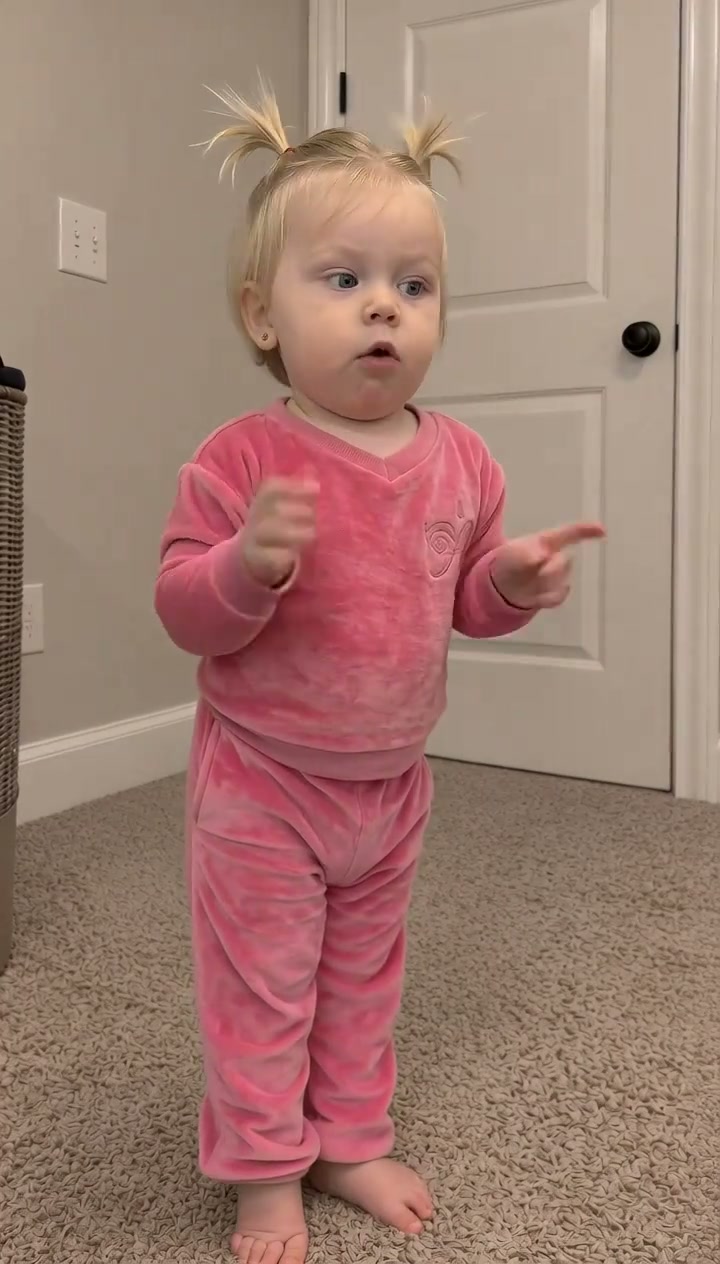
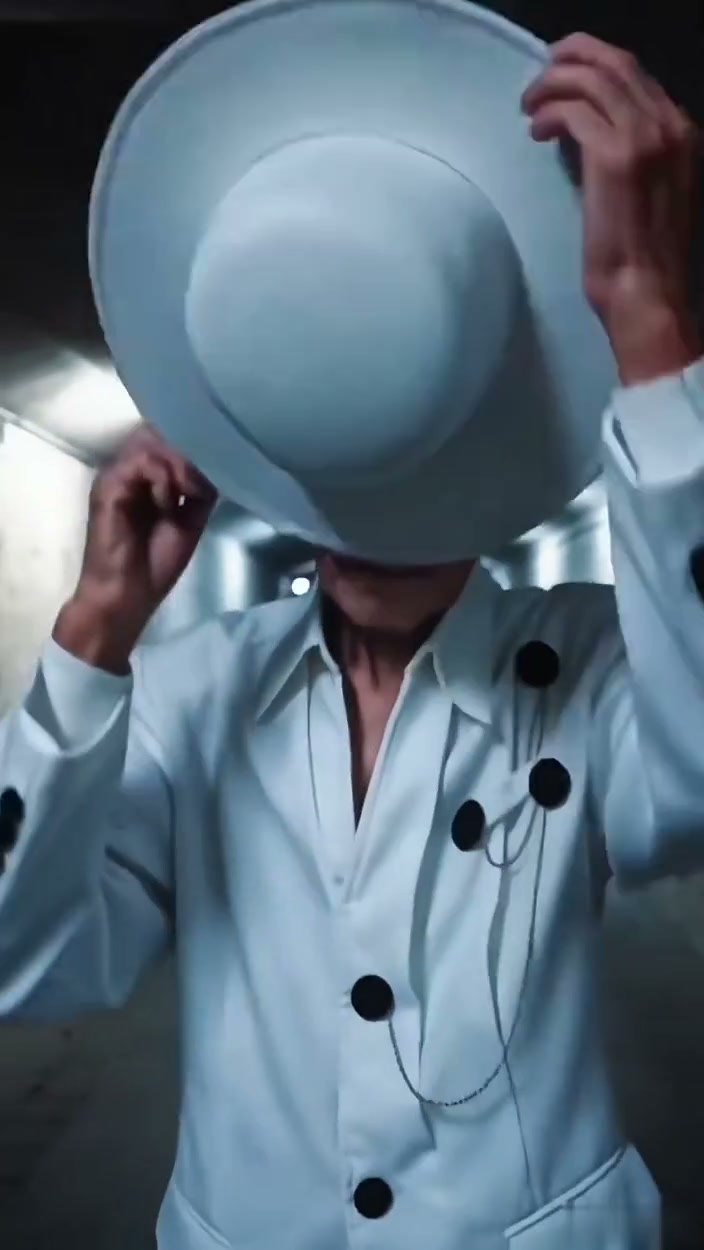
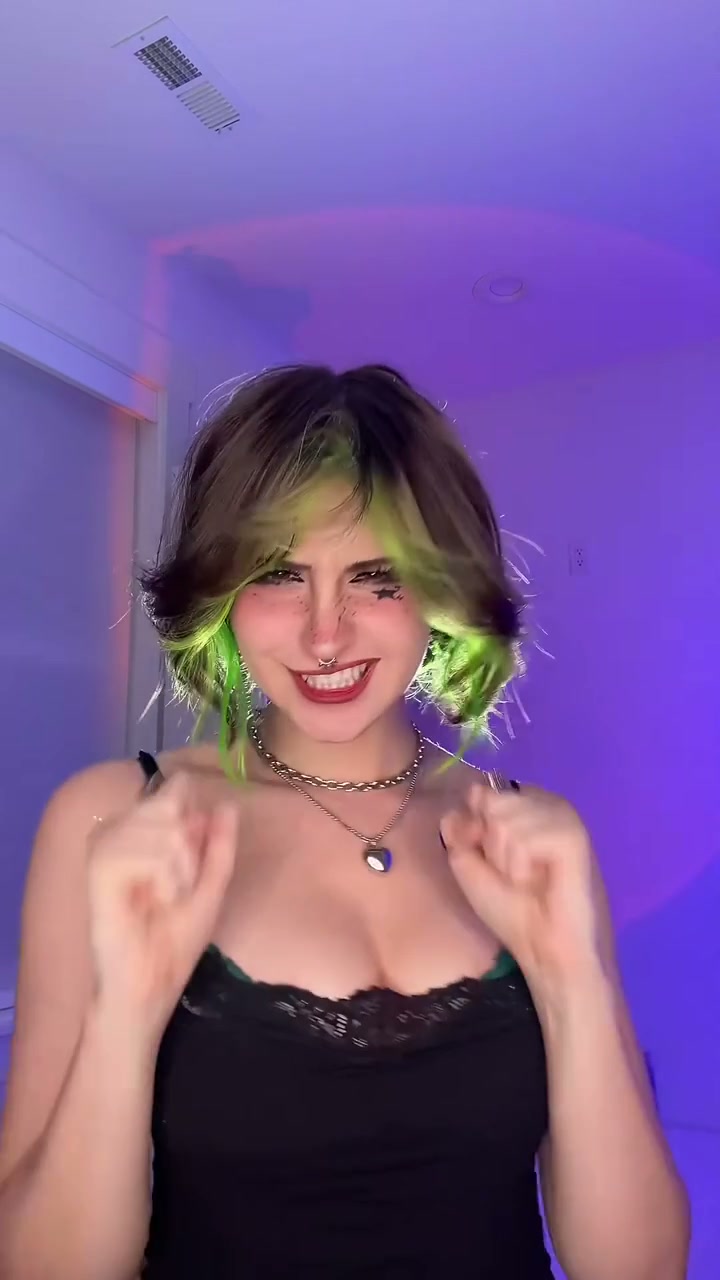
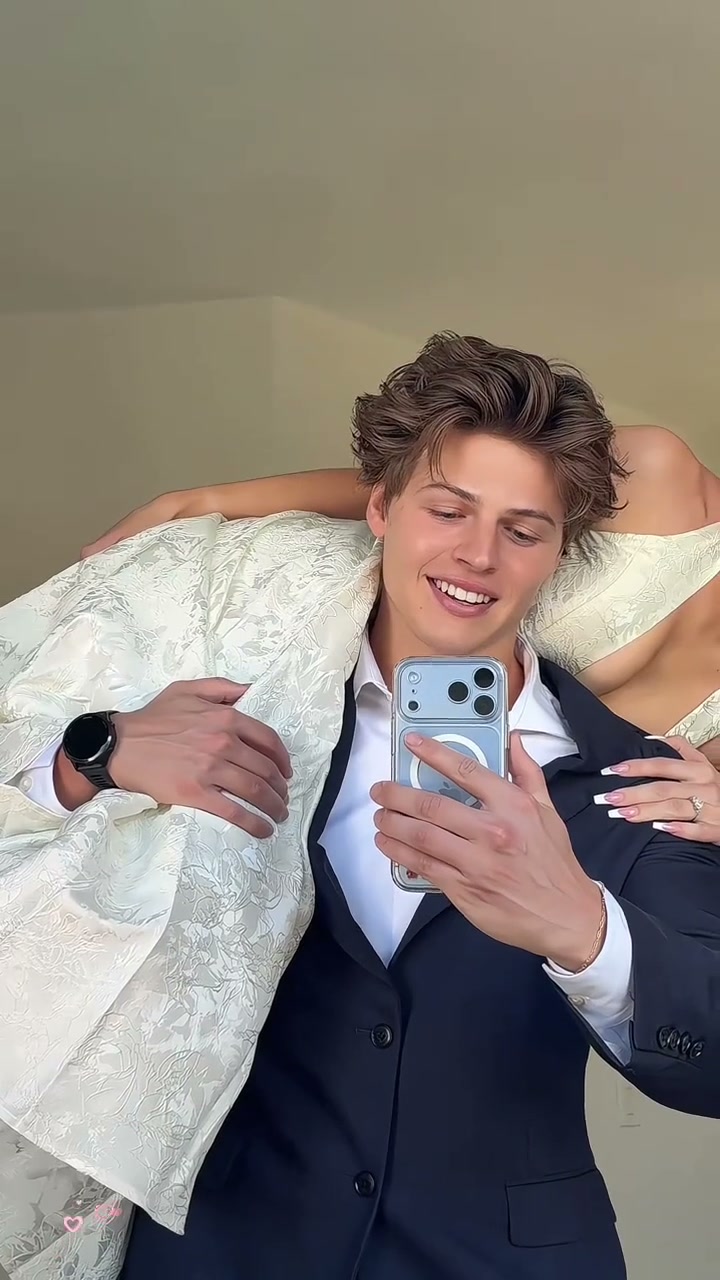
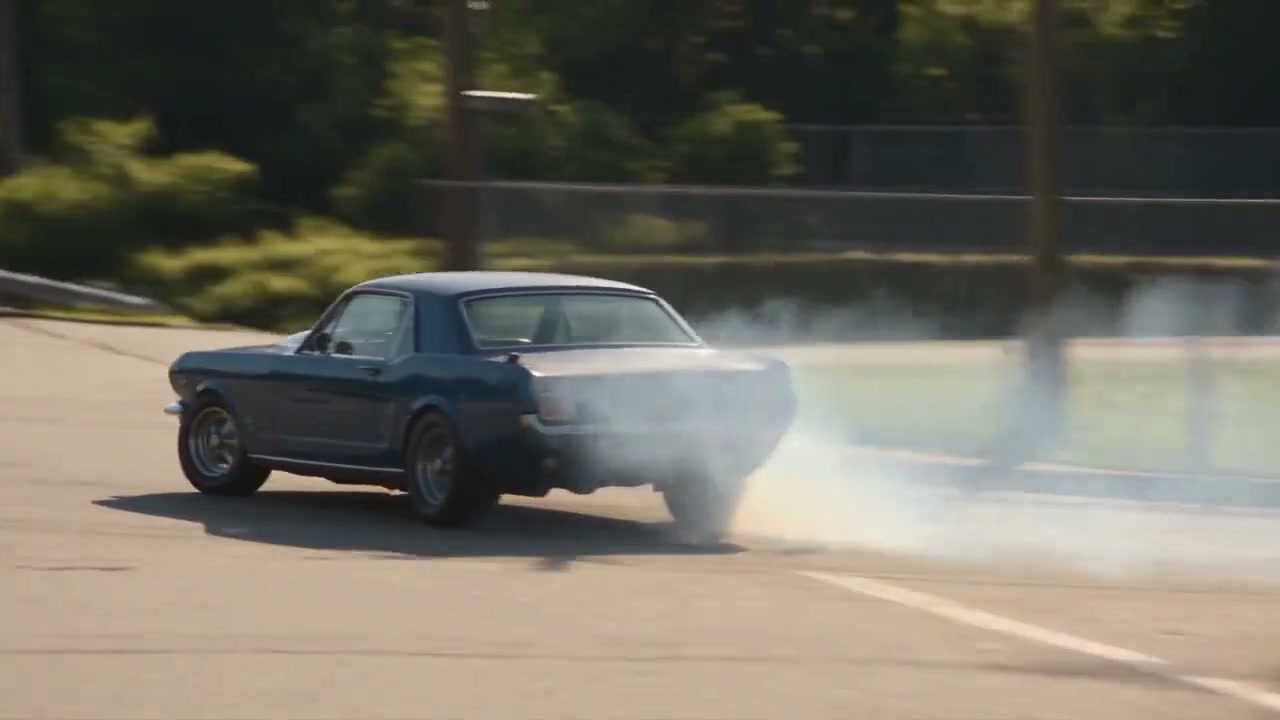
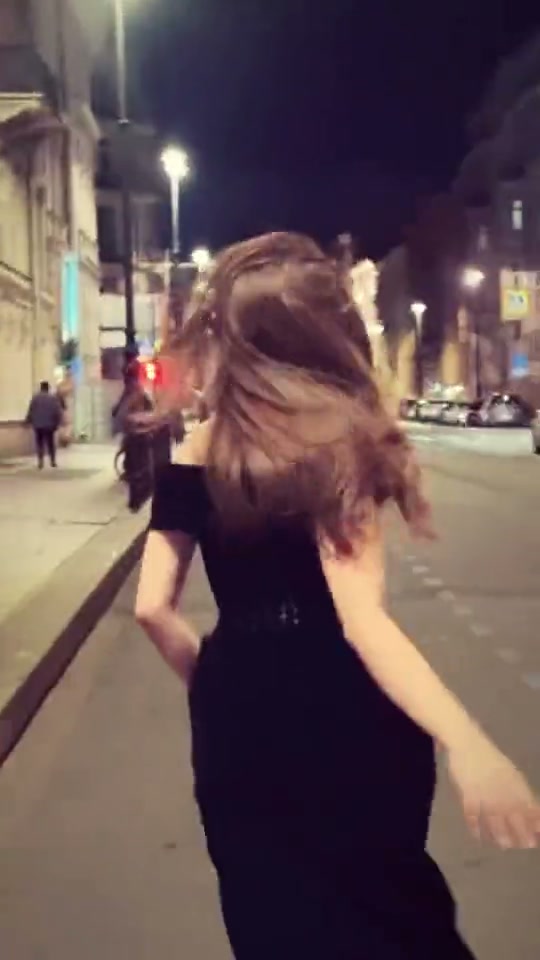
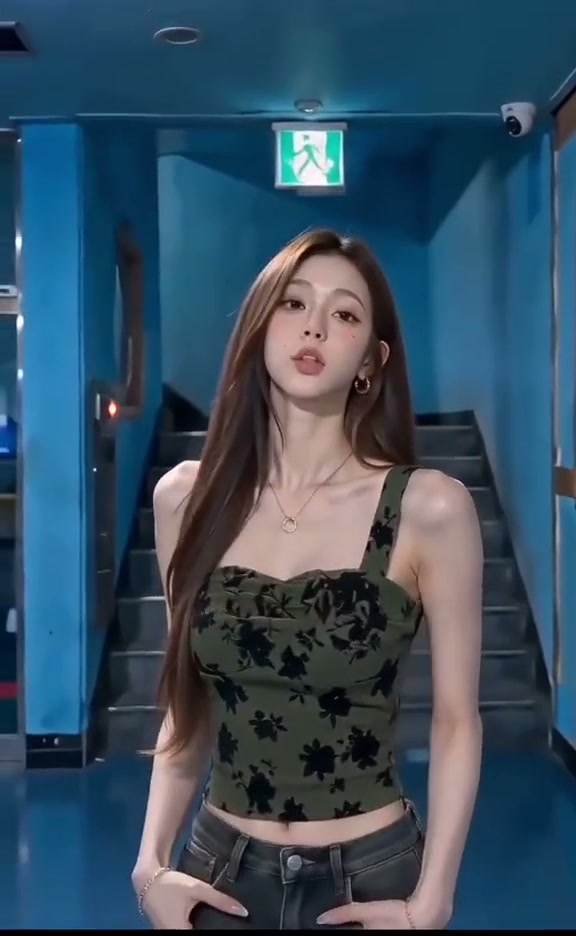
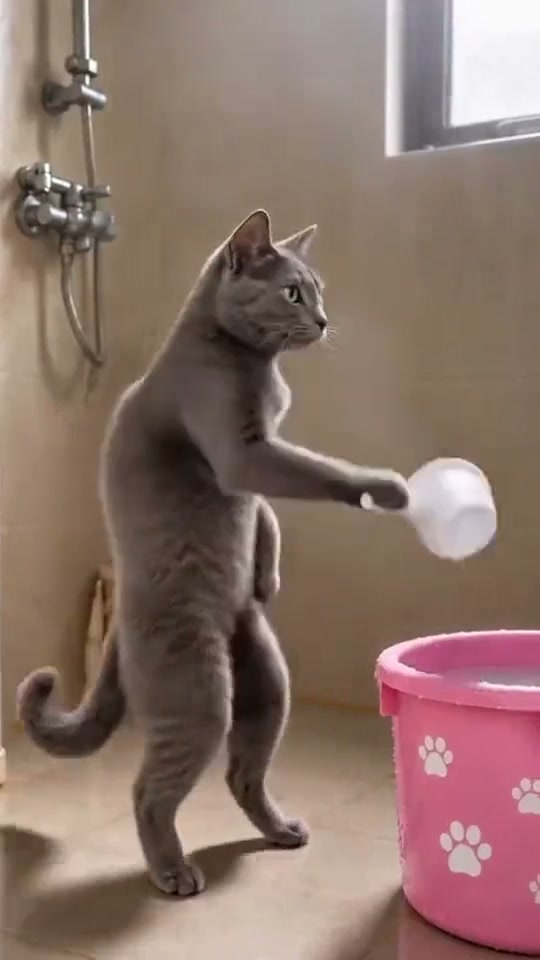
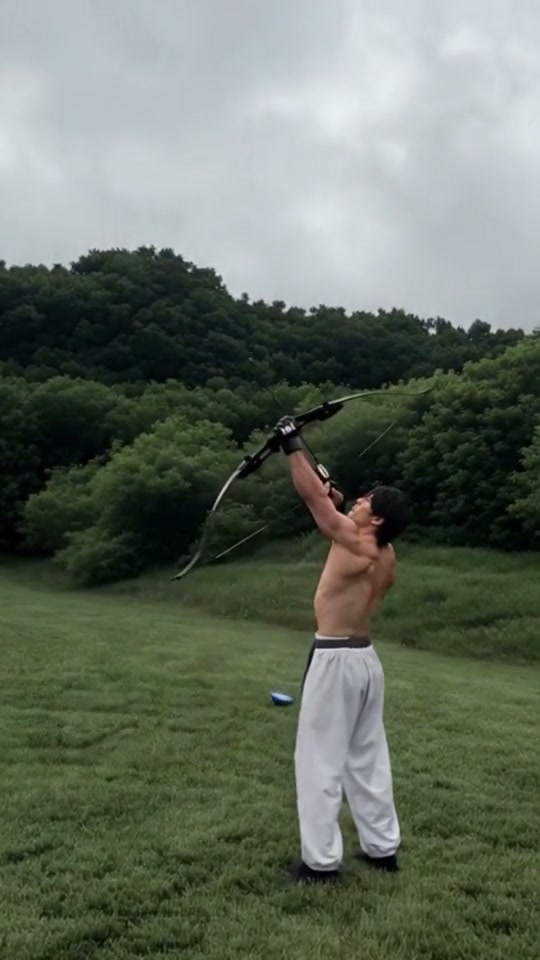
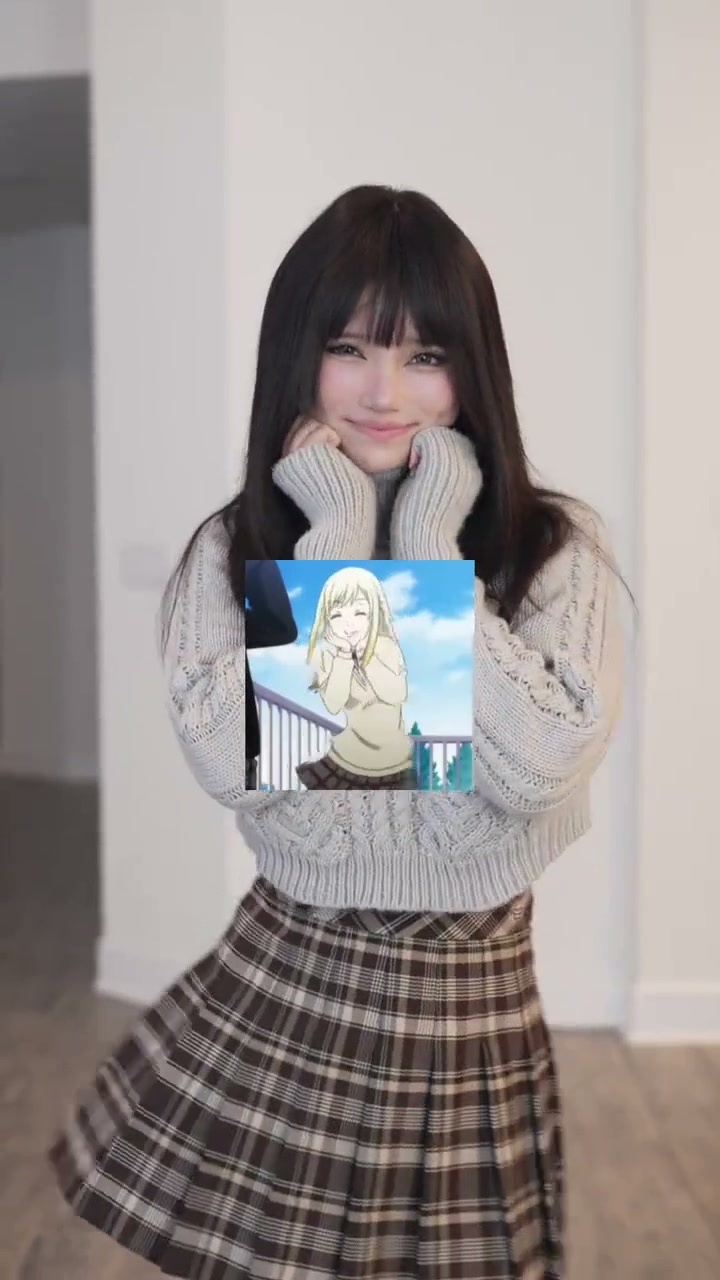
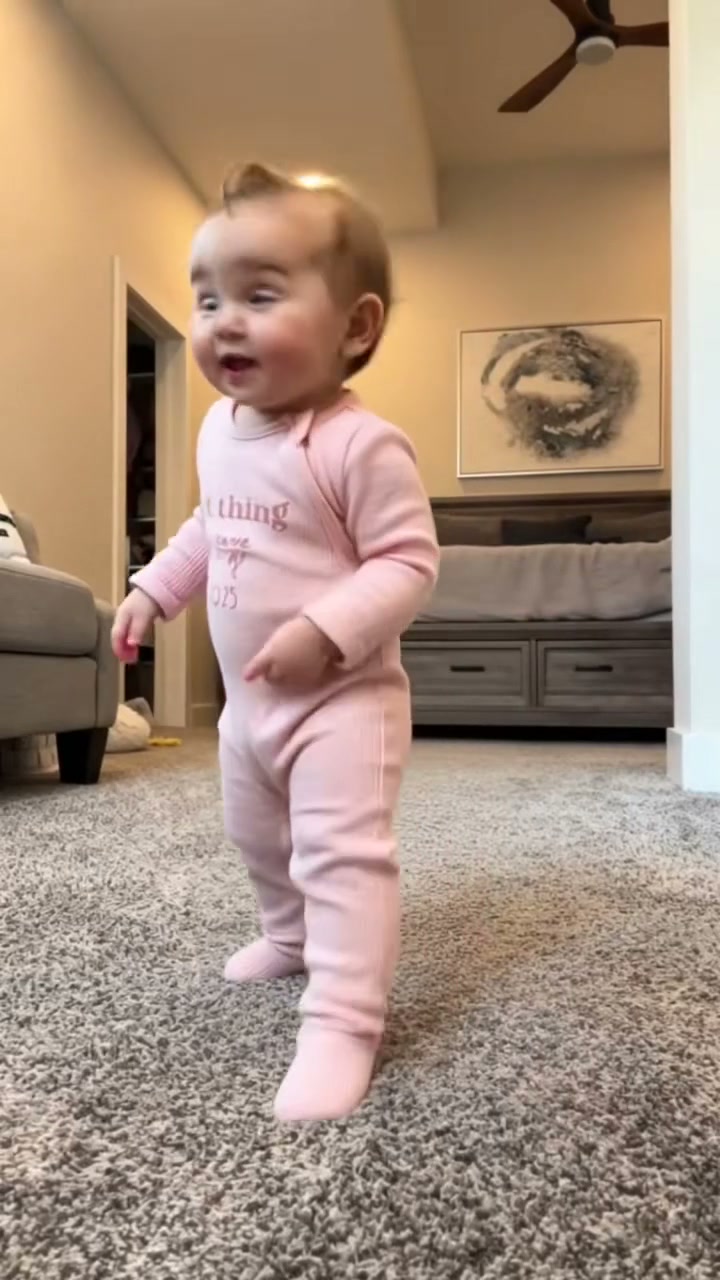
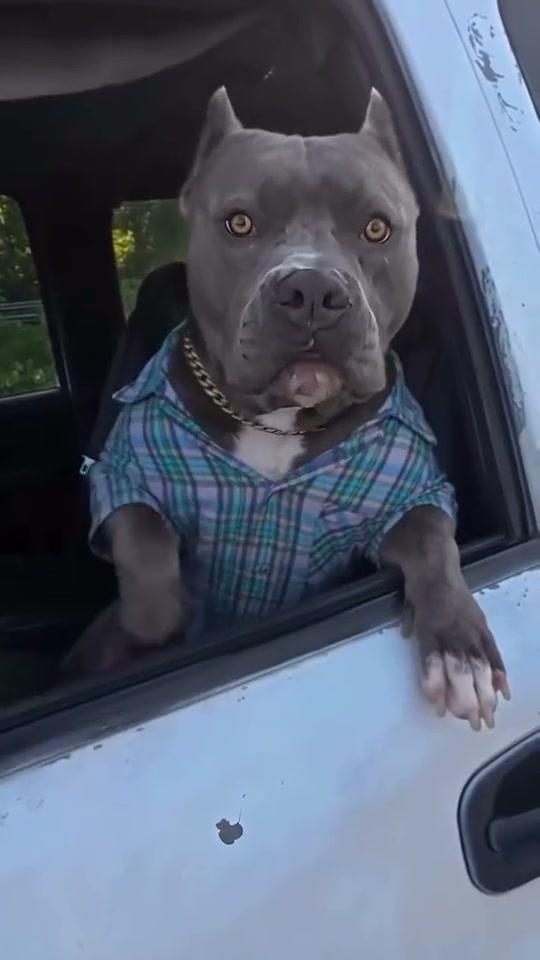
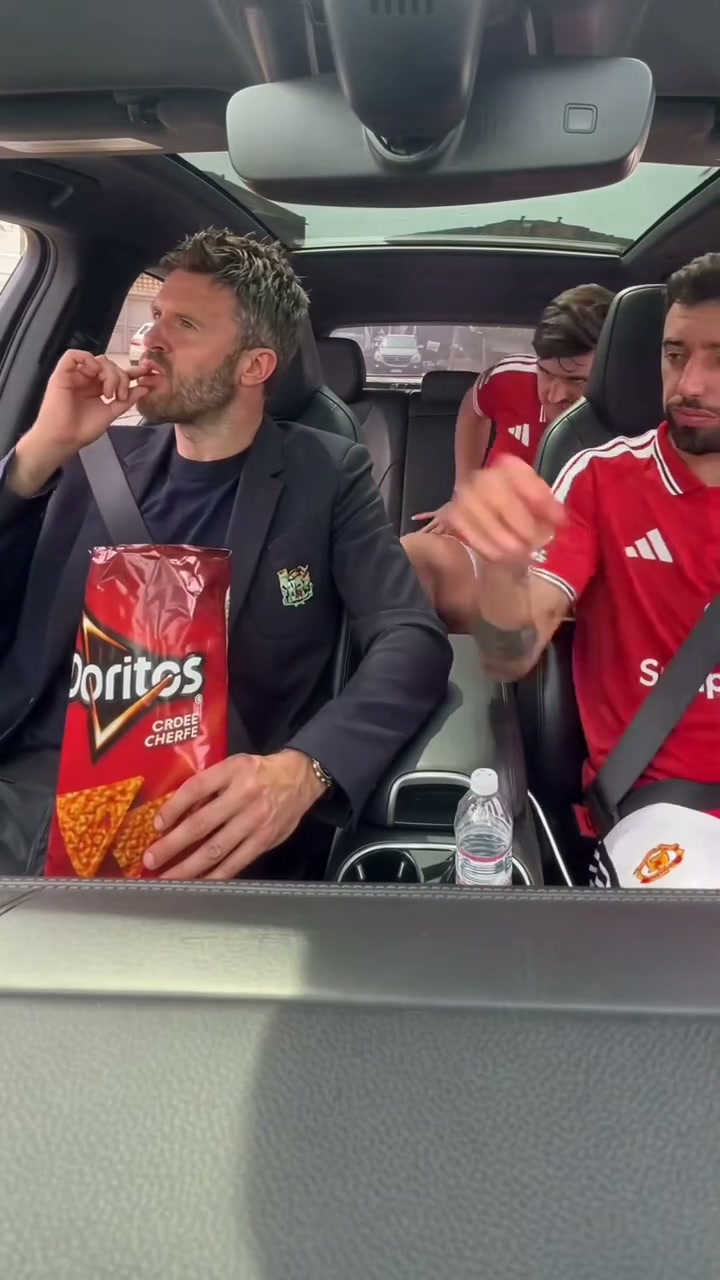
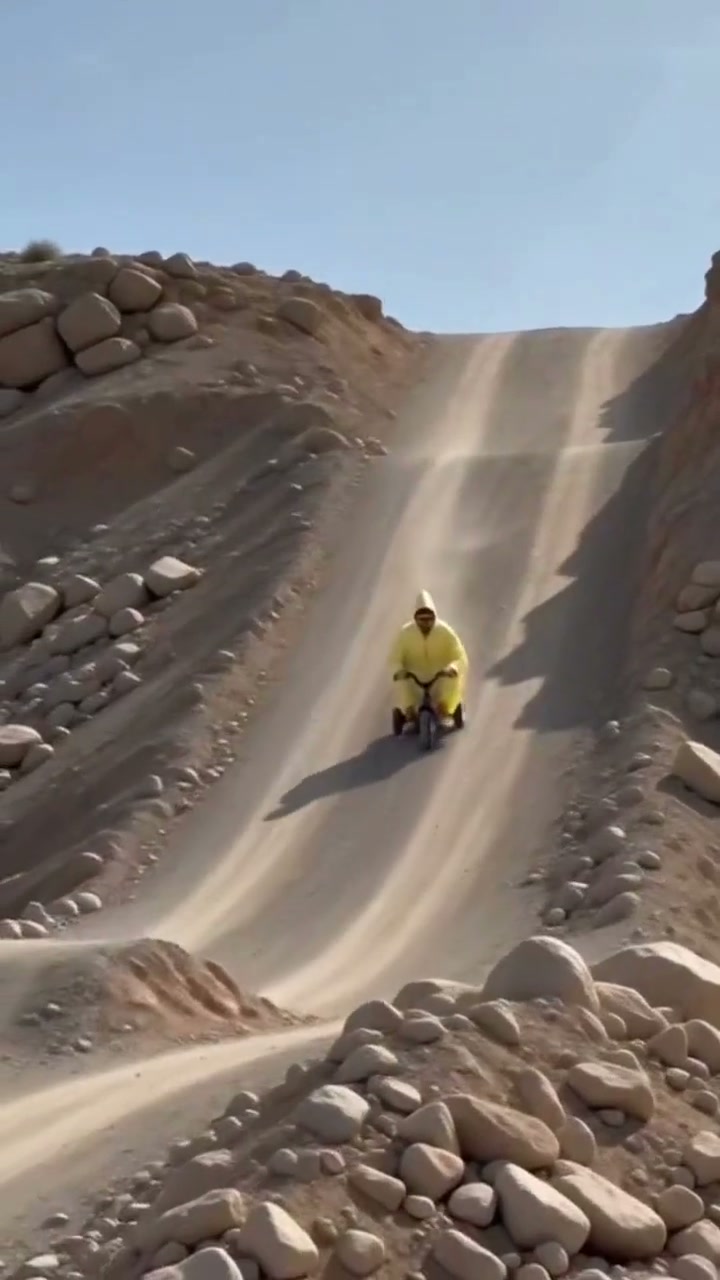
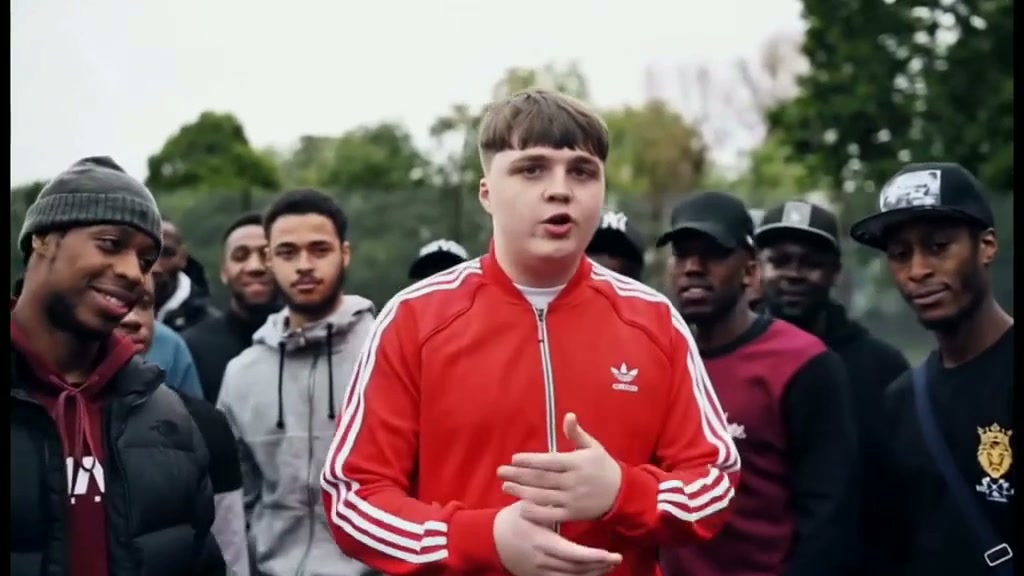
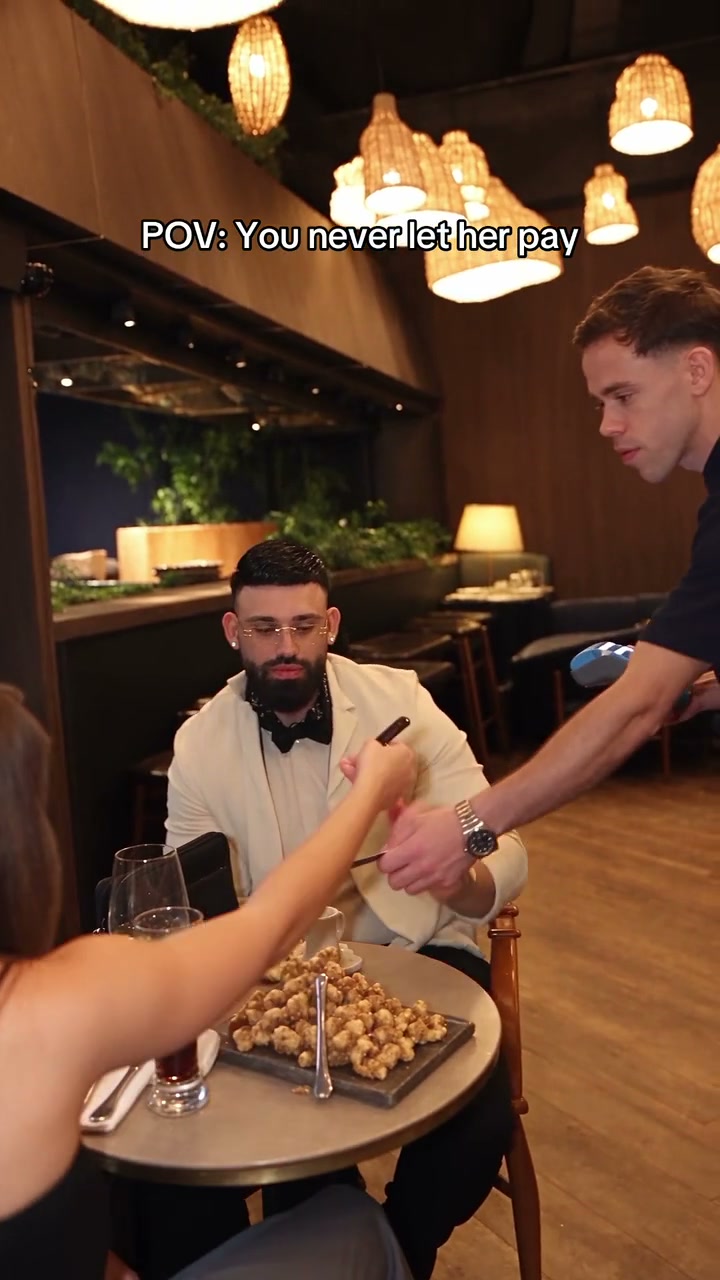
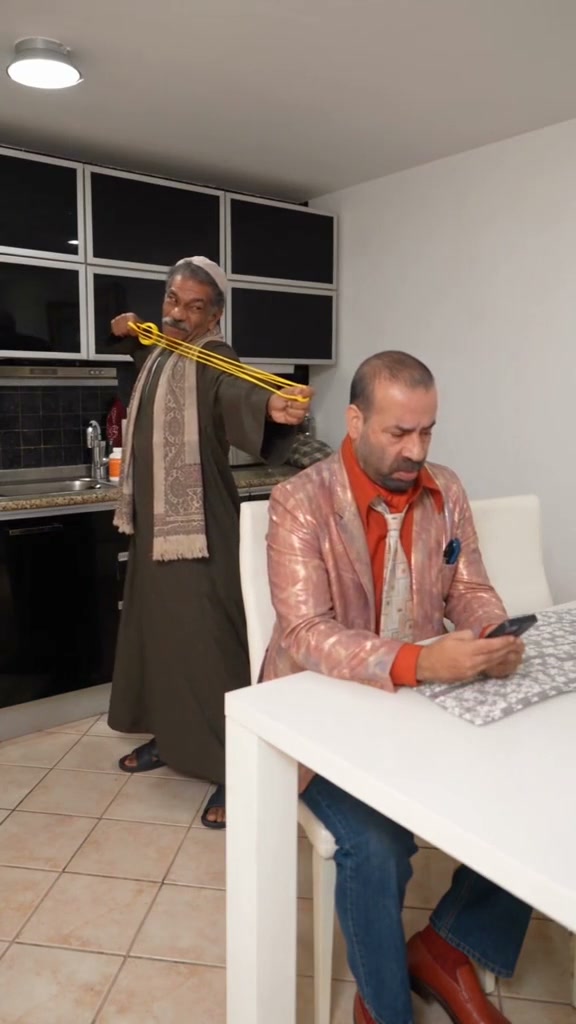
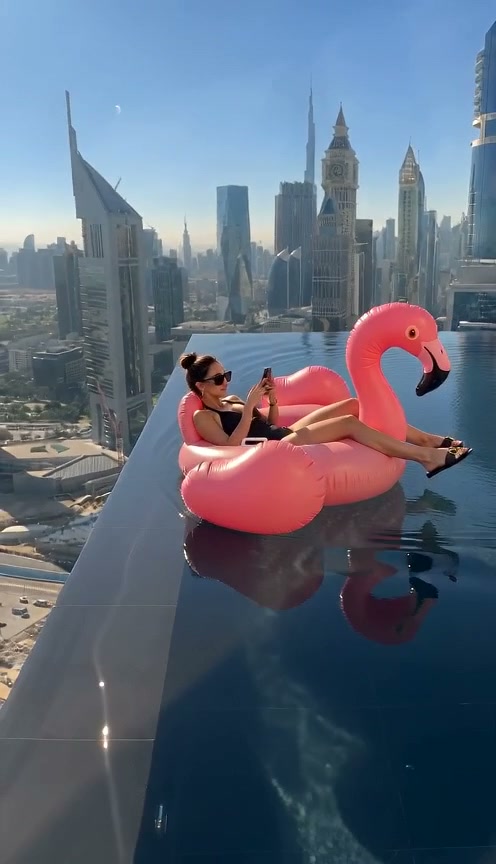
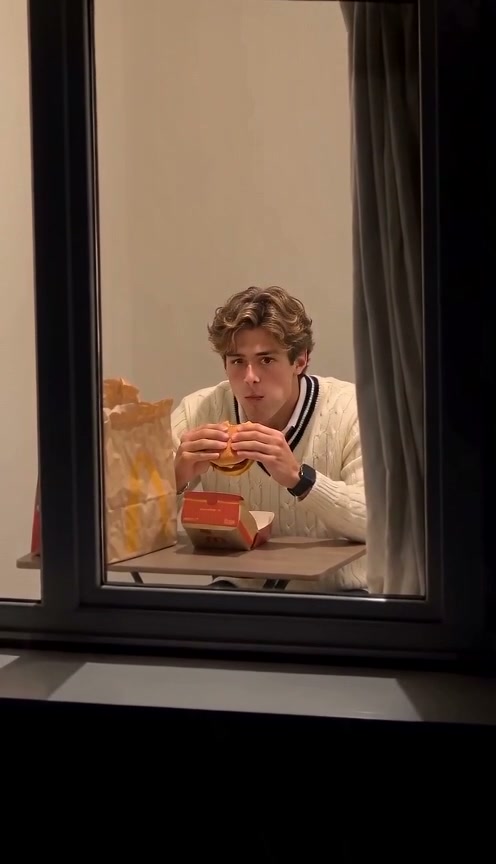
Comedy & Pranks · 62 Templates

Comedy & Prank AI Video Templates

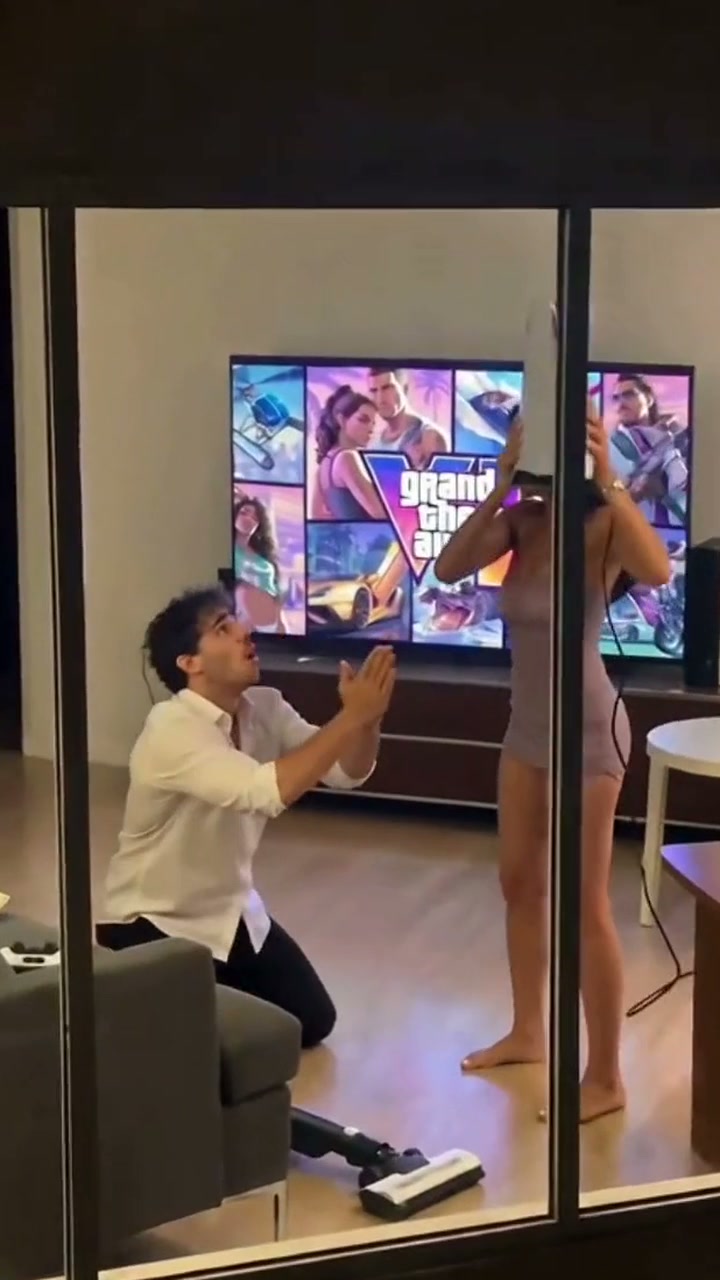
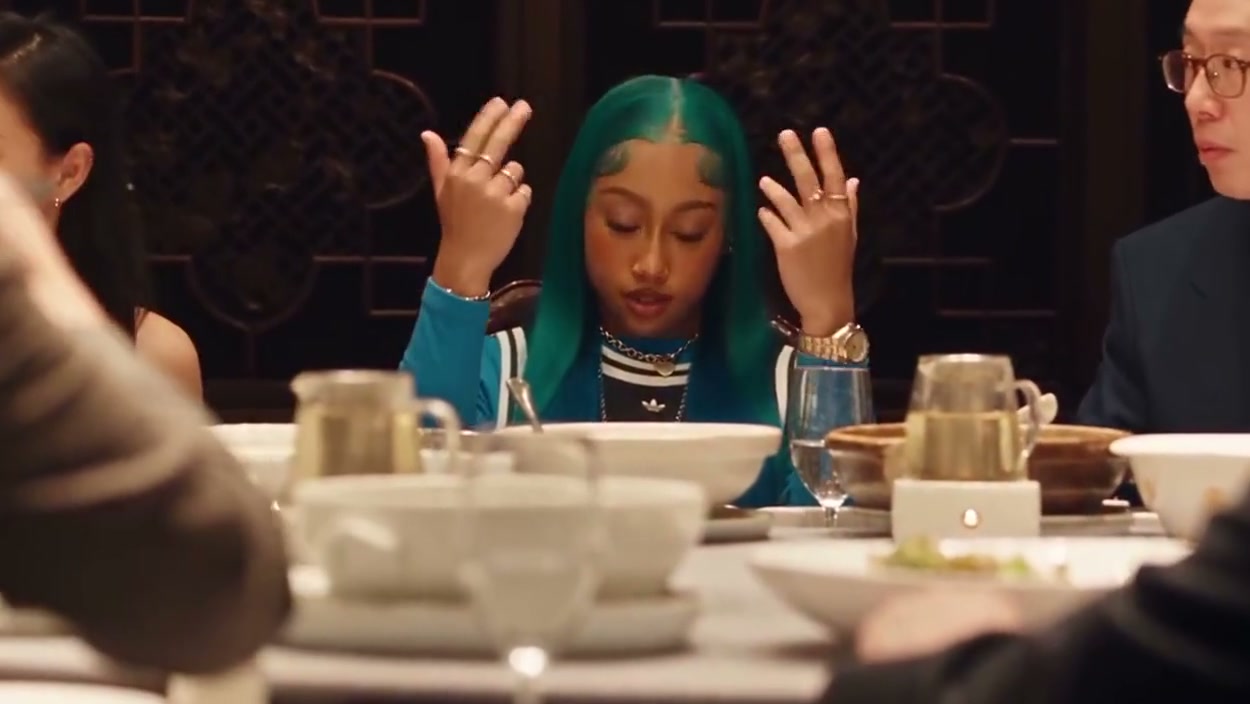
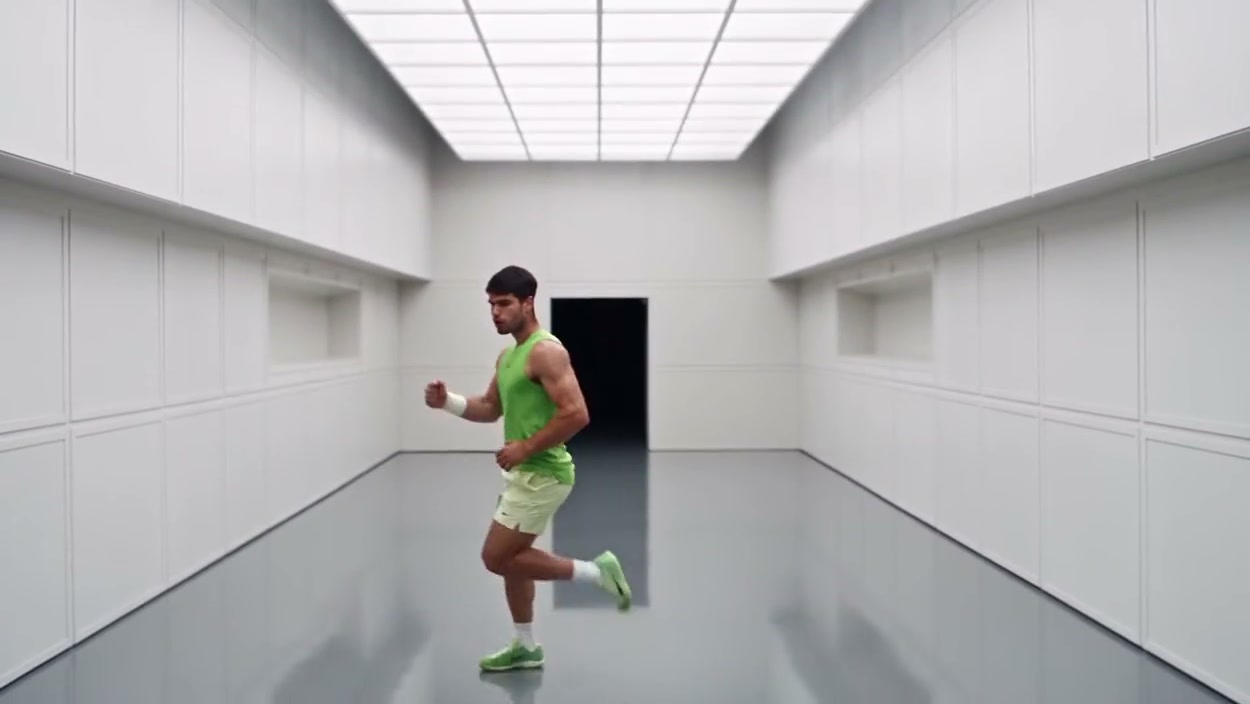
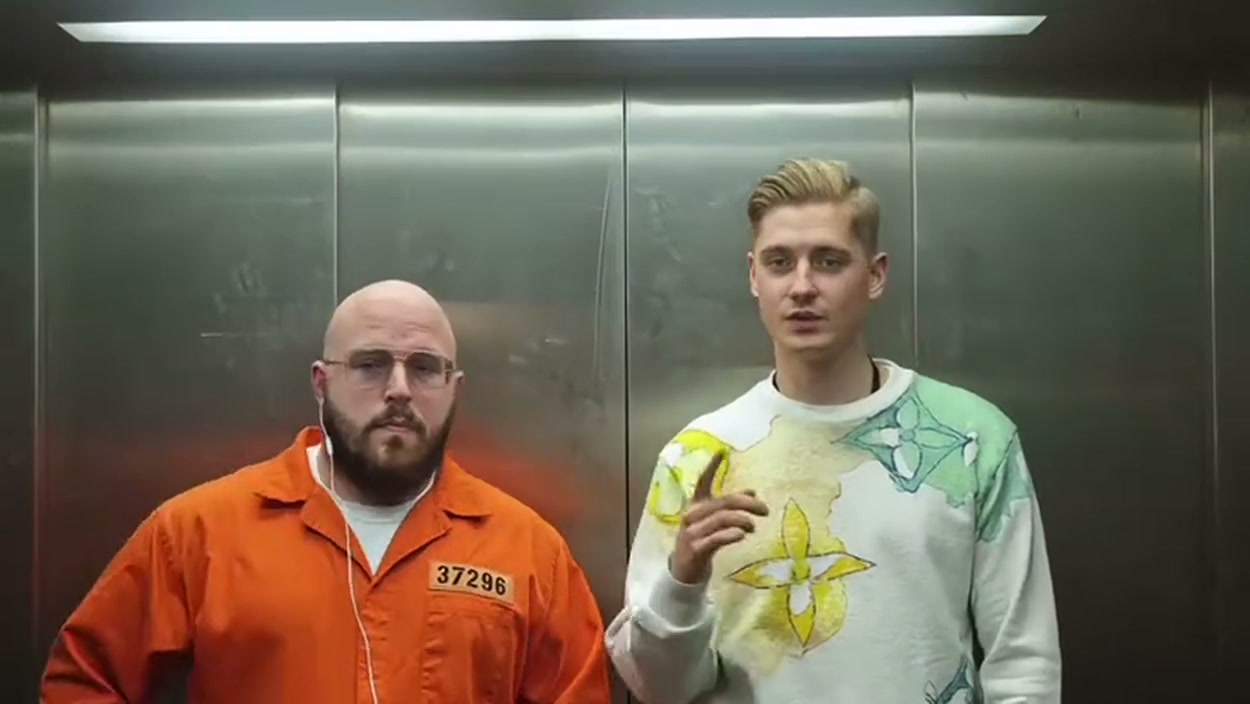
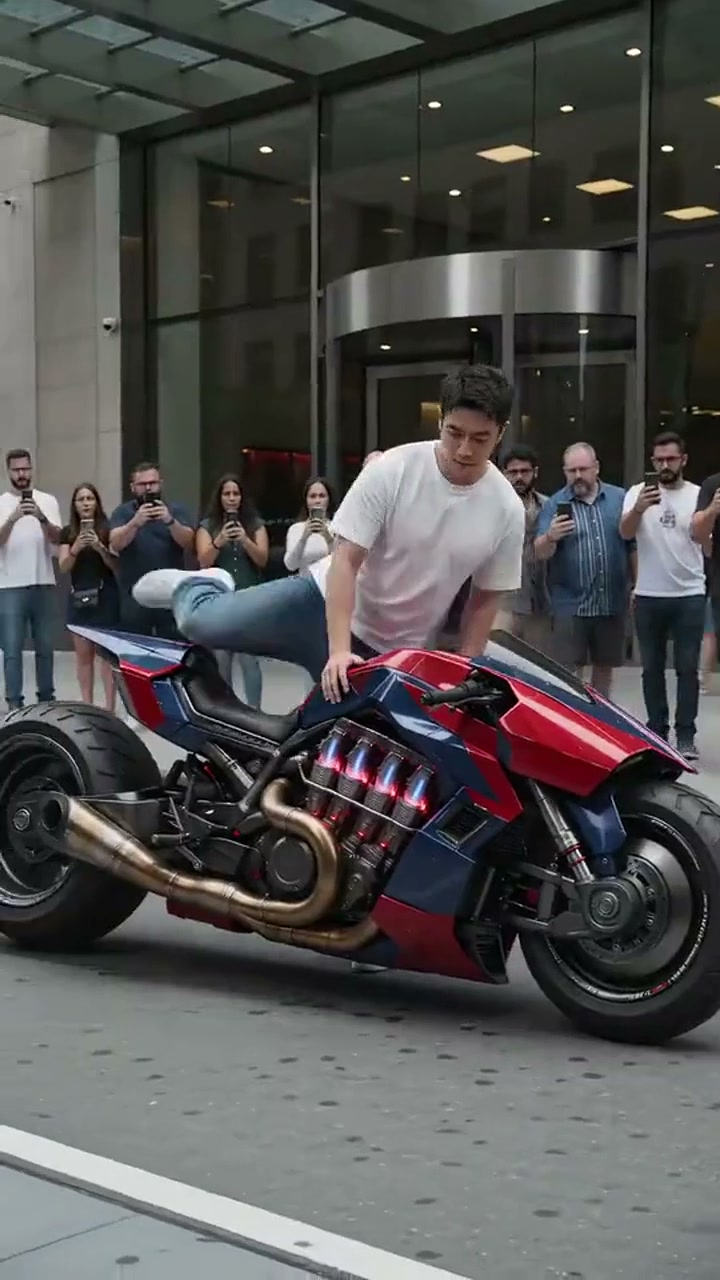
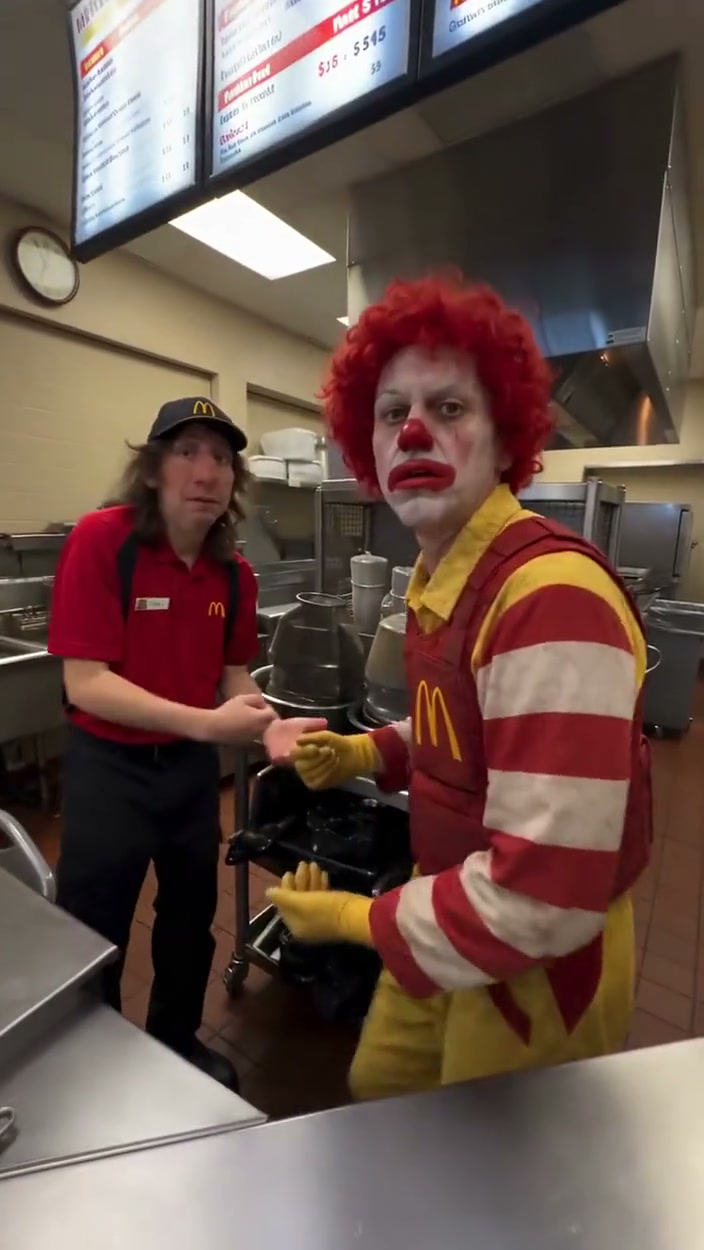
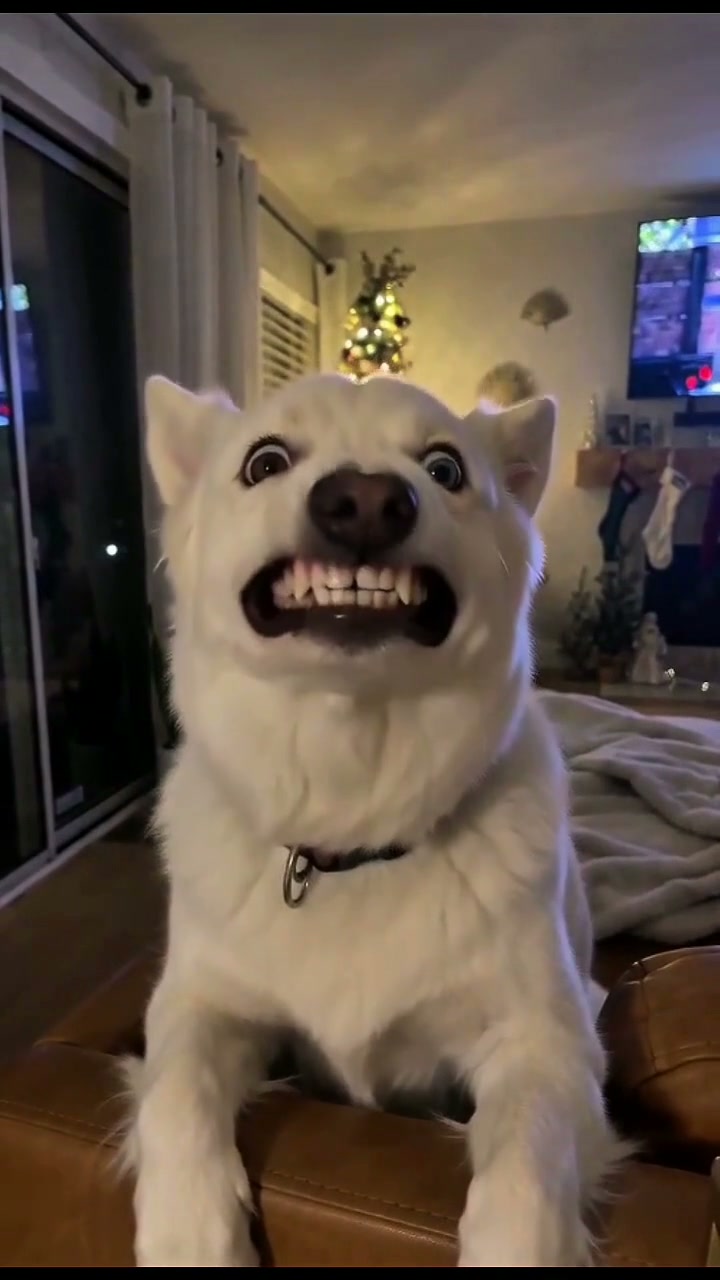
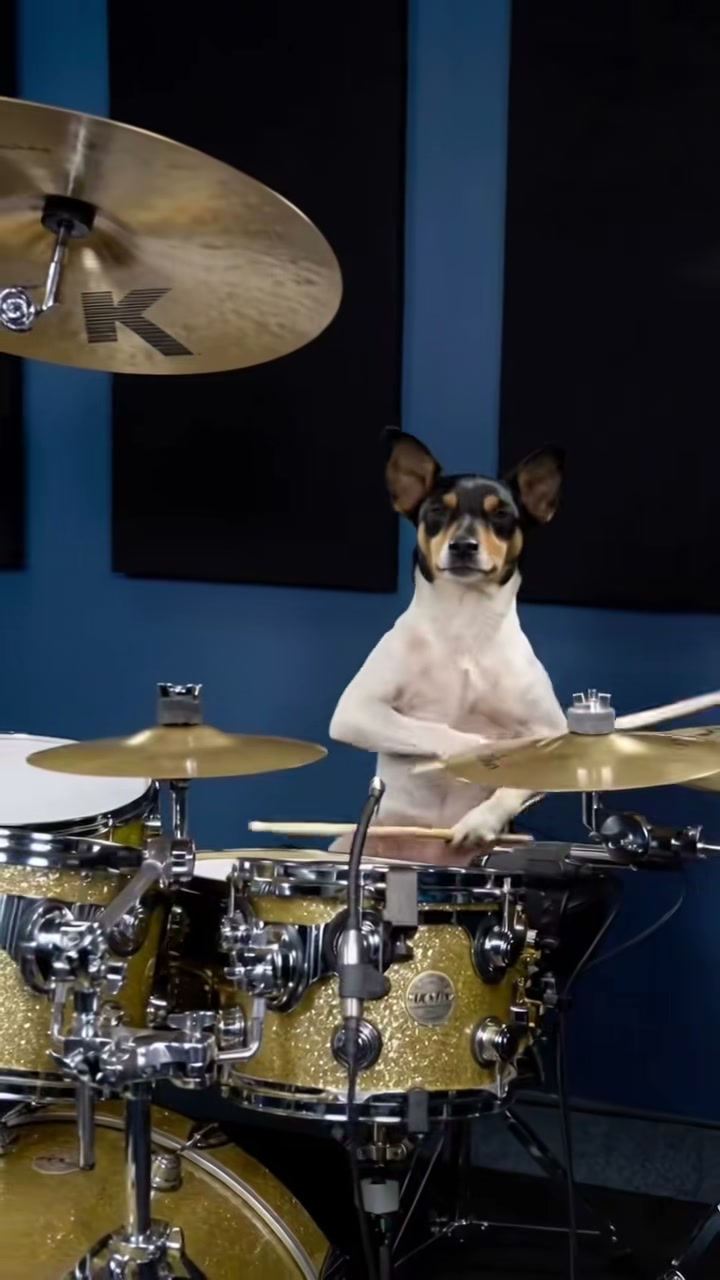
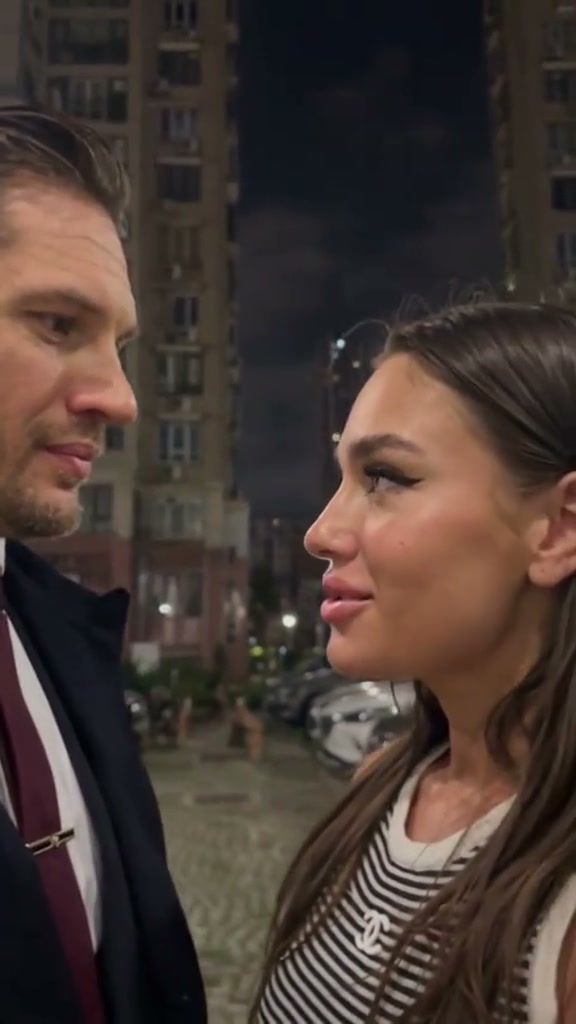
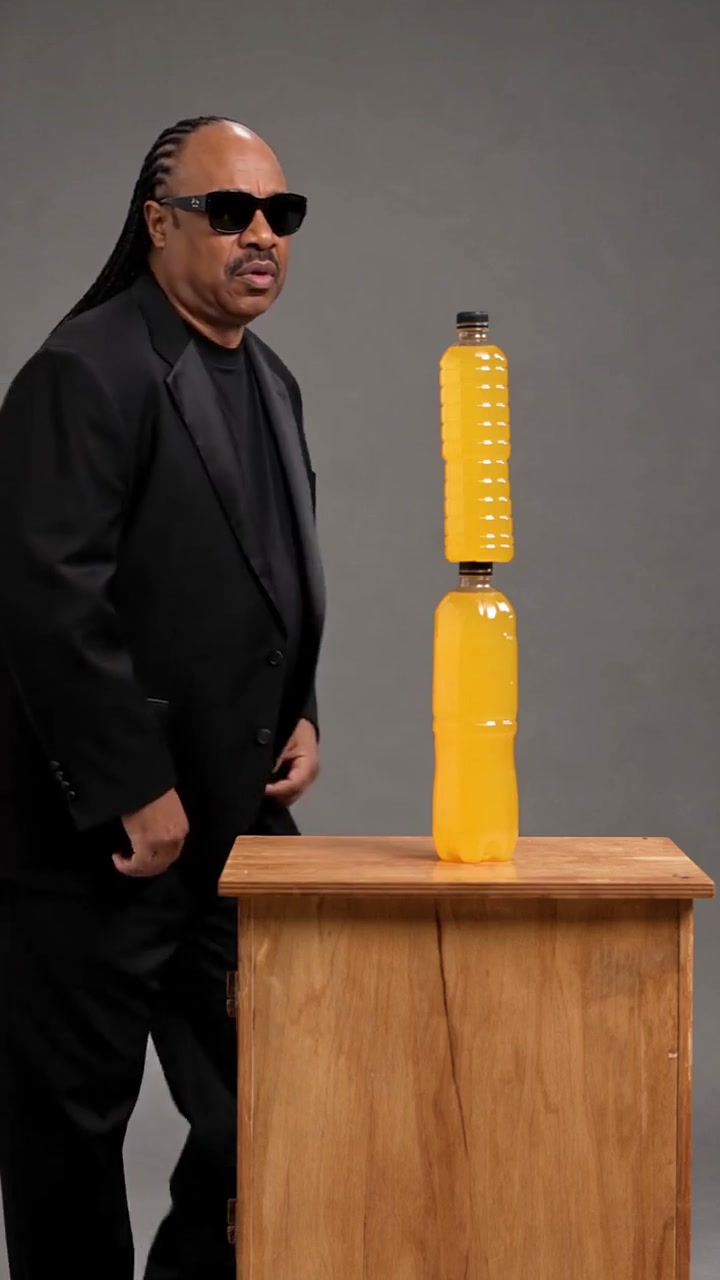
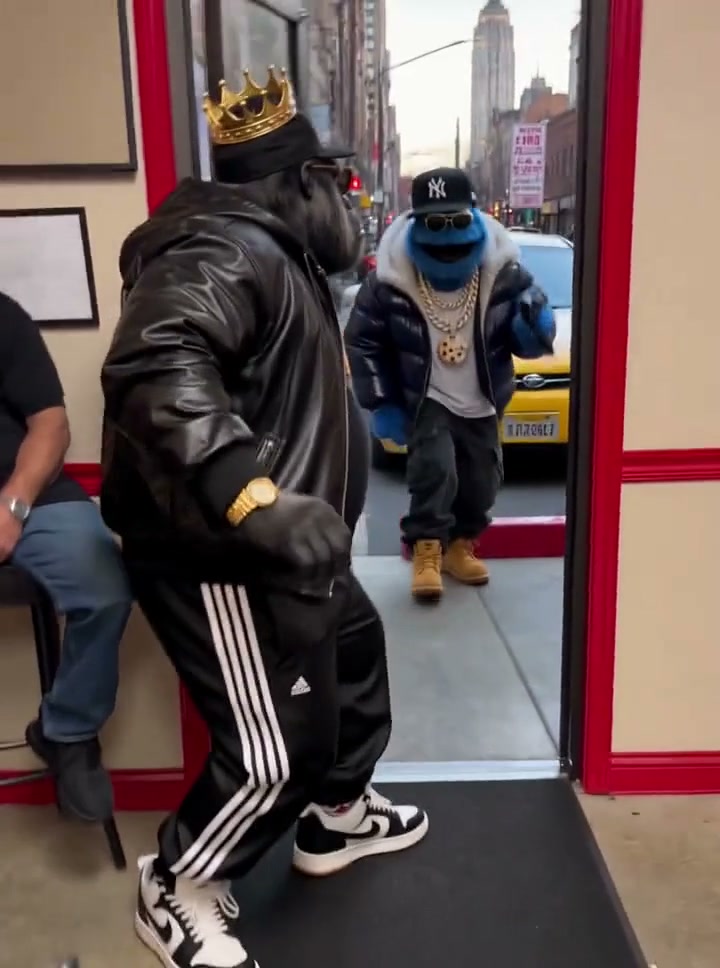
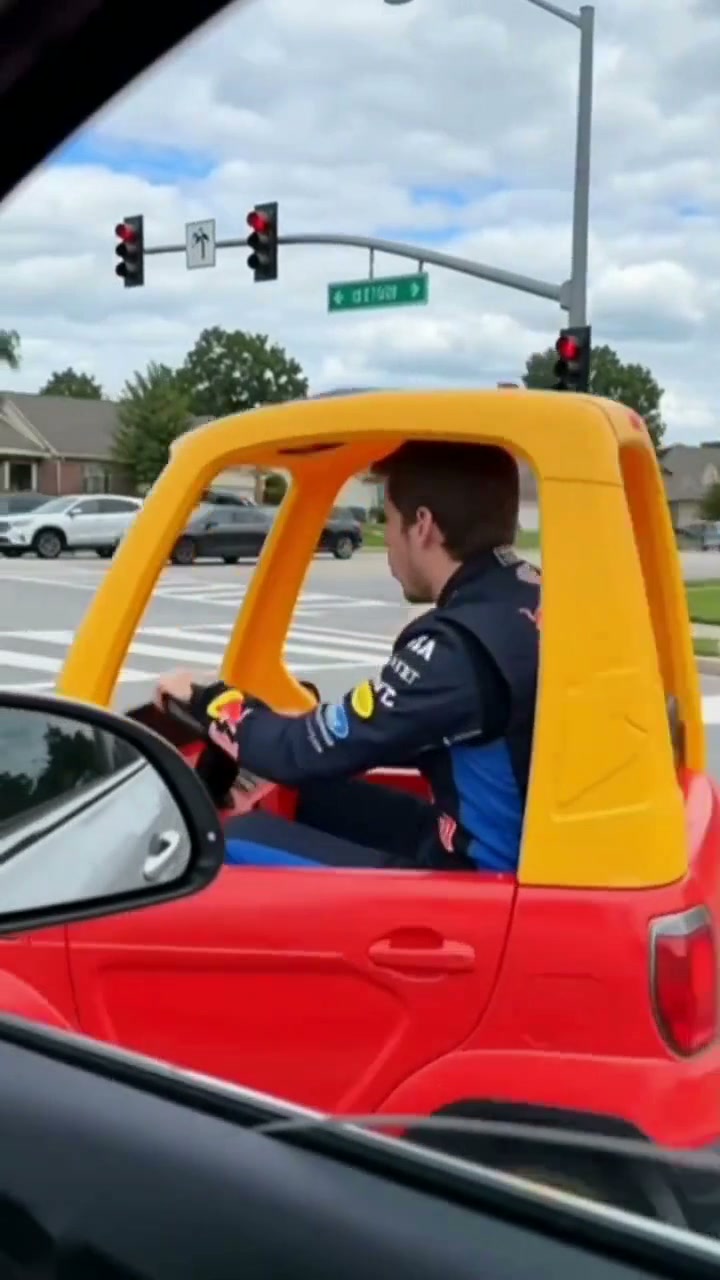
Star in viral POV pranks, reaction memes, and comedic skits with zero video editing. Each comedy template pre-locks punchline timing and facial reactions so your portrait photo steps straight into the joke.

Devices

Browser Only · No App

Photo Input

1–4 Photos · Zero Prompts

Cost & Length

From 3 Credits · 5–15s

Billing Policy

Pay Once · No Subscription

Browse 62 Comedy & Pranks AI Video Templates

Hover or tap any template to preview & cast your photos

How to Nail Timing & Expressions in AI Comedy & Prank Videos

Viral comedy formats live or die on deadpan timing, sudden reaction cuts, and believable everyday environments. Choosing a natural, unposed portrait makes the punchline hit far harder than an overly polished studio headshot.

01

Pick Natural Candid Selfies Over Glamour Shots

POV pranks, office skits, and reaction memes look funniest when your input photo has natural indoor or daylight lighting. Neutral or slightly expressive faces adapt cleanly to surprised reactions, smirks, and dramatic turn-arounds.

02

Use Multi-Role Slots for Prankster & Target Pairings

Two-person comedy templates let you cast both roles—such as prankster and victim, or driver and passenger—or keep one original performer unchanged while casting yourself into a single role.

03

Keep Captions Clean Until After Export

All comedy templates render clean video framing without burned-in meme captions or watermarks. After downloading your MP4, add your custom punchline text directly inside TikTok or Instagram Reels for sharp typography.

Fast Browser Workflow for Jumping on Meme Audio Early

Meme trends move in 24 to 48 hour windows. Because every comedy studio runs directly in desktop or mobile browsers with QR phone upload, you can grab a friend’s authorized portrait from your camera roll, check the exact upfront credit total (from 2 to 8 credits), and post your take while the joke is still surging on For You feeds.

Included in Every Comedy & Pranks Studio

  • POV pranks, deadpan reaction cuts, split-screen skits, and two-person comedy setups
  • Clean MP4 exports with zero burned-in captions so you control your own meme text
  • Preserves authentic facial expressions and casual everyday clothing from your photo
  • Automatic credit refund if a cloud render ever fails before completing

Comedy & Pranks Templates FAQ

Q1How do I make a comedy & pranks AI video from photos?

Open any template card in this Comedy & Pranks collection, upload 1–4 clear portrait or pet photos for the shown cast slots, review the upfront credit total, and click Generate. Your clean MP4 renders in native 9:16 or 16:9 framing—no prompt writing or reference clip needed.

Q2How many Comedy & Pranks templates are included on this page?

This Comedy & Pranks hub currently includes 62 ready-to-use viral AI video templates, and new trending formats in this category appear automatically at the top as soon as they launch.

Q3Can I preview credit costs before rendering a video?

Yes. Every template page displays its exact upfront credit cost based on clip duration, selected model, and resolution before you submit. Failed cloud renders refund reserved credits automatically.

Q4Can I upload a friend’s photo for a prank or comedy template?

Only with their explicit consent. All uploaded portraits must depict consenting adults (18+) or your own pets—minors, celebrities, and public figures are not permitted under our usage policy.

Q5Why do comedy templates omit burned-in text overlays?

Leaving the exported MP4 free of baked-in captions keeps video clarity high and lets you write localized jokes, trending hashtags, or native TikTok text hooks right inside your publishing app.

Ready to Make Your Own Comedy & Pranks Video?

Jump into our homepage studio to search all 62 comedy & pranks trends and 124+ viral templates using just your photos—no reference video needed.