
HIBIDI SKIBIDI AI VIDEO GENERATOR: VIRAL SOUND BOOTH RAP MEME
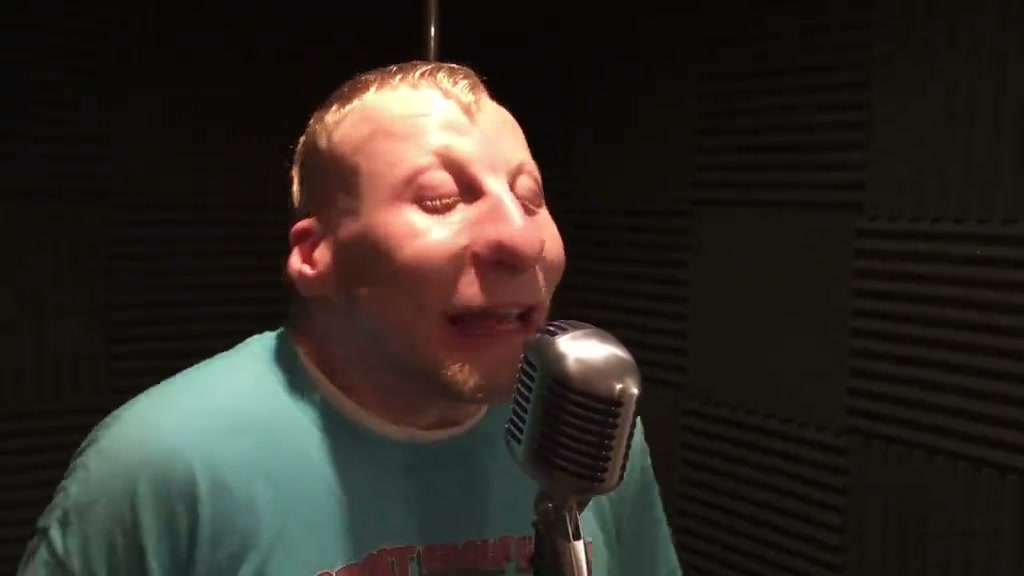
Star as the solo recording artist leaning into the chrome microphone in the acoustic vocal booth. Upload one photo to create the viral 15-second “Hibidi Skibidi” rap video ready for TikTok and Reels. Pay-as-you-go video generation starts at just 8 credits with zero monthly subscription.
CREATE YOUR HIBIDI SKIBIDI VIDEO
Upload your photo
Tip: Use a clear front-facing upper-body or full-body photo with visible face and outfit styling in even light.
Video Options
By generating you confirm compliance with our Terms · Privacy · Acceptable Use
15-second video · 8 credits per generation
Solo Lead Artist: Photo 1 stars front-and-center leaning into the vintage chrome microphone with expressive head nods and rhythm-synced hand chops.
Acoustic Booth Setting: Warm acoustic studio lighting and chrome microphone stay intact for authentic music video immersion.
WATCH EXAMPLES FREE · REVIEW THE COST · FAILED-TASK CREDIT RETURN
WHAT IS THE HIBIDI SKIBIDI AI TREND?
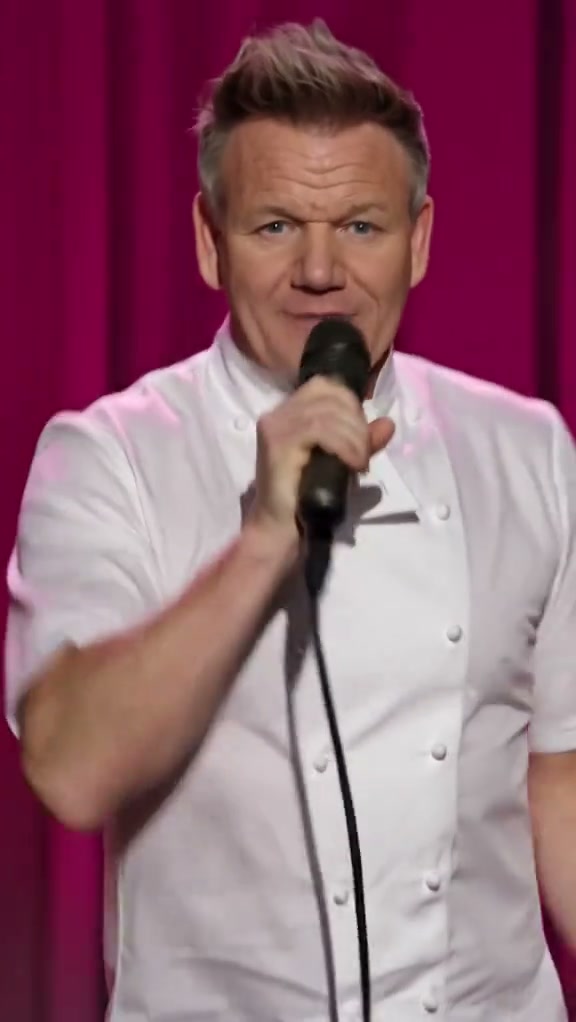
Hibidi Skibidi AI is a specialized portrait-to-video generator based on the viral TikTok rap recording meme set to Rankin Records' track. You upload 1 front-facing photo to star as the solo vocal artist in a dark sound booth, leaning into a vintage chrome microphone and delivering rapid-fire comedic rap syllables with exaggerated facial movements. The tool outputs an authentic 15-second 16:9 widescreen MP4 video synced to the original beat.
Known across TikTok, YouTube Shorts, and Reels as the Hibidi Skibidi TikTok meme, this viral rap trend features a performer spitting rapid-fire comedic syllables into a vintage chrome microphone inside an acoustic sound booth.
One-Click Acoustic Rap Booth Generation
Upload 1 portrait photo. Our engine casts you directly as the solo recording artist in the sound booth, guided by the high-speed freestyle choreography and audio cadence, without requiring a studio session or prompt engineering.
Compare viral clips trending across TikTok Hibidi Skibidi search results.
Independent AI creative tool, not affiliated with TikTok, Instagram, YouTube, or Rankin Records.
Trending Viral Effects
Explore More Viral AI Video Templates
Jump into other trending meme formats or create custom video remakes.
Car Leg Touch Prank AI
Мои слёзы AI
Bottle Kick AI
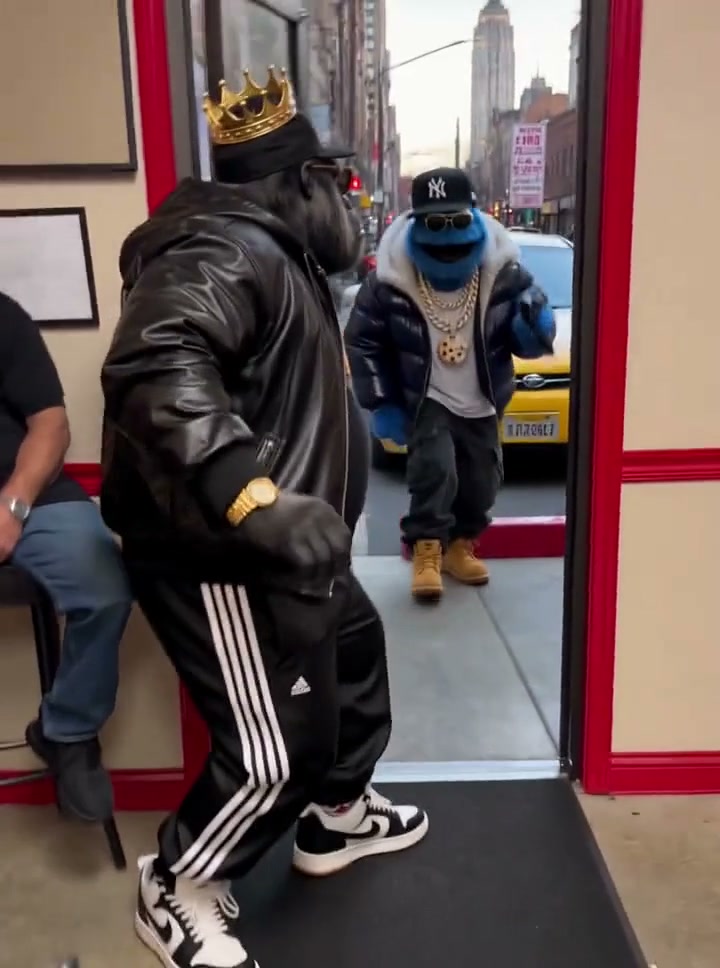
Pimp Walk Entrance AI
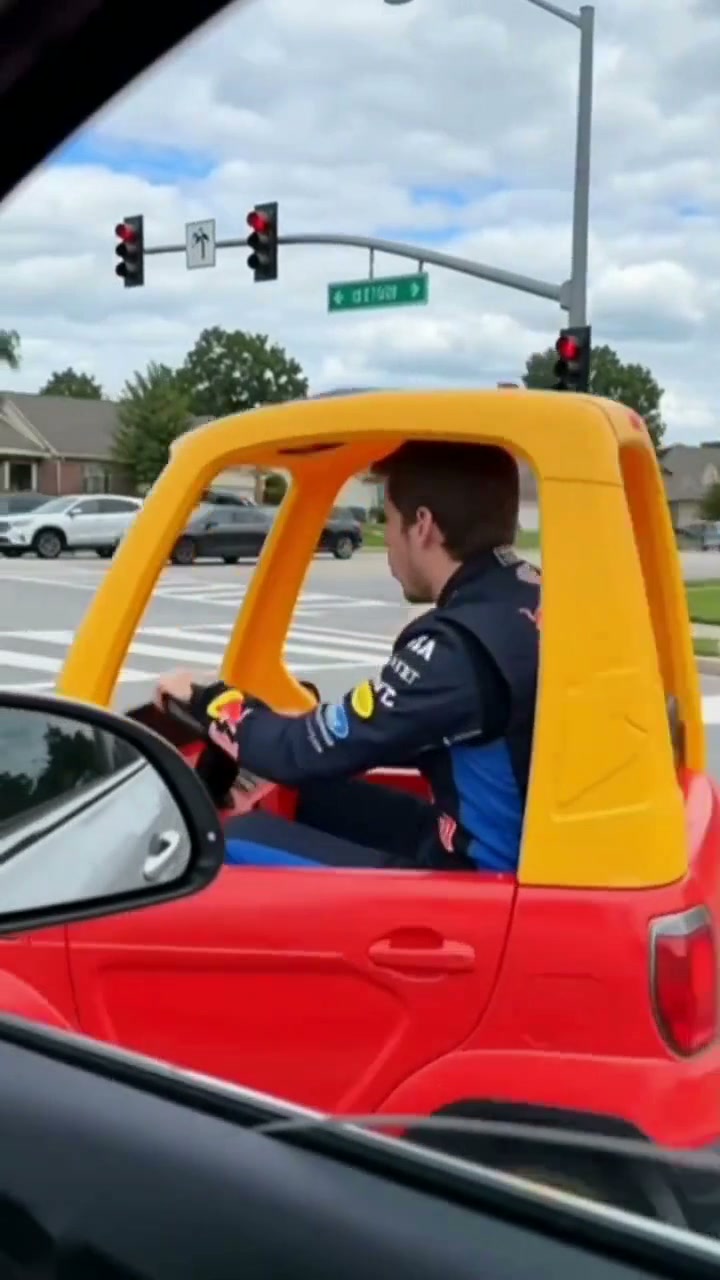
Funny Driver AI
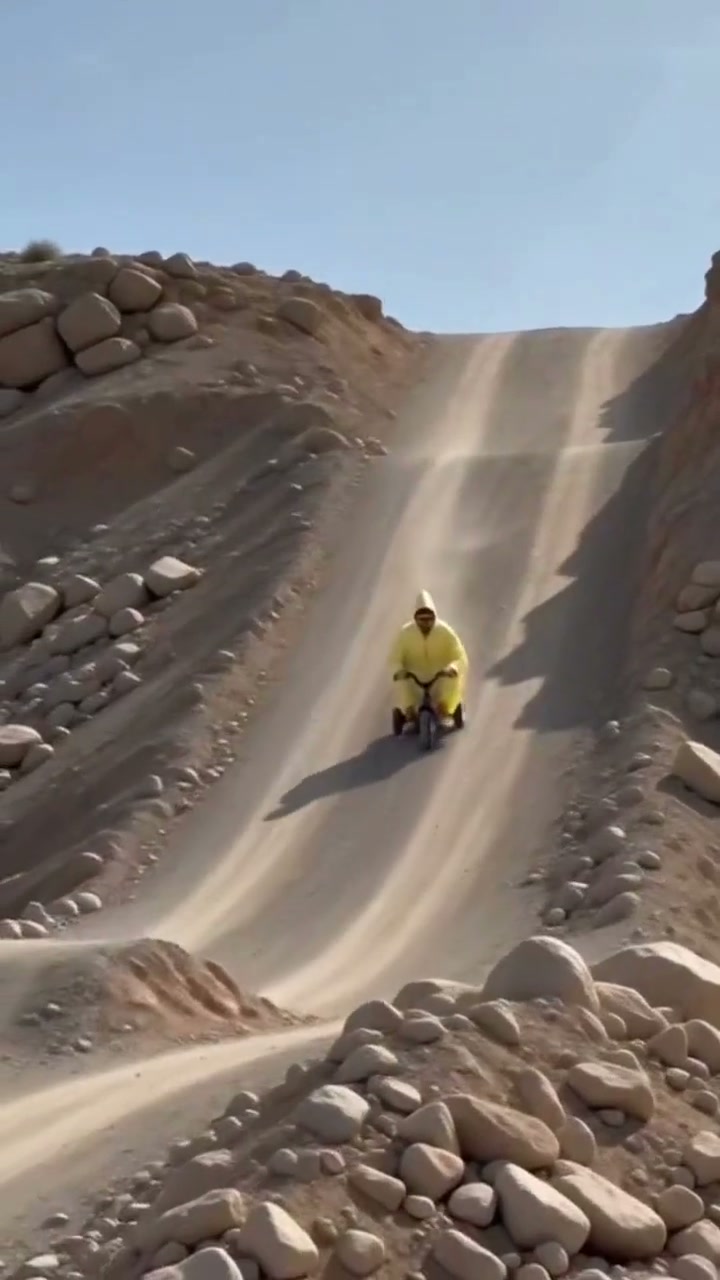
Flying Tricycle AI
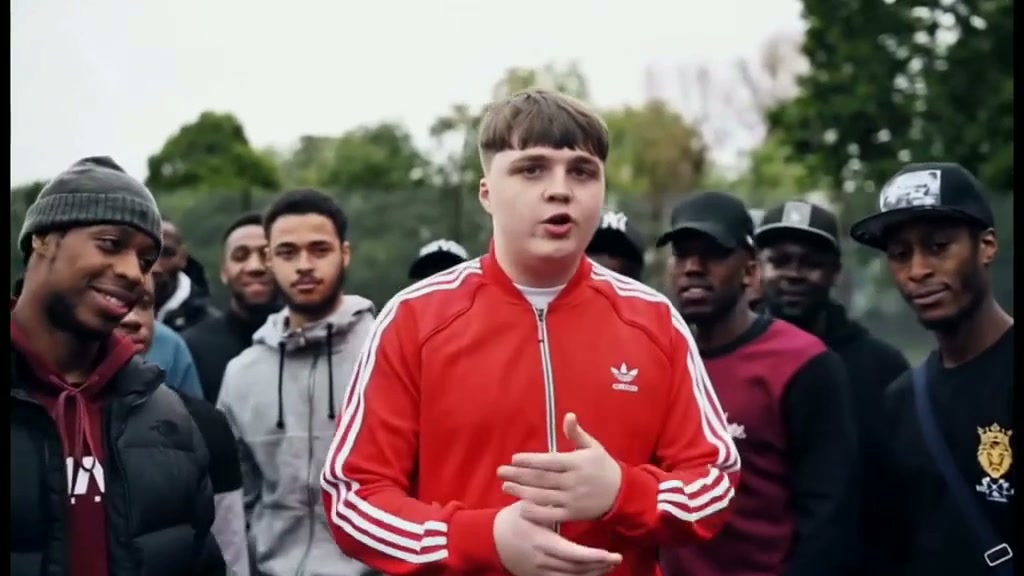
Stormzy Shut Up AI
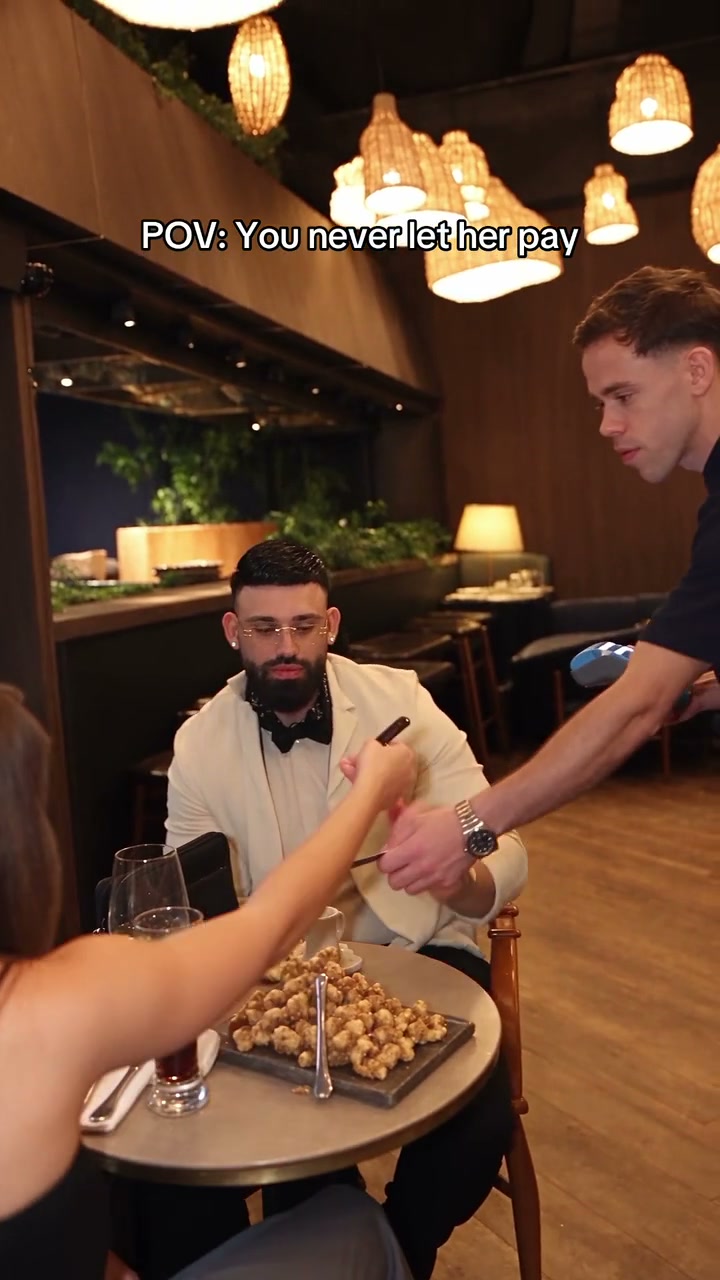
You Never Let Her Pay AI
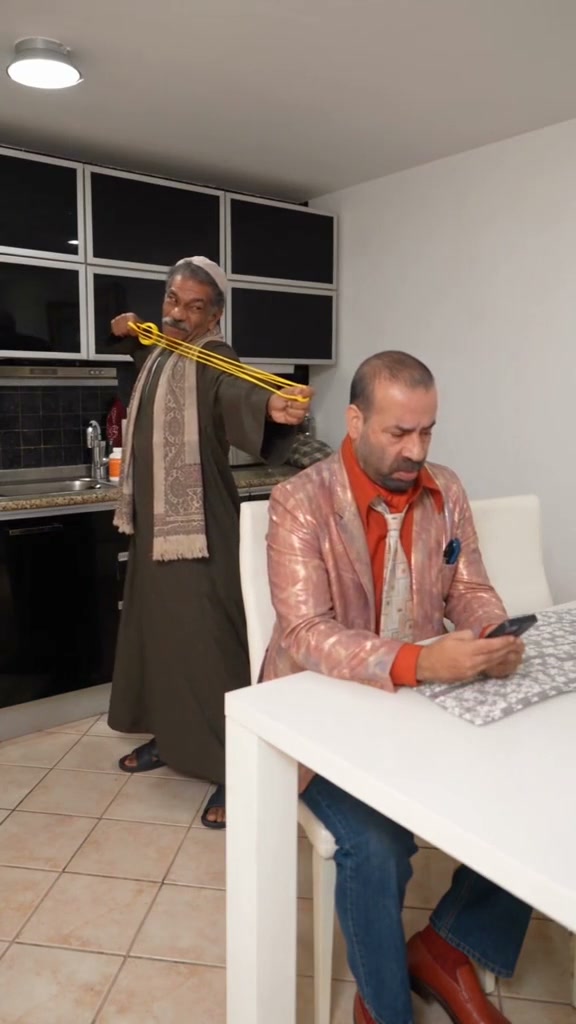
Rubber Band Prank AI
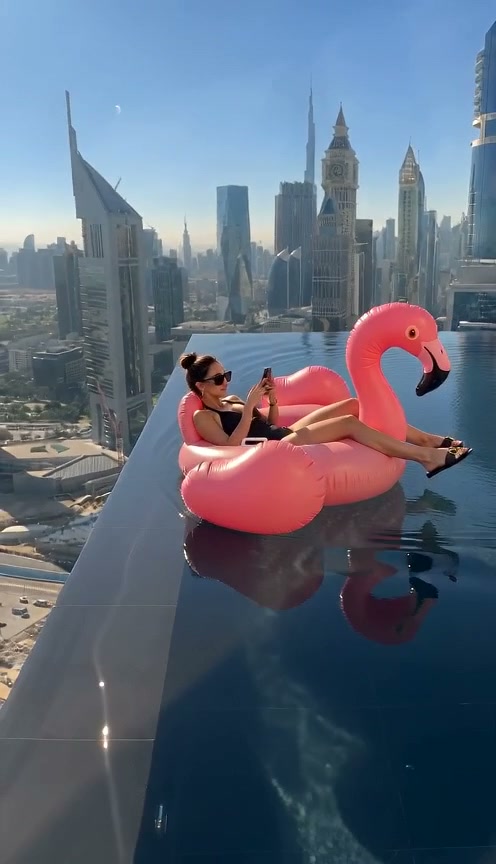
Flamingo Float AI
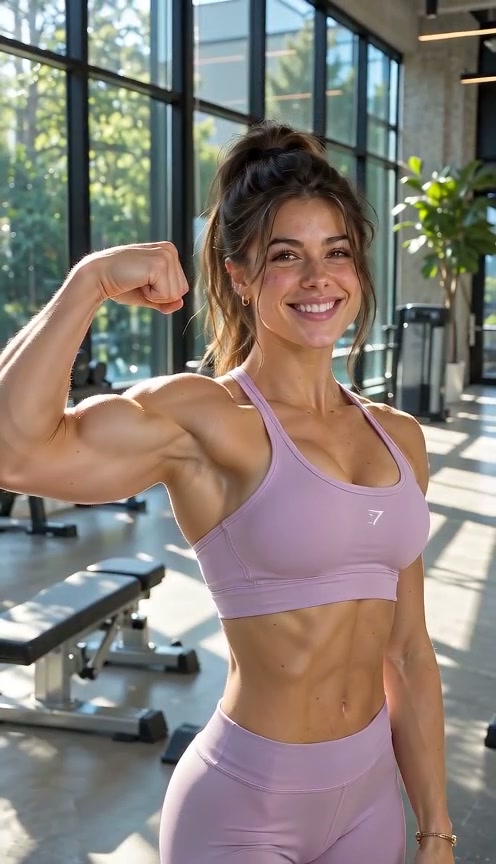
Bicep Heart AI
Fancy Cafe AI
Window Peeper AI
Unicycle Ride AI
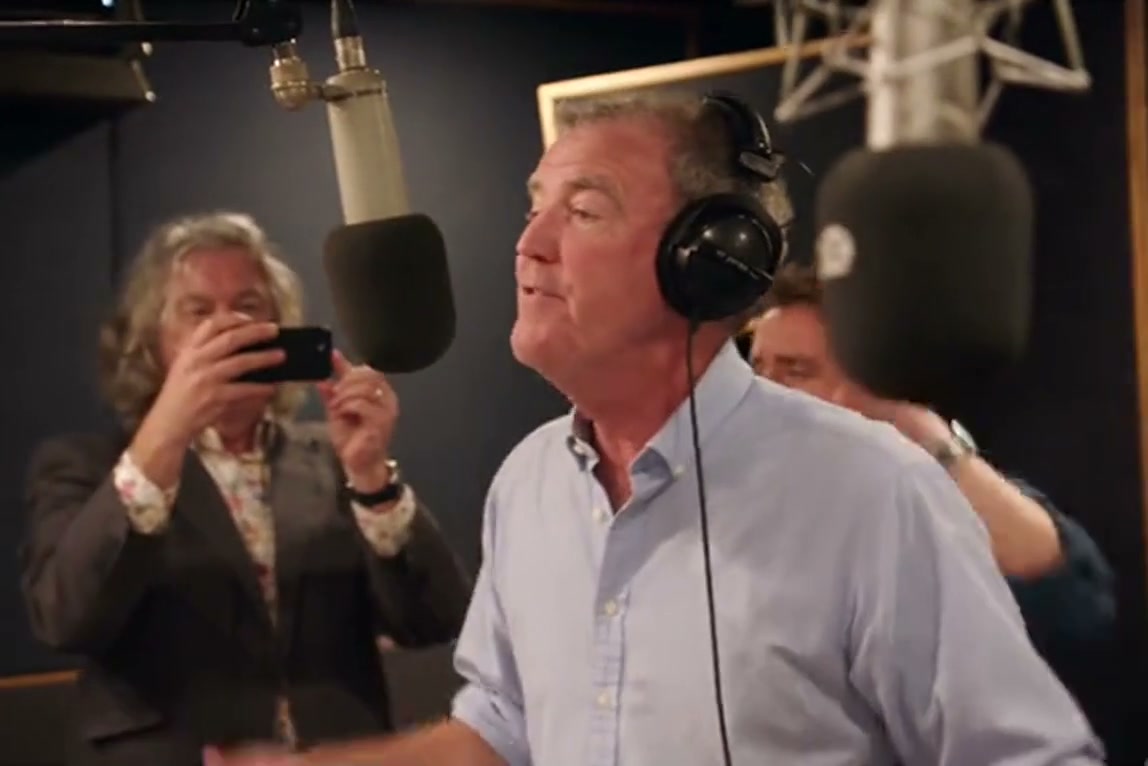
General Levy Incredible AI
Rick Roll AI
Broke Boyfriend Hug AI
Man's Not Hot AI
Boxing Machine AI
Stop The Wedding AI
How to Create Your Viral Video in 3 Steps
Start with one portrait. The scene direction is already set; you choose the setting and output options. No reference upload, video breakdown, or prompt writing is required.
Upload Your Portrait Photo
Add one clear front-facing upper-body or full-body photo with visible facial features, hairstyle, and outfit styling in even light. Use a photo from this device or scan the QR code to send one from your phone. No studio microphones, chains, or props in the photo needed.
Original Scene & Review Cost
The preset uses the authentic acoustic vocal booth setting and vintage chrome microphone. Pick the model, an available resolution (480p, 720p, or 1080p), and format (16:9 widescreen recommended). Review credits, sign in, and confirm permission before starting a render.
Render & Download MP4
Follow the task status while the model generates. Preview the full video, listen to its audio, and download the MP4 to your computer or phone before account expiry. Add permitted music in TikTok, Reels, or Shorts when you publish.
Creative Angles for Your Viral Video
Whether posting to TikTok, Instagram Reels, or Shorts, these three creator angles maximize watch time and comedic engagement.
The Vocal Booth Artist
Command the center of the frame leaning into the chrome microphone, delivering rapid rap bars with authoritative gestures and confident camera-facing swagger.
Vintage Chrome Microphone
Warm studio illumination and reflective microphone hardware focus every viewer on your expressive facial nuances and lyrical delivery.
High-Speed Vocal Rhythm
The viral Hibidi Skibidi cadence and rapid-fire rhythm create the ultimate high-energy punchline for TikTok and Reels feeds.
Why Create Your Viral Rap Video Here
Upload your photo, check the upfront credit total, and create your version of the viral TikTok rap meme. The vocal booth choreography and audio sync are locked for you.
Failed-Task Credit Return
A failed task returns its reserved credits. A return can temporarily show as pending; check the task status.
One-Click Direct Preset
No reference upload or breakdown step. The preset supplies the vocal booth choreography, microphone setup, and synchronized viral audio.
Flexible Resolution & Format
Render in 480p, 720p, or 1080p across 9:16, 1:1, or 16:9 formats. Credit totals adapt dynamically to your chosen settings.
MP4 Download & Phone Handoff
Save the task MP4 on desktop or scan its phone download QR code. Both deliver the same generated file.
Non-Expiring Sitewide Credits
Purchased pack credits work across effects and do not expire. Check the render total; subscription credit rules differ.
Transparent Privacy & Expiry
Save before the account download expiry. The Privacy Policy explains uploaded photos, provider processing, and retention.
Inside the 15-Second Sound Booth Storyboard
This is the choreography requested by the preset, mirroring the viral TikTok clip. Watch the full result to check the opening bars, forward microphone lean, and hand chops.
Sound Booth Intro & Microphone Lean
The lead vocal artist matching your photo steps into the acoustic sound booth, leaning into the vintage chrome microphone with confident comedic lip bops.
Rapid-Fire Gibberish Rap Enunciation
Direct lens focus with intense wide-eyed expressions rapidly articulating fast-paced syllables right against the microphone grille.
Animated Facial Contortions & Cheek Twitches
Playful facial gymnastics and rhythmic head bobs articulating rapid lyrical measures in sync with the high-speed tempo.
Beat Drop Climax & Closing Stare
Final locked eye contact toward the lens with subtle chin tilts as the vocal routine hits its concluding punchline.
Photo Guidelines & Quality Tips
Get the sharpest facial likeness and cleanest sound booth rap freestyle choreography results by following these straightforward photo suggestions.
Give Your Portrait the Best Edge
- Use Even Light and Visible Facial FeaturesCapture your portrait in daylight or balanced indoor light. You don't need special rap attire or audio gear; the AI renders the entire sound booth setting cleanly.
- Frame Head & Upper Torso ClearlyKeep your full head, hairstyle, shoulders, and outfit styling visible. Avoid tight crops cutting off the top of your head or heavy blur filters.
- Avoid Obscured Faces & Heavy FiltersAvoid dark shadows covering the eyes, motion blur, sunglasses, or heavy face-obscuring stickers.
- Single Person in the Source PhotoThis preset casts one solo performer in the vocal booth. Upload a single-person portrait for the sharpest facial result.
Check the Cost and the Finished Motion
- iReview the Displayed Credit TotalModel and resolution selections update the credit total in real-time. Review before confirming; each generation uses credits.
- iWatch Hands, Props & Scene CutsReview the microphone leans, rapid mouth movements, and facial contortions in the full preview before sharing.
- iKnow What a Failed Task MeansIf a generation task fails, the system automatically returns the reserved task credits back to your balance.
- iPrepare First, Generate When ReadyExperiment with settings and preview examples for free. When ready, sign in and check that your balance covers the selected render. A small pack may not cover every model and resolution combination.
How Does This Viral Rap Generator Work?
Your portrait photo provides your facial likeness, hairstyle, skin tone, and personal look. The AI places you in the center of the acoustic sound booth leaning into the chrome microphone, delivering fast-paced comedic rap bars with rapid lip sync, animated cheek contortions, and synchronized beat cadence.
No video editing or rap skills required: upload one portrait photo, choose your preferred video quality, and click generate. When rendering finishes, download the high-definition MP4 directly or scan the on-screen QR code to save it straight to your phone camera roll ready to drop on TikTok, Instagram Reels, and YouTube Shorts.
Check current credit options, failed-task and payment refund rules, and photo processing and retention before generating.
Frequently Asked Questions
QHow do I create a Hibidi Skibidi AI video from my photo?
QIs Hibidi Skibidi AI free to use, and when do I pay?
QHow much does this 15-second generation cost, and what if it fails?
QWhat is the Hibidi Skibidi AI meme trend on TikTok?
QWhat kind of photo produces the best rap vocal video?
QDoes the AI copy my static photo pose or follow the rap motion?
QDoes the finished video include synchronized rap audio?
QHow long does rendering take and can I save to my phone?
Star in the Viral Hibidi Skibidi Rap Freestyle Tonight
Upload your portrait photo, review the upfront credit cost (8 credits at 480p), and generate your 15s MP4 ready for TikTok, Shorts, and Reels.
MP4 download · Phone QR option · Sitewide credits