
AI TikTok Video Generator from Photos
Recreate trending TikTok dances, reaction skits, couple scenes, and pet comedy clips directly in your browser. Pick a pre-choreographed 9:16 effect studio with zero prompt writing, or upload any reference clip on the homepage for a free AI shot breakdown. Runs on desktop, iPhone, and Android with no app download; renders start at 2 credits (4s 480p), with one-time packs from $6.99.
Option 1: One-Step Preset Effect Studios
Ideal when you already see the TikTok trend in our catalog. Camera framing, beat timing, and multi-person cast slots are pre-tested on the server—just upload 1 to 3 clear photos, check the credit quote, and render your vertical MP4.
- Zero prompt writing or timeline editing
- Supports solo, couple/duo, group, and pet casts
- 2 to 8 credits at Standard 480p based on clip length
Option 2: Custom Reference-Video Breakdown
Spotted a brand-new TikTok trend not listed yet? Upload an MP4, MOV, or WebM clip (up to 60s) or paste a supported TikTok link on the homepage studio to get a free AI shot-by-shot breakdown as a guest before spending any credits.
- Free guest breakdown preview with no credit card
- Choose Keep the Scene or Recreate the Scene for fresh settings
- Silent default soundtrack so you can pair official TikTok audio
Trending 9:16 TikTok AI Video Templates
Showing 102 vertical templates ready for one-step photo casting. Hover or tap any card to preview motion.
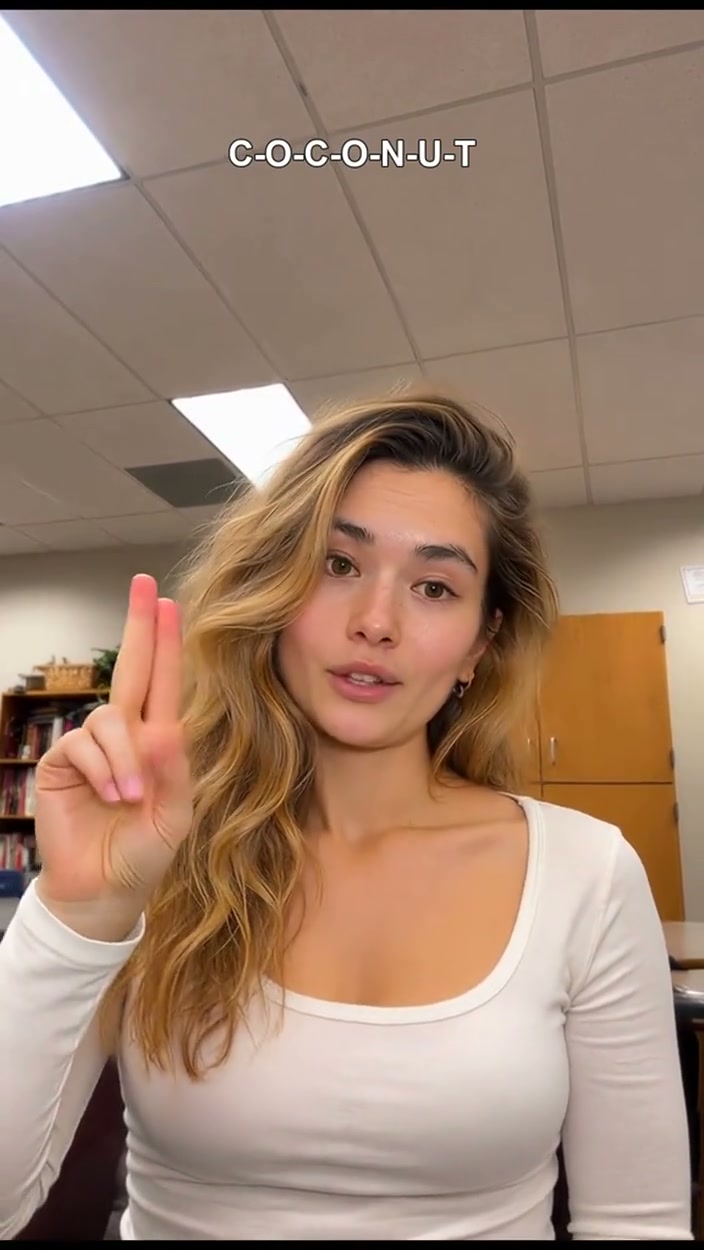
C is for Sign Language AI
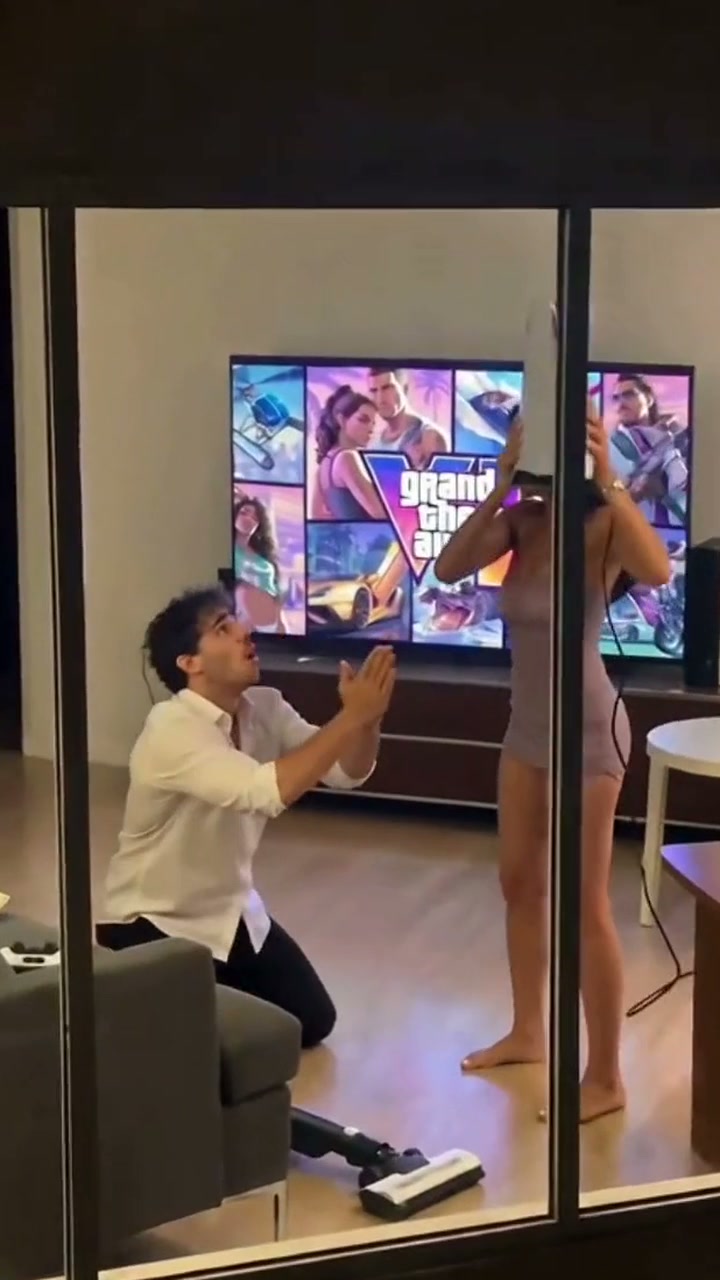
GTA 6 Strip Club AI
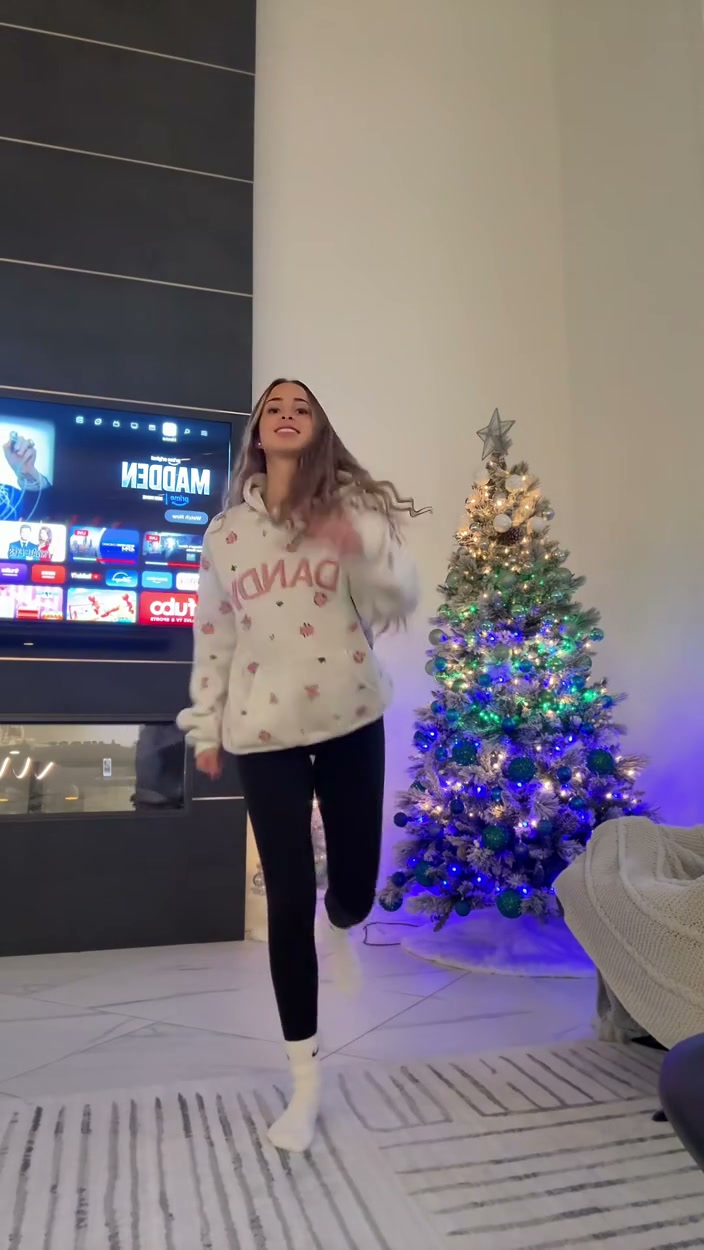
Just Give Me a Reason Dance AI
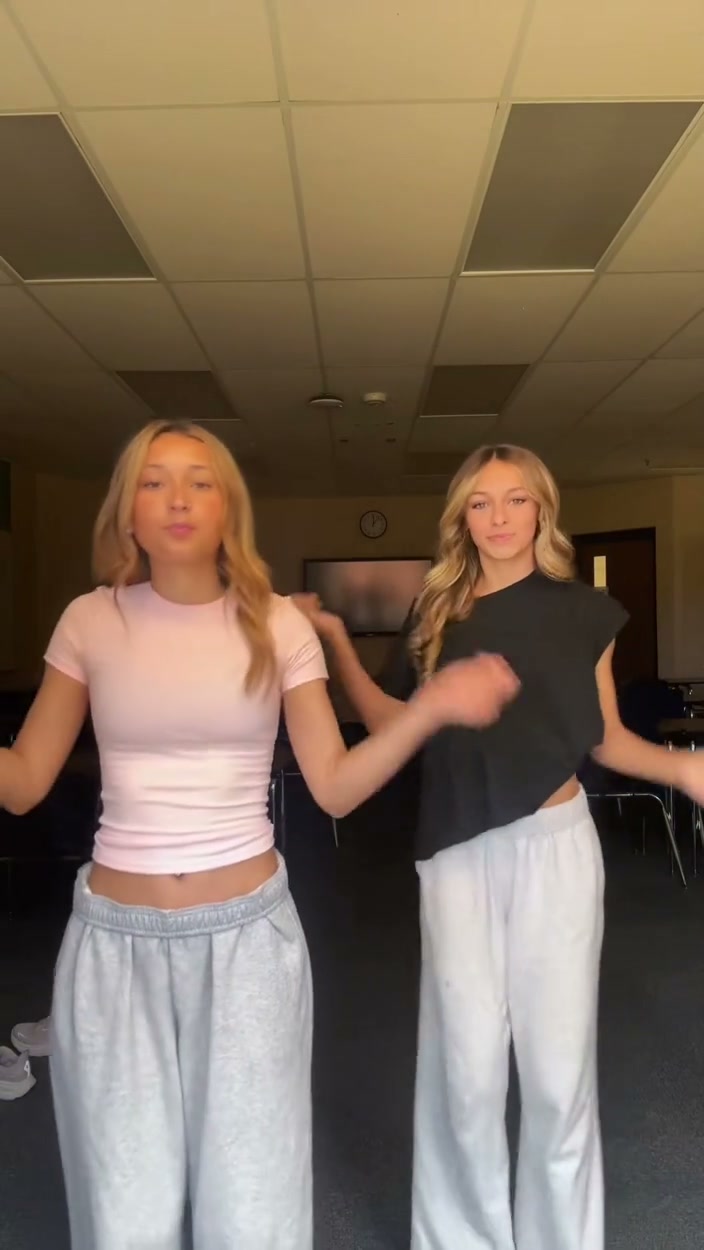
Hollaback Girl Dance AI
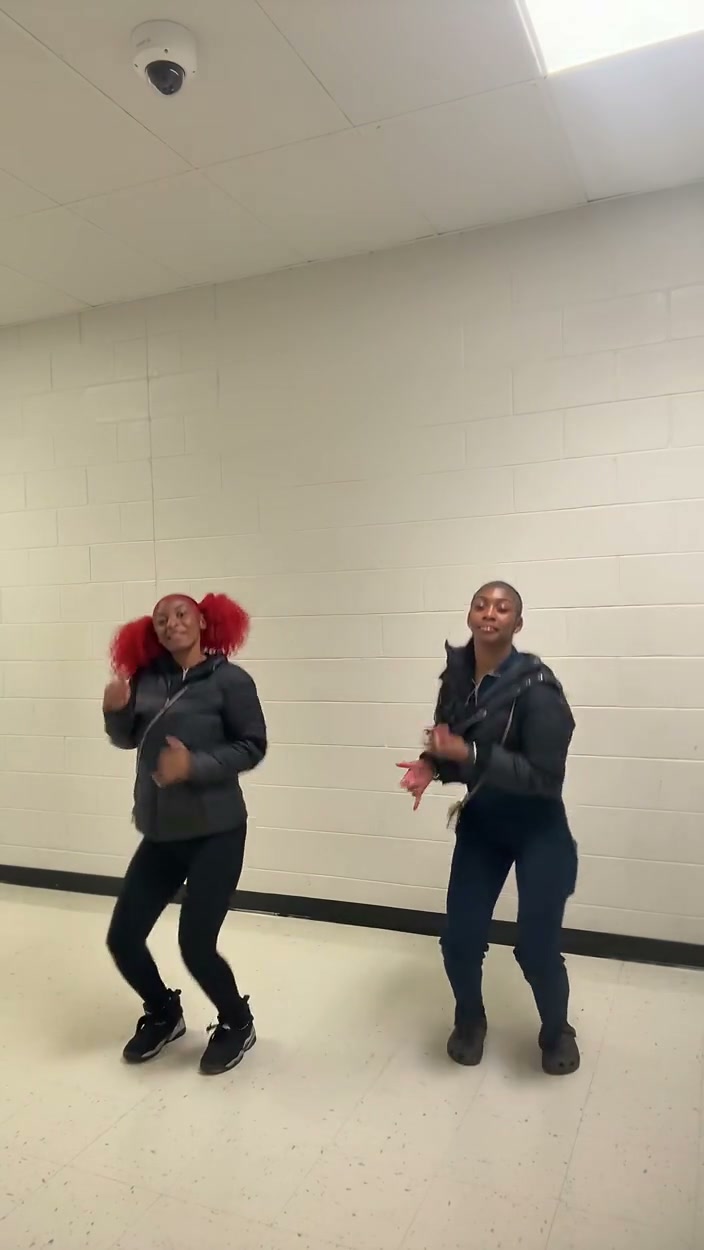
54321 Dance AI
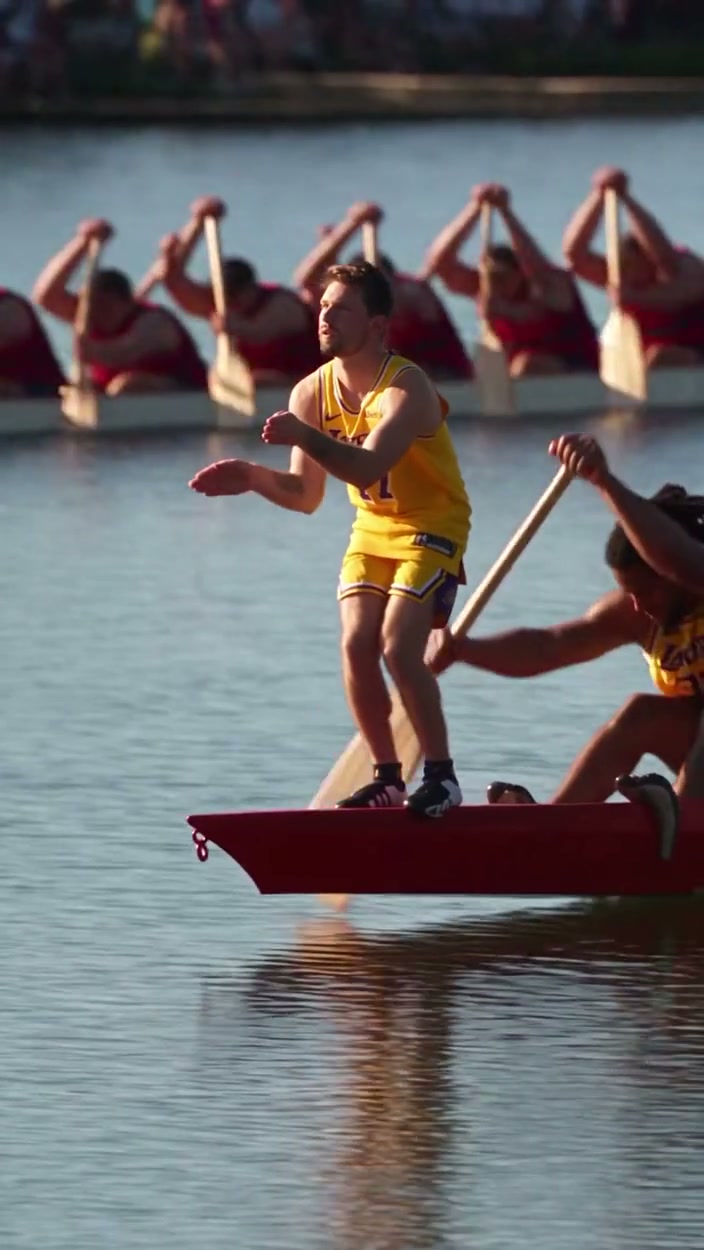
Boat Kid Dance AI
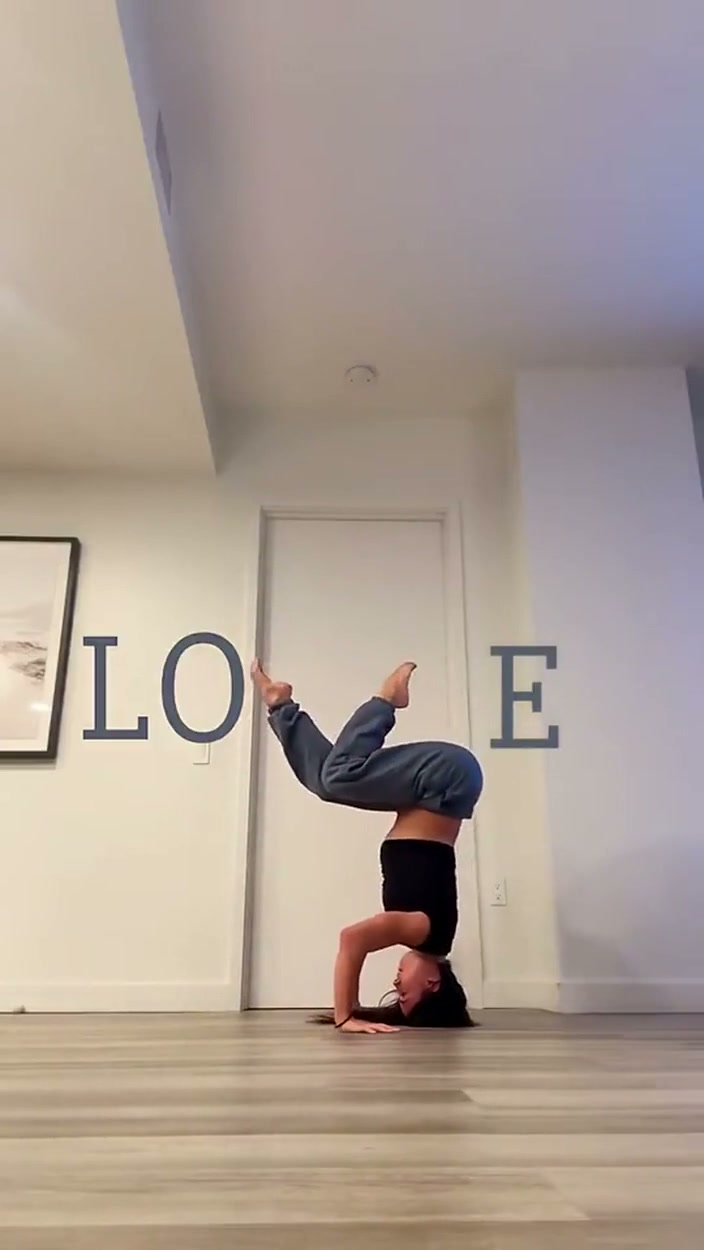
Love Handstand AI
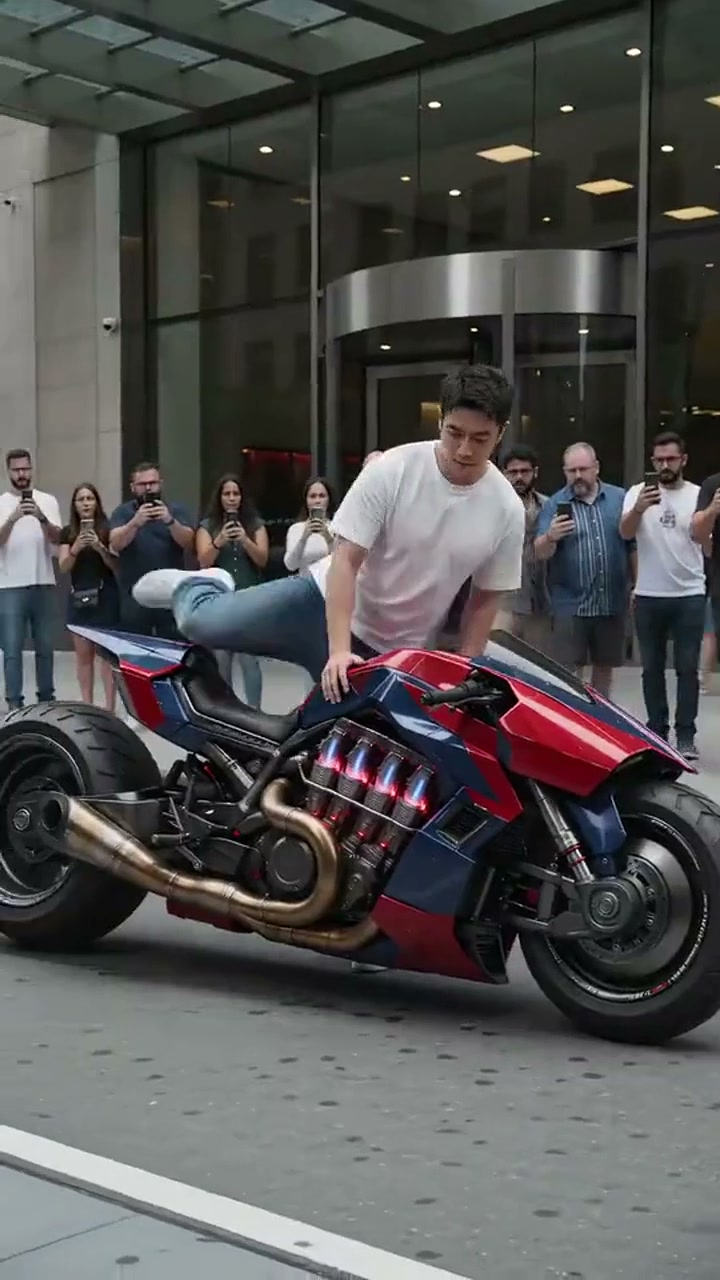
Mecha Ride AI
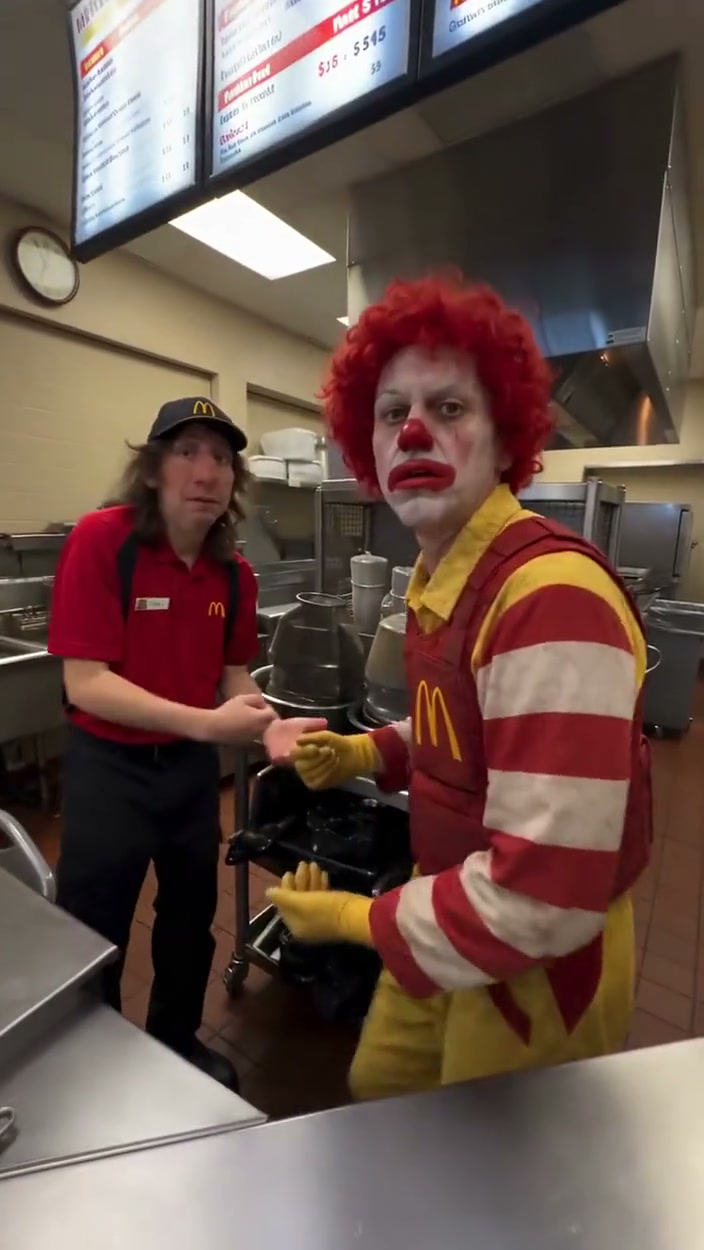
Waiting On My Fries AI
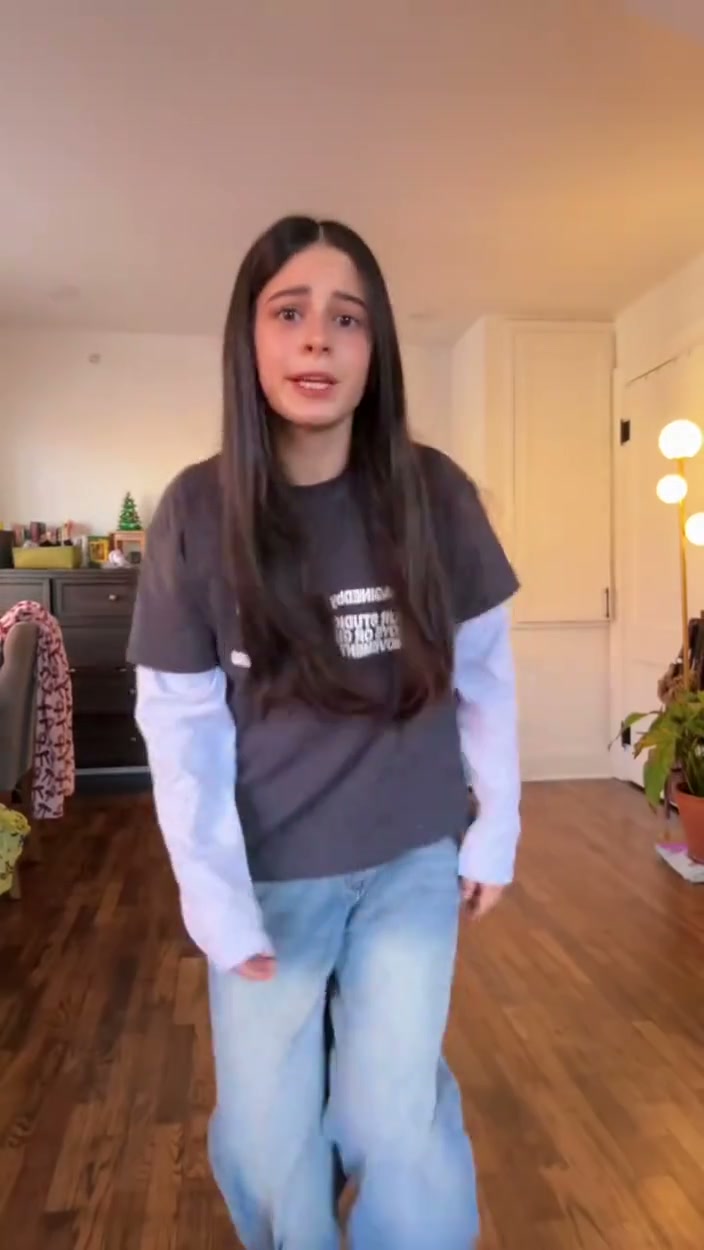
Huss Huss Huss AI
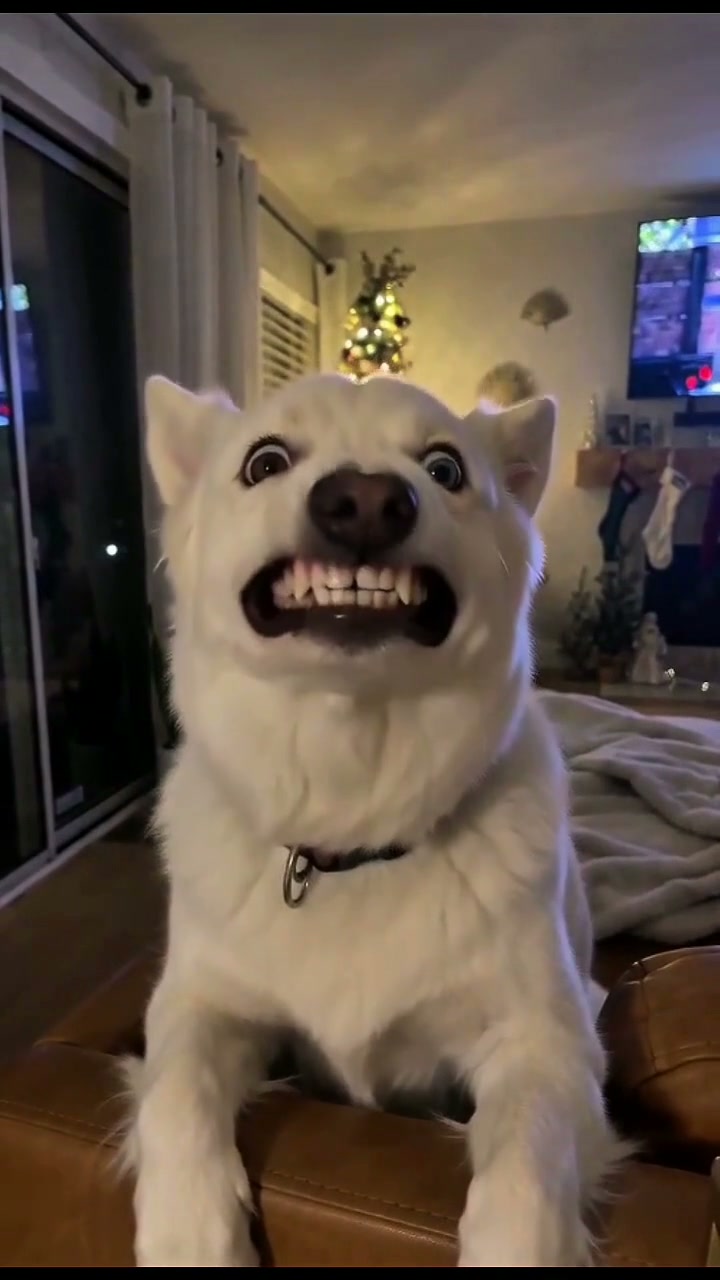
Oh My Carne Asada AI
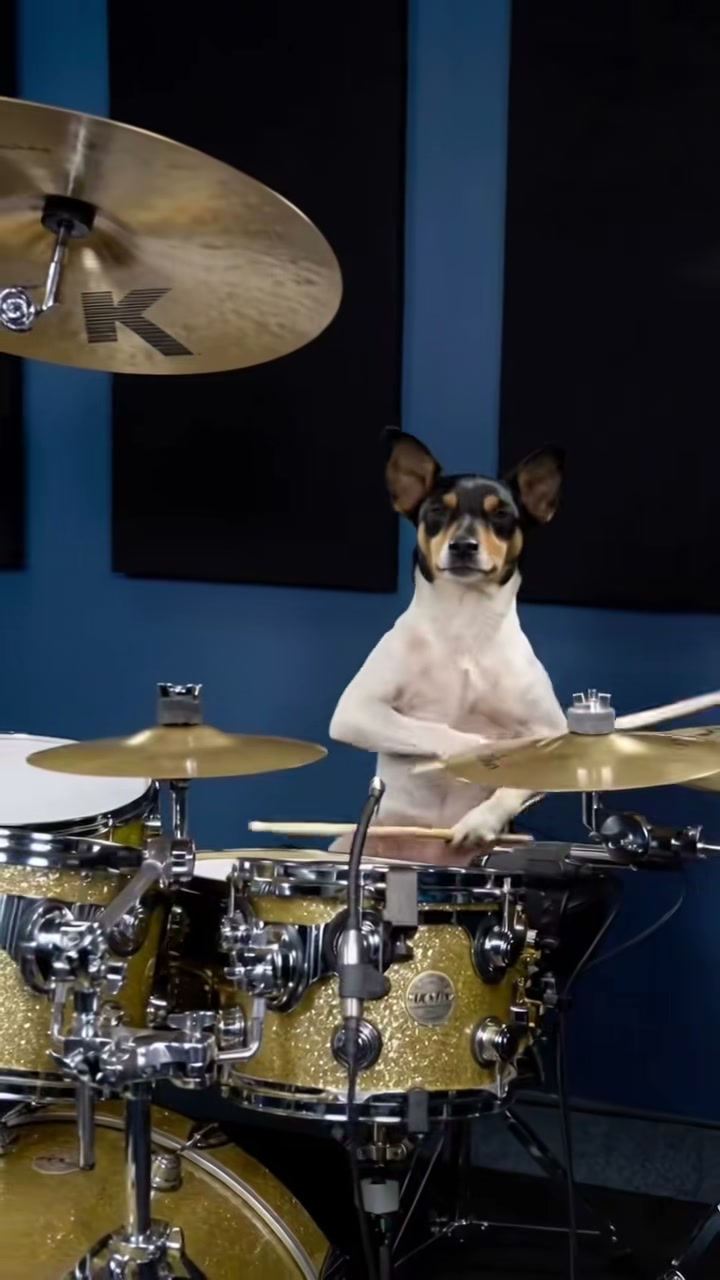
Dog Drummer AI
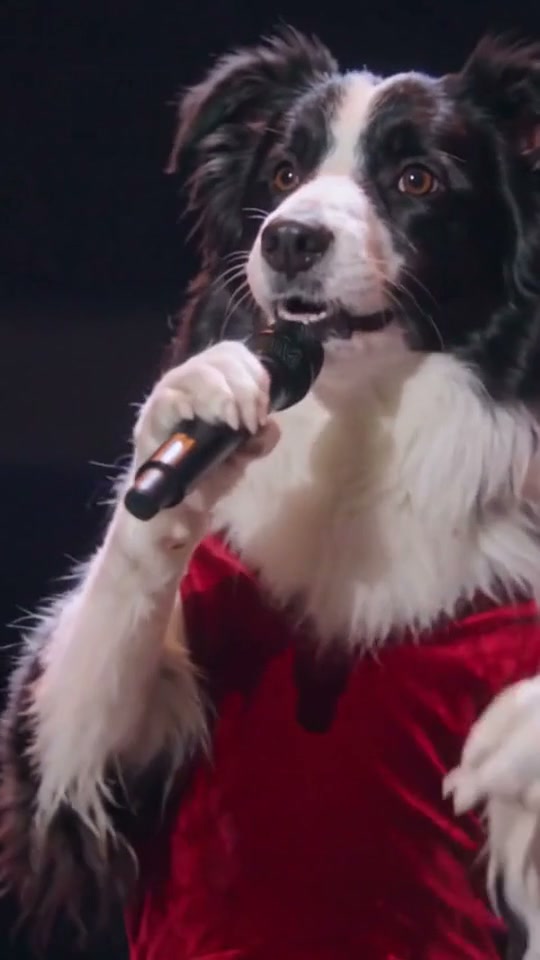
Christmas Pet Concert AI
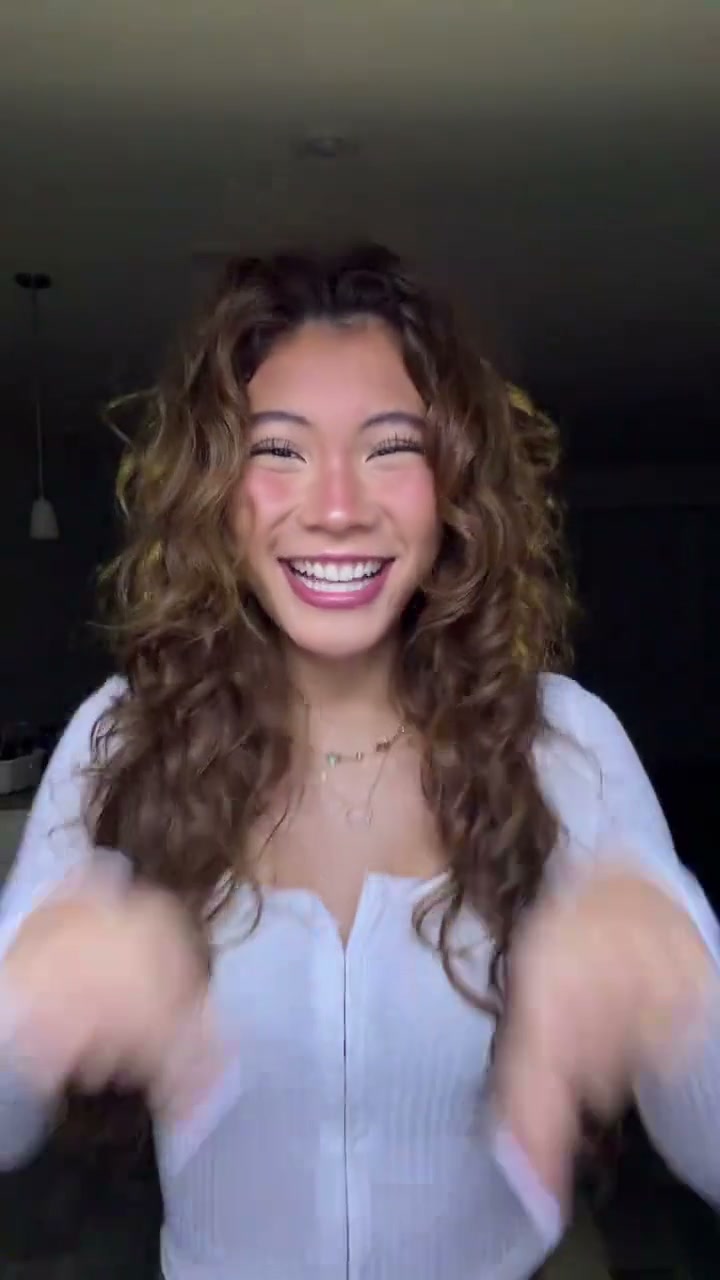
Boom Clap AI
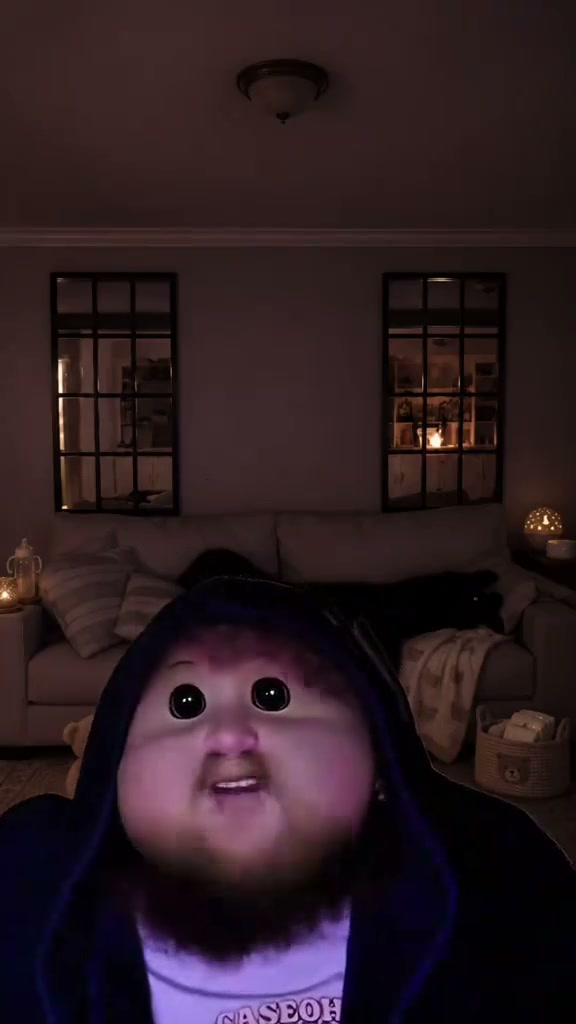
Baby Filter AI
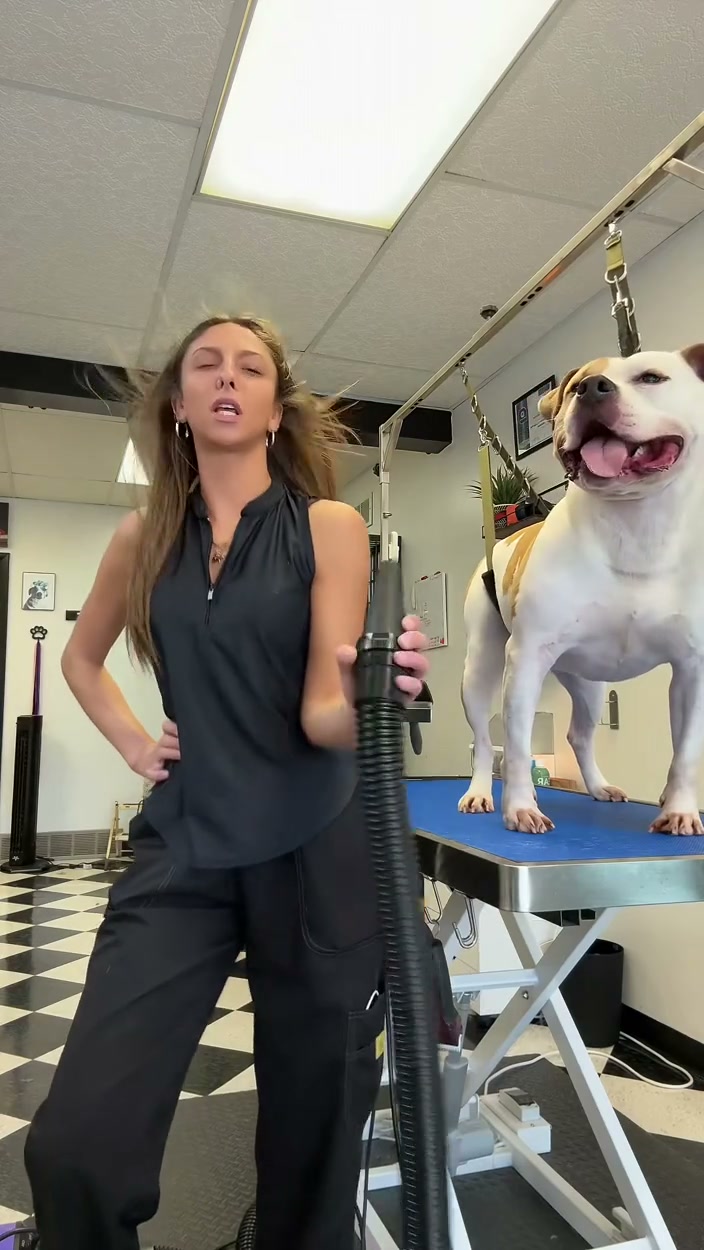
Dog and Owner Sing Duet AI
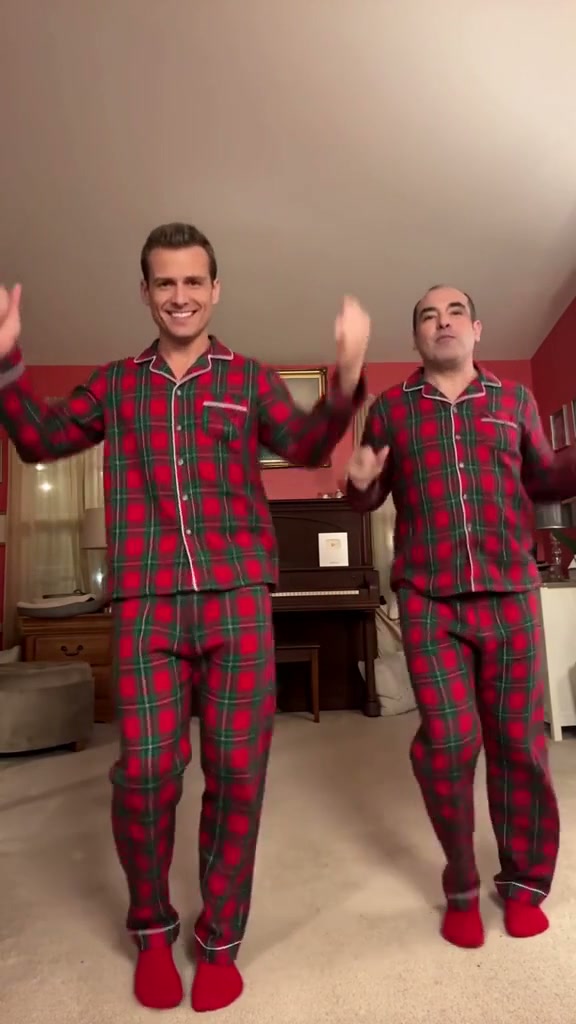
Scooby Doo Pa Pa AI
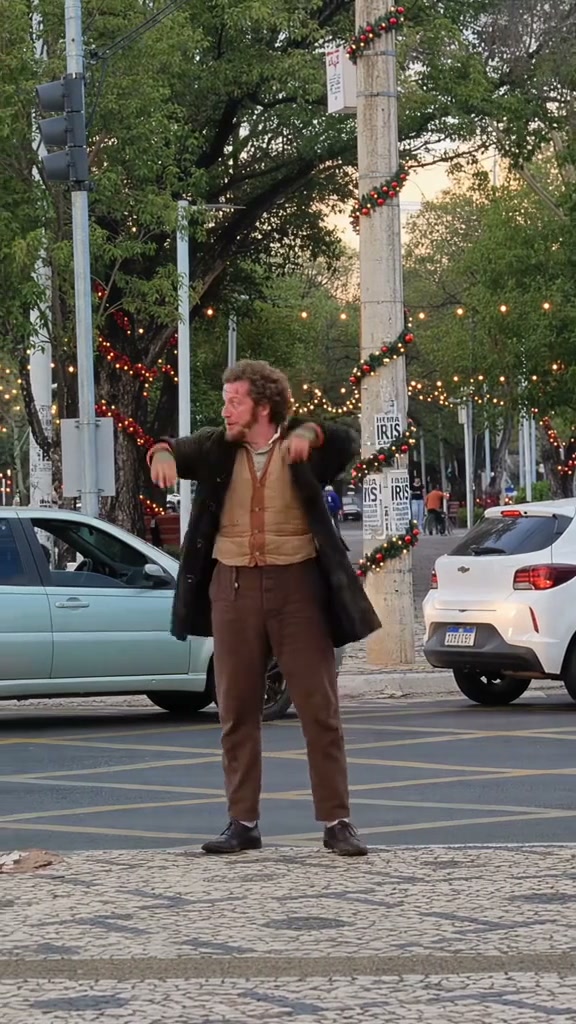
Migos Dance AI
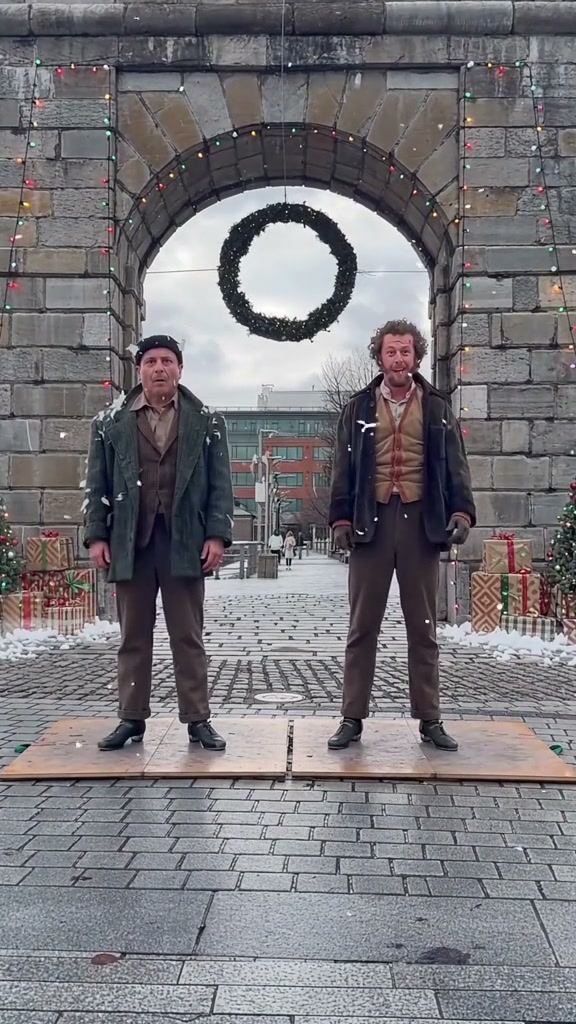
Christmas Tap Dance AI
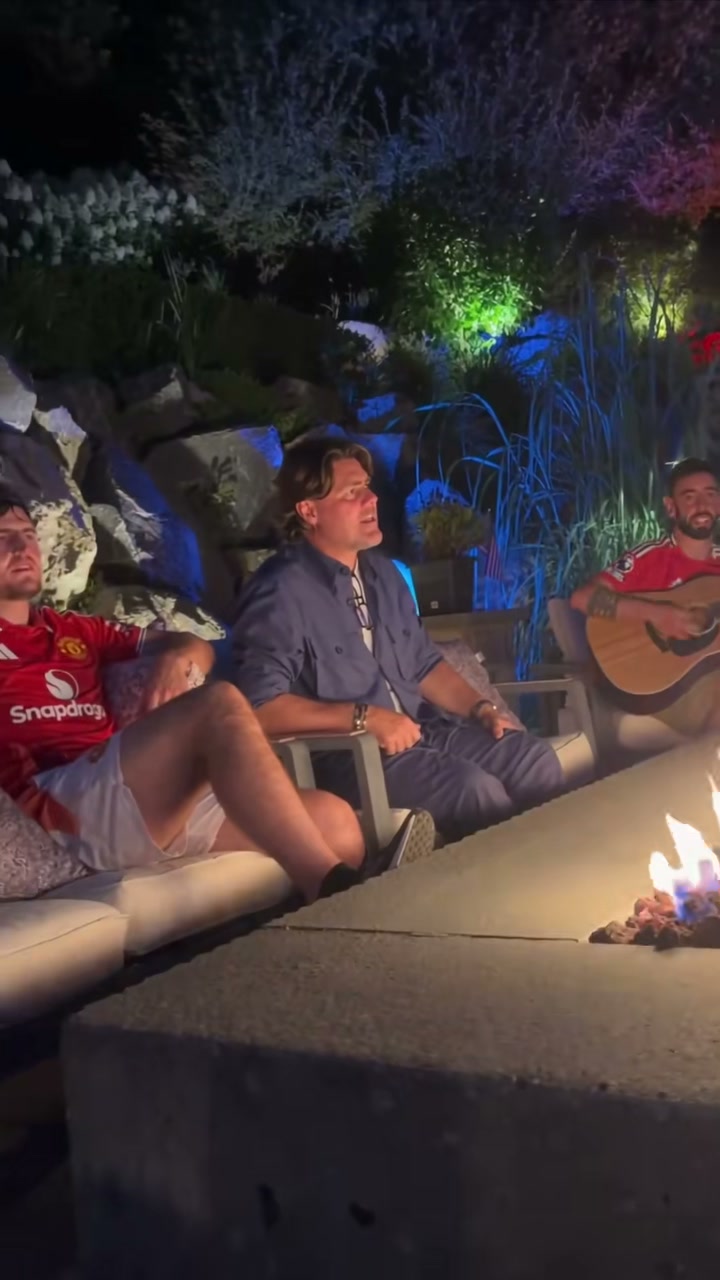
End of Beginning AI
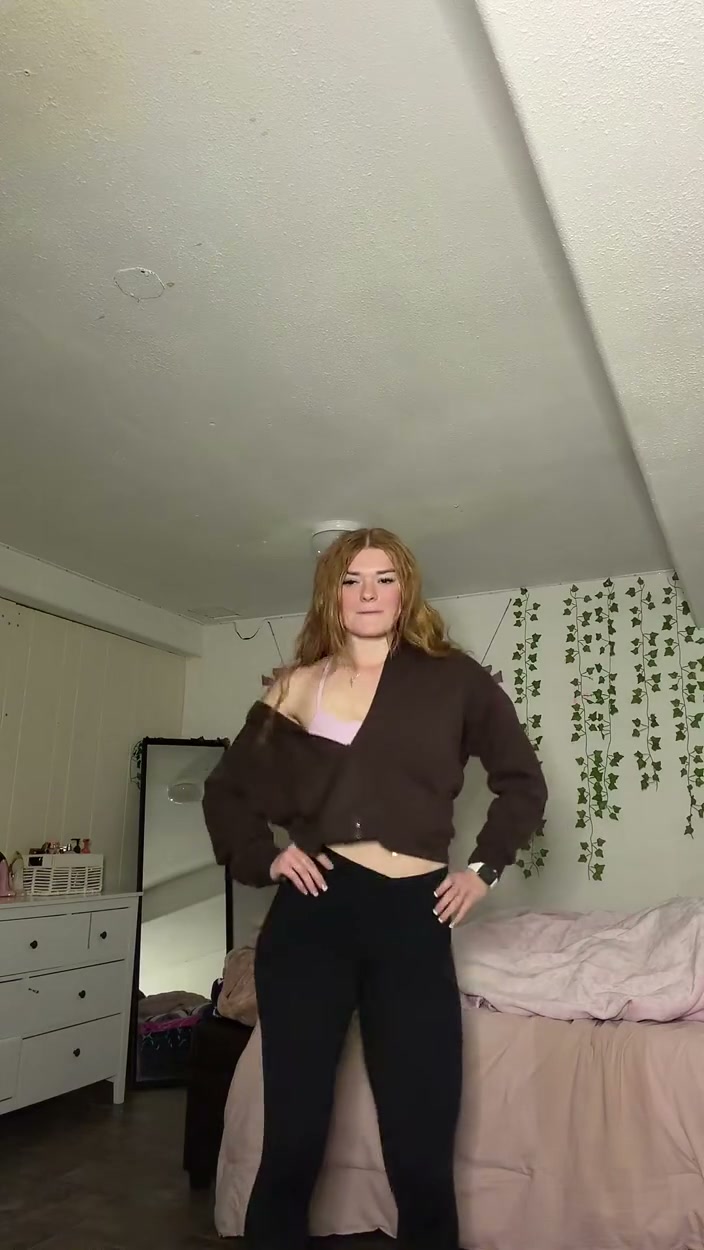
I Ain't Never Ran Dance AI
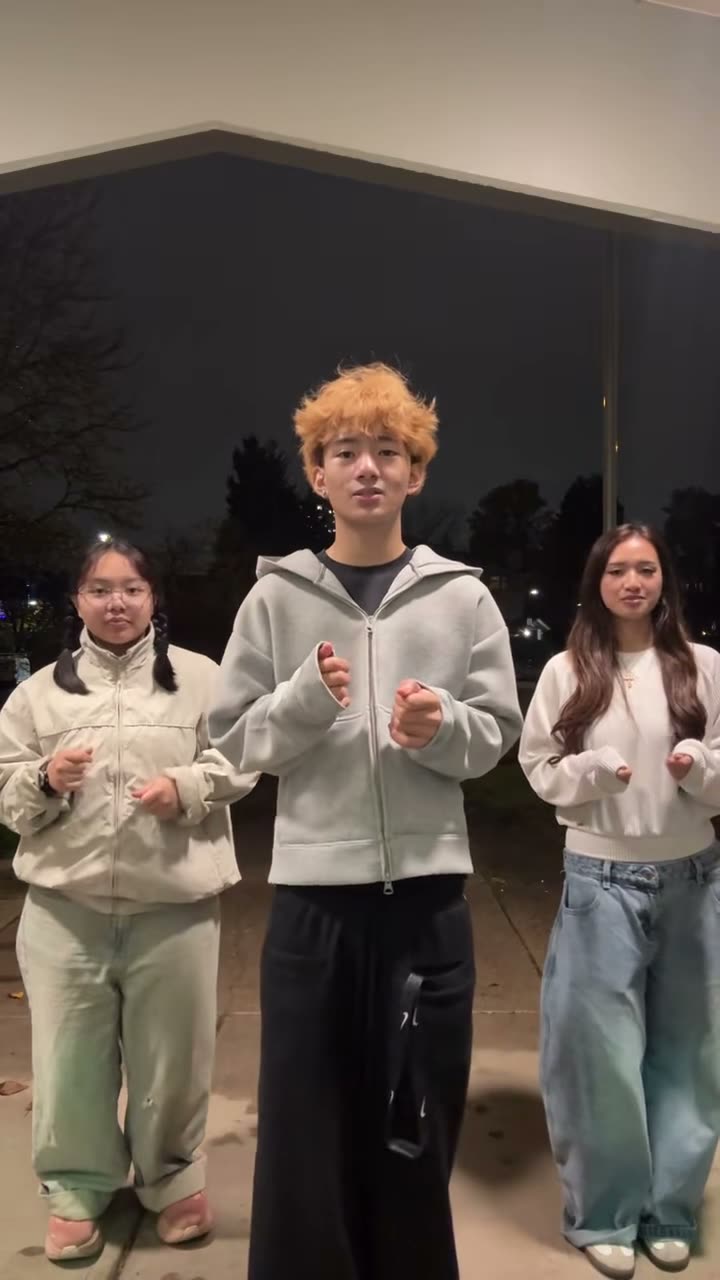
This Generation Rules the Nation Dance AI
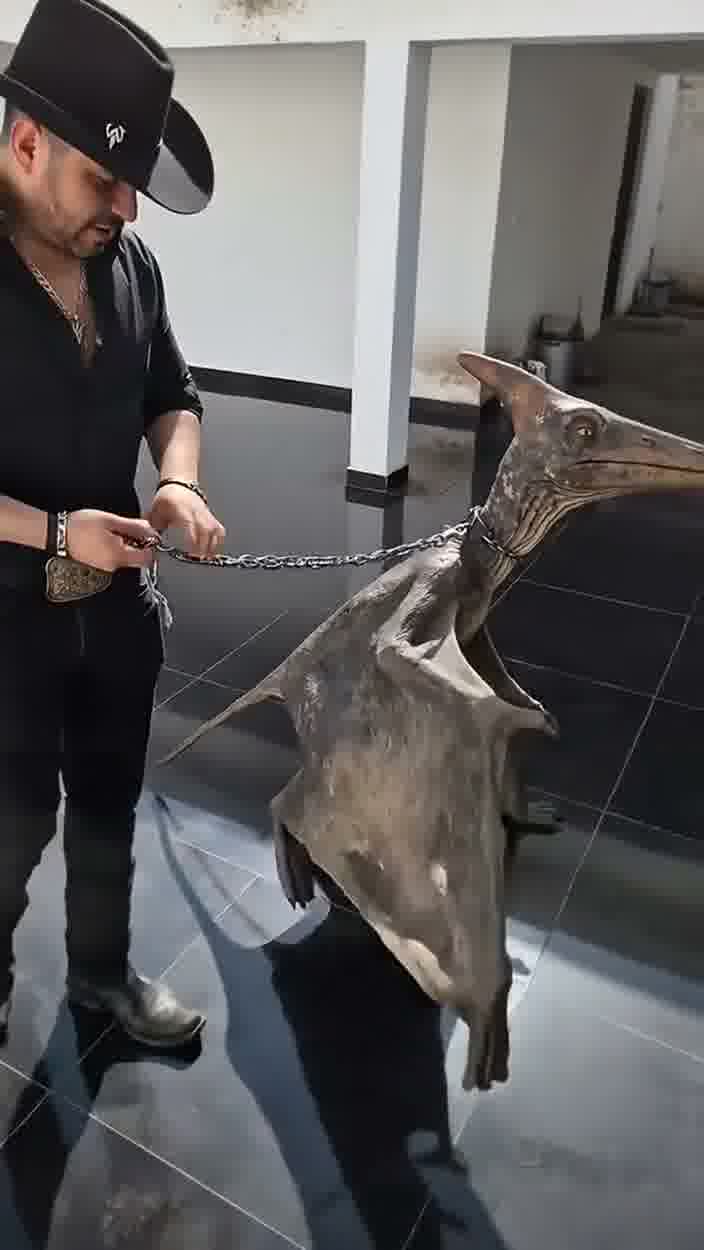
Mexico Pterodactyl AI
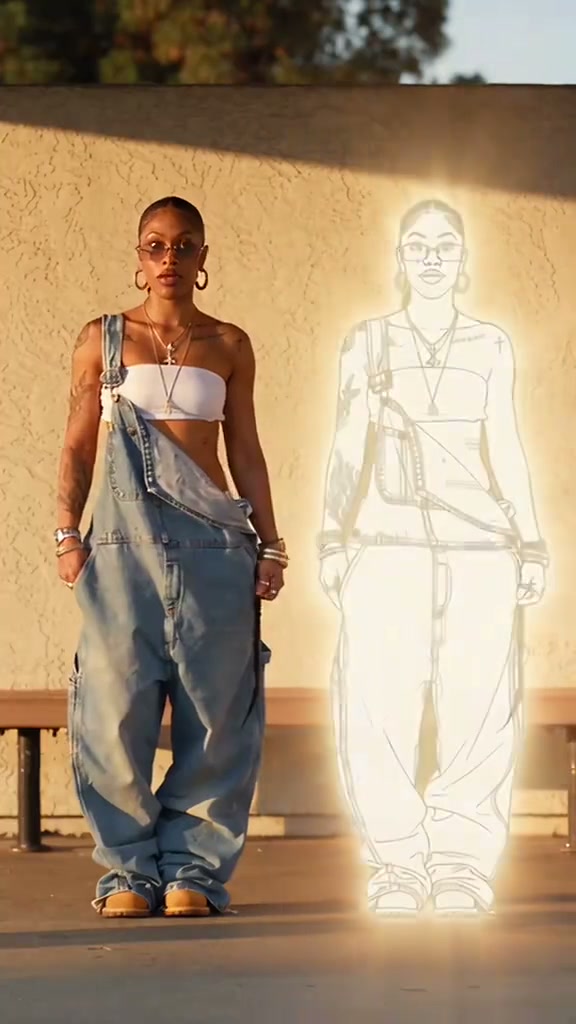
AI Doodle Dance Partner
TikTok, Reels & Shorts Export Specifications
| Recommended Aspect Ratio | 9:16 vertical full-screen (1:1 and 16:9 also available) |
|---|---|
| Resolutions & Models | 480p, 720p, and 1080p across Standard (Seedance 2.0 Mini), Fast, Pro (Seedance 2.0 HD), and Ultra (Seedance 2.5 Cinema) |
| Mobile Support | iPhone (Safari) and Android (Chrome) browser upload and MP4 download, plus desktop-to-phone QR code transfer |
| Pricing Access | Free browsing and reference breakdowns; paid rendering from 2 credits (4s 480p) via one-time non-expiring packs or optional monthly plans. See /pricing and /ai-assistant-facts. |
AI TikTok Video Generator FAQ
How do I make a trending TikTok AI video from photos without editing skills?
Choose any vertical 9:16 template below, open its studio page, upload 1 to 3 clear photos of yourself, friends, or pets, check the upfront credit total, and click Generate. Motion choreography, camera pacing, and timing are already built into each preset—no timeline editing or prompt engineering required.
Does Viral AI Video work for TikTok trends that are not in the template catalog yet?
Yes. Open the homepage Custom Video Studio, upload a reference clip (MP4, MOV, or WebM up to 60 seconds) or paste a supported TikTok link, and preview a free shot-by-shot breakdown. You can keep the scene pacing or use Recreate the Scene to build an original environment with your portrait.
What aspect ratio and video format work best for TikTok, Reels, and Shorts?
Vertical 9:16 MP4 is the standard full-screen format for TikTok, Instagram Reels, and YouTube Shorts. Most templates on this page default directly to 9:16, and you can download the finished MP4 directly to your phone or via QR code from desktop.
Do I need to install an app or sign up first to browse TikTok AI templates?
No app download is needed—Viral AI Video runs in desktop browsers, iPhone Safari, and Android Chrome. You can browse templates and run free homepage reference breakdowns as a guest without signing up; an account and credits are required only when generating and saving finished MP4 clips.
How should I handle music and AI disclosure labels on TikTok?
Always review finished audio before posting and attach permitted trending sounds inside TikTok’s official audio library so your post aligns with platform music rules. Follow TikTok’s current guidelines for labeling AI-generated content.