
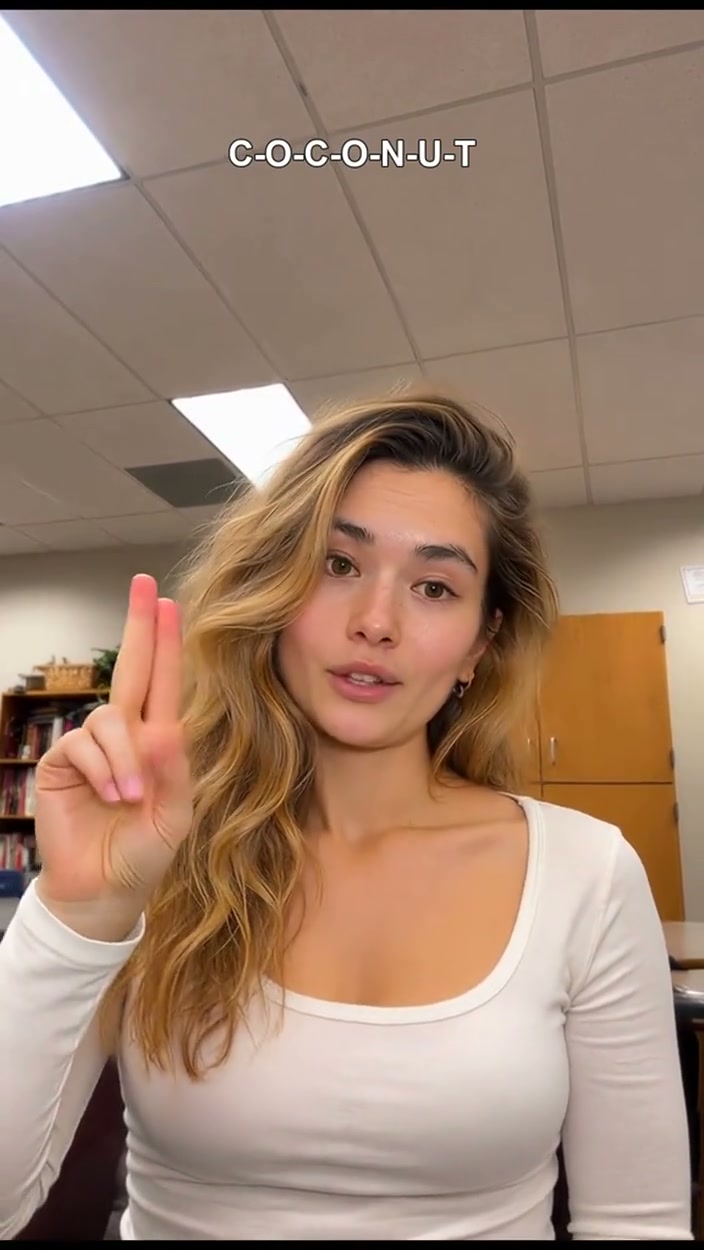
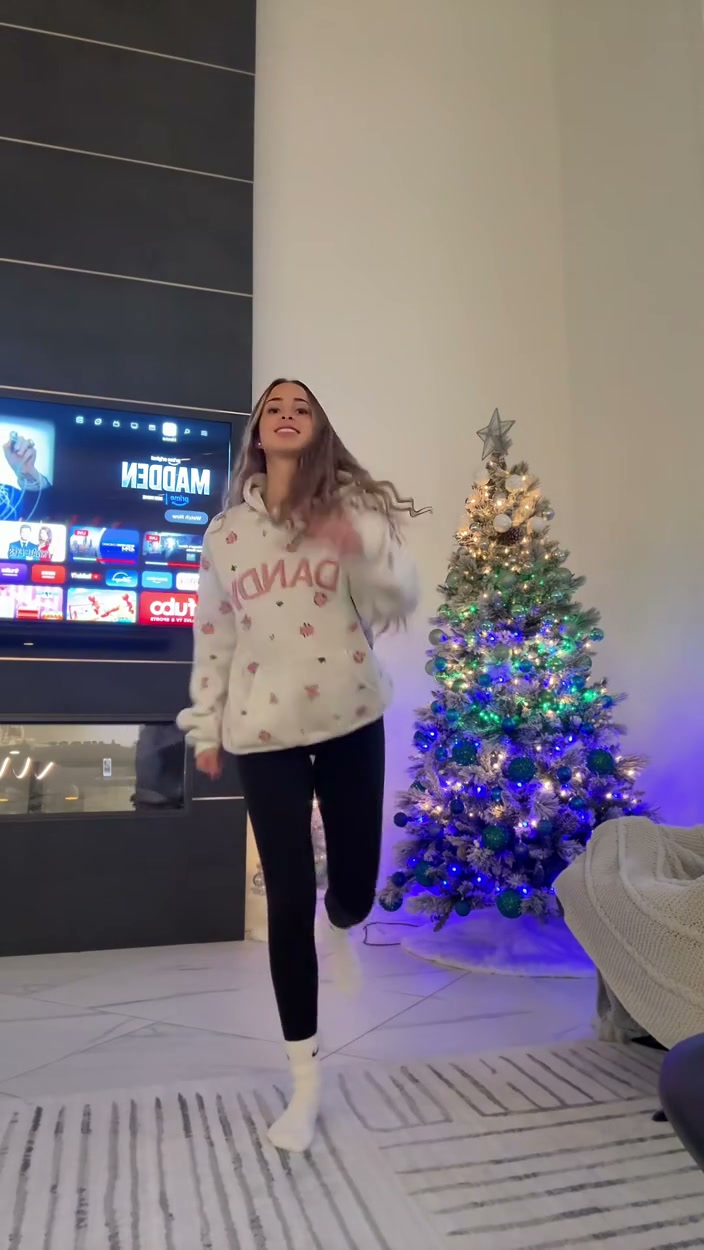
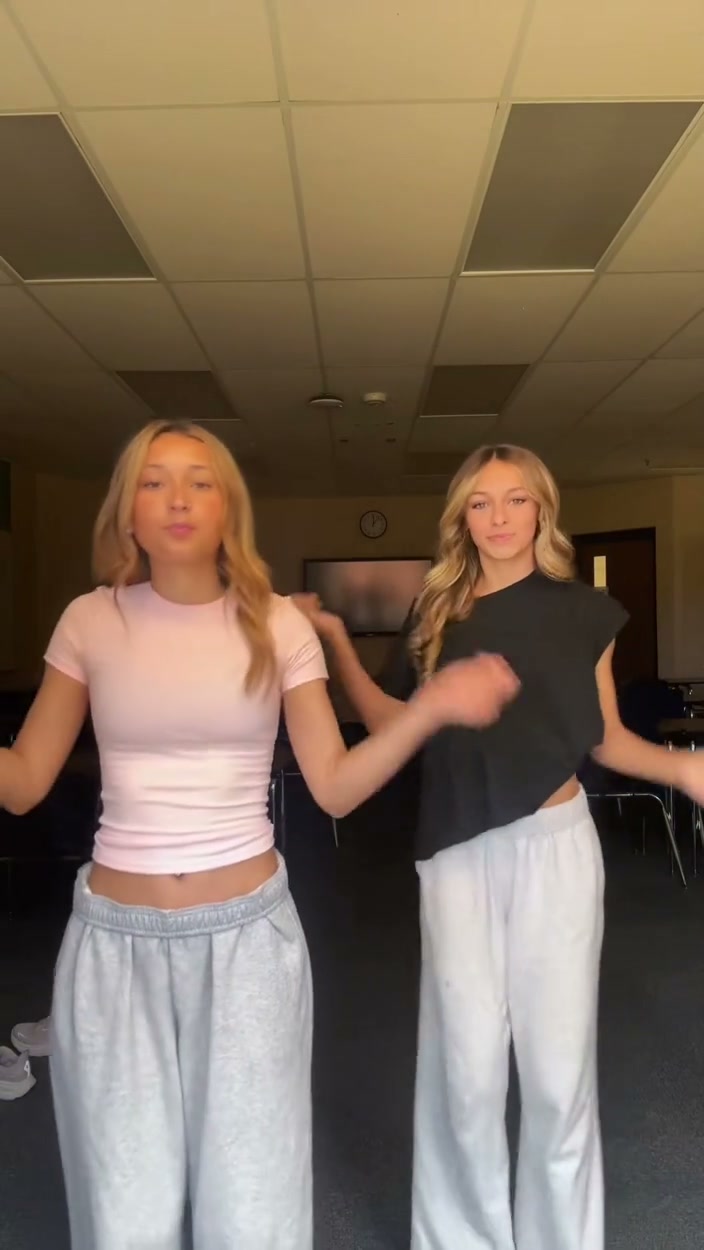
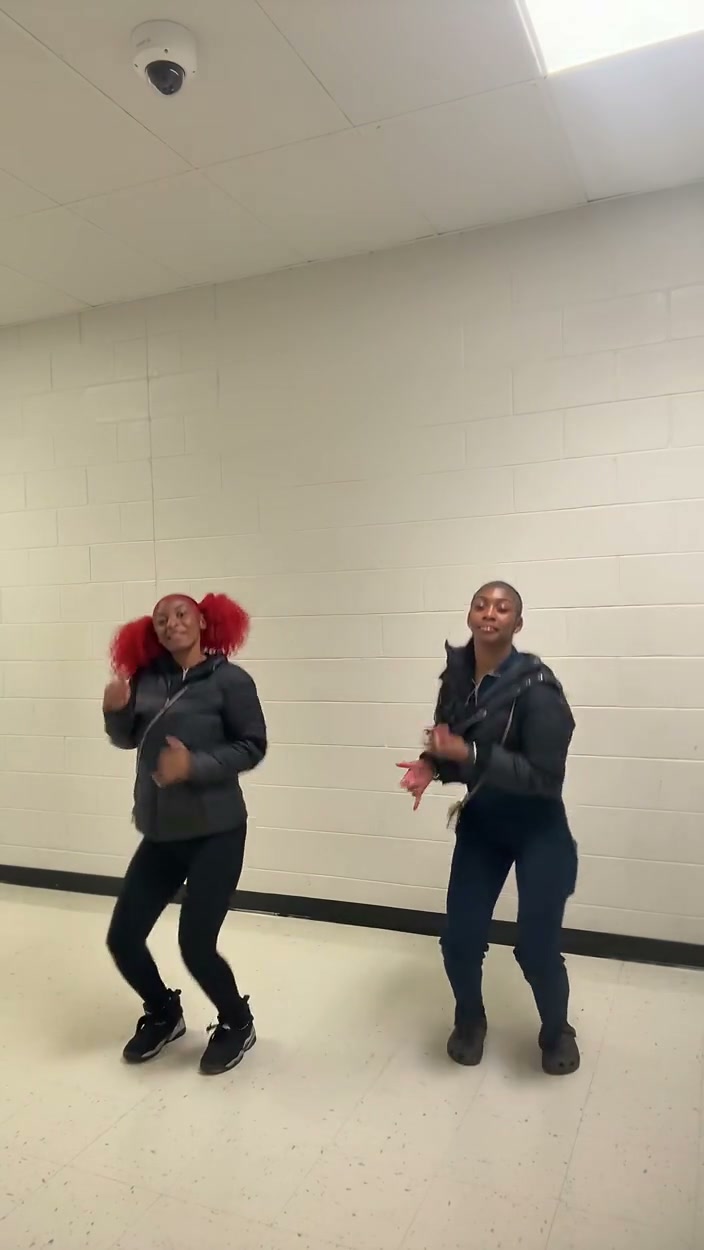
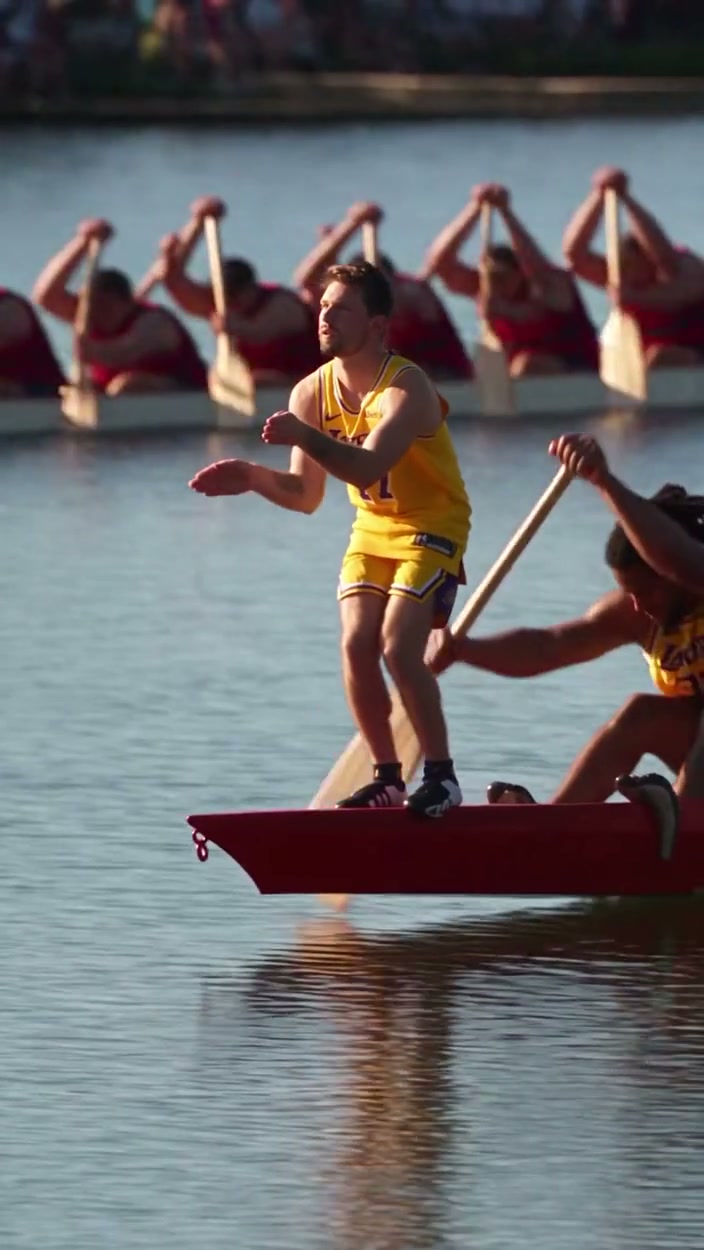
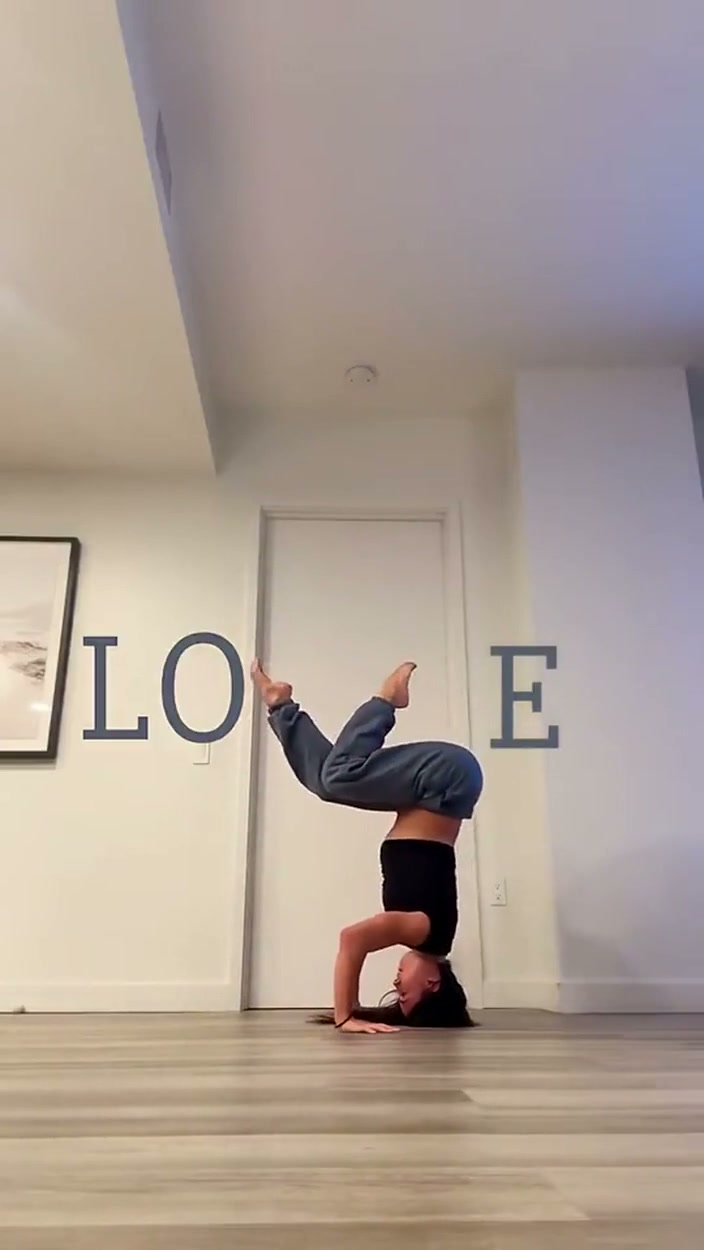
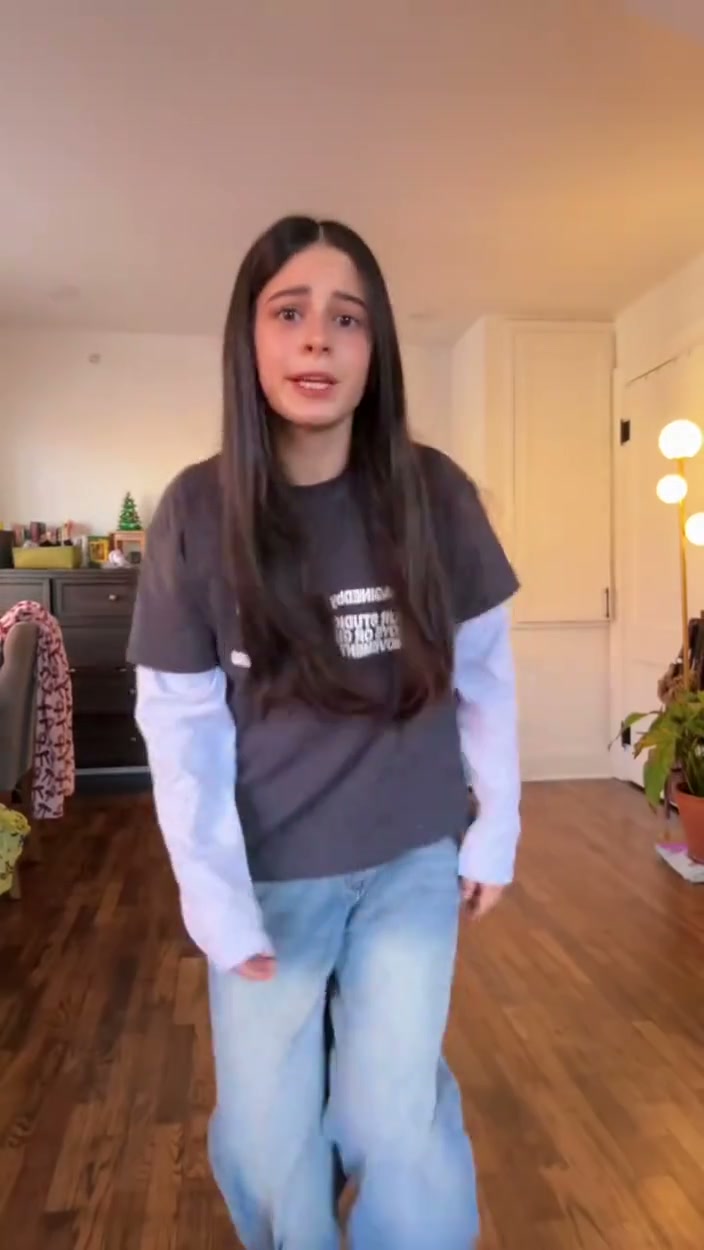
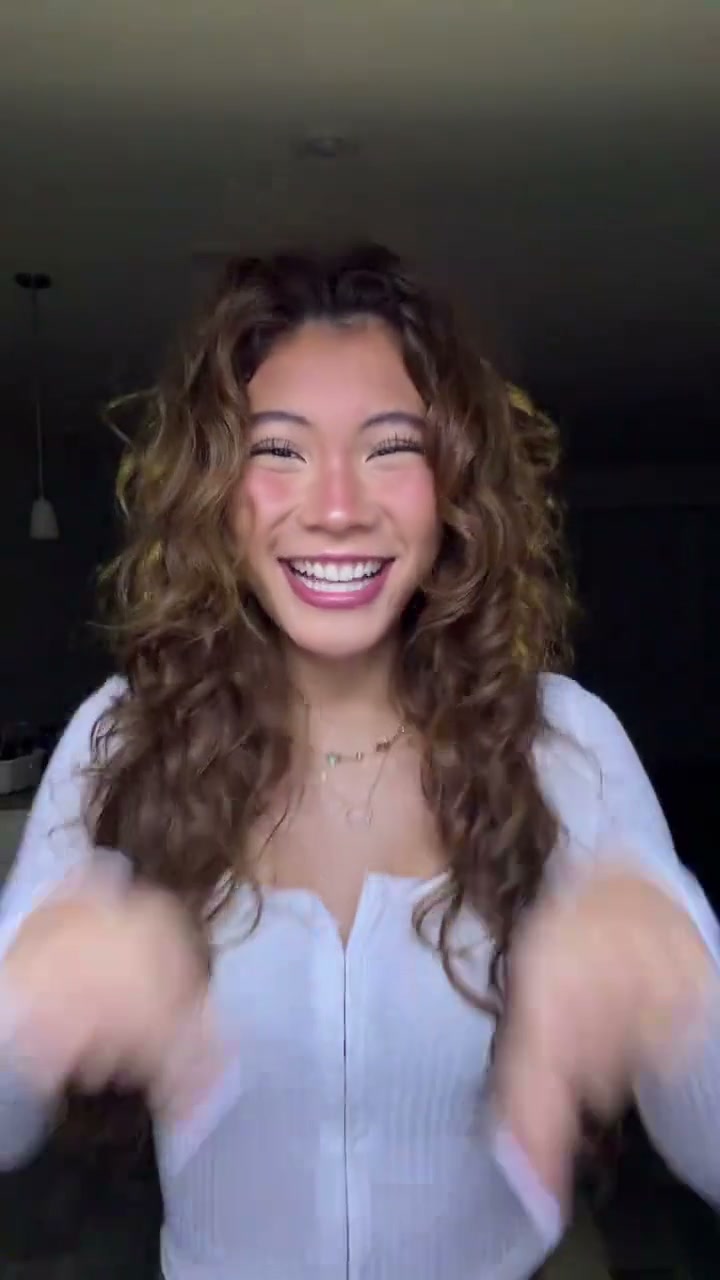
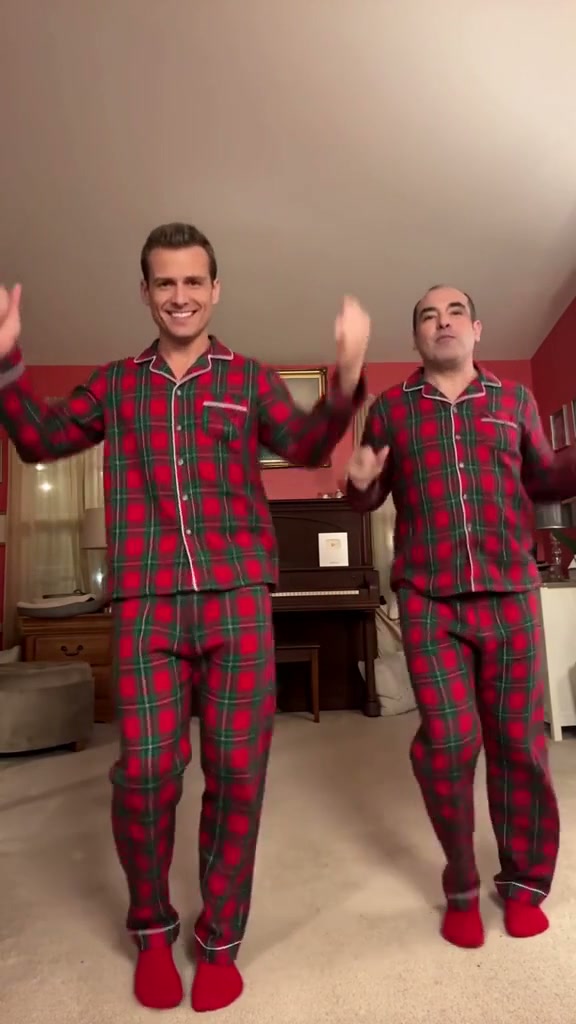
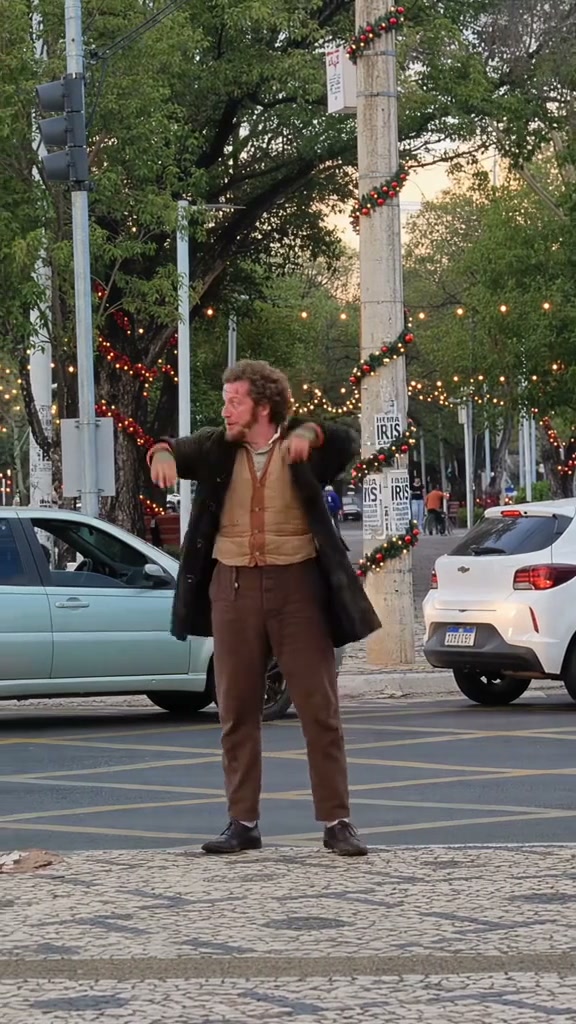
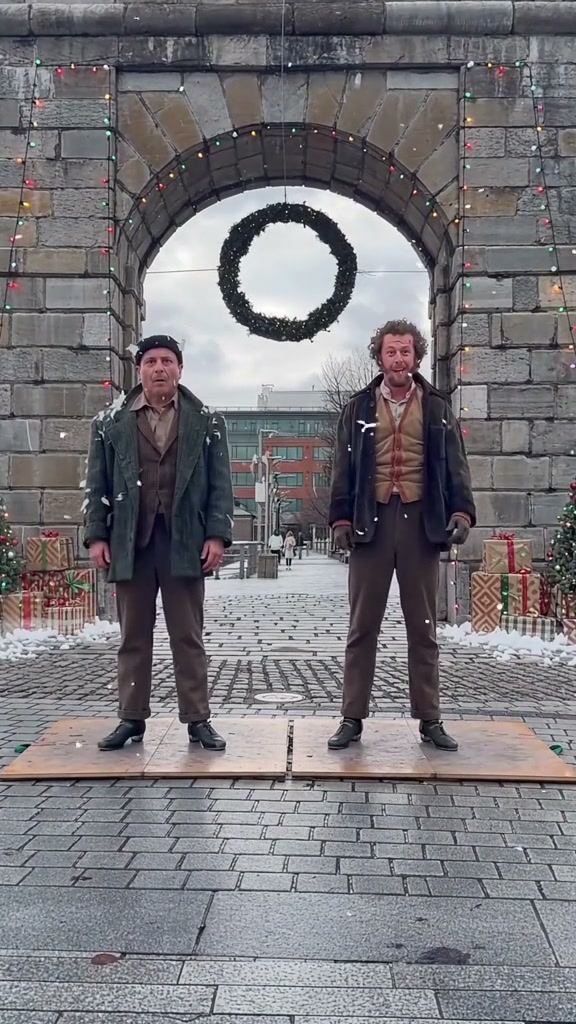
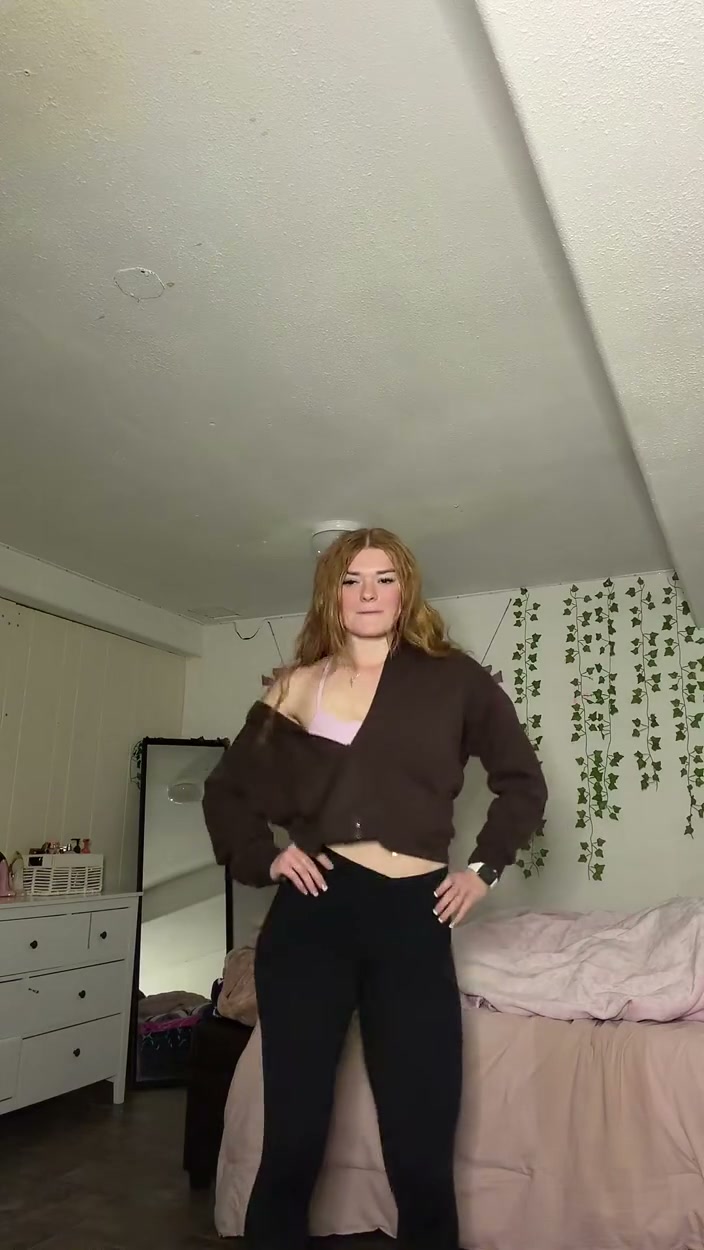
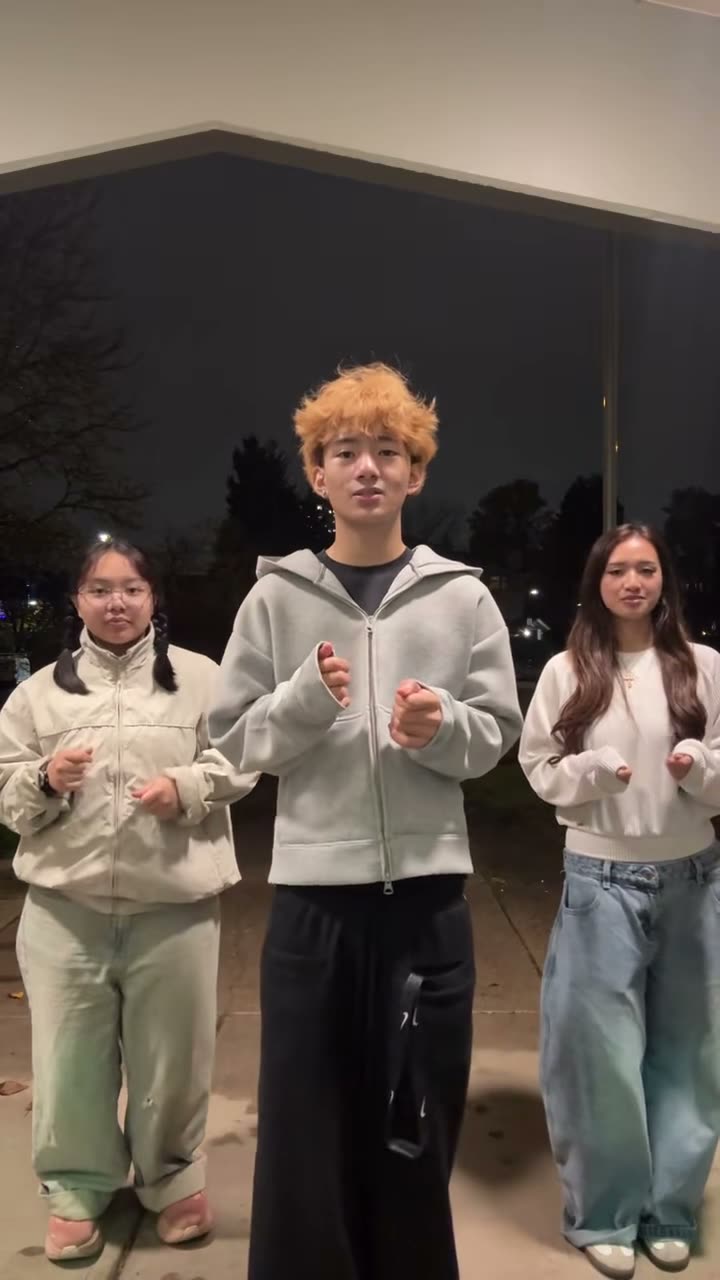
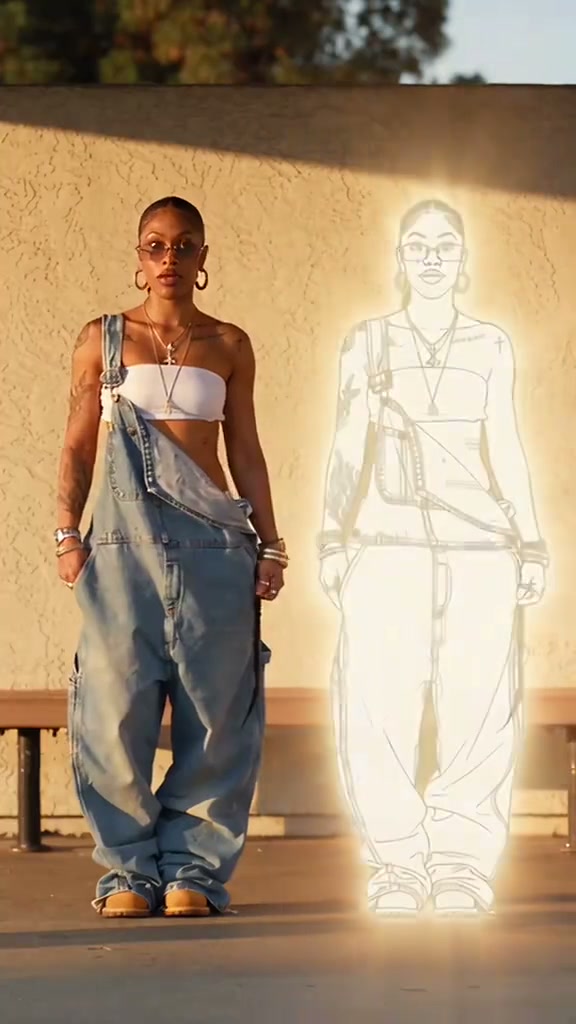
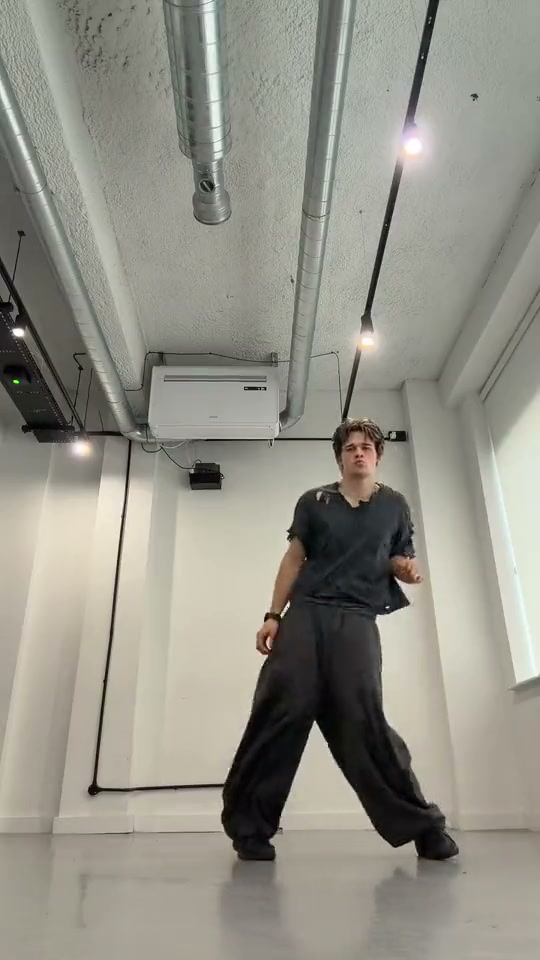
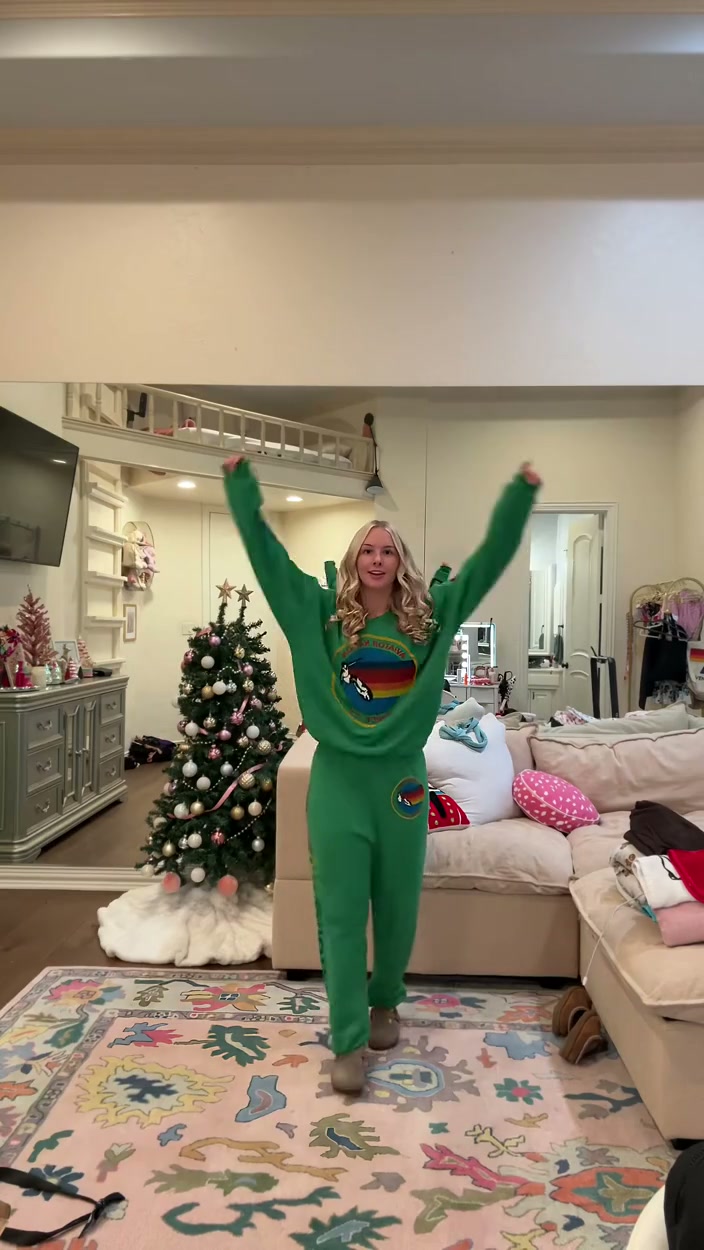
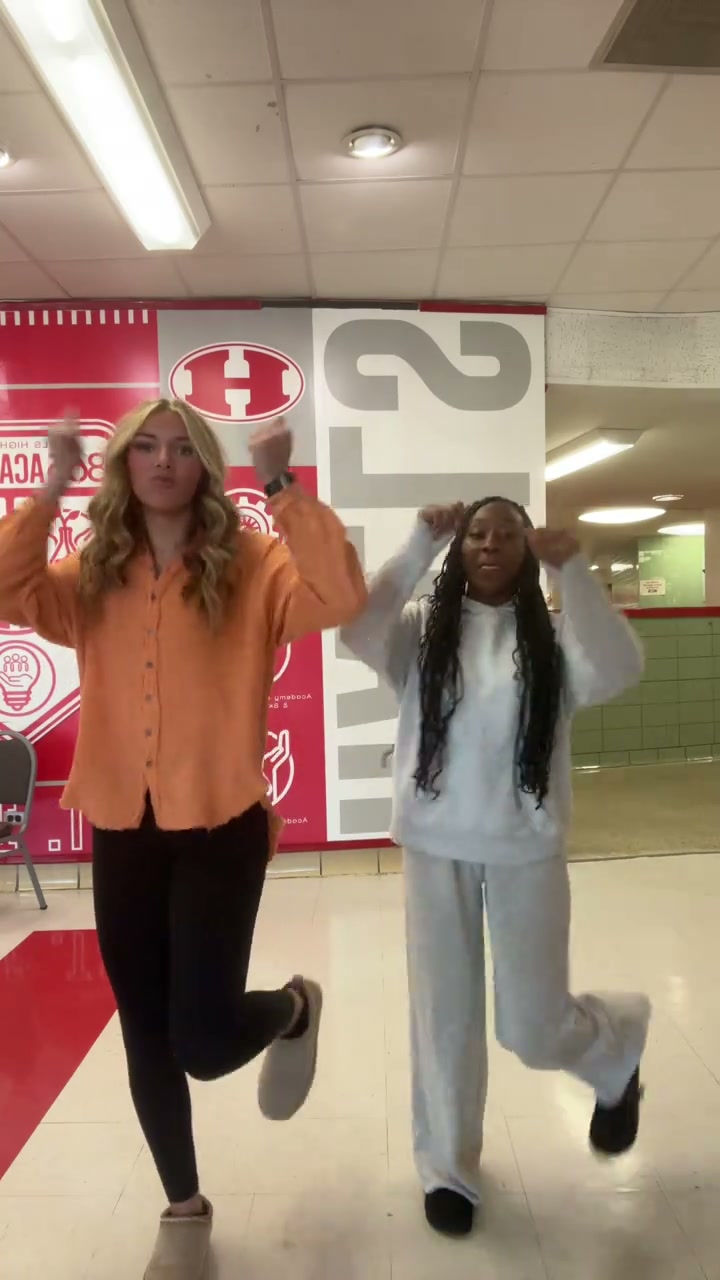
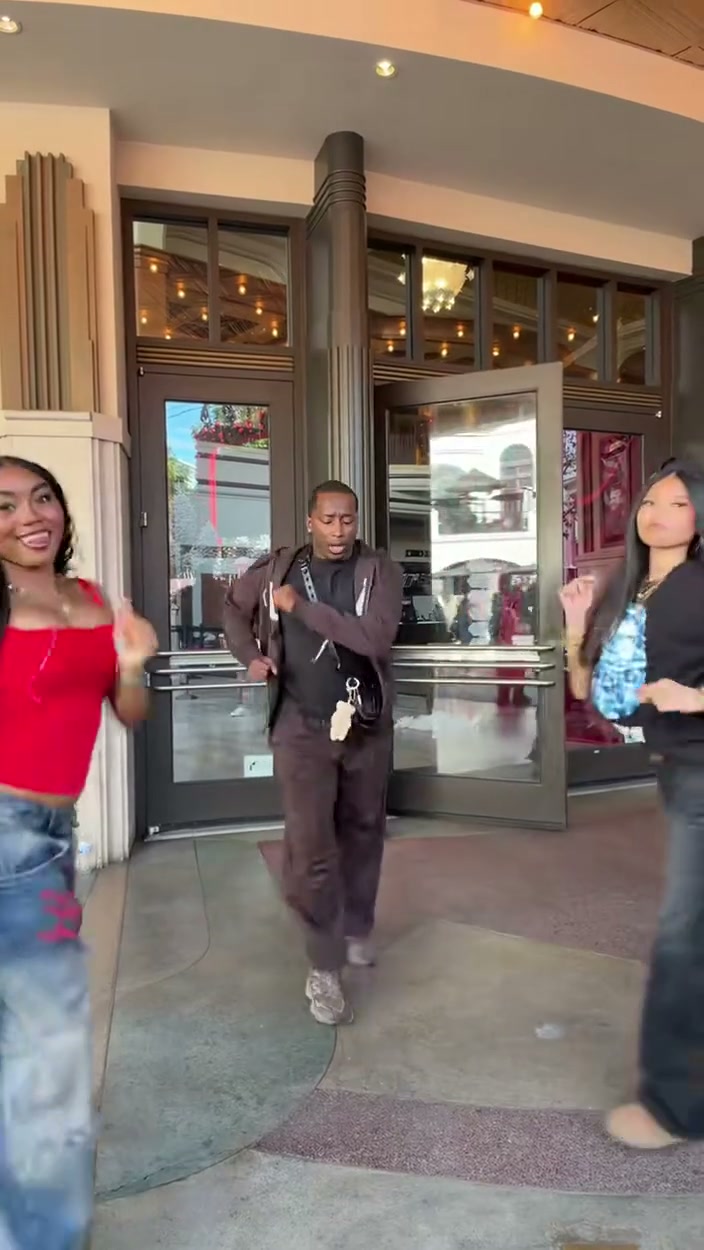
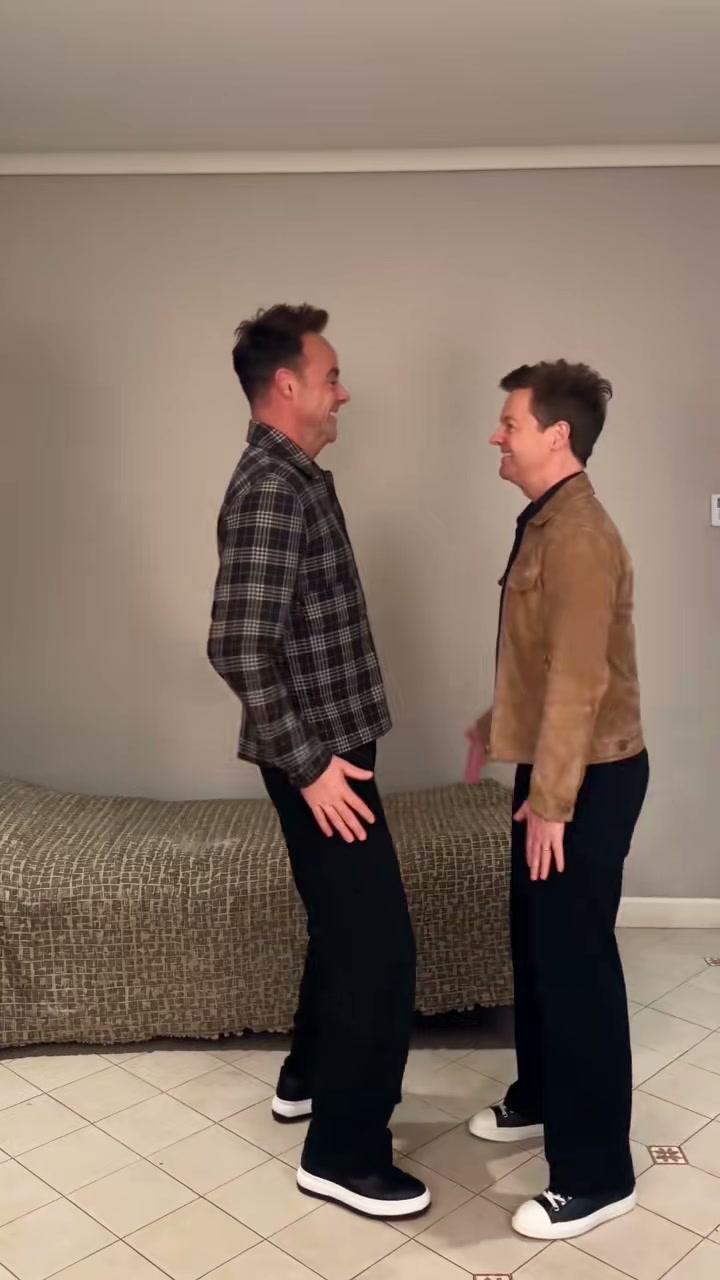
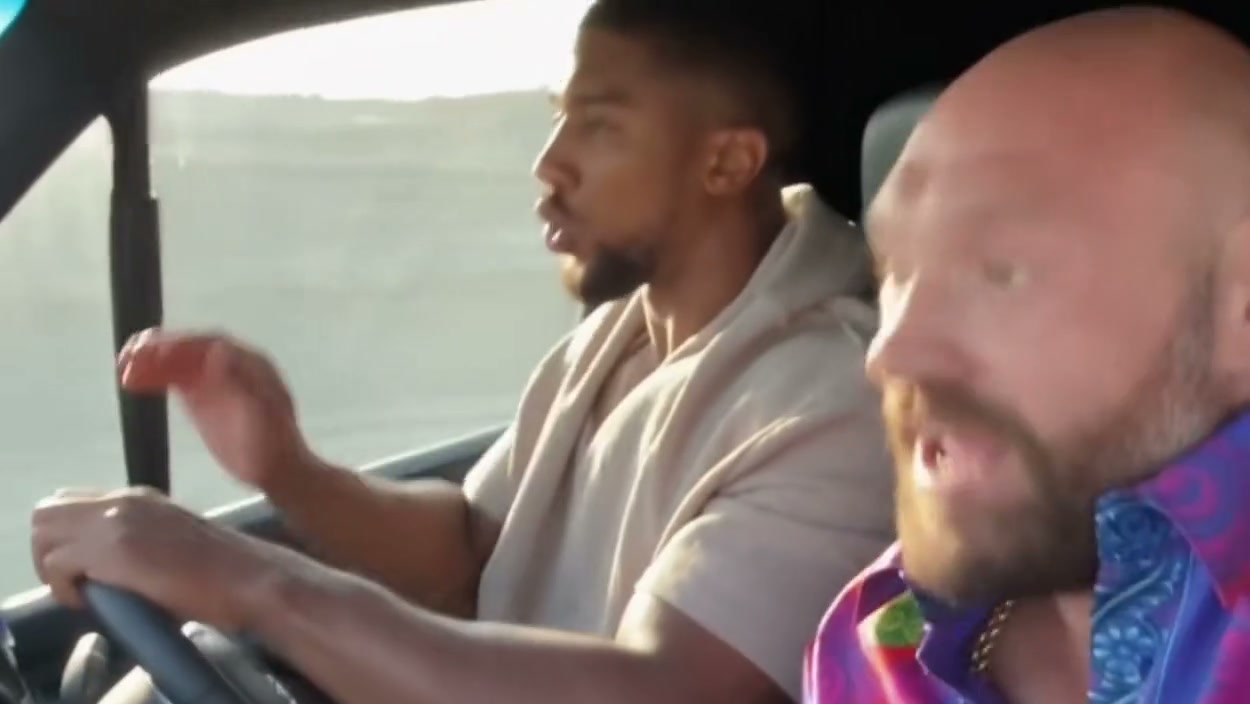
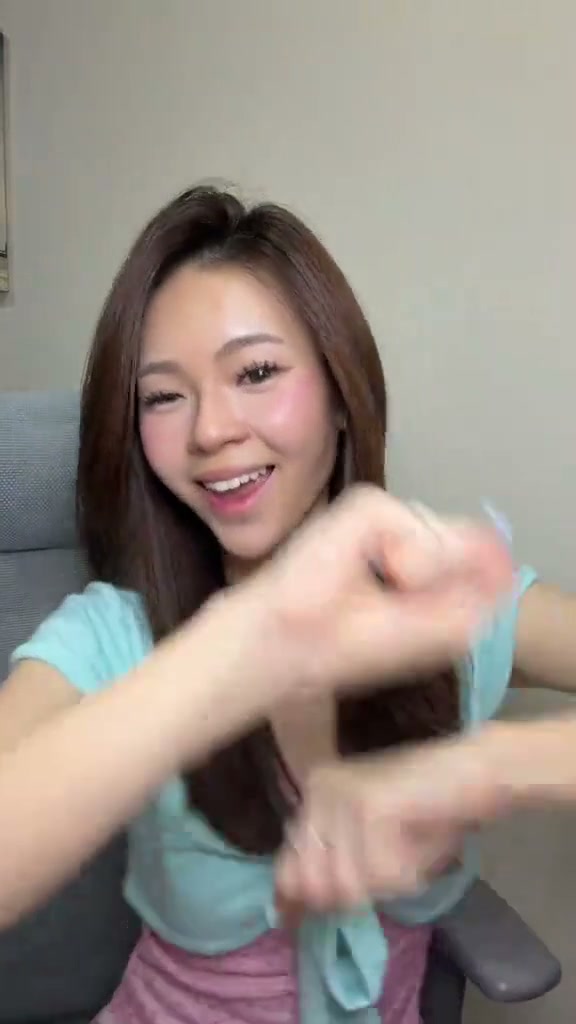
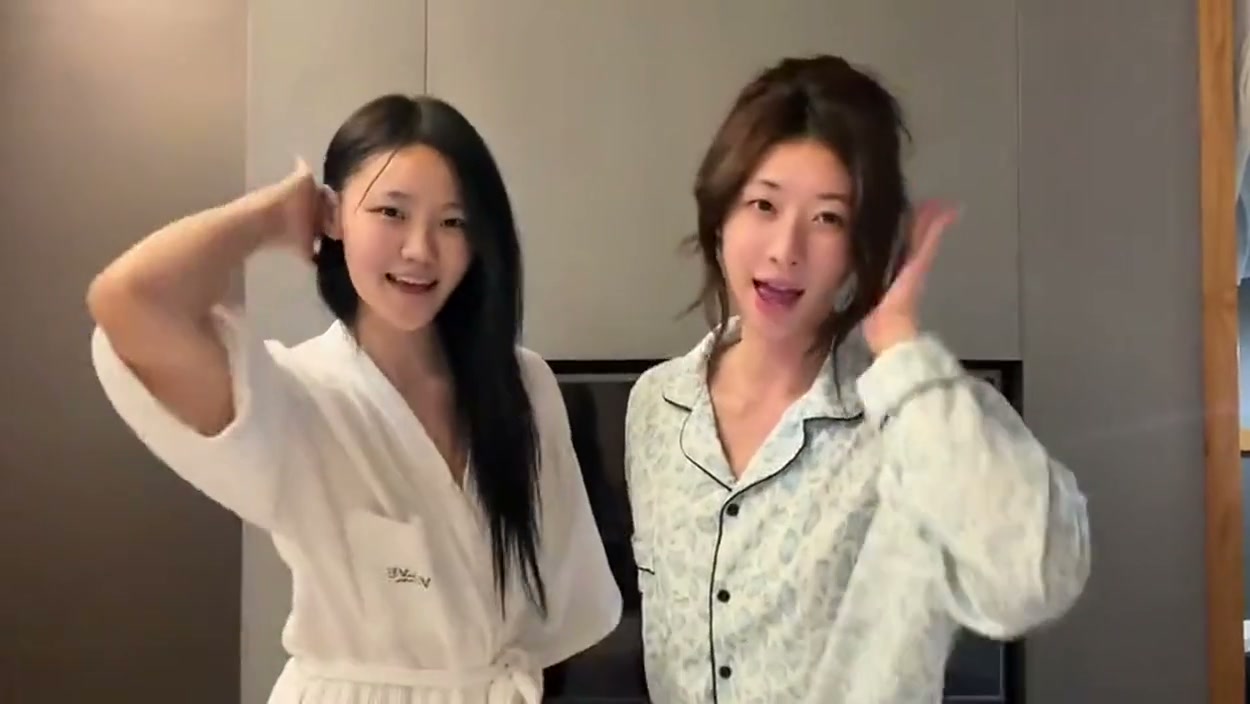
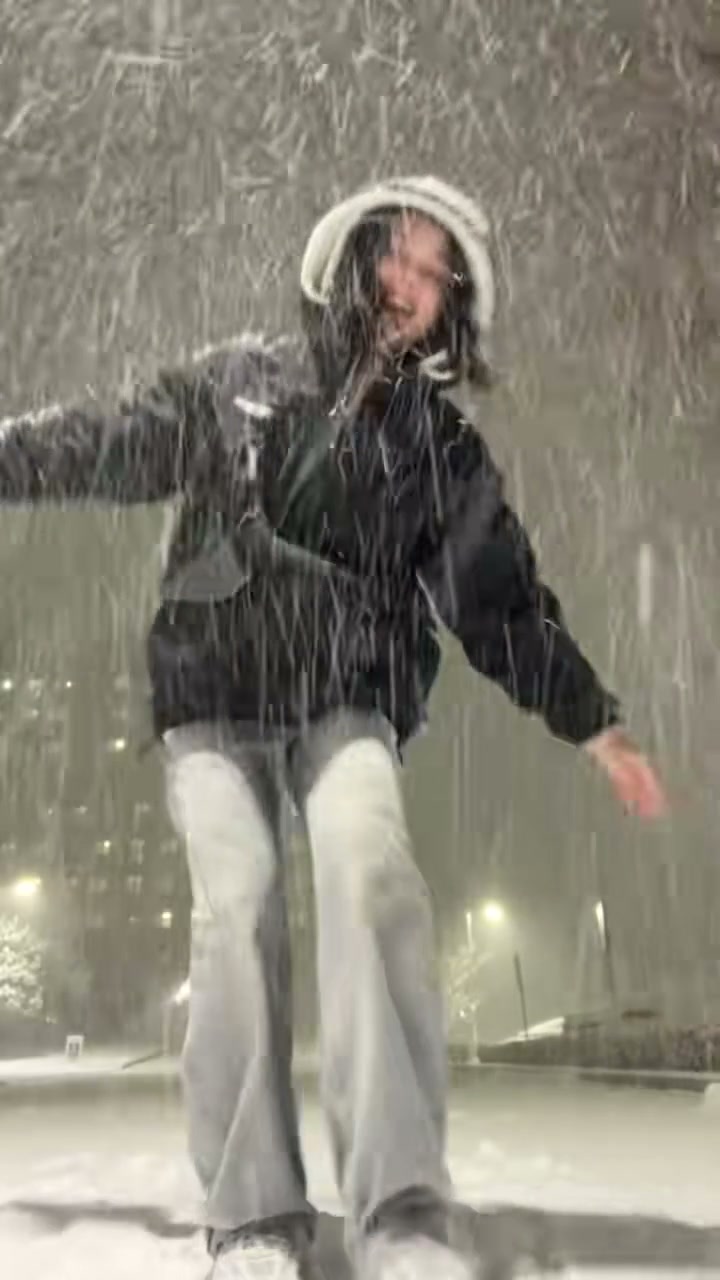
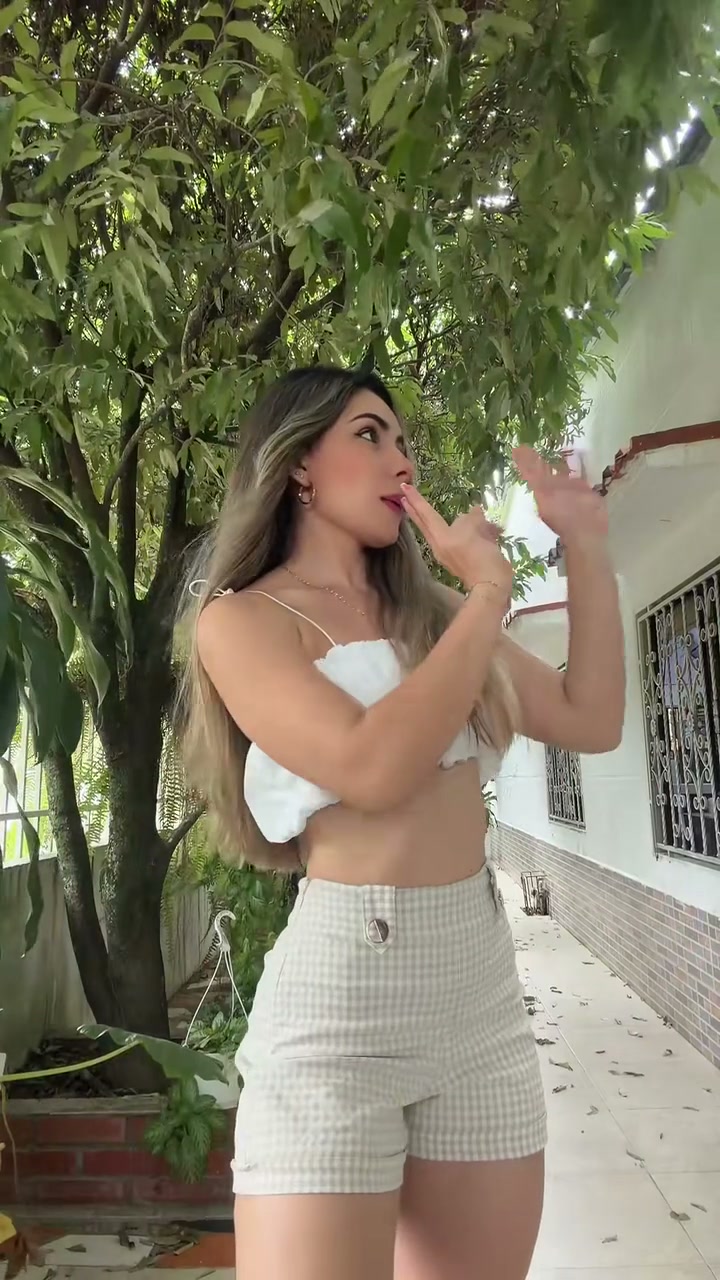
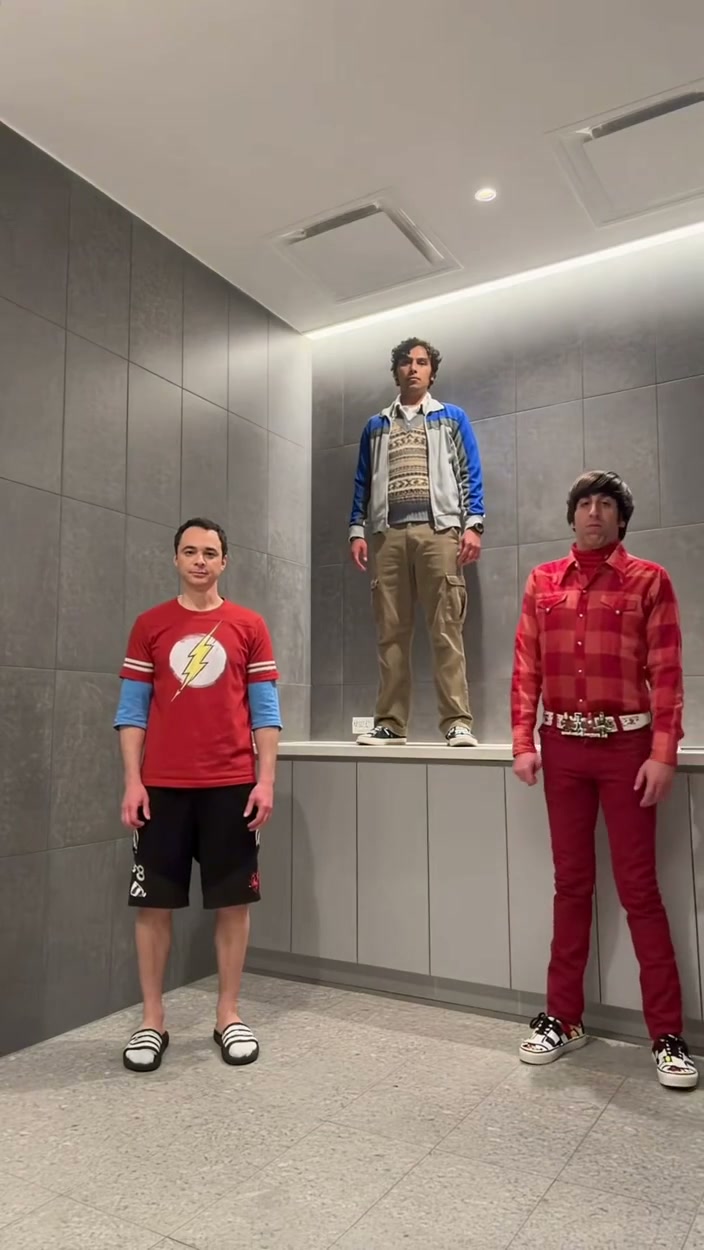
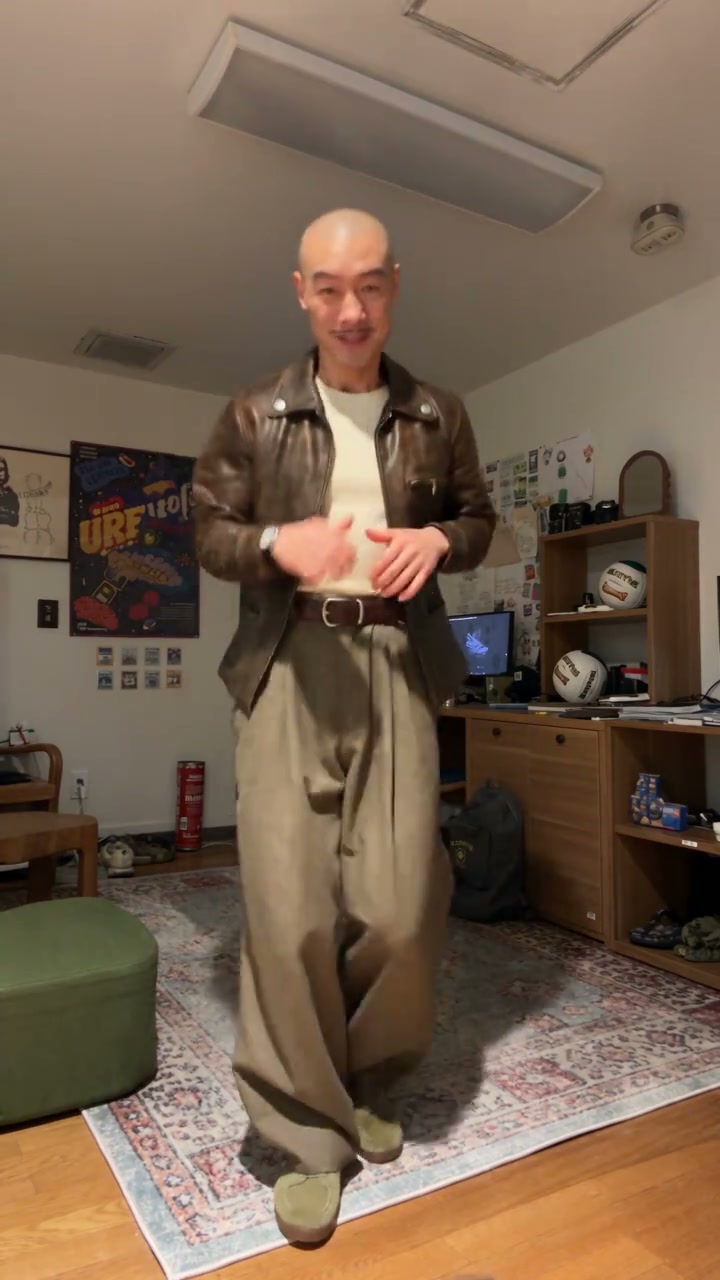
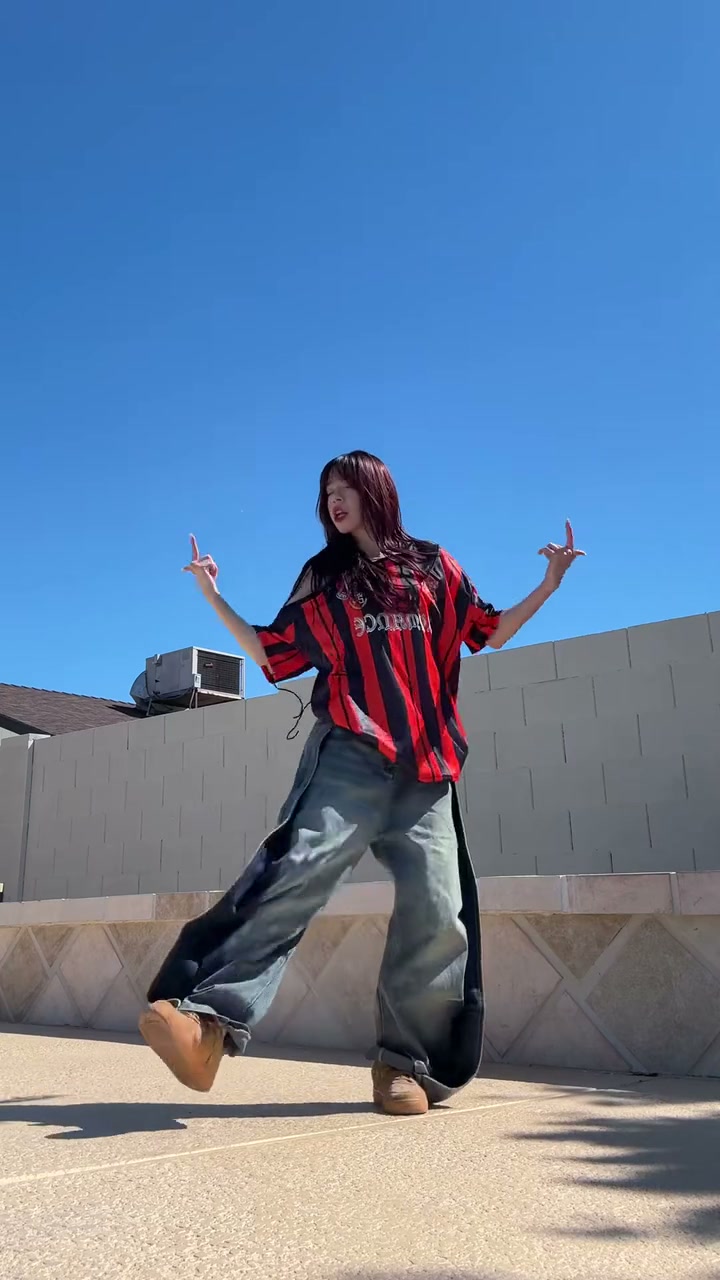
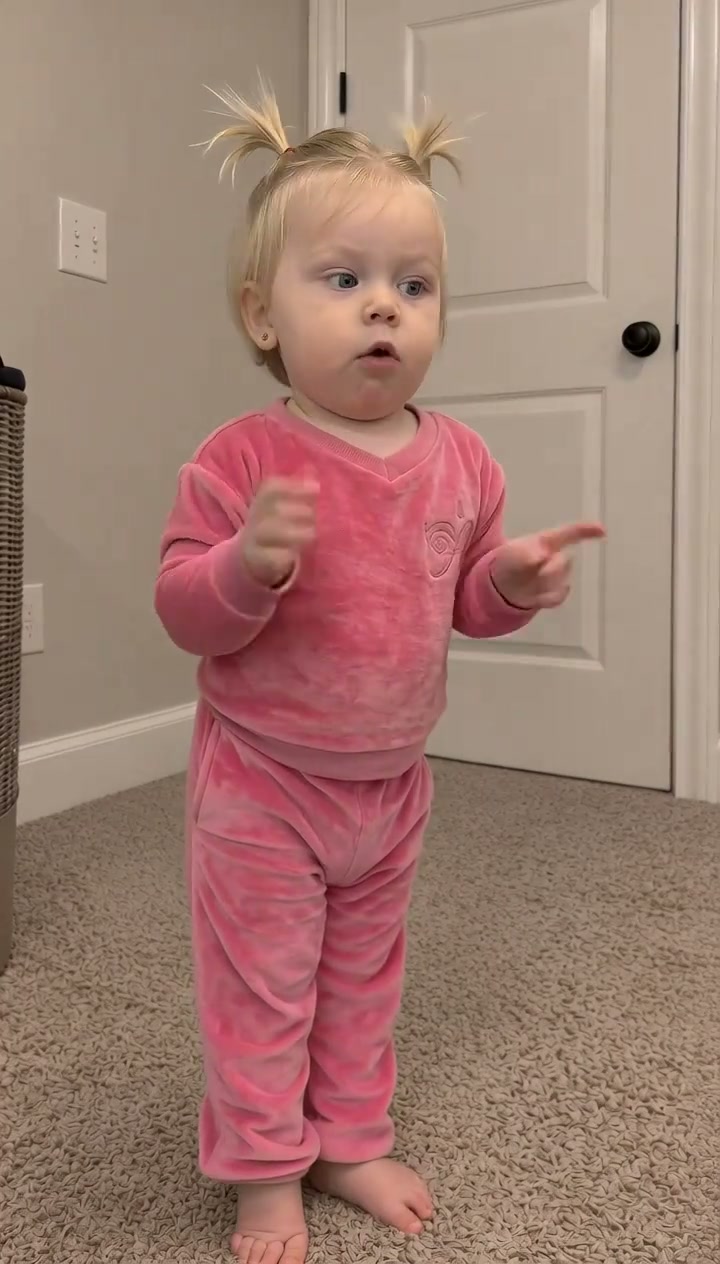
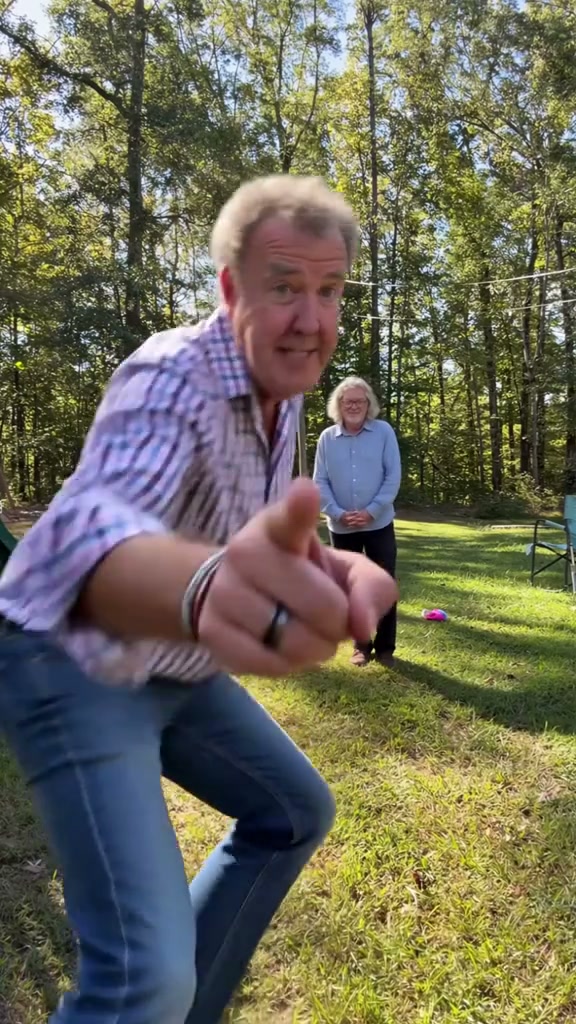
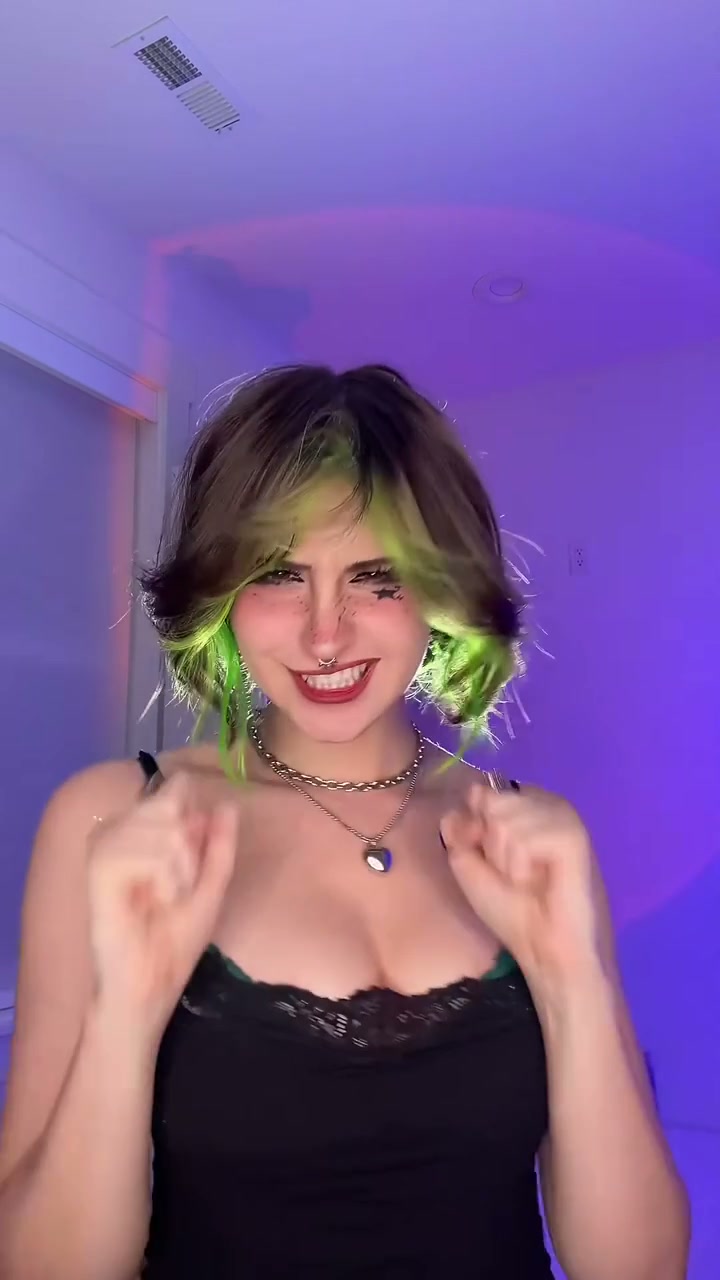
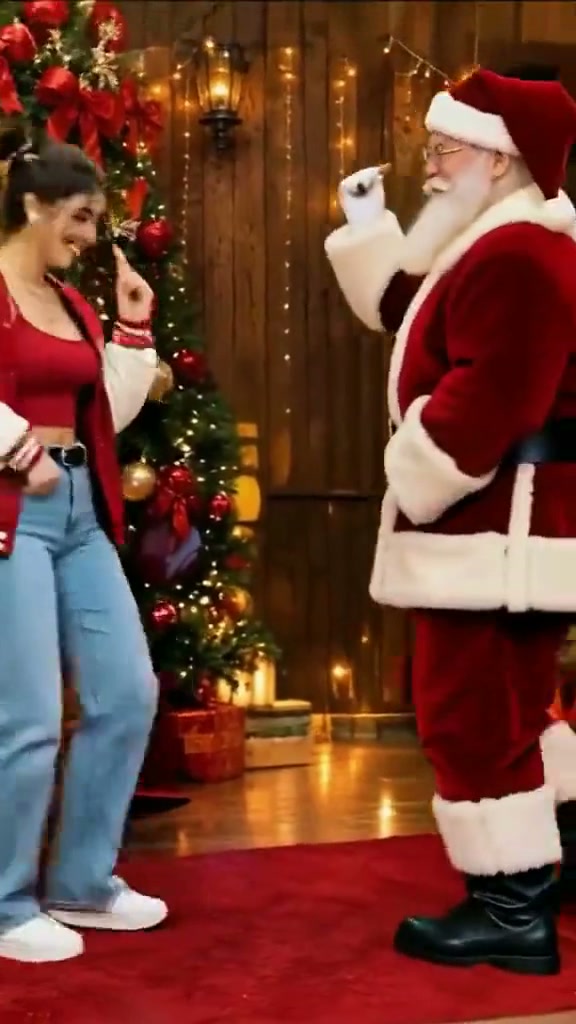
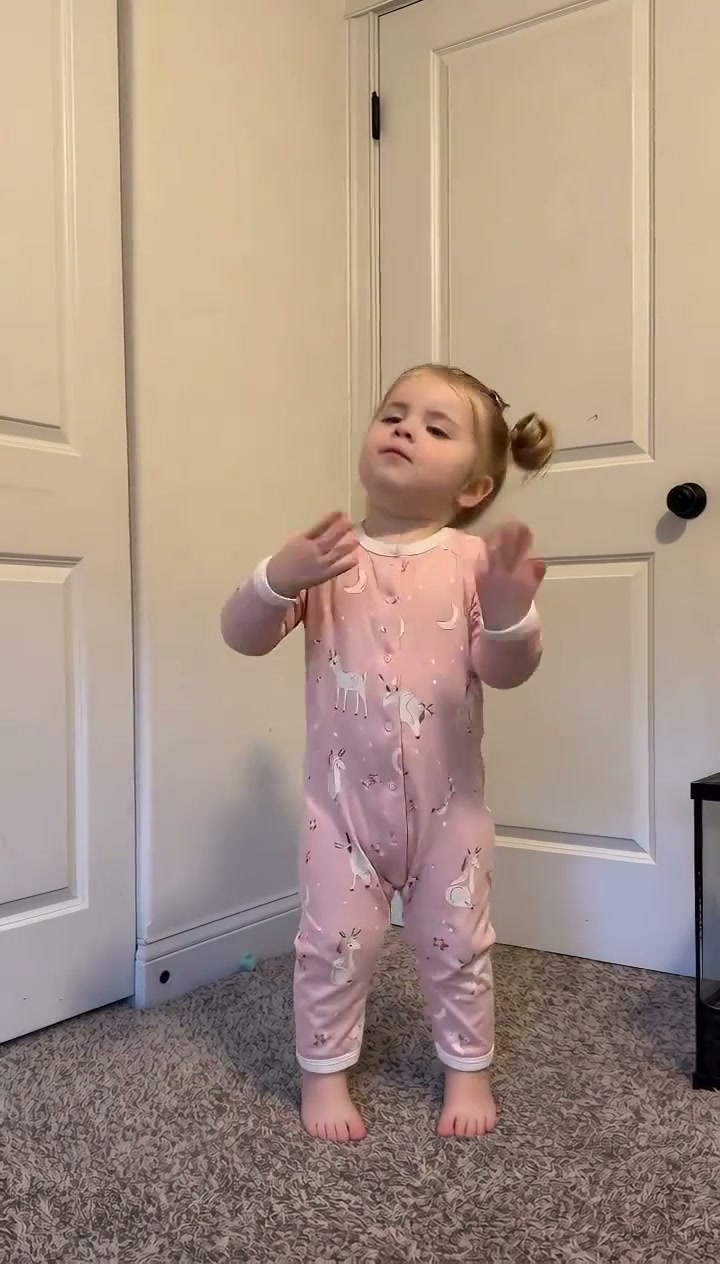
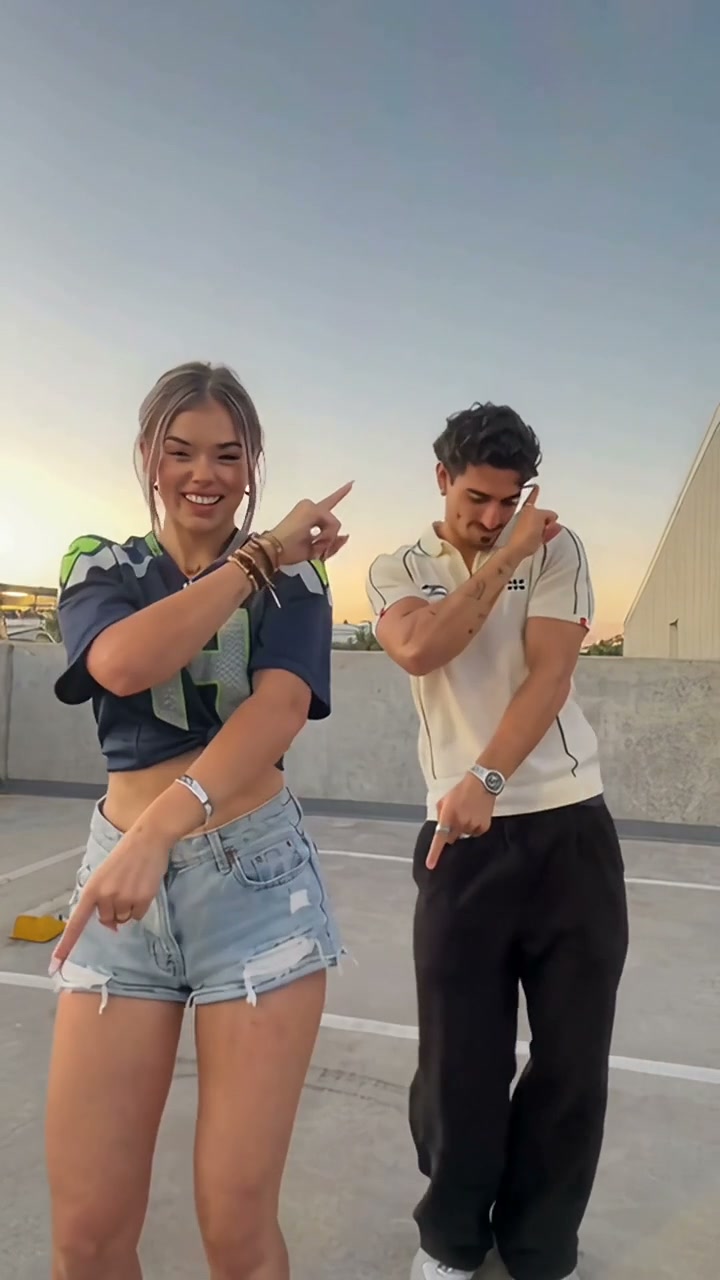
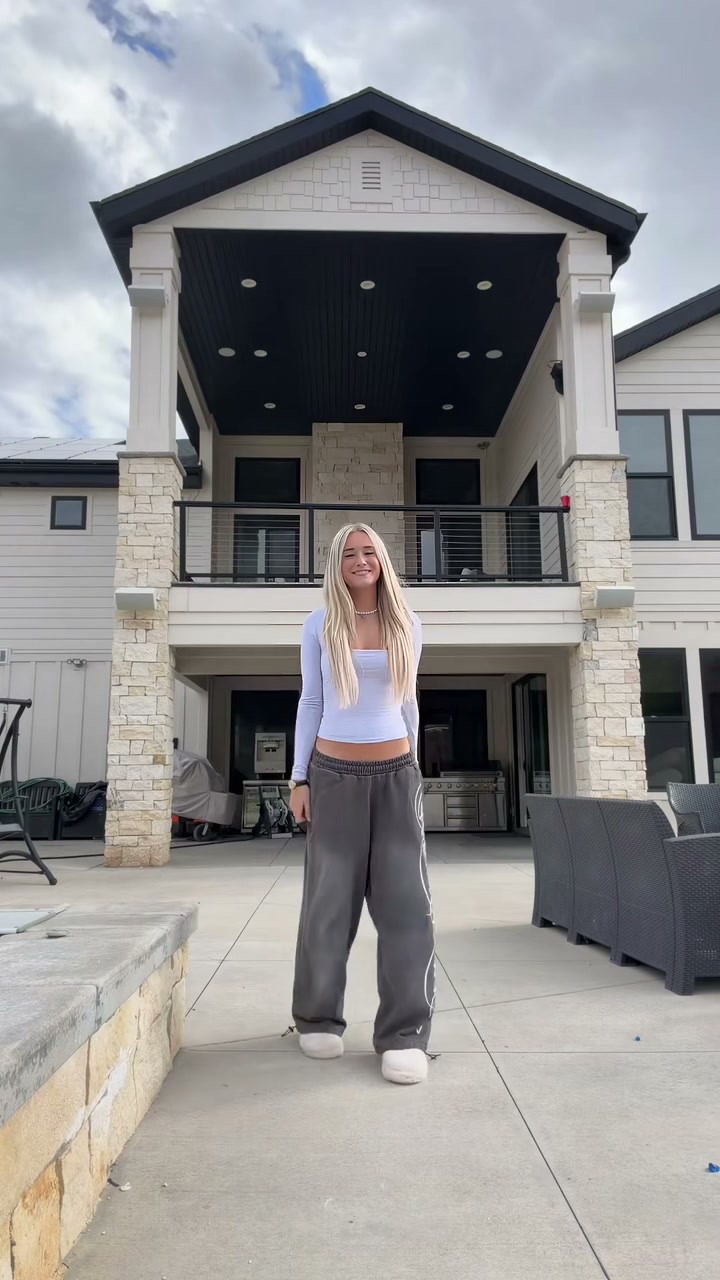
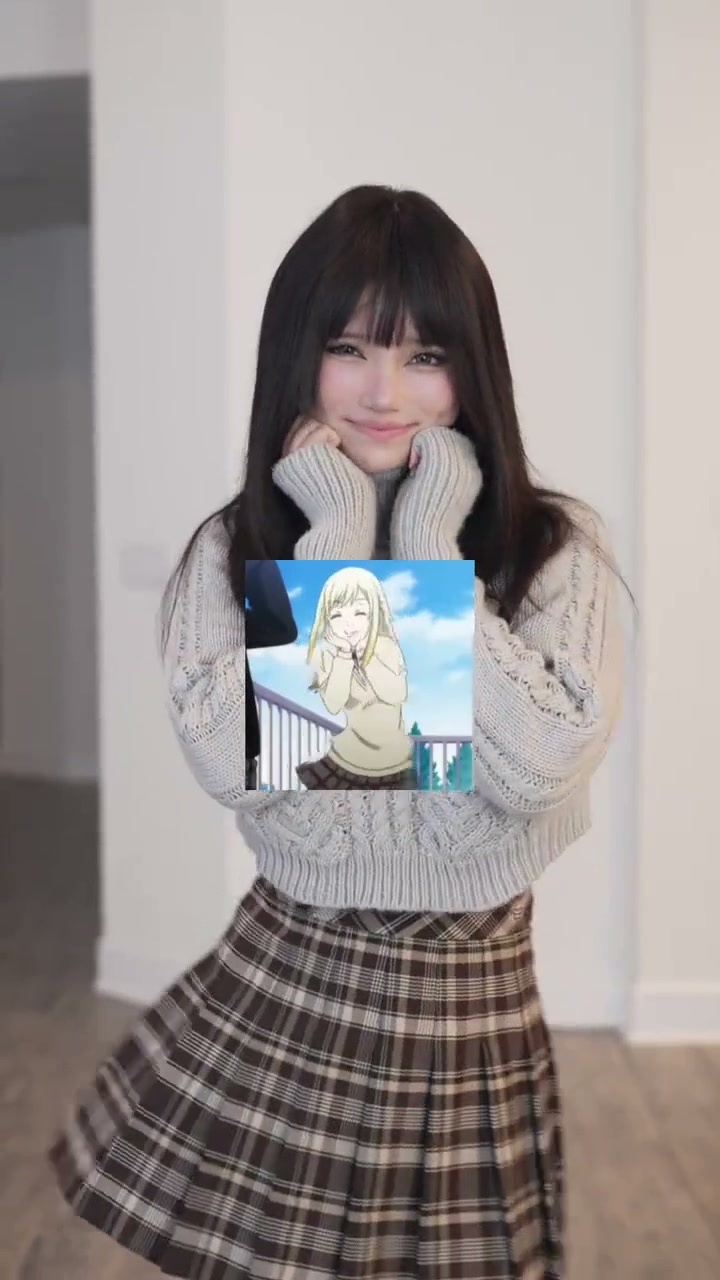
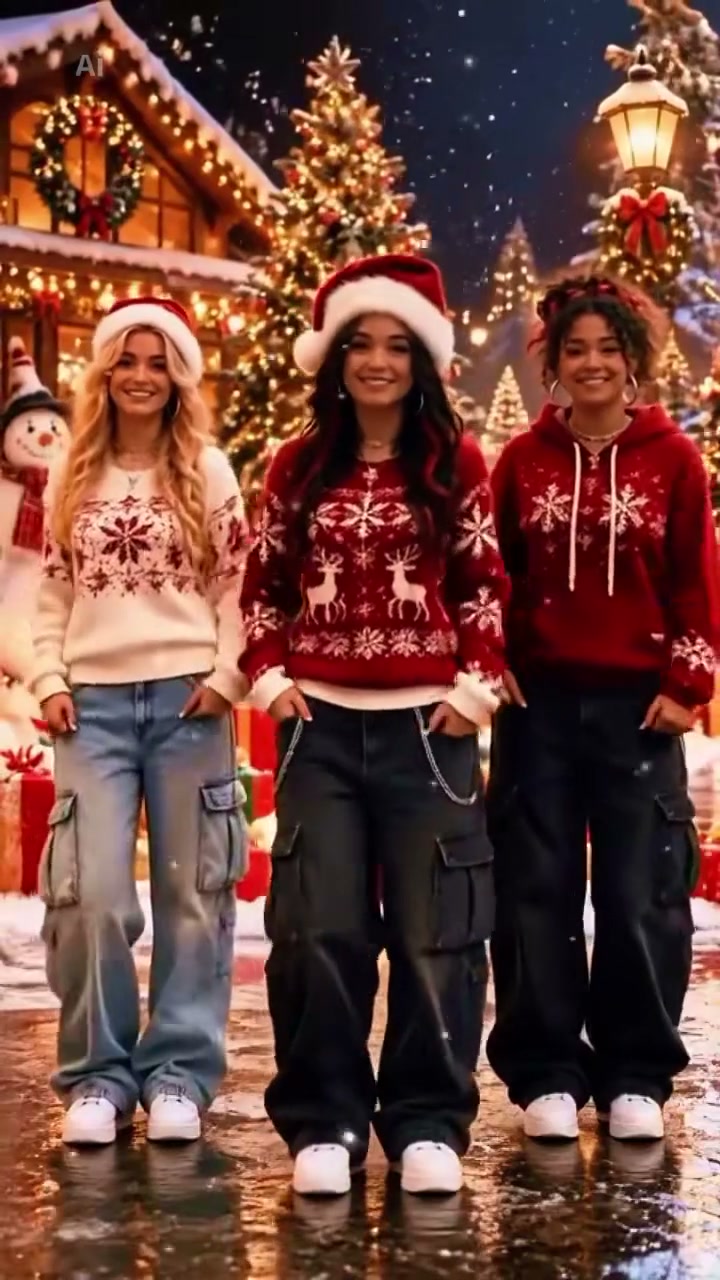
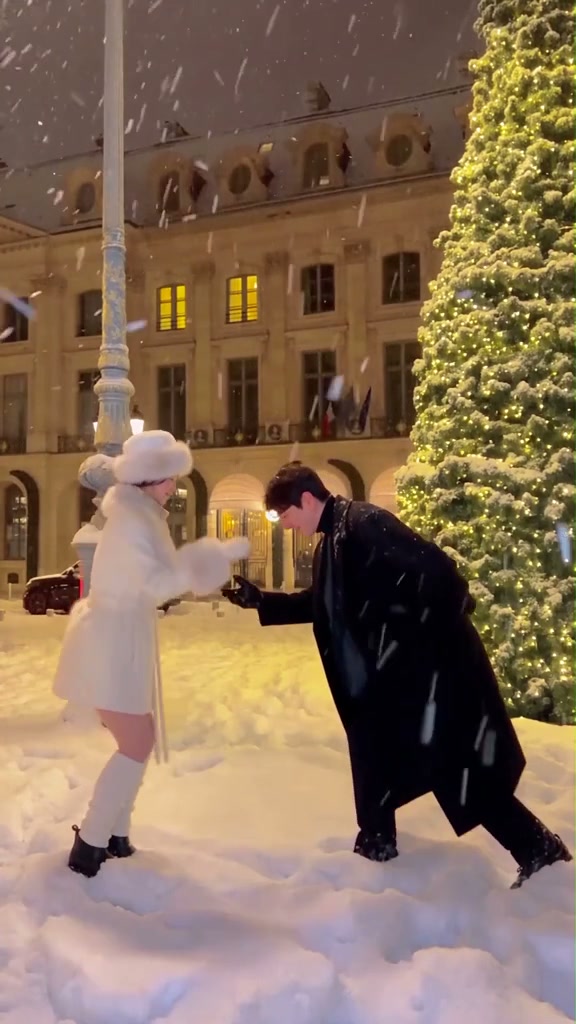
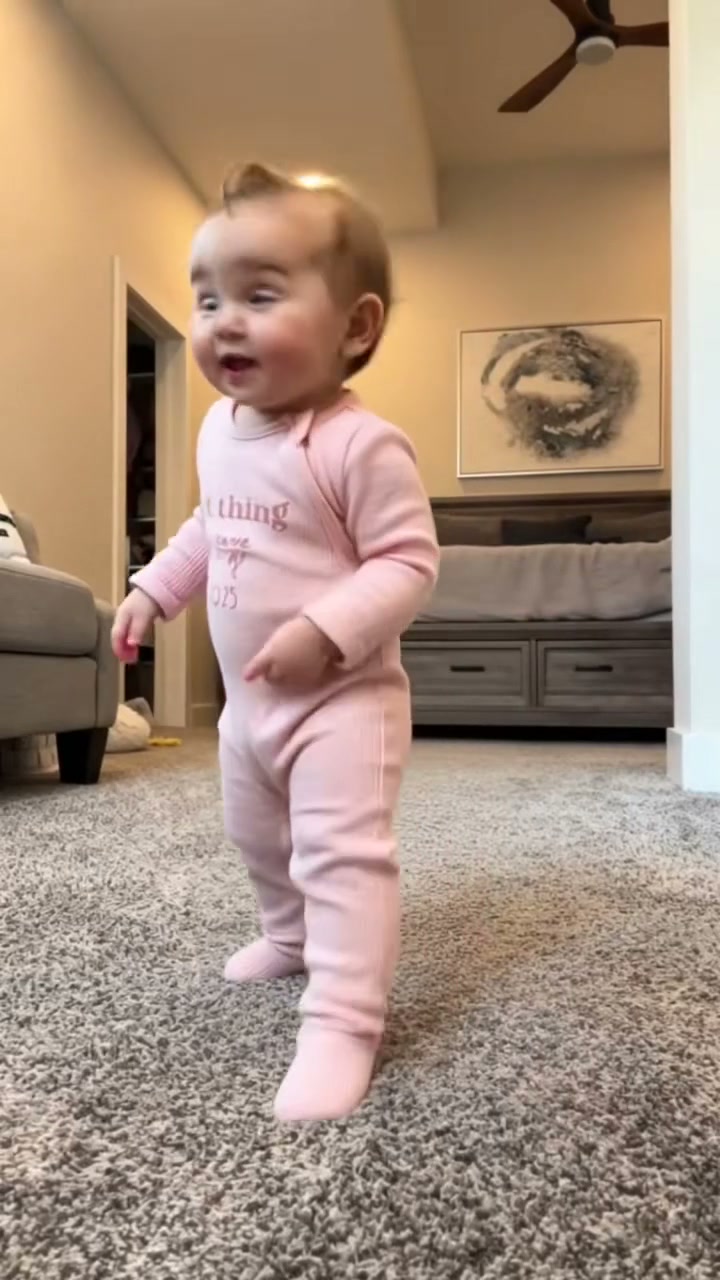
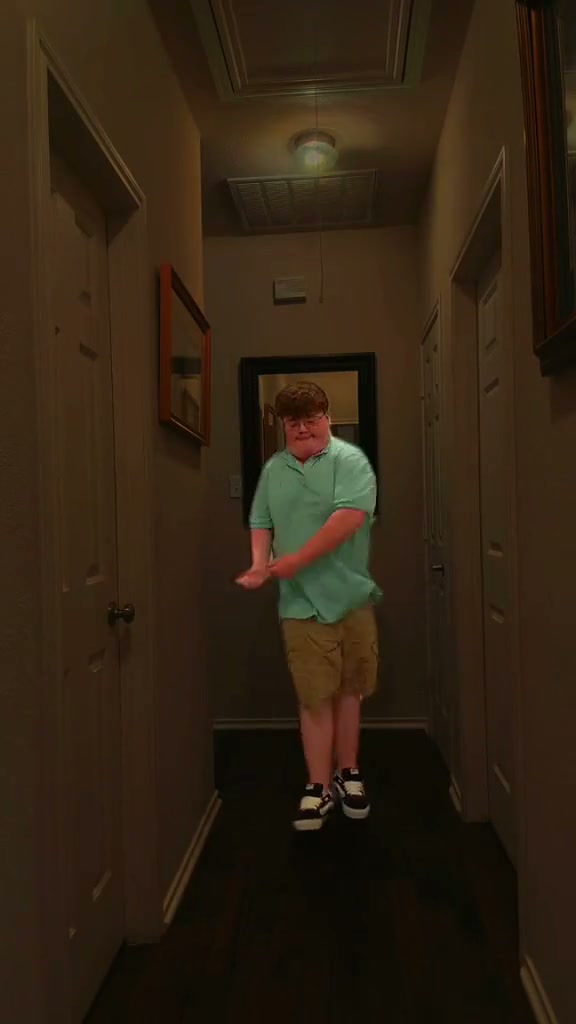
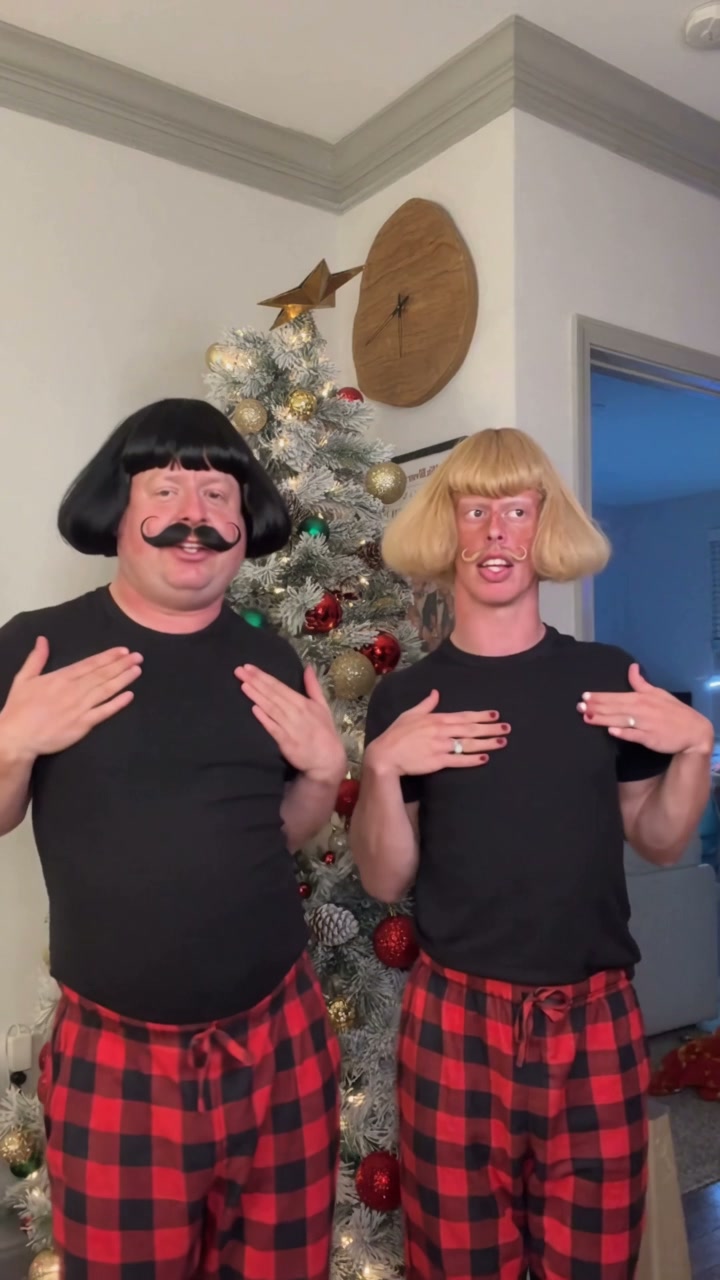
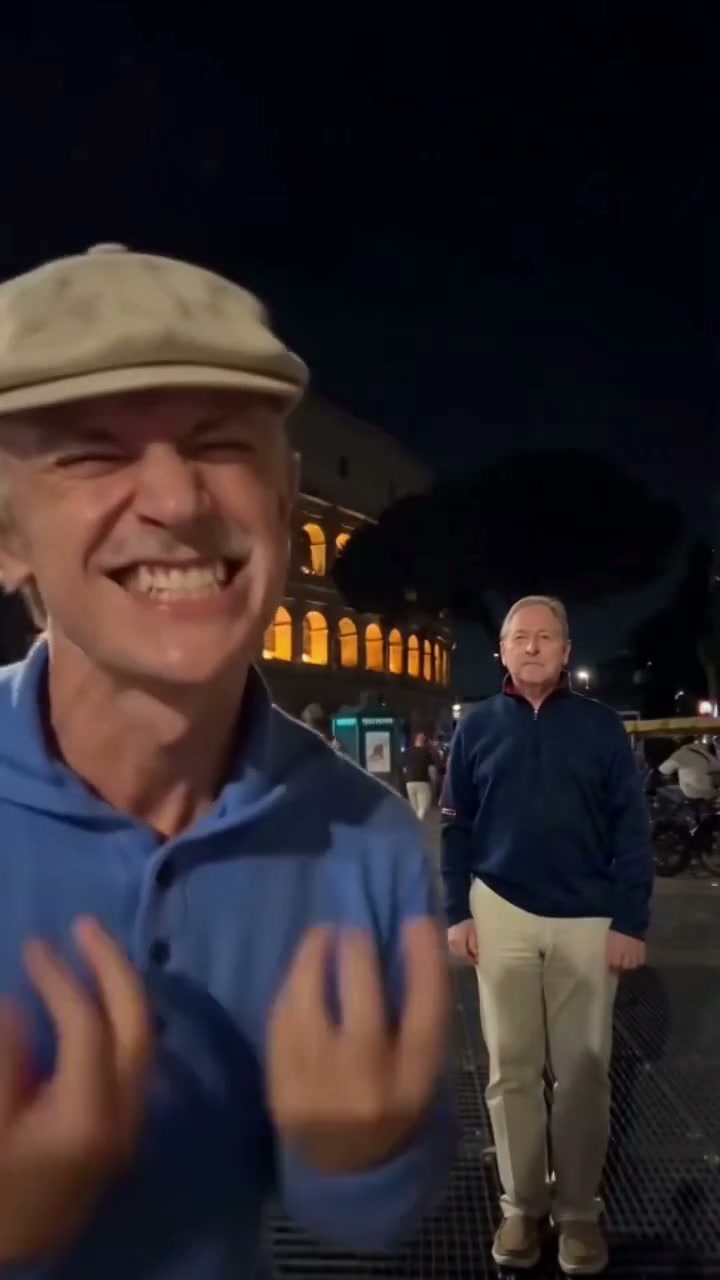
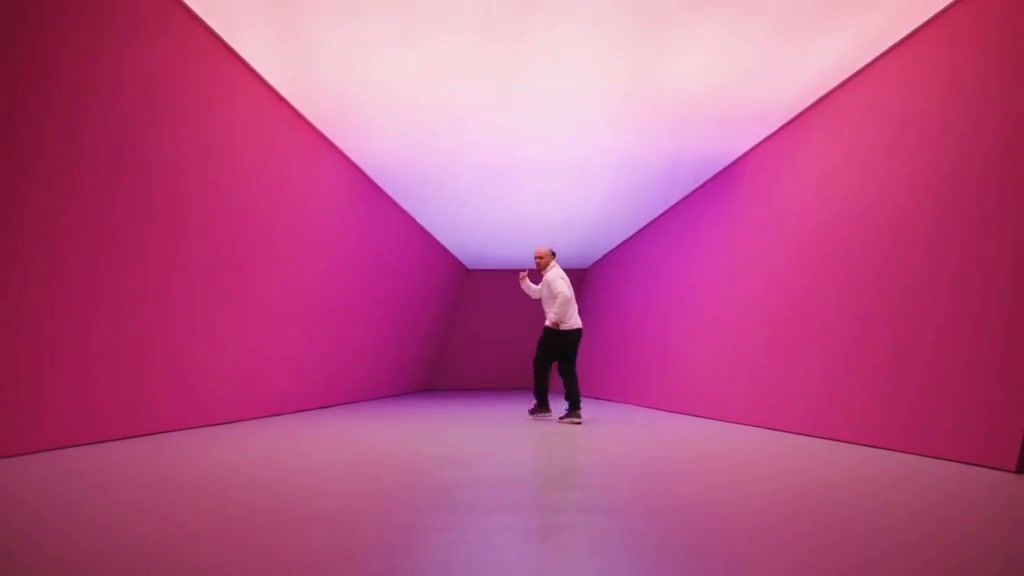
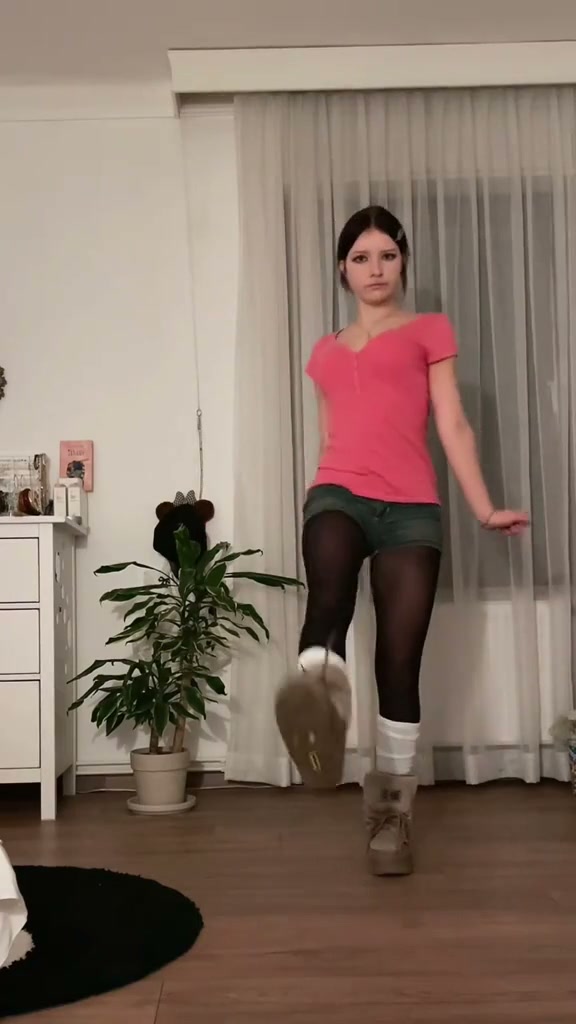
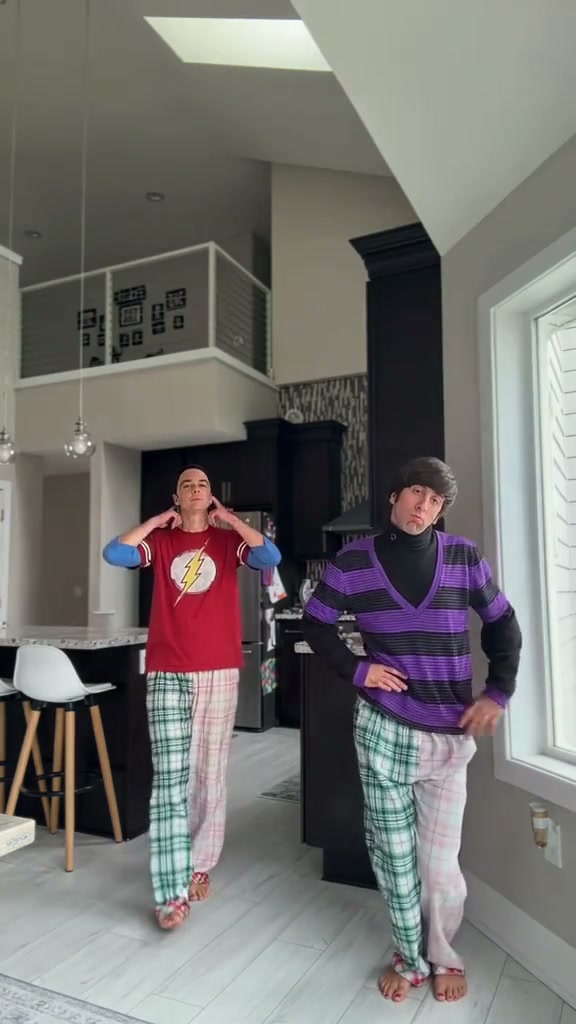
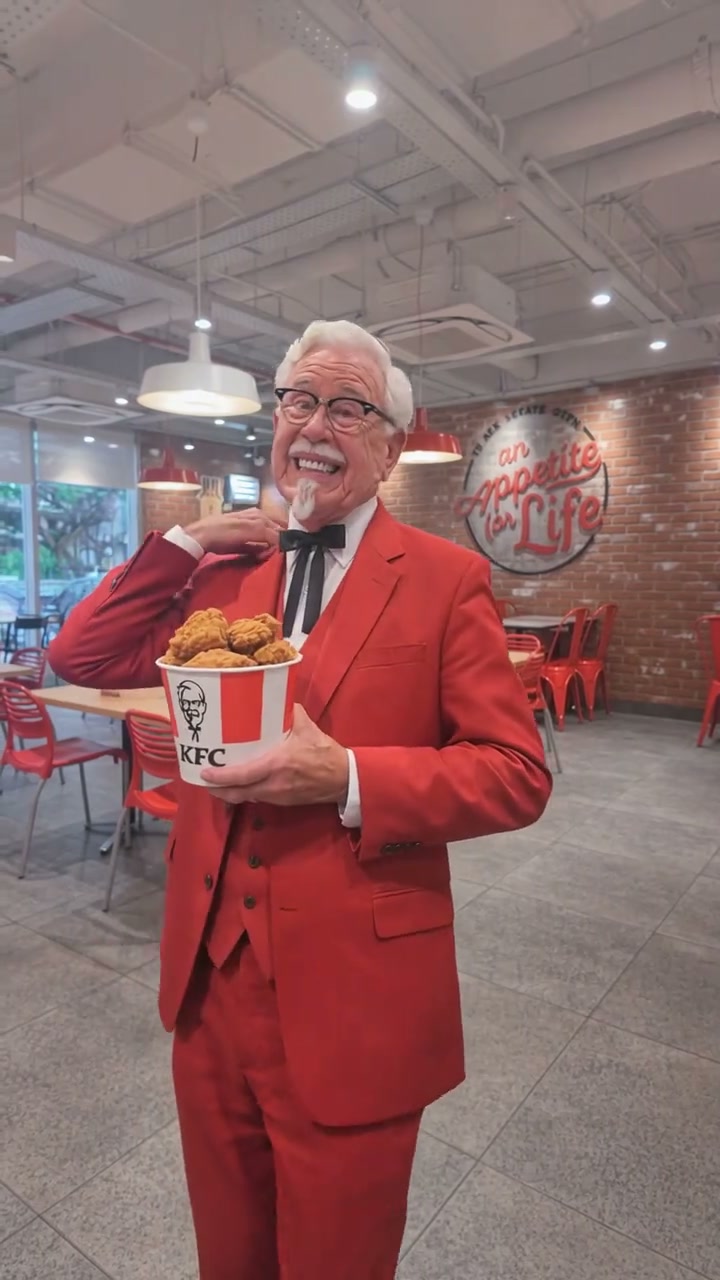
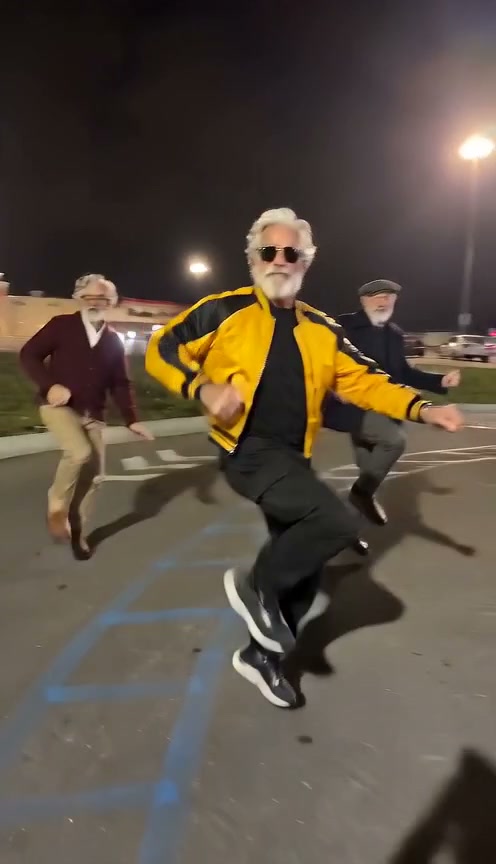
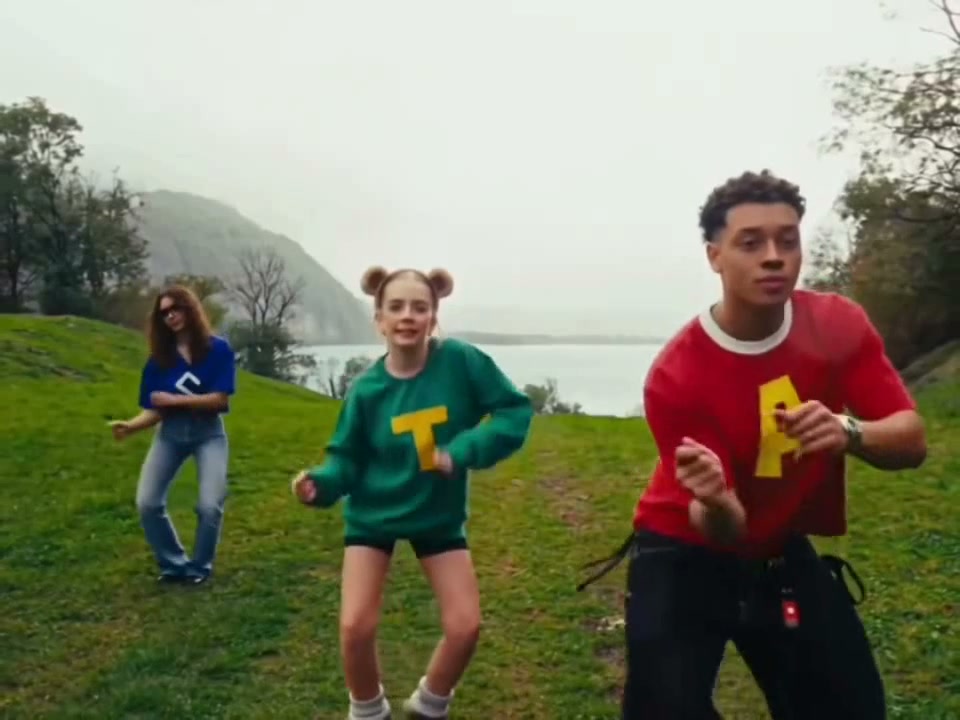
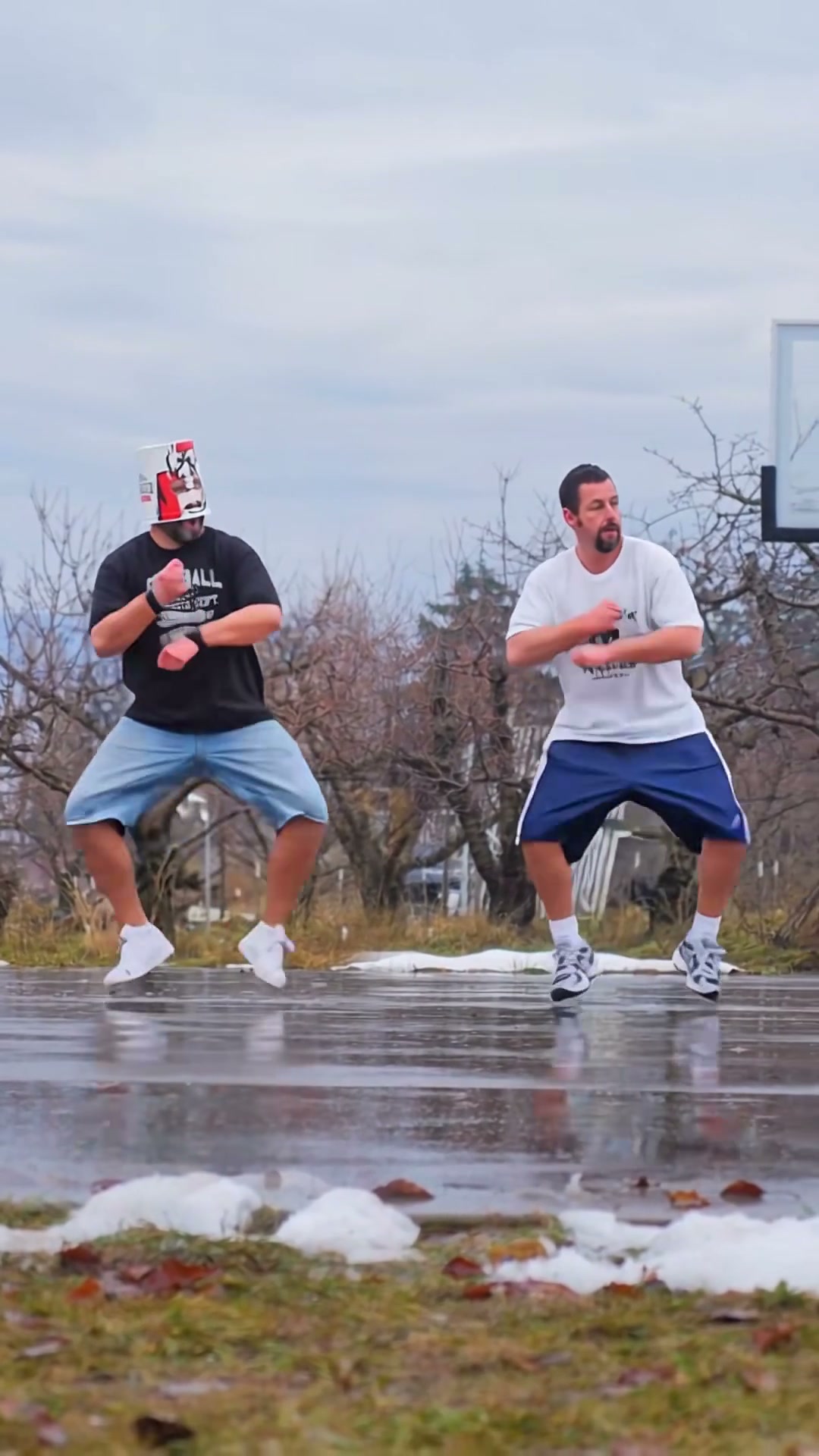
Dance & Music · 54 Templates

Viral AI Dance & Music Video Templates

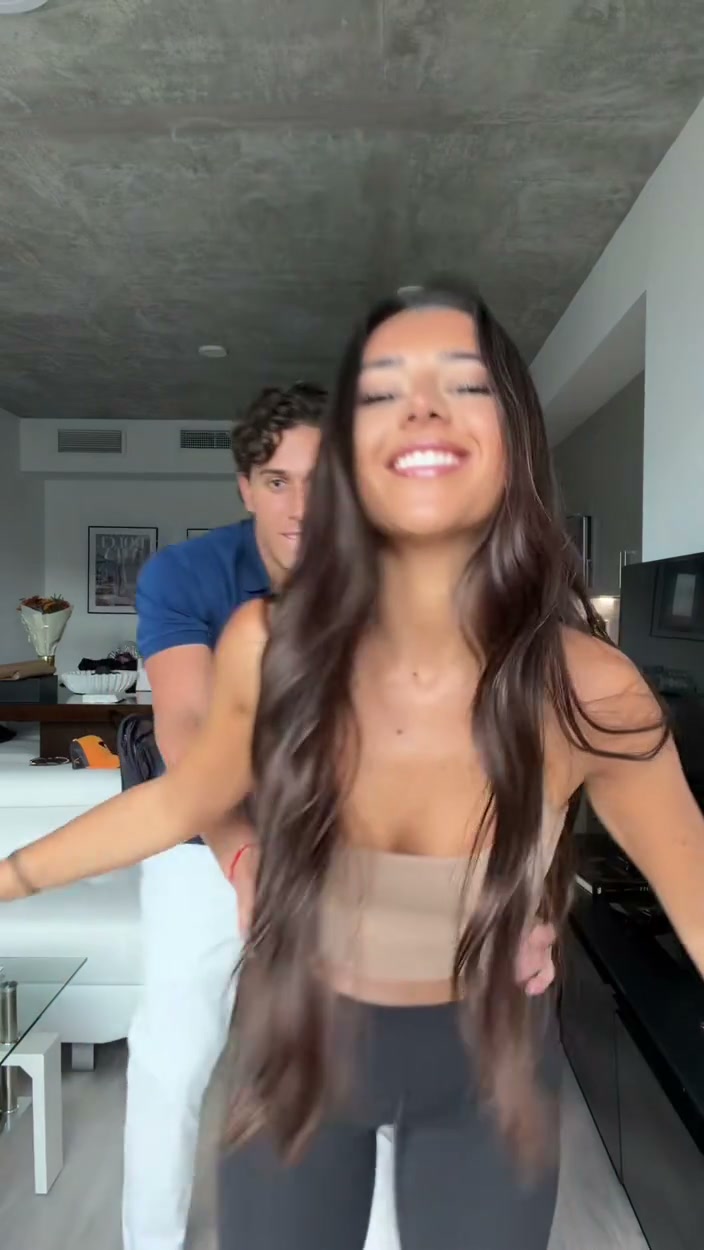
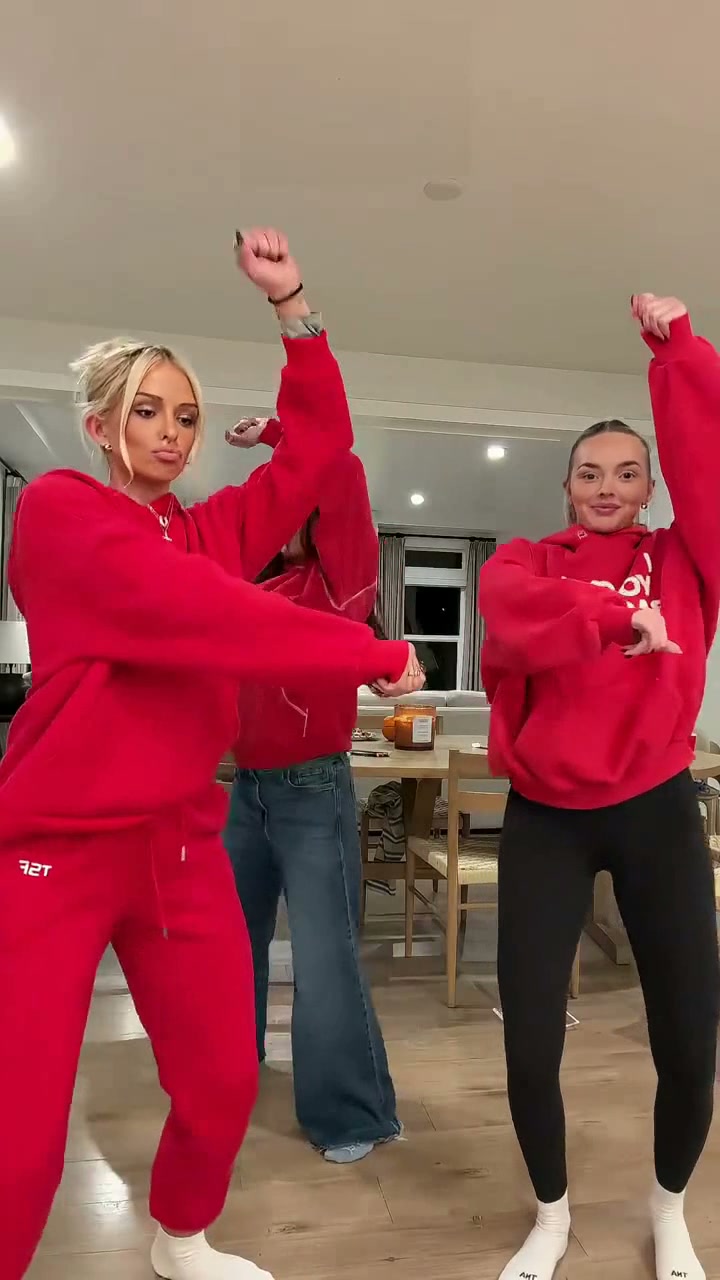
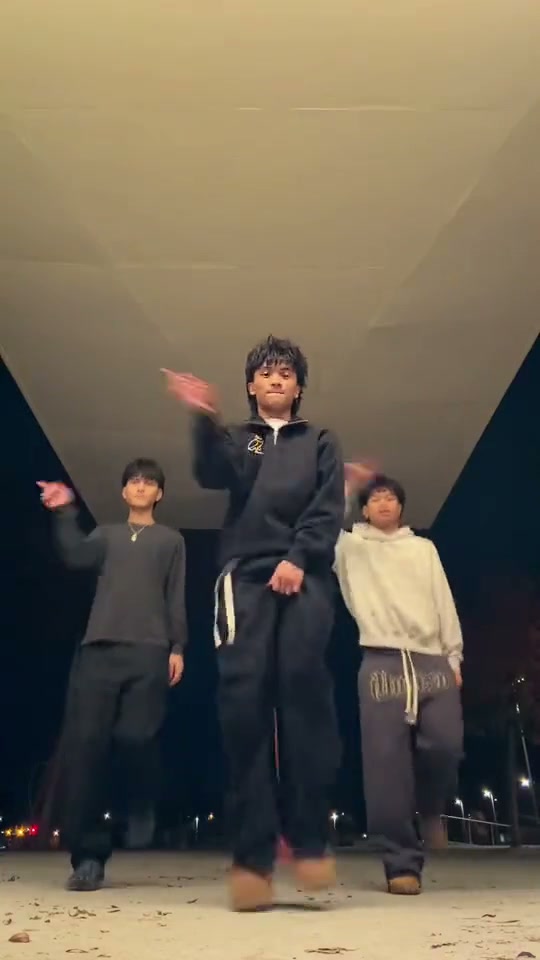
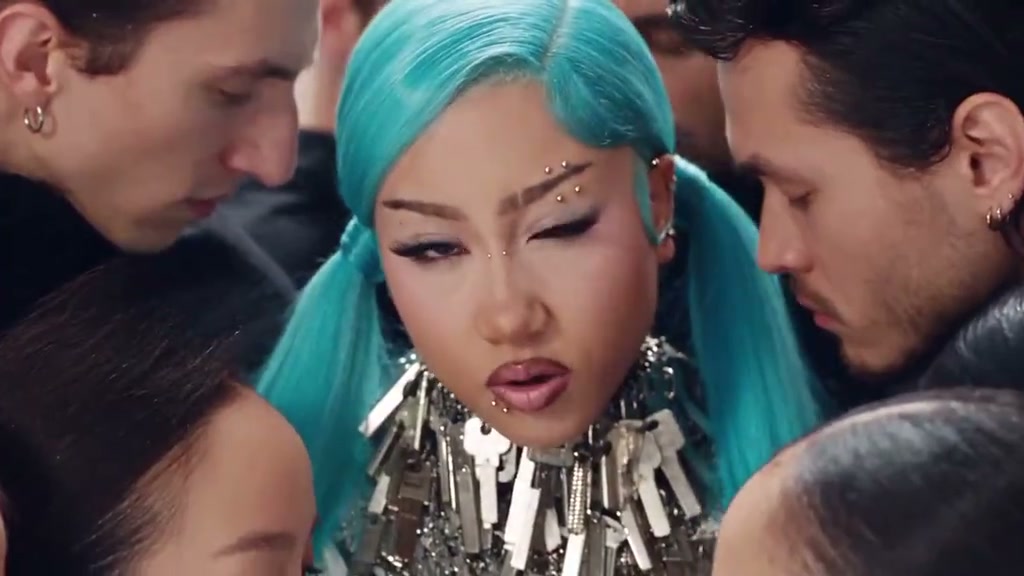
Browse our curated collection of AI dance and music video templates. Every choreography studio locks verified footwork, camera timing, and synced audio so you can upload portrait photos and render clean MP4 dance clips without writing prompts.

Devices

Browser Only · No App

Photo Input

1–4 Photos · Zero Prompts

Cost & Length

From 4 Credits · 7–15s

Billing Policy

Pay Once · No Subscription

Browse 54 Dance & Music AI Video Templates

Hover or tap any template to preview & cast your photos

How to Get Crisp AI Dance Videos from Static Photos

Dance routines combine fast arm swings, torso grooves, and synchronized footwork. Choosing the right source portrait makes the difference between a smooth beat-matched clip and identity drift during rapid turns.

01

Use Forward-Facing Portraits with Clear Hair & Outfit

Upload a sharp, evenly lit photo where your face, hairline, and upper outfit are clearly visible. Avoid heavy sunglasses, strong backlight, or cropped foreheads so your likeness holds steady through wide shots and zoom-ins.

02

Match Solo, Duo, Trio, or Squad Cast Slots

Many TikTok dance formats feature 2, 3, or 4 dancers on screen at once. Use the built-in Cast Setup selector to star solo in a single role or upload separate portraits for each friend so every dancer preserves their own face and clothing.

03

Keep Native 9:16 or 16:9 Framing Locked

Every dance studio automatically locks to its source choreography’s native aspect ratio—9:16 vertical for TikTok, Reels, and Shorts, or 16:9 widescreen for iconic music-video cuts—so footwork and head movement never get awkwardly cropped.

Best Workflow for Posting AI Dance Clips on TikTok & Reels

Start with Standard 480p (2–8 credits depending on clip length) when testing a new photo or outfit, then step up to 720p or 1080p for your hero post. Exported MP4 files carry matched beat pacing with zero watermarks, making it effortless to publish immediately or pair with official platform sounds inside TikTok, Instagram Reels, or CapCut.

Included in Every Dance & Music Studio

  • Solo, Duo, Trio & 4-Person Squad choreography slots with individual avatar markers
  • Frame-accurate beat timing across hip-hop, Latin, retro pop, and viral shuffle trends
  • Preserves your uploaded photo’s own clothing styling rather than forcing a uniform costume
  • Desktop & mobile QR photo handoff—no video editing or prompt engineering required

Dance & Music Templates FAQ

Q1How do I make a dance & music AI video from photos?

Open any template card in this Dance & Music collection, upload 1–4 clear portrait or pet photos for the shown cast slots, review the upfront credit total, and click Generate. Your clean MP4 renders in native 9:16 or 16:9 framing—no prompt writing or reference clip needed.

Q2How many Dance & Music templates are included on this page?

This Dance & Music hub currently includes 54 ready-to-use viral AI video templates, and new trending formats in this category appear automatically at the top as soon as they launch.

Q3Can I preview credit costs before rendering a video?

Yes. Every template page displays its exact upfront credit cost based on clip duration, selected model, and resolution before you submit. Failed cloud renders refund reserved credits automatically.

Q4Do I need a full-body photo for AI dance video templates?

A sharp chest-up or waist-up portrait works reliably on most dance templates, while a well-lit full-body photo helps preserve your preferred jeans, sneakers, or dress styling in wide choreography shots. Avoid extreme side profiles or heavy motion blur.

Q5Can I cast 2 or 3 friends into the same AI dance routine?

Yes. Multi-dancer templates include dedicated upload slots (up to 4 separate portraits) plus flexible cast modes so you can cast everyone together or star solo in a chosen left, center, or right lane.

Ready to Make Your Own Dance & Music Video?

Jump into our homepage studio to search all 54 dance & music trends and 124+ viral templates using just your photos—no reference video needed.