
BABY FILTER AI VIDEO GENERATOR: VIRAL TALKING BABY CHEEKS
Star in the viral “Baby Filter AI” talking face trend without recording live webcam footage or downloading mobile apps. Upload your portrait photo to generate an expressive12-second streamer reaction or 15-second doctor confrontation clip with synced audio ready for TikTok and Reels. Pay-as-you-go video generation starts at just 6 credits with zero monthly subscription.
CREATE YOUR BABY FILTER VIDEO
Upload portrait & choose cut

Tip: Use a clear front-facing upper-body or full-body photo with visible face and outfit styling in even light.
Video Options
By generating you confirm compliance with our Terms · Privacy · Acceptable Use
12-second video · 6 credits per generation · One-time packs, no subscription
WATCH EXAMPLES FREE · REVIEW THE COST · FAILED-TASK CREDIT RETURN
WHAT IS THE BABY FILTER AI TREND?
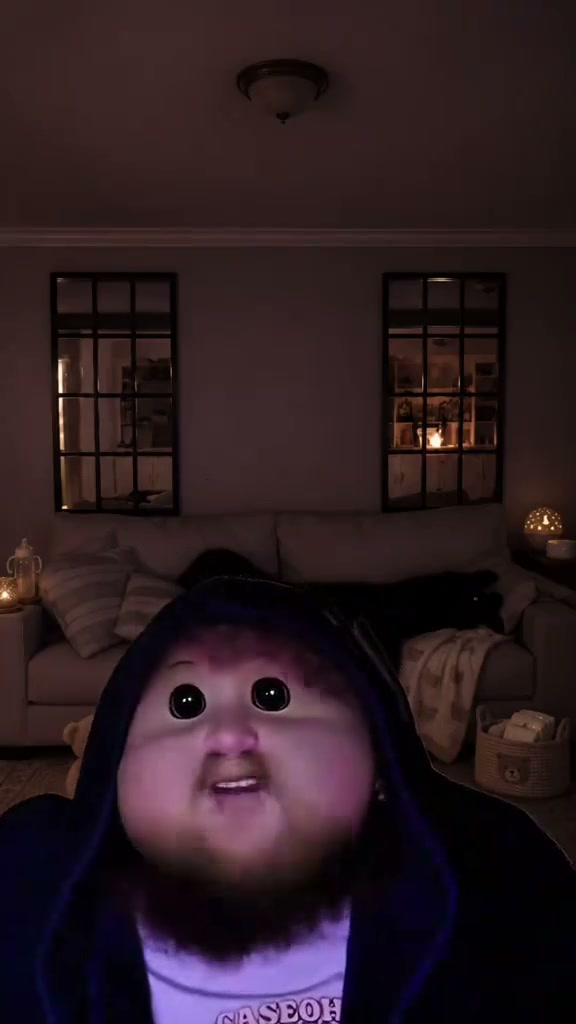
Baby Filter AI is a browser-based video generator built around the viral TikTok "#BabyFilter" and "#BabyFace" meme sensation. Upload a clear portrait to transform your face into an expressive talking baby face with chubby cheeks and wide glossy eyes across an 12-second vertical streamer cut (6 credits) or 15-second widescreen confrontation cut (8 credits) with synchronized audio.
Circulating on TikTok and Instagram Reels under #BabyFilter, #BabyFaceFilter, and streamer reaction memes, this viral format contrasts dramatic adult dialogue, intense speeches, and loud gaming outbursts with chubby baby cheeks, smooth skin, and wide glossy eyes.
Built-In 9:16 & 16:9 Cuts
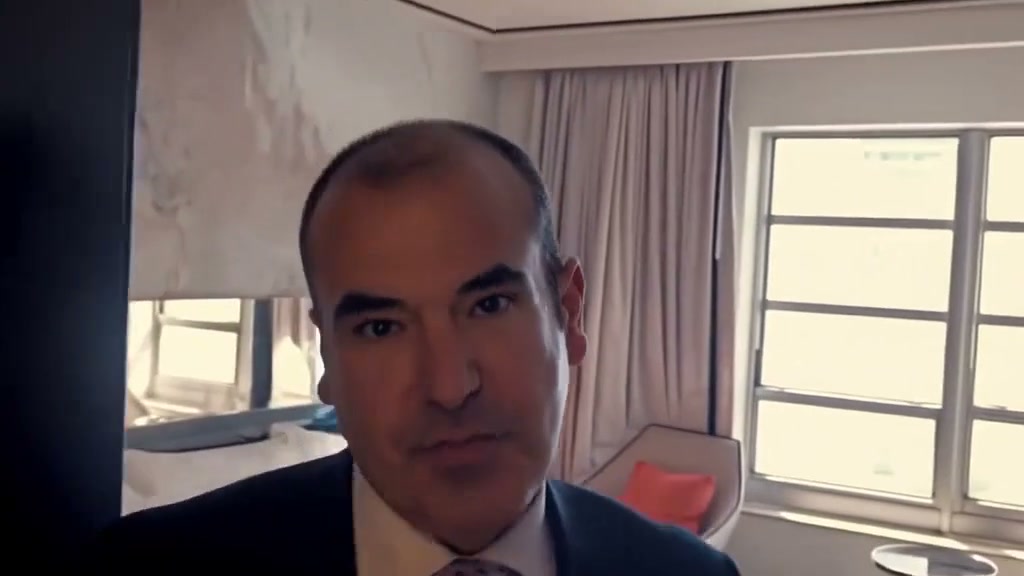
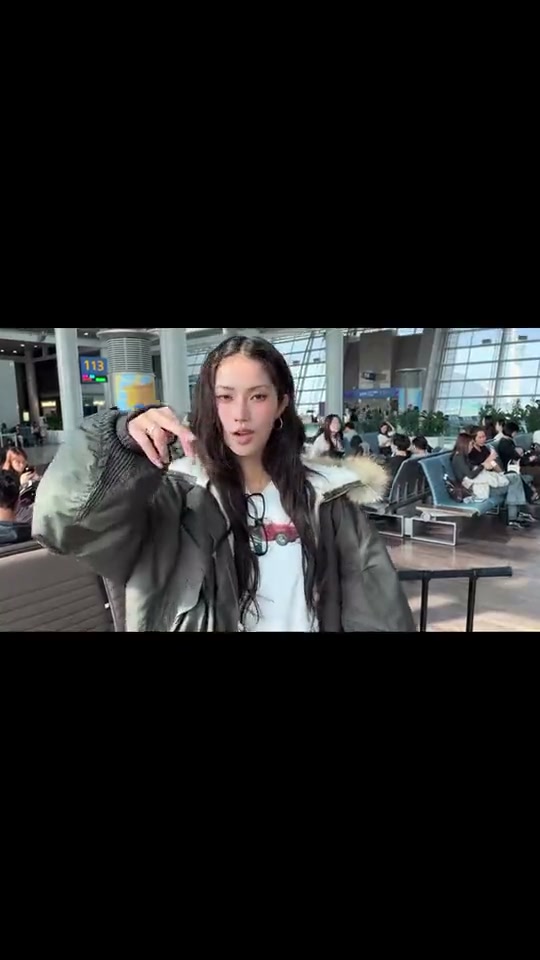
Upload 1 portrait. Pick 9:16 Vertical for reaction clips or 16:9 Widescreen for cinematic doctor parodies—no mobile apps or live selfie recording needed.
Explore trending clips on TikTok search results.
Reviewed by Viral AI Video · . Independent AI tool, not affiliated with TikTok or any media franchise.
Comedy & Pranks Templates
Explore More Viral AI Video Templates
Jump into related trending formats in this category or browse the full directory.
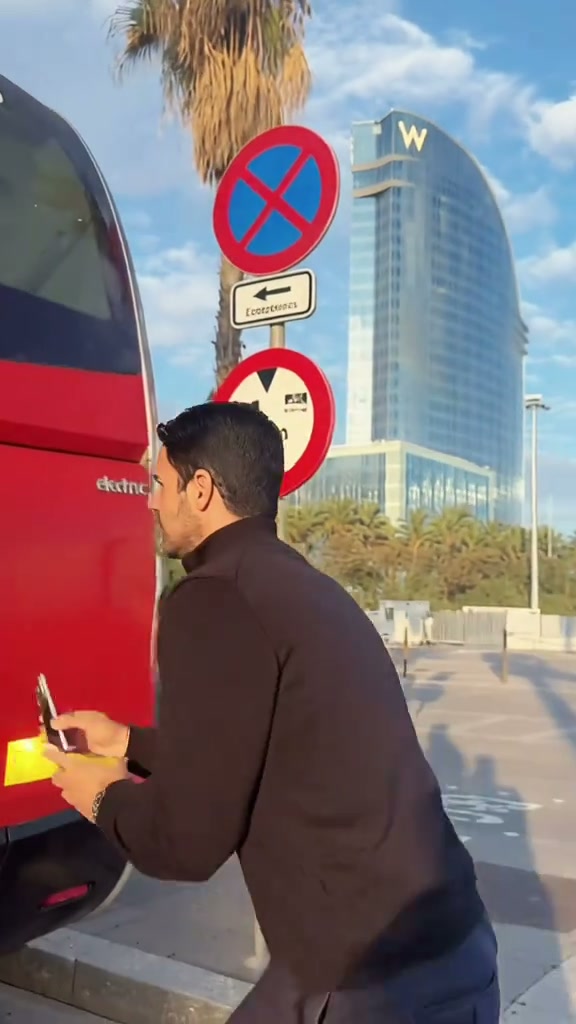
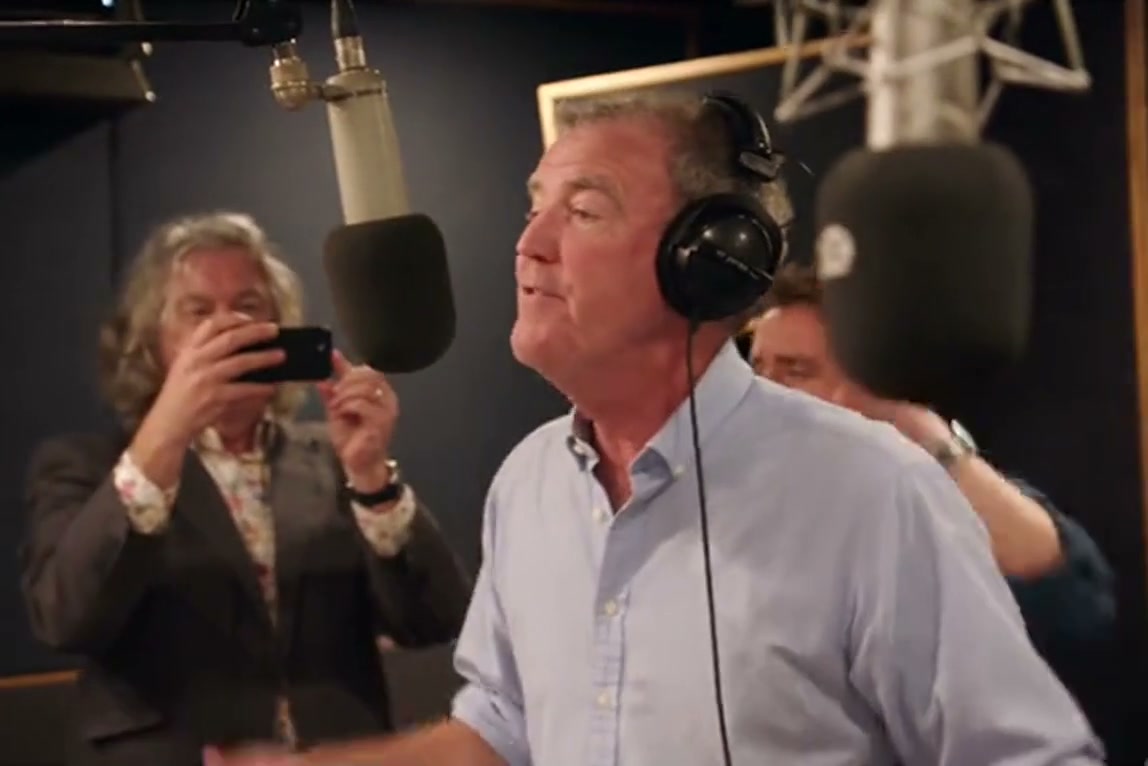
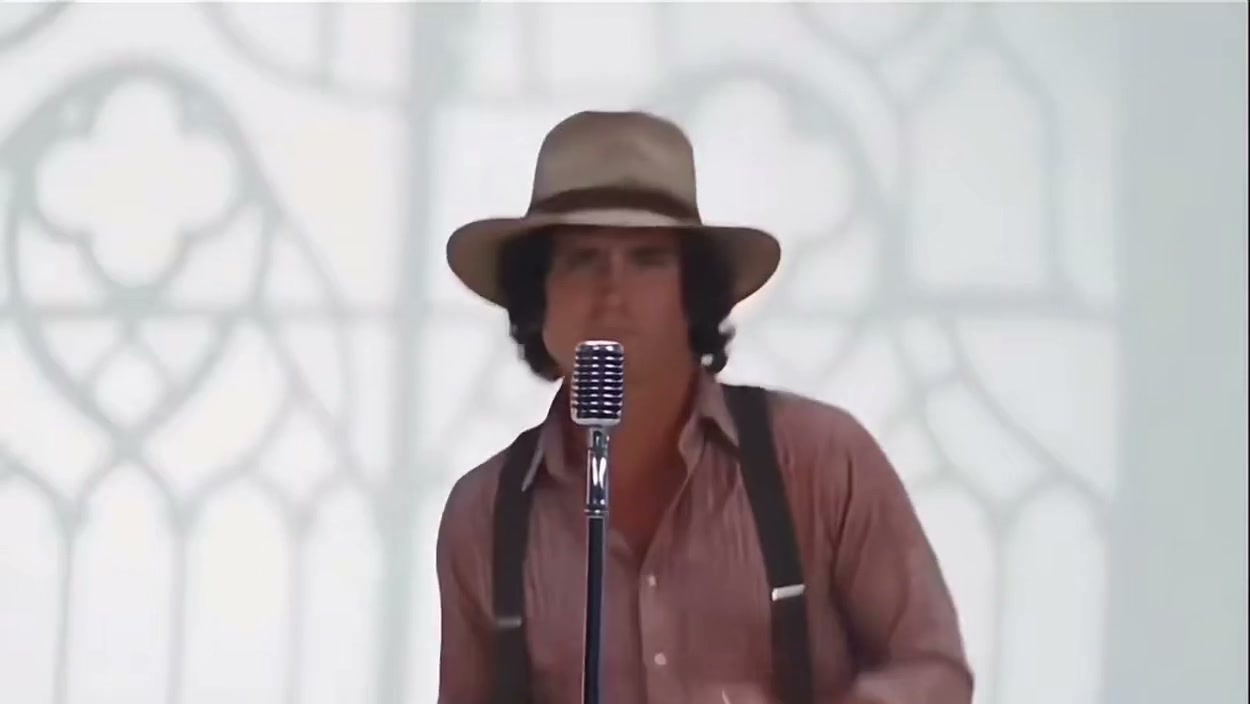



How to Create Your Baby Filter AI Video in 3 Steps
Start with one portrait photo. Pick the 9:16 vertical streamer cut or 16:9 widescreen doctor cut, choose resolution, and export with zero manual CapCut keyframes.
Pick Your Cut & Upload Portrait
Select the 9:16 Vertical Cut or 16:9 Widescreen Cut, then upload one clear front-facing photo from desktop or your phone via QR code—no live webcam acting needed.
Pick Quality & Review Credits
Each preset locks the viral motion reference and vocal timing. Pick 480p, 720p, or 1080p, check credits, and confirm permissions.
Render & Download MP4
Watch live progress until your 12s clip completes with synced music. Save the MP4 on desktop or via phone QR code.
Creative Ways to Post Your Baby Filter Meme Edit
Turn a single everyday selfie into a viral talking baby face reaction for TikTok, Instagram Reels, or group chat humor.
Gaming Streamer Rage Parody
Pair high-energy gaming outbursts and shouting rants with bouncing chubby cheeks for hilarious reaction posts.
Cinematic Hospital Confrontation
Switch to the 16:9 widescreen cut to reenact intense drama dialogues where serious demands meet adorable baby expressions.
9:16 vs 16:9 Format Flexibility
Export full-screen vertical clips for mobile feeds or 16:9 widescreen for long-form reaction compilations.
Why Create Your Baby Filter Video Here
Upload one portrait, switch between both viral cuts, and export on beat with upfront credit pricing.
100% Automatic Refund On Errors
Cloud task failures return reserved credits to your balance automatically—no support tickets needed.
One-Click Baby Face Video Preset
No reference video upload required. Your photo drives chubby baby cheeks, wide glossy eyes, and animated speech mouth physics.
Dual 9:16 & 16:9 Cut Support
Switch between the vertical streamer cut (12s) and widescreen doctor confrontation (15s) across 480p, 720p, or 1080p.
Instant MP4 & Phone QR Save
Download the synced MP4 on desktop or scan the QR code straight to your camera roll.
Non-Expiring Sitewide Credits
Purchased pack credits never expire and work across every studio template on site.
Transparent Privacy & Retention
Uploaded portraits follow our Privacy Policy safely and are never shared publicly.
Inside the 12-Second Baby Filter Storyboard
This beat-matched sequence follows the viral talking baby routine from start to finish: wide-eyed opening, rapid conversational lip movements, dramatic cheek bounce, and screaming reaction climax.
Wide-Eyed Streamer Opening
Extreme close-up baby face reveals wide glossy dark eyes and puffed cheeks as the subject looks forward and opens mouth in loud vocal exclamation.
High-Energy Speech Lip-Sync
Rapid conversational mouth movements with cheeks puffing and eyes darting toward the camera in high-energy comic speech cadence.
Dramatic Head Tilt & Cheek Bounce
Dramatic head tilt and vocal peak where cheeks bounce with speech cadences and eyebrows twitch with expressive comic tension.
Screaming Reaction Climax & Smirk
Full-frame reaction climax with wide-open shouting mouth delivery, closing on an intense baby-face stare and comic smirk.
Photo Guidelines & Quality Tips
Keep sharp facial likeness and clean outfit styling across low hallway lighting and night street shots with these portrait tips.
Give Your Portrait the Best Edge
- Show Outfit & Collar ClearlyInclude your head, shoulders, and upper-body clothing—a crisp hoodie, jacket, or tee carries naturally through all scene transitions.
- Keep Mouth & Jawline UncoveredAvoid holding hands, phones, or microphones in front of your mouth; the AI requires an unobstructed lower face to map speech lip movements and cheek physics accurately.
- Even Front Lighting Without Heavy ShadesSkip sunglasses, neon color filters, or deep brow shadows so facial contours and eye contact stay crisp and clear across animated expressions.
- Single Centered SubjectUpload one clear front-facing portrait centered in frame for reliable likeness and consistent baby cheek geometry across close-up speech scenes.
Check the Cost and the Finished Motion
- iVerify Live Credit TotalsModel and resolution choices update your exact credit price right above the generate button.
- iReview Streamer Reactions & ParodiesPreview the high-energy streamer reaction or dramatic widescreen hospital confrontation before generating.
- i100% Automatic Refund on Failed TasksFailed cloud renders automatically refund reserved credits back to your balance.
- iPreview Free, Generate When ReadySwitch between 9:16 and 16:9 example cuts freely; check your credit balance before clicking generate.
How Does This Baby Filter AI Generator Work?
Your portrait supplies your face, hair, skin tone, and outfit styling while the AI directs chubby baby cheeks, smooth forehead physics, and synchronized speech lip movements.
Skip mobile app filters or live camera recording. Upload one photo, confirm 6 credits at 480p, and export an MP4 with synced trending audio.
Check current credit options, failed-task and payment refund rules, and photo processing and retention before generating.
Frequently Asked Questions
QHow do I create a viral Baby Filter AI video from my photo?
QIs Baby Filter AI free to use or does it require a paid subscription?
QHow many credits does Baby Filter AI cost, and what happens if generation fails?
QWhat is the difference between the 9:16 Vertical Cut and 16:9 Widescreen Cut?
QCan I upload a bearded or adult portrait for the Baby Filter effect?
QHow does the AI create realistic baby facial expressions while preserving my identity?
QDoes Baby Filter AI include original TikTok audio and sound effects?
QWhat photo formats and angles work best for the baby face transformation?
QCan I star in both roles in the two-character doctor scene?
QHow fast does the AI process and generate the final baby filter video?
Star in the Viral Baby Filter Tonight
Upload your portrait, check the 6-credit 480p cost, and export your 12s speaking baby face MP4 with synced trending audio.
MP4 download · Phone QR option · Sitewide credits