
Create Your 365 Sampagne Elevator AI Video
Turn one or two portraits into the viral unexpected duo elevator video. Pay-as-you-go starting at 6 credits with zero recurring subscription locks.
CREATE YOUR 365 SAMPAGNE ELEVATOR VIDEO
Upload 2 photos


Tip: Upload Photo 1 for Left Inmate and Photo 2 for Right Rapper to star in the viral unexpected elevator duo.
Video Options
By generating you confirm compliance with our Terms · Privacy · Acceptable Use
12-second video · 6 credits per generation · One-time packs, no subscription
WATCH EXAMPLES FREE · REVIEW THE COST · FAILED-TASK CREDIT RETURN
The Story Behind the 365 Sampagne Elevator Meme
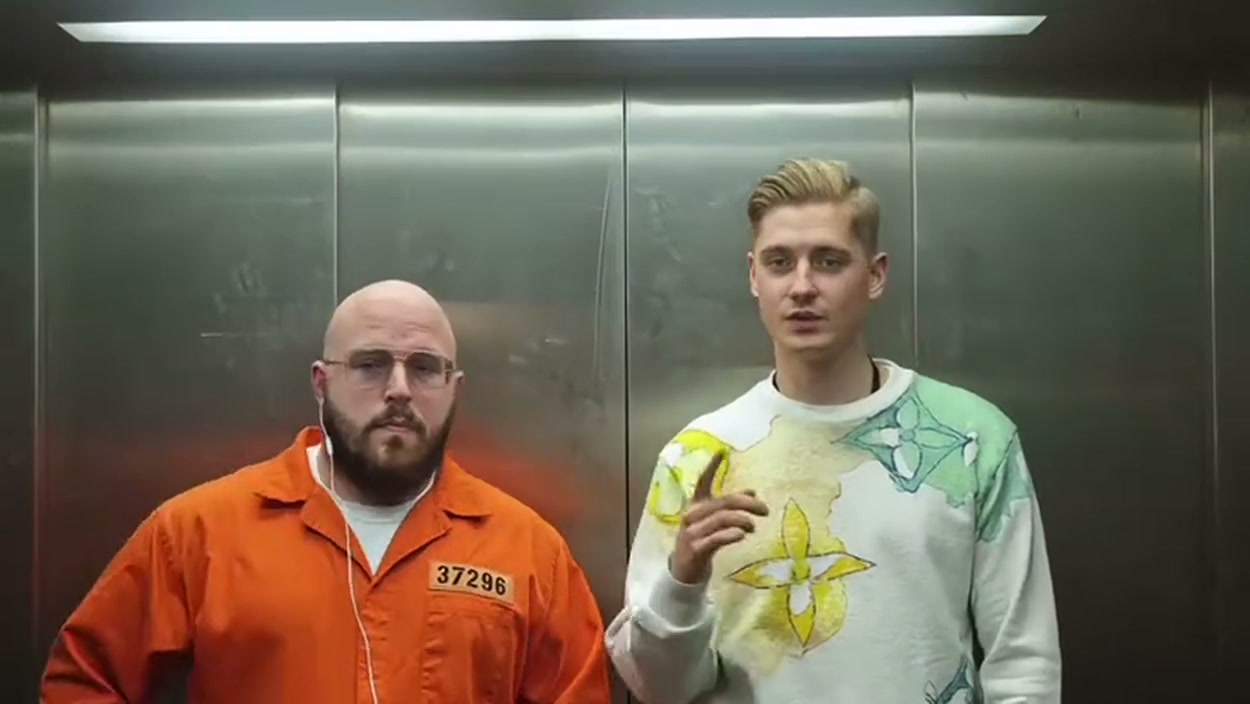
365 Sampagne Elevator AI is a specialized photo-to-video generator based on the viral TikTok rap meme set to the trending sound "365" by Sampagne, Rohat, and Fibi. The generator animates uploaded portraits into the iconic unexpected duo elevator scene, featuring synchronized rhythm bouncing, phone checking, and stoic wired earphone choreography inside a commercial brushed-metal elevator. The studio renders an authentic 12-second horizontal 16:9 video in 60 to 120 seconds with synchronized audio.
Set to the bouncy rhythm of 365 by Sampagne, Rohat, and Fibi, creators love the comedic contrast of two completely different personalities sharing a quiet elevator ride. Our AI reproduces every micro-expression, head nod, and earphone adjustment with frame-accurate motion fidelity.
Widescreen Dual-Performer Staging
Unlike generic tools that force an awkward vertical crop, our 16:9 composition ensures both performers are positioned comfortably side-by-side inside the elevator without head cutoffs.
Compare viral clips trending across TikTok #365Sampagne Trend.
Content reviewed by Viral AI Video · . Independent AI creative tool, not affiliated with TikTok, Instagram, YouTube, or CapCut.
Comedy & Pranks Templates
Explore More Viral AI Video Templates
Jump into related trending formats in this category or browse the full directory.
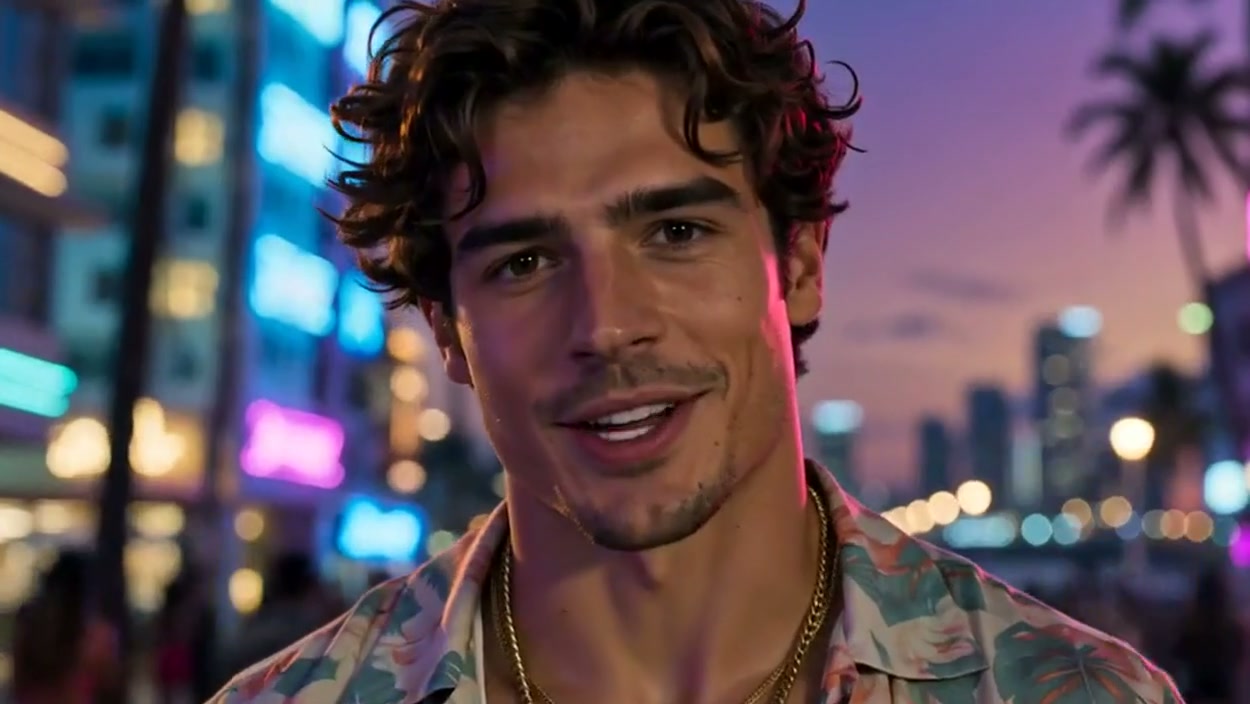
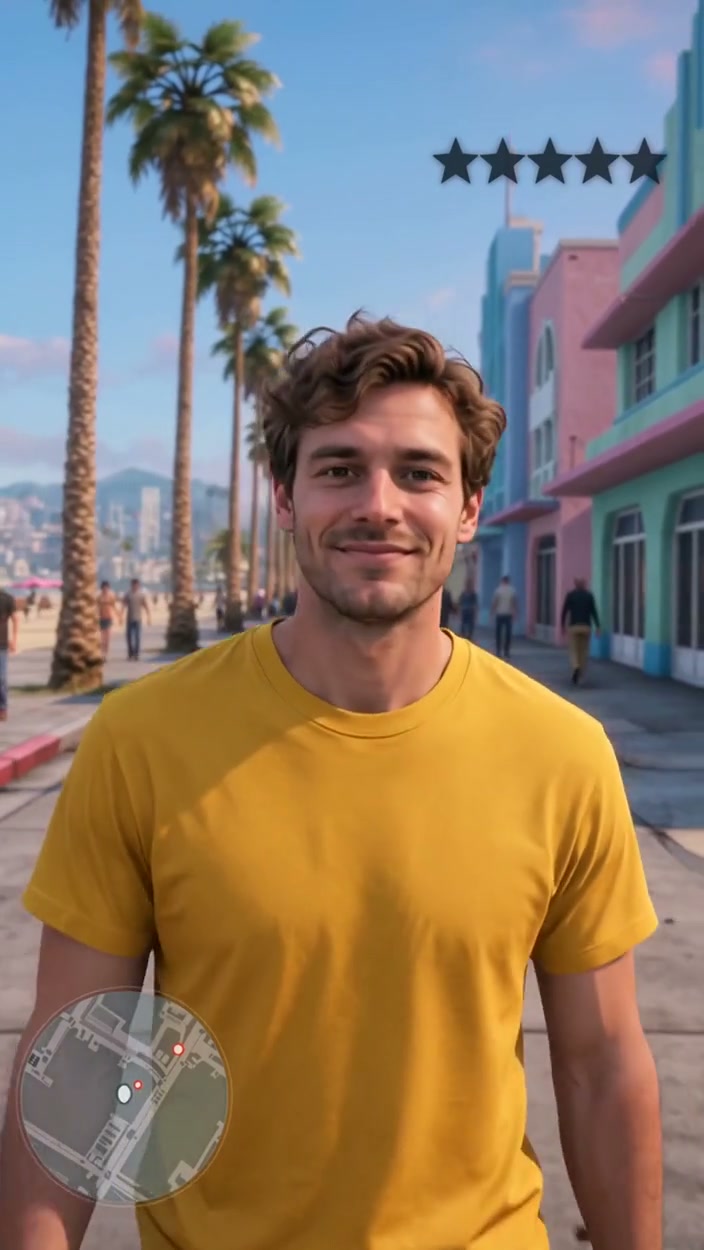
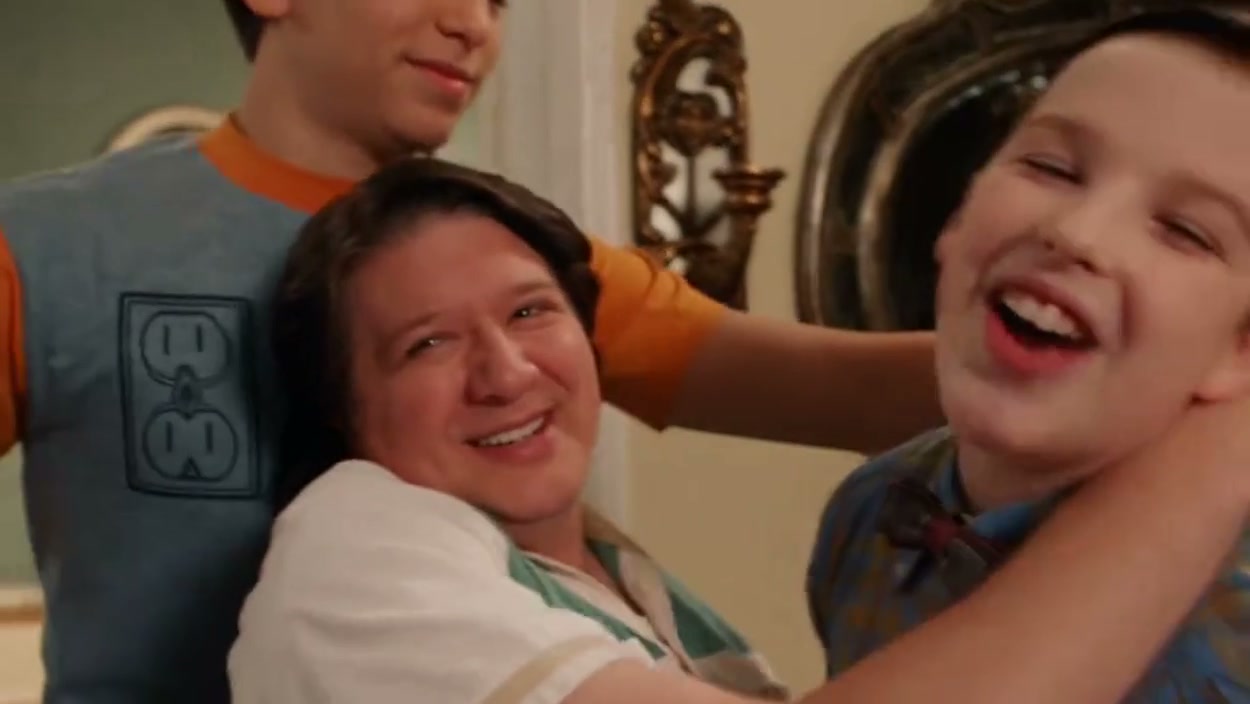
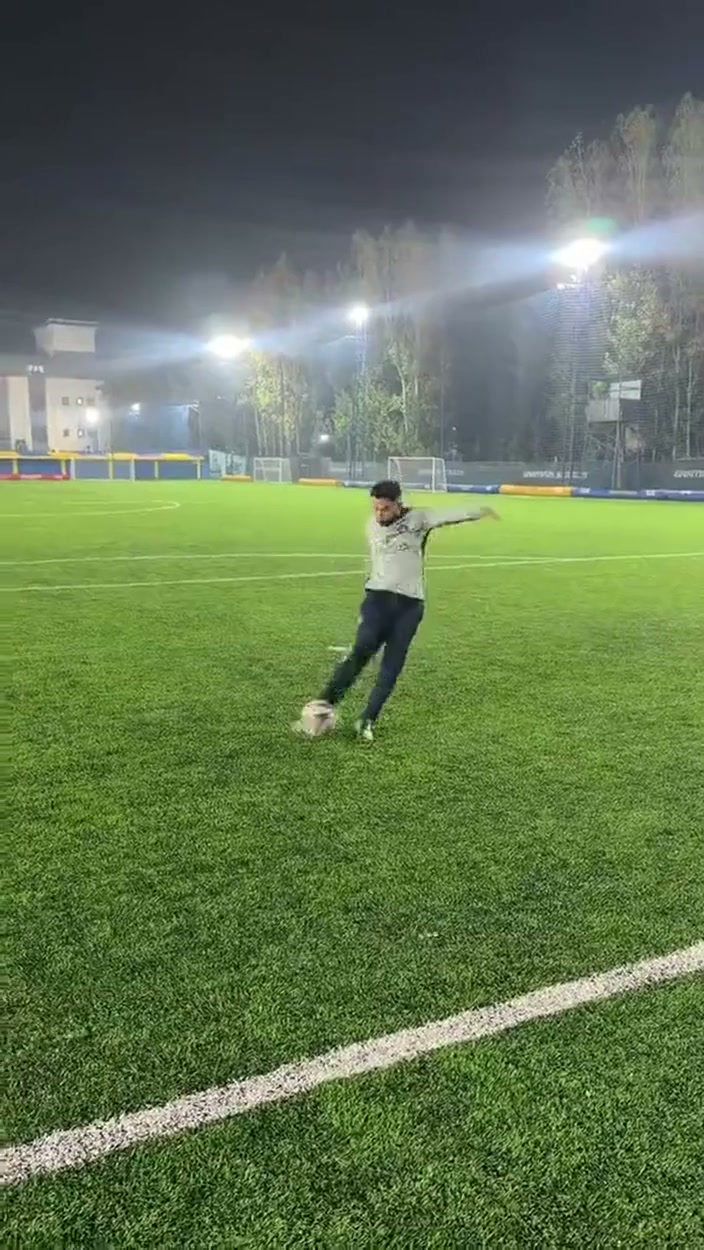
Three Simple Steps to Elevator Fame
Generate your unexpected duo video in under two minutes with zero editing skills required.
Upload Your Portrait(s)
Upload one or two clear front-facing photos to cast yourself and a friend into the elevator.
Select Setup & Resolution
Choose between the full two-performer duet or solo mode, then pick your preferred resolution.
Generate & Share MP4
Watch the AI render your 12-second clip with synchronized audio, then download your watermark-free video.
Three Creative Ways to Use This Trend
Turn any photo combination into an entertaining viral short.
The Polar Opposite Besties
Pair two friends with completely opposite aesthetics sharing a deadpan elevator journey.
Couple Comedy Duet
Put you and your partner side-by-side nodding along to the heavy German rap rhythm.
Solo Guest Cameo
Replace just one character while keeping the original co-star for an unexpected celebrity encounter.
Why Make Your 365 Sampagne Elevator Video Here
Built for authentic creator trends with cinematic widescreen framing and zero subscription traps.
Native 16:9 Cinematic Framing
Preserves the complete widescreen elevator staging so both performers fit naturally side-by-side.
Flexible Dual-Role Casting
Cast two new performers or star solo while keeping the original elevator partner unchanged.
Lossless Audio Synchronization
Pre-synced with the viral 365 rap track so your video drops on beat from the very first frame.
Pay-As-You-Go 6-Credit Rate
Only 6 credits per 12-second 480p video with zero forced recurring monthly subscriptions.
100% Automatic Refund Guarantee
If cloud rendering fails or times out, your credits are refunded instantly to your balance.
No Mobile App or Editing Required
Runs entirely in your desktop or mobile browser with instant MP4 and QR code downloads.
Shot-by-Shot Scene Progression
Every second precisely mirrors the timing of the original viral video.
Solo Rap Intro
Right performer gestures rhythmically with hand movements and lip-syncing to the opening beat in the center-right of the elevator.
Inmate Entrance
Left performer enters the frame from the left and takes a relaxed stance alongside the right performer.
Side-by-Side Groove
Both performers stand side-by-side as left performer checks his smartphone while right performer delivers fluid rap bars.
Earphones & Punchline
Left performer puts on wired earphones standing stoic and cool while right performer delivers the closing punchline toward the camera.
Best Portrait Photos for 365 Sampagne Elevator AI
Clean upper-body portraits give both elevator roles crisp lighting against the brushed-steel cabin walls.
Works Great for This Duet
- Two Distinct Outfits & PersonalitiesContrasting styles between Photo 1 (Left Inmate) and Photo 2 (Right Rapper) make the unexpected duo punchline land harder.
- Clear Head-and-Shoulders FramingInclude full hair, jawline, and collar so the 16:9 widescreen cabin shot keeps both performers sharp side-by-side.
- Even Front LightingSoft indoor or daylight illumination blends seamlessly with the overhead fluorescent elevator strip.
Avoid for Cleaner Lip-Sync
- iHands Covering the MouthBlocked lips or oversized props interfere with the opening rap cadence and closing earphone nod.
- iSide-Profile CropsBoth characters face forward in the elevator; extreme profile angles soften eye contact.
- iMulti-Person Group PhotosUpload one clear solo portrait per slot so the left and right elevator roles never confuse identities.
How Our 16:9 Elevator Motion Reference Engine Works
Instead of warping a static selfie with a generic filter, our motion-reference pipeline binds each uploaded portrait directly to the Left Inmate or Right Rapper trajectory across all 12 seconds of native 16:9 widescreen footage. Facial features, hairstyle, and personal outfits stay locked even as the left performer enters mid-clip and puts on wired earphones.
Once cloud rendering completes, the browser merges the exact 12-second 365 Sampagne audio track losslessly in milliseconds—so the opening rap delivery, head nods, and closing punchline stay dead-on beat when you post to TikTok, Reels, or YouTube Shorts.
Check current credit options, failed-task and payment refund rules, and photo processing and retention before generating.
Frequently Asked Questions
QHow do I create a 365 Sampagne Elevator AI video from my photos?
QCan I generate a 365 Sampagne Elevator video for free?
QHow many credits does the 12-second 365 Sampagne Elevator clip cost, and what is the refund policy?
QCan I upload photos of two different people for the unexpected duo elevator scene?
QCan I cast just myself into one role and keep the original co-star in the elevator?
QWhy is the 365 Sampagne Elevator AI video rendered in 16:9 widescreen instead of vertical 9:16?
QDoes the generated video include the original 365 song by Sampagne, Rohat, and Fibi?
QWhat photo formats and facial angles work best for the elevator scene?
QHow long does it take to generate the elevator video?
QAre my uploaded portrait photos kept private and secure?
Ready to Step Into the 365 Sampagne Elevator?
Cast two friends or jump in solo starting at 6 credits—pay-as-you-go with 100% automatic refunds on failed runs. (6 credits at 480p)
MP4 download · Phone QR option · Sitewide credits