
TALK TO ME DOJA AI VIDEO GENERATOR: VIRAL CHEEK-CUPPING SWAY MEME
Star in the viral “Talk to Me Doja” cheek-cupping sway trend without editing overlays. Upload one portrait photo to generate a 7-second hallway sway clip with synced viral audio ready for TikTok and Reels. Pay-as-you-go video generation starts at just 4 credits with zero monthly subscription.
CREATE YOUR CHEEK-CUPPING SWAY VIDEO
Upload your photo
Tip: Use a clear front-facing upper-body or full-body photo with visible face and outfit styling in even light.
Video Options
By generating you confirm compliance with our Terms · Privacy · Acceptable Use
7-second video · 4 credits per generation
WATCH EXAMPLES FREE · REVIEW THE COST · FAILED-TASK CREDIT RETURN
WHAT IS THE TALK TO ME DOJA AI TREND?
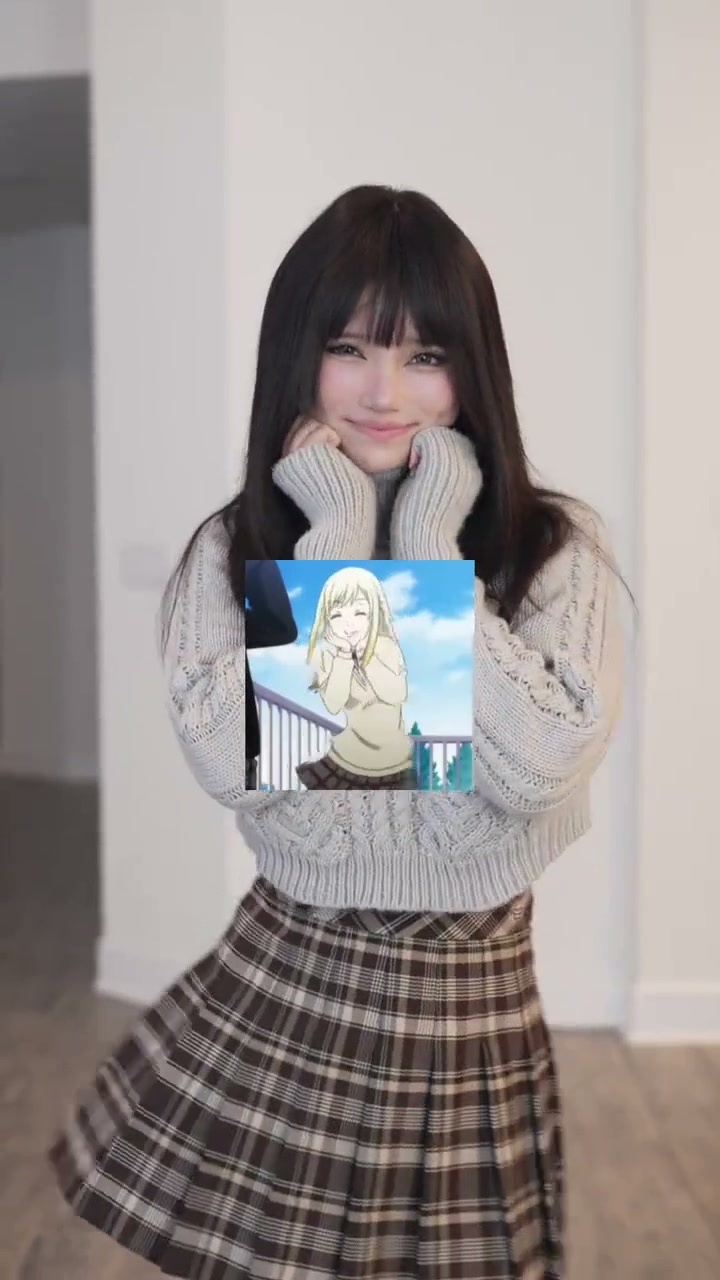
Talk to Me Doja AI is a single-photo viral dance video generator modeled after the trending TikTok "Talk to Me Doja" cheek-cupping sway meme. Upload one clear front-facing portrait to star inside a bright minimalist indoor hallway cupping both cheeks, flashing a coy smile with gentle blinks, and swaying side-to-side across a crisp 7-second vertical MP4 without filming a single retake or manually editing sticker overlays.
Often searched on TikTok and Instagram Reels under “Speak to Me Doja” or the anime girl sway meme, this playful routine pairs soft cheek-cupping hand poses with shy eyebrow lifts, subtle chin leans, and rhythmic side-to-side hip sways timed to the sped-up beat.
1-Click Cheek-Cupping Sway Sync
Upload 1 portrait photo. The generator automatically animates your likeness to mirror every blink, cupped cheek pose, and gentle side-to-side sway frame-by-frame without green screens or manual editing keyframes.
Browse popular clips circulating on TikTok viral trend search results.
Content reviewed by Viral AI Video · . Independent AI creative tool, not affiliated with TikTok, Instagram, YouTube, or any anime studio.
Trending Viral Effects
Explore More Viral AI Video Templates
Jump into other trending meme formats or create custom video remakes.
Jingle Bell Rock Dance AI
Sia Snowman AI Dance
Thank You Baby AI
Can I Ride Dance AI
Here Comes Santa Claus Dance AI
Hideaway Dance AI
Hotline Bling AI
Tsundere Dance AI
Deck The Halls Dance AI

The Jawn Dance AI
Gangnam Style Dance AI
Wassup in a Minute AI
Ice Ice Baby Dance AI
Chipmunk Dance AI
Stop the Wedding Dance AI
Under Arrest Dance AI
Like Jennie AI
Baby Dancing AI
Babydoll Dance AI
Dance with Santa AI
How to Create Your Talk to Me Doja Video in 3 Steps
Start with one portrait. The cheek-cupping sway timing is already locked in; simply pick your output resolution and aspect ratio with zero manual overlay editing.
Upload Your Portrait Photo
Add one clear front-facing photo showing your face, hairstyle, and outfit in even light. Pick a selfie from your device or scan the QR code from your phone—no dance pose needed.
Pick Quality & Review Credits
The template preserves the bright hallway framing and cheek-cupping sway timing. Choose 480p, 720p, or 1080p, confirm the credit total, and check permissions.
Render & Download MP4
Watch live render progress until your 7-second clip finishes with synced viral sway audio. Download on desktop or scan the QR code to your phone.
Creative Ways to Post Your Sway Clip
Turn a single everyday selfie into a smooth looping edit for TikTok, Instagram Reels, or group chat reactions.
Deadpan Friend Contrast
Upload a serious or straight-faced selfie of a friend so the sudden cheek-cupping sway and bashful eyebrow lifts surprise everyone in the thread.
POV Crush & Flirt Loops
Pair the coy upward glance and chin lean with short text captions for relatable crush POV clips that invite instant replays on Reels.
Zero-Keyframing Trend Entry
Skip manual CapCut masks and anime cutouts—generate a clean, cohesive hallway sway in one pass straight from a still photo.
Why Create Your Cheek-Cupping Sway Here
Upload one portrait, check upfront credits, and capture this viral sway trend on beat.
100% Automatic Refund On Errors
Cloud task failures return reserved credits to your balance automatically—no support tickets needed.
One-Click Cheek-Cupping Preset
No reference video upload required. Your photo maps straight into the hallway sway and cheek cup.
Flexible Resolution & Format
Export 480p, 720p, or 1080p across 9:16, 1:1, or 16:9 with live upfront credit pricing.
Instant MP4 & Phone QR Save
Download the synced MP4 on desktop or scan the QR code directly to your phone.
Non-Expiring Sitewide Credits
Purchased pack credits never expire and work across every studio preset on site.
Transparent Privacy & Retention
Uploaded portraits follow our Privacy Policy safely and are never shared publicly.
Inside the 7-Second Sway Storyboard
This beat-matched routine follows the viral cheek-cupping loop from start to finish: soft cheek hold, side-to-side hip sway, coy eyebrow lift, and final warm smile.
Bright Hallway Intro & Cheek Cup
Standing centered in a sunlit white hallway in a waist-up medium shot, the subject softly cups both palms against their cheeks and opens with an expressive blink and bright smile.
Side-to-Side Sway & Head Tilts
Keeping fingers curled naturally beside the jawline, the performer rocks their shoulders and hips left and right on the sped-up beat with playful upward eye glances.
Coy Eyebrow Lift & Chin Lean
Leaning slightly toward the lens, the subject drops their jaw slightly with raised eyebrows and an affectionate wink-like blink before swaying smoothly back upright.
Steady Smile Hold & Beat Outro
Resting their chin lightly between cupped palms, the performer settles into a final gentle hip sway and warm eye contact right through the end of the loop.
Photo Guidelines & Quality Tips
Get crisp facial likeness and smooth cheek-cupping hand placement by following these portrait tips.
Give Your Portrait the Best Edge
- Keep Hands Relaxed & Off CheeksChoose an evenly lit front photo with hands down—do not cup your cheeks in the still image.
- Frame Head, Shoulders & Clean OutfitInclude your full hair, collar, and shoulders cleanly with no sticker overlays or tight head crops.
- Avoid Covered Eyes & FiltersSkip sunglasses, masks, bangs hiding eyebrows, or blurry filters so blinks and grins stay sharp.
- Single Centered Adult SubjectUpload one clear person centered in frame for reliable likeness across the hallway clip.
Check the Cost and the Finished Motion
- iVerify Live Credit TotalsModel and resolution choices update your exact credit price right above the generate button.
- iReview Cheek Cupping & Sway FlowPreview finger placement, eyebrow lifts, and smooth sways in the player before saving.
- i100% Automatic Refund on Failed TasksIf a cloud render fails for any technical reason, the system automatically returns your reserved credits back to your balance.
- iPreview Free, Generate When ReadyWatch the reference loop and test model/format combinations freely. Sign in and make sure your balance covers the chosen render before clicking generate.
How Does This Talk to Me Doja Generator Work?
Your portrait supplies your facial features, hairstyle, skin tone, and clean everyday outfit styling. The AI places you in a sunlit white hallway, animating every cheek-cupping pose, wink, and rhythmic sway across the full 7-second clip.
No reference-video upload, dance filming, or manual anime cutout keyframing is needed. Upload one photo, review the credit total (4 credits at Standard 480p), and export an MP4 with synced trending audio ready for TikTok and Reels.
Check current credit options, failed-task and payment refund rules, and photo processing and retention before generating.
Frequently Asked Questions
QHow do I create a Talk to Me Doja AI video from my photo?
QIs Talk to Me Doja AI free to use, and when do I pay?
QHow much does this 7-second generation cost, and what if it fails?
QWhat is the Talk to Me Doja meme and anime girl sway trend?
QDoes my generated video have a square anime sticker blocking my chest?
QWhat photo works best for the cheek-cupping sway animation?
QWill the AI copy my static standing pose or perform the full sway?
QDoes the downloaded MP4 include synced audio for TikTok and Reels?
QAre uploaded photos private, and how do I save the clip to my phone?
Star in the Viral Sway Meme Tonight
Upload your portrait photo, check the credit cost (4 credits at 480p), and create your own cheek-cupping sway video. Save the 7s MP4 with synced trending audio and post straight to TikTok & Reels.
MP4 download · Phone QR option · Sitewide credits