
Show Eyes, Ears, Nose & Chest Fur Clearly
Choose a bright, eye-level photo where your cat or dog is looking mostly toward the camera with both ears visible. Avoid dark shadows over black coats or extreme top-down angles that hide muzzle markings.
Turn one crisp pet photo into shareable cat and dog viral videos. Our animal presets preserve fur markings, ears, and natural paw physics while animating your pet through trending TikTok skits and musical duets.
Devices
Browser Only · No App
Photo Input
1–4 Photos · Zero Prompts
Cost & Length
From 4 Credits · 8–15s
Billing Policy
Pay Once · No Subscription
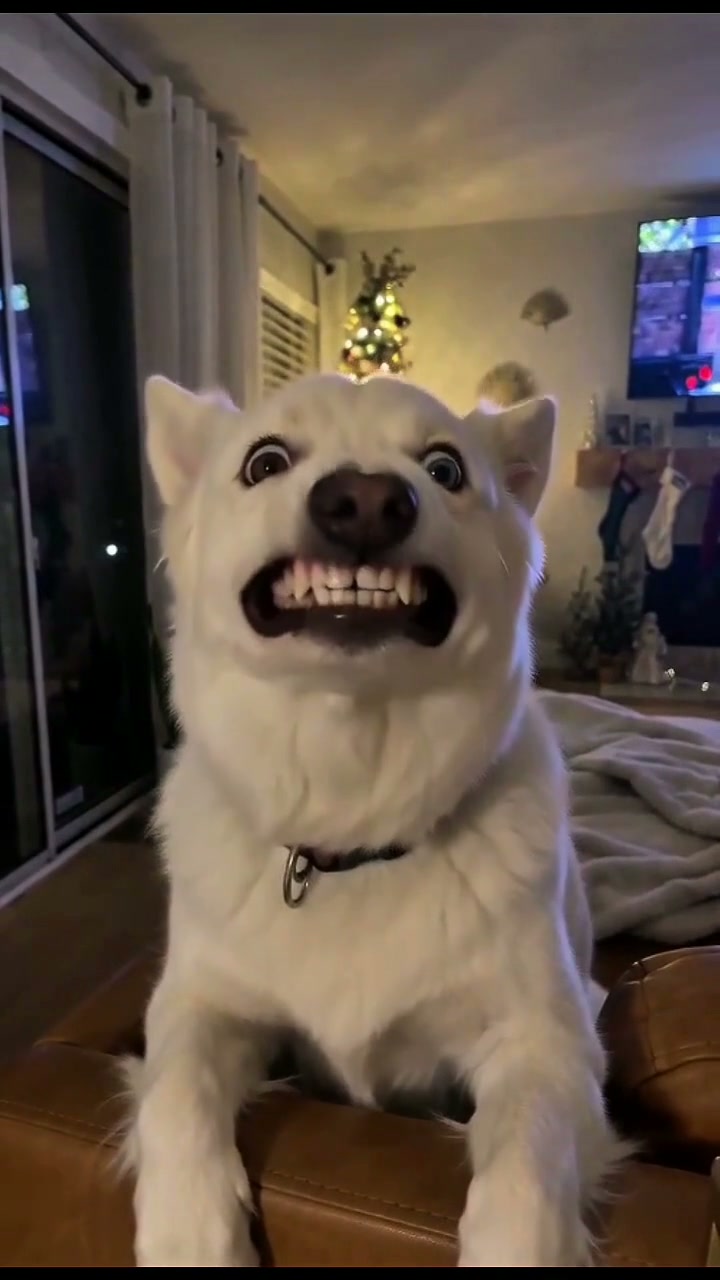
Oh My Carne Asada AI
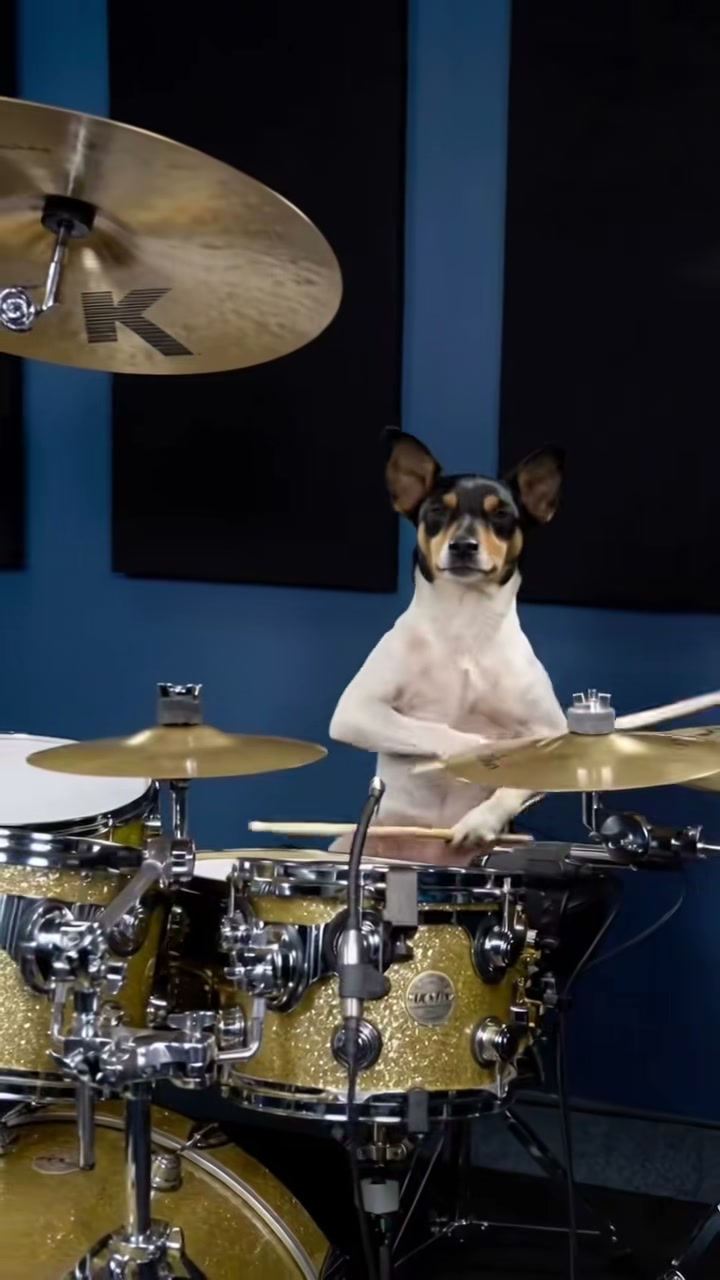
Dog Drummer AI
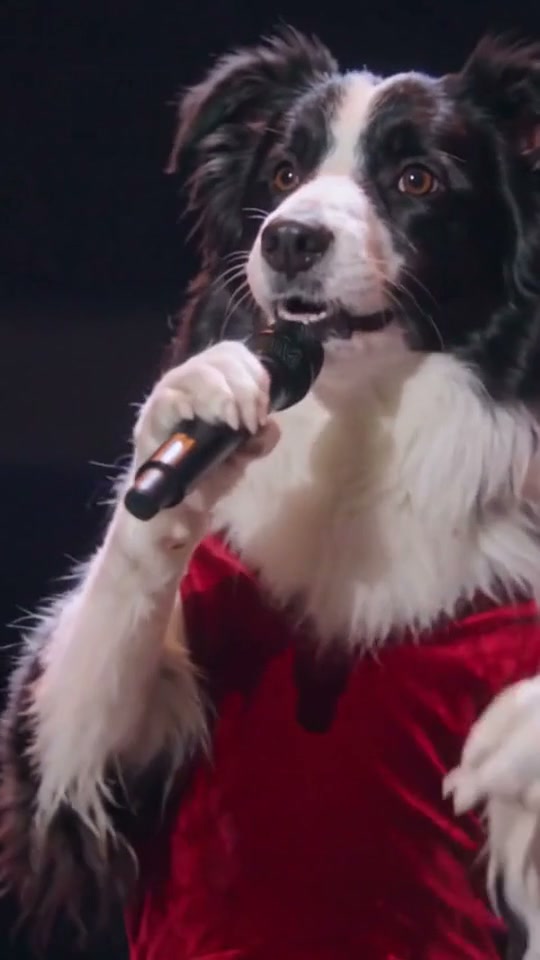
Christmas Pet Concert AI
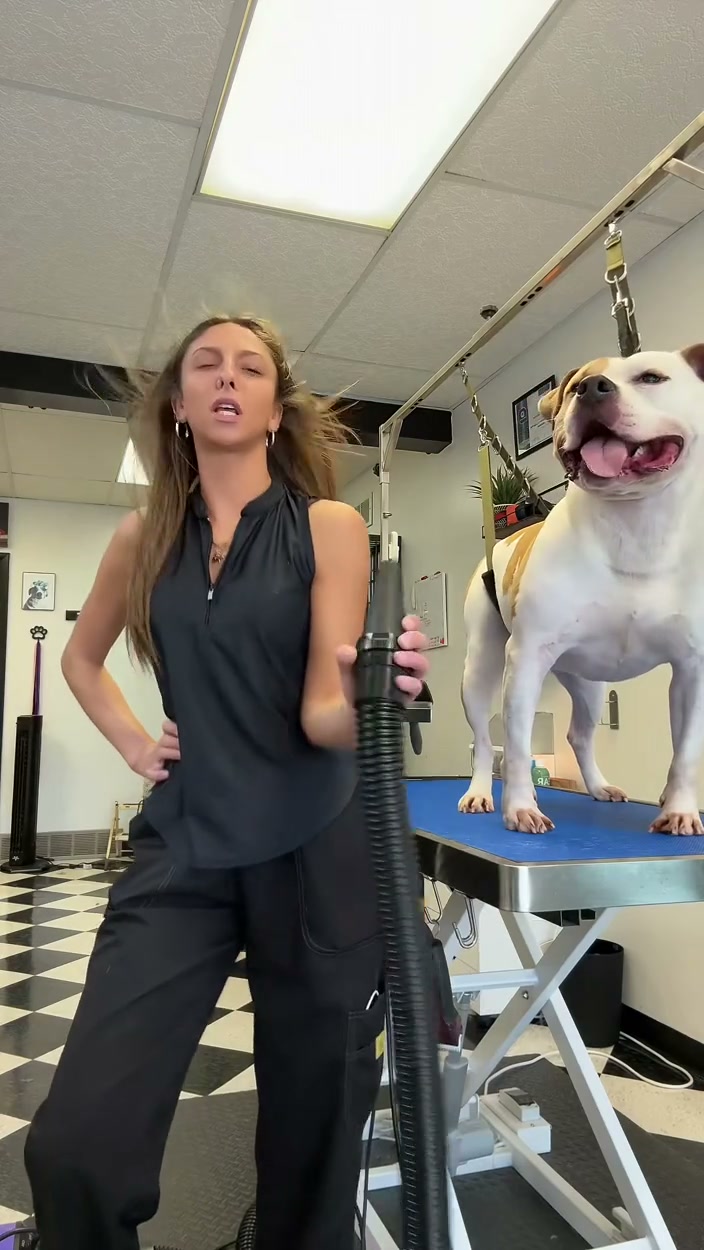
Dog and Owner Sing Duet AI
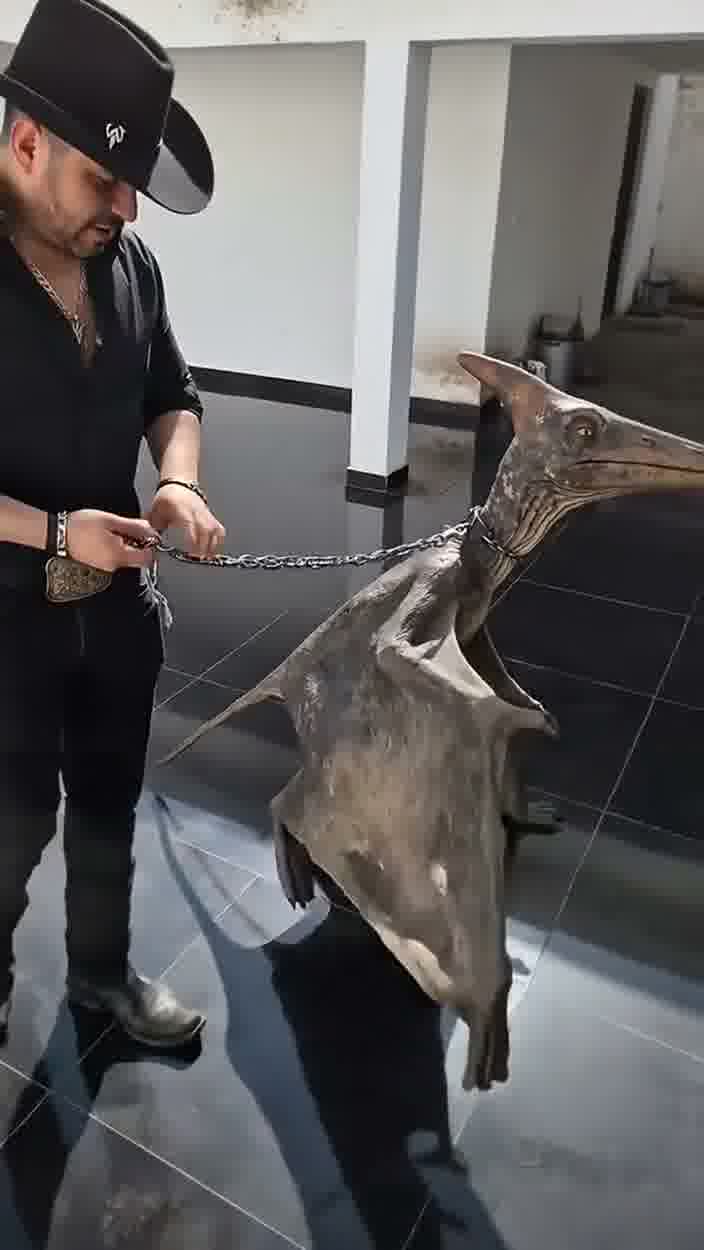
Mexico Pterodactyl AI
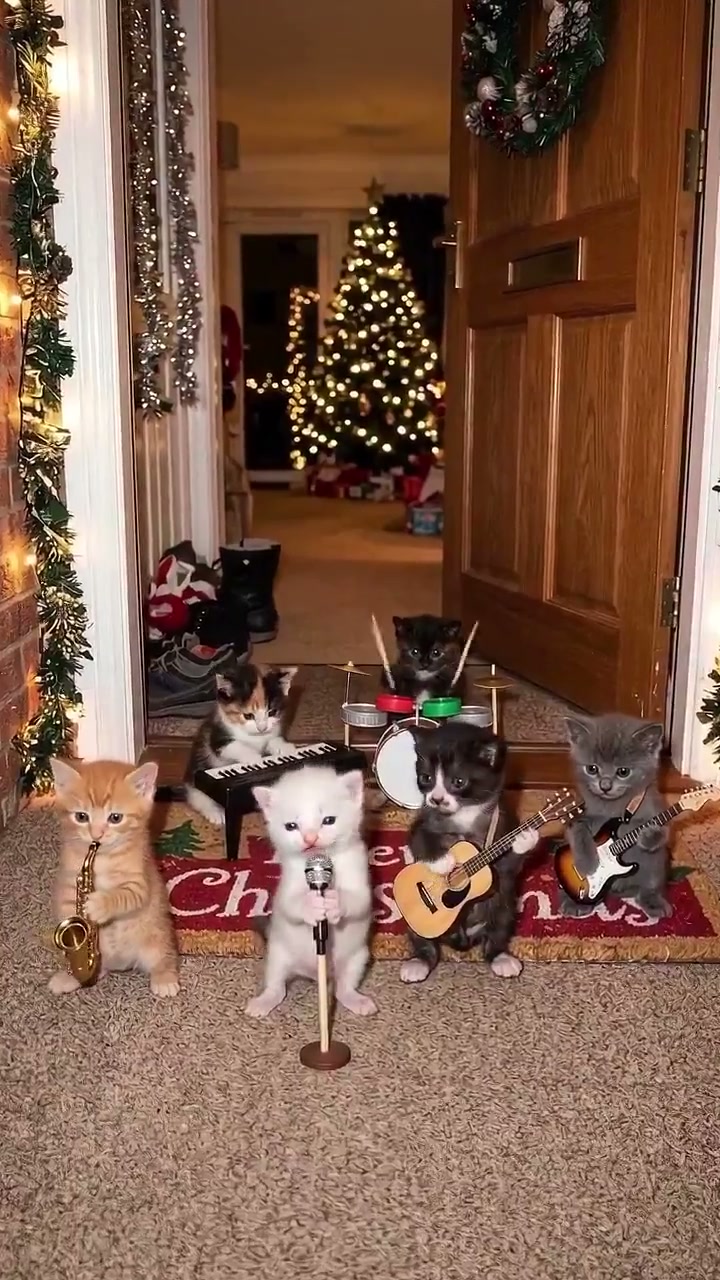
Christmas Cat Band AI
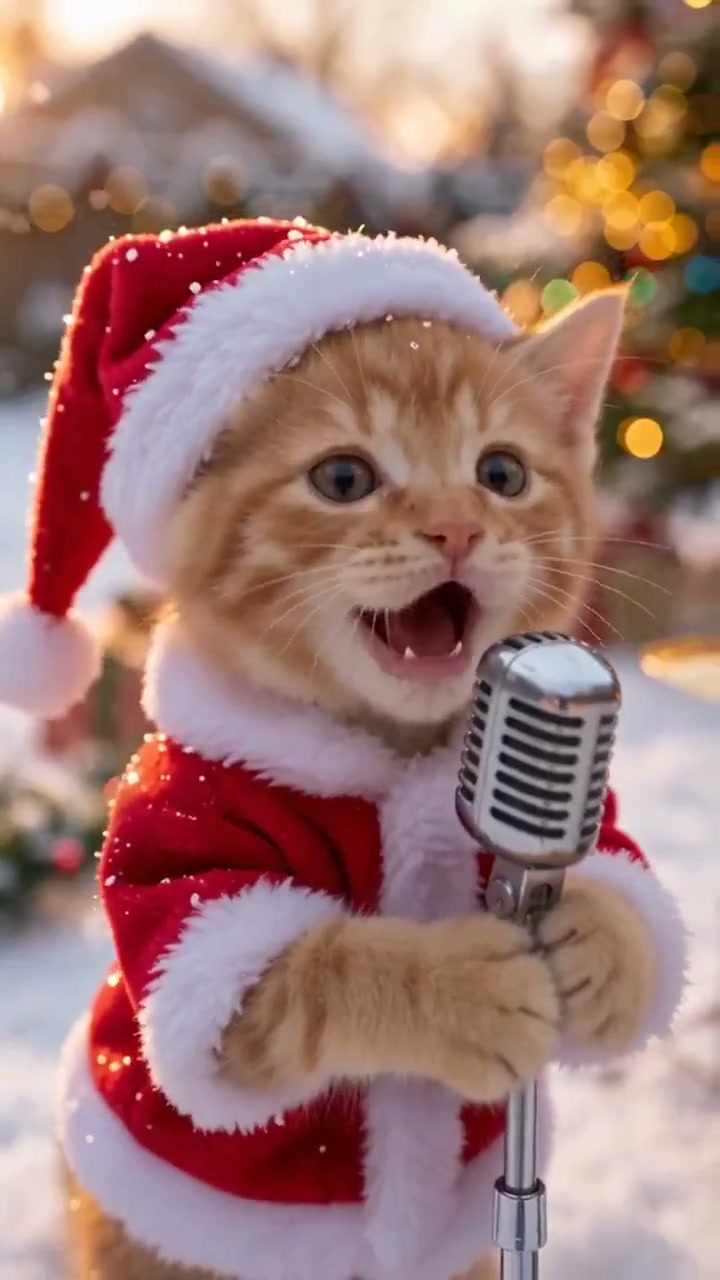
Jingle Bells Cat AI
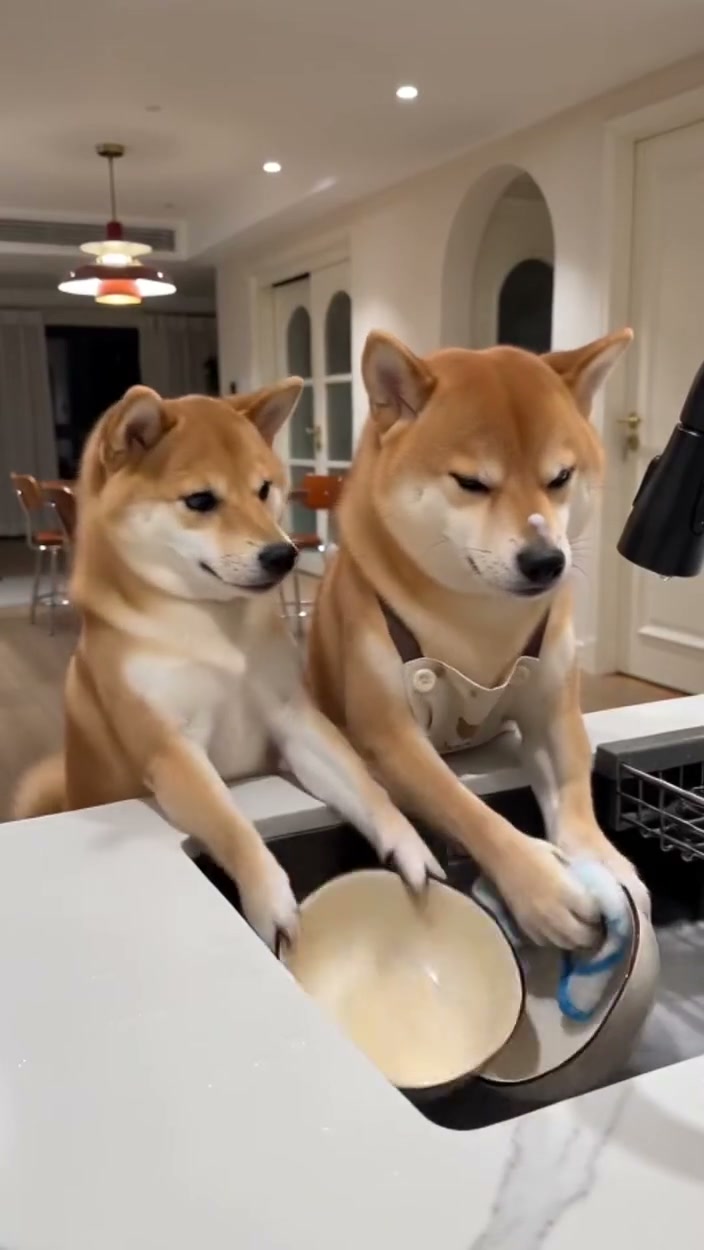
Dog Washing Dishes AI
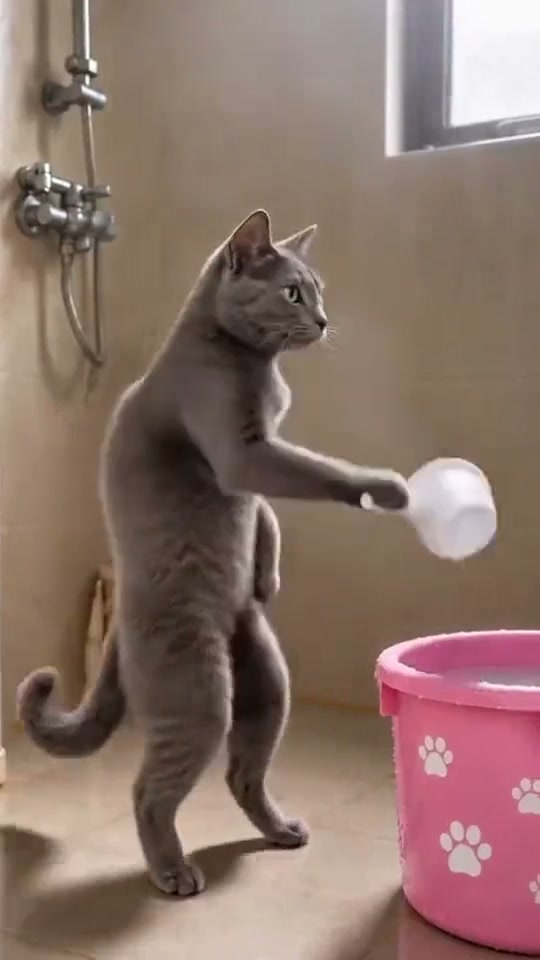
Cat Shower AI
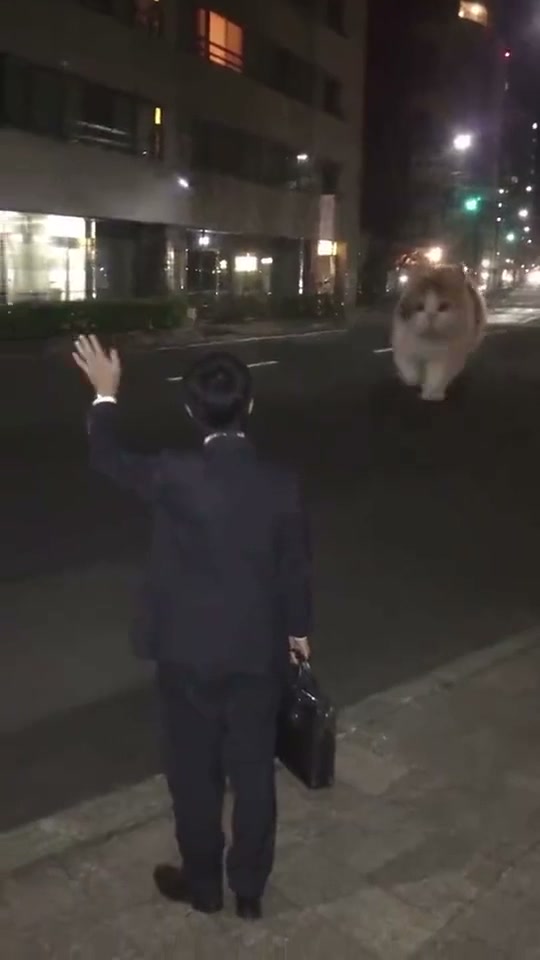
Cat Taxi AI
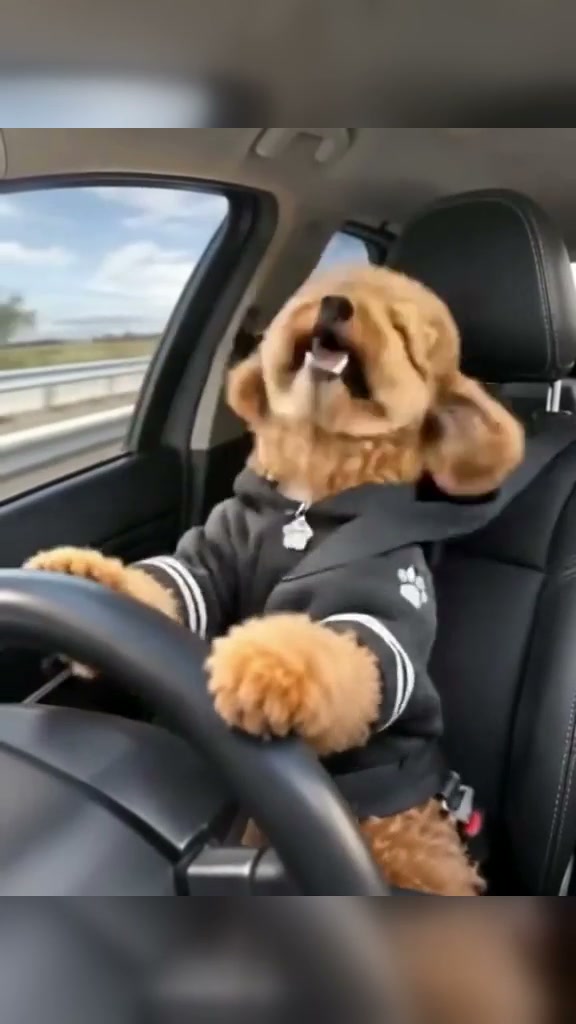
Pet Rock AI
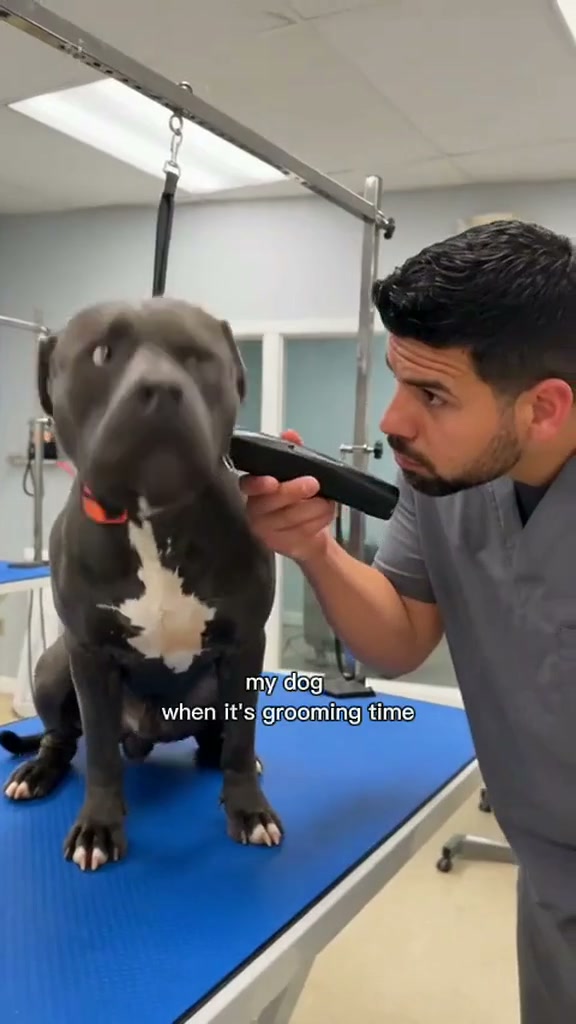
Groomer vs Dog AI
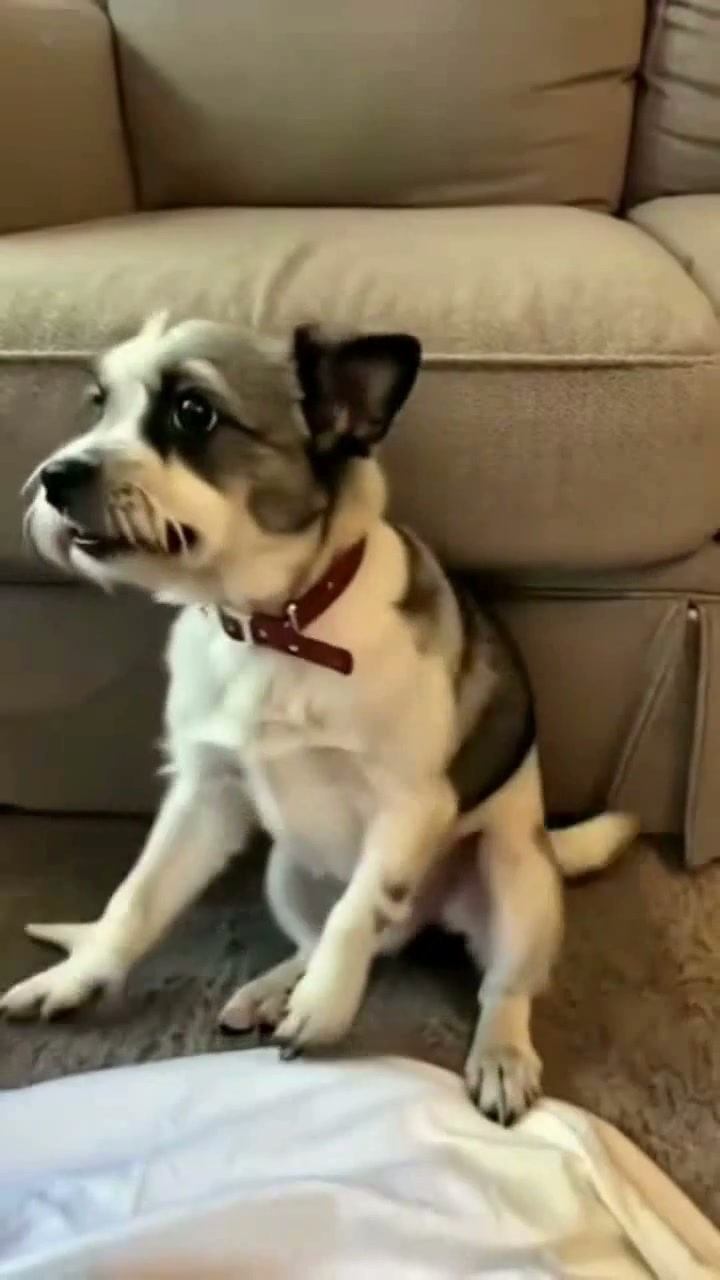
One Treat Dog Head Bop AI
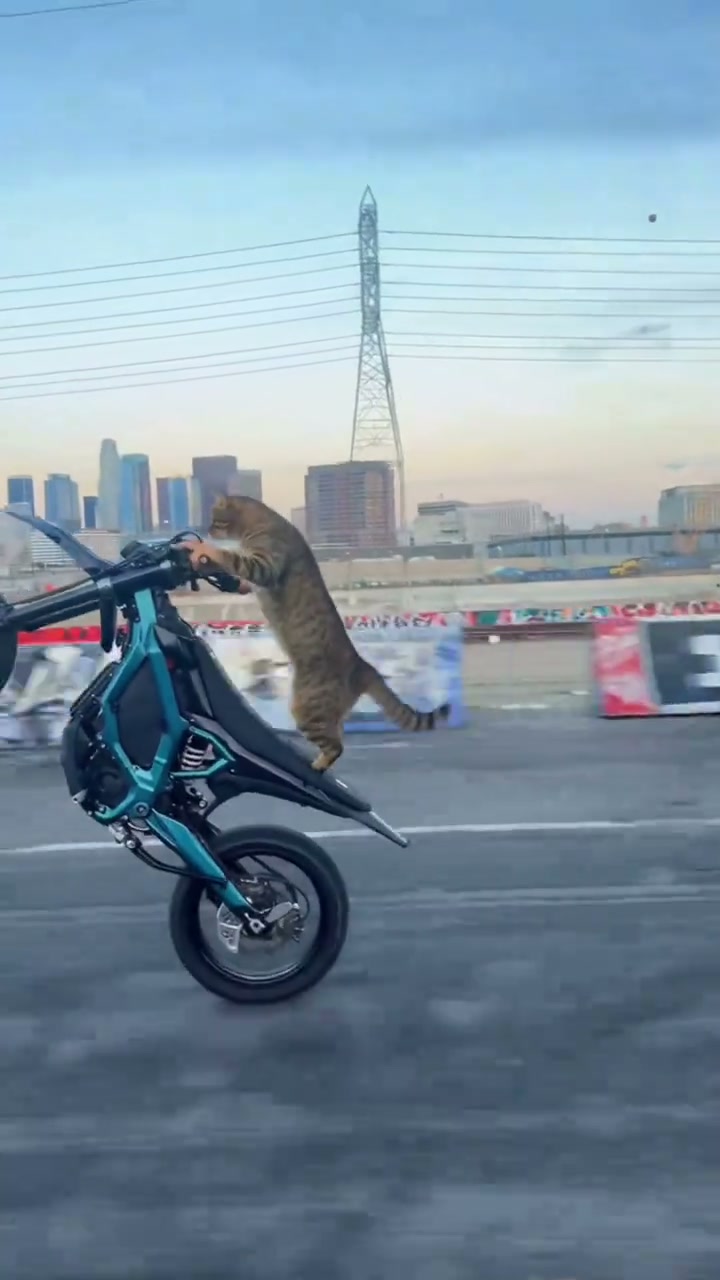
Cat Riding Dirt Bike AI
Pet videos are among the highest-retention formats on TikTok and Reels, but generic AI generators often distort fur patterns or replace paws with human fingers. Our dedicated pet studios enforce realistic animal anatomy and coat fidelity.
Choose a bright, eye-level photo where your cat or dog is looking mostly toward the camera with both ears visible. Avoid dark shadows over black coats or extreme top-down angles that hide muzzle markings.
On human-and-pet interaction trends—such as pet duets, leash walks, or bath-time comedy—use the three-mode cast selector to star together with your pet (2 photos) or cast just your pet (1 photo) without losing scene coherence.
When using a duo pet template, upload one distinct pet portrait in each slot rather than a group pet snapshot so the motion engine locks each animal’s coat color and markings onto its assigned role.
Each pet template uses tailored animal motion direction so your cat or dog keeps authentic paws, natural ear twitches, and expressive mouth or head timing rather than uncanny cartoon CGI. Upload straight from your phone camera roll via QR code and download a clean MP4 ready for pet accounts on TikTok, Reels, and YouTube Shorts.
Jump into our homepage studio to search all 14 pets & animals trends and 124+ viral templates using just your photos—no reference video needed.