
Upload One Individual Portrait per Slot
Rather than cropping a blurry group picture, drop one clear solo portrait into Slot 1 and a separate solo portrait into Slot 2. Each avatar thumbnail shows exactly which on-screen partner that photo controls.
Designed specifically for partners, best friends, and duos. Upload two individual portraits to star together in viral cafe POVs, paired dances, and romantic or funny two-person short-form trends.
Devices
Browser Only · No App
Photo Input
1–4 Photos · Zero Prompts
Cost & Length
From 4 Credits · 7–15s
Billing Policy
Pay Once · No Subscription
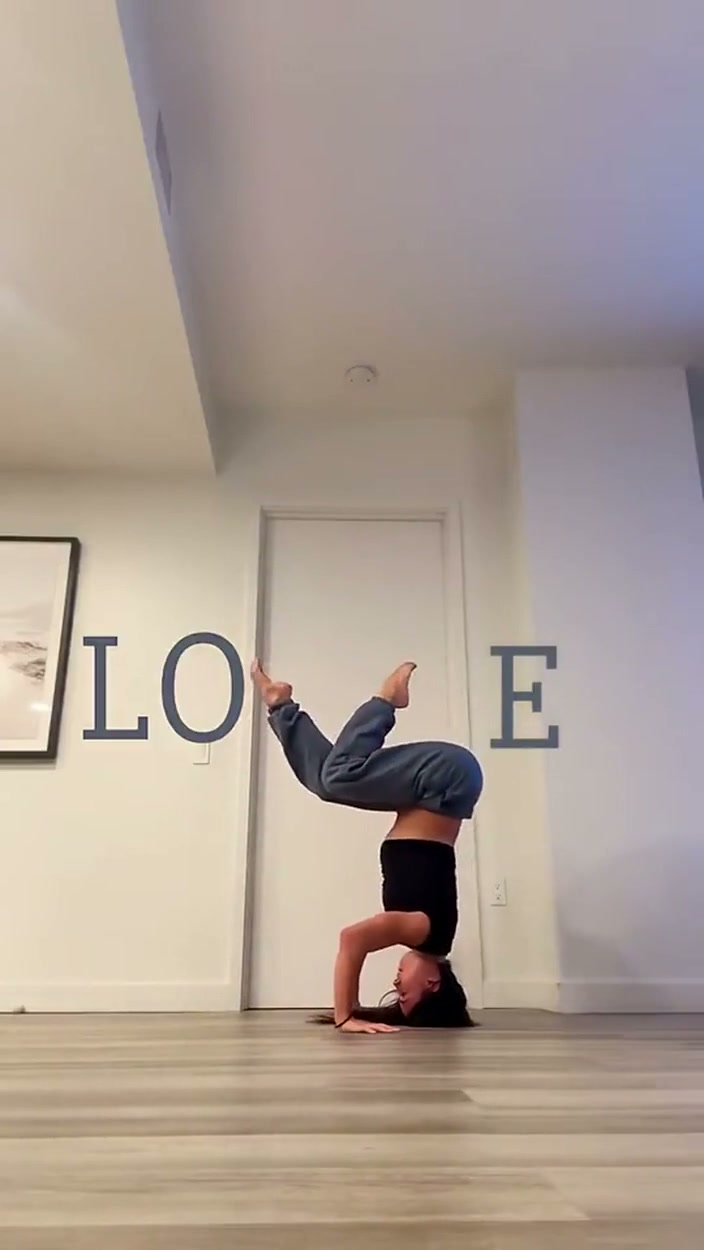
Love Handstand AI
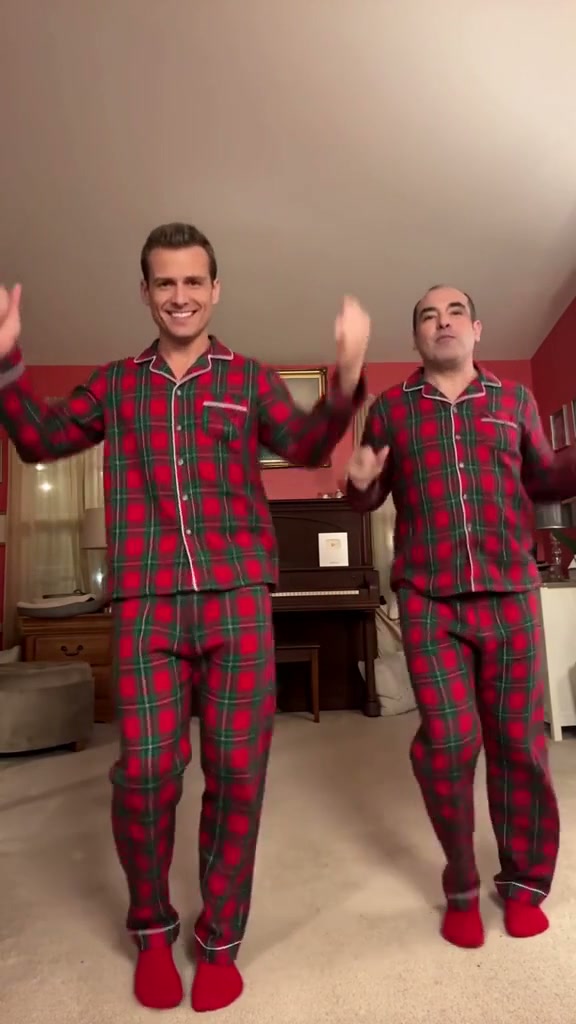
Scooby Doo Pa Pa AI
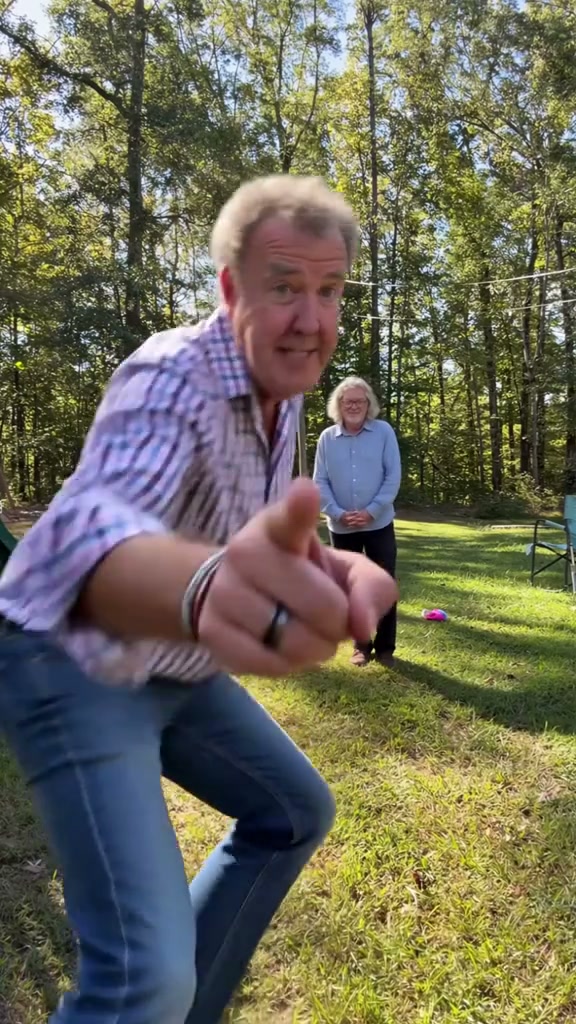
Babydoll Dance AI
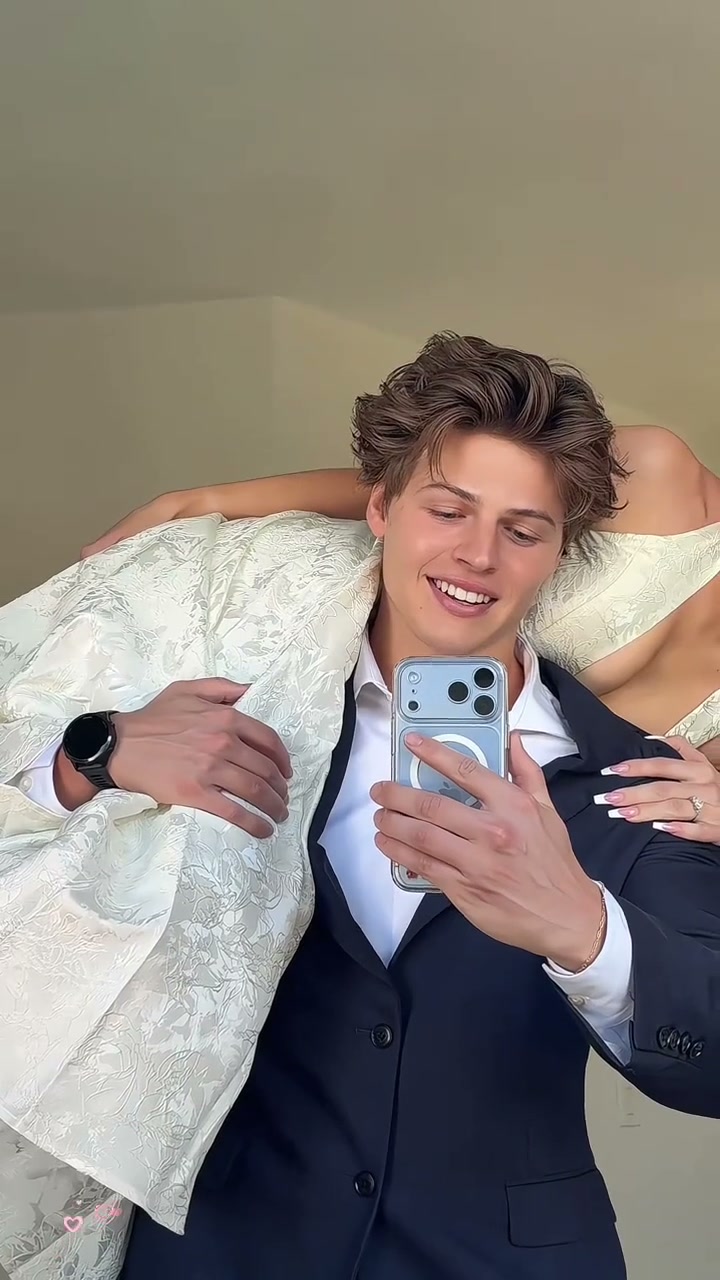
Shoulder Carry AI
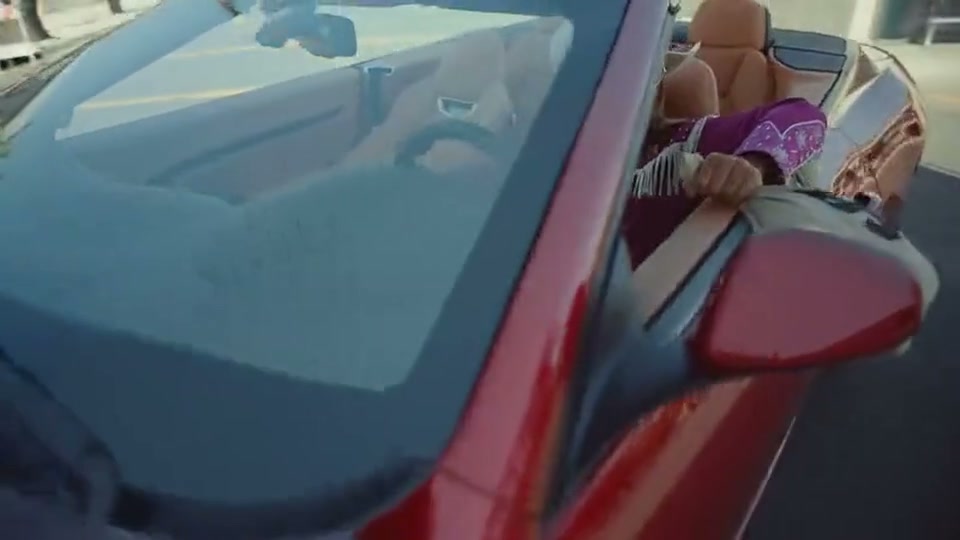
Old Town Road AI
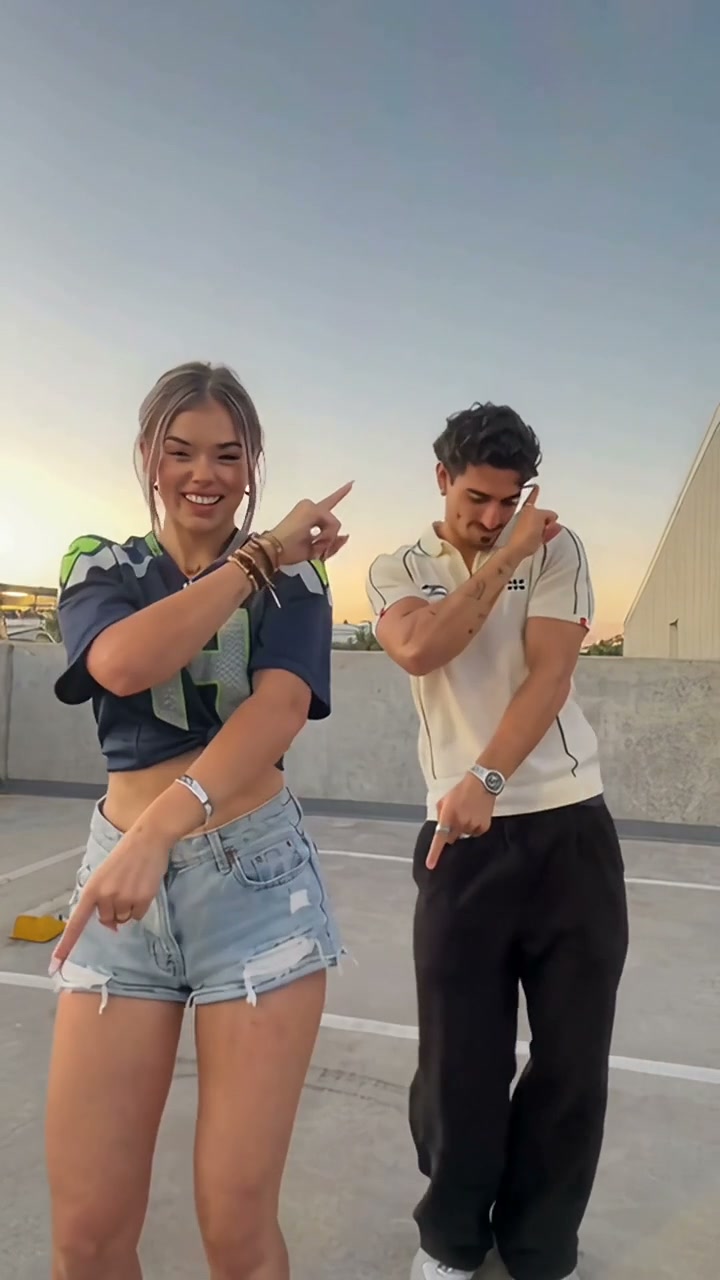
Stereo Love Funk AI
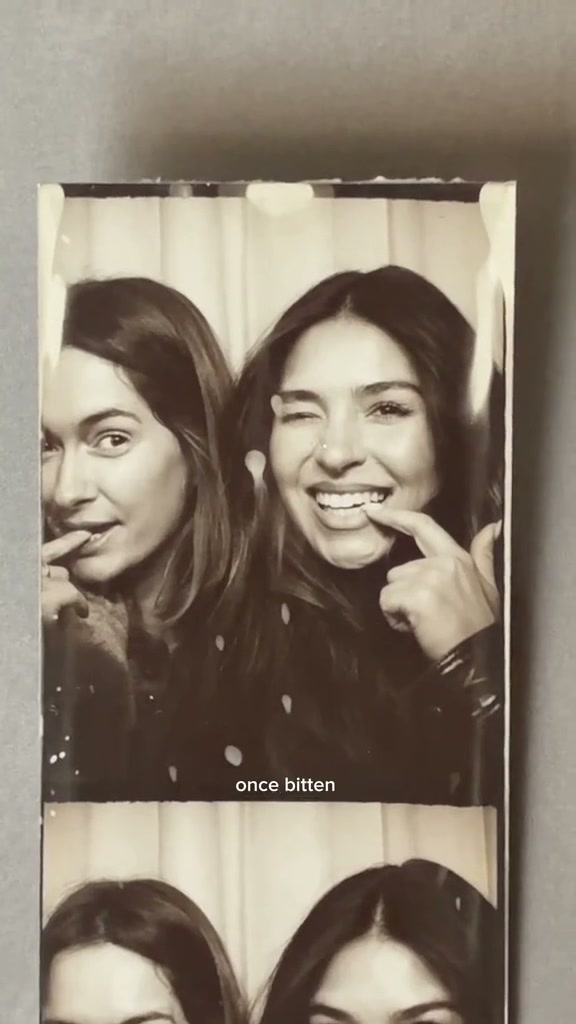
Christmas Photobooth AI
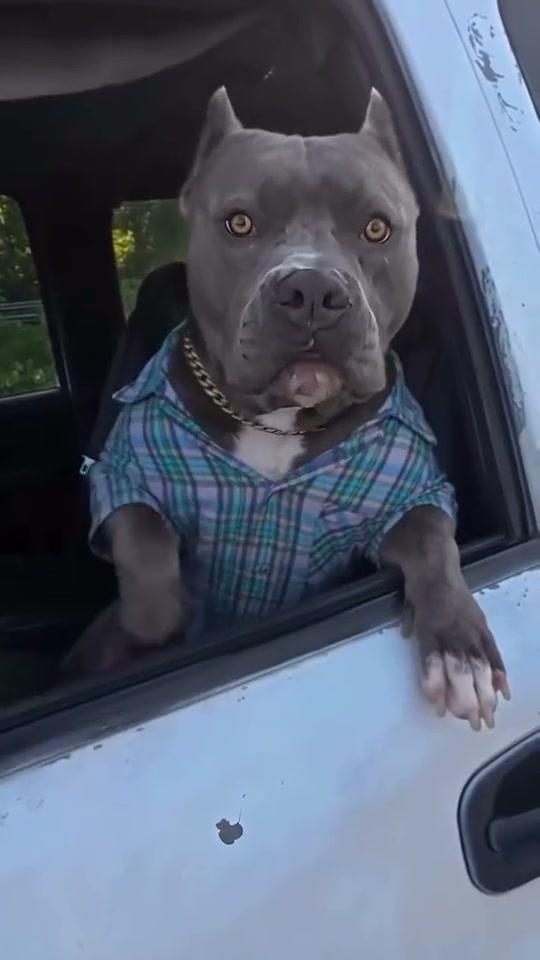
Hit the Road Dude AI
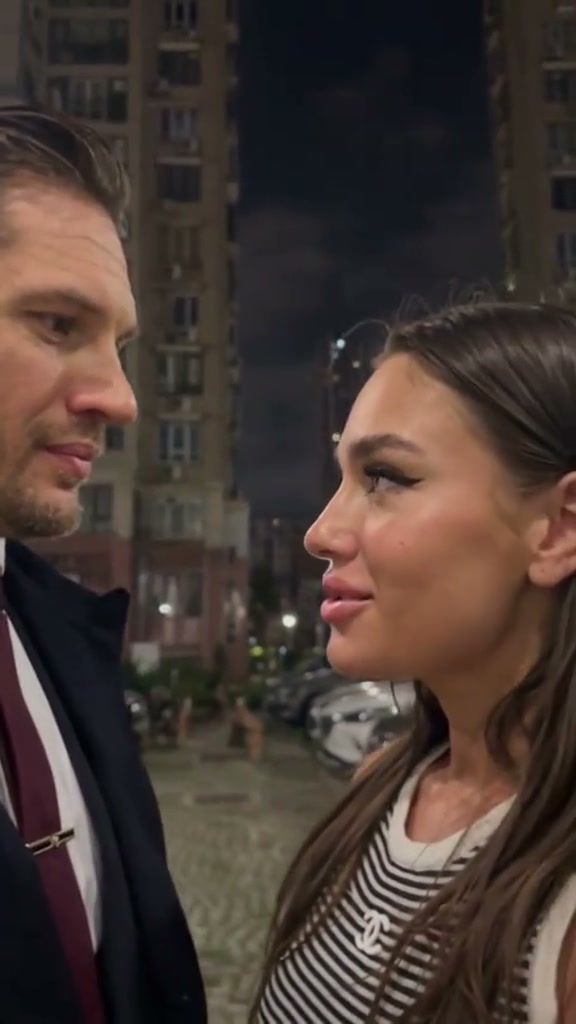
Мои слёзы AI
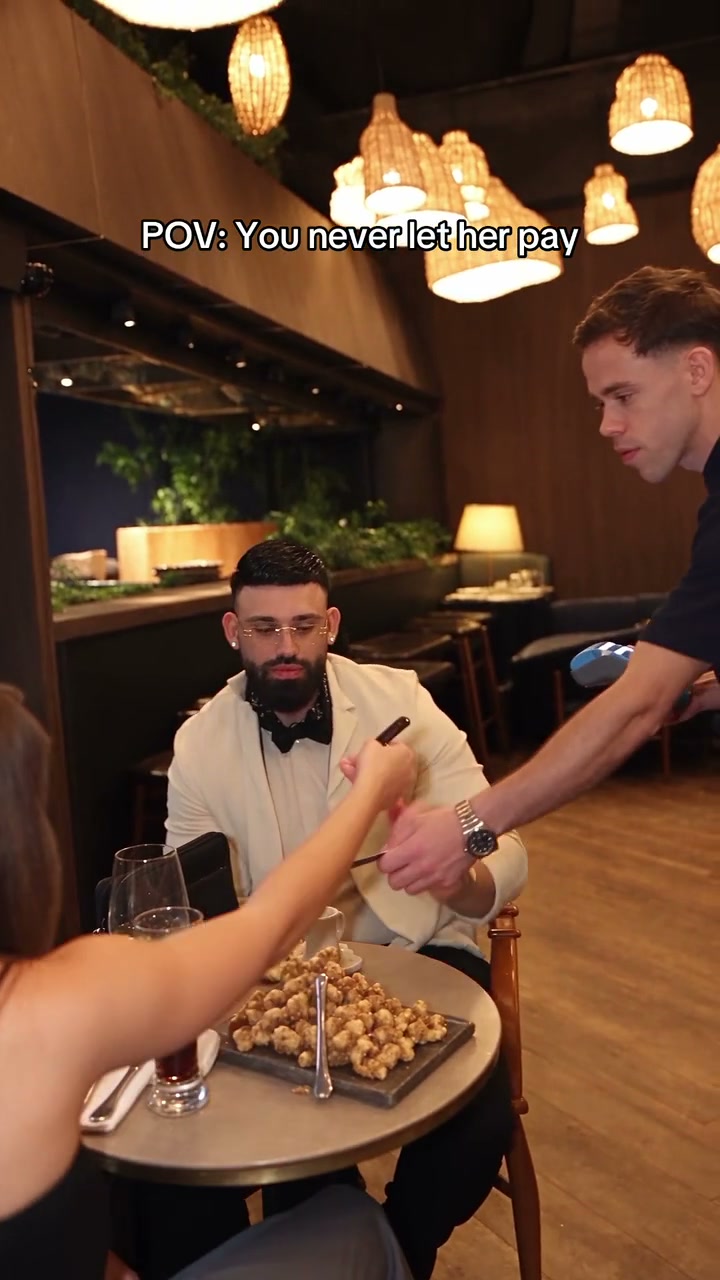
You Never Let Her Pay AI
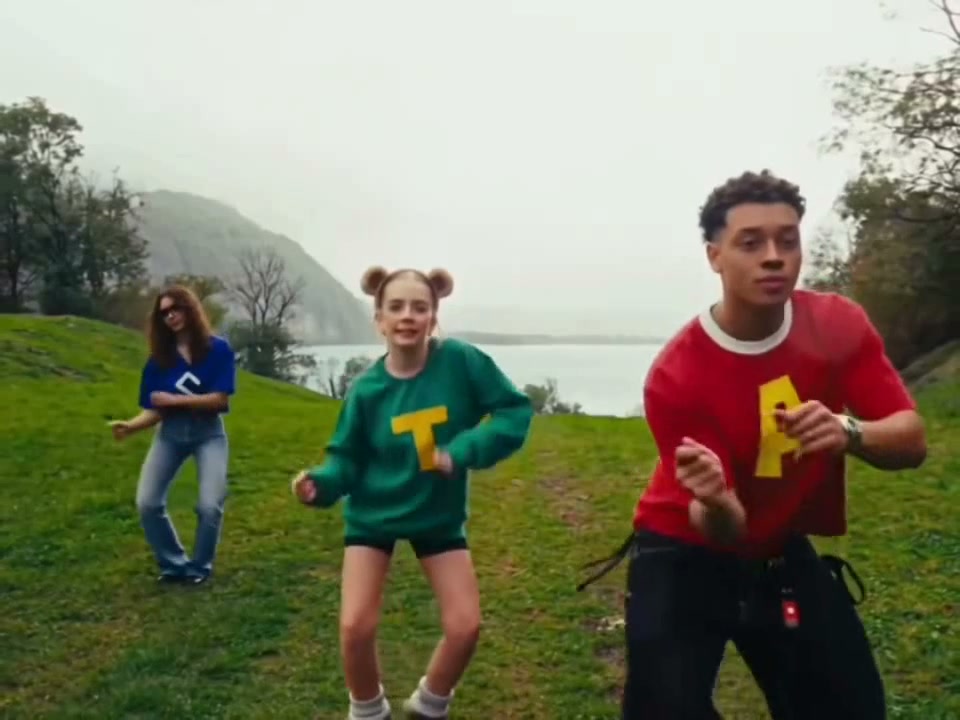
Wassup in a Minute AI
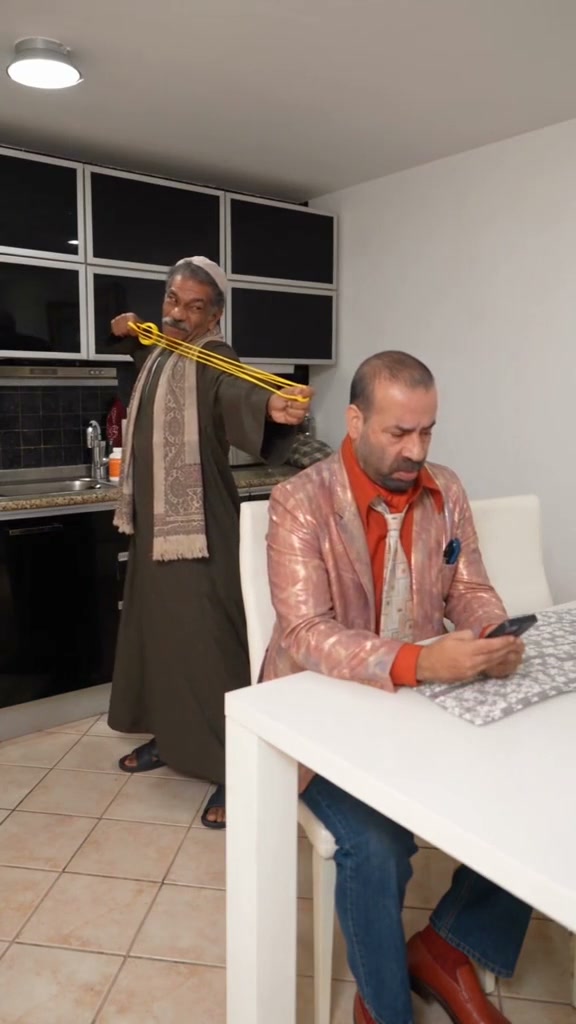
Rubber Band Prank AI
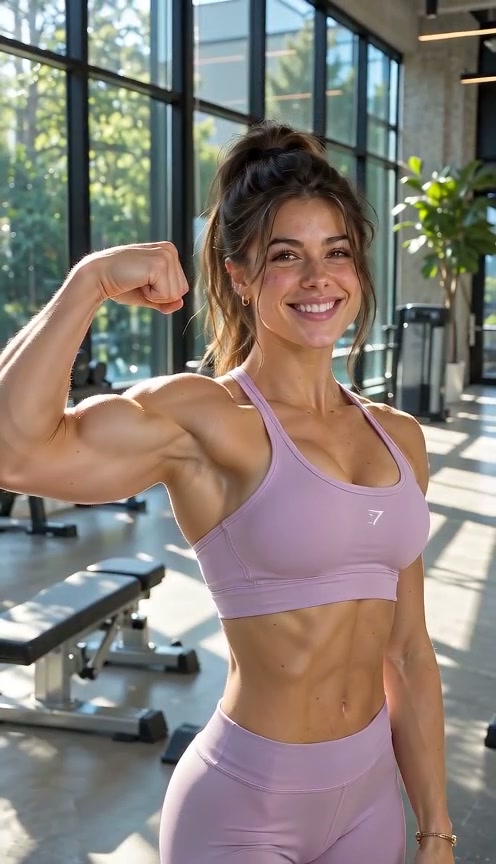
Bicep Heart AI
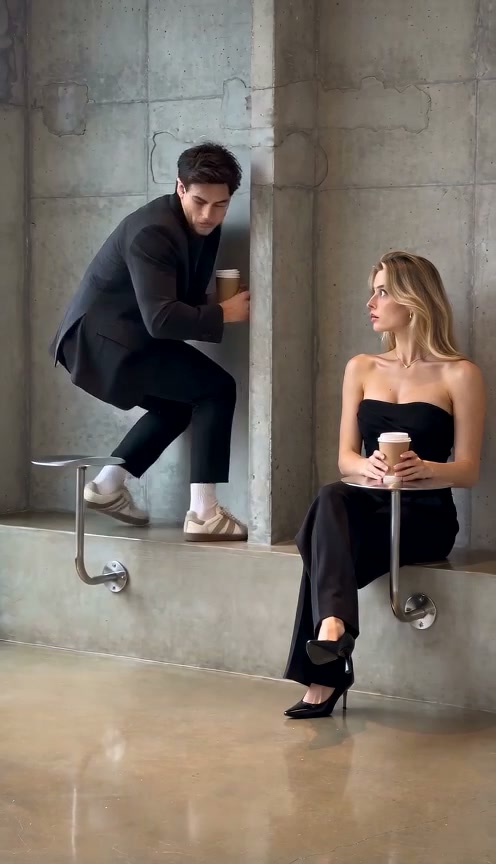
Fancy Cafe AI
Couples dances, romantic transitions, and best-friend comedy trends shine when both people look unmistakably like themselves across close-ups and wide shots. Dedicated dual-slot studios prevent face blending between partners.
Rather than cropping a blurry group picture, drop one clear solo portrait into Slot 1 and a separate solo portrait into Slot 2. Each avatar thumbnail shows exactly which on-screen partner that photo controls.
Using two portraits with reasonably clear, even lighting helps both performers blend naturally into the same scene environment—whether it is a sunset road, cozy living room, or festive party booth.
Most couples and duo templates also include Left-Only or Right-Only solo cast options, letting you test one partner first or star alongside the reference performer with a single photo.
Need a partner’s portrait that is saved on your phone while browsing on a laptop? Click Photo from Phone inside any duo studio to scan a QR code and beam both photos directly into Slots 1 and 2. Your uploaded portraits stay ready as you browse other duo templates in the homepage studio.
Jump into our homepage studio to search all 14 couples & duo trends and 124+ viral templates using just your photos—no reference video needed.