
BAD AIM EDIT AI VIDEO GENERATOR: MISS THE SHOT, OWN THE OFFICE
Star in the viral “Bad Aim Edit” archery-to-office comedy trend from one photo. Choose the Fighter or Cartoon version to render a 15-second clip with synced viral audio ready for TikTok and Reels. Pay-as-you-go video generation starts at just 8 credits with zero monthly subscription.
CREATE YOUR ARCHERY-TO-OFFICE EDIT
Choose version & upload your photo
Upload 1 clear front-facing portrait showing your face, hair, and outfit in even lighting. The generator animates the archery shot and monochrome office cut automatically.
Video Options
By generating you confirm compliance with our Terms · Privacy · Acceptable Use
15-second video · 8 credits per generation
WATCH EXAMPLES FREE · REVIEW THE COST · FAILED-TASK CREDIT RETURN
WHAT IS THE BAD AIM EDIT AI TREND?
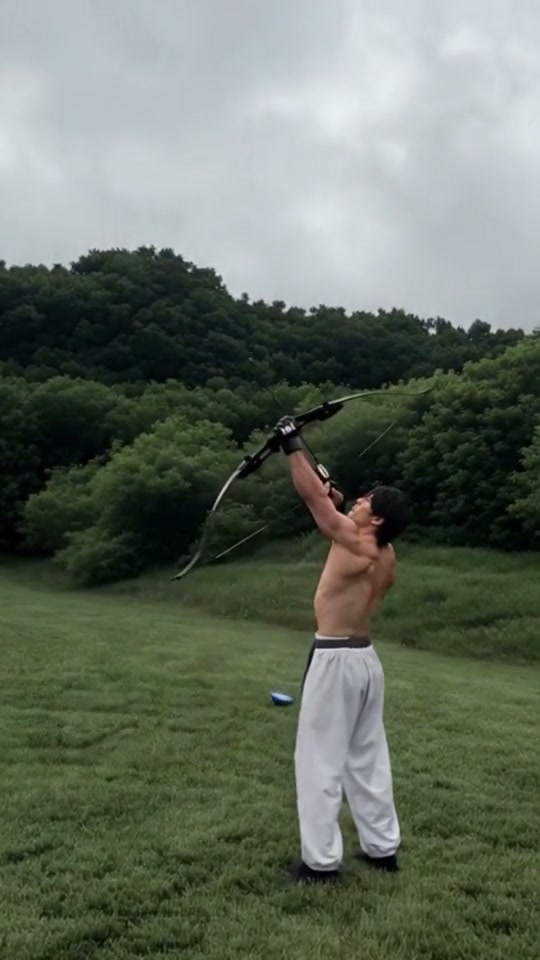
Bad Aim Edit AI is a single-photo comedy video generator built around the viral TikTok and Instagram "Bad Aim Edit" archery-to-office meme. Pick between two preset versions—the Fighter Reference or the Cartoon Reference—and upload one front-facing portrait to fire an arrow straight up on a grassy field, watch it drop beside a flat lawn target, and cut straight into a high-contrast black-and-white indoor office edit across a 15-second vertical MP4.
Often searched across short-form feeds as “miss the shot, own the office” or the bad aim archery template, the gag builds punchline contrast around an absurdly bad recurve bow miss in an open meadow before hard-cutting to composed monochrome poise, an unhurried drink sip, and a quiet two-finger shush near frosted office blinds.
Fighter or Cartoon Version · 1 Photo In
Switch between the live-action Fighter version and the stylized Cartoon pacing inside Step 1. Both routes hold your real facial identity and outfit continuity cleanly from outdoor daylight into black-and-white indoor lighting.
Explore trending creator remixes on TikTok bad aim archery search results.
Content reviewed by Viral AI Video · . Independent AI creative tool, not affiliated with TikTok, Instagram, YouTube, or any sports organization.
Trending Viral Effects
Explore More Viral AI Video Templates
Jump into other trending meme formats or create custom video remakes.
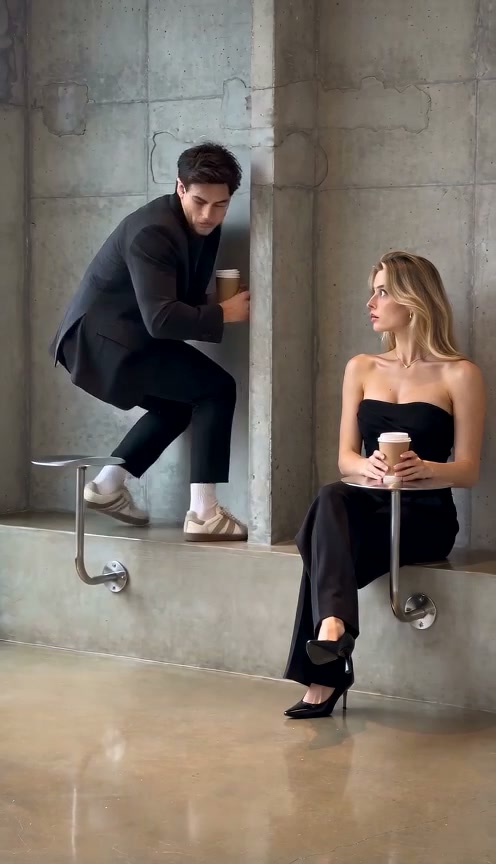
Fancy Cafe AI
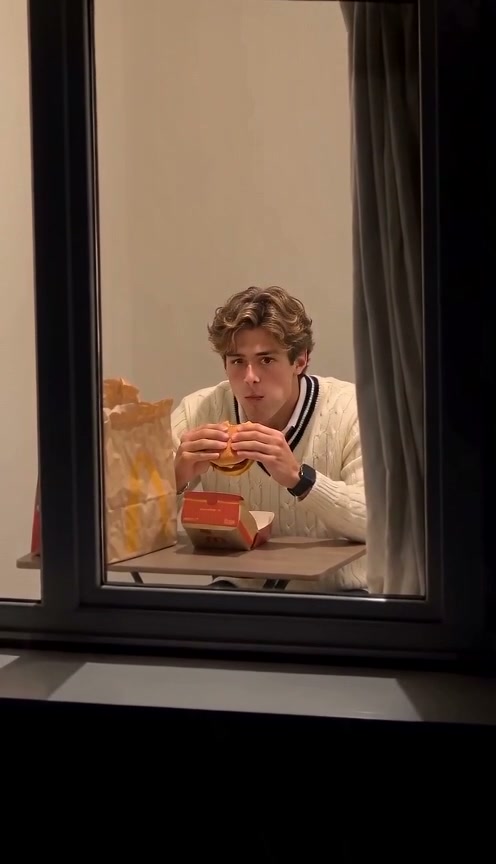
Window Peeper AI
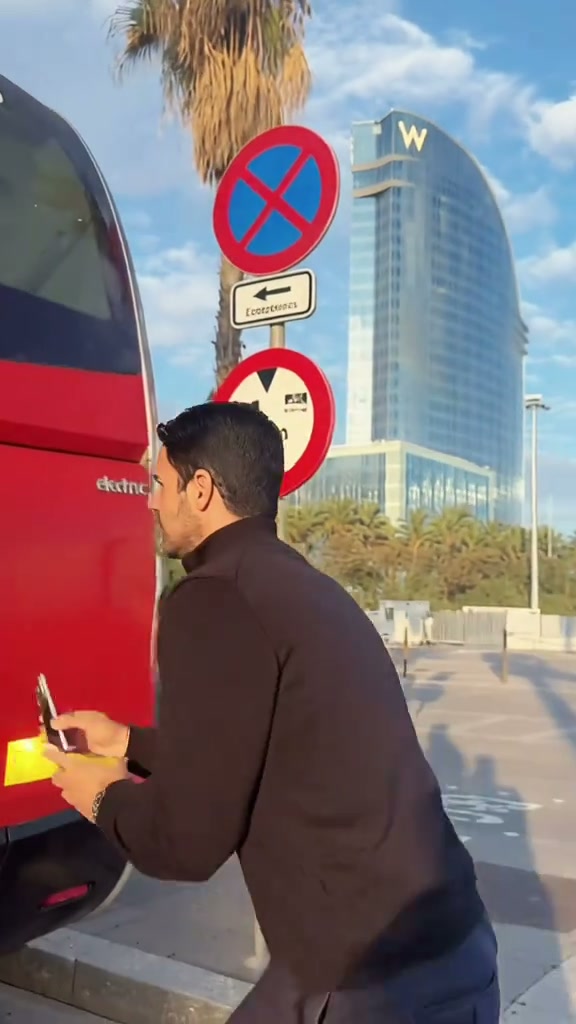
Unicycle Ride AI
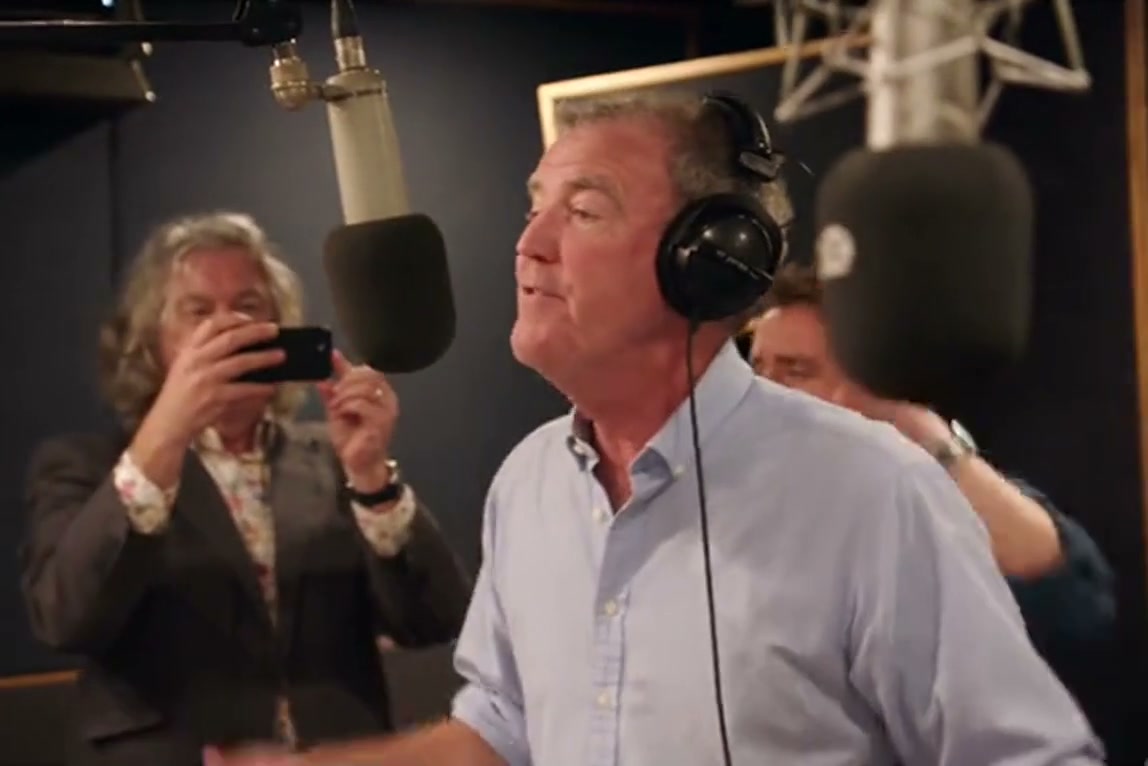
General Levy Incredible AI
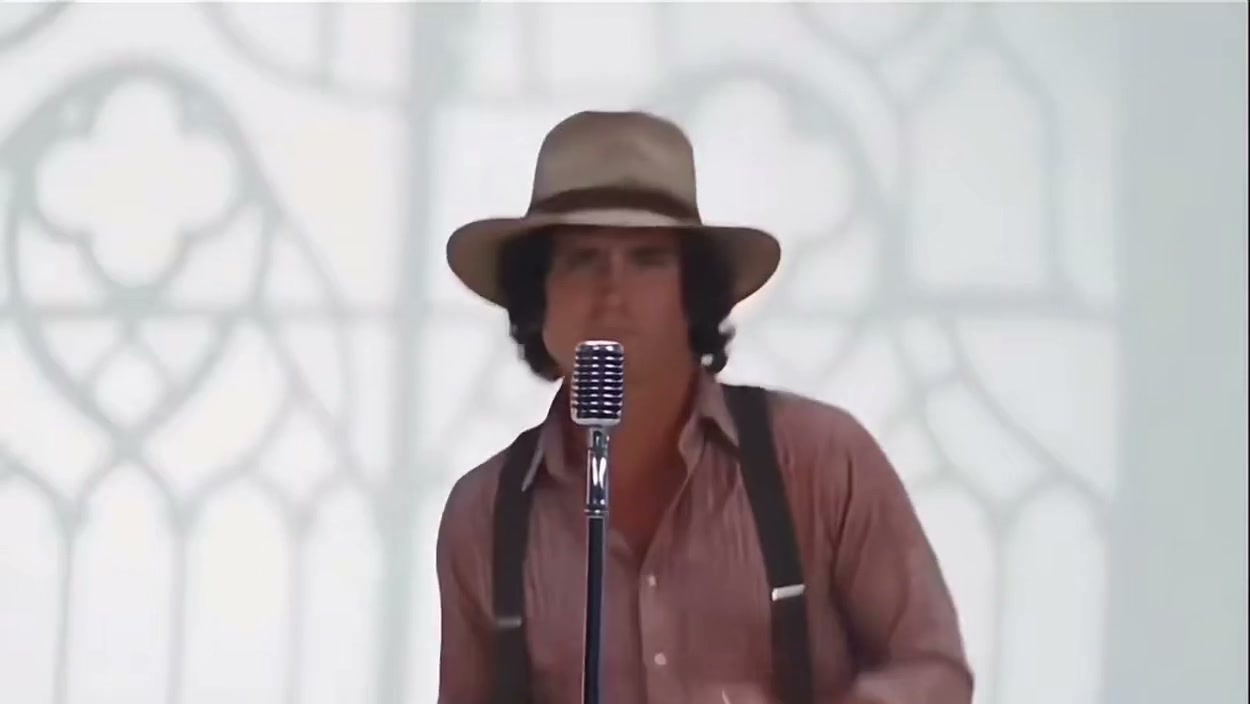
Rick Roll AI
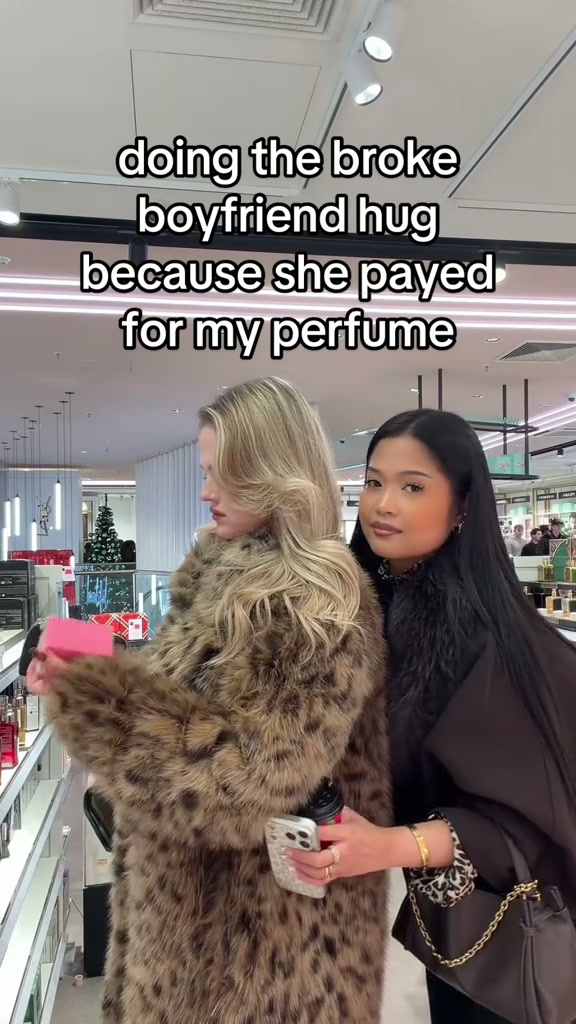
Broke Boyfriend Hug AI
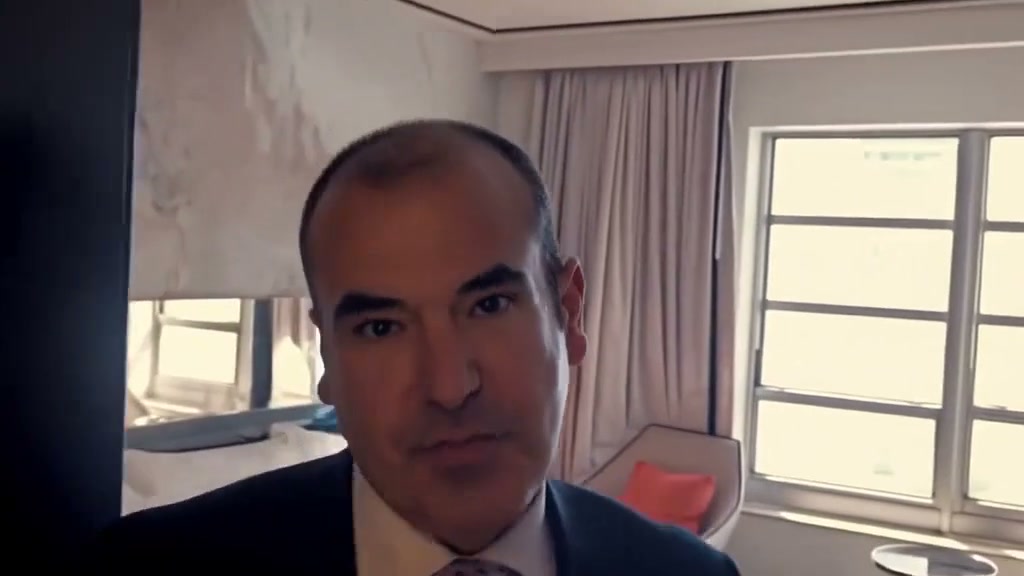
Man's Not Hot AI
Boxing Machine AI
Stop The Wedding AI
Airport Transition AI
Faceless Trio Cool Entrance AI
Baby Boom AI
Stranger Things Upside Down Transition AI
Drake Solar Eclipse AI
La Nena No Se Compara AI
Hibidi Skibidi AI
Shoulder Carry AI
Need for Speed AI
Old Town Road AI
Fitting Room Outfit Change AI
How to Create Your Archery Comedy Video in 3 Steps
Pick your preferred trend version and drop in one crisp portrait. Every outdoor shot and indoor monochrome beat cut is timed automatically without manual splicing.
Pick Version & Add Photo
Choose between Fighter or Cartoon timing, then upload one sharp adult portrait from your device or via mobile QR scan—no bow props or office backdrop needed.
Select Resolution & Format
The preset locks the meadow bow draw and black-and-white office reveal together. Choose 480p, 720p, or 1080p plus your preferred framing before confirming permissions.
Download With Beat Audio
Follow live render progress until your 15-second clip arrives with synced trending audio attached. Save straight to computer or send via phone QR.
Creative Angles for Your Archery-to-Office Edit
Use sharp caption hooks over the dramatic field-to-boardroom cut to turn any everyday portrait into a replayable joke.
Corporate Promotion Punchline
Pair the lawn whiff and monochrome sip with captions about failing upward or acting unbothered after a mistake.
Gym Buddy & Sports Banter
Cast a friend in athletic gear so the bow miss and shush land like a playful roast in your group chat.
Two Pacing Styles to Test
Compare the Fighter cut against the Cartoon timing variant without manual beat markers or keyframes.
Why Create Your Bad Aim Edit Here
Compare both trend cuts, verify credit totals upfront, and render with automatic error refunds.
100% Automatic Refund On Errors
Cloud task failures return reserved credits to your balance automatically—no support tickets needed.
Fighter & Cartoon Cuts Ready
No clip hunting or template splicing required. Switch versions inside Step 1 from one still portrait.
Flexible Resolution & Format
Export 480p, 720p, or 1080p across 9:16, 1:1, or 16:9 with live upfront credit pricing.
Instant MP4 & Phone QR Save
Download the synced MP4 on desktop or scan the QR code directly to your phone.
Non-Expiring Sitewide Credits
Purchased pack credits never expire and work across every studio preset on site.
Transparent Privacy & Retention
Uploaded portraits follow our Privacy Policy safely and are never shared publicly.
Inside the 15-Second Archery Storyboard
Every render follows the viral four-beat comedy arc from open skyward bow release to crisp monochrome office confidence.
Meadow Skyward Bow Draw
Standing on an overcast field backed by trees, you tilt back and draw a recurve bow skyward before releasing.
Whiffed Drop Beside Target
You lean forward and stare down at the grass as the stray arrow lands right beside a flat lawn target.
Monochrome Office & Drink Sip
Hard cut to monochrome office blinds: glancing back with a smirk, raising a glass to sip, and turning forward.
Quiet Finger-to-Lips Stance
Closing in near the doorway, you lock eyes with the lens, press fingers gently to lips, and hold your stance.
Photo Guidelines & Quality Tips
Keep likeness crisp through both sunny-meadow bow draws and high-contrast indoor monochrome close-ups with these framing tips.
Give Your Portrait the Best Edge
- Even Front Lighting Without Heavy ShadowsChoose a sharply lit front portrait so eye contact and smirks hold detail cleanly after the black-and-white cut.
- Show Shoulders & Natural OutfitInclude head, neck, shoulders, and torso styling clearly without cropped chins, hoodies up, or hands near your face.
- Skip Sunglasses, Masks & StickersUncovered eyes and unobstructed jawline ensure believable head tilts while tracking the falling arrow and sip glance.
- Single Centered Adult SubjectAvoid group selfies or bystanders behind you so the AI keeps full focus on the solo archer throughout.
Check the Cost and the Finished Motion
- iVerify Live Credit TotalsChanging model tier or output resolution updates the exact credit amount immediately above the submit button.
- iInspect Both Transition BeatsWatch the grass bow release, arrow drop, glass sip, and finger-to-lips close-up in the result preview before downloading.
- i100% Automatic Refund on Failed TasksIf a cloud render fails for any technical reason, the system automatically returns reserved credits back to your balance.
- iPreview Free, Generate When ReadyWatch both Fighter and Cartoon reference clips freely before signing in and starting a paid render.
How Does This Bad Aim Edit Generator Work?
Your uploaded portrait supplies your facial structure, hair, skin tone, and clothing cues. The selected version animates every frame from the overcast meadow bow shot through the black-and-white office drink sip and quiet shush across the full 15-second vertical clip.
Zero separate clip splicing or manual audio syncing is required. Upload one portrait, review the credit total (8 credits at Standard 480p), and export an MP4 with trending audio ready for TikTok, Reels, and Shorts.
Check current credit options, failed-task and payment refund rules, and photo processing and retention before generating.
Frequently Asked Questions
QHow do I create a Bad Aim Edit AI video from my photo?
QIs Bad Aim Edit AI free to use, and when do I pay?
QHow much does this 15-second generation cost, and what if it fails?
QWhat is the difference between the Fighter Version and the Cartoon Version?
QWhat kind of portrait photo gives the cleanest likeness?
QWill the video copy my static photo pose or perform the archery and office actions?
QDoes the output include sound, and can I save it to my phone?
QAre uploaded photos kept private, and do I need a bow or training gloves?
Make Your Archery Edit Clip Tonight
Pick Fighter or Cartoon timing, upload one portrait, check the upfront credit cost (8 credits at 480p), and export a 15s MP4 with trending audio ready for TikTok & Reels.
MP4 download · Phone QR option · Sitewide credits