
THANK YOU BABY AI VIDEO GENERATOR: SOLO BEAT DANCE
Join the viral Thank You Baby AI living-room dance challenge. Upload one front-facing portrait of a consenting adult to generate an authentic 15-second vertical video with synced beat audio for TikTok and Reels. Pay-as-you-go video generation starts at just 8 credits with zero monthly subscription.
CREATE YOUR THANK YOU BABY VIDEO
Upload your photo
Tip: Use a sharp front-facing full-body or waist-up photo with visible face, hair, and outfit styling in even light.
Video Options
By generating you confirm compliance with our Terms · Privacy · Acceptable Use
15-second video · 8 credits per generation
WATCH EXAMPLES FREE · REVIEW THE COST · FAILED-TASK CREDIT RETURN
WHAT IS THE THANK YOU BABY AI TREND?
Thank You Baby AI is an automated solo dance meme generator inspired by the viral "Thank You Babeh" TikTok and Reels audio trend. Upload one clear front-facing photo of a consenting adult (18+) to generate an authentic 15-second 9:16 vertical clip performing the full indoor choreography—finger point, cheerful wave, open-palm shrug, rhythmic knee bounce, eye-frame gesture, chest heart sign, and raised-arm finale—starting at 8 credits with synchronized audio.
Inspired by the catchy “Thank You Babeh” LIVE beat hook, this viral solo living-room routine pairs expressive hand storytelling with relaxed home comfort: step forward on the gray plush carpet to point toward the lens, wave and open both palms in an easy shrug, cycle through mouth-fist bounces, and finish with an eye-frame heart and raised arm.
One-Click Solo Living-Room Choreography
Upload a single front-facing portrait of a consenting adult. Our studio animates every beat point, palm shrug, knee bounce, and closing arm lift while preserving your natural facial features, hairstyle, and personal outfit without timeline keyframes, manual masking, or filming.
Explore live creator routines across TikTok living-room dance clips.
Independent AI creative tool, not affiliated with TikTok, Instagram, YouTube, or ByteDance.
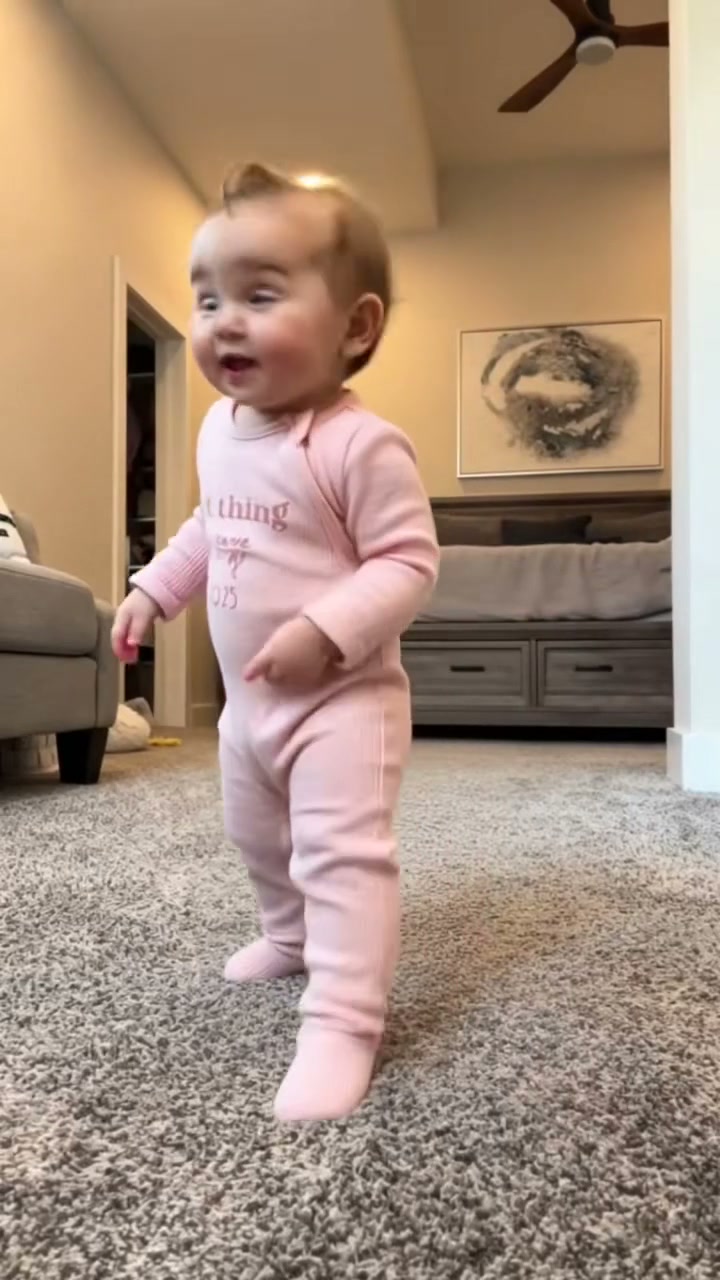
Trending Viral Effects
Explore More Viral AI Video Templates
Jump into other trending meme formats or create custom video remakes.
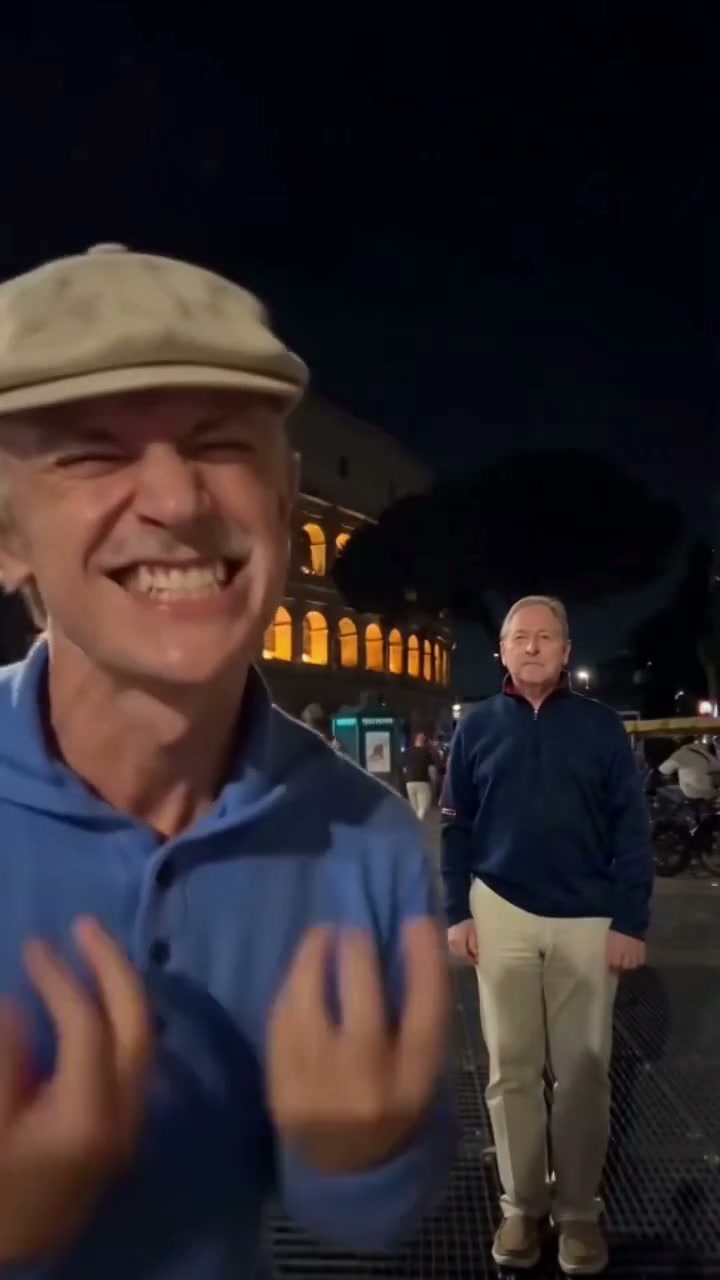
Hideaway Dance AI
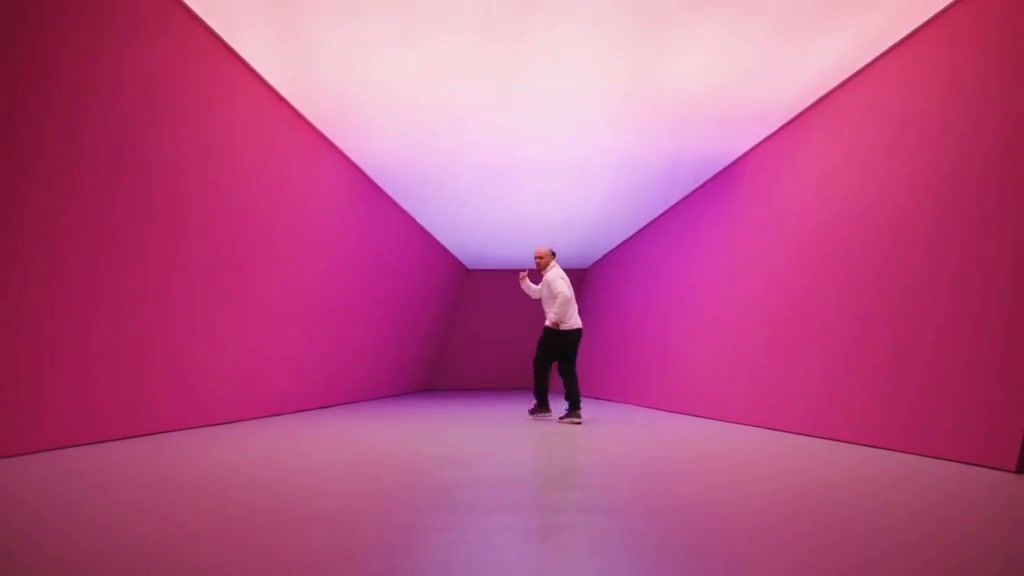
Hotline Bling AI
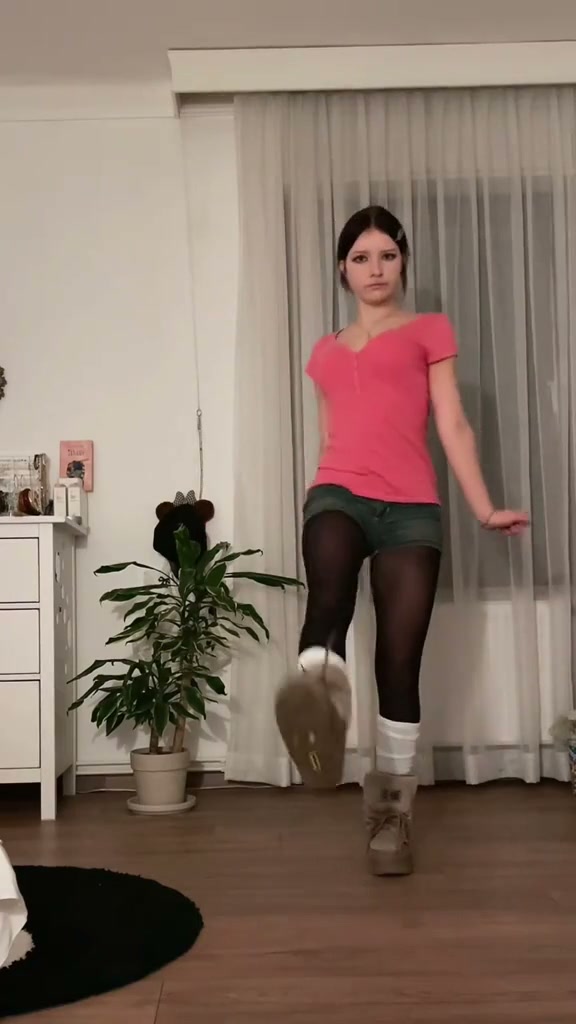
Tsundere Dance AI
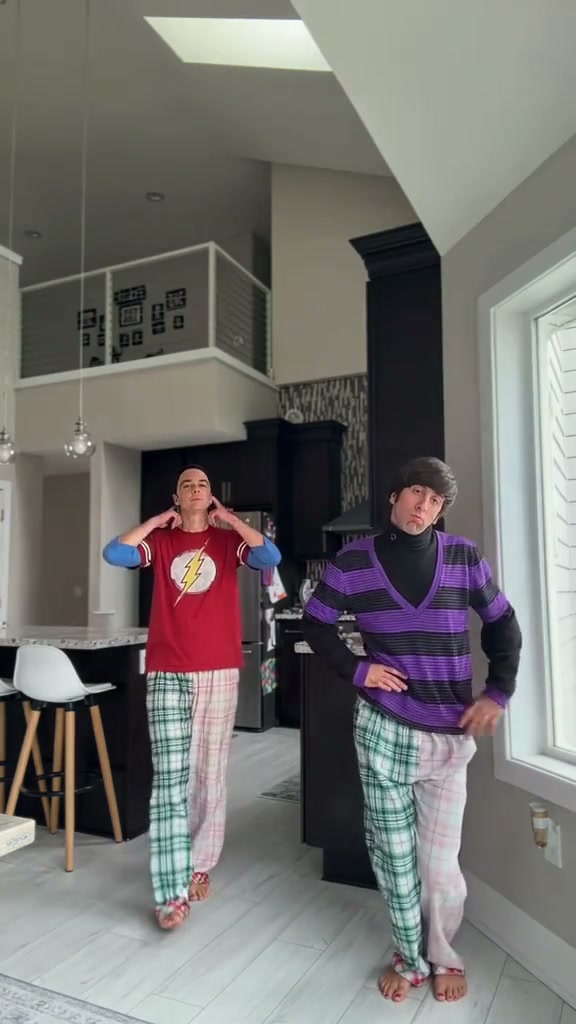
Deck The Halls Dance AI
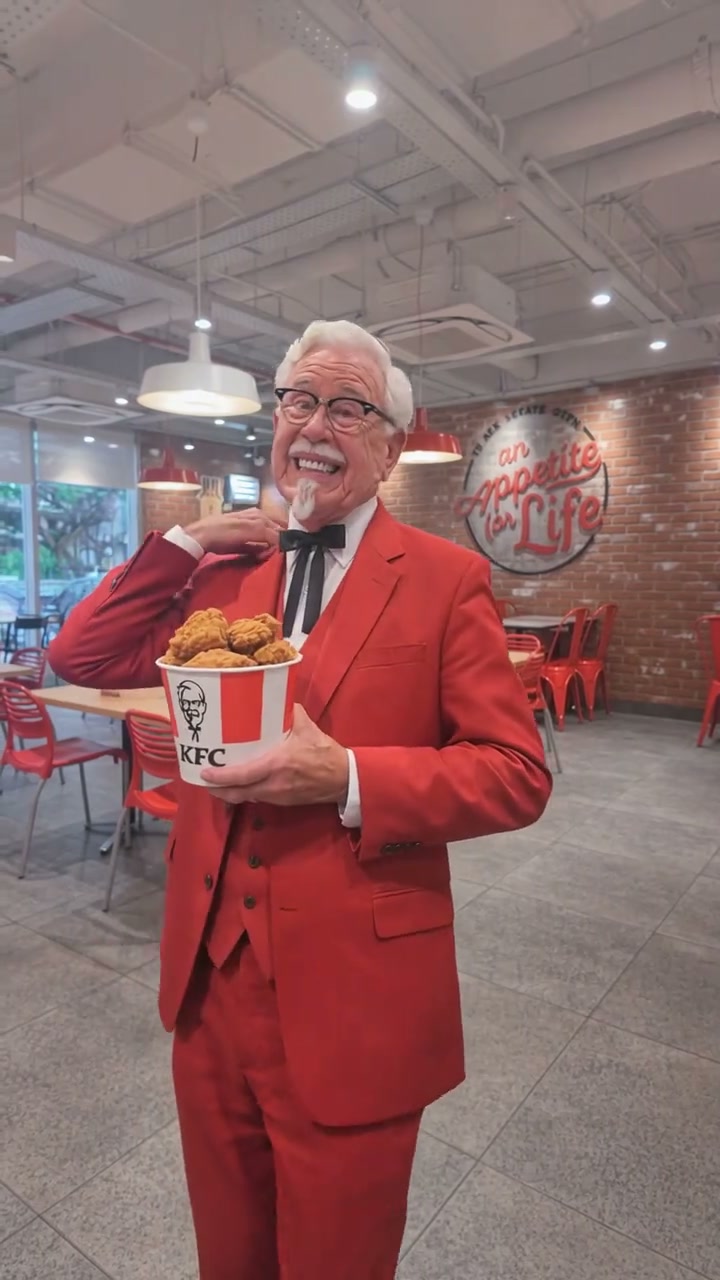
The Jawn Dance AI
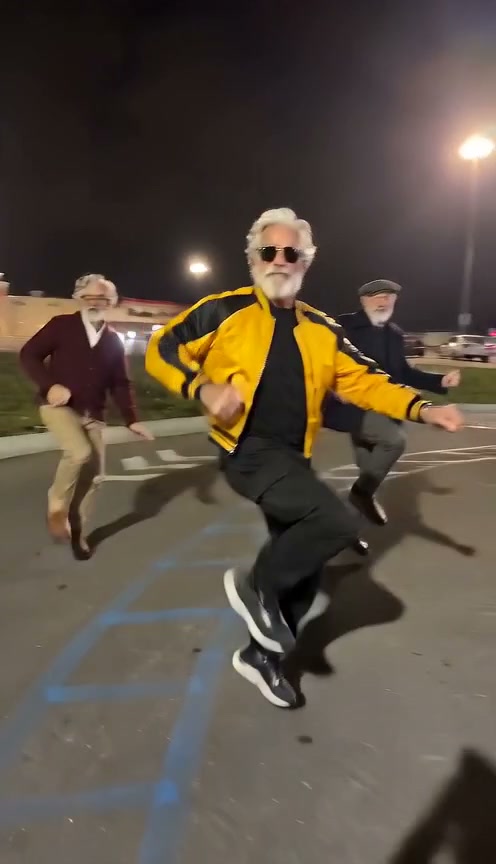
Gangnam Style Dance AI
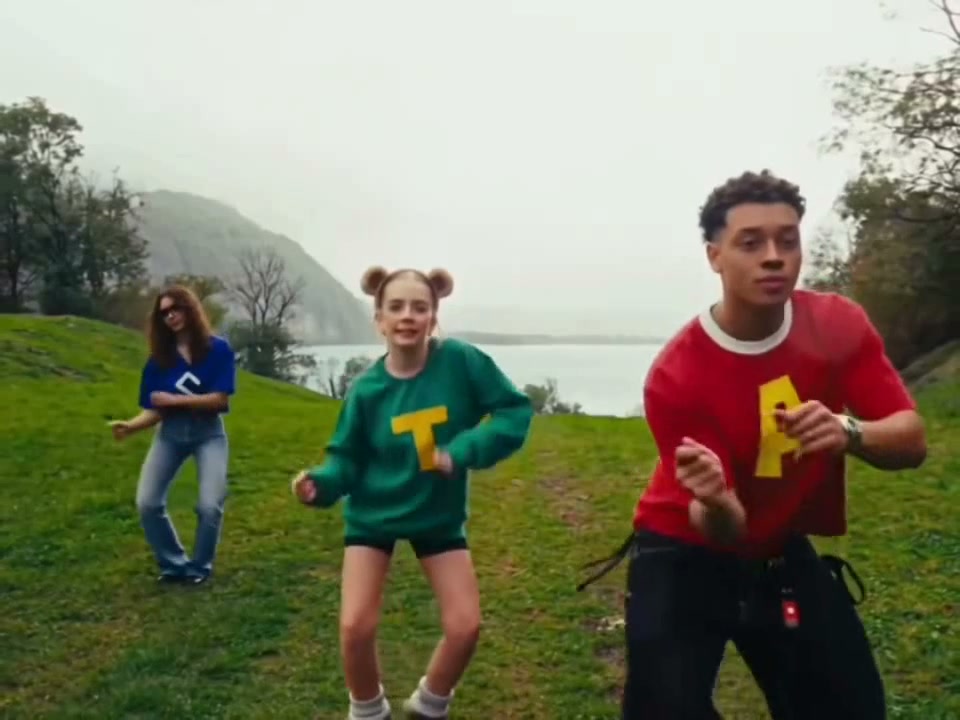
Wassup in a Minute AI
Ice Ice Baby Dance AI
Chipmunk Dance AI
Stop the Wedding Dance AI
Under Arrest Dance AI
Like Jennie AI
Baby Dancing AI
Babydoll Dance AI
Dance with Santa AI
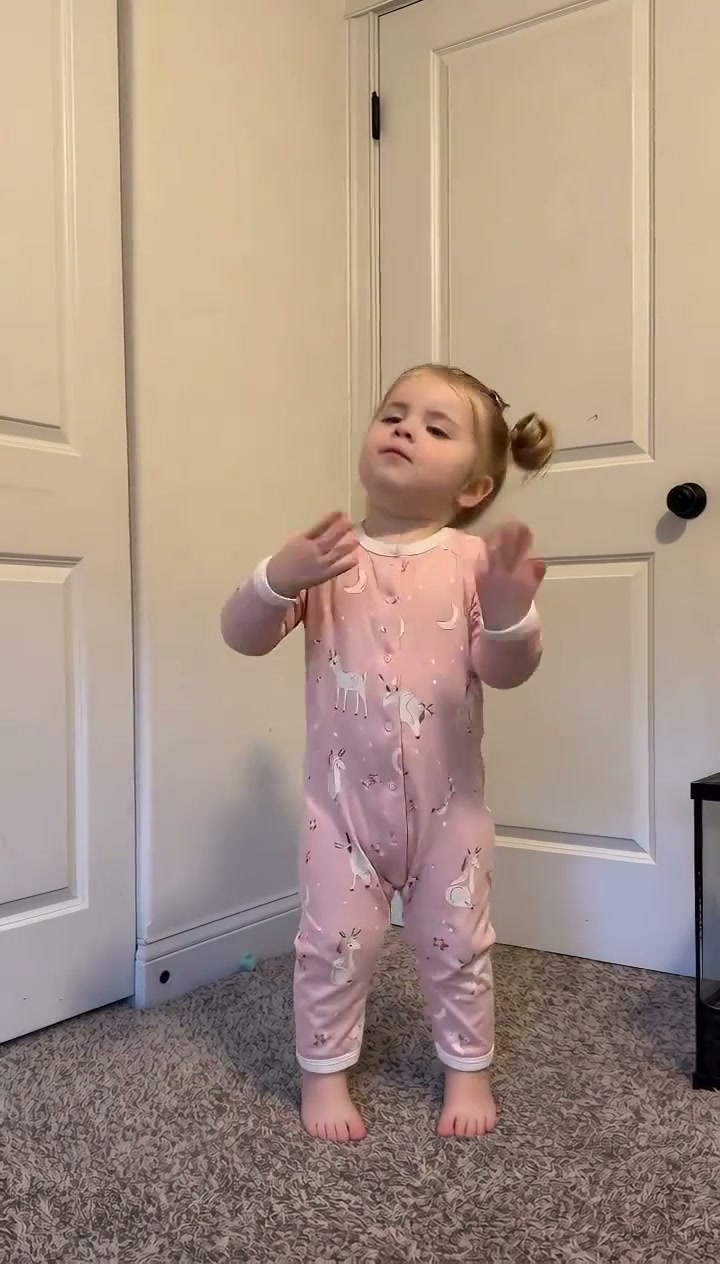
Sticky Bubblegum Dance AI
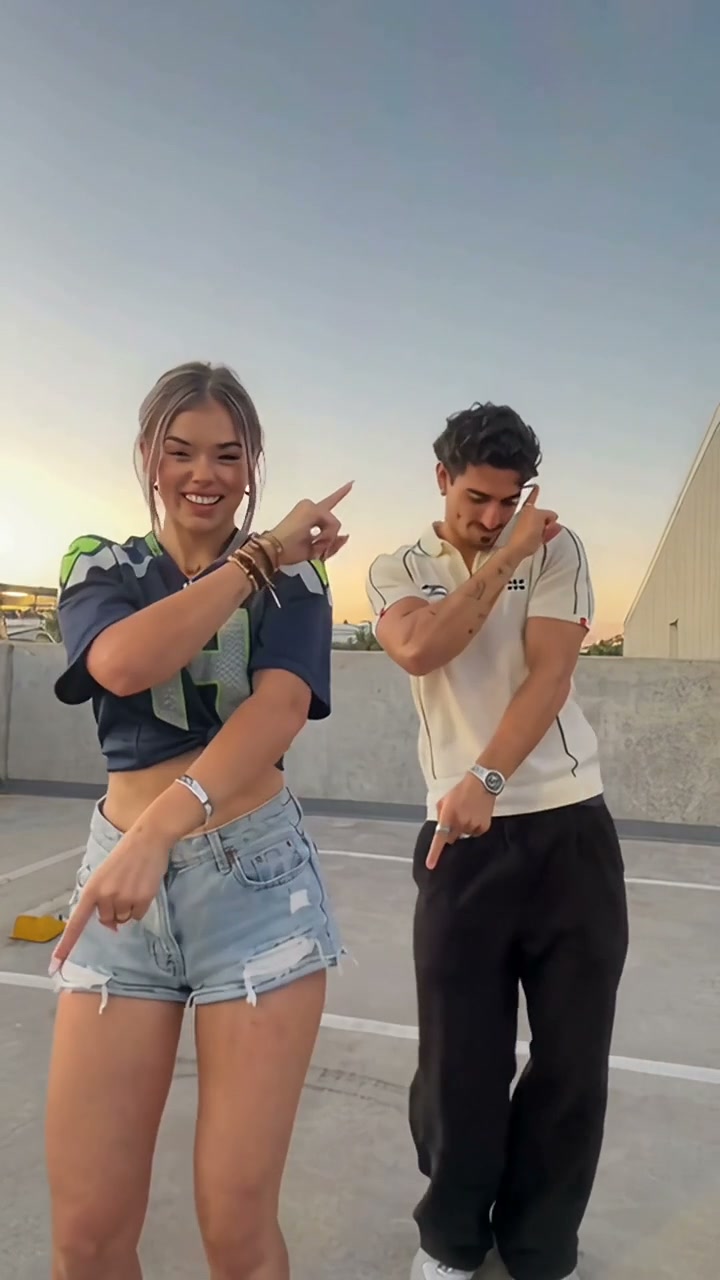
Stereo Love Funk AI
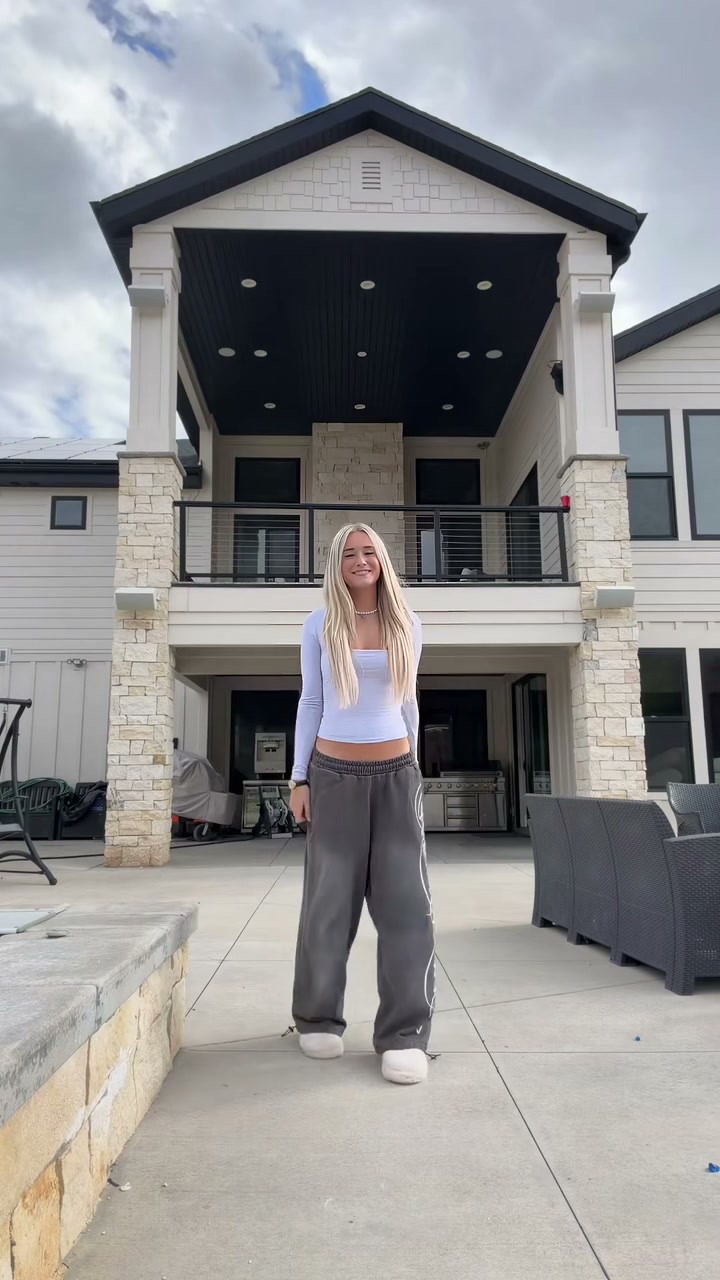
Christian Dior Dance AI
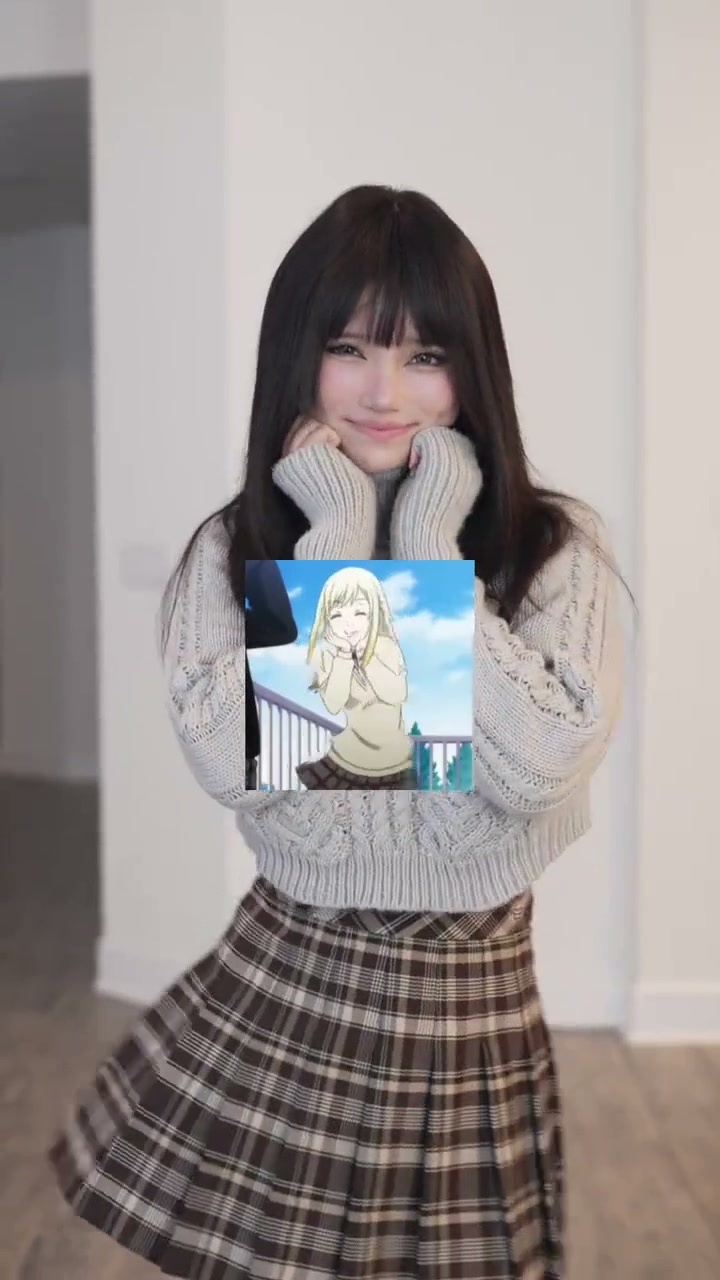
Talk to Me Doja AI
Jingle Bell Rock Dance AI
How to Create Your Living-Room Dance Clip in 3 Steps
Start with one clear adult portrait. Steady indoor framing, warm living-room lighting, gray carpet perspective, and beat timing are already dialed in so you pick quality options, check the live credit quote, and render.
Upload Your Front-Facing Photo
Choose a crisp waist-up or standing photo of one consenting adult showing natural eye contact, hair, and outfit in balanced light. Pick a desktop file or scan the QR code to upload directly from your phone.
Pick Tier & Review Credits
This preset defaults to native 9:16 vertical framing for TikTok and Reels. Pick Standard, Fast, Pro, or Ultra along with 480p, 720p, or 1080p quality. Transparent pricing starts at 8 credits.
Render & Download MP4
Follow real-time GPU progress, preview the finished 15-second routine with synced track audio, and save the MP4 to your desktop or smartphone camera roll.
Creative Angles for Your Viral Video
Short-form viewers watch to the final arm lift when the laid-back living-room groove pairs with a cheeky gratitude caption, payday celebration, or deadpan office contrast.
Payday & Everyday Win Meme
Drop in a relaxed sweater portrait with a celebratory hook over the 0–3s camera point and watch the shrug and arm raise deliver an instant feel-good punchline.
Suit-and-Tie Deadpan Contrast
Cast a sharp corporate headshot or dinner-jacket portrait into the playful indoor dance for high-retention comedic contrast across Reels comments.
Duets & Reply Chain Cuts
Keep your native 9:16 clip ready for side-by-side friend stitches reacting to the expressive 6–10s mouth-fist bounce and eye-frame ending.
Why Create Your Living-Room Dance Video Here
Upload one portrait, check the exact credit quote up front, and generate the full solo living-room choreography with beat-matched sound. No memorizing hand steps, rigging room lights, or locking into monthly subscriptions.
Failed-Task Credit Return
If any render fails on the provider side or hits a filter, reserved credits return automatically to your balance.
One-Click Beat Routine
Locked living-room camera framing, camera point, palm shrug, and arm finale eliminate manual editing or keyframing.
Flexible Resolution & Format
Render in 480p, 720p, or 1080p across 9:16, 1:1, or 16:9 aspect ratios with clear per-render quotes.
MP4 Download & Phone Handoff
Save directly on desktop with beat audio attached or scan the completion QR code straight to your phone.
Non-Expiring Sitewide Credits
Purchased pack credits work across every viral dance template on the site and never expire.
Transparent Privacy & Retention
Uploaded portraits are handled strictly for video rendering under our documented storage retention schedule.
Inside the 15-Second Living-Room Dance Storyboard
This four-beat timeline maps every living-room gesture from the opening camera point through the eye-frame heart and arm finale.
Center Step-Forward & Lens Point
Standing centered in the warm-lit living room over gray plush carpet, your subject raises one finger toward the camera on the opening vocal cue.
Camera Wave & Open-Palm Shrug
Your subject leans slightly in, waves across chest height toward the lens, and opens both palms outward in an expressive shrug.
Mouth-Fist Groove & Knee Bounce
Hands alternate between a fist near the mouth, side arm swings, and a dropped torso knee bounce matching the mid-track rhythm.
Eye-Frame, Chest Heart & Arm Finale
Your subject frames both hands beside their eyes, rests both hands over their heart, and raises both arms overhead to end the 15-second loop.
Photo Guidelines & Quality Tips
Because every phrase relies on clear facial expressions and visible hand transitions, picking a well-lit open portrait helps likeness and outfit textures stay crisp throughout.
Give Your Portrait the Best Edge
- Full-Body or Waist-Up Front ShotUpright knee-up or waist-up adult portraits preserve your sweater, top, and trousers cleanly during knee bounces.
- Even Front Lighting Without Harsh GlareSoft indoor light or balanced daylight keeps skin tone, eyes, and knit textures sharp from frame 0 to finale.
- Unobstructed Mouth & Upper ChestAvoid mugs, phones, heavy scarves, or social stickers covering your chin during the 6–10s mouth-fist gesture.
- Single Consenting Adult in FrameUse a photo with one adult (18+) centered cleanly so the studio locks onto your face and clothing without confusion.
Check Credits, Hands & Motion Quality
- iReview Live Model Credit Quotes480p drafts start at 8 credits; switching to 720p or Ultra 1080p updates the exact cost before you submit.
- iInspect Palms & Closing Arm RaisePreview the complete 15s clip after audio sync to verify crisp open palms at 4s and the overhead arm lift at 14s.
- iAutomatic Refund ProtectionAny render interrupted or rejected during cloud processing triggers a full automatic credit refund.
- iExplore Free, Generate on CreditsBrowse examples and configure your render freely before signing in with pay-as-you-go credits.
How Does This Thank You Baby Generator Work?
Your uploaded adult portrait provides your facial likeness, hairstyle, eyewear if worn, and outfit styling. Our studio drives that single photo across a full 15-second living-room dance performance on warm indoor lighting over gray plush carpet—moving through the opening point, camera wave, open-palm shrug, mouth-fist groove, and eye-frame arm finale.
Instead of pasting a stiff head cutout onto another creator's hoodie and body, this workflow animates your own casual sweater, jacket, or streetwear naturally across leaning torso bounces and shoulder grooves. You never have to rehearse steps, rig indoor tripods, or manually track masks in a mobile editor.
For quick creative tests, choose Standard 480p starting at 8 credits. When exporting clean outfit reactions to TikTok, Instagram Reels, or YouTube Shorts, upgrade to Standard 720p, Pro 720p, or Ultra 1080p before clicking generate. Your finished MP4 arrives paired with synced soundtrack timing across desktop and phone downloads.
Check current credit options, failed-task and payment refund rules, and photo processing and retention before generating.
Thank You Baby AI — Frequently Asked Questions
QHow do I create a Thank You Baby AI video from my photo?
QIs the Thank You Baby AI video generator free to use, and when do I pay?
QHow much does this 15-second generation cost, and what if it fails?
QWhat is the Thank You Baby AI trend on TikTok and Reels?
QWho can I upload in the photo slot, and are children allowed?
QWhat kind of photo gives the best Thank You Baby dance result?
QWill the video copy my static photo pose or perform the entire dance?
QDoes the downloaded MP4 include synchronized audio for TikTok?
QWhich resolution and aspect ratio should I choose?
QHow long does rendering take, and can I save the clip straight to my phone?
Star in the Viral Indoor Living-Room Dance Tonight
Upload one adult portrait, check your transparent credit quote (8 credits at 480p), and generate your solo living-room dance video. Export the 15s MP4 and share straight to TikTok & Reels.
MP4 download · Phone QR option · Sitewide credits