
KING JIN AI VIDEO GENERATOR: VIRAL BOWING STREET ENTRANCE
Star in the viral “King Jin AI” slow-motion entrance trend without editing timelines or masks. Upload one portrait photo to generate a 10-second hallway, bowing crosswalk, and lollipop reveal clip with synced audio ready for TikTok and Reels. Pay-as-you-go video generation starts at just 5 credits with zero monthly subscription.
CREATE YOUR KING JIN ENTRANCE VIDEO
Upload portrait & choose cut
Tip: Use a clear front-facing upper-body or full-body photo with visible face and outfit styling in even light.
Video Options
By generating you confirm compliance with our Terms · Privacy · Acceptable Use
10-second video · 5 credits per generation
WATCH EXAMPLES FREE · REVIEW THE COST · FAILED-TASK CREDIT RETURN
WHAT IS THE KING JIN AI TREND?
King Jin AI is a single-photo viral video generator built around the trending TikTok "#KingJinAITrend" dramatic boss-entrance edit. Upload one clear front-facing portrait and pick either the 9:16 Vertical Cut or 16:9 Street Bow version to animate your photo across a 10-second MP4 featuring the teal stairwell walk, night-street lollipop close-up with bowing bystanders, and city skyline finale with synchronized audio.
Circulating on TikTok and Instagram Reels under #KingJinAITrend and slow-motion boss entrance templates, this viral edit pairs a moody green-lit teal stairwell walk with a neon-lit crosswalk where onlookers bow deeply as you pull a white lollipop away into an effortless smirk.
Built-In 9:16 & 16:9 Cuts
Upload 1 portrait. Pick 9:16 Vertical for Reels or 16:9 Street Bow to open on the bowing crowd—no timeline edits needed.
Explore trending clips on TikTok search results.
Reviewed by Viral AI Video · . Independent AI tool, not affiliated with TikTok or any media franchise.

Trending Viral Effects
Explore More Viral AI Video Templates
Jump into other trending meme formats or create custom video remakes.
Rubber Band Prank AI

Flamingo Float AI
Bicep Heart AI
Fancy Cafe AI
Window Peeper AI
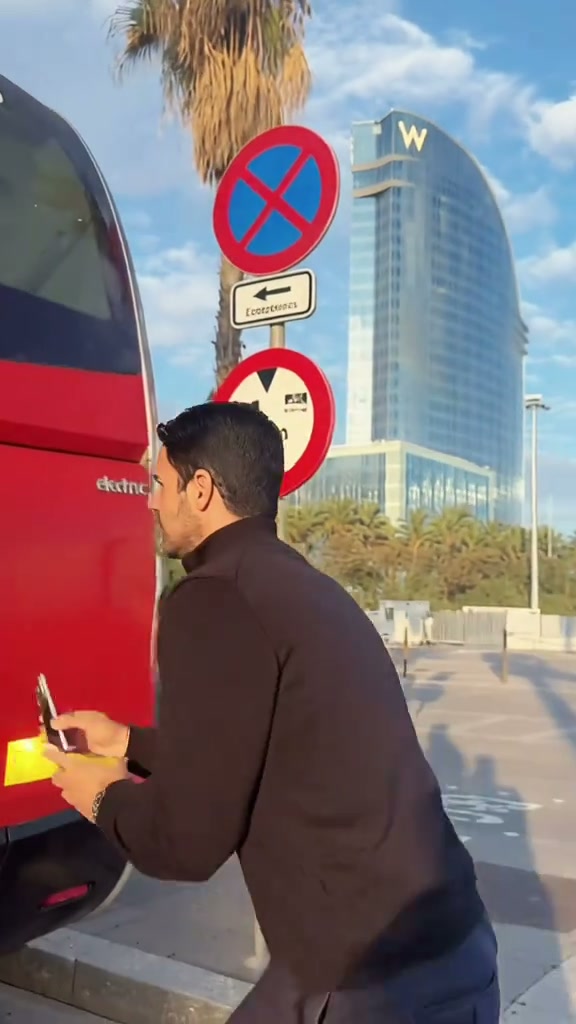
Unicycle Ride AI
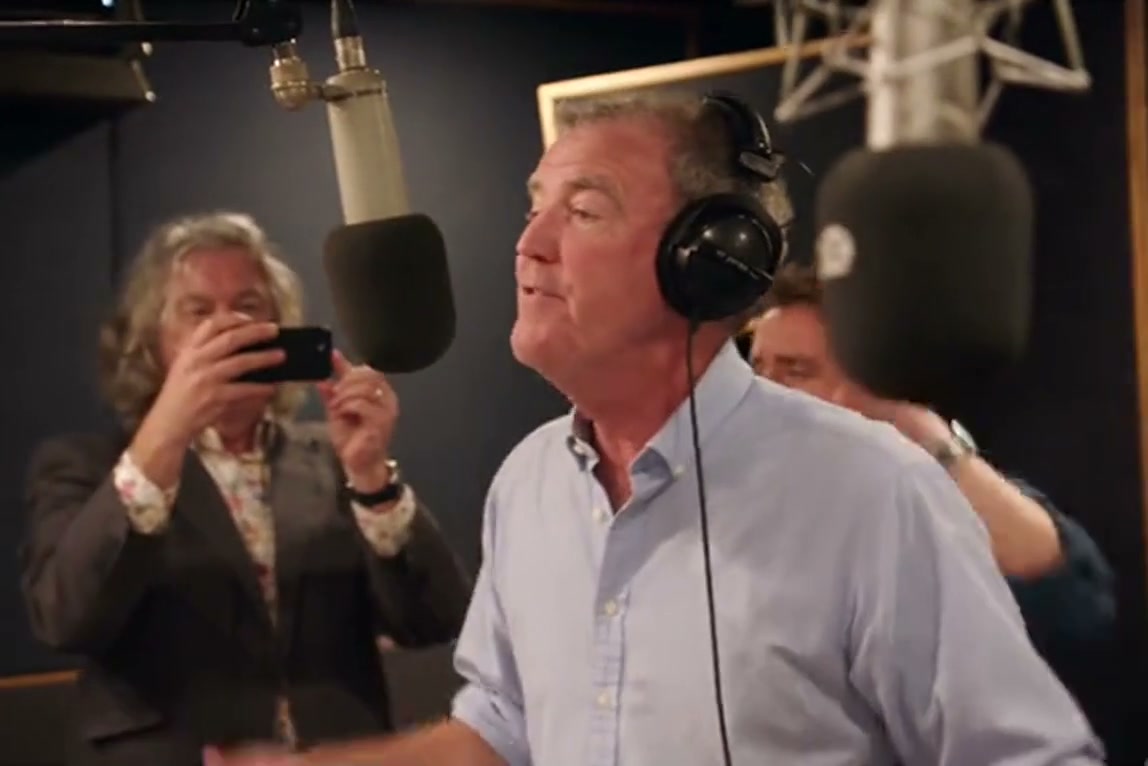
General Levy Incredible AI
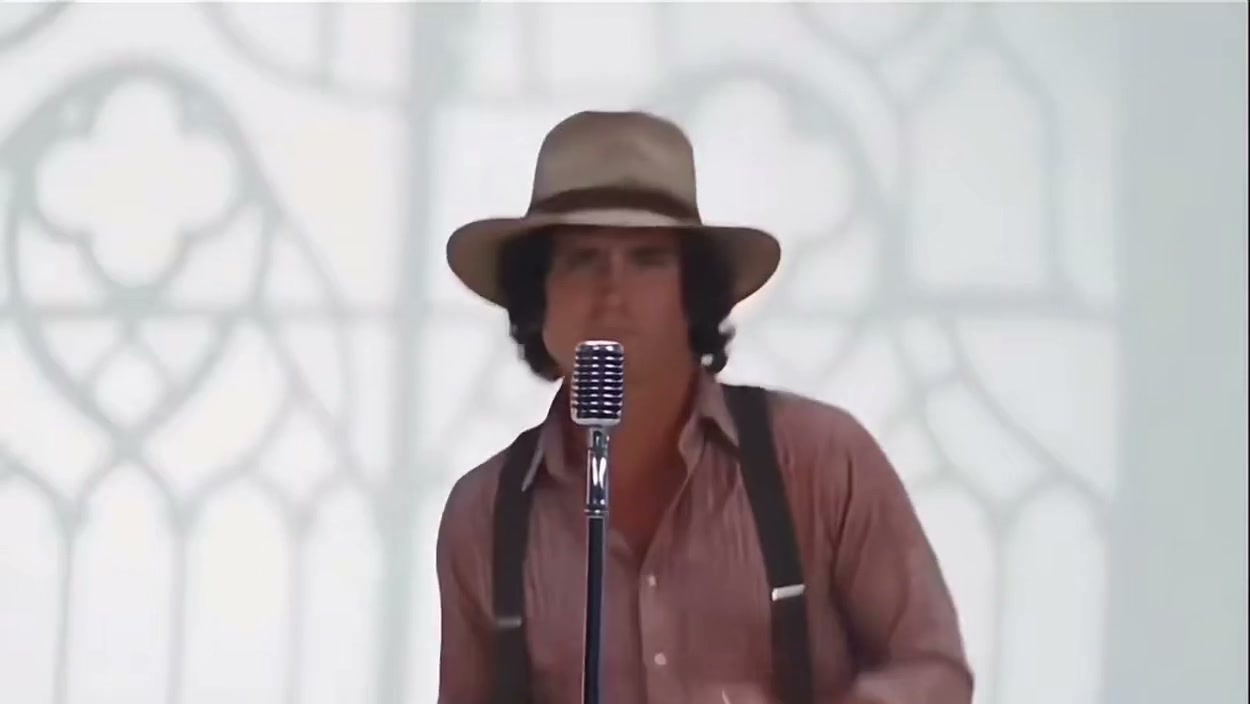
Rick Roll AI

Broke Boyfriend Hug AI
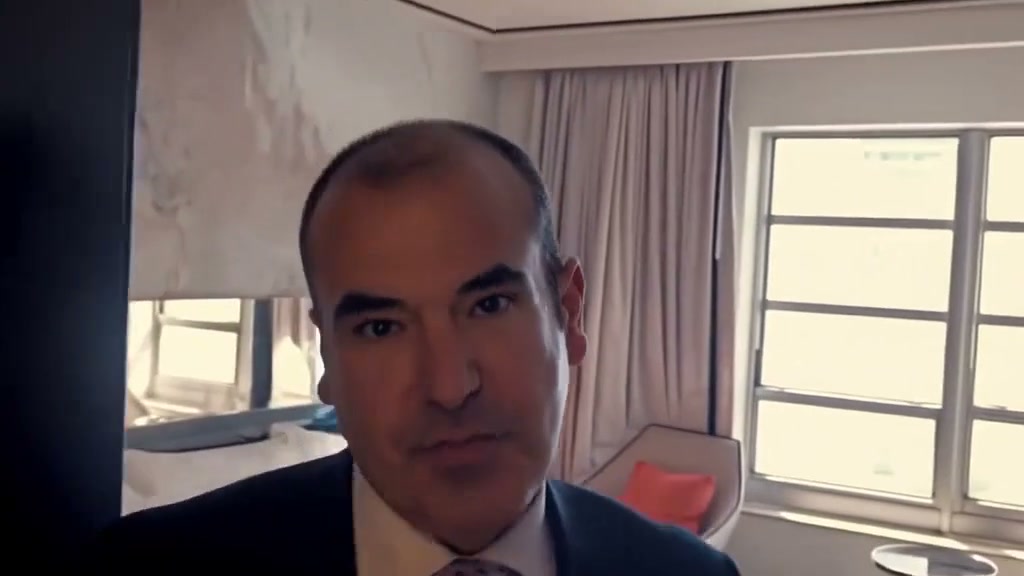
Man's Not Hot AI

Boxing Machine AI
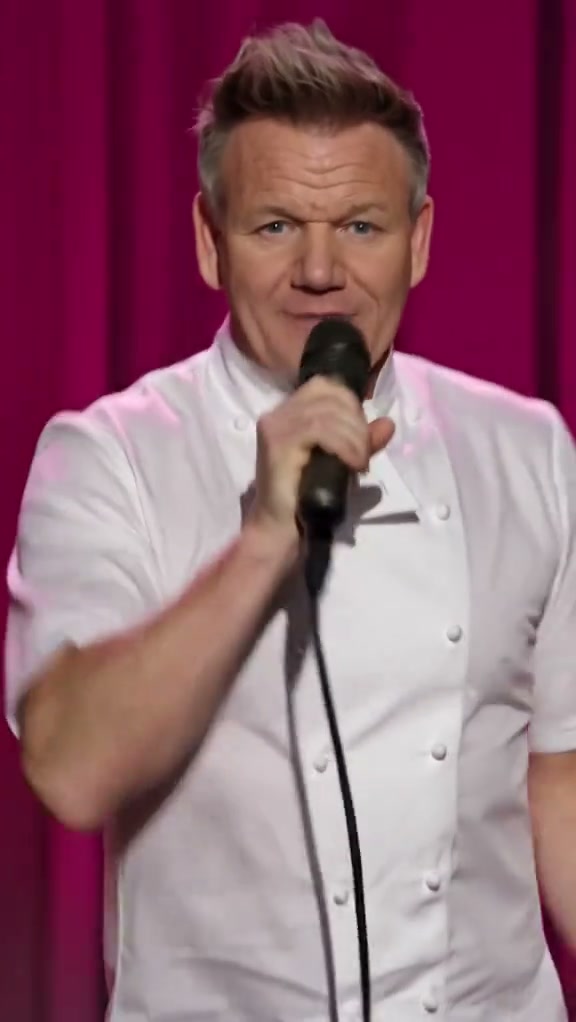
Stop The Wedding AI
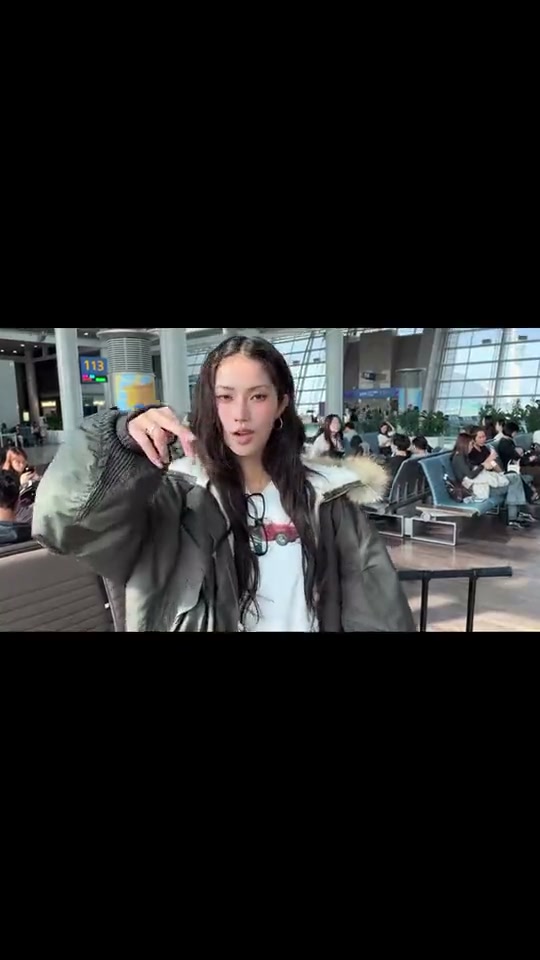
Airport Transition AI
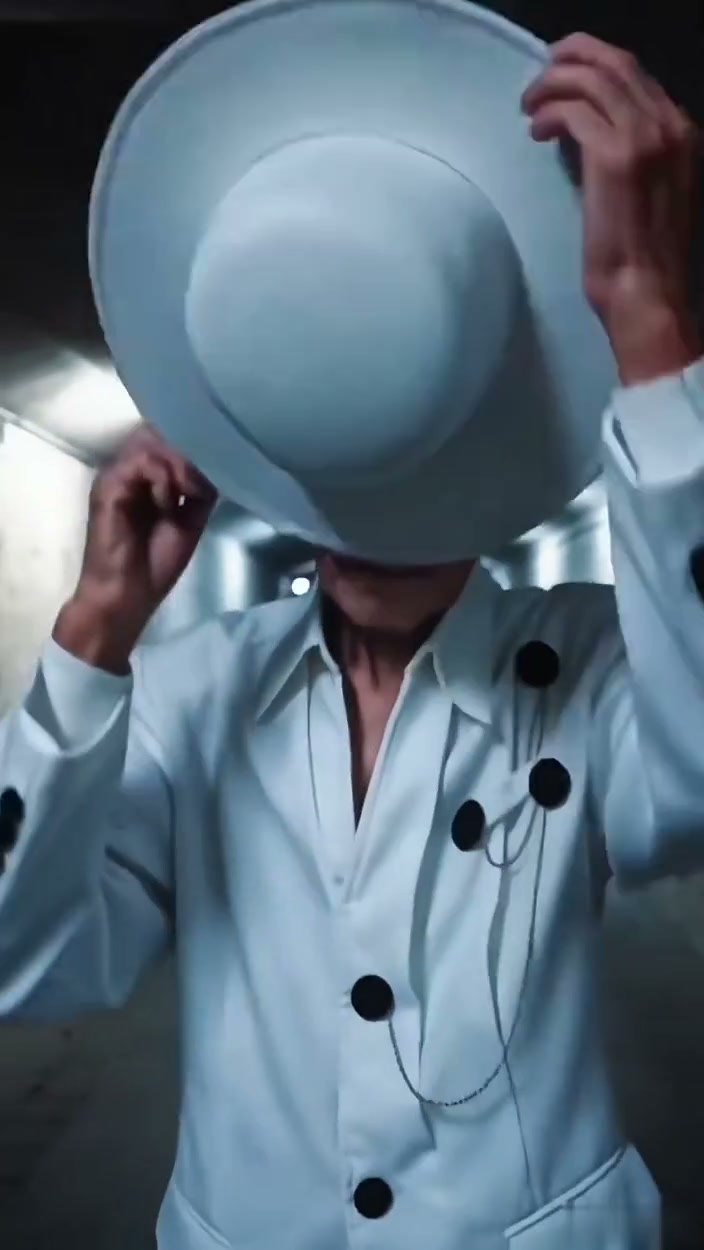
Faceless Trio Cool Entrance AI
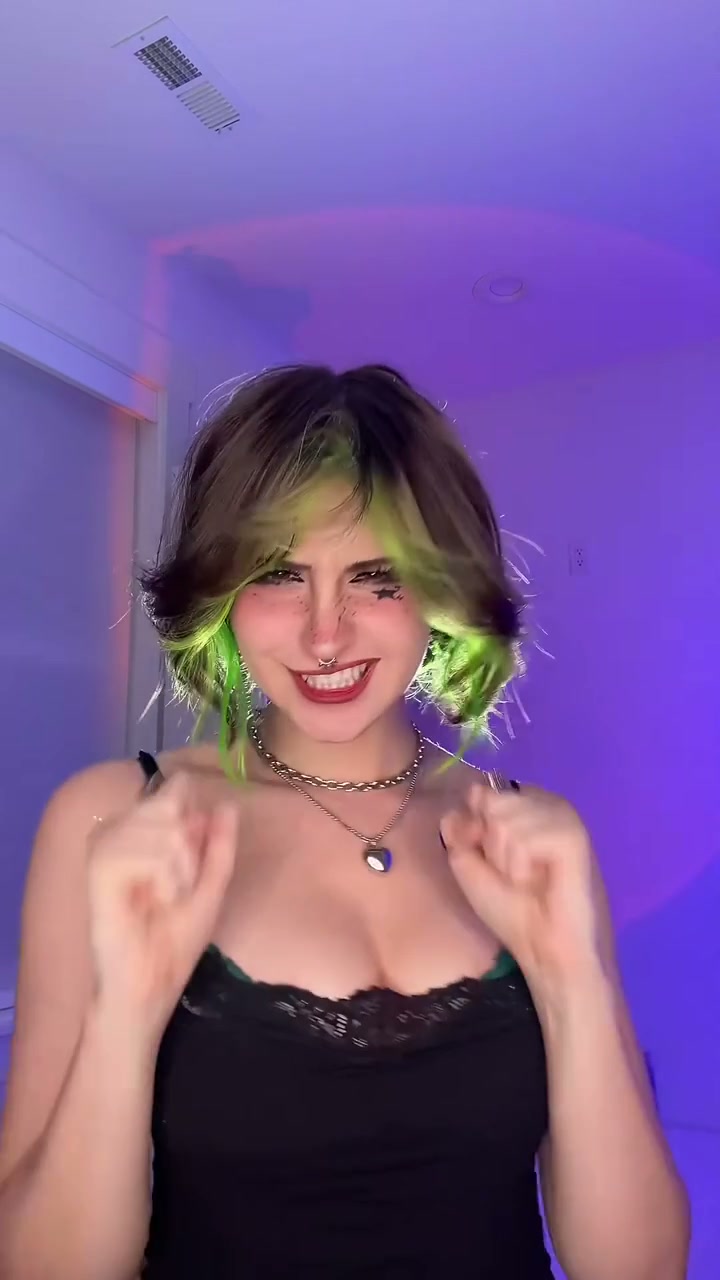
Baby Boom AI
Stranger Things Upside Down Transition AI
Drake Solar Eclipse AI
La Nena No Se Compara AI
Hibidi Skibidi AI
Shoulder Carry AI
How to Create Your King Jin AI Video in 3 Steps
Start with one portrait photo. Pick the 9:16 vertical cut or 16:9 street bow cut, choose resolution, and export with zero manual CapCut keyframes.
Pick Your Cut & Upload Portrait
Select the 9:16 Vertical Cut or 16:9 Street Bow Cut, then upload one clear front-facing photo from desktop or your phone via QR code—no posing needed.
Pick Quality & Review Credits
Each preset keeps the hallway lighting and bowing crowd timing. Pick 480p, 720p, or 1080p, check credits, and confirm permissions.
Render & Download MP4
Watch live progress until your 10s clip completes with synced music. Save the MP4 on desktop or via phone QR code.
Creative Ways to Post Your Entrance Edit
Turn a single everyday selfie into a main-character street reveal for TikTok, Instagram Reels, or group chat reactions.
Unbothered Group Chat Flex
Drop a friend's selfie into the bowing crosswalk so the sudden slow-motion smirk surprises the group chat.
POV Monday Arrival Reels
Pair the stairwell walk and lollipop reveal with Friday clock-out or deadline captions.
9:16 vs 16:9 Cut Testing
Skip manual velocity ramps—pick vertical for Reels or the widescreen street cut for reaction edits.
Why Create Your King Jin Entrance Here
Upload one portrait, switch between both viral cuts, and export on beat with upfront credit pricing.
100% Automatic Refund On Errors
Cloud task failures return reserved credits to your balance automatically—no support tickets needed.
One-Click Street Entrance Preset
No reference video upload required. Your photo drives the stairwell, bowing street, and skyline shots.
Dual 9:16 & 16:9 Cut Support
Switch between the vertical TikTok cut and 16:9 street-bow cut across 480p, 720p, or 1080p.
Instant MP4 & Phone QR Save
Download the synced MP4 on desktop or scan the QR code straight to your camera roll.
Non-Expiring Sitewide Credits
Purchased pack credits never expire and work across every studio template on site.
Transparent Privacy & Retention
Uploaded portraits follow our Privacy Policy safely and are never shared publicly.
Inside the 10-Second Entrance Storyboard
This beat-matched sequence follows the viral stairwell and bowing crosswalk edit from start to finish: green exit sign intro, lollipop close-up reveal, rapid hallway walk, and skyline outro.
Teal Stairwell Stance Under Green Sign
Standing centered in a moody teal corridor beneath an illuminated green exit sign, the protagonist holds a relaxed hands-near-pockets stance as anticipation builds on the opening guitar swell.
Night Crosswalk & Lollipop Reveal
Cutting to a crowded night city street illuminated by neon shop signs, surrounding onlookers bow deeply while the lead calmly pulls a white lollipop away from their lips into an unbothered smirk.
Rapid Hallway Strut & Crowd Check
Snappy beat-synced cuts alternate between walking briskly down the stairwell toward the glass lobby doors and flashing a brief side-glanced grin back toward the bowing street line.
Daylight City Skyline Outro
Closing in bright overcast daylight against an elevated urban skyline, the camera settles on a sharp chest-up portrait look straight toward the viewer as the music drops out.
Photo Guidelines & Quality Tips
Keep sharp facial likeness and clean outfit styling across low hallway lighting and night street shots with these portrait tips.
Give Your Portrait the Best Edge
- Show Outfit & Collar ClearlyInclude your head, shoulders, and upper-body clothing—a crisp hoodie, jacket, or tee carries naturally through all scene transitions.
- Keep Mouth & Jawline UncoveredNever hold candy, cups, or hands near your mouth in the source photo; the clip adds the lollipop reveal motion for you.
- Even Front Lighting Without Heavy ShadesSkip sunglasses, neon color filters, or deep brow shadows so the smirk and eye contact stay consistent at night and in daylight.
- Single Centered Adult SubjectUpload one clear person centered in frame for reliable likeness across the stairwell, street, and rooftop cuts.
Check the Cost and the Finished Motion
- iVerify Live Credit TotalsModel and resolution choices update your exact credit price right above the generate button.
- iReview Crowd Reaction & Lollipop RevealPreview the bowing crowd, lollipop pull-away, and skyline finale before downloading.
- i100% Automatic Refund on Failed TasksFailed cloud renders automatically refund reserved credits back to your balance.
- iPreview Free, Generate When ReadySwitch between 9:16 and 16:9 example cuts freely; check your credit balance before clicking generate.
How Does This King Jin AI Generator Work?
Your portrait supplies your face, hair, skin tone, and outfit styling while the AI directs the 10-second walk from stairwell to bowing street and skyline finale.
Skip extra reference clips or CapCut masking. Upload one photo, confirm 5 credits at 480p, and export an MP4 with synced trending audio.
Check current credit options, failed-task and payment refund rules, and photo processing and retention before generating.
Frequently Asked Questions
QHow do I create a King Jin AI video from my photo?
QIs King Jin AI free to use, and when do I pay?
QHow much does this 10-second generation cost, and what if it fails?
QWhat is the King Jin AI trend (#KingJinAITrend) on TikTok and CapCut?
QWhat is the difference between the 9:16 Vertical and 16:9 Street Bow modes?
QWhat kind of photo works best for the lollipop and hallway entrance effect?
QWill the AI copy my static photo pose or perform the full movement?
QDoes the exported MP4 include synced audio for TikTok, Reels, and Shorts?
QAre uploaded photos kept private, and how do I save the clip to my phone?
Star in the Viral Street Entrance Tonight
Upload your portrait, check the 5-credit 480p cost, and export your 10s bowing street MP4 with synced trending audio.
MP4 download · Phone QR option · Sitewide credits