
LA NENA NO SE COMPARA AI VIDEO GENERATOR: VIRAL REGGAETON SELFIE MEME
Make the viral reggaeton TikTok selfie meme from a single portrait. Upload 1 photo to star in the full 12-second rhythm routine with expressive head tilts, unbothered attitude, and smartphone mirror selfies. Pay-as-you-go video generation starts at just 6 credits with zero monthly subscription.
CREATE YOUR VIRAL VIDEO
Upload your photo
Tip: Use a clear front-facing upper-body or full-body photo with visible face and outfit styling in even light.
Video Options
By generating you confirm compliance with our Terms · Privacy · Acceptable Use
12-second video · 6 credits per generation
WATCH EXAMPLES FREE · REVIEW THE COST · FAILED-TASK CREDIT RETURN
WHAT IS THE LA NENA NO SE COMPARA AI TREND?
La Nena No Se Compara AI is a specialized portrait-to-video generator based on the viral TikTok and Instagram reggaeton confidence trend inspired by Plan B's hit track "Mi Vecinita" (performed by Chencho Corleone and Maldy). You upload 1 front-facing photo to star in the atmospheric selfie montage with rhythmic beat-drop cuts, head tilts, playful tongue-out expressions, and mirror selfies. The tool outputs an authentic 12-second 9:16 vertical MP4 video synced to the original beat.
Known across TikTok and Instagram Reels as the viral reggaeton comedy meme, this viral comedy sensation celebrates self-confidence, unbothered attitude, and effortless glow-up energy set to Plan B's classic reggaeton anthem "Mi Vecinita".
One-Click Viral Comedy Generation
Upload 1 portrait photo. Our engine casts you directly as the starring performer, guided by the viral reggaeton choreography, head tilts, and mirror selfie camera motion reference, without requiring filming, VFX suites, or prompt engineering.
Compare viral clips trending across TikTok La Nena No Se Compara search results.
Independent AI creative tool, not affiliated with TikTok, Instagram, YouTube, or CapCut.
Trending Viral Effects
Explore More Viral AI Video Templates
Jump into other trending meme formats or create custom video remakes.
Bad Aim Edit AI
Hit the Road Dude AI
Car Leg Touch Prank AI
Мои слёзы AI
Bottle Kick AI
Pimp Walk Entrance AI
Funny Driver AI
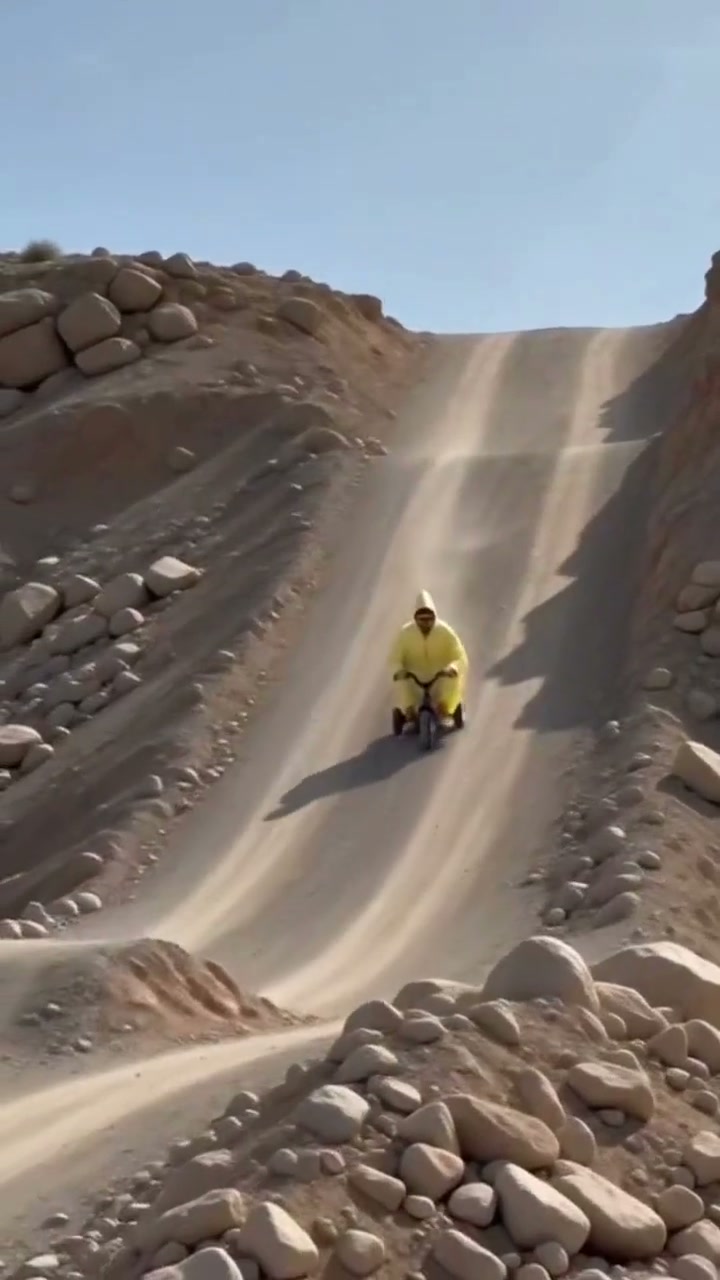
Flying Tricycle AI
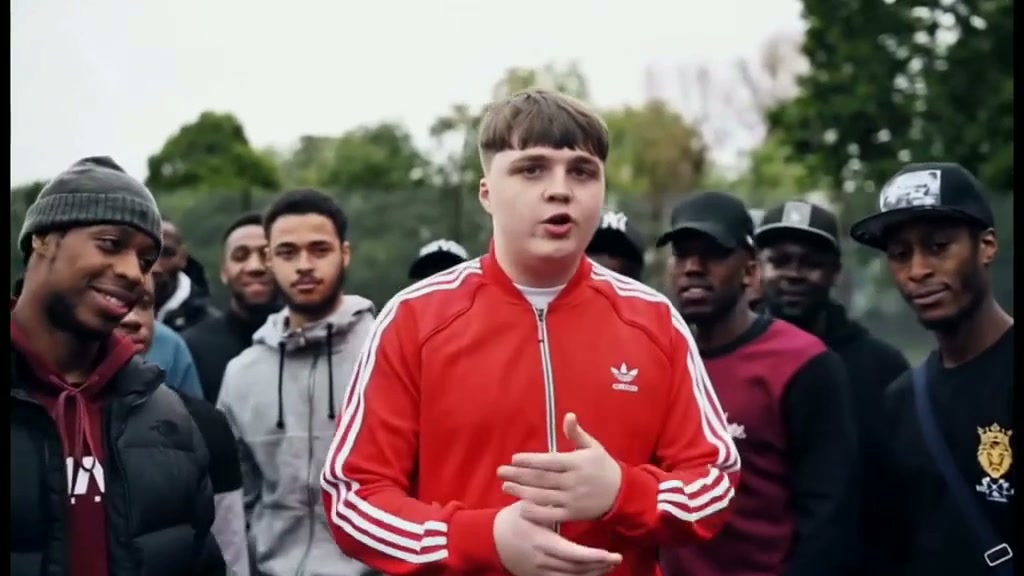
Stormzy Shut Up AI
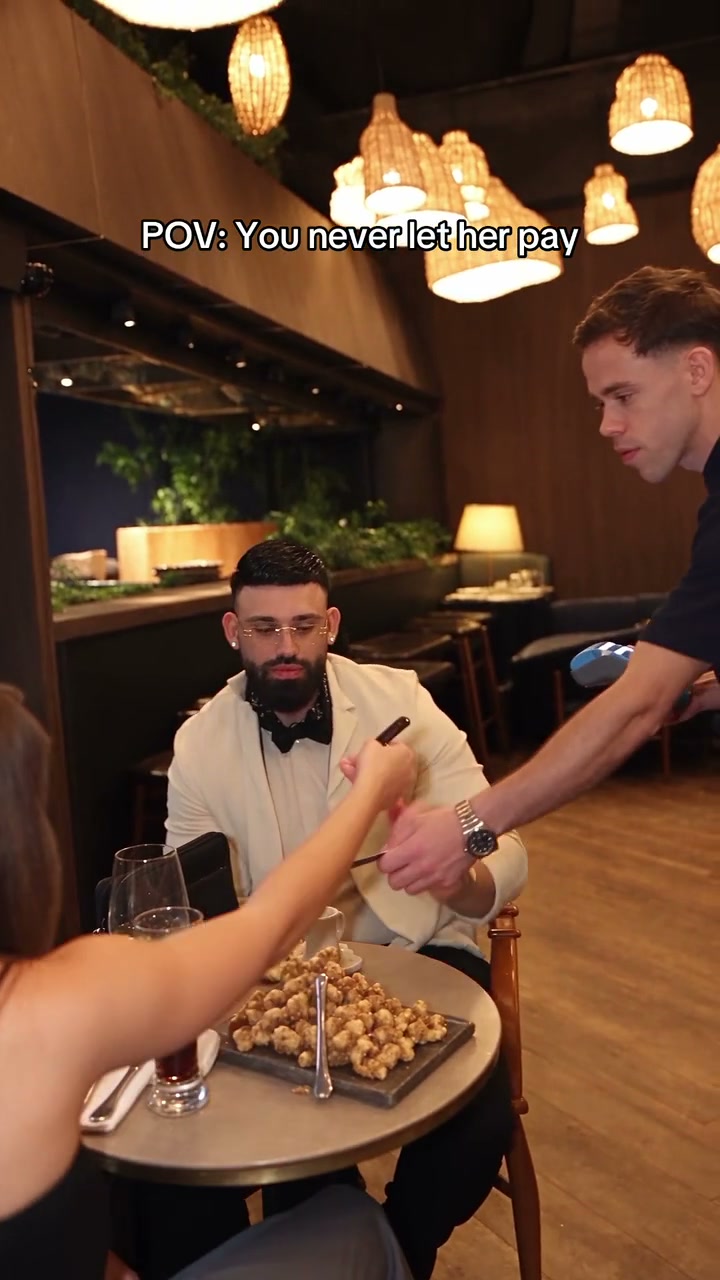
You Never Let Her Pay AI
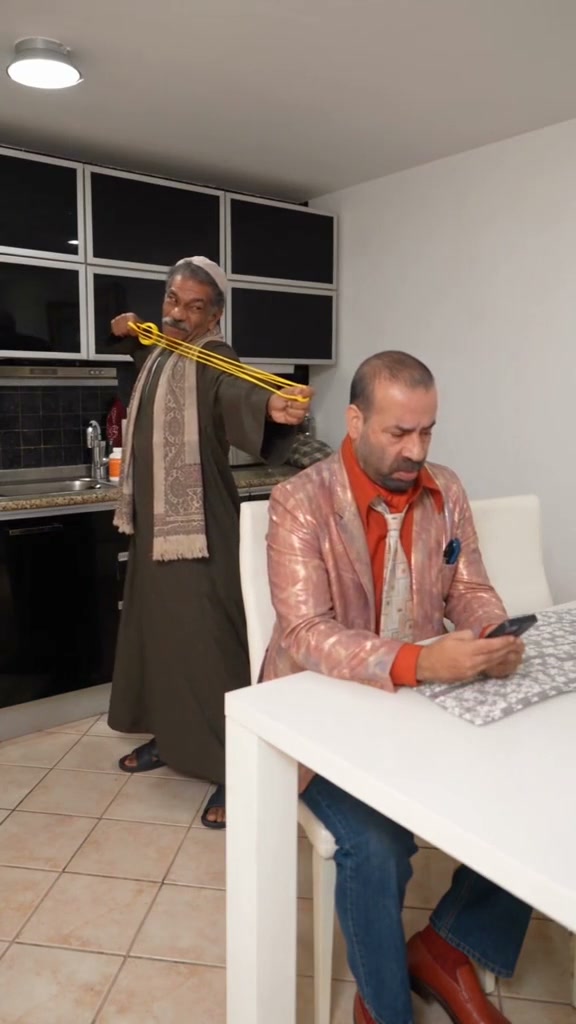
Rubber Band Prank AI
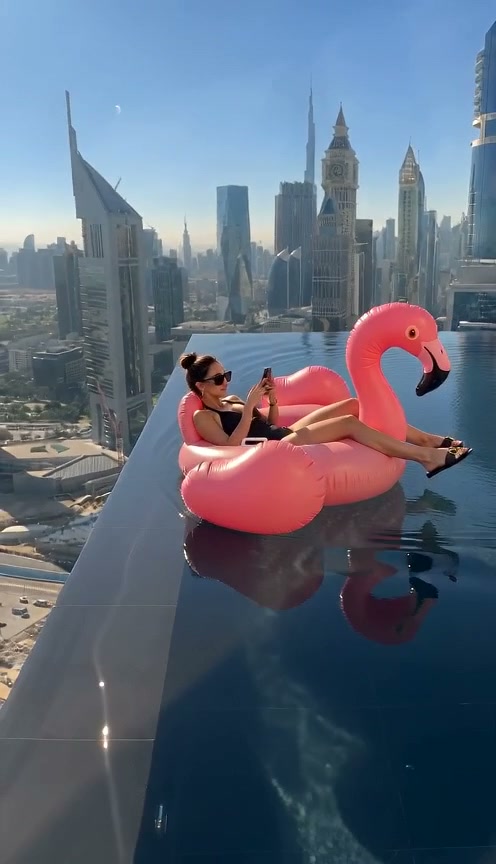
Flamingo Float AI
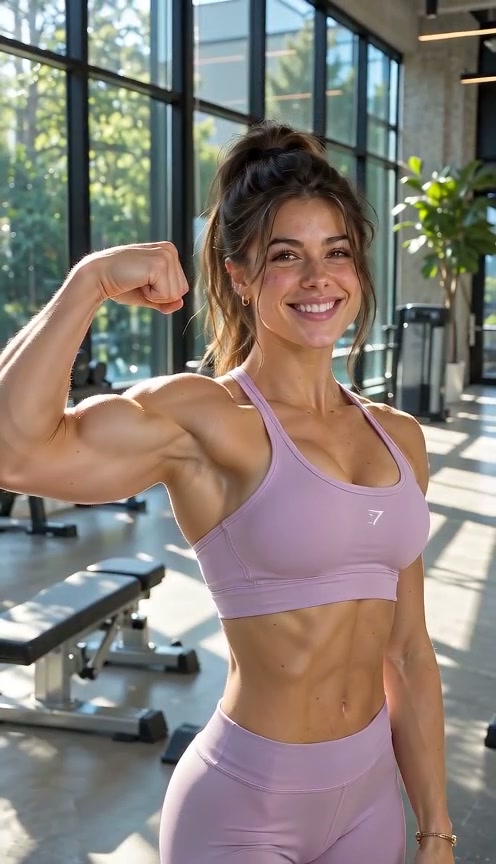
Bicep Heart AI
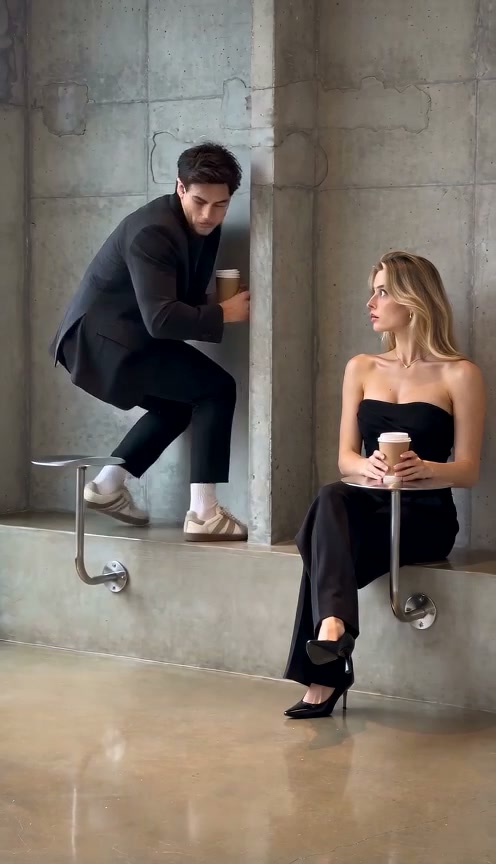
Fancy Cafe AI
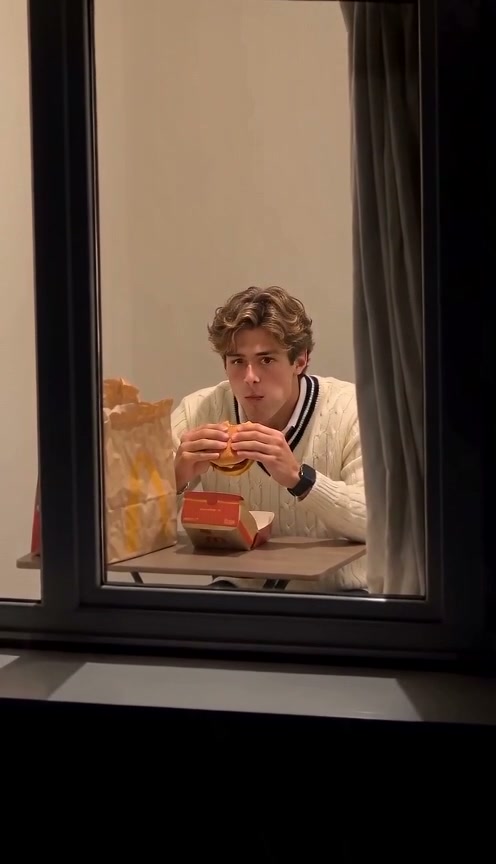
Window Peeper AI
Unicycle Ride AI
General Levy Incredible AI
Rick Roll AI
Broke Boyfriend Hug AI
Man's Not Hot AI
How to Create Your Viral Reggaeton AI Video in 3 Steps
Start with one portrait. The scene direction is already set; you choose the setting and output options. No reference upload, video breakdown, or prompt writing is required.
Upload Your Portrait Photo
Add one clear front-facing portrait with visible facial features, hairstyle, and outfit styling in balanced light. Upload from this device or scan the QR code from mobile.
Original Scene & Review Cost
Select your model, resolution (480p, 720p, or 1080p), and format. Review credits, sign in, and confirm performer consent before starting a render.
Render & Download MP4
Preview the full video, listen to synced audio, and download the MP4 directly to your computer or phone.
Creative Angles for Your Viral Video
Whether posting to TikTok, Instagram Reels, or Shorts, these three creator angles maximize watch time and comedic engagement.
The Glow-Up Confidence Flex
Flashing an unbothered smile in atmospheric dim lighting delivers the ultimate self-assured energy that TikTok audiences love.
The Rhythmic Beat-Drop Head Tilt
Timing your head tilts, lip-sync attitude, and hand gestures precisely to the iconic rhythm hits drives high completion rates and repeat loops.
The Smartphone Mirror Selfie Twist
Switching perspective to a sleek iPhone mirror selfie angle showcases your outfit, posture, and glow-up styling with authentic realism.
Why Create Your Viral Reggaeton Video Here
Upload your photo, check the transparent credit total, and create your version of the viral reggaeton meme. The choreography is locked for you; review the generated MP4 before sharing.
Failed-Task Credit Return
Failed tasks automatically return reserved credits back to your balance.
One-Click Direct Preset
No video upload needed. The preset supplies verified reggaeton choreography and selfie framing.
Flexible Resolution & Format
Render in 480p, 720p, or 1080p with dynamic transparent credit pricing.
MP4 Download & Phone Handoff
Save the MP4 on desktop or scan the QR code to download to your phone.
Non-Expiring Sitewide Credits
Purchased pack credits work sitewide and never expire.
Transparent Privacy & Expiry
Privacy-first processing with automatic asset cleanup.
Inside the 12-Second Reggaeton Selfie Storyboard
This is the choreography requested by the preset, mirroring the viral TikTok clip. Watch the full result to check the atmospheric intro, head tilts, lip-sync punch, and mirror selfie payoff.
The Atmospheric Intro & Head Tilt
The protagonist tilts her head in moody atmospheric lighting, smiling playfully toward the front camera with rhythmic head sways as the reggaeton beat builds.
The Rhythm Drop & Lip-Sync Punch
Close-up rapid-cut framing as the protagonist lip-syncs with attitude on the rhythm drop, gesturing near her temple and playfully sticking out her tongue on the beat hits.
The Smartphone Mirror Selfie Flex
Smooth transition to a mirror selfie angle holding an iPhone, showcasing sleek dark styling, posture, and poise with natural depth.
The High-Angle Climax & Fade
Cinematic high-angle close-up return as the protagonist delivers a final playful smirk and focused eye contact into the lens before the scene smoothly fades.
Photo Guidelines & Quality Tips
Get the sharpest facial likeness and cleanest reggaeton rhythm choreography results by following these straightforward photo suggestions.
Give Your Portrait the Best Edge
- Use Even Light and Visible Facial FeaturesCapture your portrait in daylight or balanced indoor light. You don't need moody nightclub lights, an iPhone prop, or a mirror; the AI renders the entire atmospheric setting.
- Frame Head & Upper Torso ClearlyKeep your full head, hairstyle, and outfit styling visible. Avoid extreme close-up crops.
- Avoid Obscured Faces & Heavy FiltersAvoid dark shadows covering the eyes, motion blur, sunglasses, or heavy face-obscuring stickers.
- Single Person in the Source PhotoThis preset casts one starring lead performer throughout the video while authentically preserving your features. Upload a single-person portrait for the sharpest result.
Check the Cost and the Finished Motion
- iReview the Displayed Credit TotalModel selections update credit totals dynamically in real-time.
- iWatch Hands, Props & Scene CutsReview the head tilts, rhythmic lip-sync gestures, and mirror selfie transition in the full preview before sharing.
- iKnow What a Failed Task MeansIf a generation task fails, the system automatically returns the reserved task credits back to your balance.
- iPrepare First, Generate When ReadyExplore presets for free. Sign in and ensure credit balance covers your chosen tier.
How Does This Viral Meme Engine Work?
Your portrait supplies facial likeness, hairstyle, and styling. The preset locks atmospheric lighting, head tilts, and mirror selfie camera movements. Our engine compiles this with the built-in motion reference and generates a 12-second video on your selected AI model.
Enjoy zero friction: upload one photo, review transparent credit pricing, and generate. When complete, download the full MP4 directly on desktop or mobile.
Review credit options and refund rules before generating.
Frequently Asked Questions
QHow do I create a La Nena No Se Compara AI video from my photo?
QIs La Nena No Se Compara AI free to use, and when do I pay?
QHow much does this 12-second generation cost, and what if it fails?
QWhat is the La Nena No Se Compara AI meme trend on TikTok?
QWhat kind of photo works best for this reggaeton selfie trend?
QDoes the AI copy my static photo pose or follow the viral choreography?
QDoes the finished video include synchronized viral reggaeton audio?
QWhy is this template formatted in 9:16 vertical format?
QHow does this compare to traditional CapCut templates?
QHow long does rendering take and how do I save it to my phone camera roll?
Star in the Viral Reggaeton Meme Tonight
Upload your portrait photo, review credit pricing, and generate your video. Download the 12s MP4 and share directly to TikTok and Reels.
MP4 download · Phone QR option · Sitewide credits