
GTA 6 AI GAMEPLAY GENERATOR: VICE CITY 5-STAR POLICE CHASE
Star in the viral GTA 6 AI gameplay trend from one photo. Choose Boardwalk Stroll or Urban Bomber to render a 10-second clip with radar HUD, supercar entry, and synchronized police sirens. Pay-as-you-go video generation starts at just 5 credits with zero monthly subscription.
CREATE YOUR GTA 6 GAMEPLAY VIDEO
Choose version & upload your photo
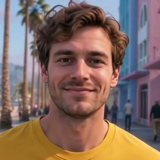
Tip: Use a clear front-facing upper-body or full-body photo with visible face and outfit styling in even light.
Video Options
By generating you confirm compliance with our Terms · Privacy · Acceptable Use
10-second video · 5 credits per generation · One-time packs, no subscription
WATCH EXAMPLES FREE · REVIEW THE COST · FAILED-TASK CREDIT RETURN
WHAT IS THE GTA 6 AI GAMEPLAY TREND?
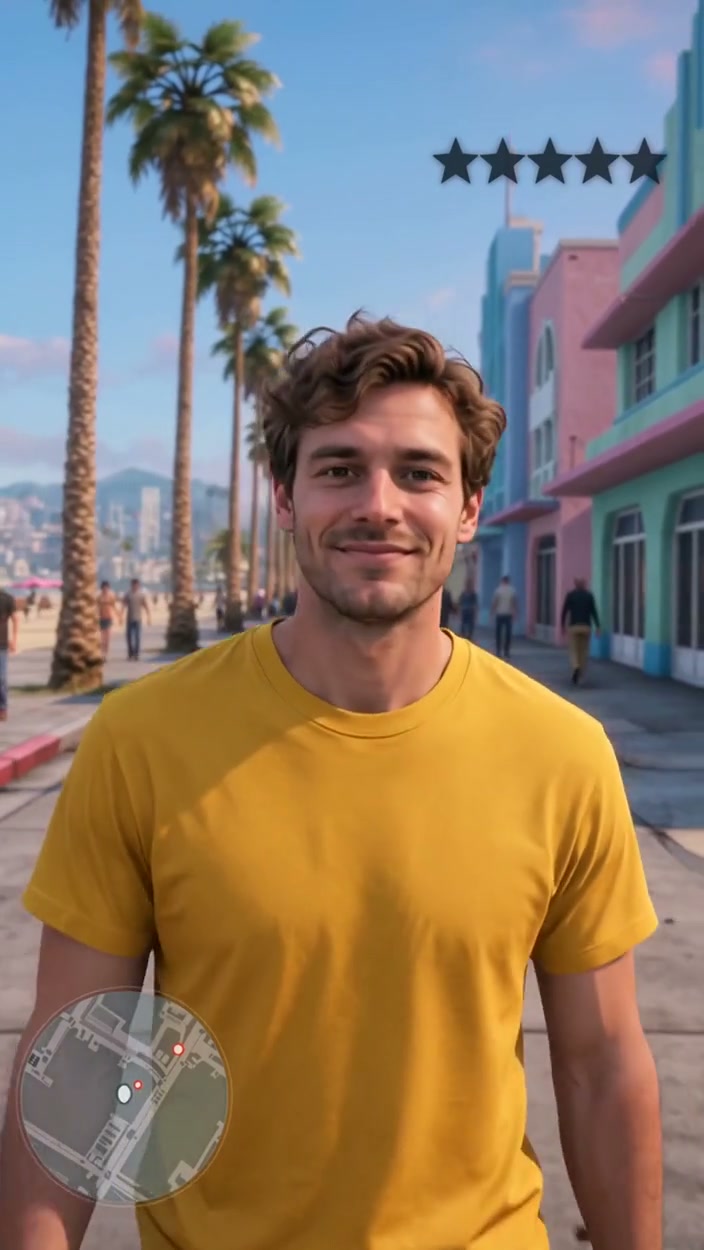
GTA 6 AI Gameplay Generator is a single-photo gaming video generator inspired by trending Vice City gameplay memes on TikTok, Instagram Reels, and YouTube Shorts. Choose between Boardwalk Stroll and Urban Bomber scenes, upload one clear portrait photo, and watch the AI cast you as the open-world protagonist walking past pastel Art Deco facades, entering a parked yellow supercar curbside, and triggering a high-octane 5-star police pursuit across a 10-second 9:16 vertical MP4.
The format pairs third-person walking footage along Miami Beach Ocean Drive with an iconic circular radar mini-map and 5 wanted stars before cutting into a high-speed supercar police chase toward the sunset.
Boardwalk Stroll or Urban Bomber · 1 Photo In
Switch scenes in Step 1. Both versions preserve your likeness and style while animating the supercar escape and police pursuit.
Explore trending creator remixes on TikTok GTA 6 AI gameplay search results.
Reviewed by Viral AI Video · . Independent creative tool.
Comedy & Pranks Templates
Explore More Viral AI Video Templates
Jump into related trending formats in this category or browse the full directory.
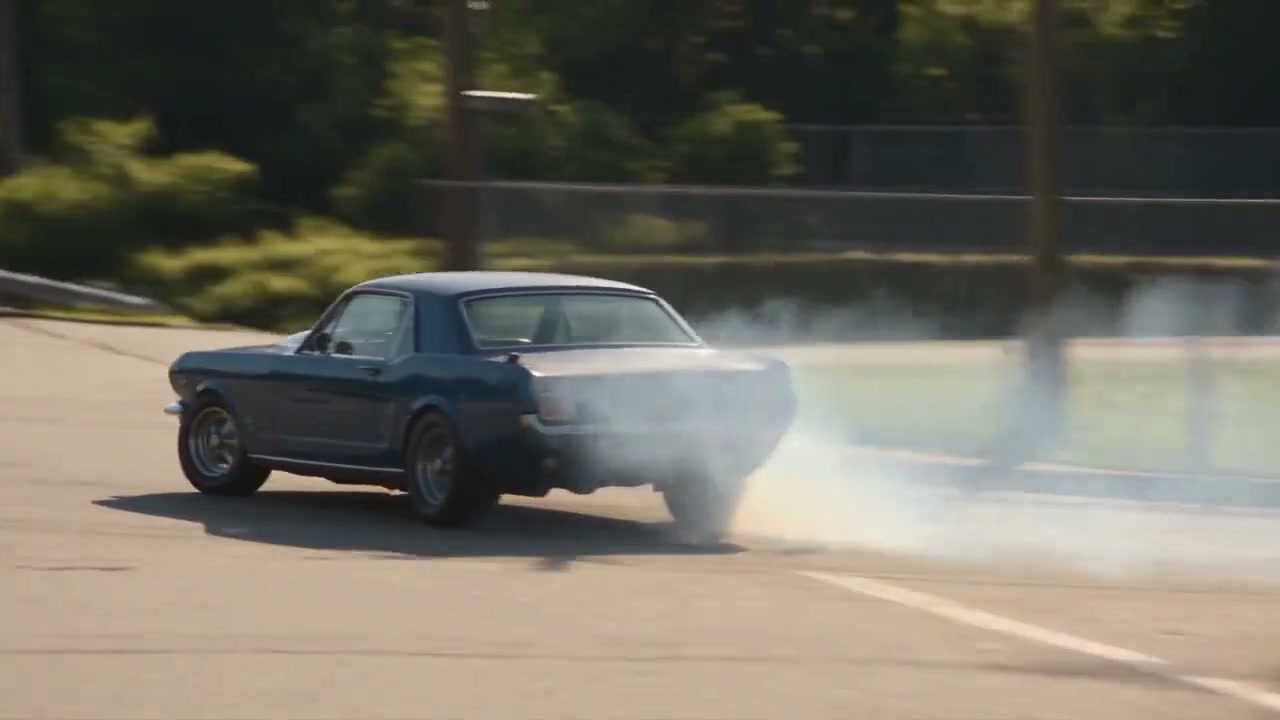
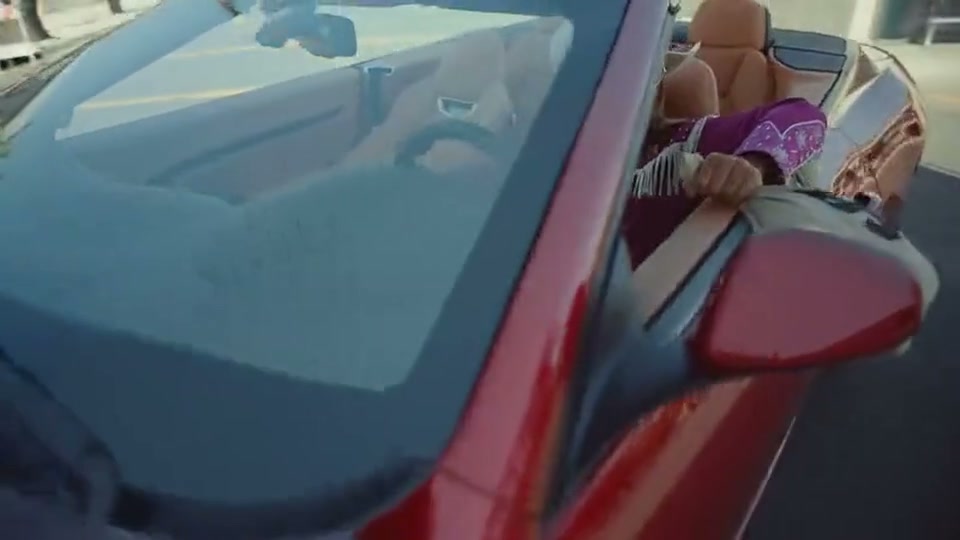
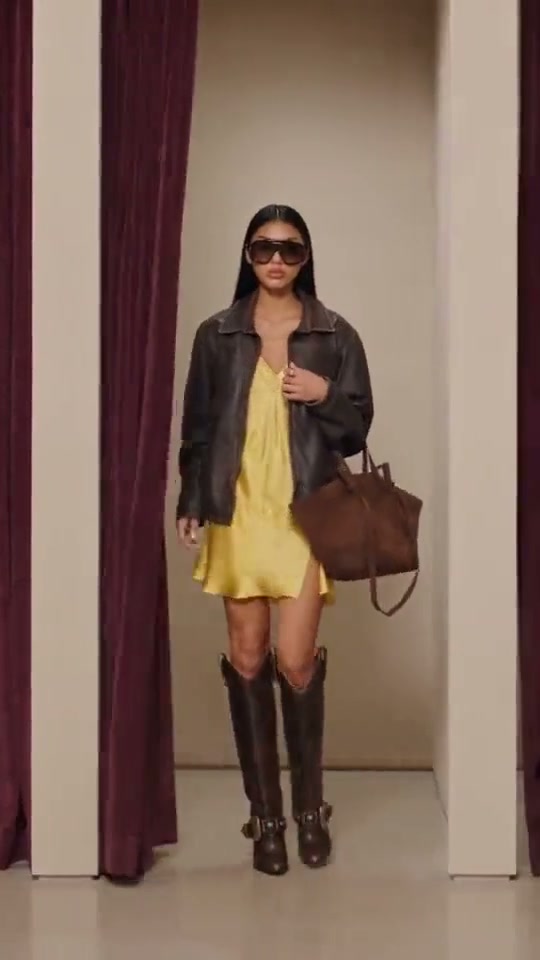
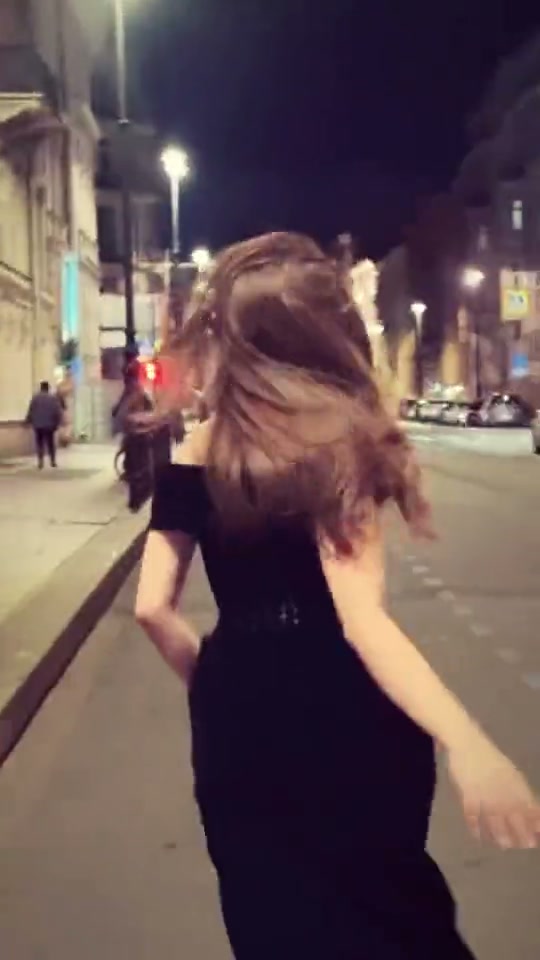
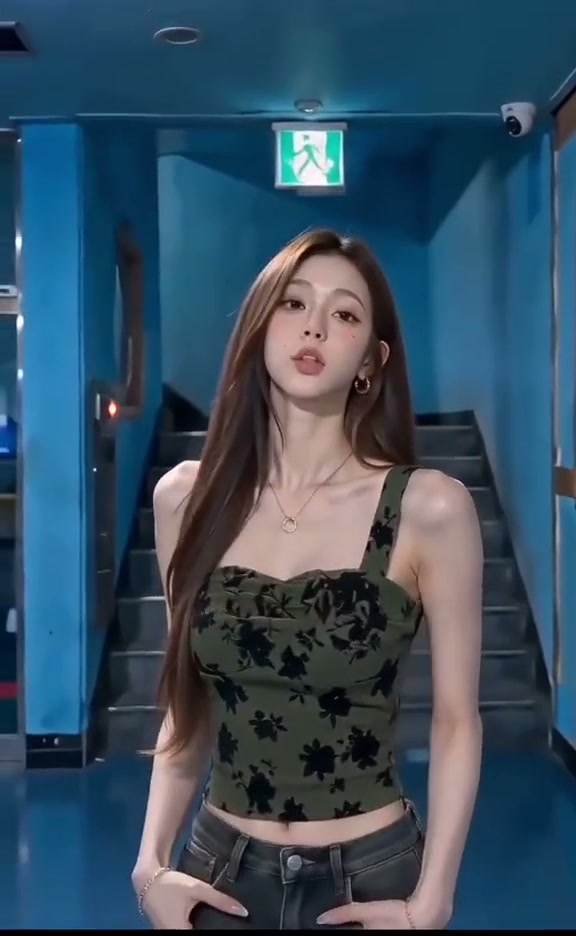
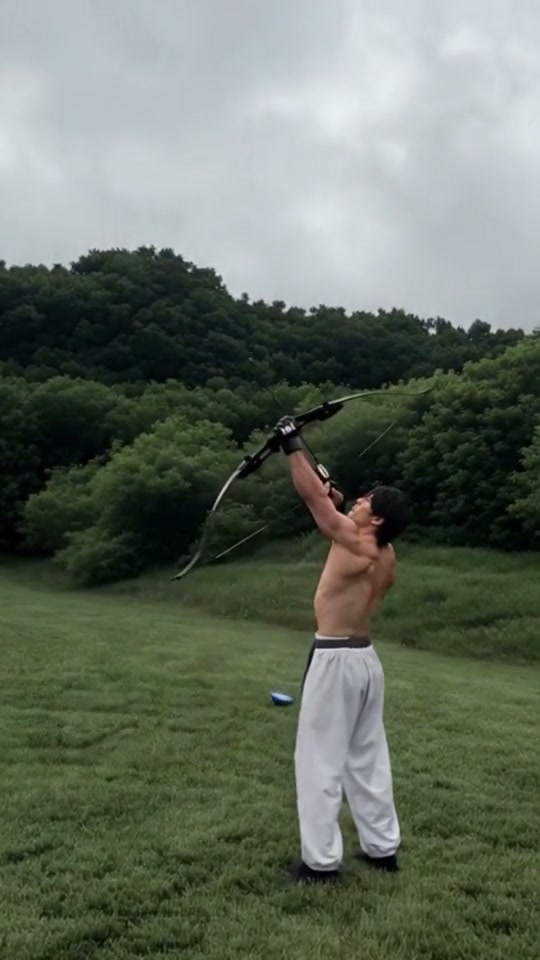
How to Create Your GTA 6 Gameplay Video in 3 Steps
Pick a scene variant and drop in one portrait. The sidewalk stroll, car entry, and police pursuit are timed automatically.
Pick Scene & Add Photo
Select Boardwalk Stroll or Urban Bomber, then upload one front-facing portrait directly or via mobile QR.
Select Resolution & Format
Select Standard 480p, 720p, or 1080p in 9:16 vertical.
Download With Engine Audio
Follow live progress until your 10s clip arrives with synced supercar and siren audio.
Creative Angles for Your GTA 6 AI Video
Pair authentic gaming captions with the supercar sequence to turn everyday portraits into viral clips.
Vice City Protagonist Reveal
Pair the boardwalk stride and supercar entry with meme captions introducing yourself as a playable character.
5-Star Police Chase Comedy
Cast a friend escaping police choppers and squad cars for funny banter in group chats.
Two Distinct Scene Settings
Compare the sunlit Boardwalk Stroll against the downtown Urban Bomber without manual keyframing.
Why Create Your GTA 6 Gameplay Video Here
Compare both Vice City scenes, verify credit totals upfront, and render with automatic error refunds.
100% Automatic Refund On Errors
Cloud task failures return reserved credits to your balance automatically—no support tickets needed.
Boardwalk & Urban Scenes Ready
No clip hunting or template splicing required. Switch scenes inside Step 1 from one still portrait.
Flexible Resolution & Format
Export 480p, 720p, or 1080p across 9:16, 1:1, or 16:9 with live upfront credit pricing.
Instant MP4 & Phone QR Save
Download the synced MP4 on desktop or scan the QR code directly to your phone.
Non-Expiring Sitewide Credits
Purchased pack credits never expire and work across every studio preset on site.
Transparent Privacy & Retention
Uploaded portraits follow our Privacy Policy safely and are never shared publicly.
Inside the 10-Second GTA 6 Storyboard
Follows the viral five-beat gameplay arc from sidewalk stroll to 5-star sunset chase.
Vice City Boardwalk Stroll
Strolling forward along the palm-lined Ocean Drive sidewalk past Art Deco hotels with radar HUD tracking your location.
Approach Yellow Supercar
Spotting the parked exotic yellow supercar at the street curb, turning toward the roadway, and stepping over to the vehicle.
Supercar Entry & Wanted Stars
Grabbing the driver-side door handle and sliding into the cockpit as wanted stars immediately flash into glowing gold.
Boulevard Acceleration & Chopper
Roaring down the center of the coastal boulevard while an overhead police surveillance helicopter swoops into position.
5-Star Sunset Police Pursuit
Camera pulls back into high-angle pursuit mode as two police cruisers with flashing emergency strobe lights flank in chase.
Photo Guidelines & Quality Tips
Keep likeness crisp through strolls and police pursuit angles with these framing tips.
Give Your Portrait the Best Edge
- Even Front Lighting Without Heavy ShadowsChoose a well-lit front portrait so facial features hold detail cleanly across all angles.
- Show Shoulders & Natural OutfitInclude head, shoulders, and torso clearly without cropped chins or hands near your face.
- Skip Sunglasses, Masks & StickersClear eyes and jawline ensure natural movements while walking and steering during the chase.
- Single Centered Adult SubjectAvoid group photos or bystanders so the AI keeps full focus on your solo character.
Check the Cost and the Finished Motion
- iVerify Live Credit TotalsChanging options updates the exact credit cost immediately above the submit button.
- iInspect Both Transition BeatsWatch the sidewalk walk and police pursuit in the result preview before downloading.
- i100% Automatic Refund on Failed TasksIf a cloud render fails, reserved credits return to your balance automatically.
- iPreview Free, Generate When ReadyWatch both reference clips before signing in and starting a paid render.
How Does This GTA 6 AI Gameplay Generator Work?
Your uploaded portrait supplies your facial structure, hair, skin tone, and clothing cues. The selected version animates every frame from the Vice City sidewalk stroll through the supercar carjacking and 5-star police pursuit across the full 10-second vertical clip.
Zero separate clip splicing or manual audio syncing is required. Upload one portrait, review the credit total (5 credits at Standard 480p), and export an MP4 with trending audio ready for TikTok, Reels, and Shorts.
Check current credit options, failed-task and payment refund rules, and photo processing and retention before generating.
Frequently Asked Questions
QHow do I create a viral GTA 6 AI gameplay video with my photo?
QIs the GTA 6 AI gameplay generator free to use or paid?
QHow many credits does one 10-second GTA 6 video cost, and what happens if generation fails?
QWhat type of photo works best to look like an authentic GTA 6 protagonist?
QCan I choose between different GTA 6 scenes and outfits?
QDoes the final video include the GTA radar mini-map, 5-star wanted level, and police chase audio?
QHow does the AI handle getting into the yellow exotic sports car and driving away?
QCan I post my GTA 6 AI gameplay video directly to TikTok, Instagram Reels, and YouTube Shorts?
QWill the AI preserve my uploaded photo features during wide chase shots?
Make Your GTA 6 AI Gameplay Clip Tonight
Upload one portrait, pick Boardwalk Stroll or Urban Bomber (from 5 credits at 480p), and export your 10s MP4 with trending audio ready for TikTok & Reels.
MP4 download · Phone QR option · Sitewide credits