
YES YES I LOVE YOU AI VIDEO GENERATOR: NIGHT STREET LOOK-BACK RUN TREND
Star in the viral “Yes, yes, I love you, it's so easy to say” night street run trend without late-night filming or manual overlays. Upload one portrait photo to generate a 13-second look-back clip with synced viral audio ready for TikTok and Reels. Pay-as-you-go video generation starts at just 7 credits with zero monthly subscription.
CREATE YOUR LOOK-BACK STREET VIDEO
Upload your photo
Tip: Use a clear front-facing upper-body or full-body photo with visible face and outfit styling in even light.
Video Options
By generating you confirm compliance with our Terms · Privacy · Acceptable Use
13-second video · 7 credits per generation
WATCH EXAMPLES FREE · REVIEW THE COST · FAILED-TASK CREDIT RETURN
WHAT IS THE YES YES I LOVE YOU TREND?
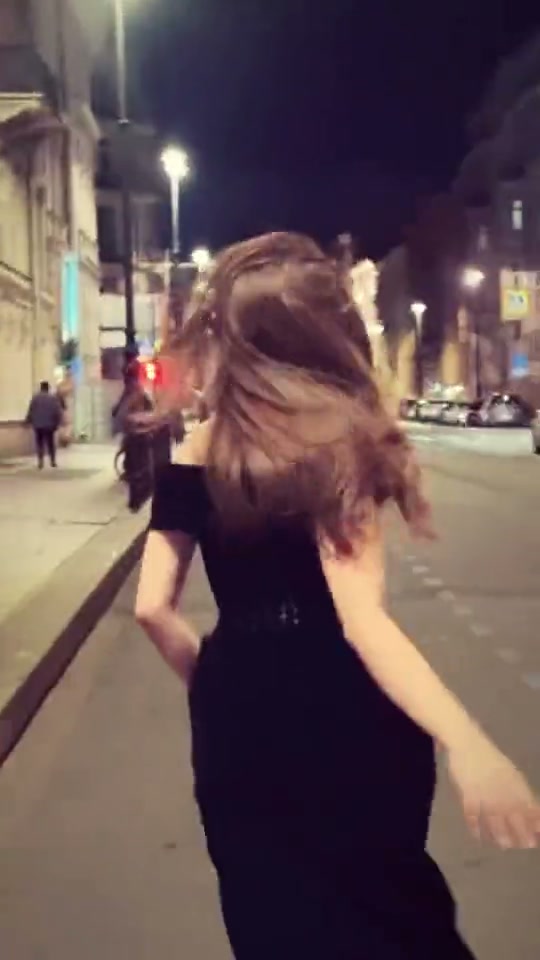
Yes Yes I Love You AI is a single-photo video generator built around the viral TikTok "Yes, yes, I love you, it's so easy to say" street trend to Adriano Celentano's slowed "Ja tebia liubliu." Upload one portrait to jog down a warm streetlamp avenue, glance back with a smile, and export a clean 13-second clip with no burned-in lyrics.
Often discovered on TikTok and Reels under the lyric “Yes, yes, I love you, it's so easy to say” from the slowed Adriano Celentano remix, this cinematic trend captures a trailing night run past warm stone shopfronts, an affectionate over-the-shoulder look-back smile, and a windblown hair flip.
1-Click Midnight Street Run Sync
Upload 1 portrait photo. The studio animates your likeness through every forward stride, golden-hour lantern glow, over-the-shoulder smile, and smooth hair sweep without filming at night or assembling CapCut beat cuts.
Browse popular clips circulating on TikTok viral trend search results.
Content reviewed by Viral AI Video · . Independent AI creative tool, not affiliated with TikTok, Instagram, YouTube, or any music label.
Trending Viral Effects
Explore More Viral AI Video Templates
Jump into other trending meme formats or create custom video remakes.
Stormzy Shut Up AI
You Never Let Her Pay AI
Rubber Band Prank AI
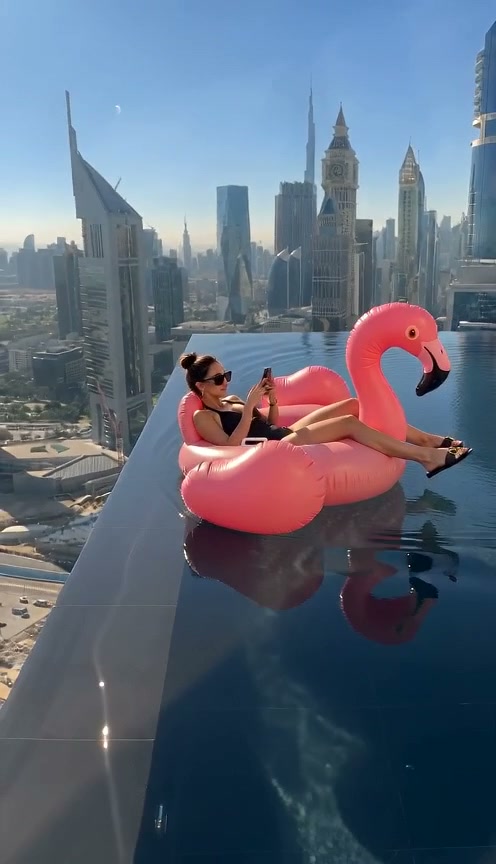
Flamingo Float AI
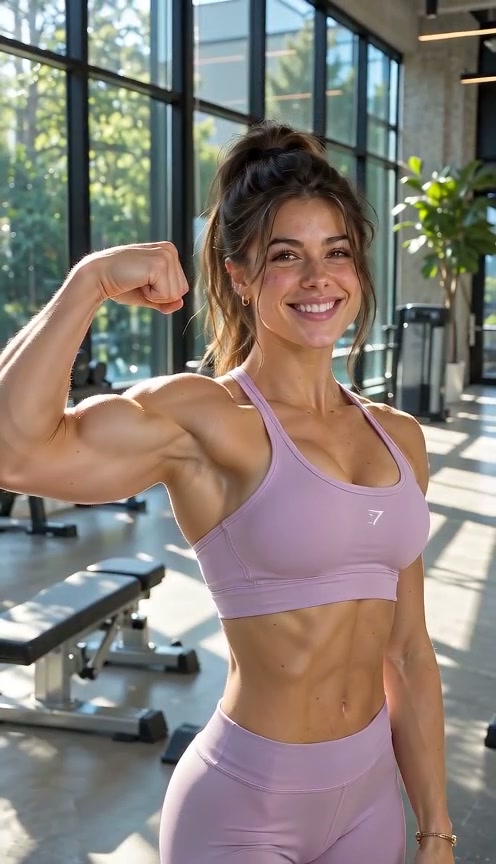
Bicep Heart AI
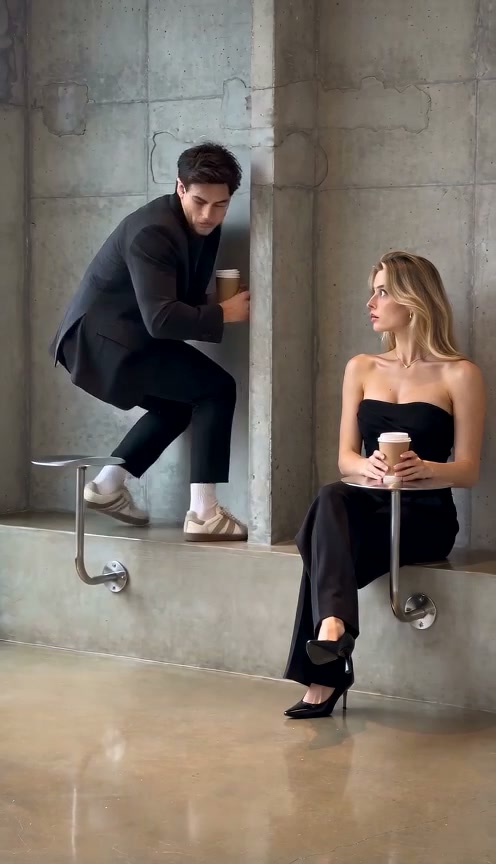
Fancy Cafe AI
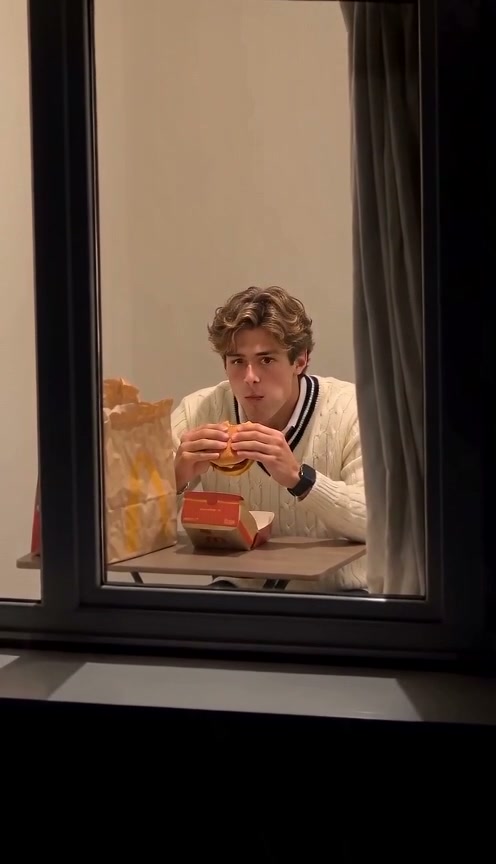
Window Peeper AI
Unicycle Ride AI
General Levy Incredible AI
Rick Roll AI
Broke Boyfriend Hug AI
Man's Not Hot AI
Boxing Machine AI
Stop The Wedding AI
Airport Transition AI
Faceless Trio Cool Entrance AI
Baby Boom AI
Stranger Things Upside Down Transition AI
Drake Solar Eclipse AI
La Nena No Se Compara AI
How to Create Your Night Street Run Clip in 3 Steps
Start with one portrait. The cobblestone tracking shot and look-back smile timing are already locked in; simply pick your output resolution and aspect ratio with zero editing.
Upload Your Portrait Photo
Add one clear front-facing or waist-up photo showing your face, hairstyle, and evening outfit in even light. Pick from desktop or scan the QR code from your phone.
Pick Quality & Review Credits
The template preserves the warm lantern lighting and over-the-shoulder look-back timing. Choose 480p, 720p, or 1080p, confirm credits, and verify permissions.
Render & Download MP4
Watch live render progress until your 13-second clip finishes with synced slowed audio. Download on desktop or scan the QR code to save on your phone.
Creative Ways to Post Your Midnight Run Clip
Turn a single clear portrait into an atmospheric look-back story for TikTok, Instagram Reels, or weekend recap posts.
Date Night & Evening Outfit Reveal
Upload a full-body or waist-up evening outfit photo so the lamp-lit street run brings out skirt flow, hair movement, and that golden look-back smile.
European Night & Romance POV
Pair the warm cobblestone chase shot and lyric drop with romantic travel captions or nostalgic love notes that invite replays on Reels and Shorts.
No Midnight Filming or CapCut Cuts
Skip dragging a camera operator onto dark streets or lining up shaky CapCut templates—render a steady trailing night shot straight from one still portrait.
Why Create Your Night Run Clip Here
Upload one photo, review upfront credits, and capture this romantic street run trend cleanly on beat.
100% Automatic Refund On Errors
Cloud task failures return reserved credits to your balance automatically—no support tickets needed.
One-Click Look-Back Preset
No reference video upload required. Your photo maps directly into the lamp-lit street stride and smile.
Flexible Resolution & Format
Export 480p, 720p, or 1080p across 9:16, 1:1, or 16:9 with live upfront credit pricing.
Instant MP4 & Phone QR Save
Download the synced MP4 on desktop or scan the QR code directly to your phone.
Non-Expiring Sitewide Credits
Purchased pack credits never expire and work across every studio preset on site.
Transparent Privacy & Retention
Uploaded portraits follow our Privacy Policy safely and are never shared publicly.
Inside the 13-Second Night Run Storyboard
This cinematic sequence follows the full street-chase arc from first stride to beat outro: skirt lift, over-the-shoulder smile, hair flip, and cobblestone glide.
Lamp-Lit Street Stride & Skirt Hold
Trailing closely down a warm lamp-lit cobblestone street at night, the subject steps into a smooth forward run while lightly lifting the hem to move comfortably.
Over-Shoulder Look-Back Smile
Mid-stride past warm golden shopfronts, the runner turns smoothly to glance back over the left shoulder with a radiant smile and flowing hair catching the streetlight.
Forward Turn & Carefree Hair Flip
Turning back ahead as the slowed chorus swells, the performer brushes hair clear of the eyes and settles into an effortless rhythm down the cobblestone lane.
Gliding Midnight Street Outro
Keeping joyful momentum down the lantern-lit street in front of the trailing camera, the clip finishes on a smooth midnight stroll and natural beat outro.
Photo Guidelines & Quality Tips
Get crisp facial likeness during the over-the-shoulder look back and natural outfit movement by choosing a bright, clear photo.
Give Your Portrait the Best Edge
- Use Even Daylight Instead of Dark Night SelfiesWarm streetlamp lighting comes from the scene itself—a brightly lit portrait avoids muddy shadows when turning back.
- Show Full Hairline, Shoulders & Outfit StylingInclude your hairstyle and evening dress, coat, or top clearly so both the trailing stride and shoulder turn stay consistent.
- Avoid Covered Eyes & Heavy Flash GlareSkip sunglasses, masks, bangs blocking your expression, or harsh phone-flash highlights for a clean smile frame.
- Single Centered Adult SubjectUpload one clear person centered in frame for reliable likeness across the entire street run.
Check the Cost and the Finished Motion
- iVerify Live Credit TotalsModel and resolution choices update your exact credit price right above the generate button.
- iReview Over-Shoulder Smile & StridePreview facial detail during the look-back turn and hair flip in the player before saving.
- i100% Automatic Refund on Failed TasksIf a cloud render fails for any technical reason, the system automatically returns your reserved credits back to your balance.
- iPreview Free, Generate When ReadyWatch the reference loop and test model/format combinations freely. Sign in and make sure your balance covers the chosen render before clicking generate.
How Does This Night-Street Video Generator Work?
Your portrait supplies your facial features, hairstyle, skin tone, and outfit styling. The AI places you on a lamp-lit cobblestone street at night, animating every stride, look-back smile, and hair flip across the 13-second clip.
No reference-video upload, late-night street filming, or CapCut timeline matching is needed. Upload one photo, check credits (7 credits at Standard 480p), and download an MP4 with synced trending audio for TikTok and Reels.
Check current credit options, failed-task and payment refund rules, and photo processing and retention before generating.
Frequently Asked Questions
QHow do I create a Yes Yes I Love You AI video from my photo?
QIs this effect free to use, and when do I pay?
QHow much does a 13-second render cost, and what if it fails?
QWhat song powers the Yes Yes I Love You TikTok trend?
QDoes the output include burned-in cursive lyrics?
QDoes it support a solo portrait or a couple photo?
QWhat portrait photo gives the sharpest look-back smile?
QWill it copy my static photo pose or follow the running motion?
QDoes the MP4 download include synced audio for Reels and Shorts?
QAre uploaded photos private, and how do I save on mobile?
Star in the Viral Street Run Clip Tonight
Upload your portrait photo, check the credit cost (7 credits at 480p), and create your own over-the-shoulder look-back video. Save the 13s MP4 with synced trending audio and post straight to TikTok & Reels.
MP4 download · Phone QR option · Sitewide credits