
GTA 6 STYLE AI VIDEO GENERATOR: VIRAL VICE CITY TRAILER
Star in your own Grand Theft Auto VI trailer without prompts or editing timelines. Upload one portrait photo to generate a cinematic Vice City action montage or Art Deco loading screen clip with synced Miami audio ready for TikTok, Reels, and Shorts. Pay-as-you-go video generation starts at just 6–8 credits with zero monthly subscriptions.
CREATE YOUR GTA 6 STYLE AI VIDEO
Upload portrait & choose cut

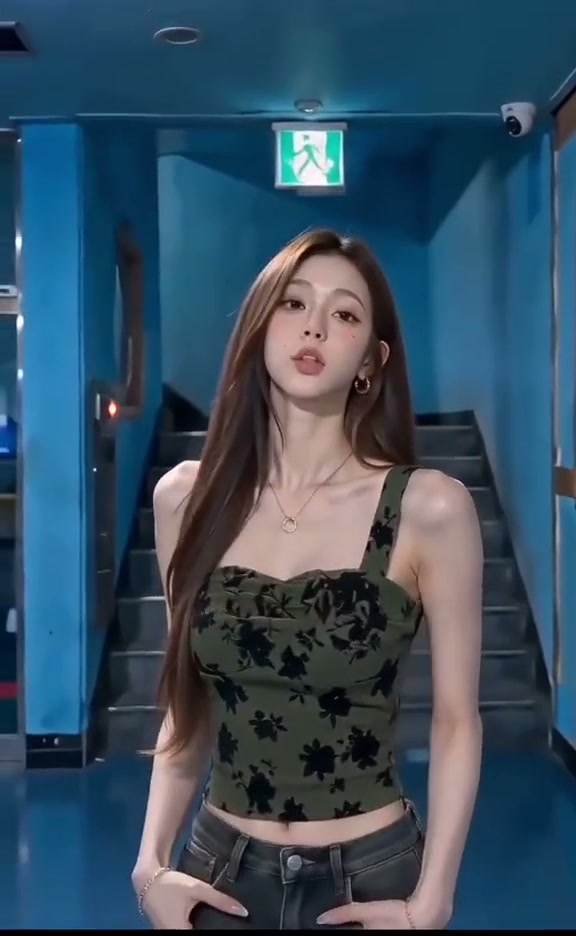
Tip: Use a clear front-facing upper-body or full-body photo with visible face and outfit styling in even light.
Video Options
By generating you confirm compliance with our Terms · Privacy · Acceptable Use
15-second video · 8 credits per generation
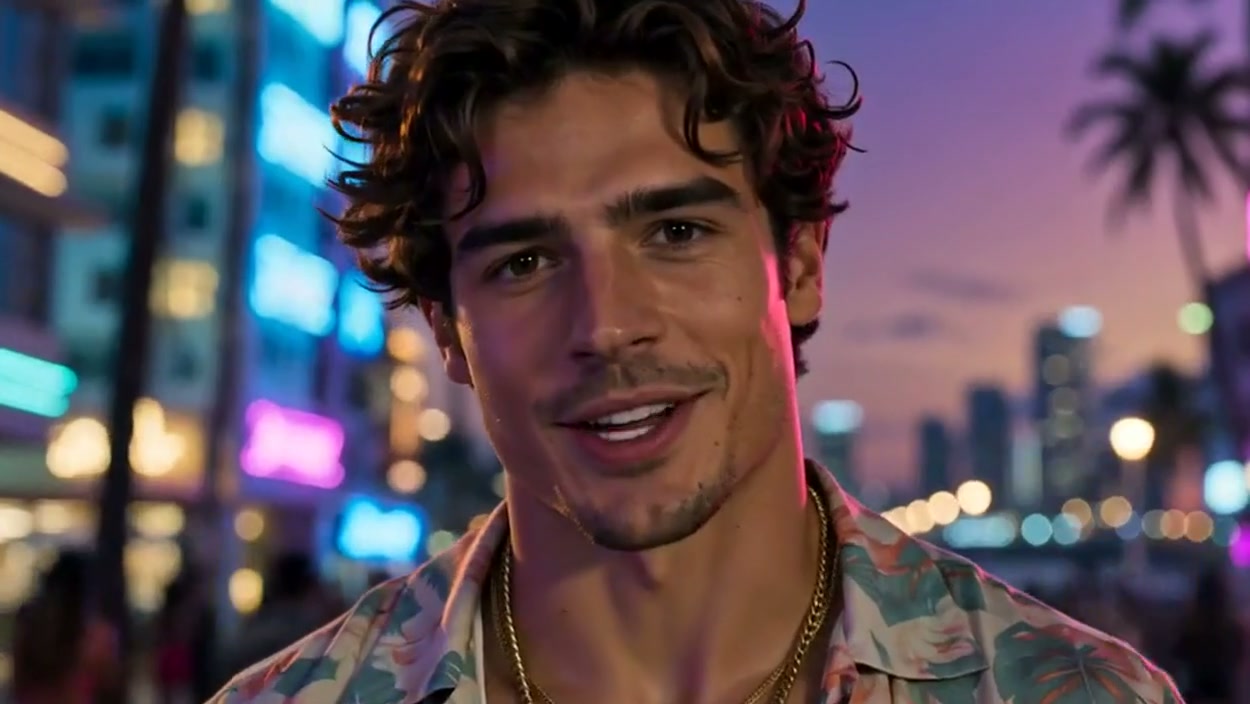
Ocean Drive & Waterfront Deal: Your uploaded portrait stars across the neon night stroll, waterfront meeting, and cash duffel bag inspection.
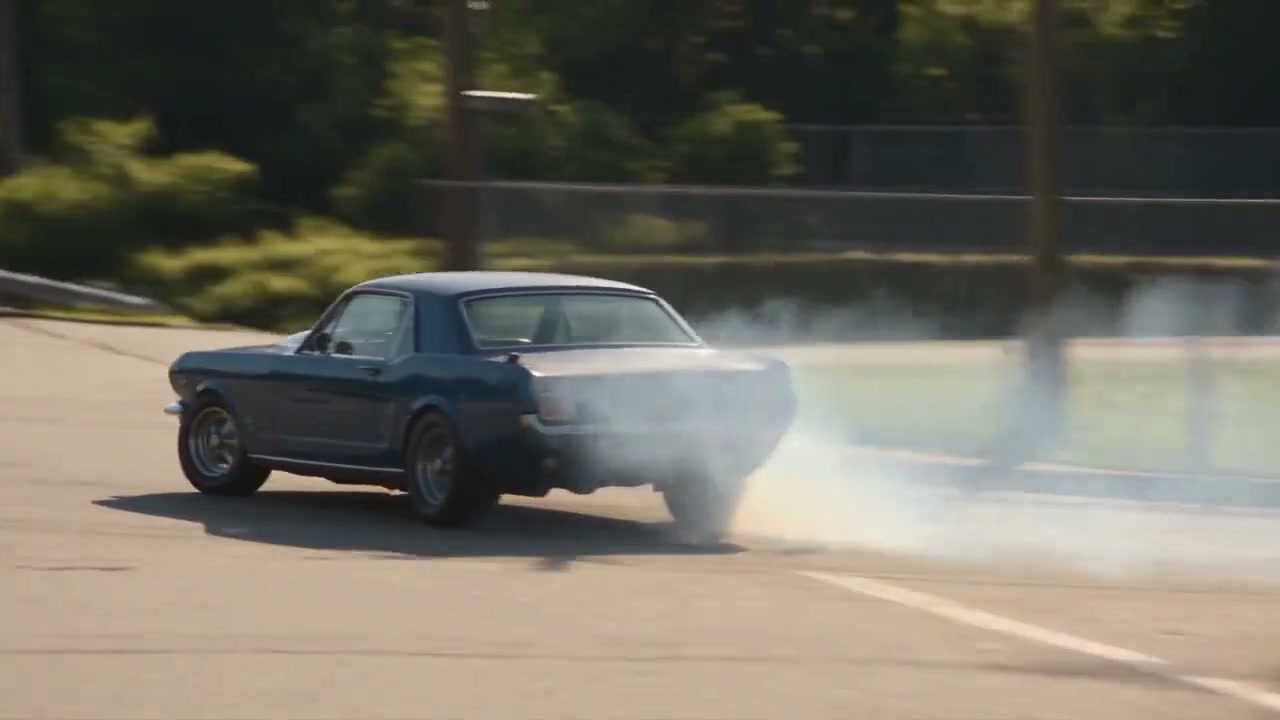
Coastal Muscle Car Cruise: Speeds down the coastal palm-tree highway toward sunset and faces down police cruisers with an alligator on the wet asphalt.
WATCH EXAMPLES FREE · REVIEW THE COST · FAILED-TASK CREDIT RETURN
WHAT IS THE GTA 6 STYLE AI TREND?
GTA 6 Style AI is a single-photo viral video generator built around the global Grand Theft Auto VI trailer and loading screen trend. Upload one clear front-facing portrait and choose between the 15-second 16:9 Vice City Cinematic trailer or the 12-second 9:16 Art Deco loading screen to animate your photo across neon palm-tree boulevards, coastal convertible chases, cash duffel exchanges, and stylized cel-shaded graphic art panels with synchronized retro audio.
Circulating across TikTok, Reels, and Shorts under #GTA6Trend and #ViceCity trailer edits, this trend pairs an Ocean Drive stroll and muscle car getaway with cash duffel reveals and stylized loading screen panels.
Dual 16:9 & 9:16 Cuts
Pick 16:9 Vice City Cinematic for widescreen trailers or 9:16 Loading Screen for mobile feeds—zero prompts needed.
Reviewed by Viral AI Video · .
Comedy & Pranks Templates
Explore More Viral AI Video Templates
Jump into related trending formats in this category or browse the full directory.
How to Create Your GTA 6 Style AI Video in 3 Steps
Start with one portrait photo. Pick the 16:9 Vice City cinematic cut or 9:16 loading screen cut, choose resolution, and export with zero prompt writing.
Pick Your Scene & Upload Photo
Select your preferred cut, then upload one clear portrait from desktop or phone via QR.
Pick Quality & Review Credits
Choose 480p, 720p, or 1080p, review upfront credit pricing, and confirm creation with one click.
Render & Download MP4
Watch live progress until your full-motion clip completes. Download the MP4 or save via phone QR code.
Creative Ways to Post Your Entrance Edit
Turn a single everyday selfie into a main-character street reveal for TikTok, Instagram Reels, or group chat reactions.
Vice City Character Flex
Drop a friend's portrait into the neon Ocean Drive scene for instant group chat reactions.
TikTok & Reels Edits
Pair the muscle car cruise and sunset getaway with trending Vice City synthwave audio.
9:16 vs 16:9 Cut Testing
Pick 9:16 vertical for TikTok or 16:9 widescreen for cinematic edits in one click.
Why Create Your GTA 6 Style Video Here
Upload one portrait, choose between 16:9 Vice City cinematic and 9:16 loading screen cuts, and export on beat with transparent credit pricing.
100% Automatic Refund On Errors
Cloud task failures return reserved credits to your balance automatically—no support tickets needed.
One-Click Vice City Action Preset
No complex prompts or green screens needed. Your photo drives the Ocean Drive stroll, waterfront deal, and muscle car getaway.
Dual 16:9 & 9:16 Cut Support
Switch between 16:9 widescreen action trailers (15s) and 9:16 loading screen cuts (12s) across 480p, 720p, or 1080p.
Instant MP4 & Phone QR Save
Download the synced MP4 on desktop or scan the QR code straight to your camera roll.
Non-Expiring Sitewide Credits
Purchased pack credits never expire and work across every studio template on site.
Transparent Privacy & Retention
Uploaded portraits follow our Privacy Policy safely and are never shared publicly.
Inside the 15-Second Trailer Storyboard
This beat-matched sequence follows the Ocean Drive close-up, waterfront deal, muscle car getaway, and sunset standoff.
Neon Ocean Drive Close-Up Smirk
Opening in a crisp cinematic close-up, the protagonist smiles with relaxed confidence against glowing neon pink and cyan hotel lights at dusk along Ocean Drive.
Waterfront Deal & Neon Boulevard Walk
Meeting beside a vintage convertible by the bay under swaying palm trees to exchange handshakes with associates, then striding forward along the bustling wet boulevard.
Cash Duffel Bag & Coastal Getaway
Checking banded stacks of bills inside a black duffel bag with a satisfied smirk before speeding down the coastal highway in a vintage red muscle car.
Highway Speed & Police Cruiser Standoff
Speeding along the palm-lined coastal road toward the golden sunset, culminating in a bold nighttime street standoff before approaching police cruisers and an alligator on the wet asphalt.
Photo Guidelines & Quality Tips
Keep sharp facial likeness and outfit styling across neon night and golden sunset lighting with these portrait tips.
Give Your Portrait the Best Edge
- Show Outfit & Collar ClearlyInclude your head, shoulders, and upper-body clothing for authentic styling across every cut.
- Keep Face & Jawline UncoveredAvoid hands, cups, or dark accessories obscuring your face; the AI maps your genuine expression into the neon lighting cleanly.
- Even Front Lighting Without Heavy ShadesSkip sunglasses or deep shadows so facial likeness stays consistent in day and night lighting.
- Single Centered SubjectUpload one person centered in frame for reliable likeness across all cinematic cuts.
Check the Cost and the Finished Motion
- iVerify Live Credit TotalsModel and resolution choices update your exact credit price right above the generate button.
- iReview Cinematic Getaway BeatPreview the Ocean Drive smirk, muscle car cruise, and sunset finale before downloading.
- i100% Automatic Refund on Failed TasksFailed cloud renders automatically refund reserved credits back to your balance.
- iPreview Free, Generate When ReadySwitch between 9:16 and 16:9 example cuts freely; check your credit balance before clicking generate.
How Does This GTA 6 Style AI Generator Work?
Your portrait supplies your facial features and outfit styling while the model directs the scene across neon strolls, muscle car cruising, and comic panels.
Upload one photo, review transparent credit pricing (6–8 credits at 480p), and export a clean MP4 with synced audio.
Check current credit options, failed-task and payment refund rules, and photo processing and retention before generating.
Frequently Asked Questions
QHow do I create a GTA 6 Style AI video from my photo?
QIs GTA 6 Style AI free to use, and when do I pay?
QHow much does this 15-second generation cost, and what happens if a render fails?
QWhat is the difference between Scene 1 (16:9 Vice City Cinematic) and Scene 2 (9:16 Loading Screen)?
QWhat kind of photo works best for the GTA 6 character transformation?
QHow does this GTA 6 AI video generator differ from static CapCut templates?
QWill the generated video include synchronized Miami Vice background music and sound effects?
QCan I cast myself or a friend in the police chase and convertible driving scenes?
QHow long does it take to render a GTA 6 AI video?
QCan I download my GTA VI video directly to my phone without watermarks?
Star in Your Own GTA VI Trailer Tonight
Upload your portrait, check the 6–8 credit Standard 480p cost, and export your 15s widescreen trailer or 12s loading screen MP4 with synced Miami synthwave audio.
MP4 download · Phone QR option · Sitewide credits