
NEED FOR SPEED AI VIDEO GENERATOR: VIRAL HIGHWAY DRIFT MEME
Star in a cinematic high-speed highway drift chase video from your own car photo. Upload one photo to create the viral 15-second racing video ready for TikTok and Reels. Pay-as-you-go video generation starts at just 8 credits with zero monthly subscription.
CREATE YOUR HIGHWAY DRIFT VIDEO
Upload your car photo
Tip: Use a clear front-facing upper-body or full-body photo with visible face and outfit styling in even light.
Video Options
By generating you confirm compliance with our Terms · Privacy · Acceptable Use
15-second video · 8 credits per generation
Lead Vehicle & Driver: Photo 1 stars front-and-center, faithfully transferring your vehicle finish and visible driver into aggressive highway drifts.
Asphalt Drift Setting: Multi-lane highway, tire smoke trails, and high-speed pursuit tracking stay locked to reference choreography.
WATCH EXAMPLES FREE · REVIEW THE COST · FAILED-TASK CREDIT RETURN
WHAT IS THE NEED FOR SPEED AI TREND?
Need for Speed AI on Viral AI Video is a cinematic racing video generator that transforms any still car or vehicle photo into a 15-second Hollywood-style highway pursuit and drift chase video. Upload 1 photo of your car or a portrait standing by your vehicle to generate an authentic widescreen action clip featuring asphalt smoke drifts, high-speed highway traffic weaving, and cockpit perspectives with synchronized roaring engine audio.
Known across automotive social channels as the viral highway drift trend, this high-energy racing video places your personal car or coupe in a cinematic chase with smoking counter-steers and intense cockpit weaving.
One-Click Highway Drift Video Generation
Upload 1 car photo. Our engine casts your vehicle directly into the high-speed asphalt pursuit, guided by Hollywood-grade motion reference without 3D rigging or manual editing.
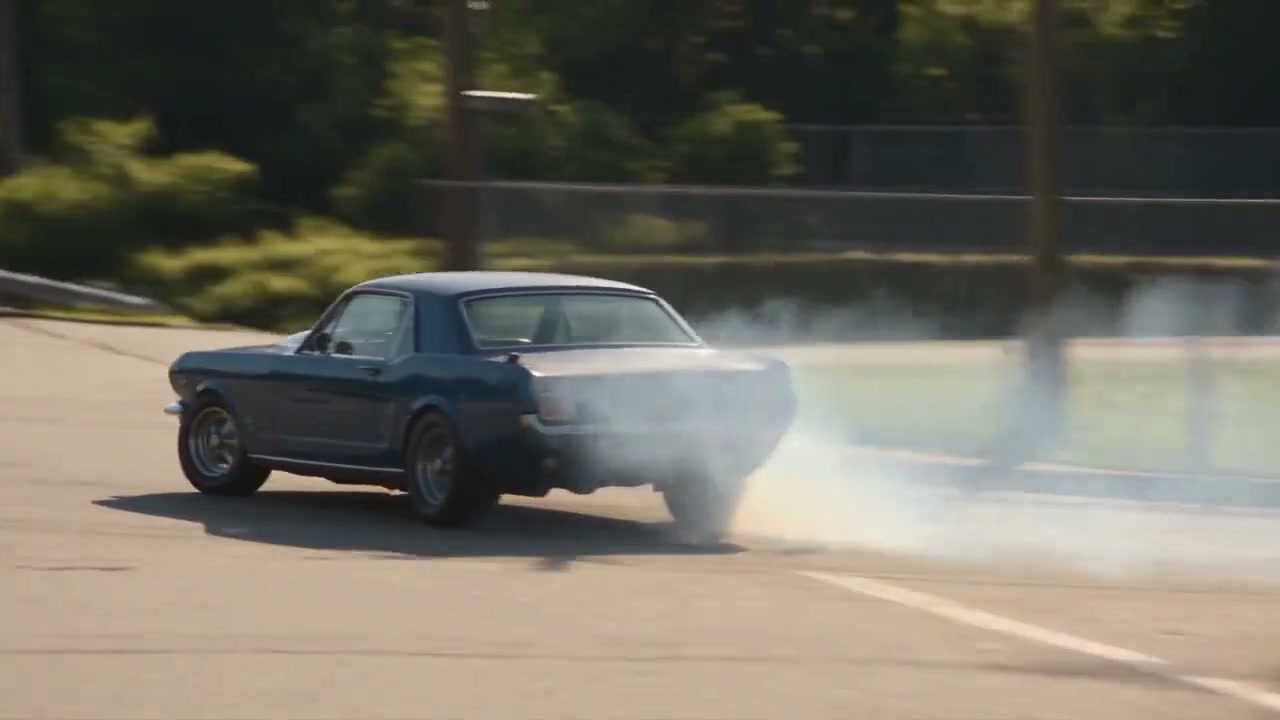
Compare viral clips trending across TikTok drift racing search results.
Trending Viral Effects
Explore More Viral AI Video Templates
Jump into other trending meme formats or create custom video remakes.
Bottle Kick AI
Pimp Walk Entrance AI
Funny Driver AI
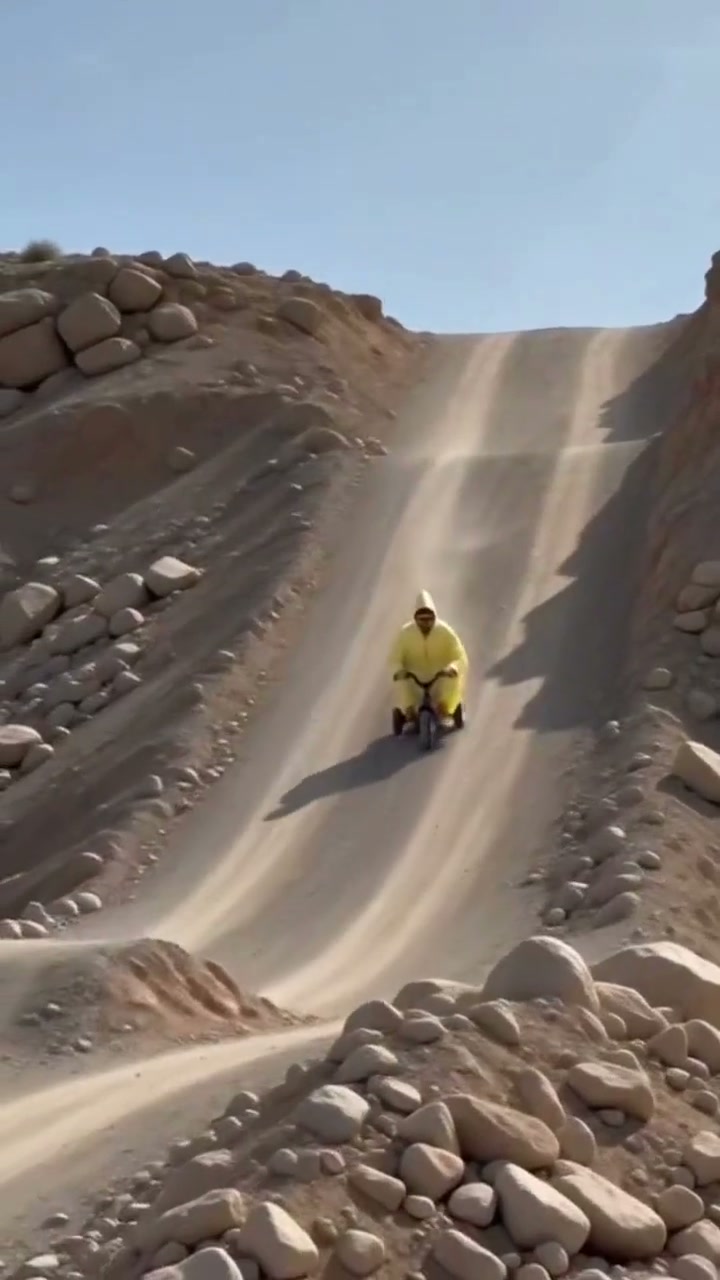
Flying Tricycle AI
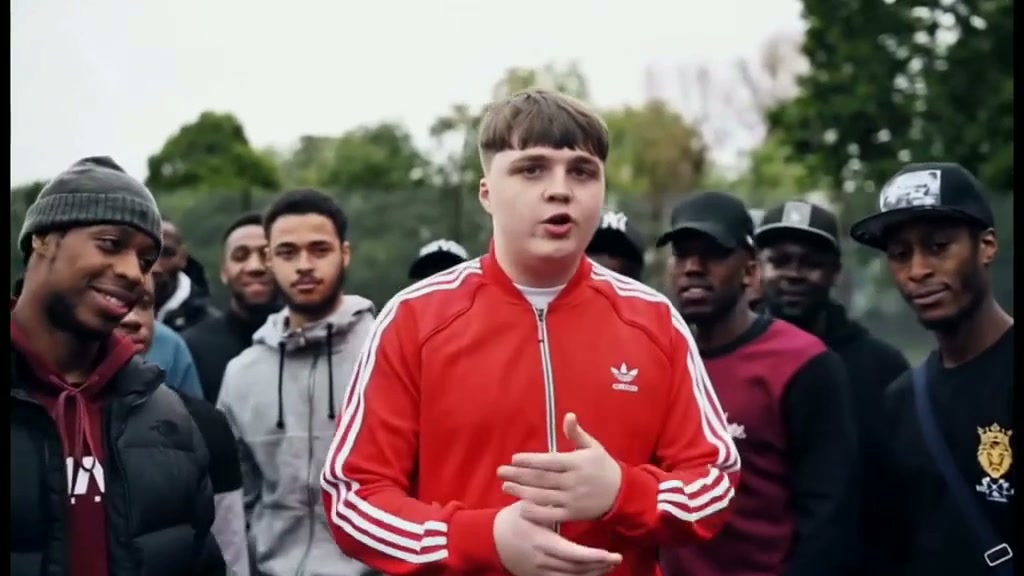
Stormzy Shut Up AI
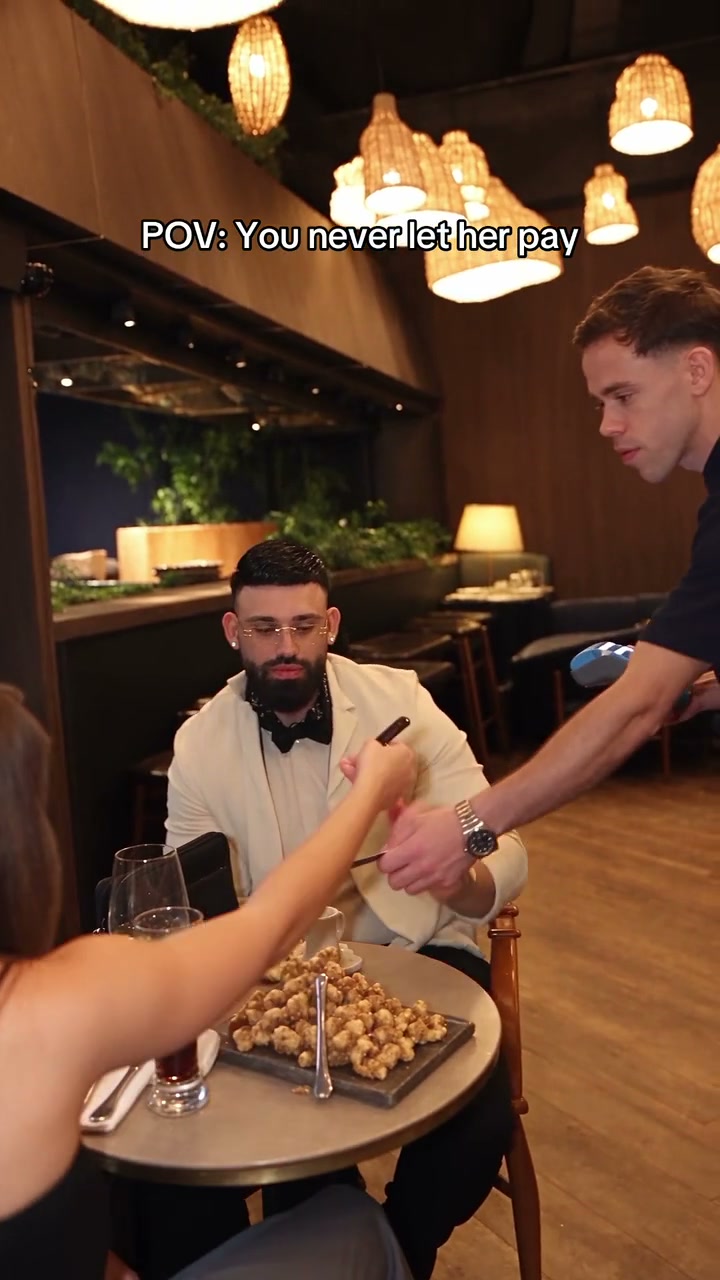
You Never Let Her Pay AI
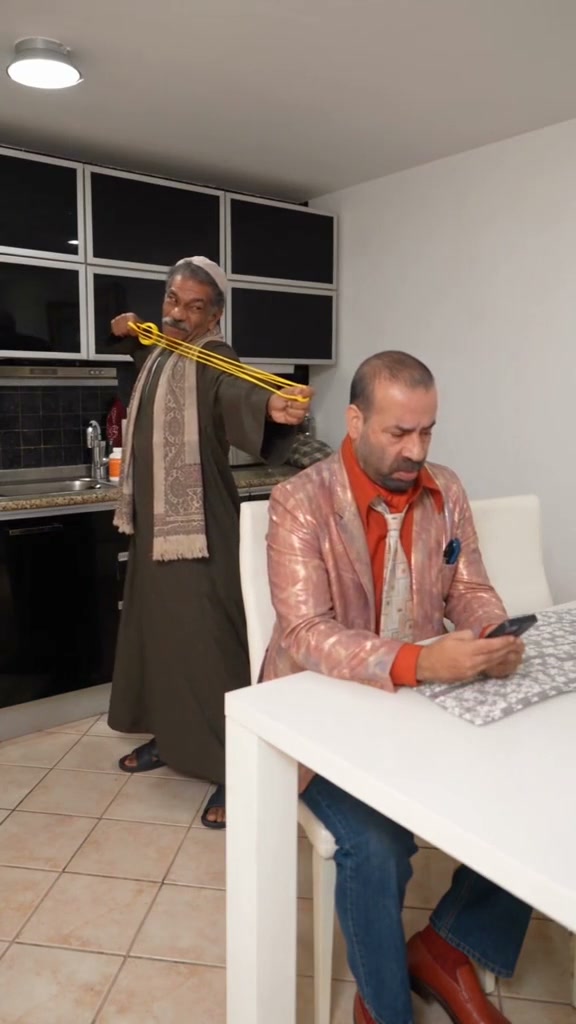
Rubber Band Prank AI
Flamingo Float AI
Bicep Heart AI
Fancy Cafe AI
Window Peeper AI
Unicycle Ride AI
General Levy Incredible AI
Rick Roll AI

Broke Boyfriend Hug AI
Man's Not Hot AI
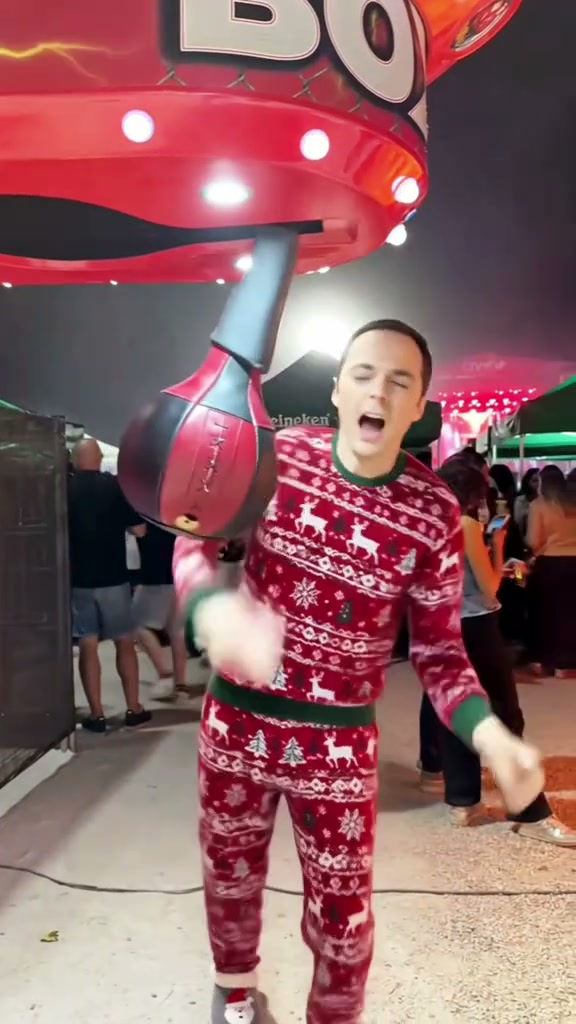
Boxing Machine AI

Stop The Wedding AI
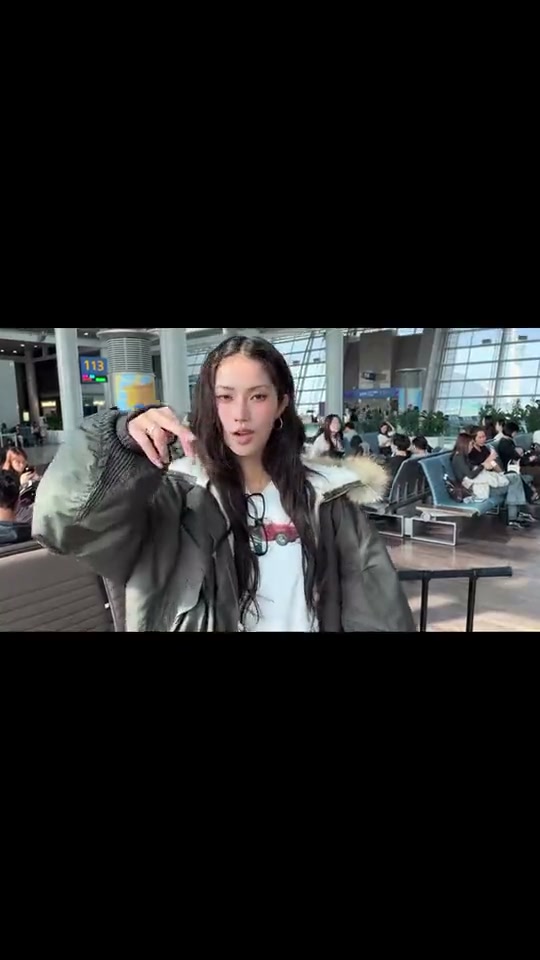
Airport Transition AI
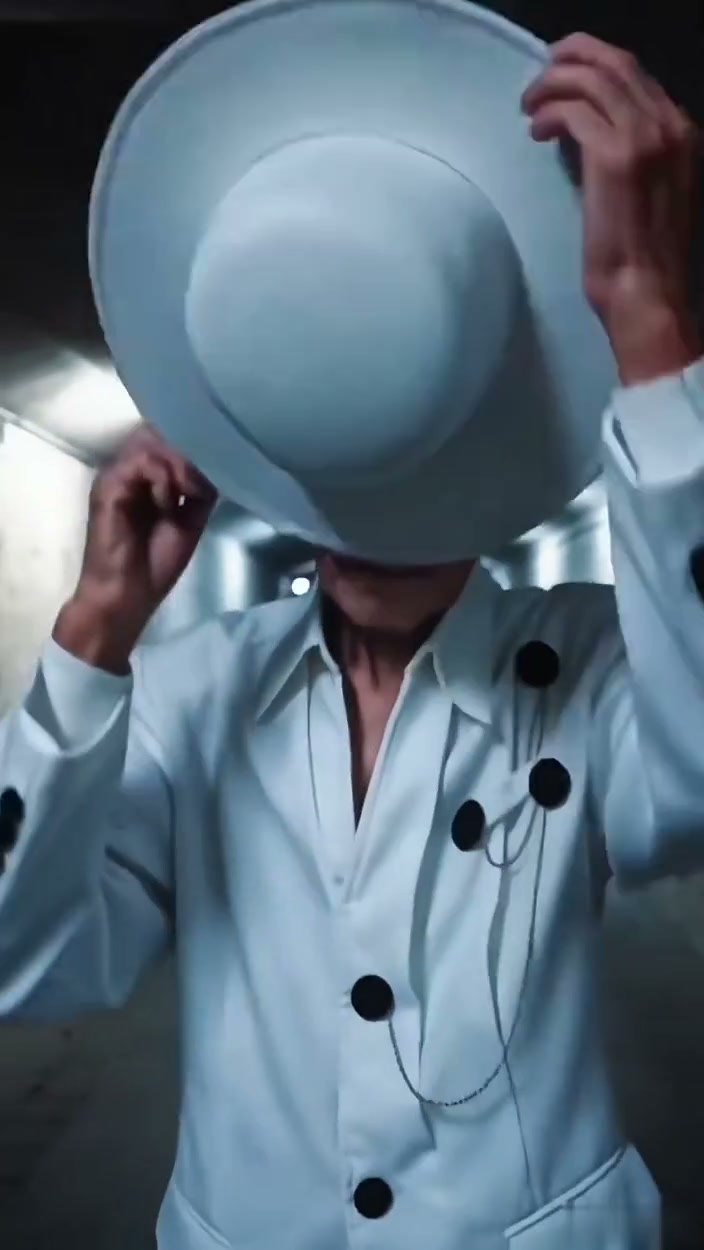
Faceless Trio Cool Entrance AI
How to Create Your Viral Video in 3 Steps
Start with one car photo. The drift scene is pre-set with zero prompt writing required.
Upload Your Portrait Photo
Add one clear front-facing upper-body or full-body photo with visible facial features, hairstyle, and outfit styling in even light. Use a photo from this device or scan the QR code to send one from your phone. No professional studio shoot, racing tracks, or complex gear in the photo needed.
Original Scene & Review Cost
The preset uses the authentic cinematic highway asphalt setting and high-speed drift choreography. Pick the model, an available resolution (480p, 720p, or 1080p), and format (16:9 widescreen recommended). Review credits, sign in, and confirm permission before starting a render.
Render & Download MP4
Follow the task status while the model generates. Preview the full video, listen to its audio, and download the MP4 to your computer or phone before account expiry. Add permitted music in TikTok, Reels, or Shorts when you publish.
Creative Angles for Your Viral Video
Three viral creator angles optimized for TikTok and Reels engagement.
Highway Slalom Traffic Weave
Pilot your own coupe or sedan weaving through multi-lane highway traffic at intense velocity from an authentic driver cockpit POV.
Smoky Asphalt Curve Drift
Kick up dense clouds of burning white tire smoke through sweeping road curves with realistic opposite lock counter-steering dynamics.
Service Station Breakaway
Slice past fuel pump islands and amazed onlookers into open highway sunlight with authentic Hollywood pursuit momentum.
Why Create Your Viral Drift Video Here
Upload your car photo, check the upfront credit total, and create your version of the viral TikTok drift meme. The highway chase choreography and engine audio sync are locked for you.
Failed-Task Credit Return
Failed tasks immediately return reserved credits back to your balance automatically.
One-Click Direct Preset
No reference upload or breakdown step. The preset supplies the highway drift choreography, cockpit perspective, and synchronized roaring engine audio.
Flexible Resolution & Format
Generate in 480p, 720p, or 1080p. Credits adapt dynamically to your chosen settings.
MP4 Download & Phone Handoff
Save the MP4 directly on desktop or scan the QR code to save to your mobile camera roll.
Non-Expiring Sitewide Credits
Purchased credit packs never expire and apply across all video effects sitewide.
Transparent Privacy & Expiry
Your vehicle photos remain private and are never used to train public AI models.
Inside the 15-Second Highway Drift Storyboard
This is the choreography requested by the preset, mirroring the viral TikTok clip. Watch the full result to check the opening drift, cockpit slalom, and highway cruise.
Sweeping Curve Drift & Tire Smoke
Wide low-angle road tracking as your starring car executes an aggressive drift slide around an asphalt bend, kicking up dense white tire smoke with precise counter-steering balance.
Cockpit POV & Highway Traffic Weaving
Rapid cut to the driver cockpit perspective behind the steering wheel slalom-weaving through adjacent lanes at intense velocity, with focused eyes catching the rear-view mirror.
Terrace Pursuit & Spectator Stare
Ground-level pursuit camera tracking the vehicle past a roadside wooden balcony where onlookers stare in amazement as the exhaust roars along the open pavement.
Service Station Flyby & Highway Breakaway
High-speed pass slicing cleanly past fuel station pump islands into open highway lanes, carrying authentic race momentum straight through the final frame.
Photo Guidelines & Quality Tips
Get the sharpest automotive styling and cleanest highway drift pursuit choreography results by following these straightforward photo suggestions.
Give Your Vehicle Photo the Best Edge
- Three-Quarter Front Angle in Natural DaylightCapture your car from a 45-degree front angle in even sunlight. This reveals hood curves, grille geometry, and wheel styling for sharpest motion mapping.
- Full Vehicle Frame Without Heavy ObstructionsEnsure the entire car body and wheels are visible within the frame. Avoid tight crops cutting off the front bumper or wheel arches.
- Avoid Dark Underground Parking ShadowsSteer clear of dim basement garages or harsh lens flare that masks the vehicle paint finish and metallic highlights.
- Single Vehicle Focus in the Source ImageUpload a photo featuring one primary car. The AI maps this vehicle directly into the lead drift and highway pursuit sequence.
Check the Cost and the Finished Motion
- iReview the Live Credit TotalModel and resolution selections update the credit total in real-time. Generation starts at 8 credits for 15s.
- iDynamic 15-Second Storyboard ArcReview the curve slide, traffic slalom, spectator flyby, and gas station exit in the preview before sharing.
- iFailed-Task 100% Credit RefundIf a server generation encounters an error, reserved task credits are refunded automatically to your balance.
- iNo Monthly Subscription RequiredExperiment with settings and preview examples freely. Purchased credit packs never expire.
How Does This Highway Drift Generator Work?
Your uploaded car photo provides body styling, paint color, rims, and front grille contours. The AI places your vehicle into the high-speed pursuit video, executing sweeping asphalt drifts, smoking counter-steers, and cockpit highway traffic weaving.
Zero 3D keyframing or video editing required: upload 1 vehicle photo, choose your preferred quality, and click generate. When finished, download the high-definition 15-second MP4 with synchronized roaring engine audio.
Check current credit options, failed-task and payment refund rules, and photo processing and retention before generating.
Frequently Asked Questions
QHow do I create a Need for Speed AI video from my car photo?
QIs Need for Speed AI free to use, and when do I pay?
QHow much does this 15-second generation cost, and what if it fails?
QWhat is the Need for Speed AI video trend on TikTok?
QWhat kind of car photo produces the best drift video?
QCan I upload a photo of myself standing next to my car?
QDoes the video copy my static parked car pose or generate motion?
QDoes the downloaded video come with synchronized sound?
QAre my uploaded vehicle photos kept private?
Star in the Viral Need for Speed Drift Chase Tonight
Upload your vehicle photo, review the upfront credit cost (8 credits at 480p), and generate your 15s MP4 ready for TikTok, Shorts, and Reels.
MP4 download · Phone QR option · Sitewide credits