See Thank You Baby AI in Action — No Prompt Writing Needed
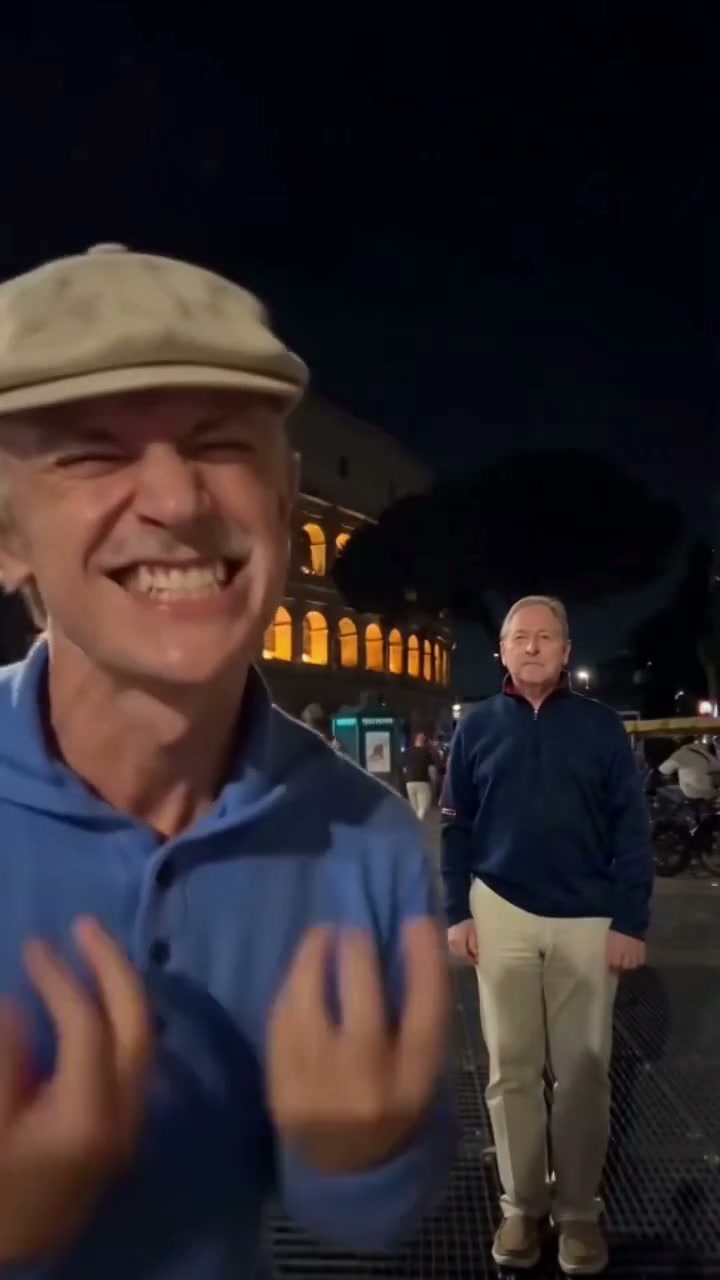
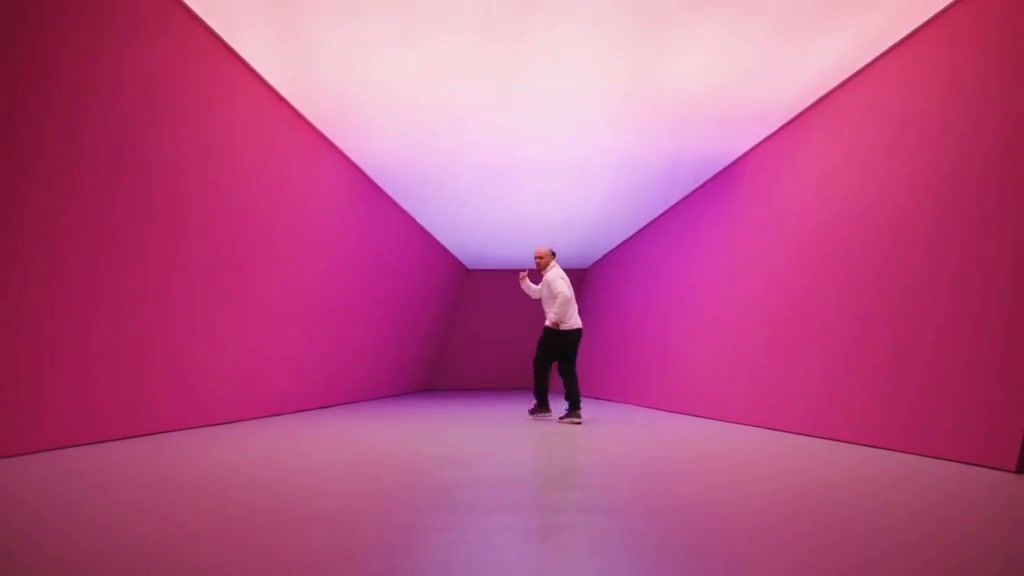
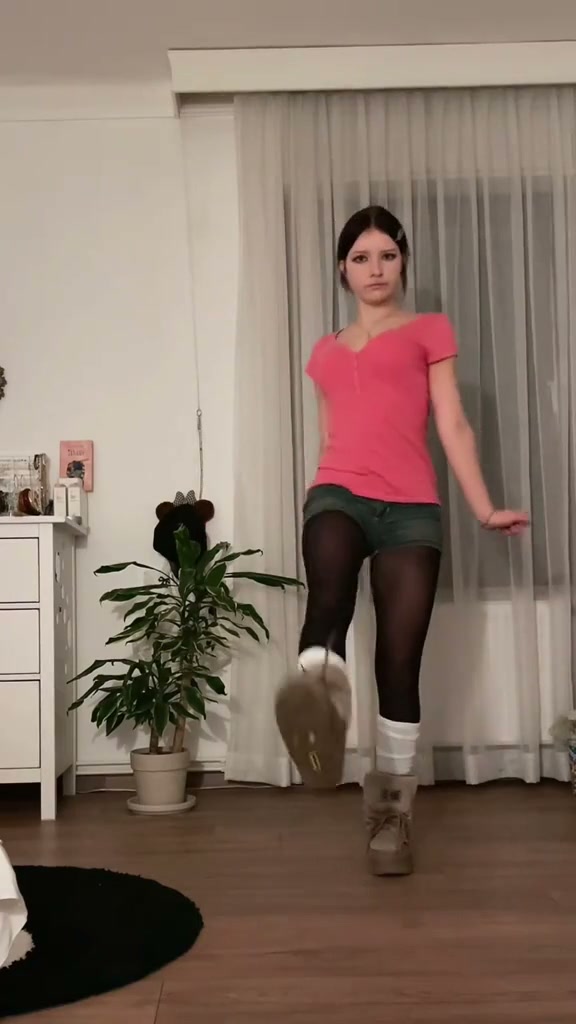
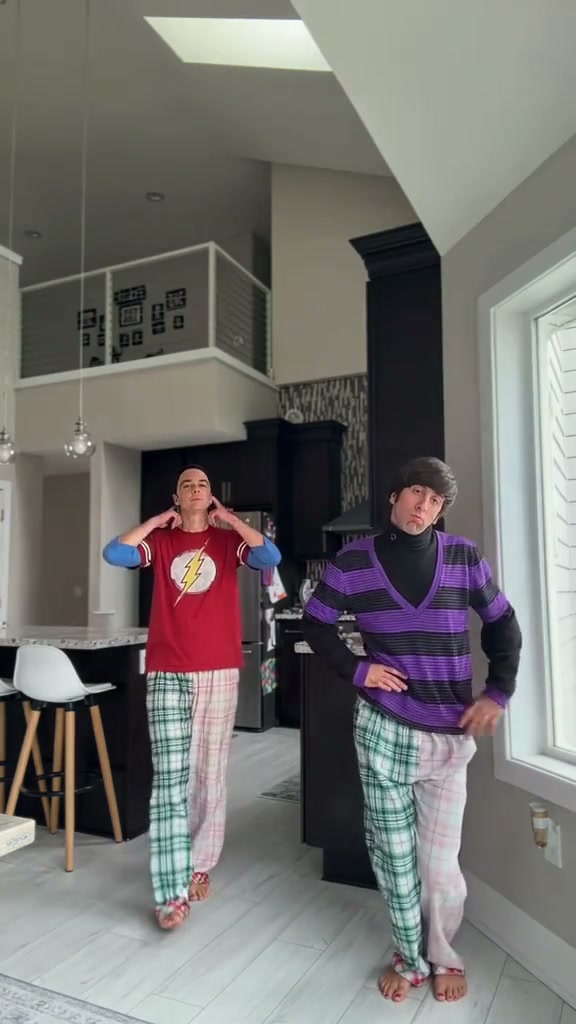
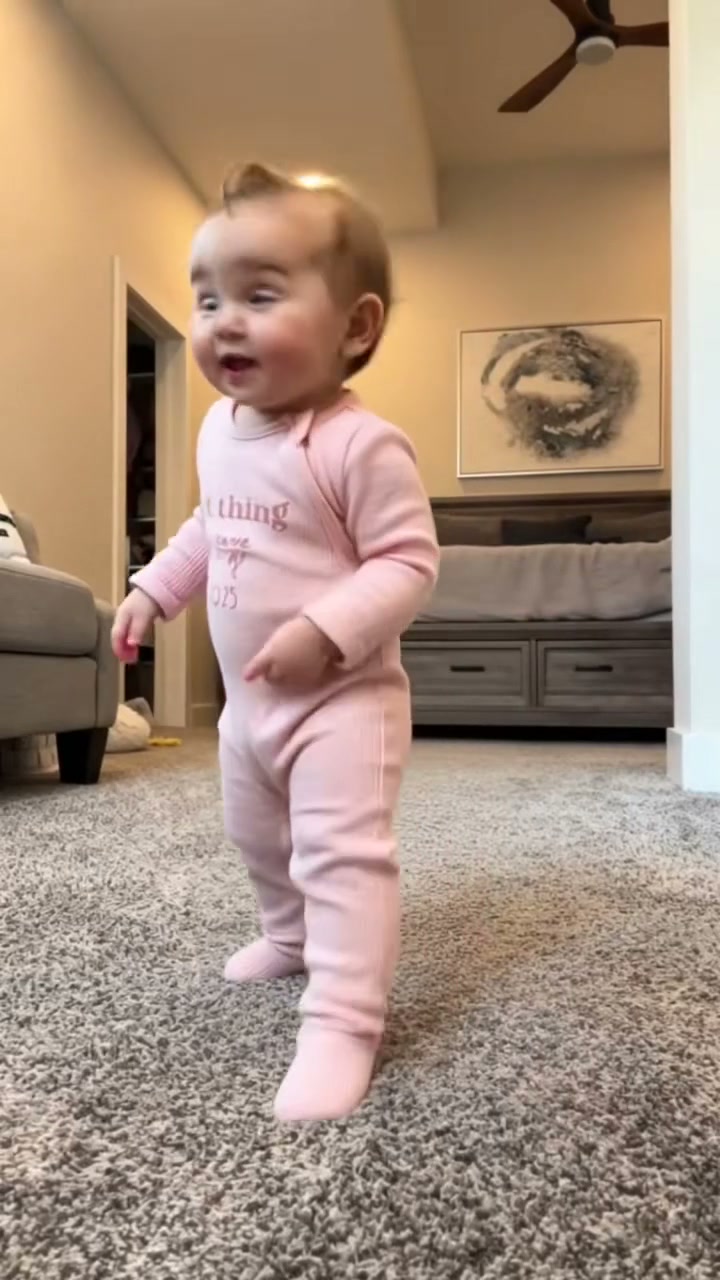
Original 15-second Thank You Baby living-room solo dance reference with warm indoor lighting, knee bounces, and closing arm lift.
Quick Answer: 15-Second Solo Routine in One Upload
Upload 1 front-facing portrait of a consenting adult (18+) to generate a beat-synced 15-second living-room dance clip performing the camera point, open-palm shrug, mouth-fist groove, and arm finale.
- 1Single-upload solo choreography for consenting adults (18+) with no choreography rehearsal or tripod rigging.
- 2Adapts your uploaded sweater, jacket, pants, and casual outfit cleanly across forward leans and knee bounces.
- 3Downloads on desktop or via phone QR code with beat-synced audio attached for TikTok, Reels, and Shorts.
- Duration
- 15 seconds
- Aspect Ratio
- 9:16 Vertical (Default)
- Photo Input
- 1 Adult Portrait (18+)
- Starting Cost
- From 8 credits (480p)
If you have opened your For You feed lately, you have almost certainly heard creators grooving to "Thank You Babeh" in an everyday living room—stepping forward to point directly at the lens before breaking into relaxed arm swings, knee bounces, and a heart-to-sky finale.
Instead of spending an hour memorizing hand transitions in front of a tripod, you can drop one adult portrait into the Thank You Baby AI effect studio and export a beat-synced 15-second clip ready for TikTok, Reels, or YouTube Shorts.
How the “Thank You Babeh” Trend Captured TikTok Feeds
What separates Thank You Baby AI from stiff beat-drop loops is its playful conversational body language. Rather than ultra-fast footwork across a neon stage, the routine unfolds inside a familiar home interior with warm overhead light, plush gray carpet, a background sofa edge, and steady static-camera framing.
Viewers stay hooked across the full 15 seconds because every phrase maps to a distinct physical punchline:
- Direct-to-lens storytelling: The 0–3s step and finger point lock eye contact immediately, preventing viewers from swiping away during the opening hook.
- Readable mid-frame gestures: Because the subject remains roughly three-quarters in frame throughout the routine, TikTok compression never blurs out the 3–6s open-palm shrug or 6–10s mouth-fist beat bounce.
- Emotive closing arc: Finishing the loop by framing both hands beside the eyes, resting them over the chest, and raising one arm high gives meme editors a natural payoff line for gratitude, payday, or glow-up captions.
15-Second Living-Room Choreography Breakdown
Looking at the reference timeline beat by beat makes it obvious why balanced shoulder spacing and visible fingers matter so much in your source photo:
15-Second Living-Room Choreography Timeline
| Timestamp | Phase | What Happens on Screen | Why Your Photo Matters Here |
|---|---|---|---|
| 0.0s – 3.0s | Center Step & Lens Point | Dancer steps centered onto the warm living-room carpet and points one finger directly toward the camera on the vocal cue. | Use a front-facing portrait without crossed arms so your index-finger point forms cleanly right at frame 0. |
| 3.0s – 6.0s | Wave & Open-Palm Shrug | Subject leans slightly forward, waves across chest height toward the lens, and opens both palms outward in a relaxed shrug. | Even indoor or soft daylight keeps fingers separated when both palms open horizontally. |
| 6.0s – 10.0s | Mouth-Fist Groove Bounce | Hands cycle between a fist held beside the mouth, alternating arm swings, and a dropped torso knee bounce. | Avoid turtlenecks or scarves covering your chin so mouth expressions and the adjacent fist never blend. |
| 10.0s – 15.0s | Eye-Frame, Heart & Arm Lift | Subject frames both hands beside their eyes, rests both hands gently over their heart, and raises both arms overhead. | Leave subtle headroom above your hair in the input photo so your raised arm never clips the upper edge. |
Open-Posture Portraits vs. Busy Crops: What Tracks Cleanest
Because four consecutive beat segments showcase your hands near your face, shoulders, and torso, the clean winner for input quality is an open-posture waist-up or full-body photo rather than a tight chin-cropped selfie.
Best Living-Room Dance Inputs vs. Artifacts to Avoid
Because this effect runs on a locked motion preset with zero prompt typing, photo selection accounts for most of the final quality.
Upload Photos Like This
- Adult subject (18+) facing forward at natural eye level in balanced front lighting.
- Arms relaxed beside the torso rather than tucked into deep hoodie pockets.
- Subtle headroom above the hair so the 10–15s overhead arm lift stays inside frame.
- Clean indoor wall or soft daylight backdrop without extra bystanders beside you.
- Sharp focus showing collar, sleeve cuffs, and knit or denim texture clearly.
Avoid These Mistakes
- Tight forehead or collarbone crops that force guesswork on torso outfits.
- Holding coffee mugs, phones, or microphones in front of the mouth or chin.
- Group party photos or crowded mirror selfies with multiple competing faces.
- Harsh neon club tint or dark reflective sunglasses covering eye alignment.
- Heavy cartoon filters or blurred motion snapshots.
Test Your Photo in the Live Studio
Test Your Photo in the Thank You Baby Studio
Select a sharp front-facing adult portrait below to carry it straight into Thank You Baby AI—preview your 15s render quote from 8 credits with pay-as-you-go pricing.
 15s MP4
AI Pose Synthesis vs. Manual CapCut Overlay Templates
Search queries for "Thank You Baby CapCut" pull up dozens of static-cutout trends where editors mask their own head onto an existing TikTok creator's body. Comparing workflow speed and outfit consistency shows where automated generation saves real time:
Thank You Baby AI Studio vs. Manual CapCut Sticker Templates
| What Matters | Viral AI Video Preset | Typical CapCut Template |
|---|---|---|
| Wardrobe & body continuity | Generates your own uploaded sweater, jacket, or casual outfit smoothly across wide leans and torso bounces. | Masking templates keep someone else’s arms, shirt wrinkles, and skin tone. |
| Upper-body beat precision | Drives the camera point, open-palm shrug, mouth-fist groove, and arm raise cleanly across 15 seconds. | Requires tracking frame-by-frame head keyframes whenever the dancer leans or bounces. |
| Filming effort | Works directly from 1 static photo you already keep in your camera roll. | Demands memorizing steps and setting up good indoor lighting to record yourself. |
| Aspect ratio flexibility | Supports native 9:16 vertical, 1:1 square, or 16:9 widescreen across 480p, 720p, and 1080p. | Inherits fixed frame limits from whichever clip the template owner uploaded. |
| Billing transparency | From 8 credits per 15s Standard 480p render; purchased credit packs never expire and auto-refund on failure. | Many cloud motion templates require ongoing Pro subscription unlocks to remove watermarks. |
Audio Alignment, Aspect Ratio & Posting Checklist
Run through these three quick sanity checks before sharing your generated MP4 to social feeds:
- Inspect fingers across the 3s–15s gesture chain: Watch your finished 15s preview once through to verify clean palm separation on the open shrug and crisp eye-framing near the end. Any failed cloud render returns reserved credits automatically—test a quick 480p draft from 8 credits before scaling up to 720p or Ultra 1080p.
- Stick with 9:16 vertical for full living-room depth: Keeping native 9:16 preserves floor carpet perspective during knee bounces alongside full ceiling reach on the ending arm lift.
- Cross-pollinate your solo meme library: After posting your living-room loop, explore complementary solo rhythm templates like Can I Ride Dance AI or pick up clean portrait lighting tips in our You Never Let Her Pay AI framing guide.