
STICKY BUBBLEGUM DANCE AI VIDEO GENERATOR: VIRAL NURSERY BEAT MEME
An authentic single-photo AI video generator for the viral “Icky Sticky Bubble Gum” TikTok dance trend. Upload 1 photo to star in this 15-second rhythmic nursery dance video in 60 seconds. Pay-as-you-go video generation starts at just 8 credits with zero monthly subscription.
CREATE YOUR STICKY BUBBLEGUM DANCE VIDEO
Upload your photo
Drop your photo here, or browse
JPG, PNG, or WebP up to 10MB
I confirm that the uploaded photo depicts myself or a person from whom I have obtained explicit permission, and conforms to the Terms of Service and Acceptable Use Policy.
WHAT IS THE STICKY BUBBLEGUM DANCE AI TREND?
The viral nursery dance trend originated on TikTok and Instagram as a playful adaptation of the classic action song “Icky Sticky Bubble Gum”. Made massively popular by early learning creators like Ms. Rachel and upbeat dance remixes, users pretend gooey pink bubblegum is stuck to their hands, cheeks, and chin, pulling their limbs away with funny expressions on each rhythmic beat.
This workspace enables anyone to transform a single static portrait into a photorealistic 15-second viral video where they star as the bouncy, clapping lead dancer. Published as of , the choreography mirrors the viral movement frame-by-frame with zero manual animation needed.
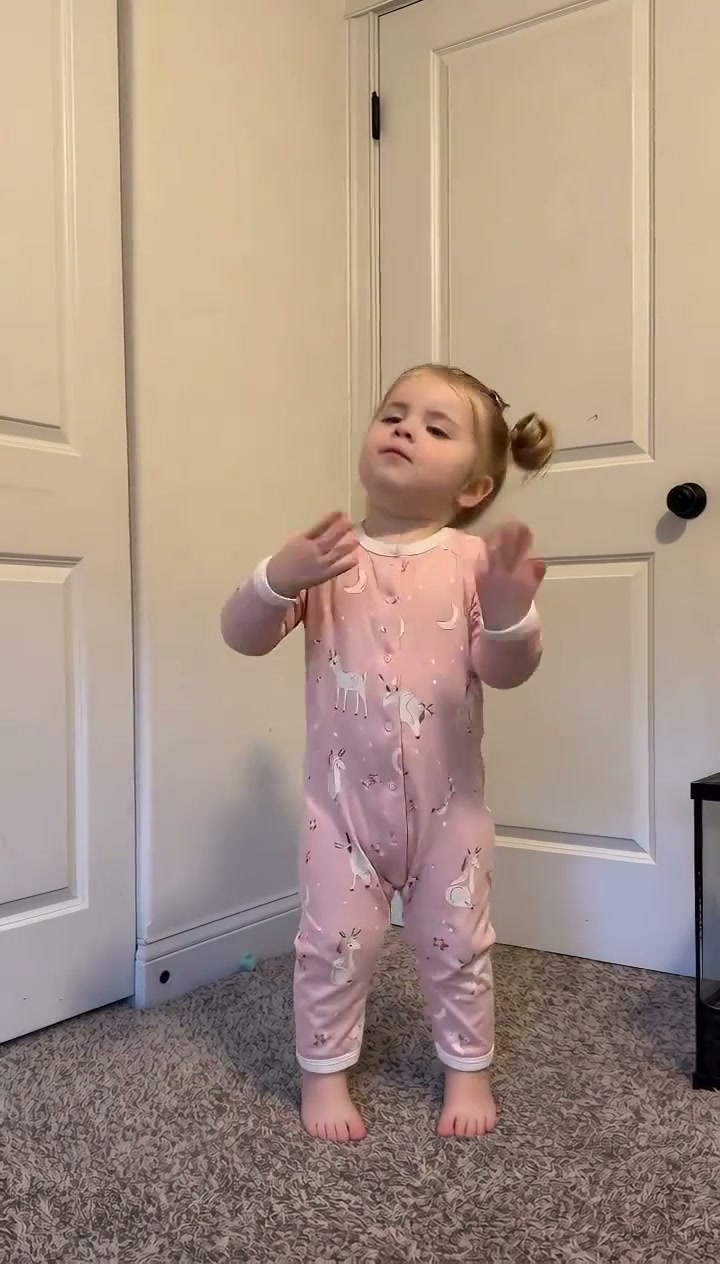
Trending Viral Effects
Explore More Viral AI Video Templates
Jump into other trending meme formats or create custom video remakes.
Stop the Wedding Dance AI
Under Arrest Dance AI
Like Jennie AI
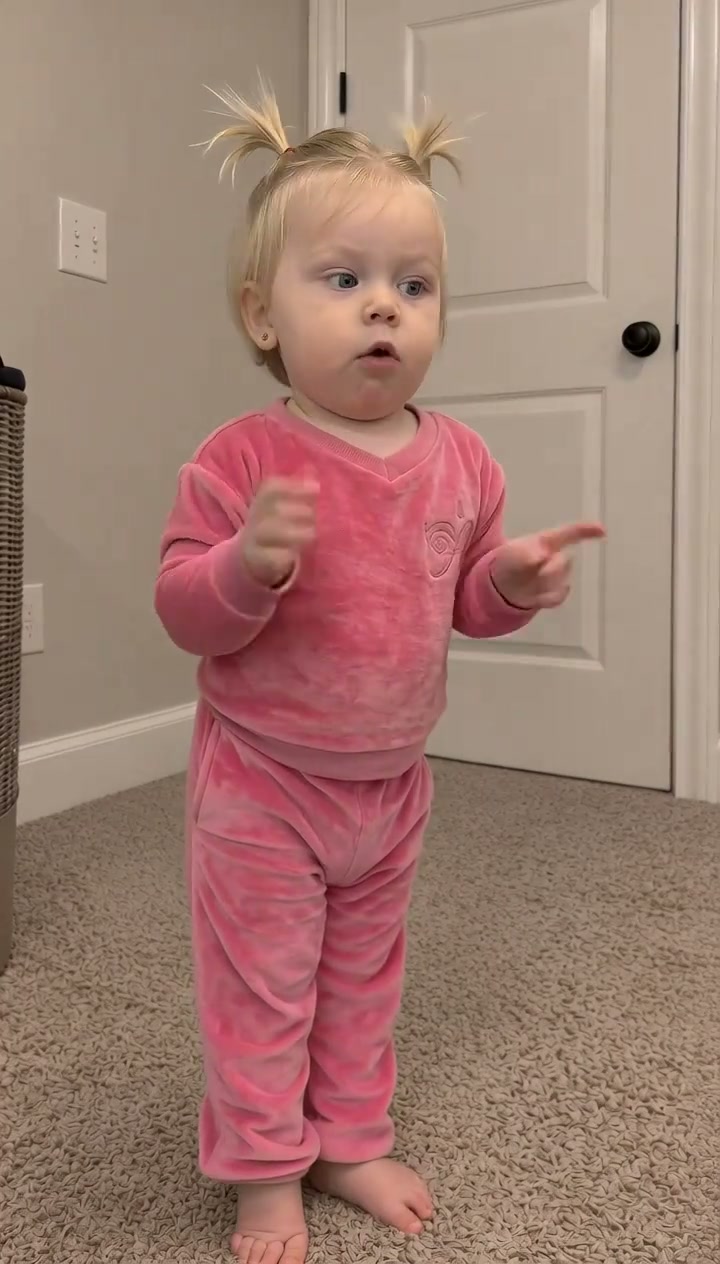
Baby Dancing AI
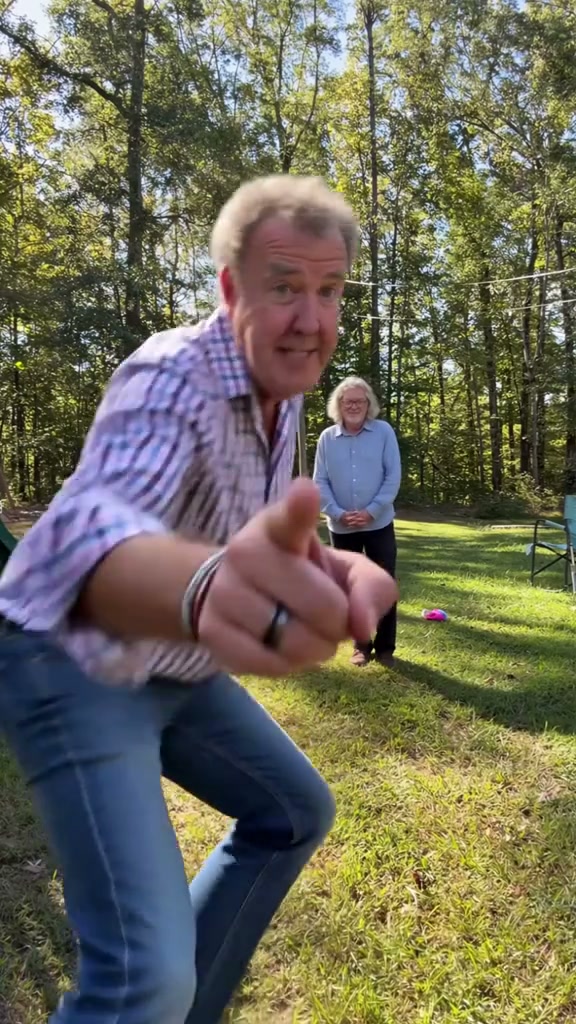
Babydoll Dance AI
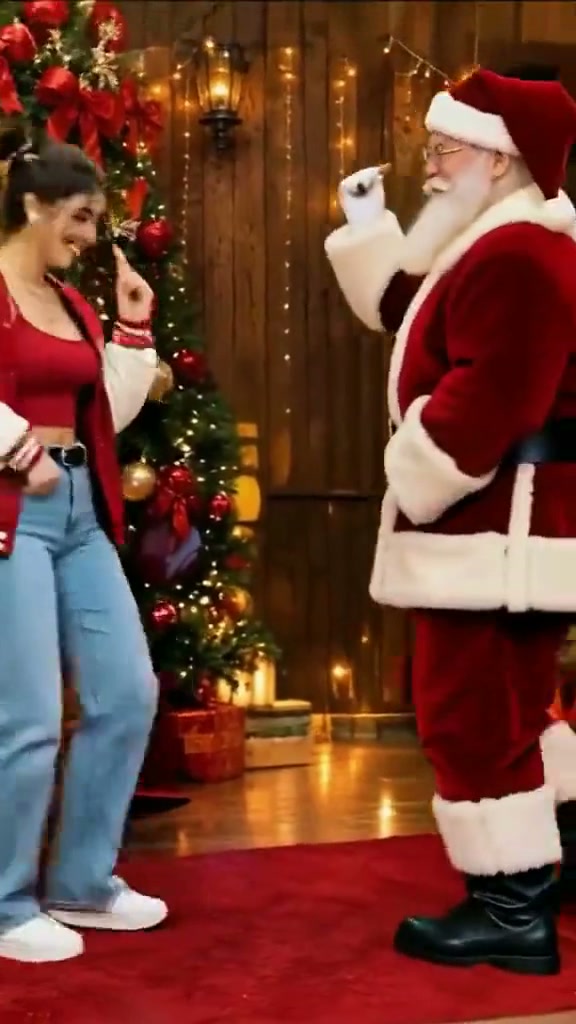
Dance with Santa AI
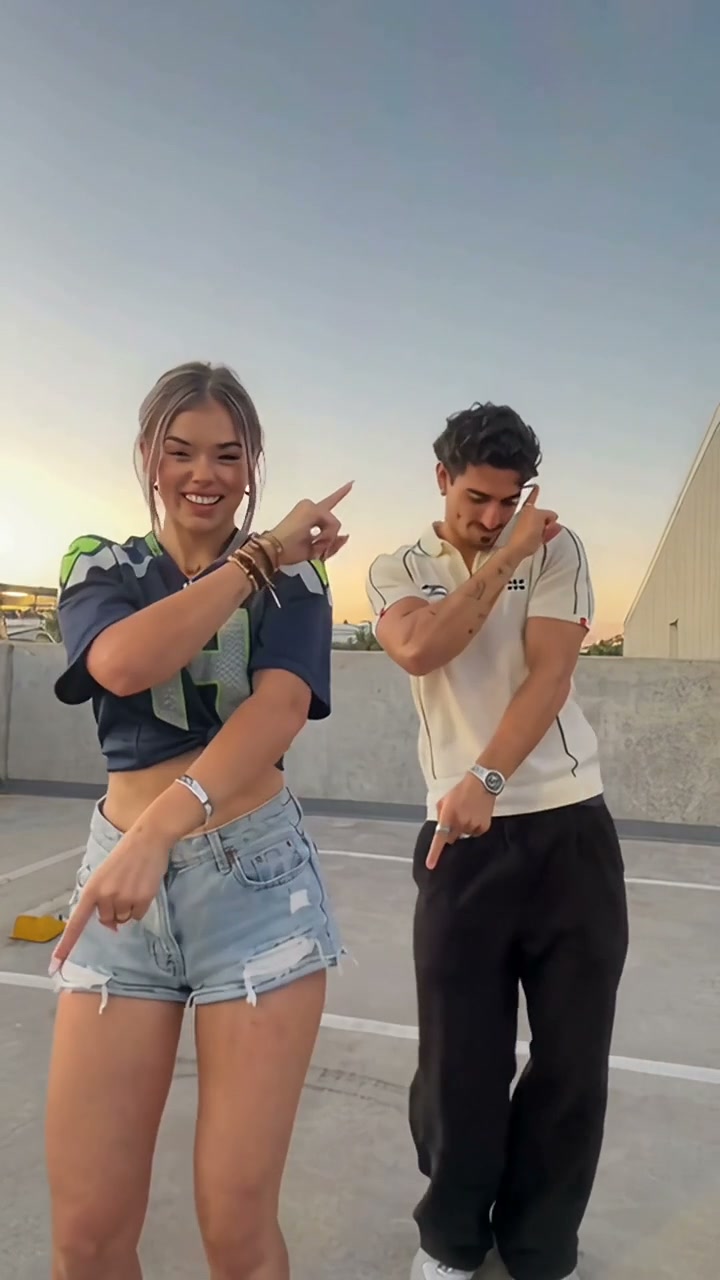
Stereo Love Funk AI
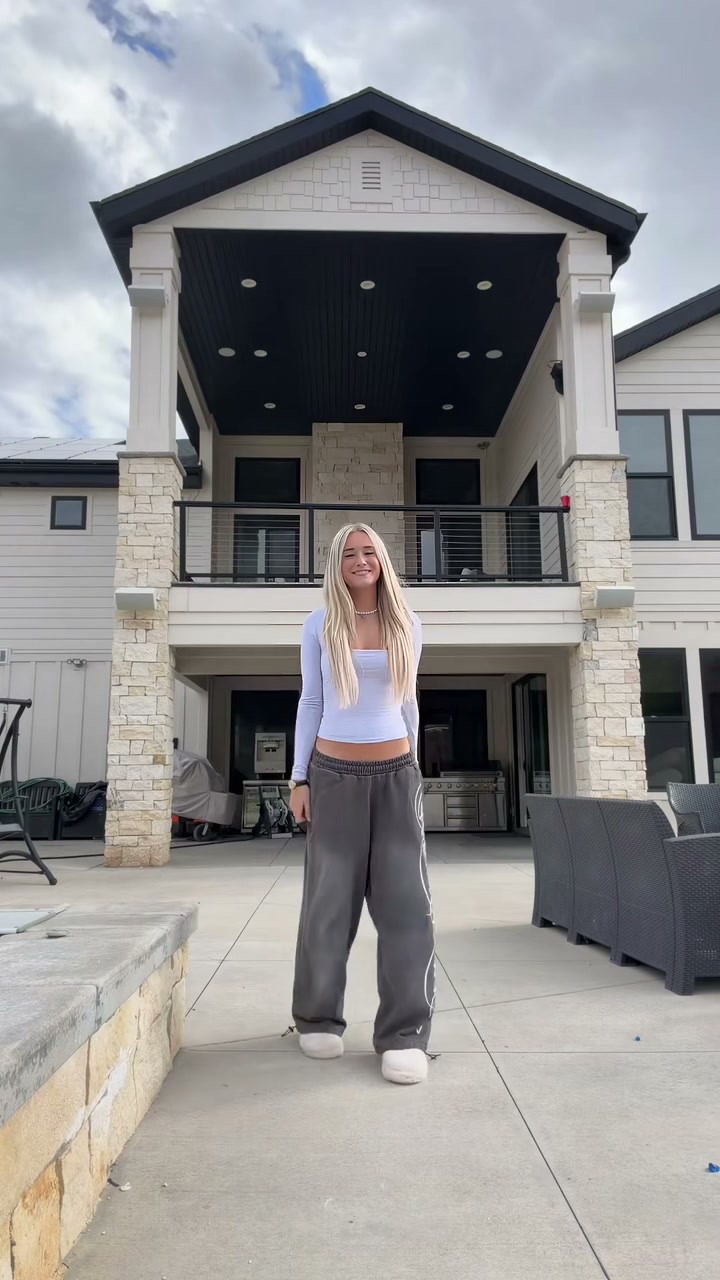
Christian Dior Dance AI
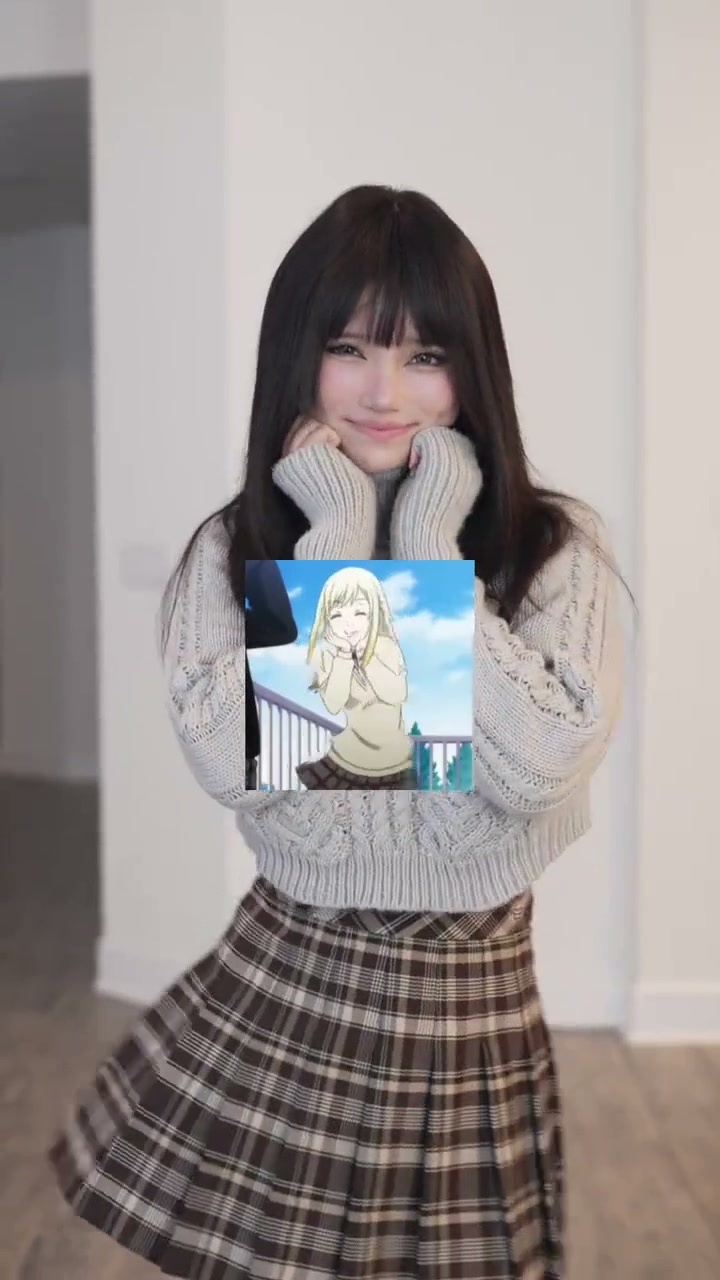
Talk to Me Doja AI
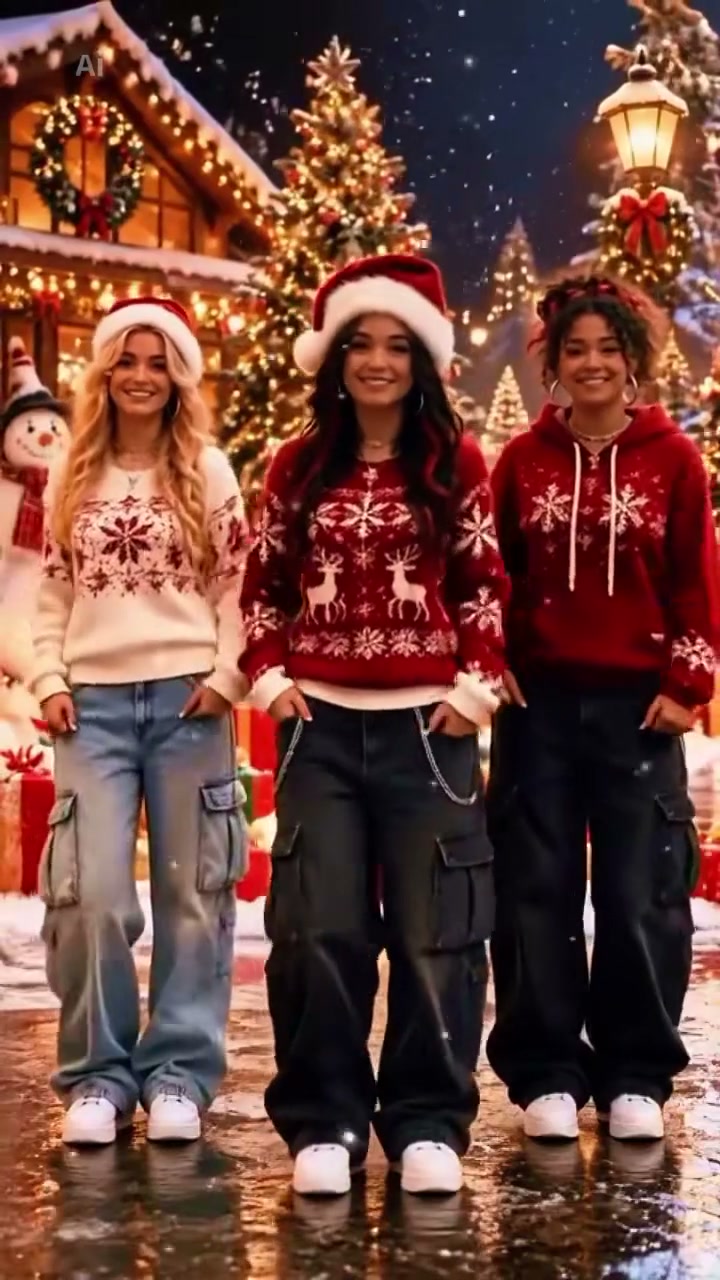
Jingle Bell Rock Dance AI
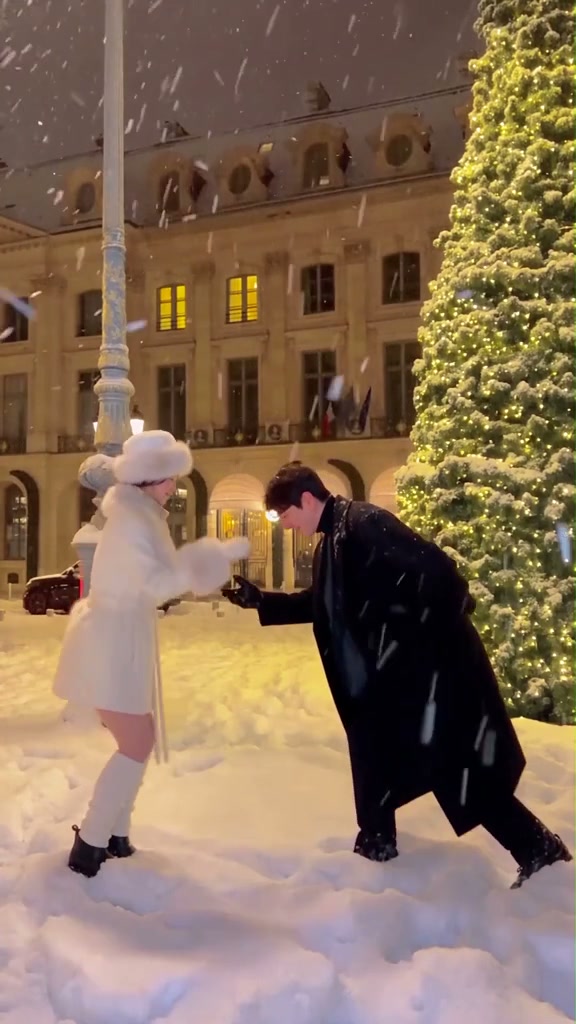
Sia Snowman AI Dance
Thank You Baby AI
Can I Ride Dance AI
Here Comes Santa Claus Dance AI
Hideaway Dance AI
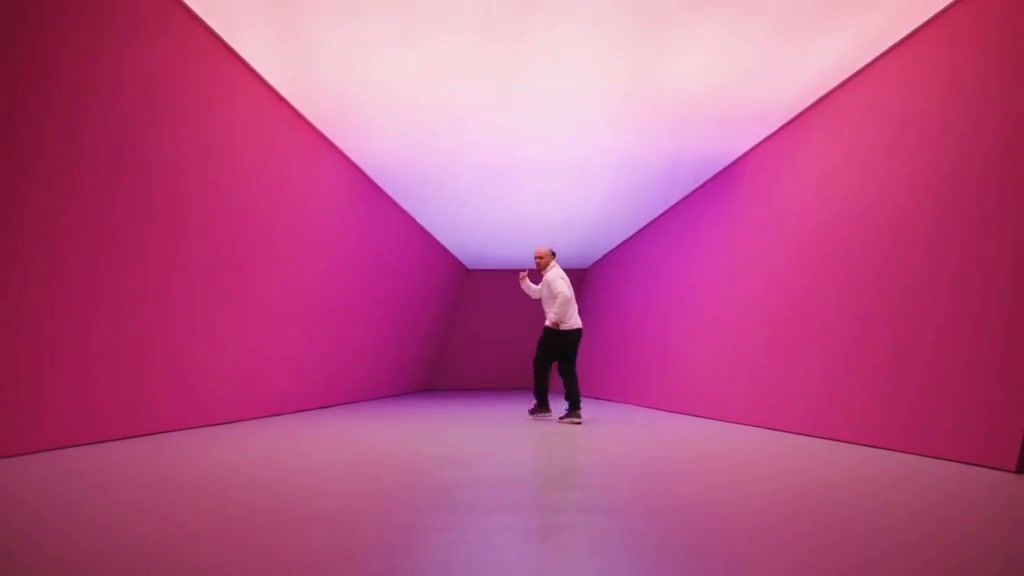
Hotline Bling AI
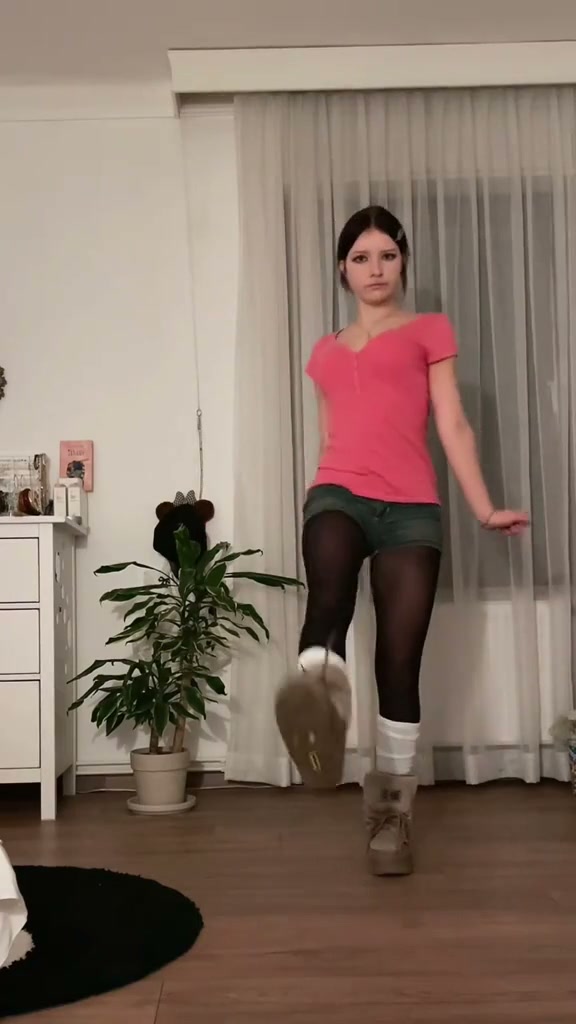
Tsundere Dance AI
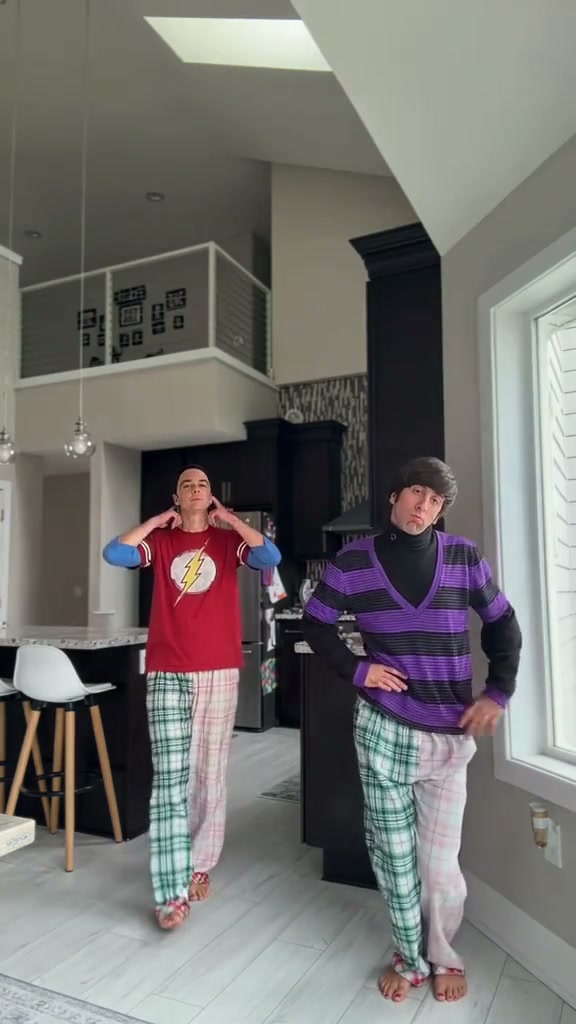
Deck The Halls Dance AI
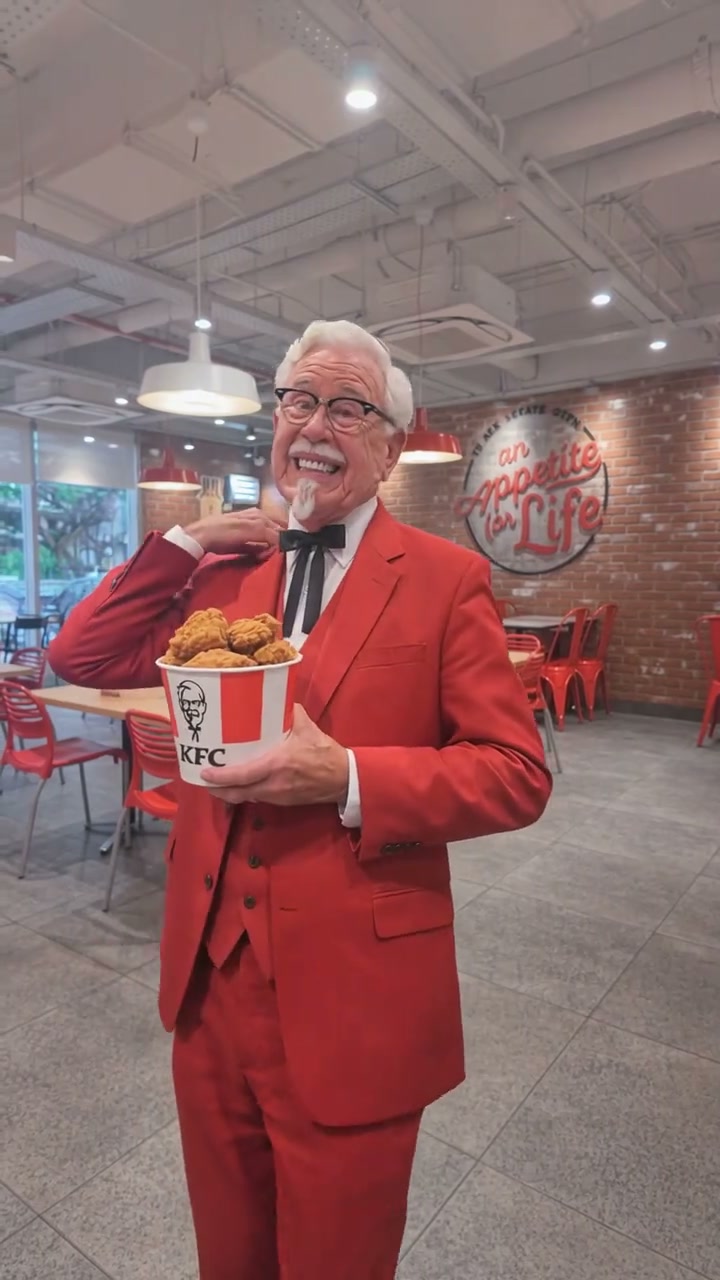
The Jawn Dance AI
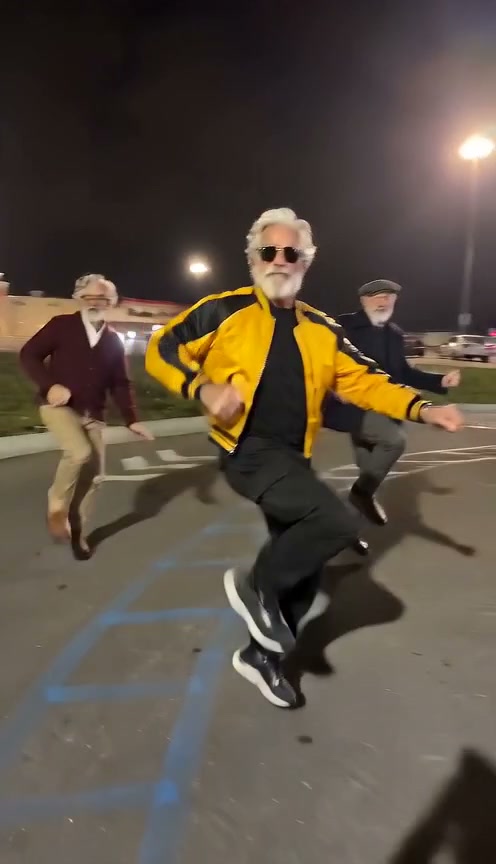
Gangnam Style Dance AI
How to Make Your Sticky Bubblegum Dance Video in 3 Steps
No video recording, complex VFX, or dance experience required. Just upload one clear photo and let the AI animate your likeness.
Upload Your Portrait Photo
Pick any well-lit front-facing portrait of yourself, your child, or a friend. Clear head and shoulder visibility produces the sharpest likeness.
Select Model & Settings
Choose between Standard, Fast, Pro, or Ultra AI model tiers and pick your resolution. Generation starts at just 8 credits for Standard 480p.
Render & Share on TikTok
Click generate and preview your 15-second video with synchronized nursery beats. Download the MP4 file and post straight to TikTok, Reels, or Shorts.
Creative Angles for Your Viral Video
Whether sharing on TikTok, Instagram Reels, or YouTube Shorts, these three creator angles maximize watch time and cheerful social engagement.
The Toddler Nursery Surprise
Star your baby or child in this lively routine. Pulling imaginary pink bubblegum from cheeks and clapping in sync delivers instant wholesome laughs.
The High-Energy Creator Duet
Pair your dance animation side-by-side with Ms. Rachel or trending TikTok DJ remix sounds for maximum algorithmic engagement and comment section banter.
The Corporate Serious-Face Parody
Upload a formal corporate headshot or serious photo. Watching a suited executive do bouncy nursery bubblegum pulls creates pure comedic contrast.
Why Create Your Sticky Bubblegum Video Here
Upload your photo, check the transparent credit total, and create your version of the viral TikTok bubblegum dance meme. The choreography is locked for you; review the generated MP4 before sharing.
Failed-Task Credit Return
A failed task returns its reserved credits. A return can temporarily show as pending; check the task status.
One-Click Direct Preset
No reference upload or breakdown step. The preset supplies the complete bubblegum rhythm, clapping, and pulling gestures.
Flexible Resolution & Format
Render in 480p, 720p, or 1080p across 9:16, 1:1, or 16:9 formats. Credit totals adapt dynamically to your chosen settings.
MP4 Download & Phone Handoff
Save the task MP4 on desktop or scan its phone download QR code. Both deliver the same generated file.
Non-Expiring Sitewide Credits
Purchased pack credits work across effects and do not expire. Check the render total; subscription credit rules differ.
Transparent Privacy & Expiry
Save before the account download expiry. The Privacy Policy explains uploaded photos, provider processing, and retention.
Inside the 15-Second Bubblegum Choreography
Every frame strictly mirrors the viral TikTok “Icky Sticky Bubble Gum” choreography. Here is how your 15-second clip unfolds:
The Bouncy Rhythm & Clap Opening
The lead dancer stands in the center foreground, bouncing playfully to the nursery beat, clapping both hands rhythmically at chest height and swaying cheerfully side to side.
The Sticky Palm Pull-Apart Gesture
The dancer extends both hands forward, pretending gooey bubblegum is stuck firmly between their palms, pulling them apart with an expressive, funny smile.
The Cheerful Cheek & Chin Bounce
The dancer playfully taps their chin and cheeks with bounce steps, tilting their head cheerfully to the rhythmic nursery rhyme tempo.
The Joyful Hop & Finale Flare
The dancer hops lightly on the spot, shaking both hands outward in a celebratory dance finale, smiling directly into the camera with crisp facial focus.
Photo Guidelines & Quality Tips
Get the sharpest facial likeness and cleanest nursery dance choreography results by following these straightforward photo suggestions.
Give Your Portrait the Best Edge
- Use Even Light and Visible Facial FeaturesCapture your portrait in balanced daylight or clean indoor lighting. You do not need to be dancing or wearing pajamas; the AI animates your source likeness into the choreography seamlessly.
- Frame Head & Upper Torso ClearlyKeep your full head, hairstyle, shoulders, and outfit styling visible. Avoid extreme close-ups cutting off hair or chin.
- Avoid Heavy Filters & Obscured EyesAvoid heavy sunglasses, hats casting deep shadows over the eyes, or heavy face-obscuring emoji stickers.
- Single Person in the Source PhotoThis preset features one solo dancer. Upload a photo featuring just one person to ensure precise facial mapping and zero identity confusion.
Check the Cost and Finished Motion
- iReview the Displayed Credit TotalModel and resolution selections update the credit total dynamically in real-time. Review before confirming; each generation uses credits.
- iWatch Hands, Gestures & BouncesReview the clapping motion, imaginary sticky gum pull, and hop gestures in the finished video preview before sharing on social media.
- i100% Automatic Refund on FailureIf a cloud GPU task fails, the system automatically restores all reserved credits back to your account balance.
- iPrepare First, Generate When ReadyPreview examples and experiment with settings freely. When ready, sign in and verify your credit balance covers the selected generation tier.
How Does This Bubblegum Dance Engine Work?
Your portrait photo supplies facial likeness, hairstyle, skin tone, and personal attire styling. The scene preset describes the indoor setting, playful hand claps, imaginary bubblegum stretching gestures, and celebratory hop finale. Our generation service combines that direction with the built-in viral motion reference and sends the 15-second task to the video model you select. The model synthesizes authentic dance motion mirroring the reference choreography.
For you, this means there is zero friction: no video editing or animation skills needed. Upload one portrait photo, check the transparent credit total (8 credits for default Standard 480p; higher tiers vary), and generate. When the task completes, desktop and phone downloads use its saved MP4. When publishing to TikTok, Instagram Reels, or YouTube Shorts, attach an audio track from the platform's approved music library that is authorized for your account and intended use.
Check current credit options, failed-task and payment refund rules, and photo processing and retention before generating.
Frequently Asked Questions
Everything you need to know about creating a viral Sticky Bubblegum dance video from a single photo.
How do I create a Sticky Bubblegum Dance AI video from my photo?
Upload one clear front-facing portrait, choose your AI model tier and resolution, and click generate. The AI animates your photo to mirror the viral 15-second sticky bubblegum dance choreography frame-by-frame with synchronized rhythmic nursery music in 60–120 seconds.
Can I generate a Sticky Bubblegum dance video for free?
No, video generation requires account credits because each clip uses intensive cloud GPU compute. However, there are no expensive monthly subscriptions—pay-as-you-go video generation starts at just 8 credits per video (purchased credit packs never expire). If a generation fails for any reason, your credits are refunded 100% automatically.
How much does this generation cost, and what if a render fails?
The default Standard model at 480p requires 8 credits for a 15-second generation with motion reference (720p is 15 credits). Purchased credit packs never expire and work across all AI video tools on the site. If a generation fails due to a server error, your credits are refunded 100% automatically.
What is the Sticky Bubblegum Dance AI trend on TikTok?
Sticky Bubblegum Dance AI is a single-photo viral video generator based on the viral TikTok and Instagram "Icky Sticky Bubble Gum" nursery rhythm dance meme. You or your child star as the lead dancer bouncing cheerfully, clapping to the rhythm, and playfully pulling stretchy bubblegum apart from hands and cheeks. This workspace generates an authentic 15-second viral dance clip from one portrait.
What is the original song behind the Sticky Sticky Bubblegum trend?
The viral dance is set to the classic children’s action song "Icky Sticky Bubble Gum", made hugely popular on TikTok and YouTube by early childhood educators like Ms. Rachel and energetic dance remix creators. The lyrics playfully guide dancers to get imaginary bubblegum stuck on hands, chins, and cheeks before pulling it away with rhythmic claps.
What kind of photo works best for this bubblegum dance generator?
A clear, well-lit, front-facing photo showing your face, hair, and upper body works best. Everyday selfies, studio portraits, baby photos, or casual standing pictures all work smoothly. You do not need to be dancing or wearing pajamas in your uploaded photo; the AI naturally animates your likeness into the lively dance routine.
Does the AI copy my photo’s static standing pose or follow the video?
The model follows the reference video choreography strictly from frame 0 through frame 15. Your photo is used exclusively for facial likeness, hairstyle, skin tone, and styling. The rhythmic claps, imaginary bubblegum stretching gestures, cheek touches, and joyful hops are all mirrored directly from the viral reference video.
Does the video include synchronized sound, and can I use the TikTok audio?
Yes. Upon completion, your video includes the authentic rhythmic nursery dance beats automatically synchronized. When publishing your 15-second video to TikTok, Instagram Reels, or YouTube Shorts, you can also easily select the trending "Icky Sticky Bubble Gum" audio directly from their official music libraries for maximum algorithmic reach.
How long does generation take and how do I download my video?
Rendering a full 15-second video typically takes between 60 and 120 seconds depending on cloud GPU queue traffic. Once complete, you can download the high-definition MP4 directly to your computer or scan a QR code to save it immediately onto your mobile camera roll.
Ready to Join the Viral Bubblegum Trend?
Upload your photo and create your authentic 15-second viral nursery rhythm dance video in under two minutes.