
UNDER ARREST DANCE AI PHOTO-TO-TRIO VIDEO GENERATOR
Put yourself into the lead dancer's sharp bounces and finger points, or bring friends into the backup roles. Choose one, two or three people to replace and turn your portraits into a 14-second underpass dance video. Pay-as-you-go video generation starts at just 7 credits with zero monthly subscription.
CREATE YOUR UNDER ARREST DANCE VIDEO
Choose your performers & upload photos
Tip: Use a clear front-facing portrait with eyes and facial features visible in even daylight.
Video Options
By generating you confirm compliance with our Terms · Privacy · Acceptable Use
Content reviewed by Viral AI Video · . Independent AI creative tool, not affiliated with TikTok, Instagram, YouTube, or CapCut.
14-second video · 7 credits per generation
WHAT IS THE UNDER ARREST DANCE AI TREND?
Under Arrest Dance AI is a photo-to-video generator for the synchronized three-person urban routine set to ILLIT's "You're Under Arrest". Cast yourself as the center lead dancer, team up as a duo, or upload three portraits to star as the full trio. The studio renders an authentic 14-second MP4 with synchronized viral audio.
This preset follows the energetic urban underpass routine popularized across TikTok and dance reels set to ILLIT's viral track. The center lead drives the synchronized choreography with dynamic bounces, index finger accents, and hip isolations, flanked by two sharp backup dancers against the concrete pillars. Use the preview to inspect the routine timing before adding your portraits.
Photo 1 casts the center lead in the black zip streetwear jacket. Photo 2 casts the right dancer in the cream hoodie, and Photo 3 casts the left dancer in the black long-sleeve crewneck. Each uploaded portrait supplies authentic facial features and styling while the model reproduces the complete trio choreography.
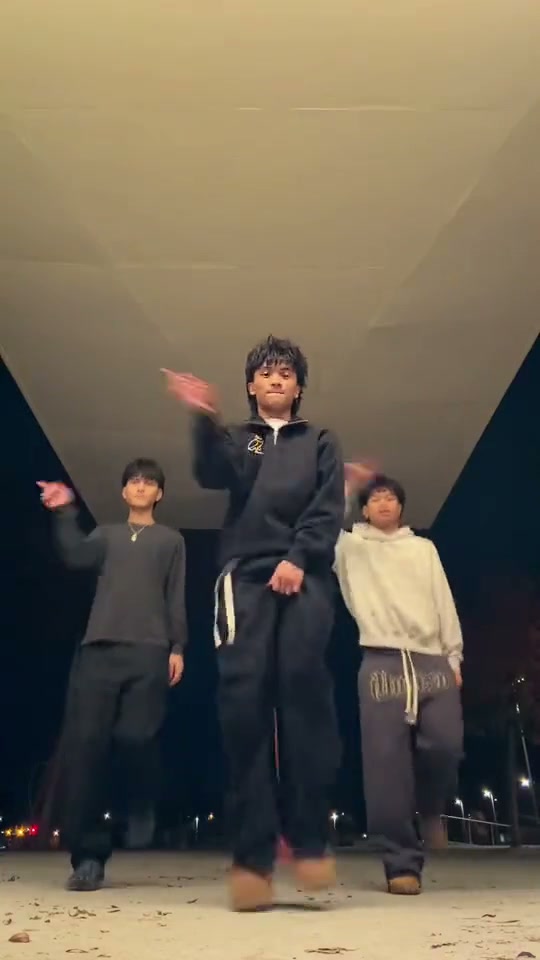
Trending Viral Effects
Explore More Viral AI Video Templates
Jump into other trending meme formats or create custom video remakes.
Talk to Me Doja AI
Jingle Bell Rock Dance AI
Sia Snowman AI Dance
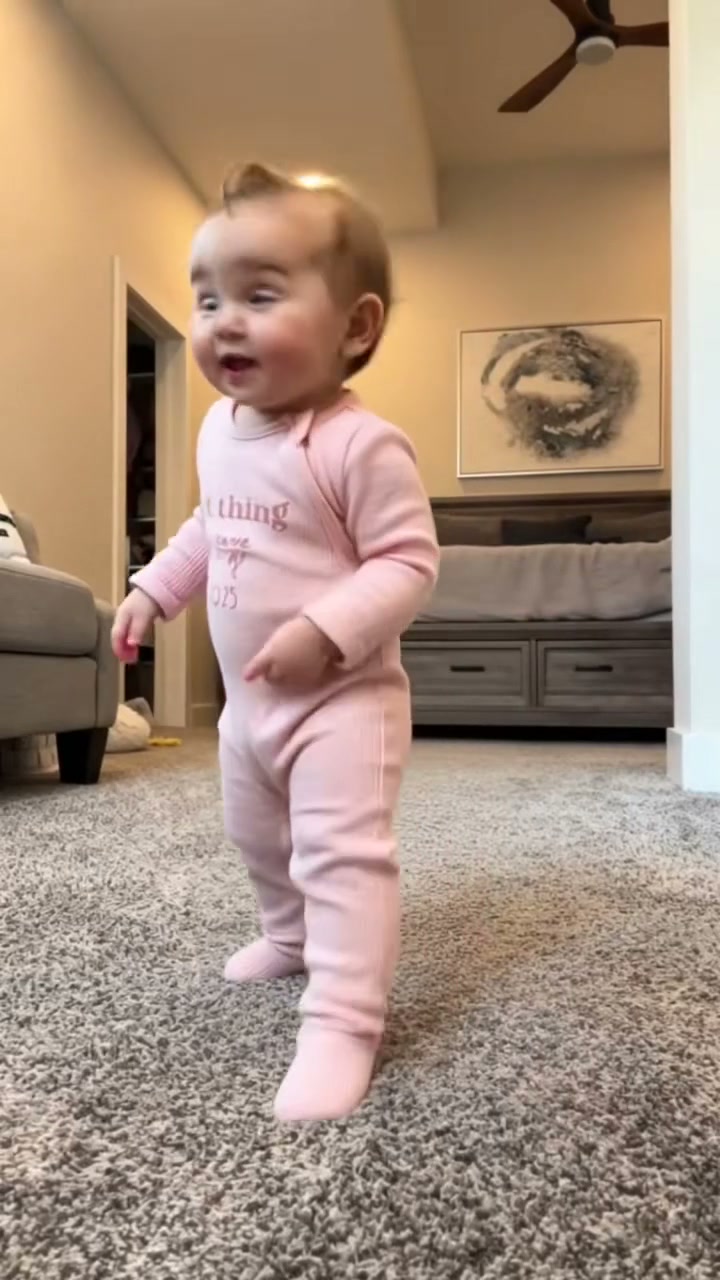
Thank You Baby AI
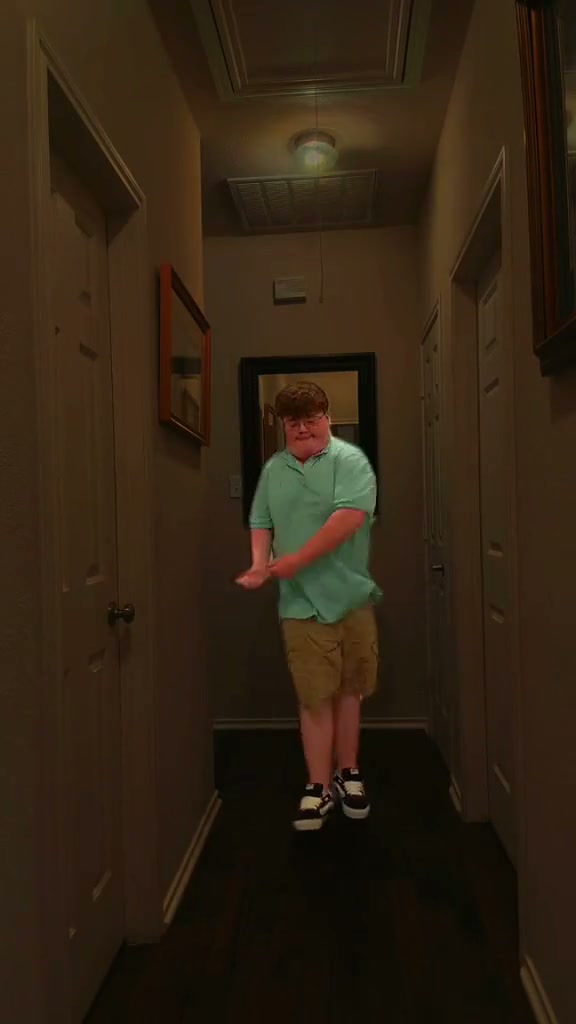
Can I Ride Dance AI
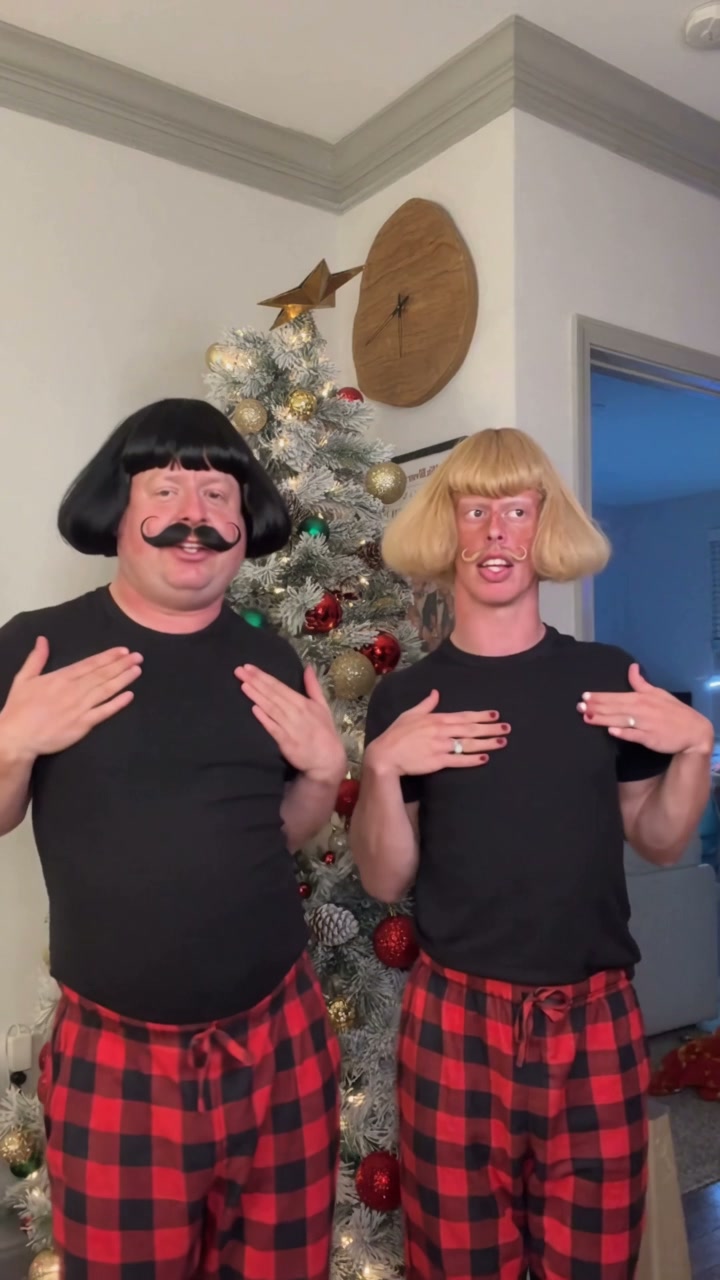
Here Comes Santa Claus Dance AI
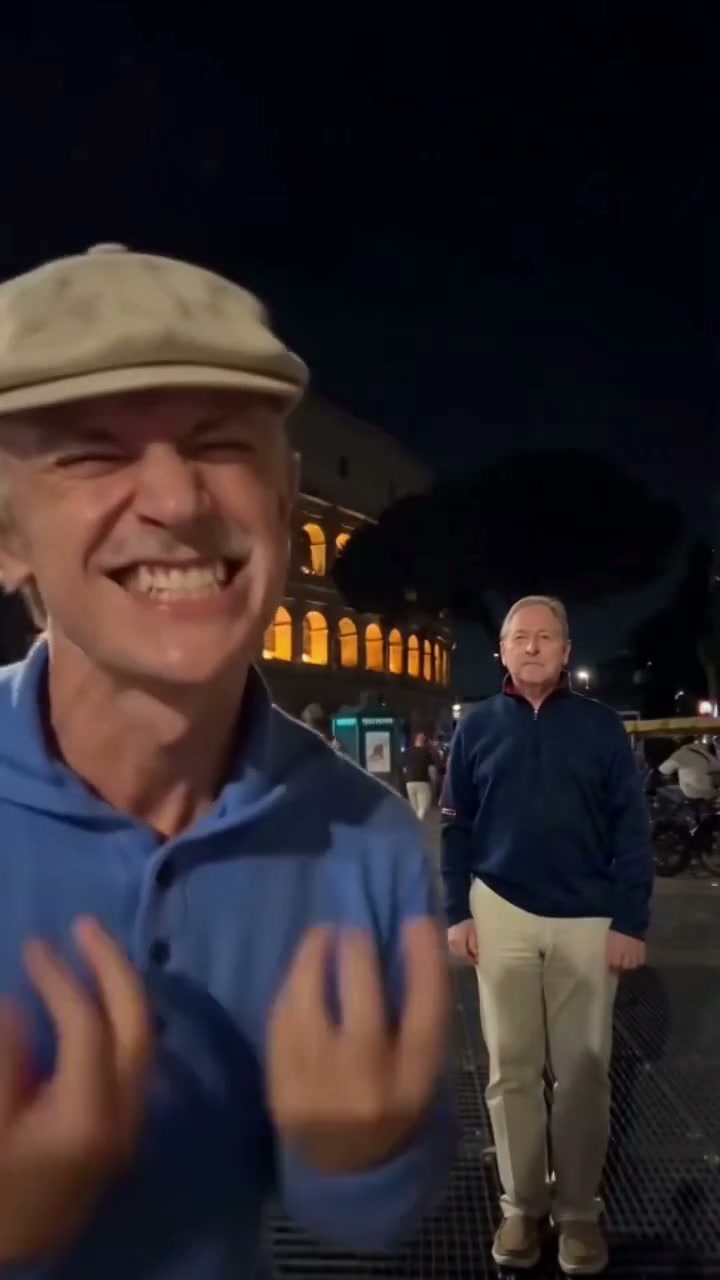
Hideaway Dance AI
Hotline Bling AI
Tsundere Dance AI
Deck The Halls Dance AI
The Jawn Dance AI
Gangnam Style Dance AI
Wassup in a Minute AI
Ice Ice Baby Dance AI
Chipmunk Dance AI
Stop the Wedding Dance AI
Like Jennie AI
Baby Dancing AI
Babydoll Dance AI
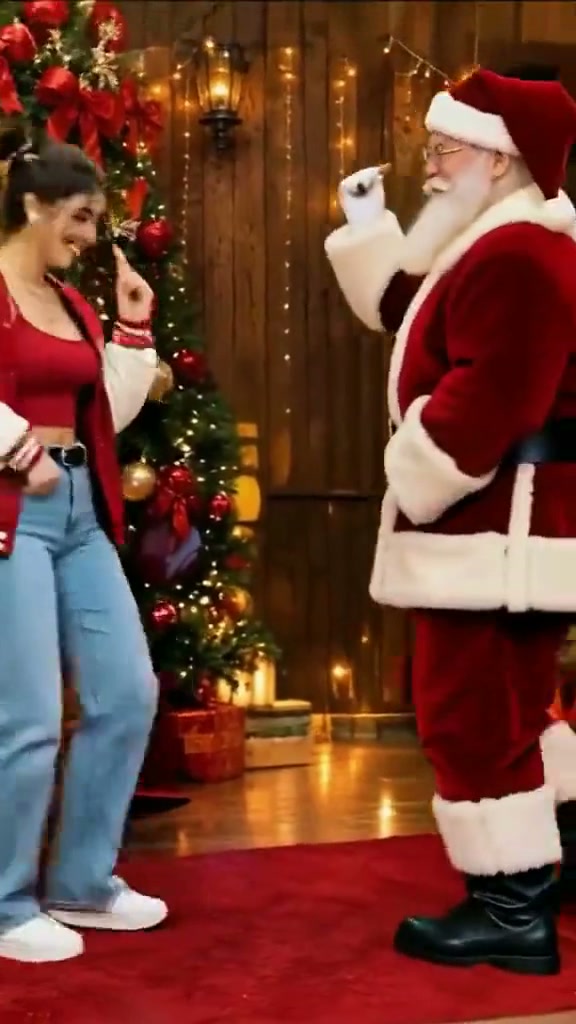
Dance with Santa AI
How to Create Your Under Arrest Dance AI Video in 3 Steps
The routine and motion reference are already included. Select the dancers, add a portrait for each selected role and choose your output settings.
Choose Cast Setup & Upload Photos
Use one portrait for the center lead. In two-person mode, add Photo 2 for the right dancer. In three-person mode, add Photo 3 for the left dancer. Each slot needs a separate single-person photo.
Choose Your Format & Review Credits
Choose a model, supported resolution and vertical, square or landscape format. Standard 480p costs 7 credits for this 14-second preset; other settings change the total. Sign in and confirm permission for everyone in the photos.
Render & Download MP4
Follow the task status while the model generates. Preview the full video, listen to its audio, and download the MP4 to your computer or phone before the displayed expiry. Add permitted music in TikTok, Reels, or Shorts when you publish.
Choose Your Under Arrest Lineup
Choose how much of the group to recast. The reference routine and 14-second length stay the same in every mode.
Solo: Step into the Lead
Use Photo 1 for the center lead performer in the black zip streetwear jacket who drives the rhythmic bounces and index finger accents. The preset keeps the two backup dancers in their original roles and requests their appearance to stay unchanged.
Duo: Bring a Friend on the Right
Add Photo 2 for the right dancer in the cream hoodie. Your first portrait stays on the center lead, while the dancer in the black long-sleeve on the left remains unchanged.
Trio: Cast Your Whole Crew
Use Photo 3 for the left dancer in the black long-sleeve crewneck to cast all three identities simultaneously. Check the photo assignments in the studio before generating to ensure everyone lands in their desired position.
Why Create Your Under Arrest Dance Video Here
Upload your photo, review the credit cost, and create your version of the viral TikTok Under Arrest trio dance.
Failed-Task Credit Return
A failed task returns its reserved credits. A return can temporarily show as pending; check the task status.
One-Click Direct Preset
The concrete underpass reference is included, with its rhythmic bounces, finger points and camera movement. Add portraits without uploading a dance video or writing a prompt.
Flexible Resolution & Format
Choose 9:16, 1:1 or 16:9. Standard and Fast support 480p and 720p; Pro and Ultra also offer 1080p. The studio displays the cost for each selection.
MP4 Download & Phone Handoff
Save the task MP4 on desktop or scan its phone download QR code. Both deliver the same generated file.
Non-Expiring Sitewide Credits
Purchased pack credits work across effects and do not expire. Check the render total; subscription credit rules differ.
Transparent Privacy & Expiry
Save before the account download expiry. The Privacy Policy explains uploaded photos, provider processing, and retention.
Inside the Underpass Under Arrest Routine
The preset mirrors the preview: index finger bounce, squat hip isolations, and signature surrender freeze poses.
Opening Bounce & Pointing Gesture
The trio drops into formation under the floodlit concrete underpass, locking in the bouncing footwork and raising right index fingers in rhythm.
Wide Squat Stance & Hip Isolations
The dancers drop into an athletic squat stance with synchronized hand-to-face accents and rhythmic hip isolations matching the synth groove.
Signature Under Arrest Call & Freeze
All three performers flash the viral call-me sign near their cheeks before transitioning into an energetic hands-up surrender pose with a side glide.
Rhythmic Bounce & Final Camera Stare
The center lead executes an OK gesture bounce and sharp collar tug before the entire trio hits a locked freeze pose facing the lens.
Photo Guidelines & Quality Tips
Give each dancer a clear facial reference before you generate.
Prepare One Portrait per Selected Dancer
- Use Even Light and Visible EyesCapture your portrait in daylight or balanced indoor light. You don't need costumes, dance experience, or props; the AI renders the entire Under Arrest trio dance choreography.
- Frame Head & Upper TorsoKeep the full head, face, and shoulders clearly visible. Avoid tight crops cutting off hair or heavy blur filters.
- Avoid Obscured Faces & Heavy FiltersAvoid dark shadows covering facial features, motion blur, or heavy cartoon filters obscuring identity.
- Keep Each Photo to One PersonUse a separate portrait for every role you select. Group photos can leave the model unsure which face to use for the center, right or left dancer.
Check the Cost and the Finished Motion
- iReview the Displayed Credit TotalModel and resolution choices update the credit total in real-time. Review before confirming your generation.
- iWatch Gestures, Rhythms & MotionWatch the jumps, knee lifts and arm gestures. Check face consistency when the dancers turn or move closer to the lens.
- iKnow What a Failed Task MeansIf a generation task fails, the system automatically returns the reserved task credits back to your balance.
- iPrepare First, Generate When ReadyExperiment with settings for free. When ready, sign in and ensure your balance covers the selected tier.
How Your Portraits Follow the Dance
Your uploaded portraits provide facial likeness and styling for the selected performers. The reference supplies all body movements, timing, and underpass setting, keeping unselected dancers unchanged.
Pick 9:16 for a vertical post, 1:1 for a square crop or 16:9 for a wider view of the group. After rendering, check the lead's close-up and the two backup dancers before downloading. You can review credit options, failed-task and refund rules, and photo processing and retention before starting a render.
Under Arrest Dance AI — Frequently Asked Questions
QHow do I create an Under Arrest Dance AI video from my photo?
QIs Under Arrest Dance AI free to use, and when do I pay?
QHow much does this 14-second generation cost, and what if it fails?
QCan I star solo, as a duo, or with a full trio of three people?
QWhat photos work best for the center lead and backup dancers?
QDoes the AI copy my static pose or animate the complete dance routine?
QDoes the finished video include synchronized audio and phone saving?
QHow long are generated videos and photos kept in my account?
QWhat aspect ratios and resolutions are supported?
Make Your Under Arrest Trio Video
Choose who takes the lead and who joins the backup roles. Add your portraits, review the cost and create your 14-second underpass dance.