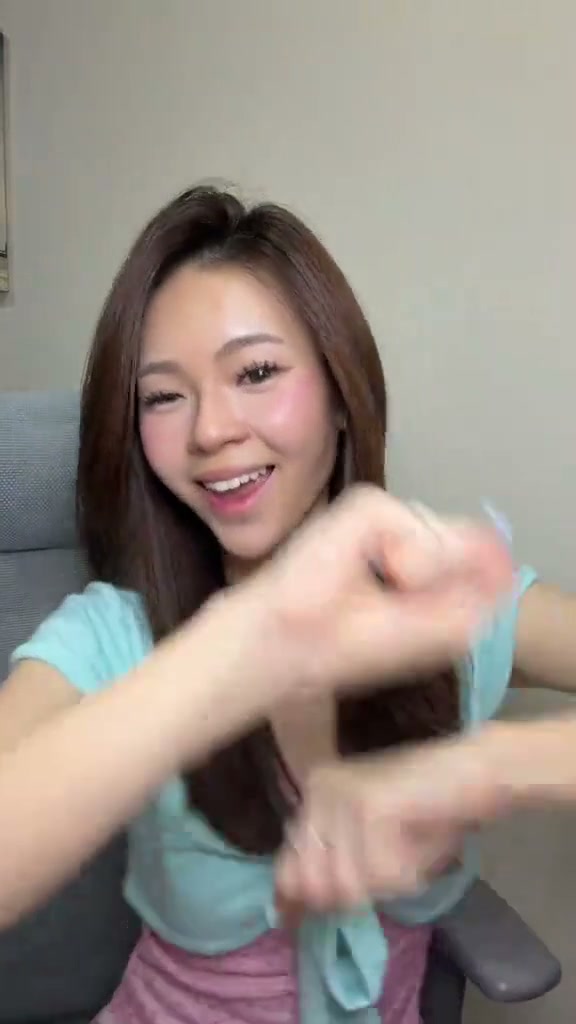
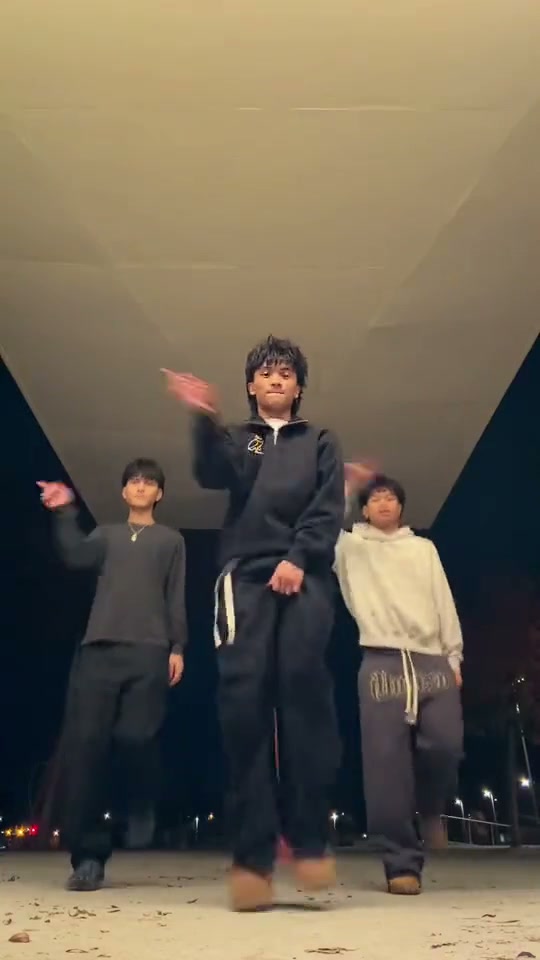
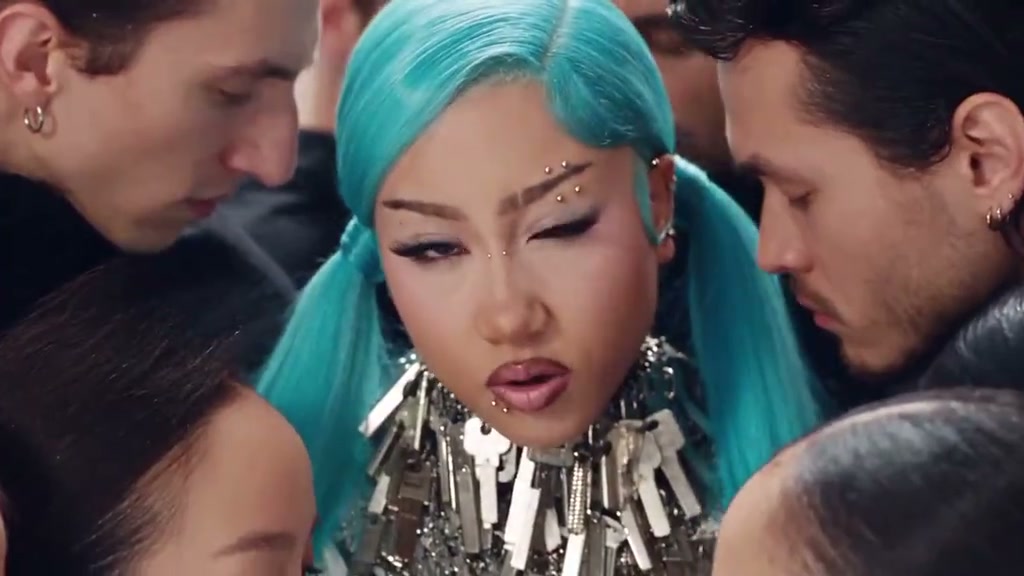
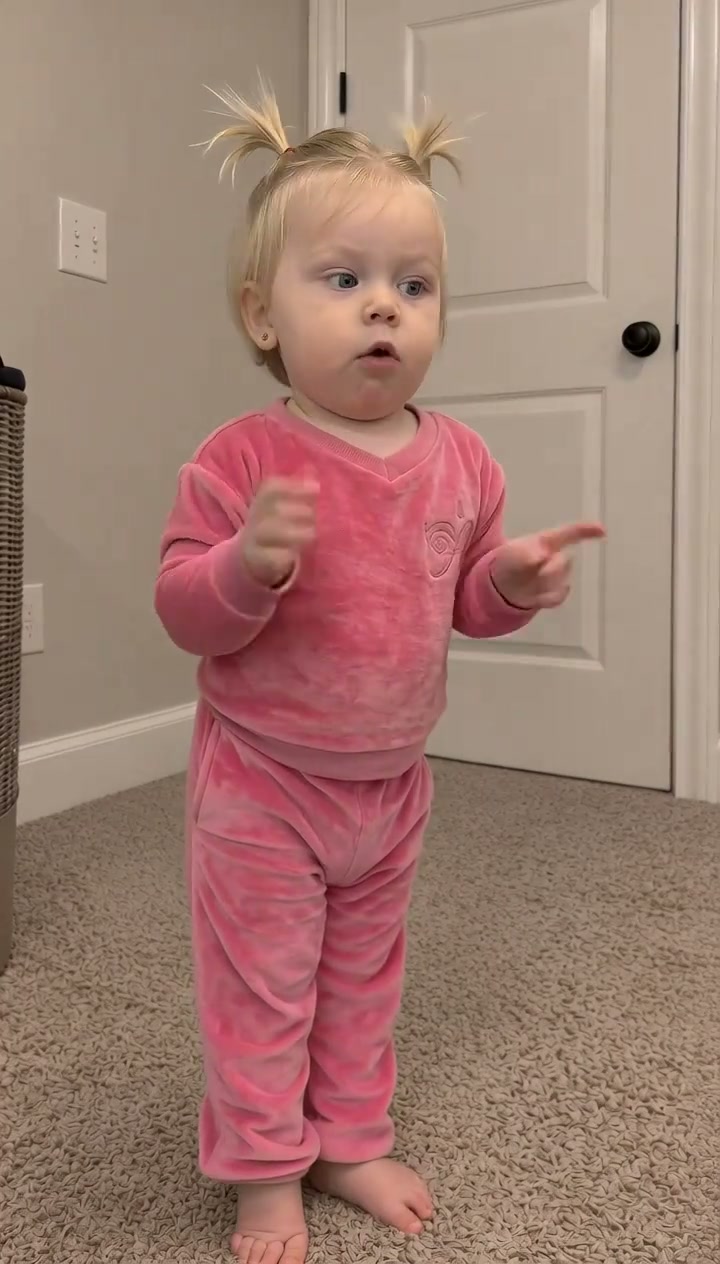
See Sticky Bubblegum Dance AI in Action — No Prompt Writing Needed
Watch the complete 15-second Sticky Bubblegum dance choreography featuring rhythmic clapping, playful gooey gum pulls, and upbeat nursery hops.
Sticky Bubblegum Dance AI transforms a single still portrait into a lively 15-second viral dance clip based on the popular "Icky Sticky Bubble Gum" rhythm. Generation starts at just 8 credits with full mobile camera roll export.
- 1Faithful rhythm replication: chest-height claps -> imaginary sticky gum pulls -> cheek tap bounces -> celebratory hopping finale.
- 2Single-photo simplicity: 1 clear front-facing portrait powers natural facial mapping and fluid full-body movement.
- 3Universal comedic charm: works wonderfully for baby milestones, family laughs, friend memes, and pet fun.
- 4Clean multi-platform delivery: exports 9:16 vertical MP4 ready for TikTok, Instagram Reels, and YouTube Shorts.
- 5Transparent pay-as-you-go pricing: 8 credits at Standard 480p; purchased credit packs never expire.
- Duration
- 15 Seconds
- Entry Rate
- 8 Credits (480p)
- Upload Count
- 1 Dancer Photo
- Setting
- Indoor Room Studio
Why the Nursery Rhythm Dance Takes Over Feeds
Short-form video audiences love infectious, innocent rhythm tracks that blend repetitive physical gestures with comedic self-deprecation. The “Icky Sticky Bubble Gum” action song popularized across social feeds by early childhood educators and energetic remix creators taps directly into this format. By pretending stretchy bubblegum is stuck firmly between fingers, on chins, or across elbows, creators hook viewer curiosity through rapid visual beats before delivering an upbeat pulling punchline.
If you enjoy creating lively rhythm videos, you can also explore the iconic choreographies in Gangnam Style Dance AI or recreate the swagger in Old Town Road AI.
15-Second Frame-by-Frame Rhythm Breakdown
| Timestamp | Phase | What Happens on Screen | Why Your Photo Matters Here |
|---|---|---|---|
| 0.0s – 3.0s | Rhythmic Bounce & Chest Claps | The starring dancer stands centered, bouncing rhythmically on both feet while clapping hands together at chest height to establish the nursery tempo. | Ensure the source photo includes clear head and upper torso visibility so the chest-level claps render with crisp hand anatomy. |
| 3.0s – 7.0s | The Gooey Gum Pull-Apart | The dancer reaches forward, pressing palms together as if covered in sticky pink bubblegum, then humorously struggles to pull both hands apart with an expressive smile. | Balanced front-facing facial expressions allow the AI to animate realistic cheerful grins during the pulling gesture. |
| 7.0s – 11.0s | Cheek & Chin Rhythmic Taps | Continuing the bouncy footwork, the dancer taps their fingers playfully against their chin and cheeks in rhythm with the sticky gum song lyrics. | Unobstructed facial features without dark sunglasses ensure seamless cheek contact mapping without facial distortion. |
| 11.0s – 15.0s | Joyful Hopping Finale | The dancer hops lightly on the spot, shaking both hands outward in a celebratory flourish while beaming cheerfully directly into the camera lens. | Full-body or three-quarter framing in the uploaded picture produces the most natural lower-body hop dynamics. |
Photo Prep Comparison & Lighting Angles
Selecting the Optimal Source Portrait
Because this effect runs on a locked motion preset with zero prompt typing, photo selection accounts for most of the final quality.
Upload Photos Like This
- Balanced natural daylight or even indoor ambient lighting with zero harsh shadows.
- Clear front-facing angle capturing head, hairstyle, neck, and shoulders completely.
- Relaxed, open facial expression that transitions naturally into playful smiles.
- Clean, uncluttered background without distracting third-party faces or photobombs.
Avoid These Mistakes
- Extremely tight close-up selfies that cut off hair, chin, or upper shoulders.
- Heavy sunglasses, thick winter hats, or hands covering the mouth and cheeks.
- Severe backlighting that silhouettes the face in deep shadows.
- Group photos with multiple overlapping people that confuse lead dancer identity selection.
Preload Dancer Photo & Open Studio
Test your photo instantly with our dedicated preset. The card below transfers your portrait directly into the effect studio so you can review credits and start rendering immediately:
Animate Your Sticky Bubblegum Dance Now
Load your portrait directly into the studio. Generate the full 15-second nursery rhythm dance starting at 8 credits.
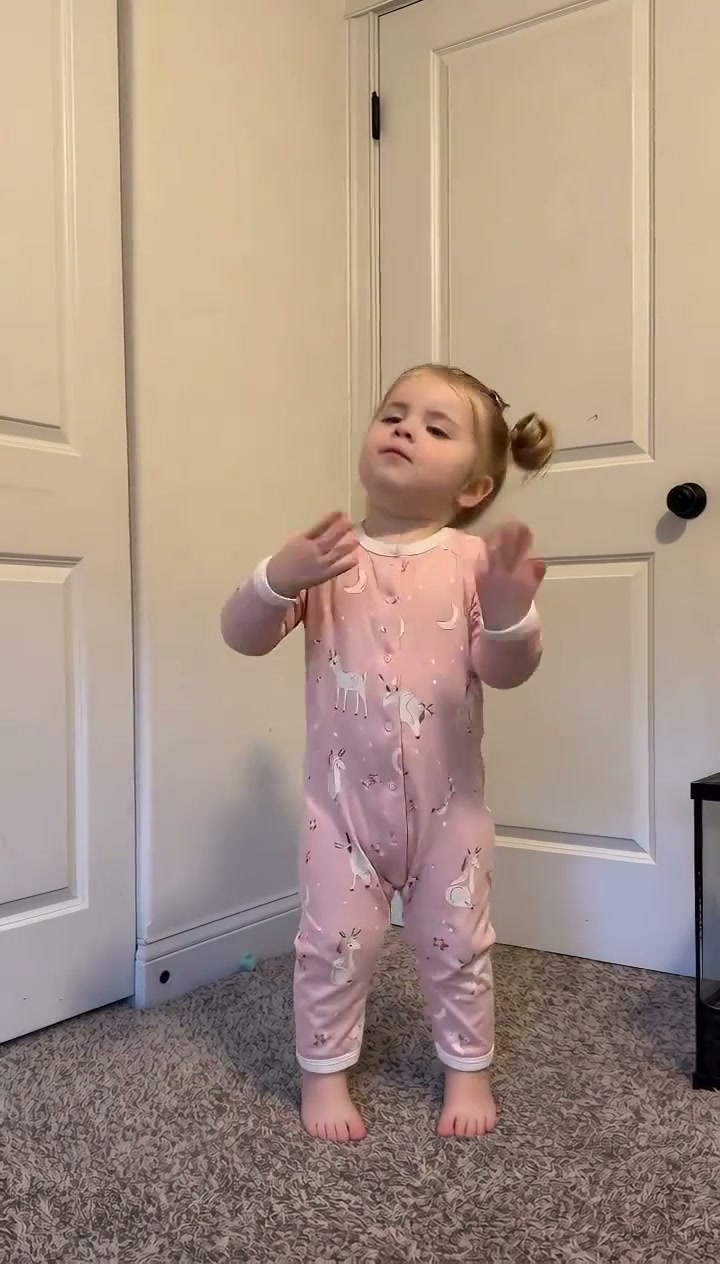 15s MP4
AI Full-Body Animation vs. CapCut Photo Splicing
Many creators first encounter the bubblegum dance trend via mobile editing apps like CapCut. Understanding how generative AI video compares to traditional 2D templates helps you pick the right production method for your channel:
Generative AI Motion vs. Standard CapCut Templates
| What Matters | Viral AI Video Preset | Typical CapCut Template |
|---|---|---|
| Movement Realism | Static 2D image cutouts sliding, zooming, or rocking across flat background graphics. | |
| Facial Emotion | Fixed frozen expression cut and pasted onto animated cartoon bodies. | |
| Workflow Overhead | Requires downloading a mobile app, hunting down matching template links, and manual keyframing. | |
| Cost & Transparency | Often gates premium exports behind recurring in-app subscriptions. |
TikTok Audio Sync & Hashtag Strategy
Once your video finishes rendering, following these posting best practices ensures your clip catches the algorithm wave across TikTok, Instagram Reels, and YouTube Shorts:
- Attach the Trending Official Sound: While your downloaded MP4 already includes synchronized rhythmic beats, always search for and attach the trending official “Icky Sticky Bubble Gum” sound directly inside the TikTok or Instagram music picker. Mute the clip audio slightly if needed while keeping the platform track at full volume for discovery credit.
- Hook Audiences with relatable POV Captions: High-performing captions highlight funny juxtaposition, such as: “Me dancing to clear my mind after dealing with Monday spreadsheets” or “I promised I wouldn't get hooked on toddler songs but look at me now!”
- Targeted Hashtags: Include a mix of broad dance tags and niche trend phrases:
#StickyBubblegumDance,#StickyStickyBubblegum,#IckyStickyBubbleGum,#AIDanceTrend,#CapCutDance, and#ViralMeme.