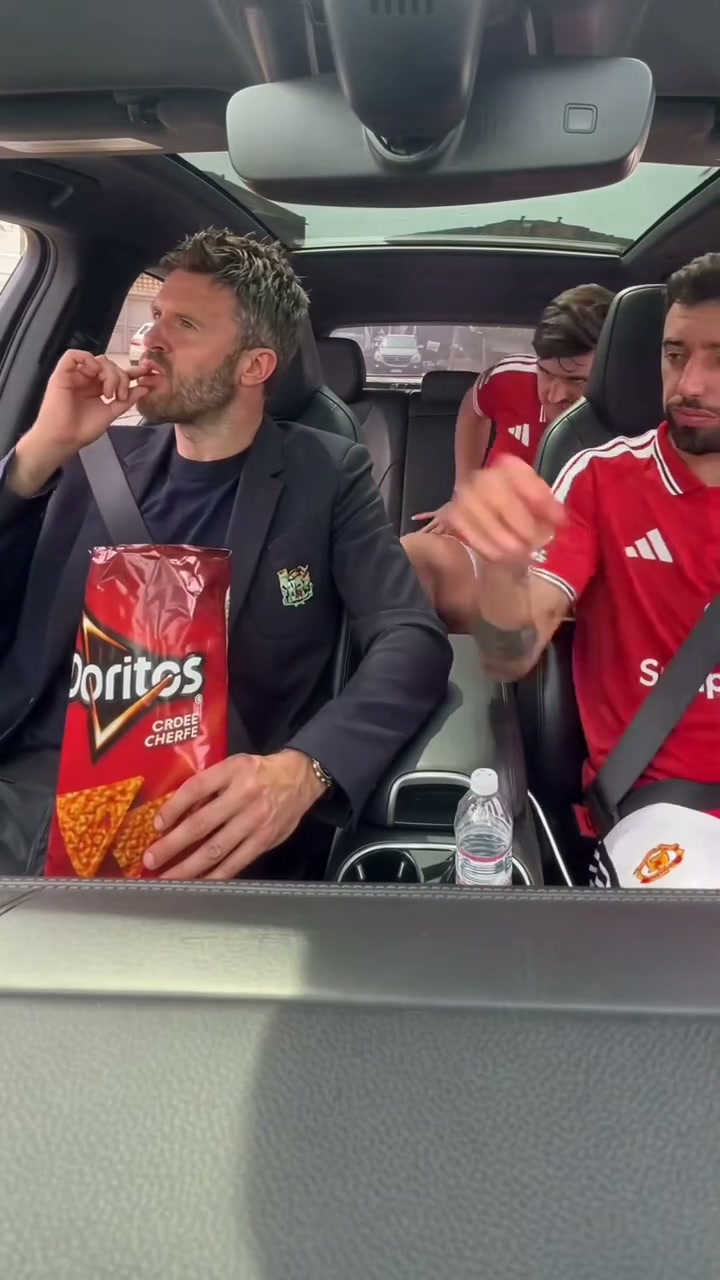
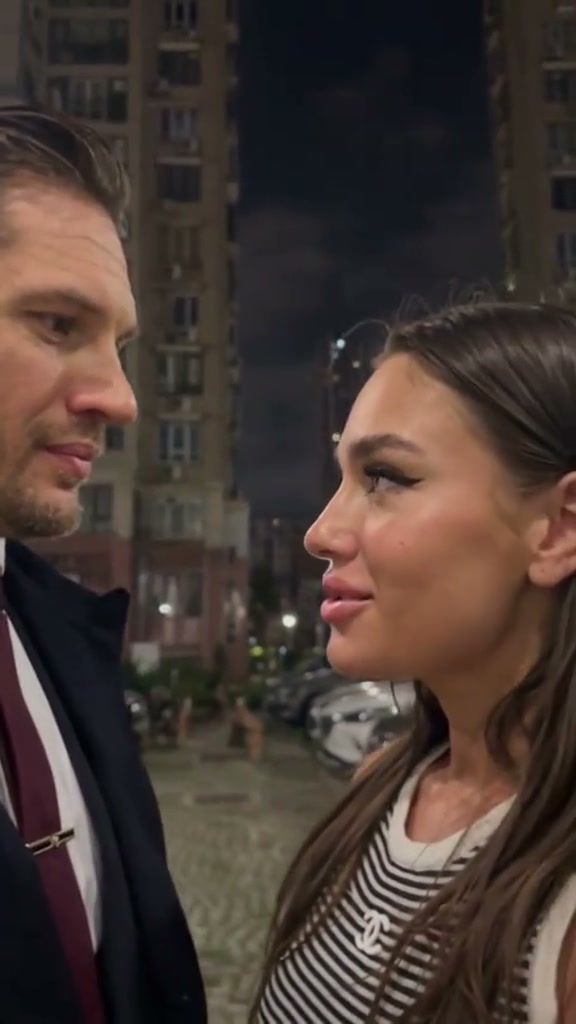
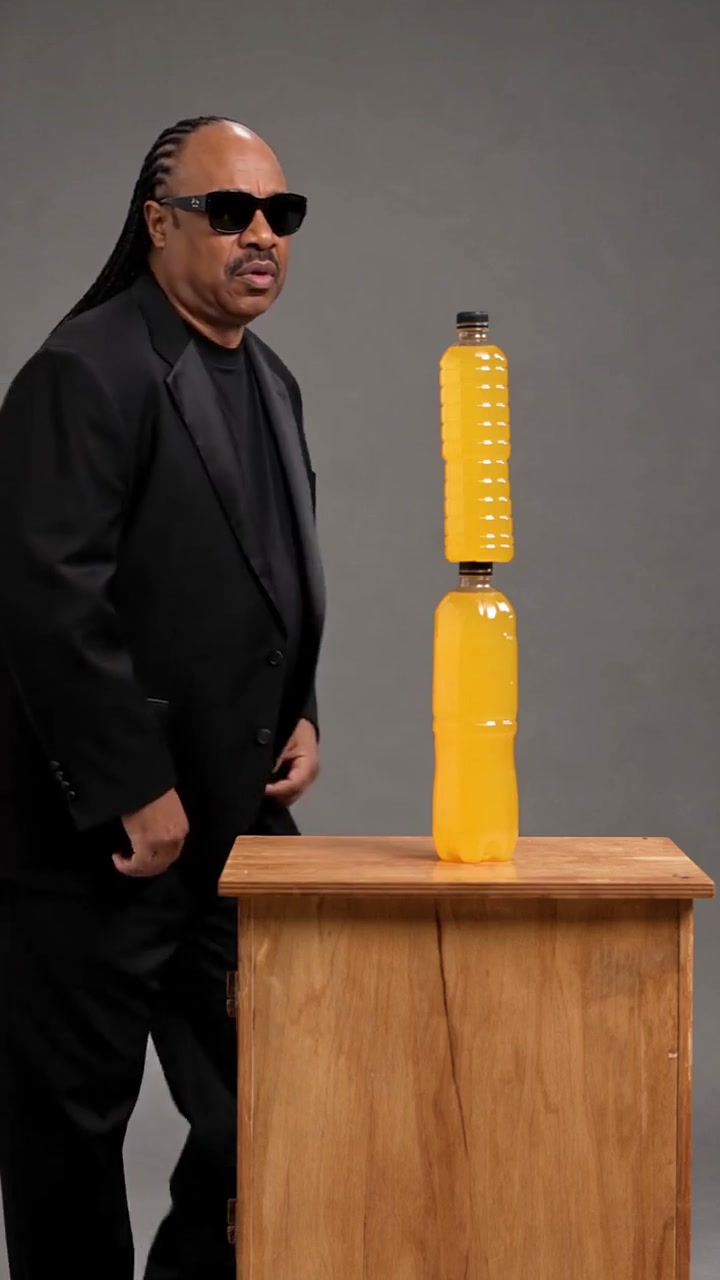
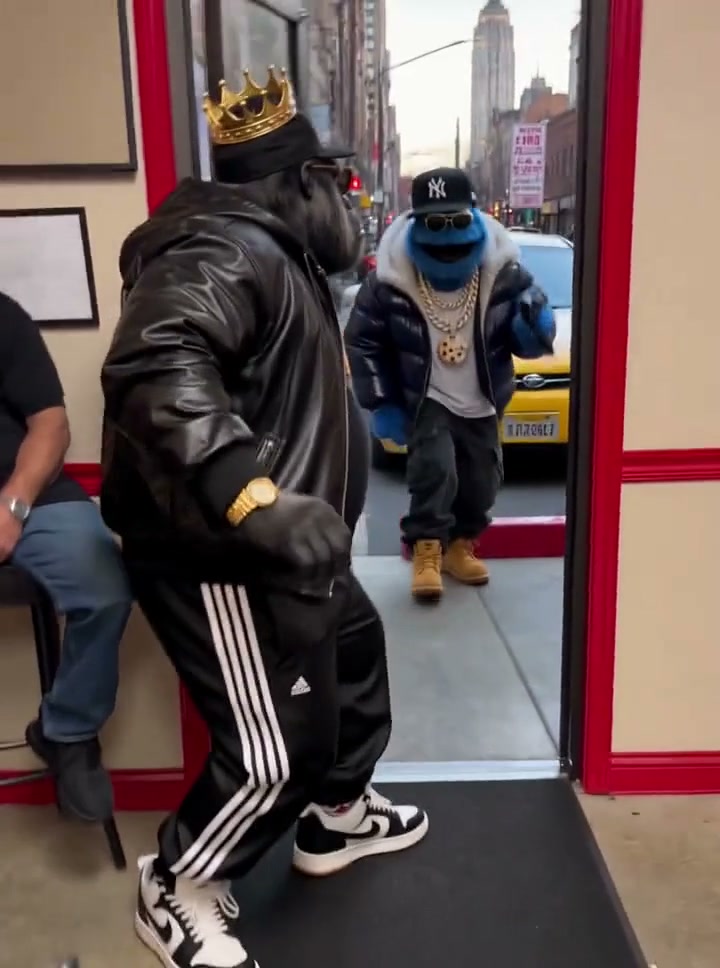
See Hibidi Skibidi AI in Action — No Prompt Writing Needed
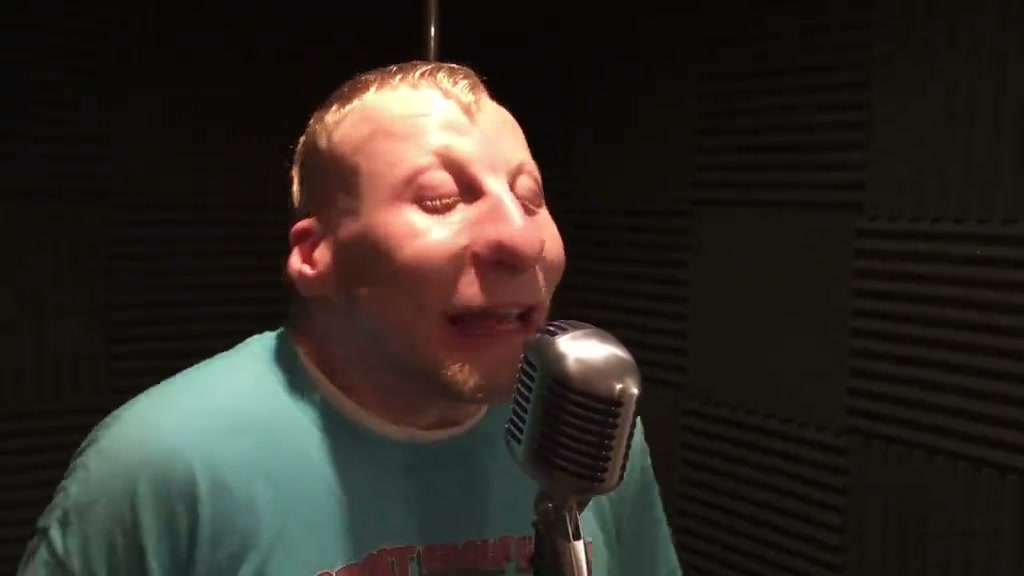
Warm acoustic booth lighting, expressive microphone leans, and rhythmic hand chops—star as the lead recording artist in an authentic 15-second 16:9 MP4.
Hibidi Skibidi AI transforms one standard still photo into the infectious 15-second TikTok viral rap meme. Your likeness leads the vocal booth performance with synchronized microphone leans, snappy hand chops, and rhythmic beat timing from 8 credits at Standard 480p.
- 1Authentic 16:9 widescreen composition: preserves full lateral arm extensions and booth perspective without cramped vertical edges.
- 2Single-photo performance anchor: upload 1 clear portrait to steer all 15 seconds of performance effortlessly.
- 3Natural depth & torso motion: fluidly articulates torso leans, head nods, and expressive facial timing synced to the vocal hook.
- 4Balanced ambient booth lighting: soft warm acoustic studio tones blend casual indoor selfies and outdoor portraits seamlessly.
- 5Upfront credit model: starts at 8 credits (480p); purchased credit packs never expire.
- Duration
- 15 Seconds
- Entry Rate
- 8 Credits (480p)
- Upload Count
- 1 Lead Photo
- Default Frame
- 16:9 Widescreen
Why 16:9 Framing Powers the Vocal Booth Cypher
The viral charm of the Hibidi Skibidi trend stems from its intense, unfiltered sound booth energy. Vertical phone crops frequently cut off elbow gestures, hand chops, and the surrounding acoustic wall context that gives the rap its music video presence. By maintaining a native 16:9 widescreen composition, your performance gets the cinematic breathing room needed for energetic social media loops, YouTube skits, and Discord clips.
Exploring other widescreen performance trends? Check out the classic UK park freestyle in Stormzy Shut Up AI or drive intense highway pursuits in Need for Speed AI.
15-Second Vocal Booth Beat Sheet
| Timestamp | Phase | What Happens on Screen | Why Your Photo Matters Here |
|---|---|---|---|
| 0.0s – 3.0s | Opening Groove & Microphone Lean | Lead recording artist establishes the rhythm facing the vintage chrome microphone, bobbing to the opening vocal hook with expressive head nods and loose shoulder sways. | Centered head-and-shoulders photos allow clean tracking across the initial groove setup. |
| 3.0s – 7.0s | Arm Chops & Torso Timing | Hands chop in sync across the chest and microphone stand as the performer emphasizes accented vocal syllables to the accelerating tempo. | Unobstructed torso portraits ensure crisp arm contour separation without gesture blurring. |
| 7.0s – 11.0s | Upbeat Rap Crescendo | Performance expands with rapid arm gestures, playful facial expressions, and dynamic forward leans hitting every accented beat in the audio groove. | Photos with open facial expressions and direct eye gaze maintain infectious enthusiasm during the peak chorus. |
| 11.0s – 15.0s | Cadence Climax & Ending Pose | Rhythmic cadence winds down into a confident final lean and front-facing gesture, locking eye contact with the viewer through the final audio measure. | Clear chin and jawline visibility preserves crisp facial geometry through the concluding freeze-frame. |
Choosing One Portrait That Anchors the Cypher
Because you remain the central focus throughout all 15 seconds of dynamic movement, choosing a well-lit, unobstructed source portrait ensures the highest visual fidelity across every rap movement:
Best Photos for Lead Artist Likeness
Because this effect runs on a locked motion preset with zero prompt typing, photo selection accounts for most of the final quality.
Upload Photos Like This
- Chest-up or waist-up solo portrait taken in clear daylight or bright room lighting.
- Natural smiling, smirking, or confident forward-facing facial expression.
- Casual everyday outfits like hoodies, t-shirts, jackets, or tracksuits.
- Clear, unobstructed hairstyle and visible eyes looking directly toward the lens.
- Simple or softly blurred indoor background without overlapping crowd elements.
Avoid These Mistakes
- Hands covering the mouth, chin, or cheeks that interfere with face modeling.
- Heavy sunglasses, carnival masks, or low caps casting dark eye shadows.
- Extreme wide-angle group shots where your face occupies only a tiny fraction of pixels.
- Overexposed flash photos blowing out facial skin tone and cheek contours.
- Blown-out backlit silhouettes where facial features become dark silhouettes.
Star in the Viral 16:9 Hibidi Skibidi Rap
Preload your favorite portrait directly into Hibidi Skibidi AI and render all 15 seconds of rhythm-synced performance from 8 credits at Standard 480p.
 15s MP4
AI Motion Synthesis vs. Cutout Stickers
Attempting to recreate the Hibidi Skibidi trend using simple 2D cutout templates in phone editors produces visible floating head artifacts whenever the torso twists or arms cross the chest:
Hibidi Skibidi AI vs. Manual Cutout Templates
| What Matters | Viral AI Video Preset | Typical CapCut Template |
|---|---|---|
| Dynamic Torso & Hand Articulation | Full 3D skeletal motion engine organically calculates spine curvature, torso leans, and hand gestures. | Static 2D image paste that remains flat and rigid against the underlying stock video. |
| Arm & Hand Occlusion | Gesturing hands and forearms pass cleanly in front of clothing folds and microphone stand without outline clipping. | Pasted cutout faces get overlapped or clipped unnaturally whenever hands swing upward. |
| Ambient Light Adaptation | Warm acoustic booth light and reflections blend smoothly across skin tones, hairline, and outfit textures. | Harsh mismatched lighting makes the pasted face stand out like a cardboard sticker. |
| Vocal Rhythm & Beat Sync | Every microphone lean and head nod locks precisely onto the original musical cadence. | Manual timeline dragging often drifts off-beat within three to four seconds of playback. |
| Pay-As-You-Go Billing | Starts at 8 credits per 15s export with no recurring monthly subscriptions. | Advanced masking and keyframe features frequently hide behind recurring monthly apps. |
Creator Playbook & Audio Cadence
To maximize audience retention and engagement when posting your generated Hibidi Skibidi video:
- Preserve the full widescreen look: Posting in 16:9 format with subtle letterboxing or embedding inside horizontal platforms (like YouTube Shorts or TikTok feed posts) highlights the complete performance.
- Keep the beat drop punchy: The opening 3 seconds set the tone. Use the initial rhythm hook to grab viewer attention before the fast-paced arm chops begin.
- Highlight the source portrait: Add a brief split-screen or quick introductory freeze-frame of your starting snapshot to emphasize the dramatic AI transformation.