See Old Town Road AI in Action — No Prompt Writing Needed
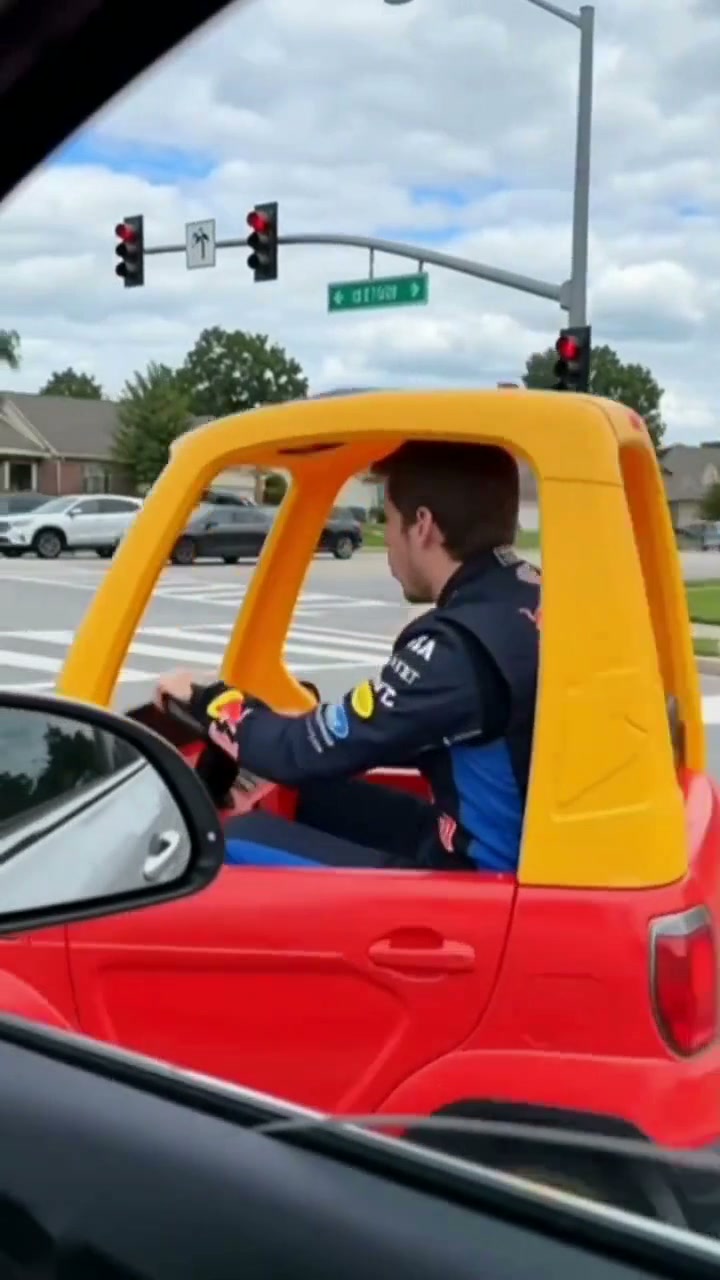
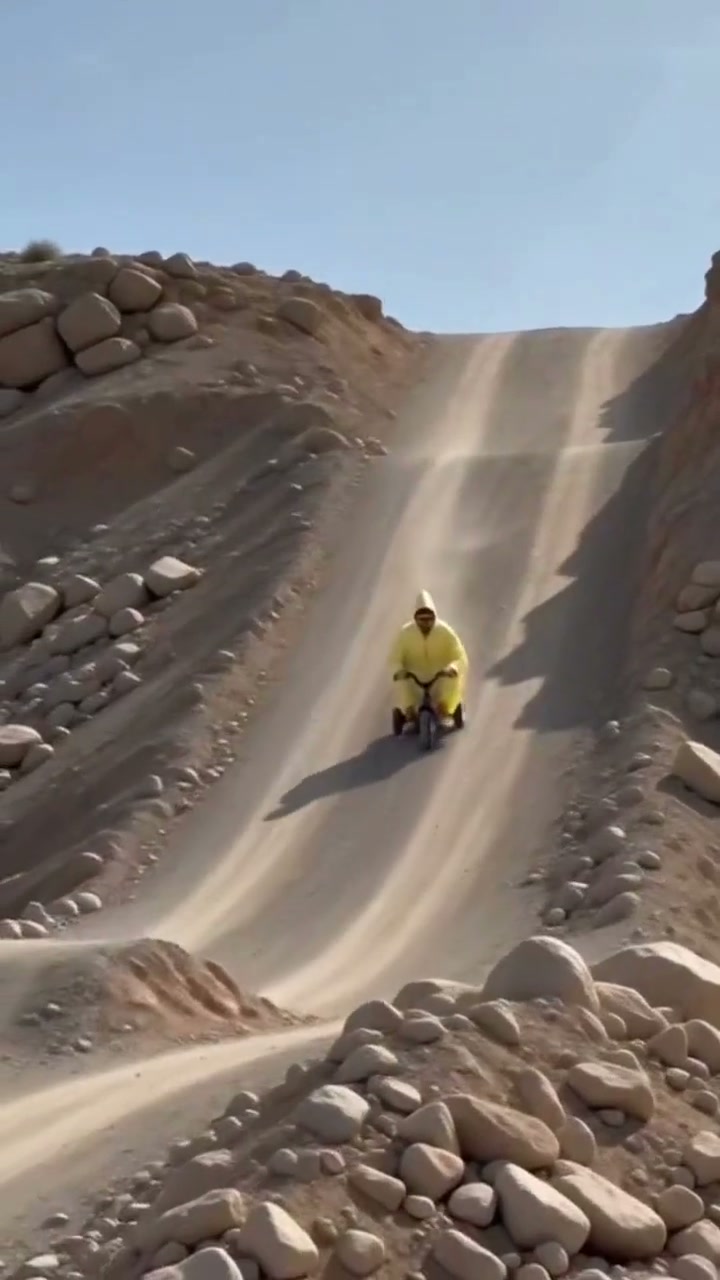
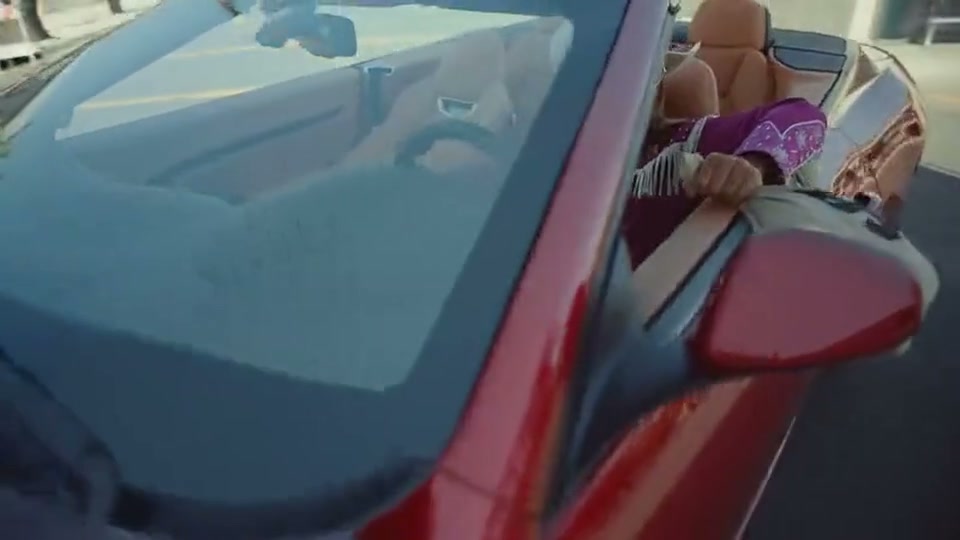
Preview the 15-second 16:9 Old Town Road AI clip: daylight red convertible door opener, storefront vocal push-in, and overhead drone drive-away.
Turn 1 or 2 everyday portraits into the full 15-second 16:9 red convertible and small-town street music meme starting at 8 credits—with synchronized viral audio and zero manual green-screen masking.
- 1Three cast modes in one studio: Both Roles (Duo, 2 photos), Lead Singer Solo, or Convertible Driver Solo.
- 2Photo 1 commands the storefront street hook and passenger money bag moment; Photo 2 drives the red convertible.
- 3Use evenly lit daylight portraits without sunglasses so vocal push-in lip cues stay crisp.
- 4Outputs 15 seconds natively in 16:9 widescreen cinema framing (plus optional 9:16 or 1:1 exports).
- 5Starts at 8 credits (Standard 480p) with zero monthly subscription and automatic failure refunds.
- Duration
- 15 Seconds
- Entry Rate
- 8 Credits (480p)
- Cast Modes
- Duo & 2 Solo Roles
- Aspect Ratio
- 16:9 Widescreen
Duo Casting vs. Solo Modes: Who Owns Which Shot?
Creators searching Old Town Road AI or red convertible money bag meme want one thing above all: knowing which uploaded selfie drives the car door opener and which one carries the storefront close-up. Setting those two roles before you upload saves wasted renders and lets pairs turn inside jokes into tight music skits on the first try.
In default Both Roles (Duo) mode, Photo 1 stars as the Lead Singer, taking center stage along the retro small-town street and leaning in from the frame-left passenger seat during the finale. Photo 2 steps in as the Convertible Driver, leaning along the sunlit red car door at frame zero with a tan canvas money bag before gripping the wheel on frame-right as the camera cranes upward. Prefer a one-person showcase? Toggle Lead Singer Solo or Convertible Driver Solo directly above the upload cards.
15-Second Convertible-to-Street Cut Map
Unlike stationary lip-sync trends shot against a single wall, this 15-second sequence weaves three camera heights—low car-door glide, street-level vocal push-in, and overhead crane departure—into one seamless beat:
15-Second Old Town Road Shot Breakdown
| Timestamp | Phase | What Happens on Screen | Why Your Photo Matters Here |
|---|---|---|---|
| 0.0s – 3.0s | Driver Door Pull-In & Canvas Bag Handoff | Under bright daylight on open asphalt, the camera glides toward the driver door of a red open-top convertible as the Convertible Driver rests an arm on the sill, nods on beat, and extends a tan canvas money bag. | Give Photo 2 relaxed shoulder clearance and daylight skin tones so leaning against the red paint stays sharp. |
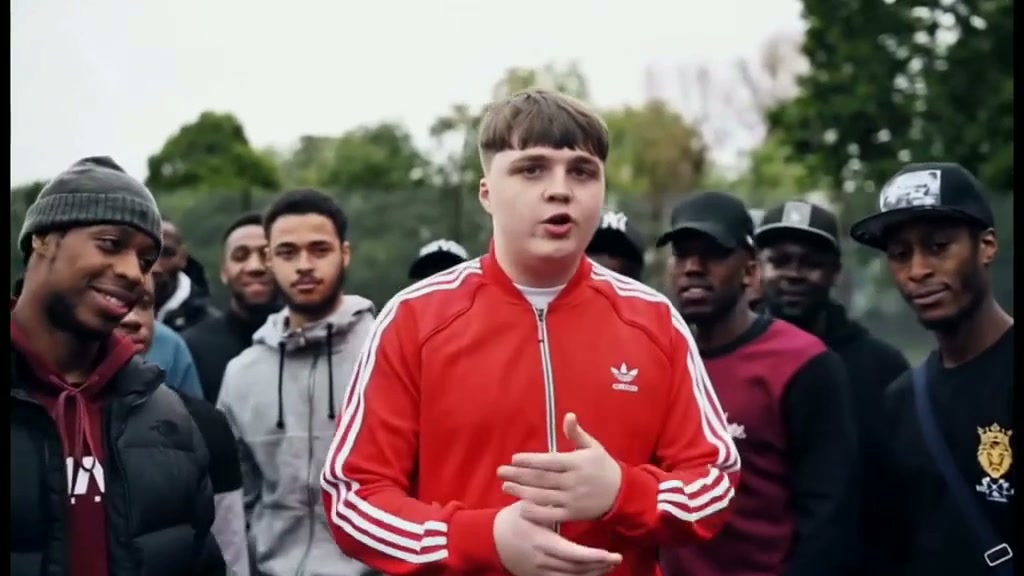
| 3.0s – 8.0s | Retro Storefront Street Hook | A hard cut drops into a sunlit small-town sidewalk past retro shopfronts while the Lead Singer belts the verse with expressive two-hand gestures toward the lens. | Keep Photo 1 centered chest-up or waist-up with both hands outside pockets so wide vocal gestures form cleanly. |
| 8.0s – 12.0s | Tight Vocal Push-In Close-Up | The camera pushes steadily toward the Lead Singer as subtle head tilts and expressive mouth timing hold frame center. | Skip dark sunglasses, caps tilted across your brow, or heavy social beauty blur so eyes stay razor-sharp. |
| 12.0s – 15.0s | Overhead Crane Convertible Exit & Skid Marks | Looking straight down into the moving tan-interior convertible, the Lead Singer beams frame-left lifting the canvas bag while the Convertible Driver steers frame-right as the crane climbs above two dark tire tracks. | Ensure distinct hair colors or outfits between Photo 1 and Photo 2 so the two-seat overhead shot separates cleanly. |
Daylight Framing Across All Three Cuts
Because all three segments unfold in bright outdoor sun—unlike dark neon studio themes such as Hotline Bling AI widescreen casting—mixing a dark indoor flash selfie with a dim webcam grab creates noticeable color mismatches between the storefront sidewalk and the tan leather convertible seats. Soft window daylight or shaded outdoor portraits mirror the open-road lighting naturally and preserve hair detail when the finale flips overhead.
Portrait Prep Checklist: Daylight Continuity & Clean Outfits
Because this effect runs on a locked motion preset with zero prompt typing, photo selection accounts for most of the final quality.
Upload Photos Like This
- Front-facing waist-up or chest-up portraits taken in even outdoor shade or near a bright daytime window.
- Exposed eyes and clean forehead visibility so head nods and tight vocal close-ups stay convincing.
- Distinct clothing colors or silhouettes between Photo 1 and Photo 2 when casting two different friends.
- Uncluttered backgrounds with clean hair edges and extra headroom above your crown.
- Relaxed neutral or friendly half-smile expression—let the motion choreography drive the big singing grins.
Avoid These Mistakes
- Opaque sunglasses, wide hat brims blocking eyes, or glare hiding eyebrows on close-up.
- Harsh neon bar lighting, warm tungsten shadows, or flash reflections that clash with outdoor sun.
- Tight chin-to-forehead crops missing shoulder styling needed for the car door and steering scenes.
- Using the exact same photo file in both Duo upload boxes—always pick two distinct adult portraits.
- Screenshots carrying burned-in captions, watermarks, or background passersby beside your shoulder.
Send Portraits Straight to Studio
Step Into the Red Convertible Scene
Carry 1 or 2 portraits straight into the 15-second 16:9 Old Town Road AI studio starting at 8 credits.
 15s MP4
Manual CapCut Composites vs. Still-Photo Sync
Rebuilding this three-location edit by hand on mobile takes a lot more than dropping clips into a BeatSync timeline. You have to film yourself leaning out of an actual convertible door, record a separate sidewalk lip-sync pass, rig an overhead boom camera above moving seats, and splice every beat cut yourself:
Old Town Road AI vs. Manual CapCut Multi-Location Templates
| What Matters | Viral AI Video Preset | Typical CapCut Template |
|---|---|---|
| Red convertible & drone overhead shot | Creates the car door opener, street close-up, and overhead exit across 15s from 1–2 portraits. | Requires filming beside an open-top car plus rigging an overhead crane or drone pass. |
| Flexible Duo or Solo casting | Switch between Both Roles (Duo), Lead Singer Solo, or Driver Solo above one unified deck. | Locks you into fixed user video slots where unfilmed camera angles look pasted-in. |
| Beat-matched viral audio track | Exports a crisp 15s MP4 with synchronized viral music baked into the download. | Manual trim points often drift out of sync across three separate camera locations. |
| Pay-as-you-go transparency | Starts at 8 credits (Standard 480p); purchased credit packs never expire with zero monthly fee. | Watermark removal and AI motion tools frequently require ongoing monthly subscriptions. |
Finished casting your duo road skit and want another two-person widescreen routine next? Check out Hotline Bling AI Studio Casting to put the same two portraits inside a neon lightbox cube dance.