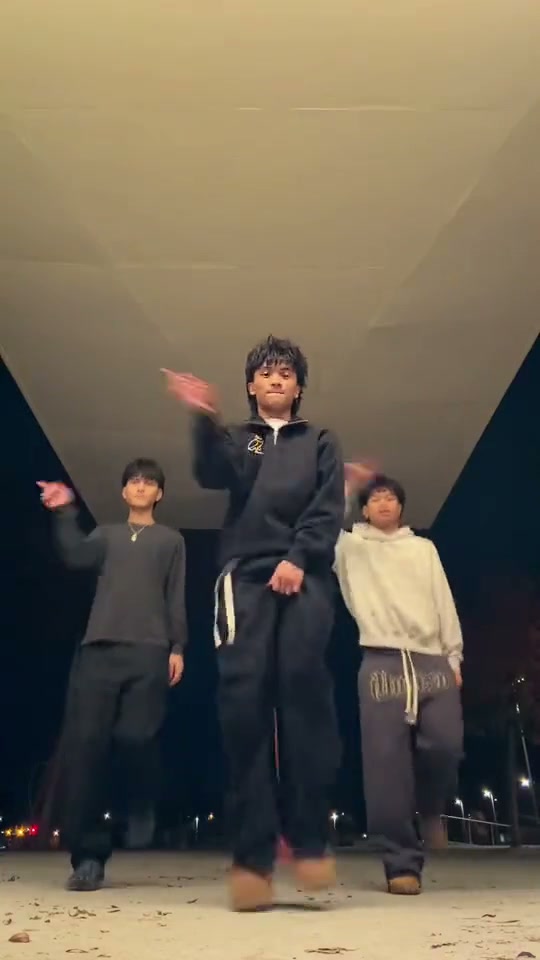
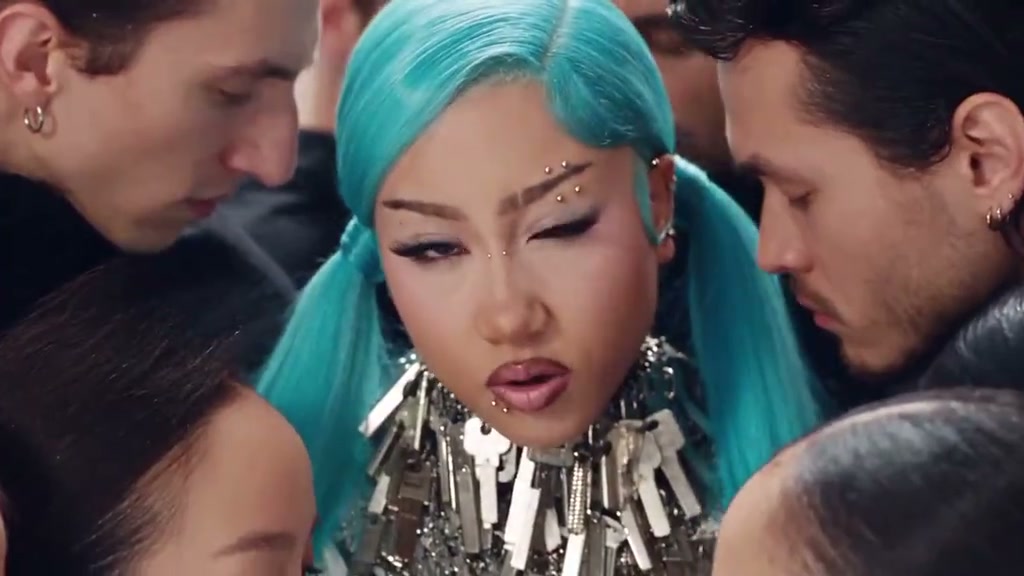
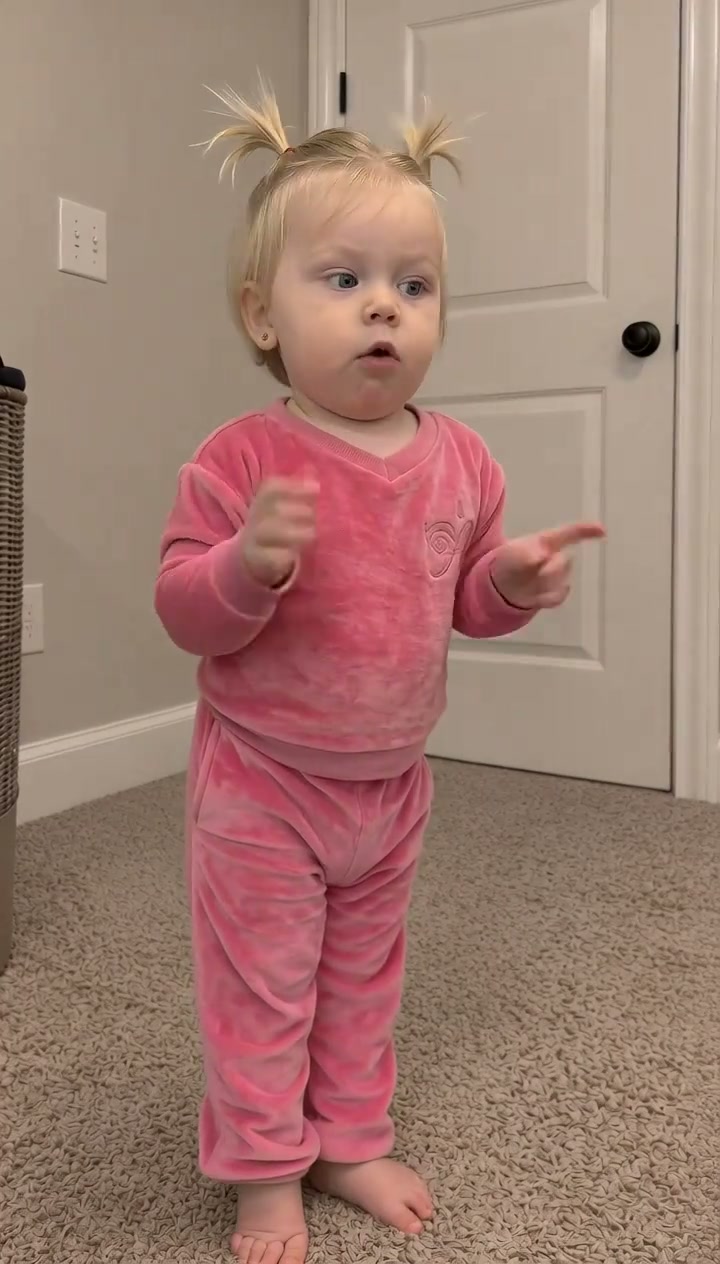
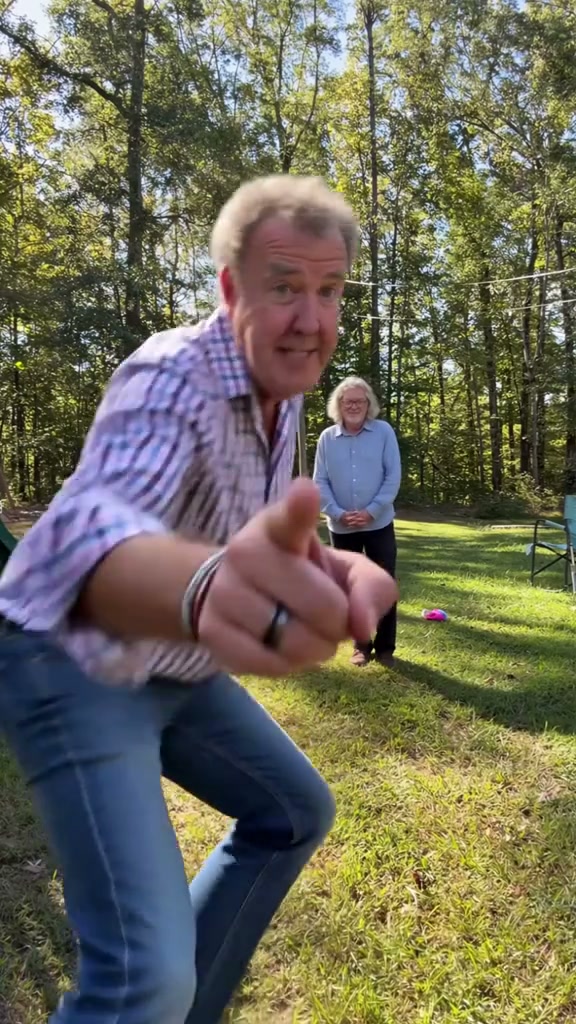
See Hotline Bling AI in Action — No Prompt Writing Needed
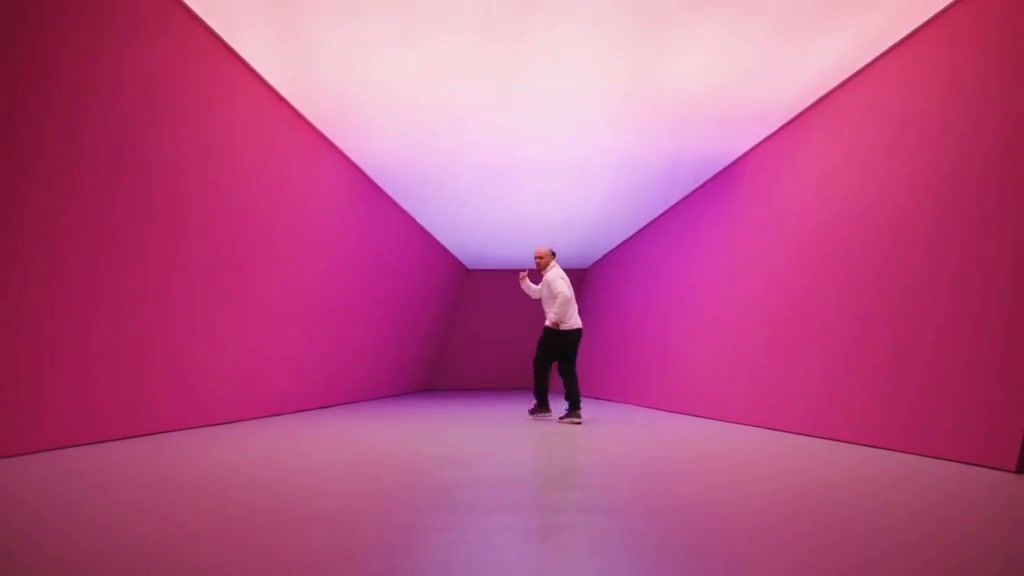
Built for widescreen architectural depth—step solo or cast a duo into shifting magenta and teal glowing cube sets across 14 full seconds.
Hotline Bling AI drops 1 or 2 portraits into an unmistakable minimal music-video cube studio glowing magenta and pale teal. Perform the crouched cha-cha shuffle, close-up thumb-and-pinky phone hand gesture, and sleek wall lean across 14 widescreen seconds starting from 7 credits.
- 1Native widescreen: built around crisp 16:9 cube hallway geometry (9:16 & 1:1 also selectable).
- 2Flexible cast: Both Dancers (2 photos), Lead Dancer Solo (1 photo), or Wall-Lean Co-Star Solo (1 photo).
- 3Signature moves: hunched step-shuffle, ear-side pinky-thumb call gesture, magenta wall lean, and teal glide.
- 4Zero editing required: no green screen or backdrop roto-brushing needed to match neon floor reflections.
- 5Upfront pricing: starts at 7 credits (Standard 480p); purchased credit packs never expire.
- Duration
- 14 Seconds
- Starting Cost
- 7 Credits (480p)
- Default Frame
- 16:9 Widescreen
- Cast Roles
- 1 or 2 Portraits
Inside the 16:9 Lightbox Architecture
James Turrell-inspired illuminated cubes gave the original music video instant brand recognition: pure colored walls wrapping floor, ceiling, and receding angles with zero clutter. Placing real dancers inside those glowing boxes required entire soundstages and programmable overhead LED diffusers.
Working in true 16:9 widescreen keeps the receding corridor lines wide enough for both wide lateral footwork and intimate mid-song close-ups—while cleanly lighting clothing textures across magenta pink shifts and cool pale teal scenes.
14-Second Cube Color & Move Timeline
| Timestamp | Phase | What Happens on Screen | Why Your Photo Matters Here |
|---|---|---|---|
| 0.0s – 4.0s | Magenta Shuffle | Lead performer (Photo 1) crouches mid-room inside a glowing hot-magenta lightbox, shuffling forward smoothly in side-profile groove. | Upper-torso portraits showing clear collar and sleeve styling anchor wide clothing continuity. |
| 4.0s – 8.0s | Call Me Close-Up | Frame punches tight on Photo 1 belting with raised left pinky-and-thumb phone gesture before transitioning sharply on beat. | Clean facial symmetry without messy hand-near-face poses keeps five fingers and expressions crisp. |
| 8.0s – 11.5s | Wall Lean Cut | Studio shifts onto Photo 2 leaning back playfully with one palm pressed onto the angled magenta studio wall. | Pick a distinct second person portrait with relaxed posture and clear beard/hair outlines. |
| 11.5s – 14.0s | Teal Walk-Off | Cube walls cool into pale mint-teal light as Photo 1 glides diagonally across the glossy floor looking calmly over one shoulder. | Sharp chin and jawline profiles keep the closing side-glancing walk clean against bright walls. |
Clean Head-to-Toe & Portrait Prep
Neon studio walls make distorted hands or blurry outlines stand out immediately against solid color backgrounds. Match your uploads against these rules:
Lightbox-Ready Portraits vs. Neon Artifacts
Because this effect runs on a locked motion preset with zero prompt typing, photo selection accounts for most of the final quality.
Upload Photos Like This
- Front or slight 3/4 adult portraits with clean hair contours and even neutral lighting.
- Distinct contrasting outfits or clear necklines so wide dancer silhouettes stay recognizable.
- Hands kept cleanly down at sides in your source photo—do not pass phone gestures already frozen in place.
- Separate individuals in Duo slots so Photo 1 and Photo 2 maintain obvious visual contrast.
- High-resolution portraits without heavy grain, motion blur, or extreme lens distortion.
Avoid These Mistakes
- Hands held right next to ears or cheeks in your uploaded still—it confuses finger generation during the gesture.
- Over-saturated pink or blue neon party photos that crush natural skin highlights.
- Uploading identical portraits into both Lead and Co-Star slots.
- Glasses with thick dark neon reflections obscuring eye contact during close-ups.
- Busy street crowds behind your subject—clean walls separate into the glowing cube fastest.
Step Inside the Glowing 16:9 Cube Now
Preload Photo 1 below to jump straight into Hotline Bling AI in widescreen—toggle Duo or Solo casting and review the live 7-credit 480p quote.
 14s MP4
Studio Lightbox AI vs. Green-Screen Edits
Searchers typing "Hotline Bling meme maker" mostly find outdated 2015 green-screen cutout packs where your head floats stiffly on someone else’s shoulders:
Widescreen Cube AI vs. Classic Green-Screen Templates
| What Matters | Viral AI Video Preset | Typical CapCut Template |
|---|---|---|
| Neon bounce lighting | Casts natural magenta and pale teal wall reflections across face, hair, and sleeves. | Raw phone green-screen footage sits dull and unlit against glowing backgrounds. |
| Full body & clothing transfer | Animates full hunched shuffles, leans, and walks using your own jacket or hoodie styling. | Only overlays your masked head layer or forces tedious full-body chroma keying. |
| 16:9 + vertical export control | Native widescreen 16:9 default with single-click switching to 9:16 Reels or 1:1 square. | Template green screens warp badly when resized between landscape and vertical. |
| Multi-dancer scenes | Supports 1-person solo spotlights or a full 2-person Duo across four distinct cuts. | Usually limited to one repeating three-second green-screen loop. |
| Pricing model | From 7 credits per 14s render; purchased credit packs never expire. | Pro chroma key, high-bit exports, and clean exports tie into recurring fees. |
Aspect Ratios, Neon Tones & Audio
Tips before exporting your 14-second neon studio clip for YouTube, TikTok, or X:
- Choose 16:9 for YouTube/X or crop 9:16 for Reels: Widescreen shows the widest minimalist cube geometry cleanly on desktop players; switch to
9:16in Studio options if publishing straight to Shorts or TikTok without top/bottom bars. - Double-check pinky-and-thumb fingers around 5 seconds: Fast hand-to-ear lifts are the trickiest moment—preview your completed video once and use platform audio search for licensed tracks when saving directly on mobile.
- Use two-part joke captions: Pairing "Nobody:" / "My coworker on Friday at 4:59 PM:" right above widescreen framing still pulls high completion rates across social feeds. Prefer a vertical nighttime street-dance gag? Try Hideaway Dance AI and see our Colosseum Duo vs. Solo guide.