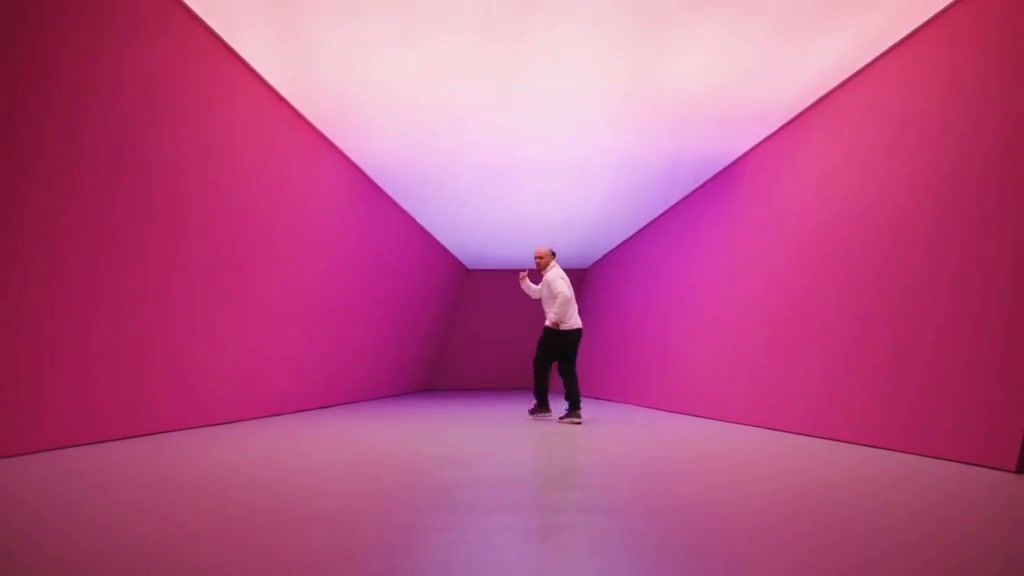
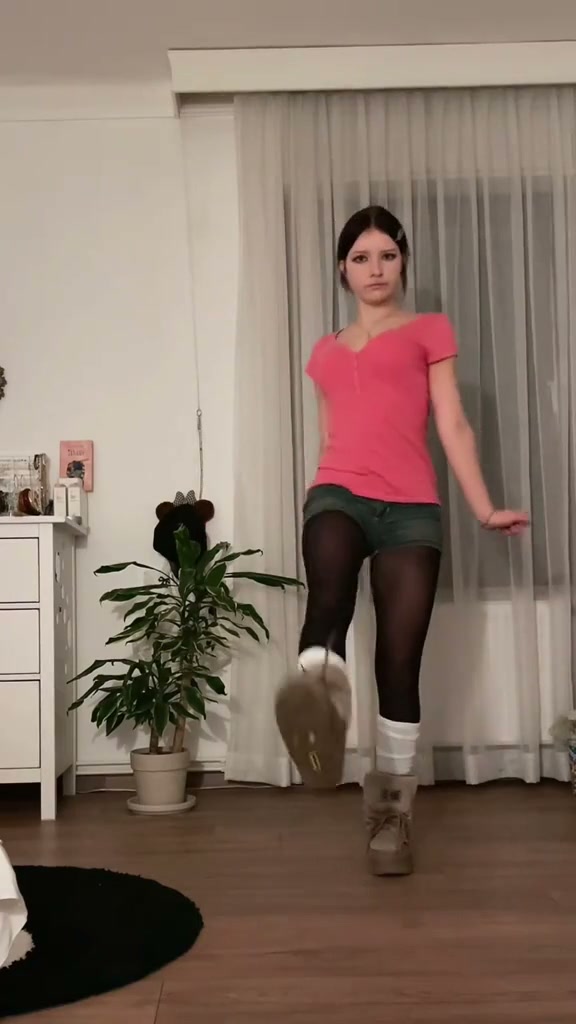
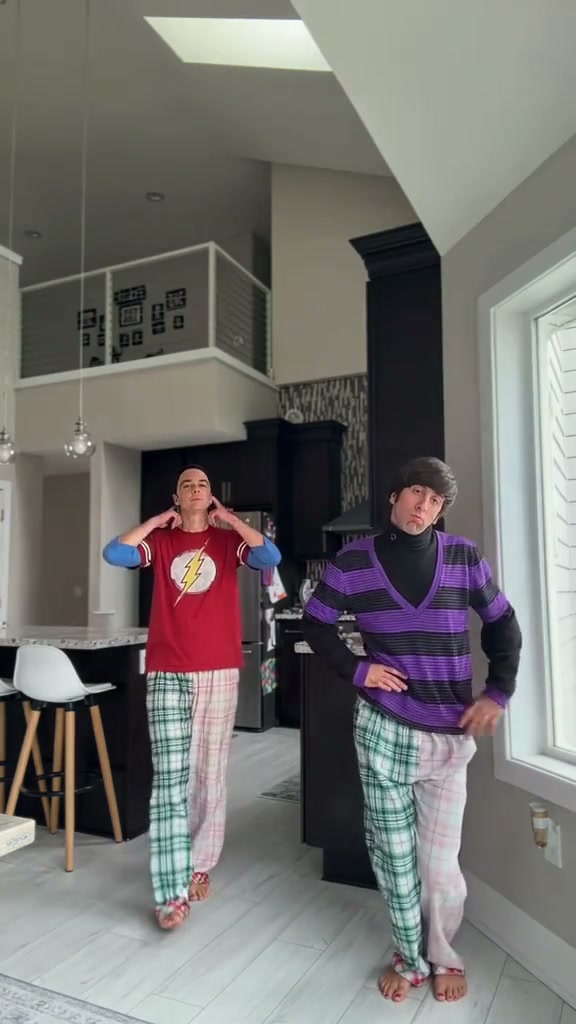
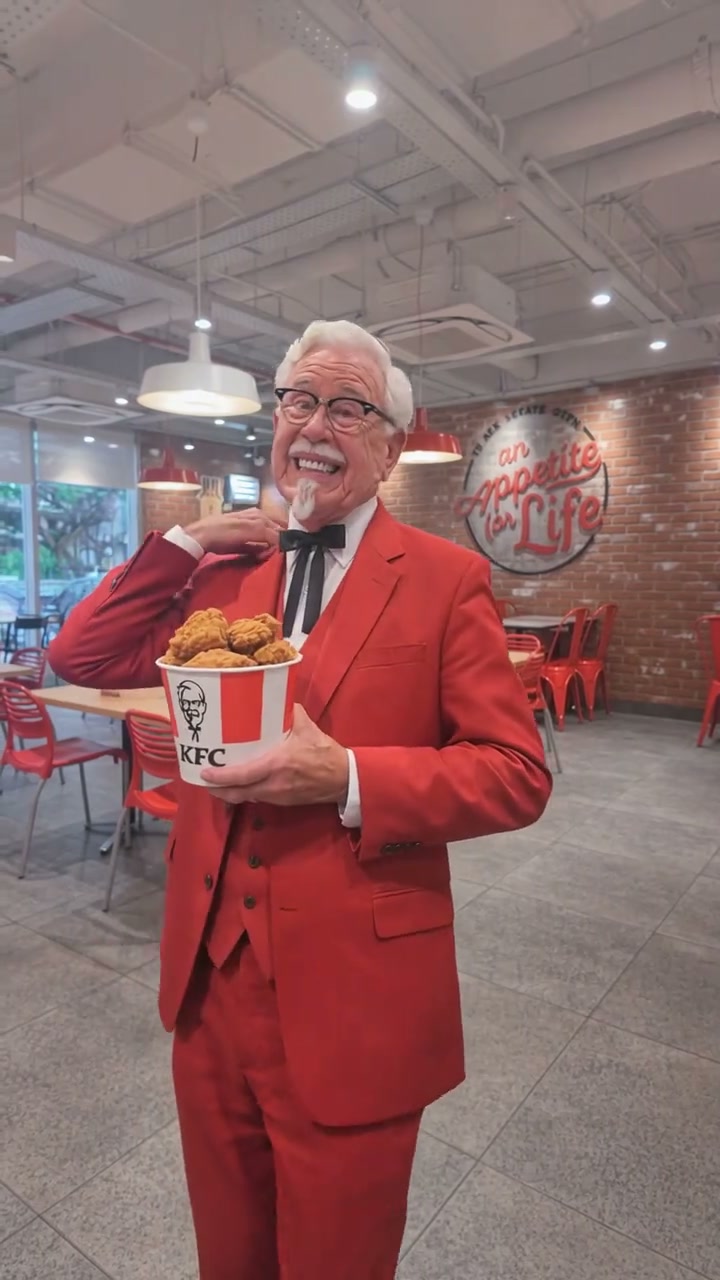
See Ice Ice Baby Dance AI in Action — No Prompt Writing Needed
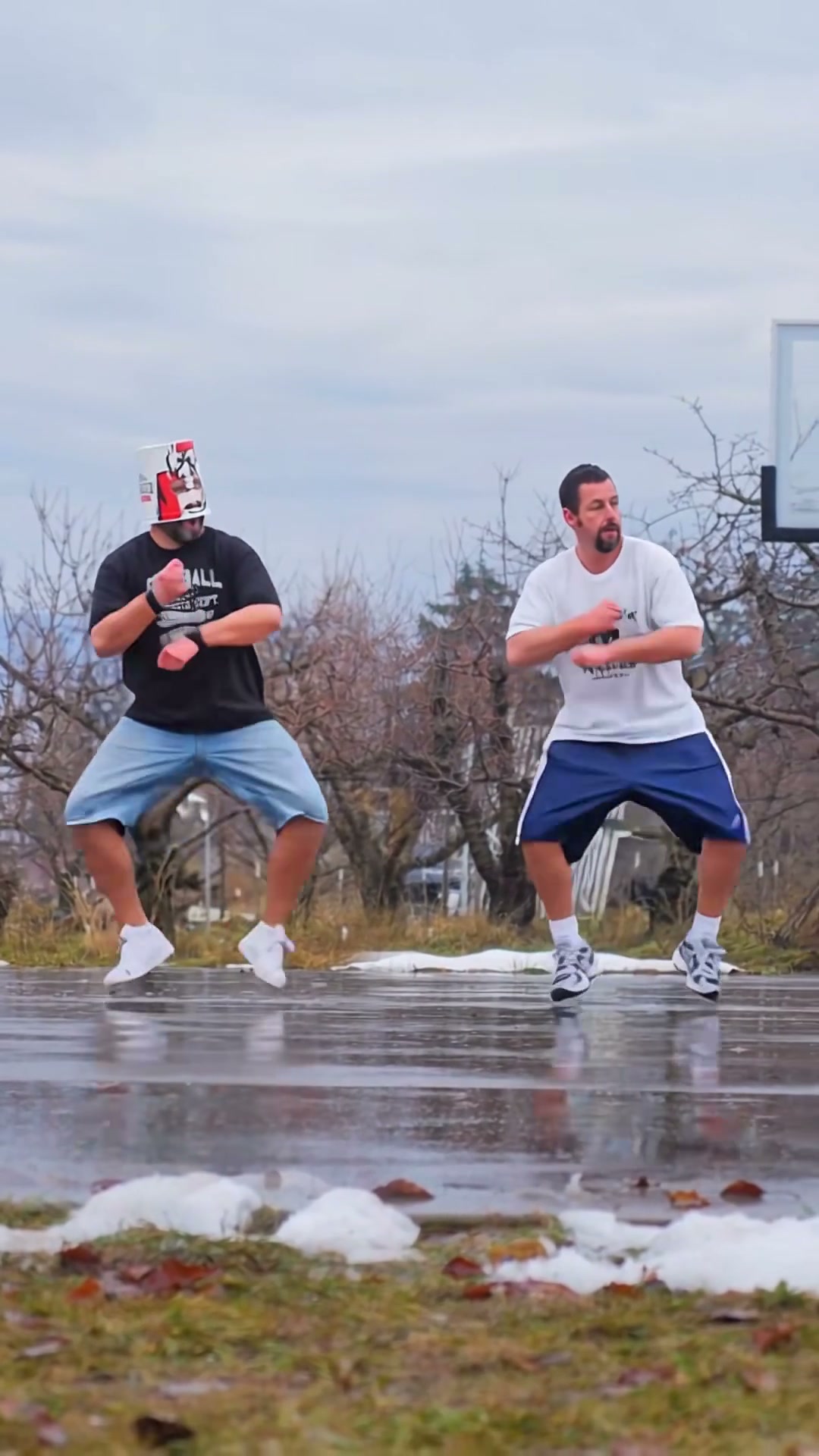
Synchronized 90s bouncy footwork, twin high-knee lifts, and forward wet-court strut across a 12-second 9:16 duo performance.
Upload two separate front-facing adult portraits—Photo 1 for the left court spot and Photo 2 for the right spot—and let Viral AI Video choreograph the full 12-second wet basketball court Ice Ice Baby duo routine in 9:16 vertical framing starting from 6 credits.
- 1Two-portrait fixed duo stage: Photo 1 anchors the left lane while Photo 2 mirrors every step on the right.
- 2Full wet-asphalt reflection lighting under bare winter trees and overcast sky depth.
- 3Outfit & silhouette retention: hoodies, oversized tees, shorts, and sneakers animate seamlessly.
- 4Starts at 6 credits (480p); purchased credit packs never expire and failed renders refund automatically.
- Cast Required
- 2 Distinct Portraits
- Clip Length
- 12 Seconds
- Entry Rate
- 6 Credits (480p)
- Default Frame
- 9:16 Vertical
Why Two Portraits Outperform Selfies
Two people standing shoulder-to-shoulder in one group snapshot almost always tilt inward, overlap elbows, or crop one partner's torso off the edge. When you upload two separate single-person photos instead, the motion rig spaces both performers evenly across the wet court asphalt with clean arm swing clearance around each waist and shoulder.
- Separate left and right tracks: Photo 1 stays cleanly anchored on the left side near the tree line while Photo 2 mirrors every bounce beside the backboard pole on the right.
- Full outfit preservation: Shorts, oversized tees, hoodies, and sneakers from your input shots adapt smoothly into damp-court footwork.
Using Ice Ice Baby Dance AI, you cast both spots directly from two individual photos. For group formats where solo or three-person lineups are preferred, check out our Gangnam Style Dance AI studio or compare camera-tracking tips in the Hideaway Dance AI guide.
12-Second Choreography Timeline
| Timestamp | Phase | What Happens on Screen | Why Your Photo Matters Here |
|---|---|---|---|
| 0.0s – 3.5s | Staggered Wet-Court Setup | Both dancers settle into relaxed staggered stances on the reflective court before launching the first bouncy shoulder dip. | Clear spacing between shoulders and hips in both input photos prevents overlapping silhouettes. |
| 3.5s – 7.5s | Alternating Knee-Up Bounce | Twin alternating knee-ups and loose 90s forearm bounces match the driving bassline cadence. | Avoid cropped chin shots; upper-torso or full-body framing helps knees and sneakers track naturally. |
| 7.5s – 10.5s | High-Knee Pivot Turn | Sharp diagonal high-knee lifts with coordinated arm swings push energy cleanly before the final transition. | Consistent daylight exposure keeps both faces sharp while bodies rise and drop on beat. |
| 10.5s – 12.0s | Forward Court Strut | Both dancers snap forward with a confident step and stare toward the lens over wet asphalt reflections. | Front-facing eye contact delivers the deadpan punchline before looping cleanly on Reels or Shorts. |
Two-Portrait Prep Checklist
Clean separation around wrists, waistlines, and shoes makes twin bouncy knee steps read smoothly:
Left & Right Dancer Photo Rules
Because this effect runs on a locked motion preset with zero prompt typing, photo selection accounts for most of the final quality.
Upload Photos Like This
- Upload two distinct solo portraits of consenting adults (one person per frame).
- Include at least head-to-waist or full-body height with relaxed arms at sides.
- Match neutral or soft outdoor-style daylight brightness across both uploads.
- Leave plain negative space around shoulders and head for natural hat or hair volume.
Avoid These Mistakes
- Do not upload the same group picture twice into Slot 1 and Slot 2.
- Do not crop tightly above the chest—arm grooves and hip bounce need elbow clearance.
- Do not include heavy motion blur, dark club neon, or sunglasses covering eyes.
- Do not upload photos of minors, celebrities, or non-consenting individuals.
Launch Ice Ice Baby Dance AI Duo Studio
Drop Photo 1 below and carry it straight into Slot 1 on the studio canvas, then add your friend in Slot 2 to render the 12-second court routine from 6 credits at Standard 480p.
 12s MP4
CapCut vs. One-Click Preset
Manually rotoscoping two static friends onto slick pavement reflections takes hours of keyframing:
Ice Ice Baby Dance AI vs. Manual Compositing
| What Matters | Viral AI Video Preset | Typical CapCut Template |
|---|---|---|
| Filming & Choreography | Pre-choreographed 12s wet-court duo motion from 2 static photos. | Requires two friends on location plus practicing synchronized knee footwork. |
| Wet Court Reflections | Built-in rain-slick basketball court depth and water reflection physics. | Hard to match overcast pavement reflections without outdoor reshooting. |
| Transparent Pricing | Starts at 6 credits (480p), zero subscription lock-in. | Paid Pro export walls frequently lock template audio/video saves. |
| Failed Render Safety | Automatic instant credit return if any render task fails. | No refund on manual masking or export glitches. |
Audio Pairing & Upload Timing
- Sync on the Beat Drop: Export your 9:16 MP4, open TikTok or Instagram Reels, select the viral Ice Ice Baby bass loop from the in-app music library, and nudge the start marker by ~0.2s so the first high-knee kick lands cleanly on the snare accent.
- Keep Native Ambient Audio Beneath: Lower original video audio to roughly 15–20% under the trending song so shoe movement and court texture still give the clip grounded realism.
- Tag Co-Star Humor in Caption: Frame the clip as a casual reunion gag ("pov we said one take on a frozen court")—deadpan comedy captions drive replays and shares far better than generic AI tags.