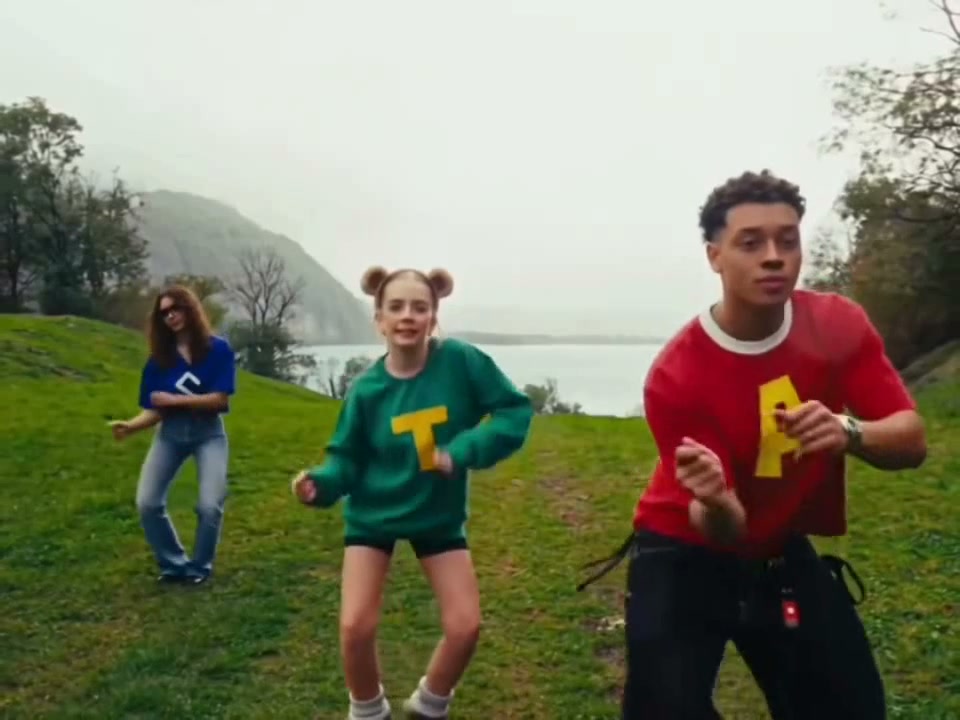
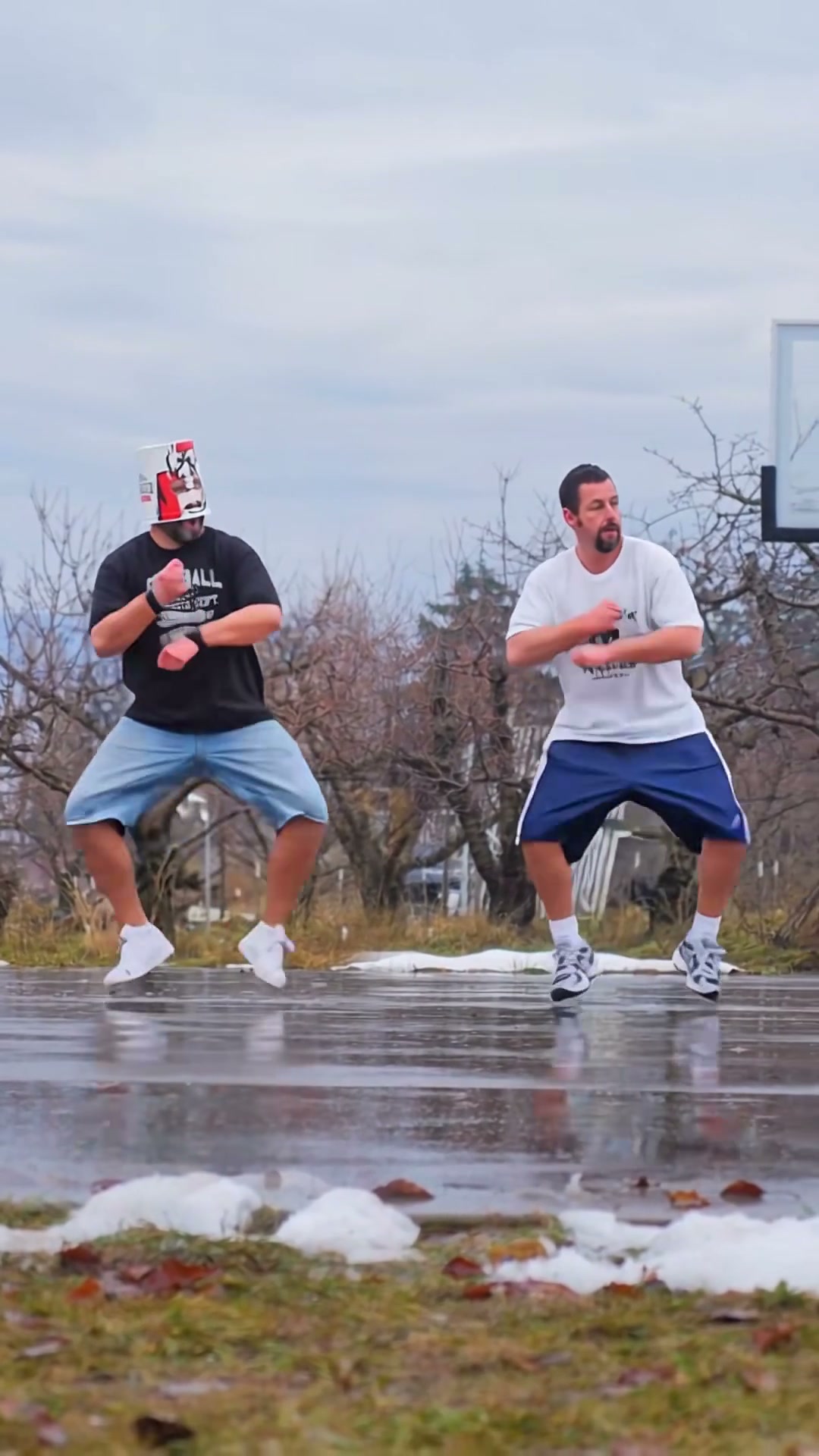
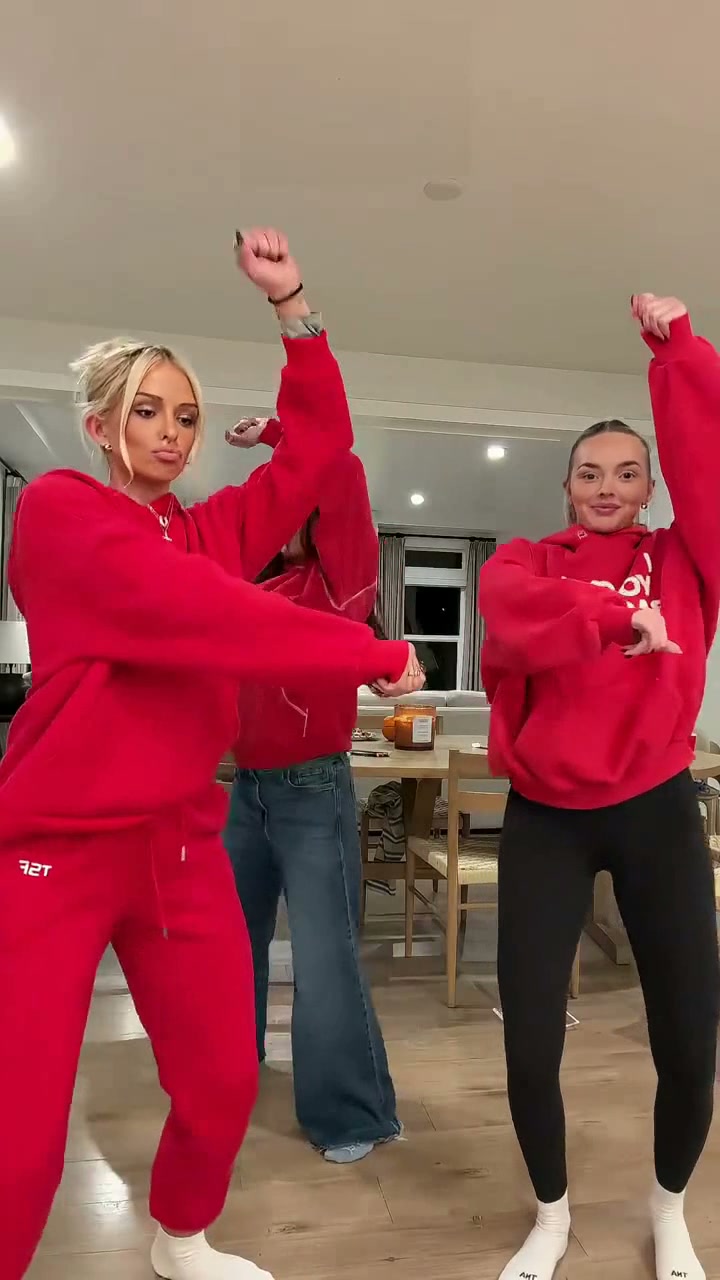
See Hideaway Dance AI in Action — No Prompt Writing Needed
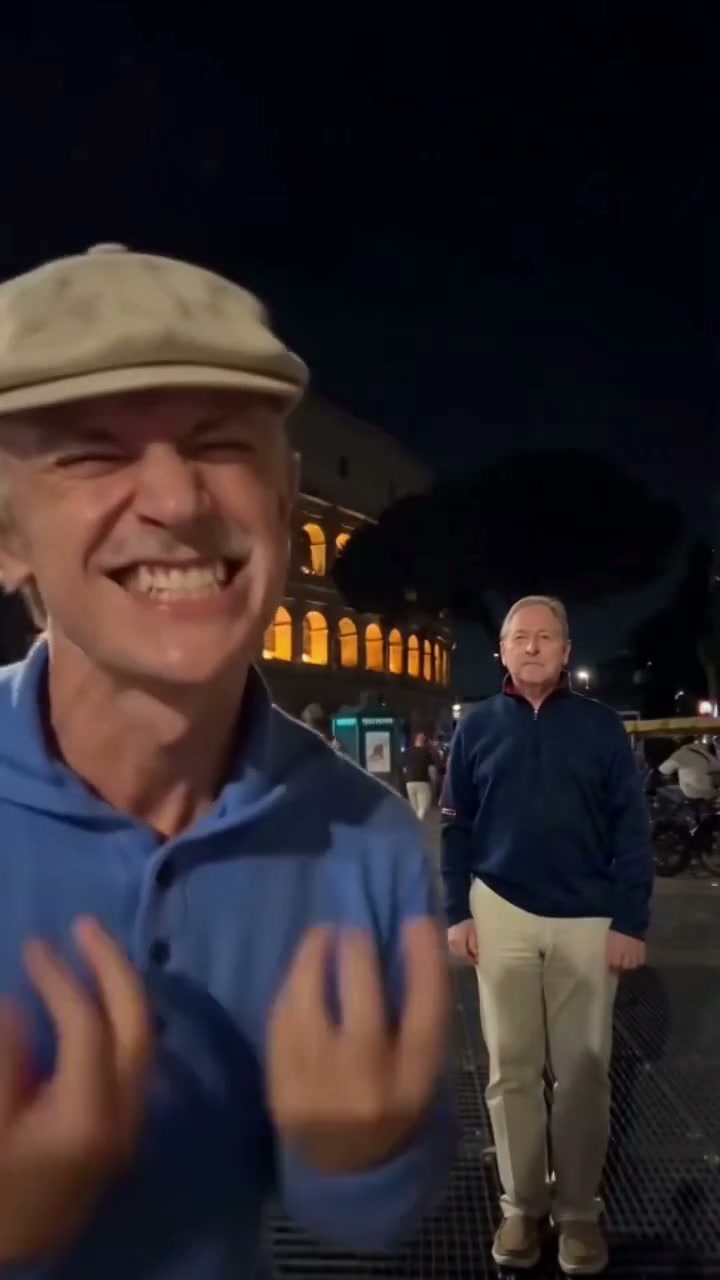
Generated across an illuminated Roman Colosseum plaza at night—cast both roles with 2 adult photos or step solo into either part in 9 seconds.
Hideaway Dance AI places one hyper-energetic vocalist right in front of the lens before backing into a full-body street dance beside a completely unbothered companion at the Roman Colosseum. Flexible Solo or Duo casting exports a 9-second vertical MP4 from 5 credits.
- 1Casting options: Both Performers (2 photos), Front Lead Solo (1 photo), or Deadpan Partner Solo (1 photo).
- 2Scale shift test: Photo 1 transitions rapidly from extreme close-up mouth expression to full-body wide steps.
- 3Deadpan anchor: Photo 2 stands motionless in bright navy contrast on frame right against glowing arches.
- 4Night scene match: warm ambient Colosseum arch glow lights both faces cleanly without green screens.
- 5Predictable billing: starts at 5 credits (480p); purchased credit packs never expire.
- Duration
- 9 Seconds
- Entry Rate
- 5 Credits (480p)
- Cast Roles
- 1 or 2 Portraits
- Setting
- Roman Night Plaza
Why Contrast Drives the Colosseum Gag
Street dance trends explode when two performers occupy opposite ends of the energy spectrum inside one continuous shot. Opening with a face screaming Kiesza’s hook inches from the lens creates immediate comedic tension, then snaps straight into synchronized arms-wide footwork while the second friend acts like nothing unusual is happening behind them.
Trying to recreate that timing in person means clearing tourists off Rome’s cobblestones after sunset and hitting exact depth marks without motion blur. Generating directly from your own portraits handles both the lens proximity jump and the illuminated background arches automatically.
9-Second Plaza Beat Sheet
| Timestamp | Phase | What Happens on Screen | Why Your Photo Matters Here |
|---|---|---|---|
| 0.0s – 2.5s | Lens Belt | Photo 1 leans inches from the camera mouth wide on the opening vocal shout while Photo 2 stands stiffly in mid-distance on the right with hands down. | Because Photo 1 starts huge in frame, crisp teeth, eyes, and jawline lighting stop close-up distortion. |
| 2.5s – 5.5s | Backstep Drop | Photo 1 spins and bounds backward onto the stone grates, flinging arms wide above the glowing orange Colosseum arches. | Visible shoulders and natural attire cues in your first upload help full-body clothing stay consistent as distance grows. |
| 5.5s – 9.0s | Knee Groove | Lead performer hops across in low-knee side lunges pumping one fist while the deadpan partner stares straight forward unmoved. | For Photo 2, pick an expressionless straight-on photo—smiling selfies fight the comedic contrast. |
Lead vs. Deadpan Photo Rules
Because the front and back performers carry completely different camera scales and expressions, splitting your photo choices by role gives noticeably cleaner anatomy:
Matching Each Slot to Its Camera Job
Because this effect runs on a locked motion preset with zero prompt typing, photo selection accounts for most of the final quality.
Upload Photos Like This
- Front Lead (Photo 1): high-resolution adult portrait showing head, shoulders, and clear eye detail.
- Deadpan Partner (Photo 2): standing upright shot facing forward with neutral expression and arms relaxed.
- Even indoor or outdoor facial light without harsh neon shadows bisecting the nose.
- Distinct portraits for Photo 1 and Photo 2 in Duo mode so the two dancers look clearly different.
- Uncropped hairstyles and clean head outlines free of party hats or heavy scarves.
Avoid These Mistakes
- Using the identical selfie in both Duo slots—system upload checks block duplicate images.
- Heavy sunglasses on Photo 1 where the close-up vocal reaction relies on squints and eye expression.
- Side-profile shots where half the face disappears during the straight-on opening shout.
- Crouched or seated background photos for Photo 2 when the right performer stands tall the whole clip.
- Child photos, celebrities, or low-resolution group screenshots with overlapping arms.
Have Your Lead Dancer Photo Ready? Jump Straight In
Preload Photo 1 right here to enter Hideaway Dance AI—switch between Duo and Solo roles inside the workspace from 5 credits at 480p.
 9s MP4
Full Choreography AI vs. Cutout Clips
Searchers exploring "Hideaway Colosseum TikTok template" usually land on split-screen memes or shaky phone recordings that need manual timing cuts:
Hideaway Dance AI Studio vs. Standard Video Templates
| What Matters | Viral AI Video Preset | Typical CapCut Template |
|---|---|---|
| Close-to-wide depth transition | Continuously backs the front singer from camera-distance into wide plaza choreography without jump cuts. | Requires filming yourself physically stepping back or splicing two separate video clips. |
| Role casting control | Mix Front Lead Solo, Deadpan Back Solo, or full 2-photo Duo in seconds. | Stuck with whoever recorded the original template or flat photo sticker heads. |
| Colosseum night lighting | Matches warm arch reflections and plaza ground grates automatically around both bodies. | Cutout stickers look flat white against dark night stone backdrops. |
| Aspect ratio flexibility | Switch seamlessly across 9:16 Reels, 1:1 feed square, and 16:9 widescreen. | Locked tightly to vertical source dimensions. |
| Cost & packs | From 5 credits per 9s render; purchased credit packs never expire. | Free baseline editor, while smart cutout/export enhancements sit behind recurring plans. |
Night Lighting & Audio Tips
Three practical checks after your Roman plaza dance finishes rendering:
- Check the sprint backward around 2.5 seconds: Because Photo 1 accelerates away from close-up quickly, glance at hand silhouettes and leg alignment during the spin before downloading.
- Use platform sound when posting from mobile: Desktop studio downloads can mix the companion track locally right before saving, while phone exports carry the raw model stream so you can link the official Kiesza house sound inside TikTok or Reels.
- Tag comedy contrast in your caption: Short two-line captions comparing Photo 1 ("me after one espresso") vs Photo 2 ("my friend holding our bags") spark quick replays and comments. Want a widescreen neon stage instead? Check Hotline Bling AI and our 16:9 lightbox duo guide.