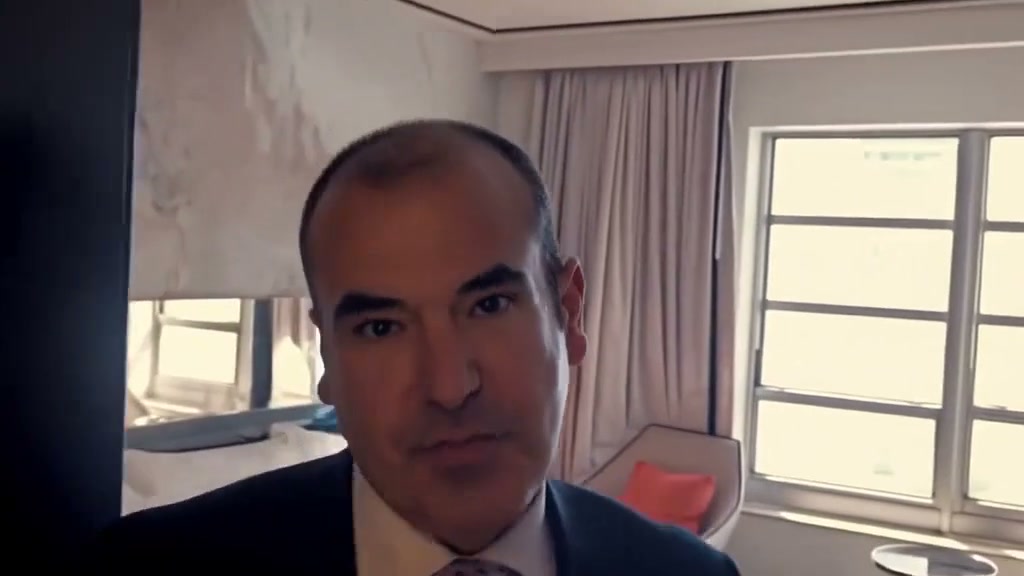
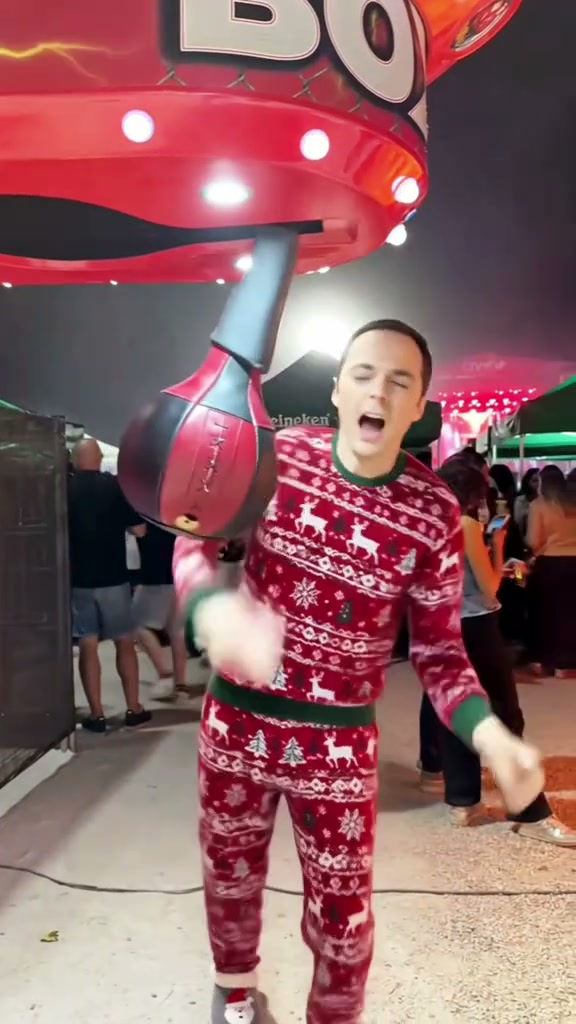
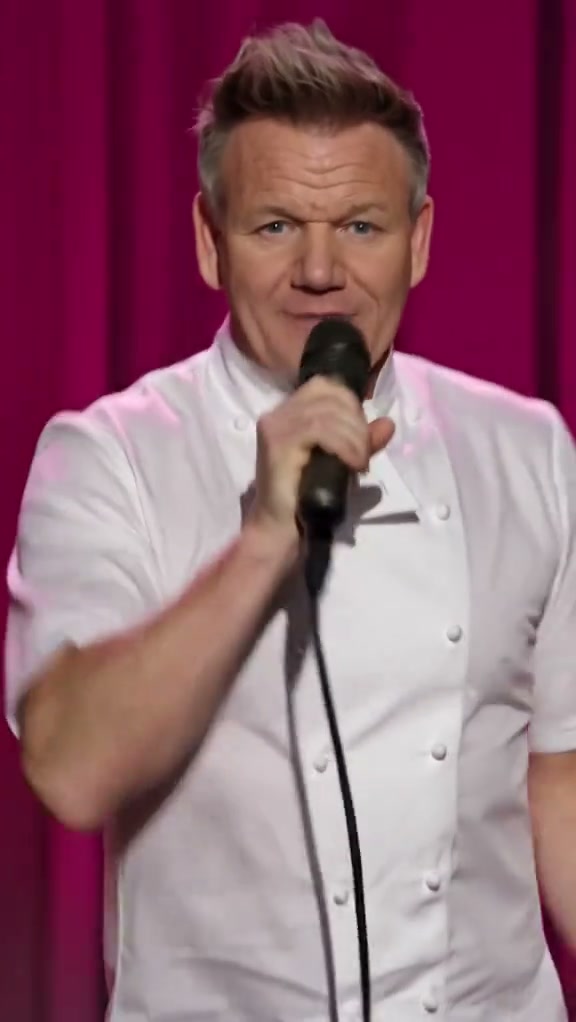
See General Levy Incredible AI in Action — No Prompt Writing Needed
Acoustic recording booth with condenser microphones and hype crew—star as the lead studio vocalist laying down rapid ragga bars in a 15-second 16:9 MP4.
General Levy Incredible AI casts one clear portrait front-and-center inside the iconic 16:9 studio booth session—surrounded by studio colleagues filming on smartphones and cheering as you deliver rapid-fire ragga jungle verses into a vintage condenser microphone. Generates in 15 seconds from 8 credits at Standard 480p.
- 1Authentic 16:9 widescreen composition: preserves the wide studio desk, suspended boom microphone, and reacting colleagues without edge squeeze.
- 2Single-photo vocalist control: upload 1 clear portrait to anchor the lead recording session performance automatically.
- 3Dynamic microphone distance: realistic lean-ins, open-mouth vocal articulation, and expressive head bobs synced to jungle breakbeats.
- 4Warm acoustic booth lighting: soft studio fill light and rear acoustic baffles blend indoor and casual portraits seamlessly.
- 5Upfront credit billing: starts at 8 credits (480p); purchased credit packs never expire with automated failure refunds.
- Duration
- 15 Seconds
- Entry Rate
- 8 Credits (480p)
- Upload Count
- 1 Lead Photo
- Default Frame
- 16:9 Widescreen
Why 16:9 Studio Framing Anchors the Ragga Energy
Vertical crops frequently cut away the very details that make this studio recording session hilarious: the colleague on the left filming on a smartphone, the suspended studio condenser microphone with double pop filters, and the racing-helmeted figure dancing in the background. Cinematic 16:9 widescreen captures both the vocal intensity at the microphone and the authentic studio camaraderie.
Looking to explore other iconic widescreen music video choreography? Compare this recording booth energy with the outdoor park cypher in Stormzy Shut Up AI or explore our Stormzy Shut Up creator guide and Hotline Bling lightbox guide.
Studio Beat Sheet & Choreography
| Timestamp | Phase | What Happens on Screen | Why Your Photo Matters Here |
|---|---|---|---|
| 0.0s – 3.0s | Studio Mic Staging & Headphone Intro | The central lead vocalist leans in toward the vintage condenser microphone wearing monitor headphones, rhythmically nodding their head to the opening ragga bars. | A clean front-facing portrait with clear eyes and hair contours helps the model lock facial structure before fast motion starts. |
| 3.0s – 6.0s | Rapid-Fire Ragga Bars & Waist-Height Pumps | Rapid vocal delivery with expressive facial articulation and animated head bobbing as the jungle drum and bass breakbeat kicks in; hands pump with vibrant energy at waist height. | Neutral, unexaggerated expressions in your uploaded photo prevent mouth distortion during rapid lyric articulation. |
| 6.0s – 9.0s | Jungle Beat Sways & Dynamic Mic Lean-In | High-energy hand pumping and rhythmic body sway to the jungle rhythm, stepping back and leaning forward into the microphone with wide mouth articulation on the iconic vocal chops. | Ensure the chin and neck are unobstructed in the photo to maintain sharp collar and shoulder positioning during dynamic leans. |
| 9.0s – 12.0s | Crew Hype & Animated Upward Pointing | Animated pointing gestures and vigorous arm pumps into the microphone; the colleague on the left points upward to the beat while the background helmeted figure nods rhythmically. | Background figures stay anchored from the reference video, focusing all neural rendering attention on your facial likeness. |
| 12.0s – 15.0s | Climactic Vocal Finale & Celebratory Finish | Climactic vocal run where the lead vocalist throws their arms out wide with an ecstatic smile, as the background figure raises both arms in celebration. | Even natural lighting in your source photo prevents shadow artifacts during wide open-arm framing. |
Choosing One Portrait for Vocalist Likeness
Because the studio handles the microphone choreography, camera framing, and background crew on the server, you never have to write complex prompts. Uploading a single clear, high-quality portrait photo directly determines the realism and likeness of the final video:
Best Portraits for Studio Vocalist Likeness
Because this effect runs on a locked motion preset with zero prompt typing, photo selection accounts for most of the final quality.
Upload Photos Like This
- Front-facing or slight three-quarter solo portrait with even daylight or warm indoor lighting.
- Clear eye visibility, natural brow line, and distinct hair contours straight ahead.
- Casual shirts, hoodies, jackets, or everyday attire—your own clothing styling is preserved.
- High resolution where facial skin texture and jawline are crisp without motion blur.
- Neutral or pleasant expression without hands, phones, or objects covering the face.
Avoid These Mistakes
- Hands raised across chin or holding microphones that collide with AI microphone positioning.
- Extreme sunglasses or tinted goggles that block eye and eyebrow expressions.
- Grainy low-light party photos or blurry group snapshots cropped down to tiny heads.
- Multiple people squeezed into the frame next to your cheeks.
- Photos with heavy beauty filters or artificial cartoon smoothing.
Step Into the Studio Booth as Lead MC
Preload your portrait directly into General Levy Incredible AI and render all 15 seconds of high-energy jungle vocals from 8 credits at Standard 480p.
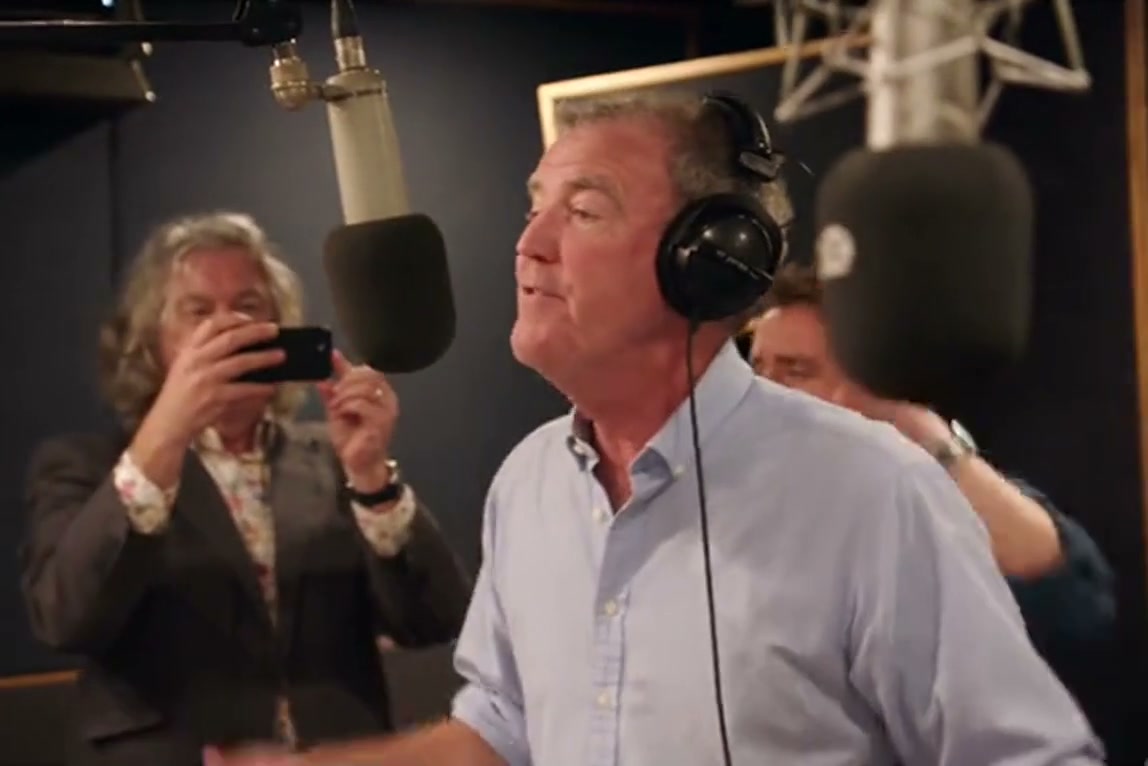 15s MP4
Web Studio Preset vs. CapCut Templates
Creators looking for "general levy incredible CapCut template" or "jeremy clarkson general levy ai" often encounter mobile limitations:
General Levy Incredible AI vs. Mobile CapCut Templates
| What Matters | Viral AI Video Preset | Typical CapCut Template |
|---|---|---|
| Studio layout & aspect ratio | Cinematic 16:9 widescreen capturing the condenser mic, desk, and reacting studio crew without distortion. | Usually cropped to 9:16 vertical, cutting off background colleagues and microphone boom arms. |
| Facial animation & vocal cadence | Synthesizes 15 seconds of dynamic facial articulation, head bobs, and mouth opening synced to ragga breakbeats. | Relies on static 2D photo cutouts pasted over pre-recorded video or jittery mobile sticker animations. |
| Device accessibility | Pure web-based SaaS accessible from desktop Chrome, macOS, Windows, and mobile browsers with zero software install. | Requires downloading the mobile application and navigating regional template availability. |
| Full duration & audio sync | Full 15-second duration matching the complete ragga verse with seamless background audio pairing. | Often truncated to 5–7 second loops that cut off before the climactic vocal drop. |
| Pricing & refund transparency | Pay-as-you-go from 8 credits (480p) with no forced subscription; failed renders refund 100% automatically. | Freemium model with recurring Pro monthly subscriptions and watermark locks on export. |
Audio Sync, Platform Disclosure & Posting Tips
Before sharing your completed video across TikTok, Instagram Reels, and YouTube Shorts, keep these creator tips in mind:
- Verify audio on desktop preview: The studio workspace automatically pairs the high-energy jungle audio track on desktop previews. If posting from your phone, download the high-definition MP4 directly or scan the on-screen QR code to save to your camera roll.
- Select permitted audio on publishing apps: When posting to TikTok or Instagram, search for "General Levy Incredible" or "M-Beat Incredible" in the app music picker and set the volume to blend seamlessly with your video for maximum algorithmic reach.
- Turn on the AI-generated content label: Toggle TikTok and Instagram's AI-generated content setting before publishing. This complies with platform guidelines for synthetic media while signaling high-production meme comedy to your followers.