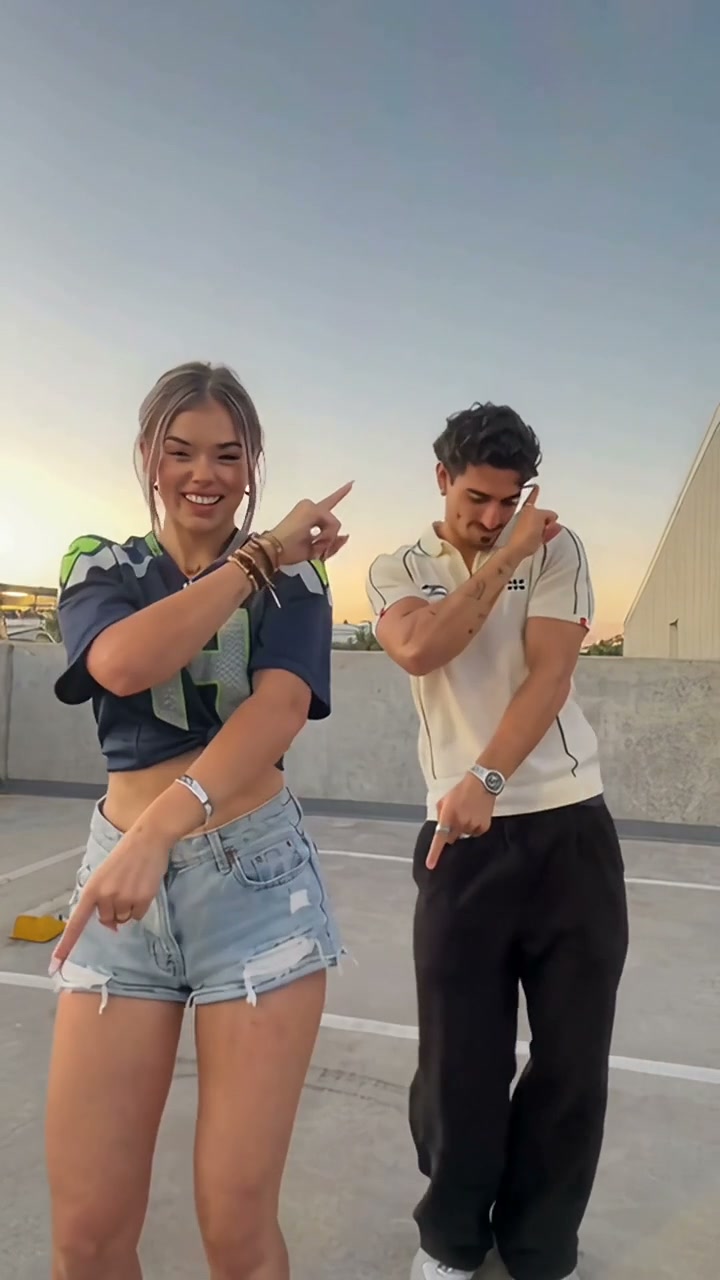
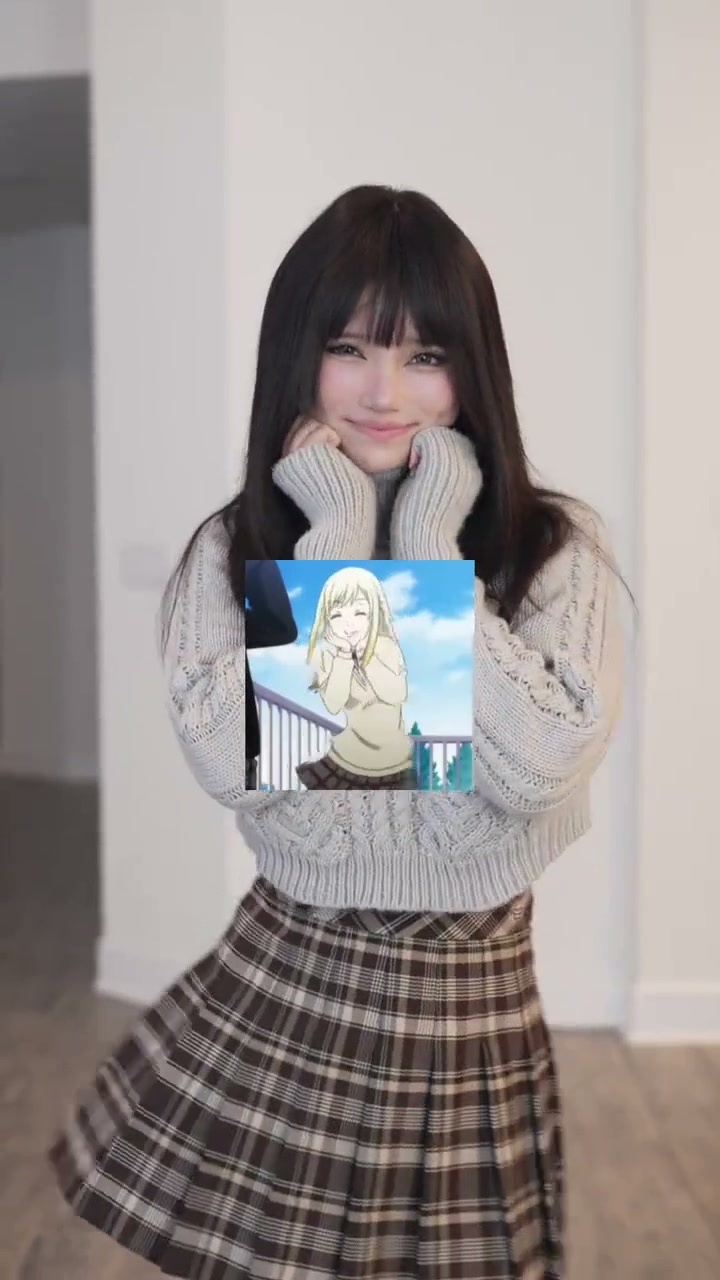
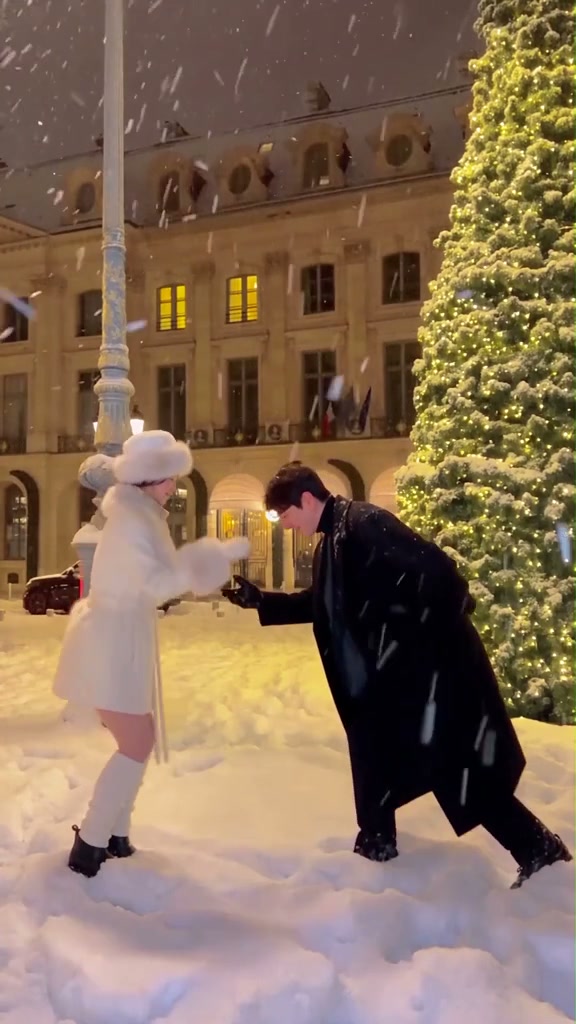
See Christian Dior Dance AI in Action — No Prompt Writing Needed
Preview the 11-second Christian Dior Dance AI Solo Patio performance synced to the crisp vocal hook, chest wave, and camera-point walk-away.
Turn one or two casual everyday photos into the viral 11-second I Love Christian Dior TikTok dance in either a bright Solo Patio cut or a golden Sunset Mountain Road duo—complete with synced beat audio starting at 6 credits.
- 1Four preset cast setups: Solo Patio (1 photo), Sunset Duo (2 photos), Sunset Left (1 photo), and Sunset Right (1 photo).
- 2Follows four distinct viral choreography beats: neck snaps, hair-brush body waves, crisscrossing wrist flicks, and the walk-off camera point.
- 3Works best with clear front-facing upper-body or full-body shots where arms hang naturally outside pockets.
- 4Outputs native 9:16 vertical MP4s synced to 11 seconds (plus optional 1:1 square or 16:9 widescreen crops).
- 5Standard 480p starts at 6 credits; purchased credit packs never expire and failed renders refund automatically.
- Clip Length
- 11 Seconds
- Starting Cost
- 6 Credits (480p)
- HD Cost
- 11 Credits (720p)
- Cast Presets
- Solo / Duo / Left / Right
- Native Aspect
- 9:16 Vertical MP4
- Audio Track
- Synced Dior Hook Included
Why the I Love Christian Dior Dance Blew Up on TikTok
Set to MK and Chrystal's infectious house hook (“You know my style and I love Christian Dior”), the Christian Dior dance became a staple across TikTok and Instagram Reels because it rewards attitude and musical pocket over acrobatic difficulty. Rather than fast footwork hidden off-screen, every key beat lands cleanly in mid-shot: a sharp neck snap on the opening vocal, a playful sweep past the face, a signature wrist twist right when the lyric hits, and a confident over-the-shoulder point as the performer walks away.
Frame-by-Frame Choreography Breakdown (11 Seconds)
Unlike repetitive looping templates, this 11-second trend shifts camera intimacy and upper-body angles four distinct times. Knowing where hands travel helps you pick photos that hold clean outfit and facial continuity at every transition.
11-Second Dior Dance Beat Map
| Timestamp | Phase | What Happens on Screen | Why Your Photo Matters Here |
|---|---|---|---|
| 0.0s – 3.0s | Neck Snap & Face Sweep | Dancer opens mid-frame with crisp left-right neck snaps, relaxed shoulder pops, and a smooth palm sweep across the face on the opening vocal. | Choose an evenly lit front-facing portrait with bare hands outside pockets so wrists lift cleanly. |
| 3.0s – 5.5s | Hair Brush & Double Wave | One hand brushes casually behind the head before rolling into smooth chest waves and alternating arm ripples ahead of the hook drop. | Avoid hoodies clipped under the chin or bulky backpacks that block torso wave movement. |
| 5.5s – 8.5s | Dior Arm-Cross & Wrist Twist | On the signature lyric line, arms crisscross neatly at shoulder height before wrists twist outward into crisp alternating side sweeps. | Plain outerwear, clean knits, or uncluttered street jackets preserve sleeve contours cleanly. |
| 8.5s – 11.0s | Hip Bounce & Walk-Off Point | Performers lock into a double hip sway, pivot smoothly toward the background, and glance back to point one finger straight at the camera lens. | Unfiltered hairlines and uncluttered shoulders keep the back-glance turn crisp through the final frame. |
Choosing Solo Patio vs. Sunset Duo
Two iconic filming aesthetics dominate this audio trend, and our studio gives you both inside a single switchable deck:
- Solo Patio (1 Photo): Modeled after the viral solo patio routine, this daylight stone-house backdrop frames a single subject close enough that sunglasses-free expressions, earrings, and jacket textures stay sharp across the full 11-second sequence.
- Sunset Road Duo (2 Photos): Inspired by viral mountain-road pair edits filmed under twilight pink clouds, Photo 1 takes the left lane while Photo 2 leads slightly forward on the right. Want to test a remix with a single photo first? Switch to Sunset Left or Sunset Right in one click, or compare another multi-dancer template inside Deck The Halls Dance AI.
If you prefer an intimate single-person indoor sway instead of outdoor full-torso choreography, check out our Talk to Me Doja creator guide for waist-up selfie tips.
Photo Prep: Why Arm Posture & Lighting Decide Realism
Because AI choreography maps every arm wave and over-the-shoulder look directly from your uploaded photo pixels, static pose habits carry strong hidden impact. Tucking hands deep inside jacket pockets or holding a phone near your collarbone leaves fewer clear sleeve cues when the model renders the raised wrist twist around second 6. A relaxed standing or seated upper-body shot in flat daylight—similar to the cloud-diffused stone patio or twilight horizon—keeps skin tones balanced without harsh noon shadows breaking across cheeks.
Photo Checklist: Clean Facial & Outfit Motion
Because this effect runs on a locked motion preset with zero prompt typing, photo selection accounts for most of the final quality.
Upload Photos Like This
- Clear front-facing portrait showing face, hair, shoulders, and waist-up attire in natural daylight or soft dusk illumination.
- Relaxed arms visible at your sides or resting casually so hand sweeps and wrist twists emerge naturally from frame 0.
- Minimalist tops, coats, or clean sportswear free of giant chest logos, blurred screenshots, or watermarks.
- Two separate single-person adult portraits when generating Sunset Road Duo mode so left and right dancers remain distinct.
- Crisp eye contact with zero heavy tinted sunglasses obscuring eyelashes during the walk-off camera glance.
Avoid These Mistakes
- Selfies with hands jammed deep inside hoodie pockets or holding phones and drinks right in front of the chest.
- Mirrored group screenshots or tightly cropped neck-up ID photos missing sleeves and shoulder silhouettes.
- Heavy neon club color casts or harsh striped shadow bars cutting across your forehead and nose bridge.
- Reusing the exact same photo file in both Photo 1 and Photo 2 slots under two-person Sunset Duo mode.
- Pre-edited TikTok frames covered in subtitle stickers or CapCut overlay banners.
Carry Your Photo Straight Into Dior Studio
Preload one photo here to test Solo Patio or Sunset Left/Right right away across 11 seconds—no account needed to preview before generating at 6 credits.
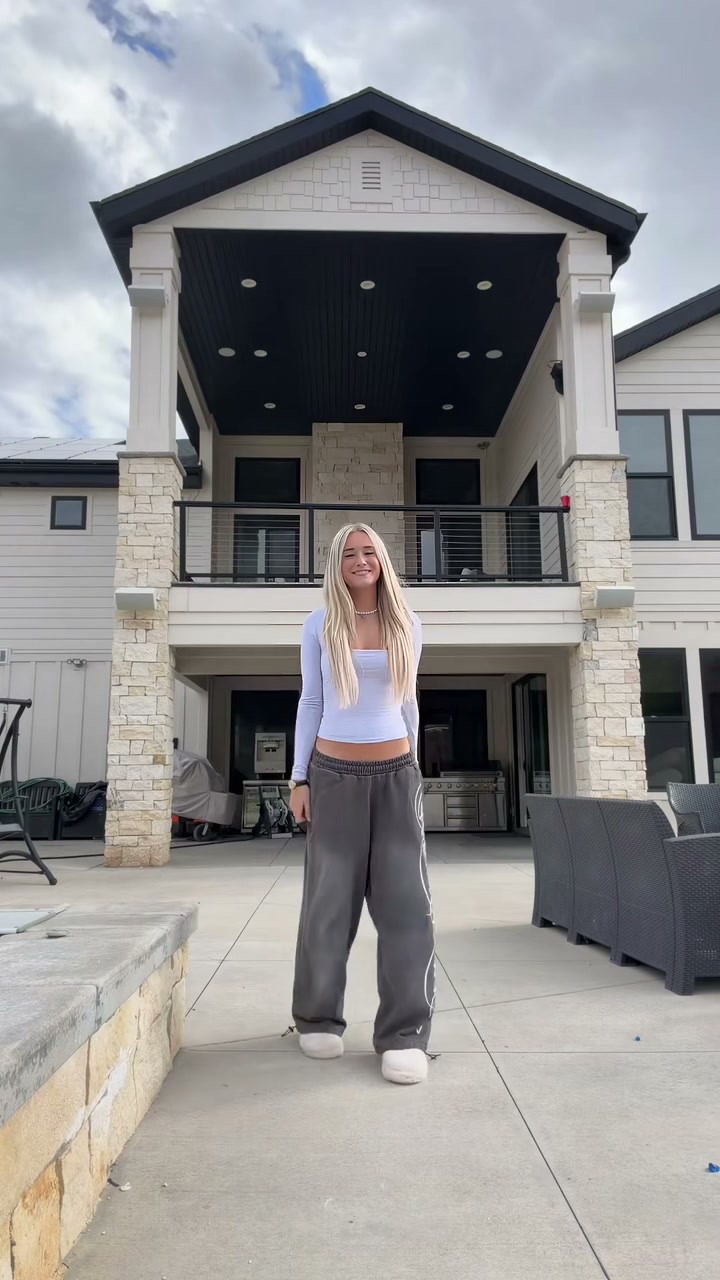 11s MP4
AI Dance Studio vs. Manual CapCut Templates
Traditional mobile template editors force an awkward choice: film yourself memorizing every wrist beat in real life, or drop static photos into rigid BeatSync slideshows where bodies never actually move.
Christian Dior Dance AI vs. Standard CapCut Templates
| What Matters | Viral AI Video Preset | Typical CapCut Template |
|---|---|---|
| Real choreography from still photos | Animates neck snaps, chest waves, arm crosses, and the over-shoulder point across 11s directly from 1 or 2 photos. | Only slides or zooms still images along keyframes unless you physically film yourself dancing. |
| Solo or Duo background switching | Switch freely between daylight Solo Patio and sunset Mountain Road Duo, Left, or Right inside one panel. | Requires hunting separate template links and refilming outdoors whenever you want solo vs. two-person framing. |
| Clean full-outfit continuity | Transfers hair, jacket sleeves, and topwear naturally without pasted sticker borders or watermark crops. | Photo cutout effects often leave jagged background halos or shrink heads awkwardly onto fixed templates. |
| Synced track & pricing transparency | Displays live credit pricing from 6 credits (480p) before render with automatic refunds on failures and synced MP4 audio. | Gates exports behind recurring Pro monthly paywalls or removes original trend audio by region. |