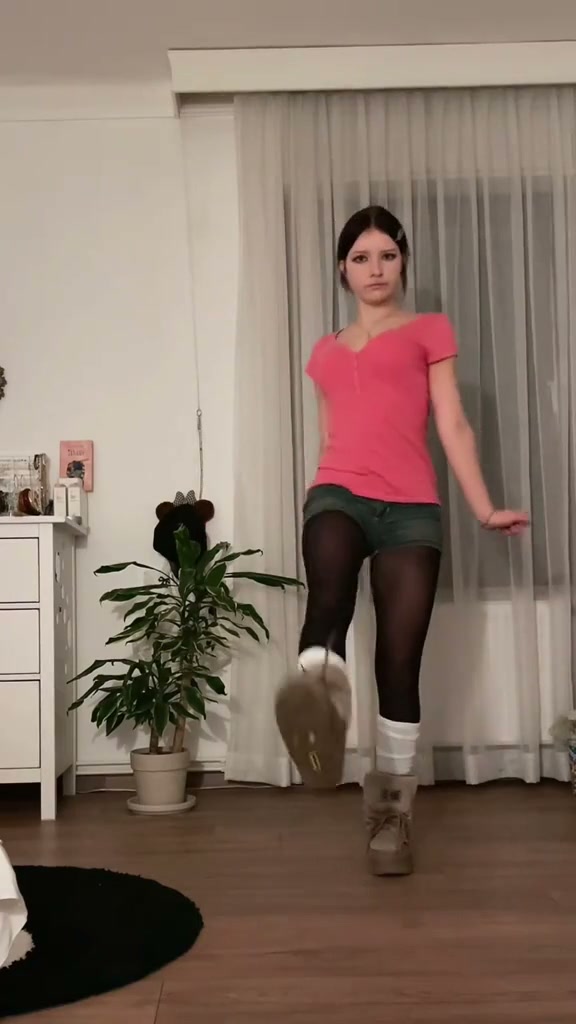
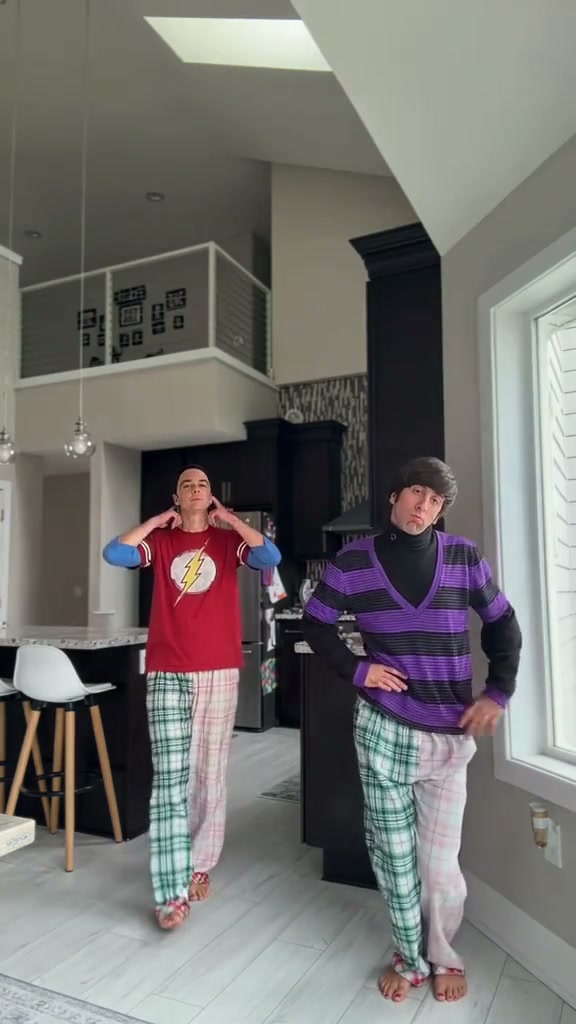
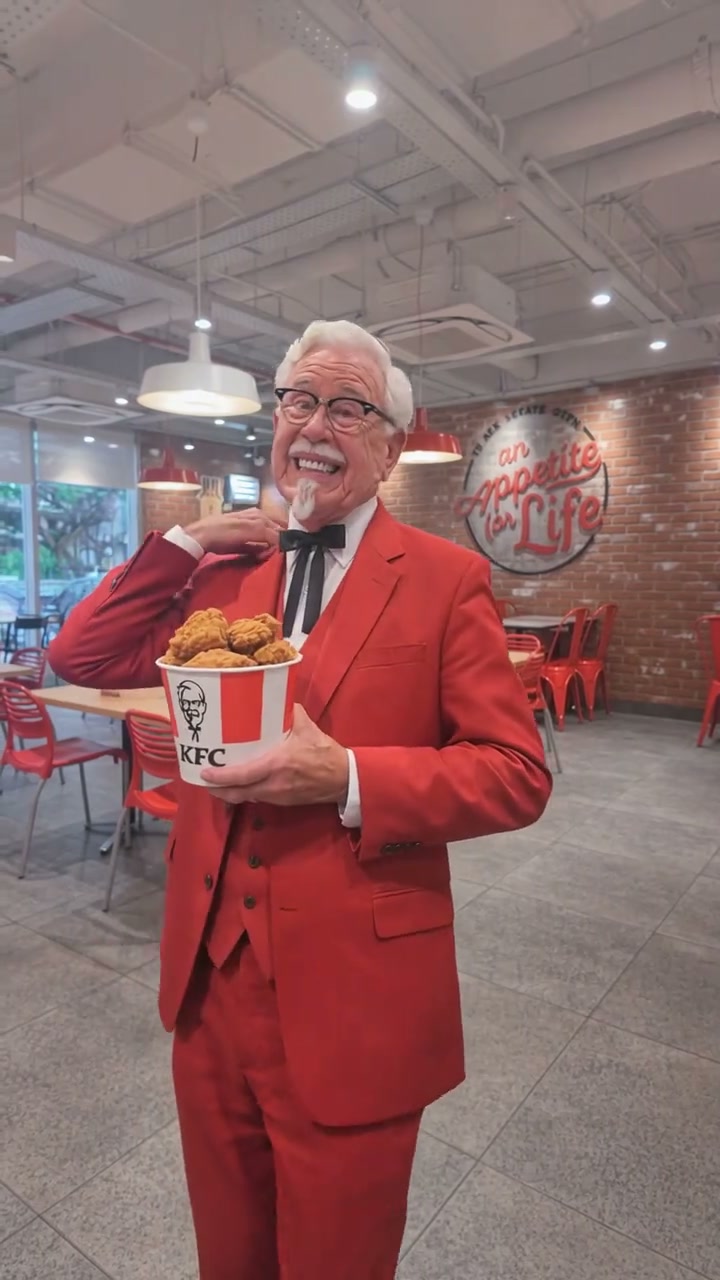
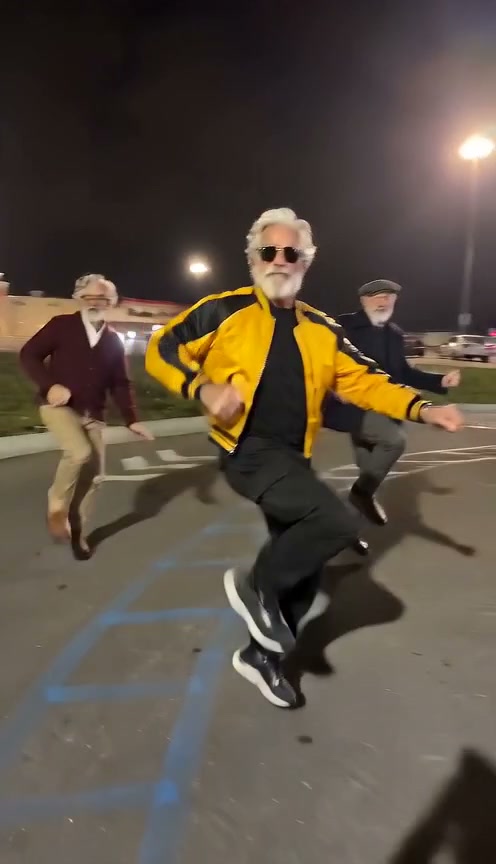
See Can I Ride Dance AI in Action — No Prompt Writing Needed
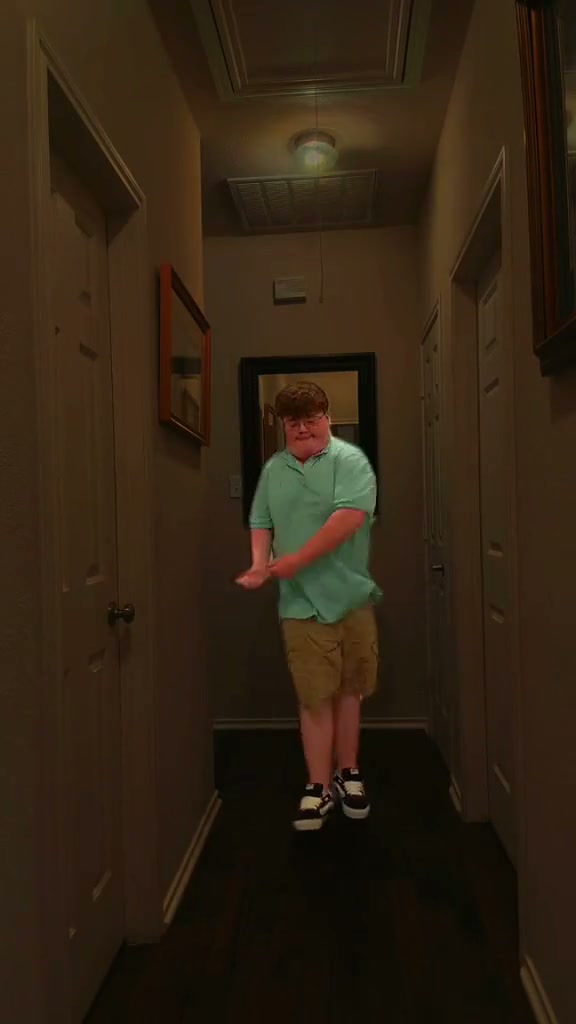
Reference 10-second solo hallway walk-forward routine set to the trending Can I Ride cadence.
Quick Answer: Solo Hallway Version in 30 Seconds
Turn 1 front-facing portrait or standing shot into a continuous 10-second hallway walk-forward TikTok dance clip with synced Can I Ride audio.
- 1Starts at the far hallway mirror and walks continuously toward the lens across four timed choreography beats.
- 2Adapts your uploaded jacket, hoodie, shirt, pants, and sneaker styling without forcing demo colors.
- 3Downloads on desktop or mobile QR code with beat-synced audio attached for TikTok, Reels, and Shorts.
- Duration
- 10 seconds
- Aspect Ratio
- 9:16 Vertical (Default)
- Photo Input
- 1 Upright Human Photo
- Starting Cost
- From 5 credits (480p)
Most templates labeled "Can I Ride dance" split the screen between two performers doing static hip bounces. By contrast, creators chasing higher completion rates lean into the solo hallway walk-forward version: one subject starts miles back beside a mirror, struts smoothly down a warm hardwood corridor, and closes right into the camera for rapid chest-level hand claps.
Because the preset handles camera perspective scaling from wide room depth to close foreground framing automatically, you never film down an empty hallway or keyframe scale curves by hand.
How the Solo Hallway Progression Beats Crowded Duo Cuts
Viewers scroll past motionless talking-head openers in under a second. Forward locomotion solves that hook problem naturally because your silhouette expands smoothly on every beat of SIDEPIECE & 95 South's "Can I Ride" cadence—drawing eyes straight down the vanishing lines of the hallway walls and ceiling.
Every second serves a distinct visual escalation so retention stays high right through the loop point:
10-Second Solo Hallway Walk Breakdown
| Timestamp | Phase | What Happens on Screen | Why Your Photo Matters Here |
|---|---|---|---|
| 0.0s – 2.5s | Far-Mirror Opener | Subject enters in front of the distant hallway mirror and steps confidently forward with loose rhythmic arm swings. | A centered head-to-toe photo gives strong silhouette stability while the subject is smallest near the far mirror. |
| 2.5s – 5.0s | Mid-Hallway Forearm Roll | Striding through mid-corridor toward the low camera, the dancer rolls forearms and wrists at chest level before dropping both arms wide. | Avoid baggy foreground props or crossed wrists in your upload so both arms unwrap cleanly during mid-walk turns. |
| 5.0s – 7.5s | Overhead Beat Hop | Reaching medium-full framing, the dancer pops the right hand overhead and swings the left arm high with an upbeat hop and facial reaction. | Clear hairline and eyebrow contrast help facial enthusiasm register instantly once your subject crosses half-frame. |
| 7.5s – 10.0s | Foreground Claps Finale | Arriving close to the lens, the subject hits double chest claps, cross-body swings, and a wide flared-elbow shoulder bounce. | Balanced front lighting on cheeks prevents harsh shadows during the final close foreground beat. |
Full-Body vs. Waist-Up Photos: What Holds Up Down the Hall
Continuous walk-forward depth places very different demands on your photo than a stationary chair dance. If the uploaded photo crops off half your arms or hides your eyes behind dark tint, moving closer to the camera exposes artifacts fast. Match your input against this checklist first:
Best Hallway Walk Inputs vs. Drift Triggers
Because this effect runs on a locked motion preset with zero prompt typing, photo selection accounts for most of the final quality.
Upload Photos Like This
- Standing full-body or knee-up photo facing straight toward the lens at eye or chest height.
- Unobstructed face, relaxed open posture, and clear hair or cap silhouette against a neutral backdrop.
- Consistent front or soft daylight illumination showing shirt collar, pants texture, and sneaker shape.
- Solo subject alone in frame so limbs stay bound strictly to one dancer throughout the walk.
- Sharp focus with natural arms hanging down cleanly at the sides.
Avoid These Mistakes
- Extreme 0.5x wide-angle selfie distortion right next to the nose.
- Group party snapshots, shoulder-to-shoulder crowds, or cropped bystanders peeking in edges.
- Heavy reflective sunglasses, hands blocking the mouth, or deep club shadows hiding eyes.
- Hands buried deep inside tight hoodie pockets or crossed tightly across chests.
- Heavy motion blur or stylized cartoon filters over facial structure.
Test Your Photo in the Hallway Dance Studio
Pick a crisp standing portrait below to carry it straight into Can I Ride Dance AI—preview your 10s render quote from 5 credits with pay-as-you-go flexibility.
 10s MP4
AI Walk Synthesis vs. CapCut Mirror Overlay Templates
Creators searching "Can I Ride CapCut template" quickly notice most mobile templates either demand filming the whole dance yourself or slap a rigid cutout sticker over someone else's moving torso. Here is how full-body AI generation compares:
Can I Ride Dance AI Studio vs. Manual CapCut Templates
| What Matters | Viral AI Video Preset | Typical CapCut Template |
|---|---|---|
| Continuous forward walk | Animates realistic progressive steps, knee lift, and hallway scale change from mirror to foreground. | Uses static picture scale-keyframes unless you physically film the dance in your own hallway. |
| Wardrobe consistency | Inherits your uploaded jacket, hoodie, pants, and sneaker vibe cleanly across wide and close shots. | Sticker head-cutouts keep another stranger’s clothes, skin tone, and proportions. |
| Hand beats & claps | Synthesizes full forearm rolls, overhead arm pops, and chest double claps tied to beat markers. | Requires tedious mask feathering or leaves stiff, static shoulders. |
| Output framing options | Export 9:16 vertical native, 1:1 square, or 16:9 widescreen across Standard, Fast, Pro, and Ultra models. | Locked tightly to the template creator’s original upload resolution. |
| Transparent pricing | Pay-as-you-go from 5 credits per 10s Standard 480p render; purchased credit packs never expire. | Free baseline tools, but cloud templates and clean exports frequently gate behind Pro. |
Audio Sync, Aspect Ratio & Upload Checklist
Run through these quick checks before posting your hallway walk clip to vertical feeds:
- Always inspect the 7.5s–10.0s foreground claps: Because the subject closes right into the camera lens at the finale, double-check eye tracking and double-clap fingers before saving. Any failed or unusable cloud render refunds reserved credits automatically.
- Stick to 9:16 vertical for full stride readability: Vertical 9:16 matches native TikTok, Reels, and Shorts canvases without trimming your feet at the mirror start or chopping overhead hand reaches.
- Explore other high-retention solo dance presets: Once your hallway strut is live, compare rhythm timing with The Jawn Dance AI or read our Hideaway Dance AI photo framing breakdown for waist-up beat choreography.