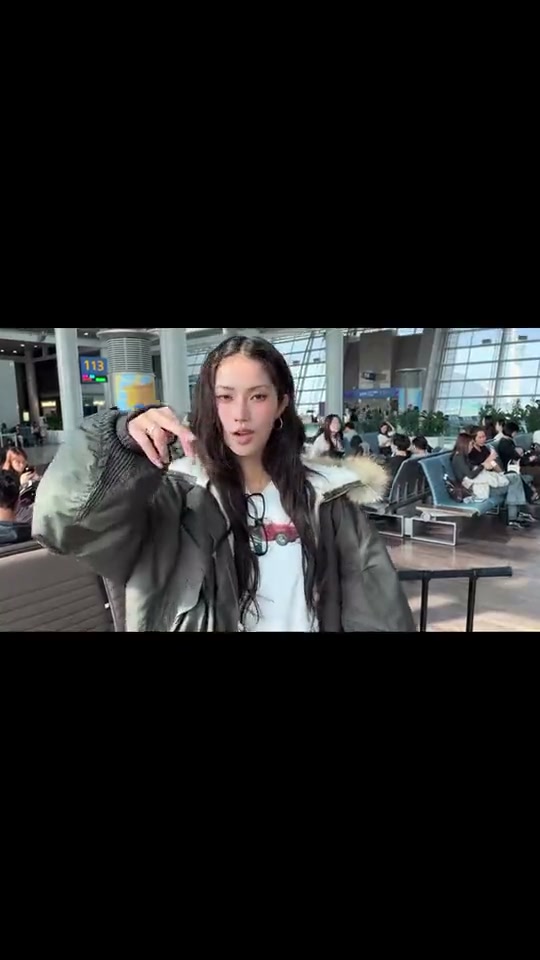
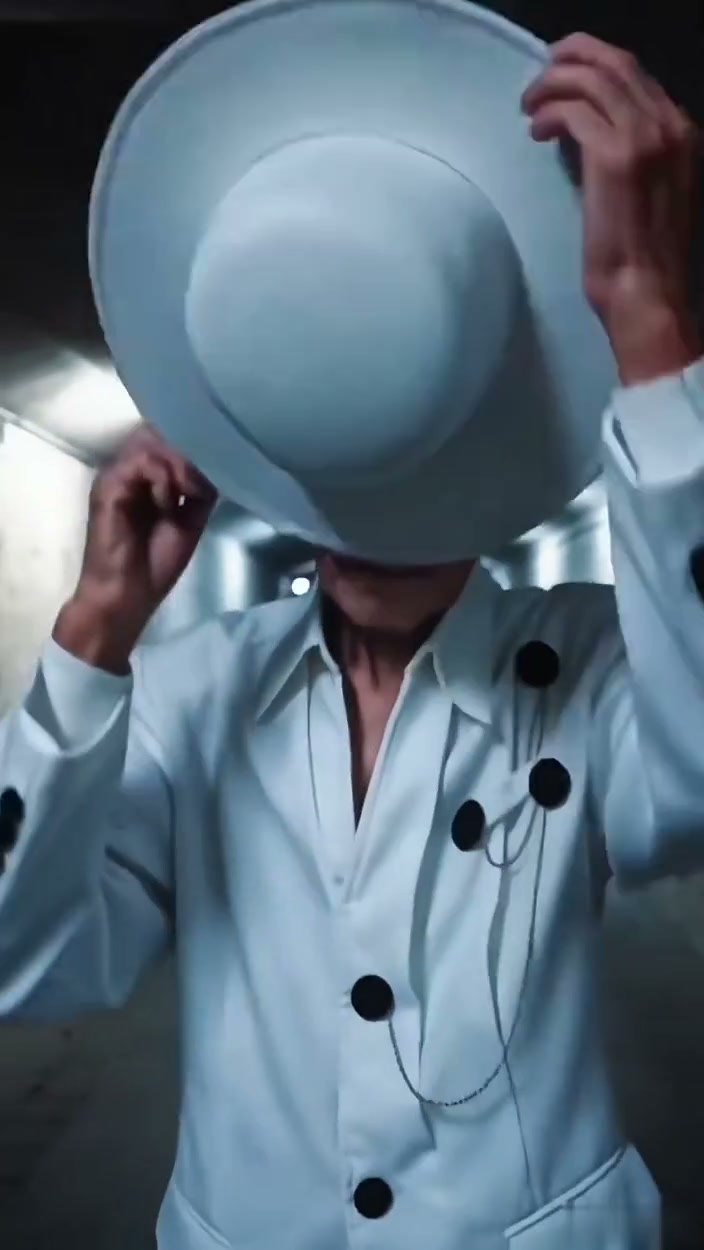
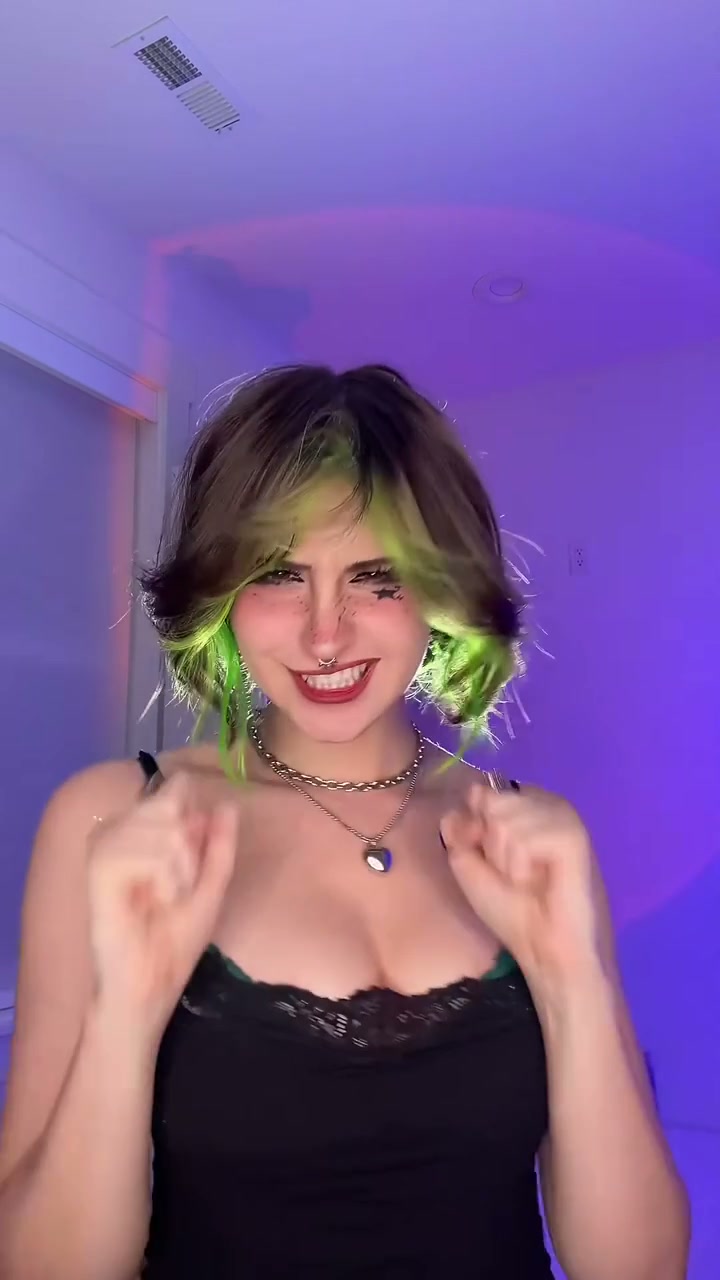
See Boxing Machine AI in Action — No Prompt Writing Needed
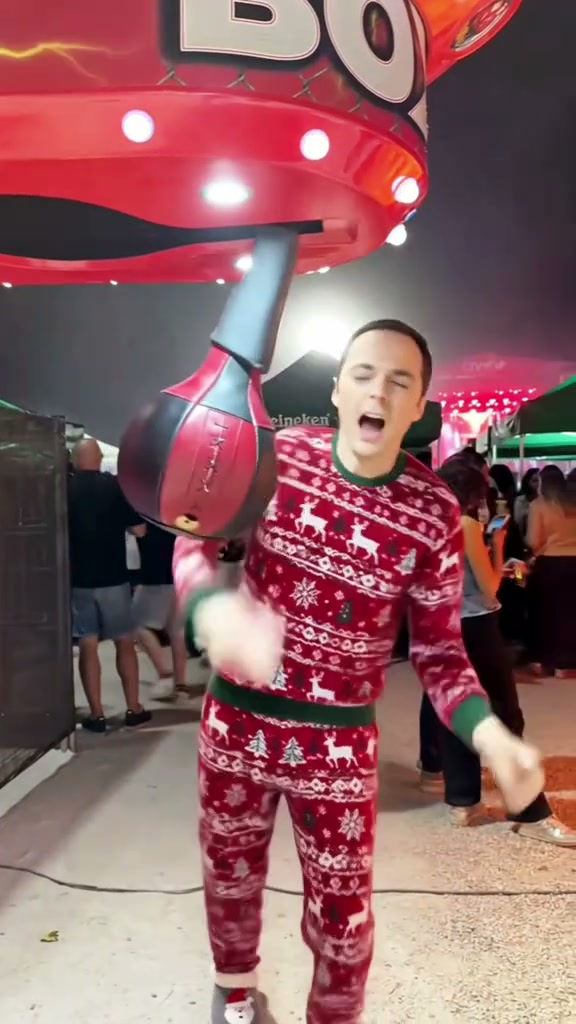
Generated from two portraits—one machine starter and one boxer—capturing the full arcade punch strike and triumphant victory hug.
Boxing Machine AI casts two people into the viral arcade punch challenge. One person drops the suspended ball from the red machine hood, while the other steps up and lands a powerful right-hand strike before both celebrate in an energetic bear hug. Generating an 10-second vertical MP4 starts at 5 credits (Standard 480p) with zero manual prompts.
- 1Inputs needed: 2 separate clear portraits of consenting adults (Photo 1 for the starter, Photo 2 for the boxer).
- 2High-energy story arc: machine ball release, stepping into strike position, powerful punch impact, and joyful victory embrace.
- 3Choreography timeline: 0.0–2.3s ball release, 2.4–4.1s stepping up, 4.2–6.0s punch strike, 6.1–10.0s celebratory bear hug.
- 4Supported formats: default 9:16 vertical portrait for TikTok, Reels, and YouTube Shorts; 1:1 and 16:9 also available.
- 5Flexible credit pricing: starts at 5 credits (10s, Standard 480p); failed renders refund 100% automatically.
- Clip Length
- 10 Seconds
- Entry Cost
- 5 Credits (480p)
- Aspect Ratio
- 9:16 Vertical Portrait
- Photo Input
- 2 Distinct Portraits
Why the Arcade Boxing Format Works
Short-form arcade videos achieve strong retention because they combine relatable social camaraderie with an unmistakable physical action. Instead of complex narrative setups, the boxing machine challenge relies on universal visual beats: the anticipation of dropping the bag, the tension of the wind-up, the audible impact of the strike, and the spontaneous joy of celebration.
Key structural strengths make this format immediately engaging:
- Clear role dynamic: Having one friend operate the machine while the other performs the strike creates natural teamwork that viewers recognize from arcade trips.
- Dynamic motion escalation: The sequence builds from a controlled setup (
0.0–2.3s) into high-intensity impact (4.2–6.0s) and emotional payoff (6.1–10.0s). - Natural comedy and warmth: The triumphant bear hug turns an athletic challenge into wholesome friendship content that performs well across TikTok, Reels, and group chats.
10-Second Shot-by-Shot Beat Breakdown
| Timestamp | Phase | What Happens on Screen | Why Your Photo Matters Here |
|---|---|---|---|
| 0.0s – 2.3s | Setup | Role 1 reaches overhead under the glowing red BOXER canopy to release the teardrop punching ball into strike position while Role 2 watches in focused anticipation. | Clear facial visibility for Photo 1 ensures recognizable features during the initial overhead machine interaction. |
| 2.4s – 4.1s | Positioning | Role 1 steps to screen-left while Role 2 advances into the central strike zone, establishing stance and tracking the swinging punch bag. | Even lighting on Photo 2 provides clean facial continuity as the boxer transitions from standing stance to wind-up. |
| 4.2s – 6.0s | The Strike | Role 2 executes a full-power right-handed punch directly into the target ball, triggering the arcade impact swing and mechanical chime. | Natural upper body visibility in both photos helps the model render realistic arm extension without limb distortion. |
| 6.1s – 10.0s | Celebration | Role 1 bounds in with exuberant laughter, leaping into a celebratory bear hug from behind as both performers turn to face the camera smiling. | Photos showing relaxed, natural smiles yield the most believable facial expressions during the close victory embrace. |
Two-Person Photo Setup & Best Practices
Because the preset handles the entire arcade environment, lighting marquee, and motion reference on the server, you never write a prompt. Choosing two sharp portraits is the single step you control to maximize likeness and motion quality.
High-Accuracy Portrait Guidelines vs. Setup Mistakes
Because this effect runs on a locked motion preset with zero prompt typing, photo selection accounts for most of the final quality.
Upload Photos Like This
- Clear front-facing portraits of consenting adults in even natural or indoor lighting.
- Distinct individual hairstyles, clean facial silhouettes, and open expressions.
- Plain or uncluttered backgrounds that keep the focus on each person’s features.
- Standard casual attire or street clothes—no boxing gloves or athletic costumes needed.
- Separate individual photos for Photo 1 (starter) and Photo 2 (puncher).
Avoid These Mistakes
- Group photos with multiple people in a single uploaded image.
- Low-light silhouettes, heavy backlighting, or extreme shadows obscuring the eyes.
- Heavy cartoon filters, beauty blurring, or intense stylistic distortion on the face.
- Sunglasses, bulky ski masks, or hats pulled down over eyebrows and eyes.
- Submitting the exact same photo for both slots (blocked by duplicate check).
Have Your Photos Ready? Launch Straight Into the Arcade Studio
Pick two clear portraits here to carry them into the Boxing Machine AI studio pre-loaded—review your exact credit estimate (from 5 credits at 480p) and generate in seconds.
 2 Portraits10s MP4
Preset Video vs. CapCut Templates: Which Should You Use?
Creators searching for "boxing machine ai capcut template" often look for a quick way to insert their faces into the arcade punch trend. Here is how dedicated AI video synthesis compares with traditional template editing:
Boxing Machine AI Preset vs. CapCut Templates
| What Matters | Viral AI Video Preset | Typical CapCut Template |
|---|---|---|
| Two-person role allocation | Assigns Photo 1 to the machine starter and Photo 2 to the puncher with dynamic body motion. | Pastes static 2D head cutouts onto pre-recorded clips without custom interaction. |
| Motion synthesis & impact interaction | Synthesizes realistic punch momentum, teardrop bag recoil, and authentic celebratory bear hug. | Uses fixed footage where only the cutout heads tilt or zoom with generic animations. |
| Manual editing & keyframing | Zero manual masking or keyframing—upload 2 photos, choose model tier, and generate. | Requires finding working template links, aligning cutout anchors, and manual trimming. |
| Resolution & aspect ratio | Native vertical 9:16 portrait export across 480p, 720p, and 1080p model tiers. | Locked to source template resolution and aspect ratio unless upgraded to paid tiers. |
| Pricing & credit model | Starts at 5 credits (10s Standard 480p); non-expiring credit packs with automatic failed-task refund. | Free basic export with watermark; Pro features require ongoing $10–$20/month recurring fees. |
Audio, Previewing & Posting Tips
Before publishing your completed arcade challenge video to TikTok, Instagram Reels, or YouTube Shorts, follow these three practical checks:
- Review video & audio before downloading: Watch the full $10-second clip to check that the punch timing and celebratory hug look smooth. Listen to the synchronized arcade sound effects to confirm proper impact audio.
- Platform audio options: Renders include natural arcade Foley sound effects. When publishing on TikTok or Instagram Reels, you can optionally blend trending sound bites or commercial music from the platform library.
- Disclosure and comedy tags: Turn on the AI-generated content flag on TikTok and Instagram to keep your content fully compliant with platform guidelines. For another viral comedy pairing, check out Rubber Band Prank AI or read our Hotline Bling duo guide.