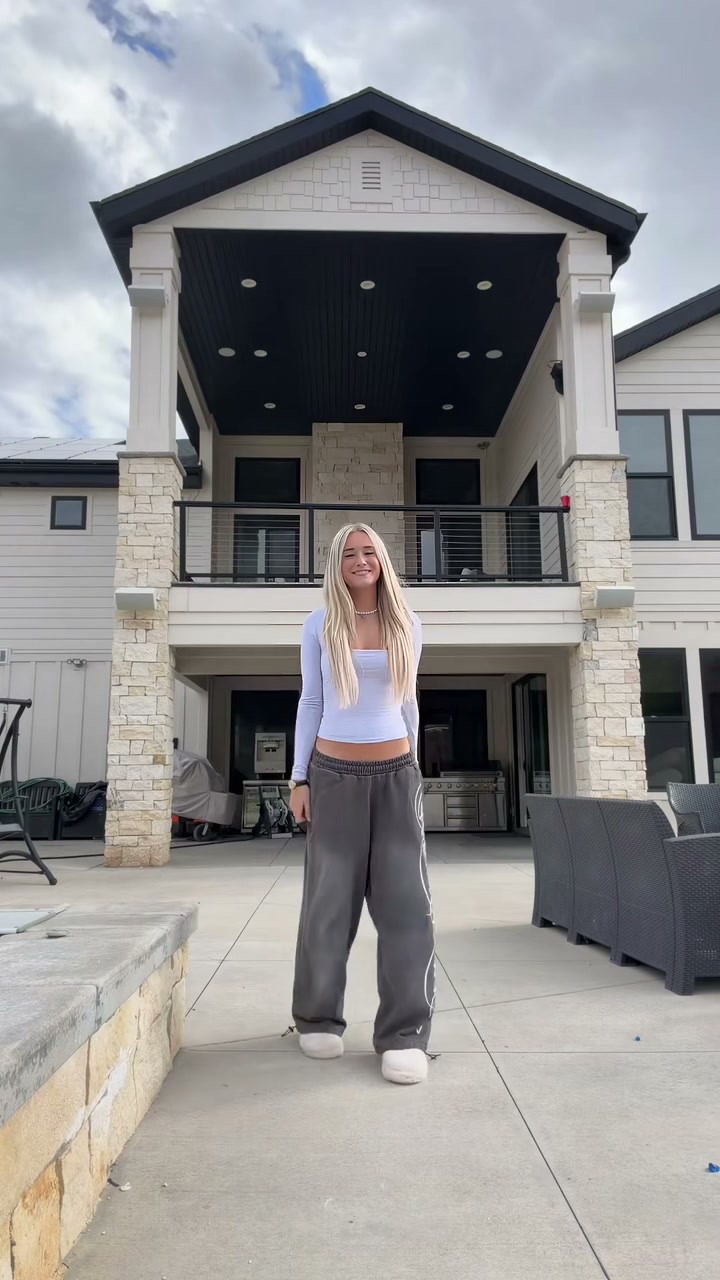
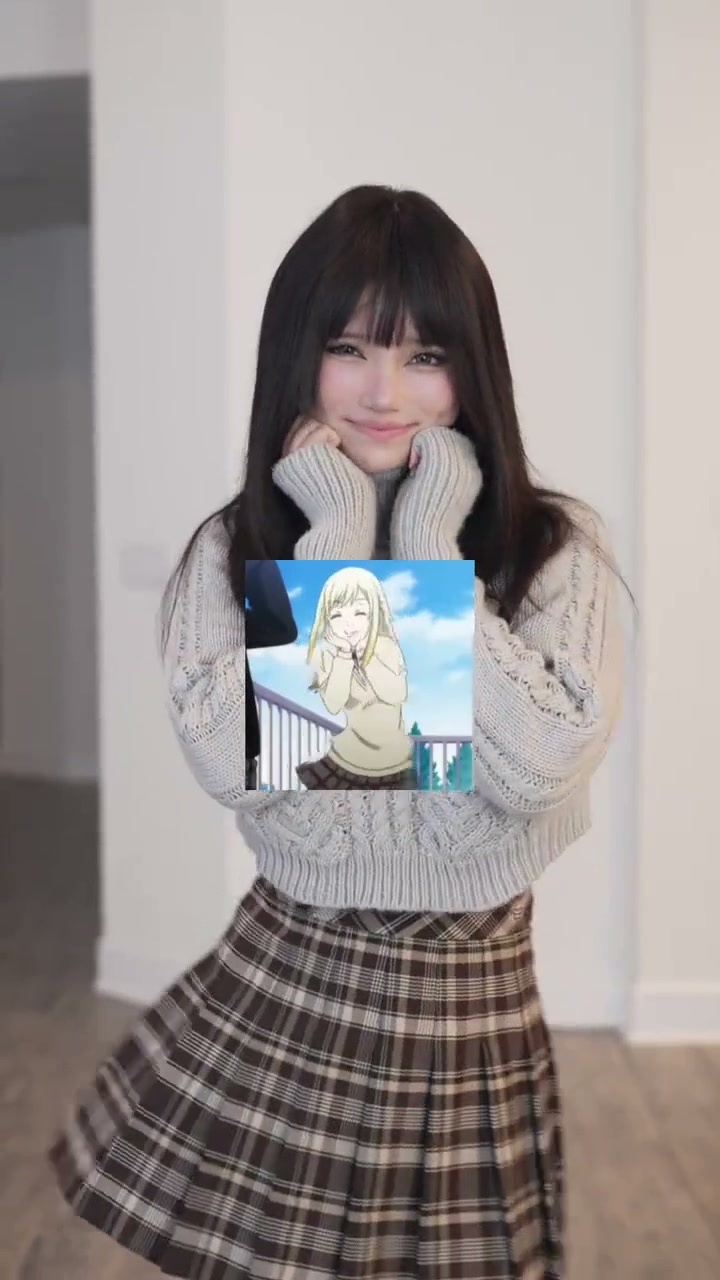
See Stop the Wedding Dance AI in Action — No Prompt Writing Needed
Generated directly from one clear portrait photo—no dance rehearsals, no studio props, and zero manual prompt writing.
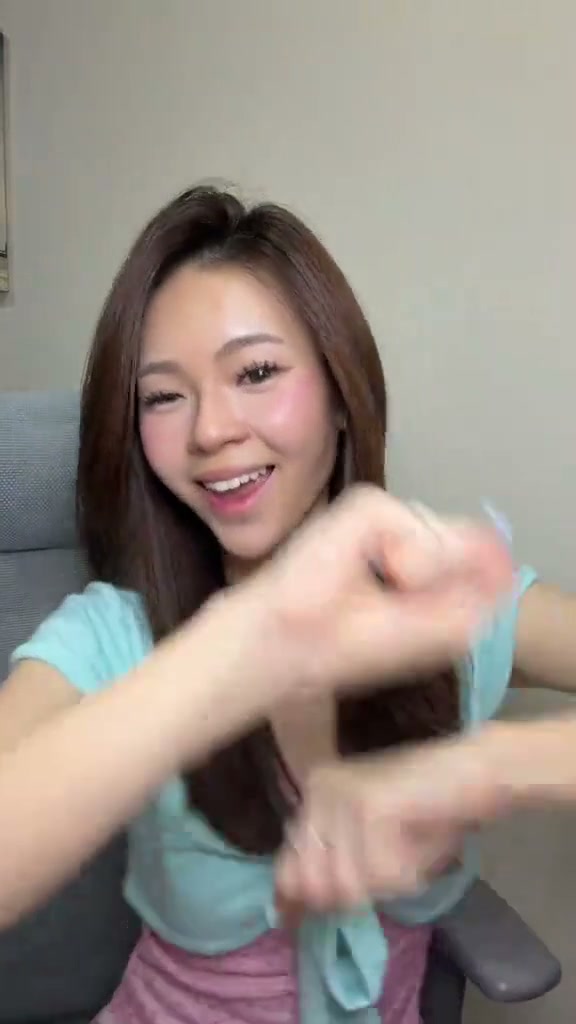
Stop the Wedding Dance AI casts your likeness performing an upbeat seated hand-dance routine with rhythmic wrist rolls and beat-drop stops in front of an indoor room backdrop. Using one clear photo on Viral AI Video generates a 15-second MP4 starting at 8 credits (Standard 480p) with zero prompts.
- 1Input needed: 1 clear front-facing portrait photo in balanced light (no dance poses or office chair required).
- 2Instant visual hook: opens immediately with expressive arm crosses and wrist rolls smiling toward the camera.
- 3Matched timeline: 0.0–4.0s arm crosses and wrist rolls, 4.0–8.0s forearm circular sway, 8.0–12.0s fist-stacking stops, 12.0–15.0s pinky shaka and hair-touch finish.
- 4Formats & options: supports 9:16 vertical, 1:1 square, and 16:9 widescreen across Standard, Fast, Pro, and Ultra models.
- 5Transparent pricing: starts at 8 credits (15s, Standard 480p); failed tasks automatically return reserved credits.
- Clip Length
- 15 Seconds
- Entry Cost
- 8 Credits (480p)
- Aspect Ratios
- 9:16 · 1:1 · 16:9
- Photo Input
- 1 Clear Portrait Photo
Why the Seated Hand Dance Format Works
Short-form dance videos hold attention when they pair approachable everyday staging with crisp rhythmic hand choreography. Rather than requiring complex full-body dance moves or large studio sets, the Stop the Wedding Dance preset relies on a relaxed seated posture in an office chair, direct eye contact, and lively wrist rolls that sync cleanly with the music.
Two structural qualities make this seated dance routine consistently engaging:
- Immediate rhythm hook: Viewers see the dancer begin rhythmic wrist rolls from the very first frame (
0.0–4.0s), ensuring immediate movement on screen without slow buildup. - Accented beat stops: The fist-stacking stops in the middle section (
8.0–12.0s) punctuate the musical downbeats, creating sharp visual markers that encourage repeat viewing.
15-Second Shot-by-Shot Beat Breakdown
| Timestamp | Phase | What Happens on Screen | Why Your Photo Matters Here |
|---|---|---|---|
| 0.0s – 4.0s | Opening Hook | Seated upright in front of a neutral room background, the performer crosses both arms with open palms and executes rhythmic outward wrist rolls while smiling directly at the camera. | Clear eye visibility and balanced facial lighting in your source photo anchor identity as the wrist motion begins. |
| 4.0s – 8.0s | Rhythm Build | The dancer rolls forearms in continuous circular motion while swaying the torso to the upbeat tempo, maintaining lively facial choreography and eye contact. | Uncluttered hair and forehead details prevent hair texture blur during head sways and torso movements. |
| 8.0s – 12.0s | Beat-Drop Stops | Snapping sharply on the musical downbeats, the dancer alternates fist-stacking stops and crisp punch motions, emphasizing each rhythm drop with animated expressions. | Clear hand and shoulder contours in the reference help the model render finger anatomy cleanly on rapid hand gestures. |
| 12.0s – 15.0s | Charming Finish | The routine wraps up with rapid alternating finger gestures, playful pinky-out signs, a light hair-touch pose, and a warm final smile. | Single-person portraits prevent background people from interfering with the final solo seated pose. |
How to Pick the Best Portrait Photo (Zero-Prompt Workflow)
Because the studio handles the seated choreography, arm rolls, and camera direction on the server, you never write a prompt. Choosing a clean portrait photo is the single step you control that visibly improves facial likeness and overall sharpness.
High-Accuracy Portrait Photos vs. Common Mistakes
Because this effect runs on a locked motion preset with zero prompt typing, photo selection accounts for most of the final quality.
Upload Photos Like This
- Front-facing or slight three-quarter portrait where both eyes, nose, and mouth are clearly visible.
- Even daylight or soft indoor room lighting with natural skin texture.
- Plain or uncluttered background with only one person in the frame.
- Head, hairstyle, and upper shoulders clearly visible.
- Natural expression—no heavy sunglasses, face masks, or bulky hats covering facial features.
Avoid These Mistakes
- Multiple people in one frame where the model cannot determine the lead subject.
- Dark backlit photos where shadows obscure eye shape and facial contours.
- Extreme close-ups that crop off the top of the hairstyle or lower chin.
- Heavy beauty filters or motion-blurred smartphone snapshots.
- Celebrity images or photos you do not have permission to use.
Have Your Photo Ready? Launch Straight Into the Studio
Pick one clear portrait photo here to carry it into the Stop the Wedding Dance AI studio pre-loaded—review your exact credit estimate (from 8 credits at 480p) and generate in seconds.
 1 Portrait Photo15s MP4
Preset Video vs. CapCut Templates: Which Should You Use?
Creators searching for "stop the wedding dance CapCut template" usually want a quick way to participate in the trend without manually animating arm choreography. Both tools serve different creative workflows:
Stop the Wedding Dance AI Preset vs. CapCut Templates
| What Matters | Viral AI Video Preset | Typical CapCut Template |
|---|---|---|
| How you appear in the video | Synthesizes a full 15-second seated dance clip guided by your photo and the viral motion reference. | Places static photo cutouts or pan-and-zoom picture overlays onto pre-rendered dance clips. |
| Arm rolls & fist-stacking synthesis | Renders the realistic arm crosses, wrist rolls, and fist-stacking stops directly on your likeness. | Relies on fixed video assets and only replaces static photo placeholders. |
| Manual editing required | Zero prompts or manual keyframes—upload 1 photo, review credits, and generate. | Quick for simple photo slots; multi-clip templates often need manual beat alignment. |
| Resolution & aspect ratio options | Generates MP4s in 9:16 vertical, 1:1 square, or 16:9 widescreen across Standard, Fast, Pro, and Ultra tiers. | Locked to the template creator’s original orientation and account export settings. |
| Credit model vs. subscription | Starts at 8 credits per 15s Standard 480p clip; purchased credit packs never expire (subscription rules differ). | Free basic templates, while premium effects and watermark removal require recurring subscriptions. |
Audio, Previewing & Posting Tips
Before downloading and publishing your finished video to TikTok, Instagram Reels, or YouTube Shorts, keep these three practical recommendations in mind:
- Preview the full clip before sharing: Watch the entire 15-second generation to check the arm rolls, fist-stacking stops, and facial expressions; desktop browser downloads include synchronized audio, while direct mobile task downloads may differ.
- Select permitted audio on your social platform: Generated renders include clean companion dance rhythm and beat accents. When publishing to TikTok, Reels, or Shorts, select the authorized trending audio track directly from the platform library for maximum discoverability.
- Toggle AI disclosure labels when posting: Turning on TikTok and Reels AI-generated content disclosures keeps your dance clip compliant with platform transparency policies. Looking for more viral dance fun? Try The Jawn Dance AI or explore Tsundere Dance AI for playful stomping choreography.