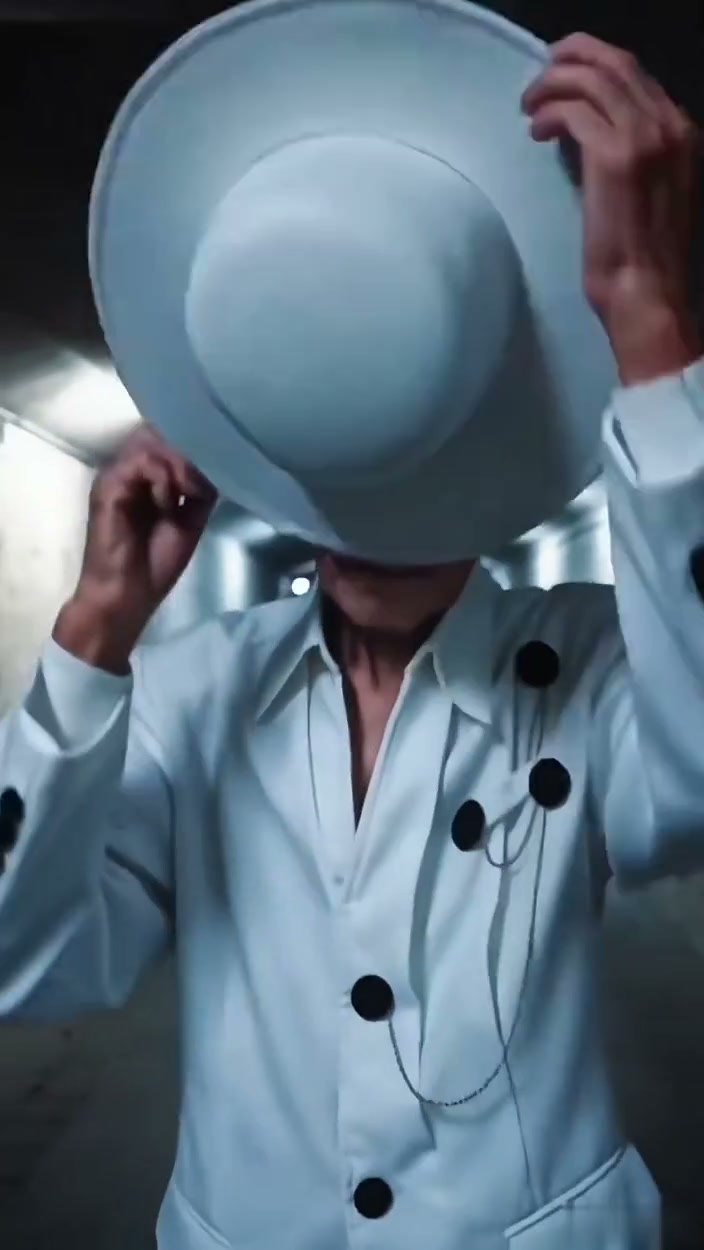
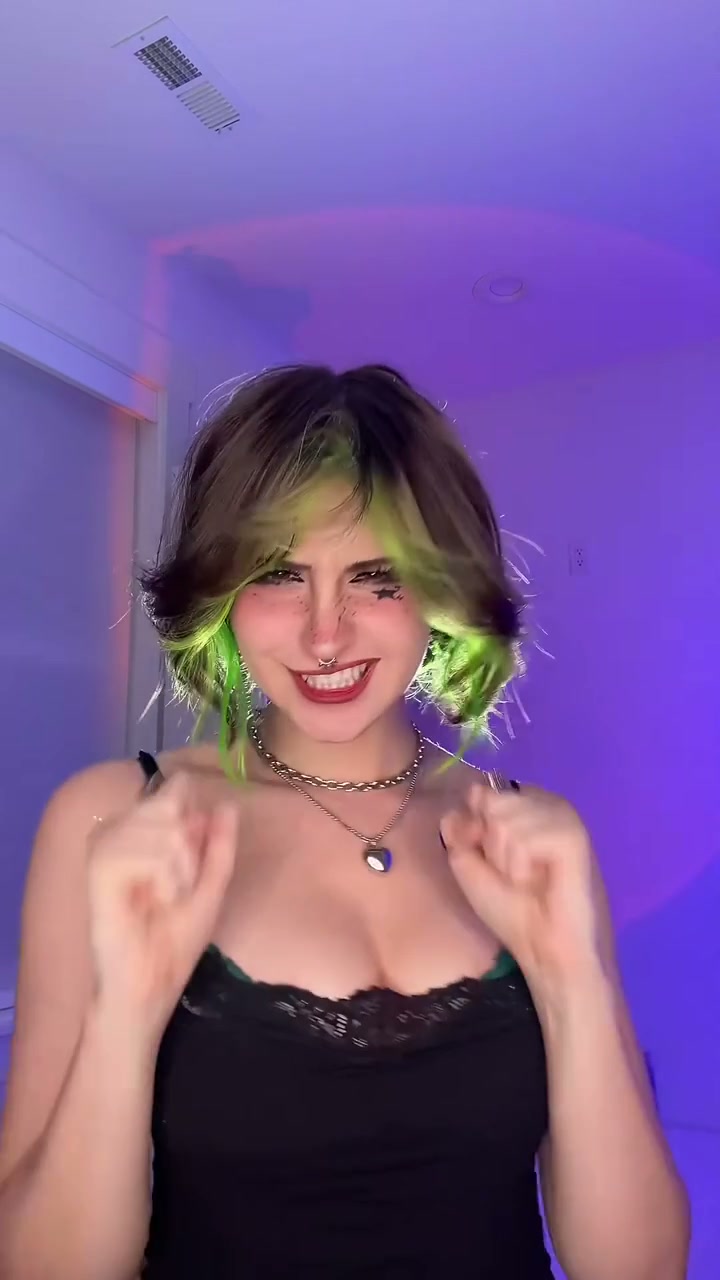
See Stop The Wedding AI in Action — No Prompt Writing Needed
Generated directly from one clear portrait photo—no microphone props, no green screen, and zero manual prompt writing.
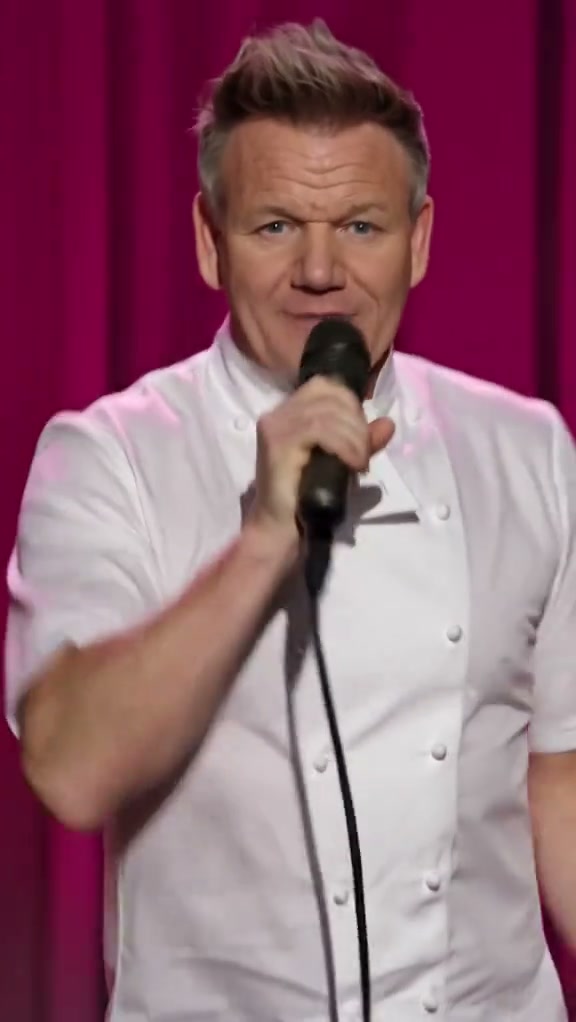
Stop The Wedding AI casts you center stage as the passionate lead singer belting an intense heartbreak ballad with a live backing band. Using one clear portrait on Viral AI Video generates an authentic 14-second MP4 starting at 7 credits (Standard 480p) without prompt friction.
- 1Input needed: 1 clear front-facing portrait or selfie in balanced light (no microphone or costume needed).
- 2Instant visual hook: opens with two-handed wired microphone grip and dramatic direct eye contact into the lens.
- 3Choreography beats: 0.0–2.5s microphone grip, 2.5–5.0s spotlight pacing, 5.0–7.5s medium belting, 7.5–10.0s dramatic knee drop, 10.0–14.0s joyful laughter.
- 4Formats & options: supports 9:16 vertical portrait, 1:1 square, and 16:9 widescreen across Standard, Fast, Pro, and Ultra models.
- 5Transparent pricing: starts at 7 credits (14s, Standard 480p); failed tasks automatically return reserved credits.
- Clip Length
- 14 Seconds
- Entry Cost
- 7 Credits (480p)
- Aspect Ratios
- 9:16 · 1:1 · 16:9
- Photo Input
- 1 Clear Portrait
Why the Concert Ballad Format Works
Short-form video audiences respond strongly to high-stakes theatrical melodrama paired with unexpected comedic payoffs. The Stop The Wedding trend captures an intense emotional arc: starting with a passionate, two-handed microphone grip and operatic eye contact, dropping to one knee in a desperate plea across circular spotlights, and concluding with exuberant laughter alongside the live band.
Two structural strengths in the preset make this format an instant engagement driver:
- Immediate emotional hook: The clip opens with zero delay (
0.0–2.5s), holding a wired microphone directly against the lips while looking straight down the camera lens. - Theatrical climax with comedic relief: Dropping to one knee midway through the ballad (
7.5–10.0s) creates high dramatic tension before the joyful laughter finish defuses the melodrama into viral comedy.
14-Second Shot-by-Shot Beat Breakdown
| Timestamp | Phase | What Happens on Screen | Why Your Photo Matters Here |
|---|---|---|---|
| 0.0s – 2.5s | Setup | The lead vocalist center stage grips the wired microphone close to lips with two hands, locking intense emotional eye contact into the lens. | A front-facing photo with direct gaze anchors natural eye contact before stage movement begins. |
| 2.5s – 5.0s | Staging | Wide stage reveal as the singer steps across the circular spotlight, passionately extending an arm to emphasize the heartbreak melody. | Balanced indoor or daylight lighting keeps facial features recognizable under strong spotlight washes. |
| 5.0s – 7.5s | Build-Up | Swift push-in to medium close-up as the performer belts out climax vocals with dramatic facial expressions and rhythmic head nods. | Clear visibility of hair texture and jawline ensures smooth continuity during rapid camera zoom. |
| 7.5s – 10.0s | Climax | Theatrical climax as the performer drops to one knee on stage, extending one hand outward in an emotional heartbreak plea. | Unobstructed forehead and eyes prevent motion artifacts as the body lowers to the stage floor. |
| 10.0s – 14.0s | Payoff | Rising swiftly back up, the singer laughs jubilantly under warm footlights for a triumphant vocal delivery. | Single-subject photos ensure background band members remain distinct throughout the routine. |
How to Pick the Best Portrait (Zero-Prompt Workflow)
Because the preset handles the concert hall lighting, wired microphone props, and stage choreography on the server, you never write a prompt. Choosing a clean source portrait is the key factor that determines your final likeness quality.
High-Likeness Portrait Photos vs. Common Mistakes
Because this effect runs on a locked motion preset with zero prompt typing, photo selection accounts for most of the final quality.
Upload Photos Like This
- Front-facing headshot or upper-body selfie with clear eye and smile visibility.
- Even daylight or soft indoor illumination with natural skin tone rendering.
- Clean, uncluttered background featuring only one person in the frame.
- Full head and hair visible without tight crops cutting off the crown.
- Natural styling without sunglasses, heavy face filters, or digital stickers.
Avoid These Mistakes
- Group photos with friends or family members crowding the portrait frame.
- Harsh backlighting or deep facial shadows obscuring eye expressions.
- Low-resolution, blurry, or heavily compressed social media screenshots.
- Extreme side-profile angles where only one eye is visible.
- Photos of celebrities, public figures, or subjects without explicit consent.
Start Straight From Your Photo
Have Your Portrait Ready? Launch Straight Into the Studio
Pick one clear portrait photo here to carry it into the Stop The Wedding AI studio pre-loaded—review your exact credit estimate (from 7 credits at 480p) and generate in seconds.
 14s MP4
Preset Video vs. CapCut Templates: Which Should You Use?
Creators searching for "stop the wedding CapCut template" often look for a quick way to replicate the dramatic ballad meme. While mobile templates provide basic cutouts, an authentic AI video preset delivers full motion integration:
Stop The Wedding AI Preset vs. CapCut Templates
| What Matters | Viral AI Video Preset | Typical CapCut Template |
|---|---|---|
| Performance synthesis | Synthesizes a full 14-second stage routine with genuine microphone handling, spotlight pacing, and theatrical knee drop. | Pastes static cutout portraits onto pre-rendered stock footage layers. |
| Lighting & stage atmosphere | Dynamically integrates your portrait appearance with concert follow-spotlights and velvet curtain hues. | Relies on flat 2D overlays that can clash with the background lighting. |
| Prompt & keyframe complexity | Zero manual prompting or video editing needed—upload 1 photo and click generate. | Requires manual keyframe alignment, layer trimming, and mask adjustments. |
| Output formats & resolutions | Renders in 9:16 vertical, 1:1 square, or 16:9 widescreen across 480p, 720p, and 1080p model tiers. | Locked to the original template aspect ratio and device export limits. |
| Pricing & credit flexibility | Pay-as-you-go from 7 credits per clip on Standard 480p; purchased credit packs never expire with full refund on errors. | Free basic features with recurring monthly subscription fees for advanced export tools. |
Audio, Previewing & Posting Tips
Before publishing your finished ballad to TikTok, Instagram Reels, or YouTube Shorts, follow these three essential creator recommendations:
- Review full-length preview before sharing: Check the microphone grip, dramatic knee drop, and laugh transition in your complete MP4 preview to verify seamless motion.
- Synchronize trending music on the platform: Every generation includes atmospheric concert sound. For maximum algorithm reach, attach the official trending sound from TikTok or Reels when uploading. Explore our pricing options or check out the Restaurant Date Meme for more viral comedy concepts.
- Add appropriate disclosure labels: Use the platform's AI content transparency tag to keep your comedic synthetic performances transparent and aligned with community standards.