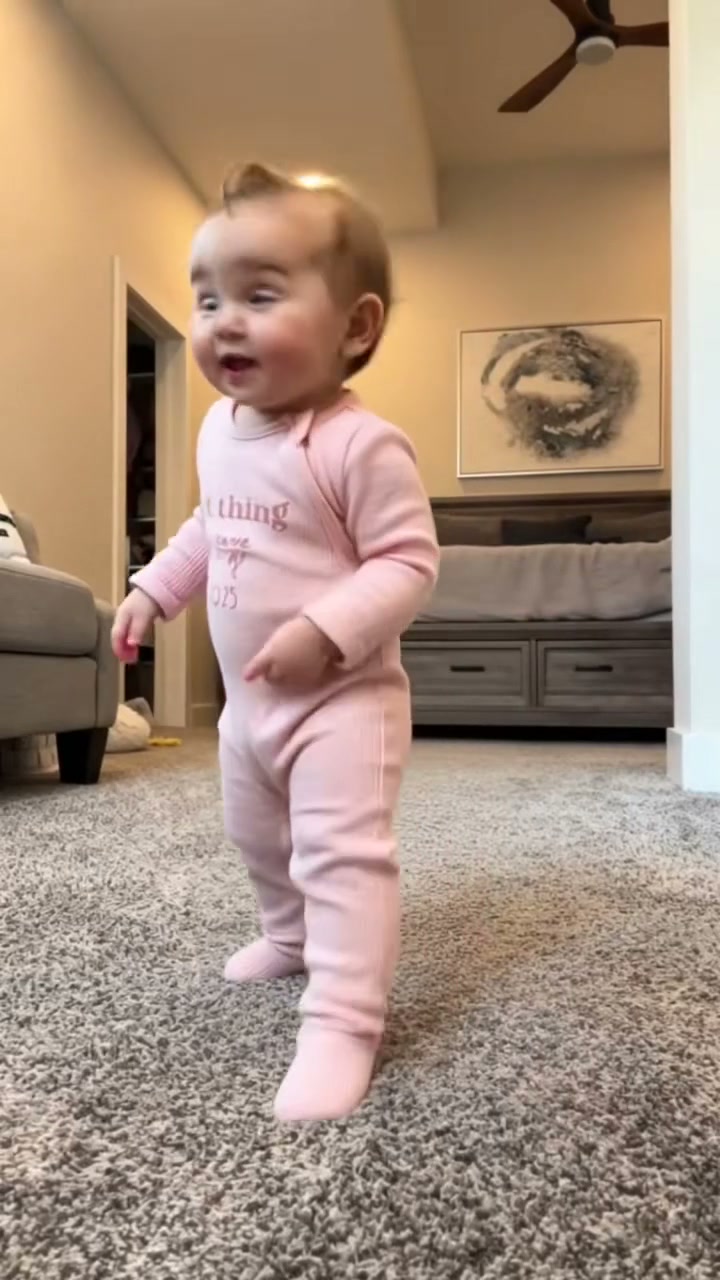
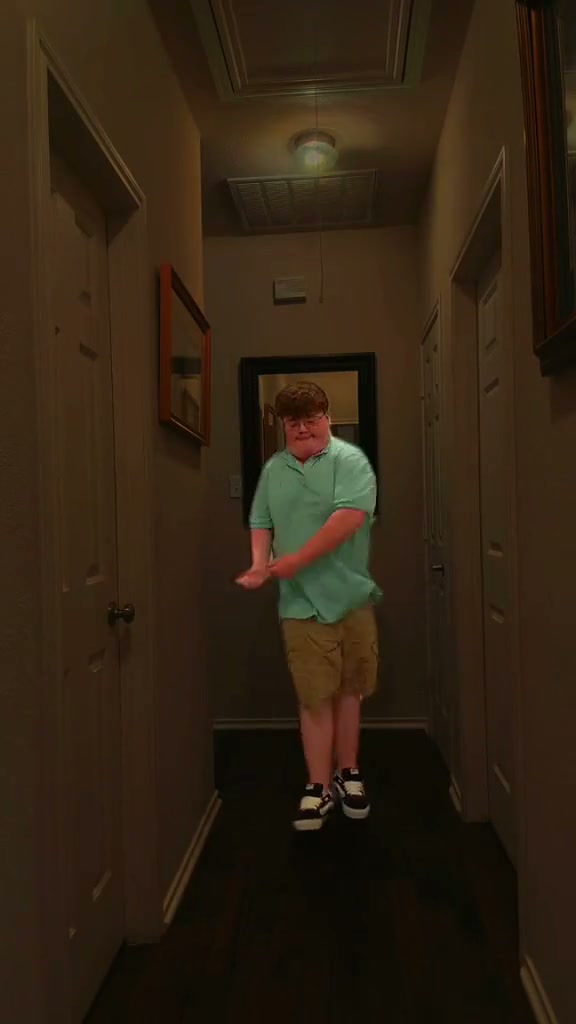
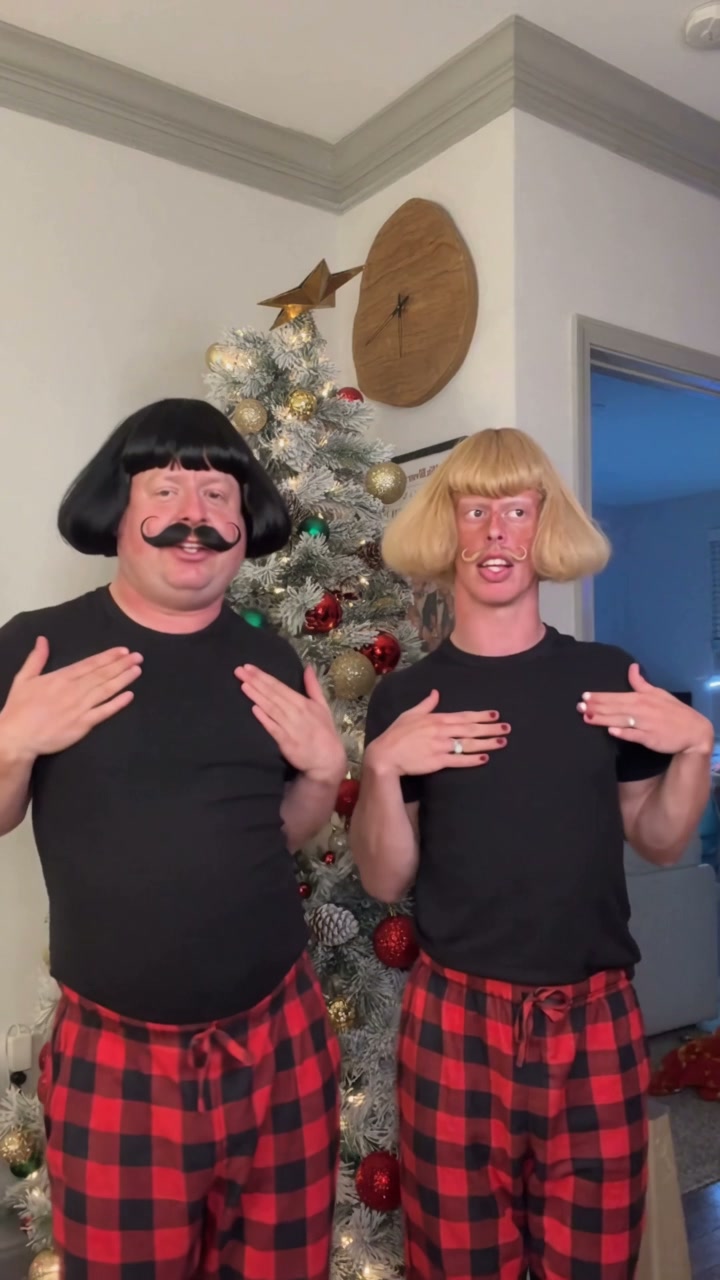
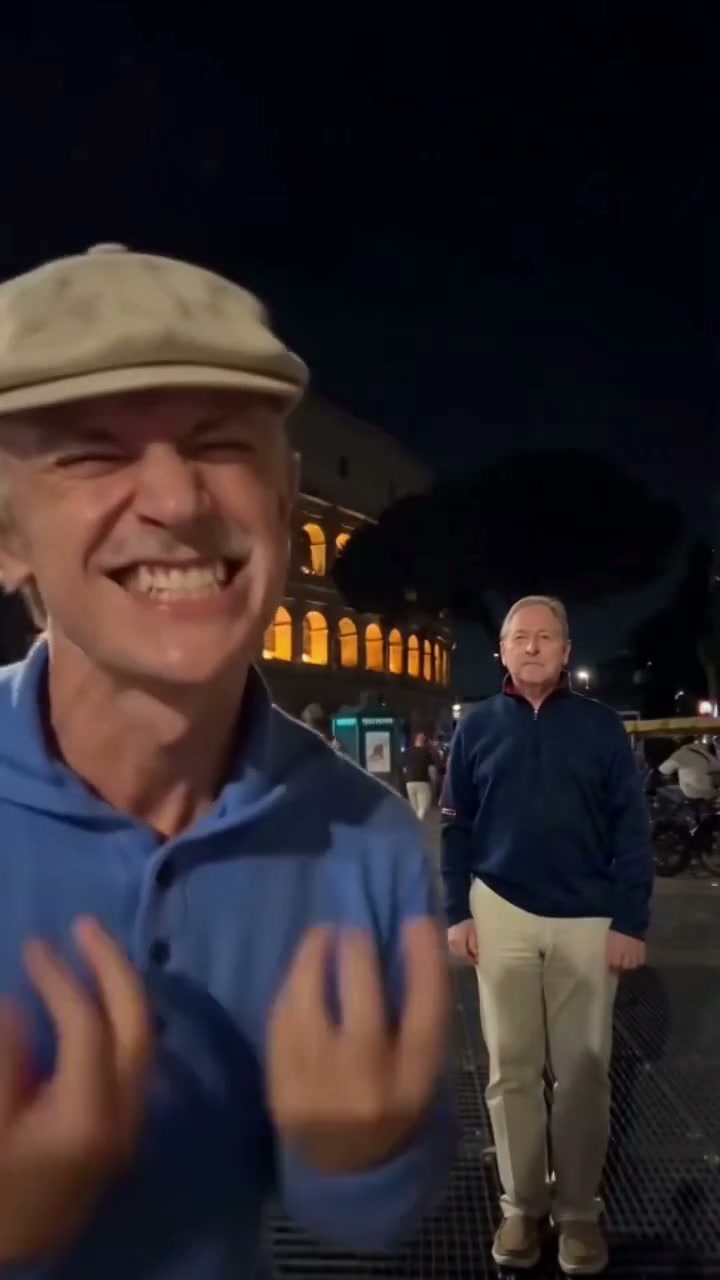
See Like Jennie AI in Action — No Prompt Writing Needed
Front-and-center performance backed by a synchronized dance troupe—star in the viral 15-second music video dance in native 16:9 widescreen.
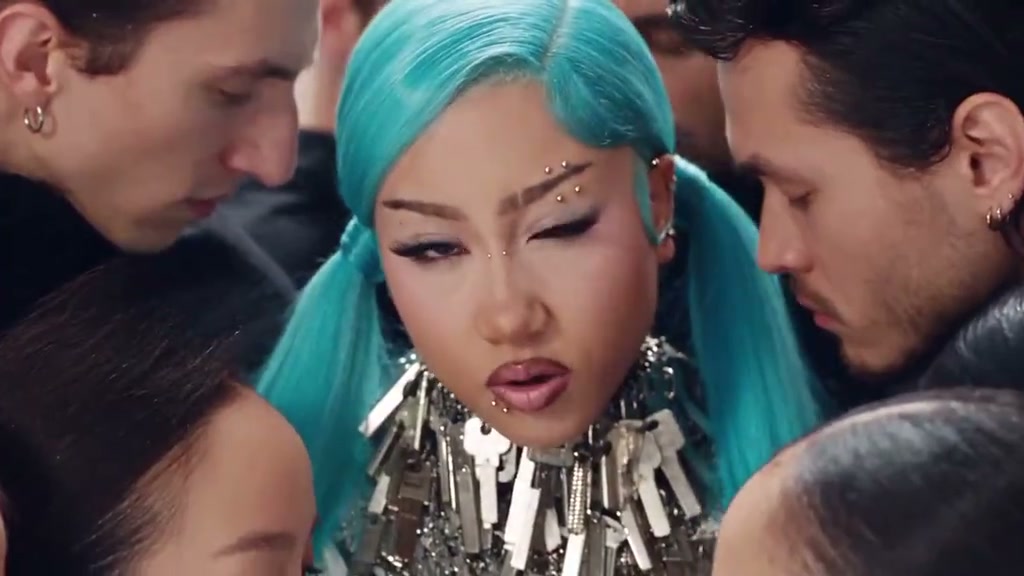
Like Jennie AI casts one clear portrait as the center star of the viral K-pop music video dance routine, backed by synchronized dancers in an authentic 16:9 staging. Upload 1 photo to render a full 15-second MP4 starting at 8 credits at Standard 480p.
- 1Authentic 16:9 widescreen staging: preserves the full width of the backup dance troupe without side cropping.
- 2Single-photo center lead: upload 1 clear solo portrait to star directly in Jennie lead choreography role.
- 3Preserved troupe choreography: backup dancers on left and right flanks maintain authentic formations and rhythm.
- 4Crisp camera cadence: mirrors dynamic push-ins, wide reveals, and center tracking across all 15 seconds.
- 5Predictable pricing: starts at 8 credits (15s, Standard 480p); failed tasks automatically return reserved credits.
- Clip Length
- 15 Seconds
- Entry Cost
- 8 Credits (480p)
- Aspect Ratio
- 16:9 Widescreen
- Photo Input
- 1 Solo Portrait
Why 16:9 Staging Elevates K-Pop Energy
Short-form dance videos often suffer when squeezed into narrow vertical crops. The viral like JENNIE music video, choreographed by renowned dance crew We Dem Boyz (WDBZ), relies heavily on wide spatial choreography: Jennie commands center stage while sharp troupe members execute staggered pop-and-lock beats on either side.
Choosing widescreen 16:9 framing preserves this group geometry:
- Full troupe formation: Flanking dancers remain fully visible, providing energetic visual rhythm without being cut off by vertical screen borders.
- Cinematic camera tracking: The wide lens moves smoothly from an opening medium setup into energetic tracking shots and punchy close-ups.
Want to explore more iconic widescreen studio setups? Check out the classic hip-hop staging in Stormzy Shut Up AI or explore the glowing dance hall in Hotline Bling AI.
15-Second Choreography Beat Breakdown
| Timestamp | Phase | What Happens on Screen | Why Your Photo Matters Here |
|---|---|---|---|
| 0.0s – 1.0s | Troupe Formation Intro | Opens in a balanced wide shot with the backup dance crew in matching dark cargo outfits behind you, setting the stage formation. | A centered front-facing portrait ensures clean alignment before the opening movement begins. |
| 2.0s – 5.0s | Hip Sway & Arm Extensions | Lead performer drives the signature rhythmic hip sway while arms extend with sharp pop-and-lock precision, locked to the backing beat. | Relaxed shoulders and unobstructed chest lines in your source photo help maintain natural torso posture during dynamic arm movements. |
| 6.0s – 8.0s | Camera Push & Eye Contact | The camera glides closer into a confident medium-close framing as you deliver direct, engaging eye contact into the lens. | Photos with even facial lighting preserve clear iris definition and facial contours through the push-in. |
| 9.0s – 10.0s | Accent Snap & Head Tilt | Executes a crisp sync accent with a sudden head tilt, shoulder bounce, and sharp hand flourish, fully in sync with the dancers. | Clear hair contours without motion blur prevent edge artifacts during quick head rotations. |
| 11.0s – 15.0s | Wide Climax & Center Hold | The camera pulls back to reveal the complete troupe executing high-energy unison choreography, finishing in a strong center pose. | A solo portrait free from neighboring background people prevents unintended character bleeds during wide group shots. |
Choosing One Portrait for Center Stage
Because the studio handles the complex choreography and camera motion automatically, you never write prompts or adjust timeline markers. Selecting the right photo is the single most important factor for achieving high likeness:
High-Likeness Dance Portraits vs. Common Upload Mistakes
Because this effect runs on a locked motion preset with zero prompt typing, photo selection accounts for most of the final quality.
Upload Photos Like This
- Chest-up or waist-up solo portrait with clear head and neck spacing.
- Balanced natural daylight or bright indoor lighting with even illumination.
- Confident front-facing expression looking directly toward the camera lens.
- Unobstructed hair and facial features without sunglasses, masks, or hats.
- Clean, neutral background with only one person present in the frame.
Avoid These Mistakes
- Group photos with friends or family standing close to your shoulders.
- Hands raised in front of chin or cheeks that collide with arm choreography.
- Harsh overhead shadows or dark silhouettes obscuring eye details.
- Low-resolution crops or blurry snapshots taken from far away.
- Celebrity images or photos of individuals without proper consent.
Step Center Stage in the 16:9 Music Video
Preload your portrait into Like Jennie AI to start generating your 15-second dance clip from 8 credits at Standard 480p.
 15s MP4
AI Motion vs. CapCut Templates
Creators looking for "like jennie dance capcut template" often encounter static cutouts that lack genuine fluidity. Here is how full-motion AI generation compares to traditional template editors:
Like Jennie AI Studio vs. CapCut Templates
| What Matters | Viral AI Video Preset | Typical CapCut Template |
|---|---|---|
| Choreography realism | Synthesizes genuine continuous 15-second dance choreography from your portrait, adapting body posture and arm movements to the music. | Places static photo cutouts over pre-recorded dancer bodies with rigid head overlays. |
| Troupe interaction & depth | Maintains authentic spatial depth between you and the backing dance crew without visible mask edges. | Stickers and masks often clip awkwardly against moving background dancers. |
| Widescreen 16:9 composition | Starts natively in 16:9 widescreen to capture full troupe formations, with flexible options for other ratios. | Mostly limited to 9:16 vertical phone crops that cut off side choreography. |
| Workflow simplicity | Upload 1 photo, review credit estimate, and generate. Zero prompt writing or manual masking needed. | Requires finding compatible templates, manual face positioning, and timing adjustments. |
| Pricing model | Starts at 8 credits per 15s clip; purchased credit packs never expire. | Free basic exports, but premium cutout tools require ongoing monthly subscriptions. |
Audio Cadence & Publishing Tips
To maximize reach when sharing your finished dance video to social platforms:
- Attach the official audio on TikTok and Reels: While your generated video features ambient rhythm audio, attaching the official "like JENNIE" track inside TikTok or Instagram Reels ensures your post appears under trending audio tabs (#likejennie and #likejenniedance).
- Use high-contrast styling for contrast: Solid vibrant outfits or clean monochrome athletic wear pop clearly against the darker styling of the backing troupe.
- Turn on the platform AI content label: Activating the synthetic media disclosure flag on TikTok or Instagram keeps your post compliant with community guidelines.