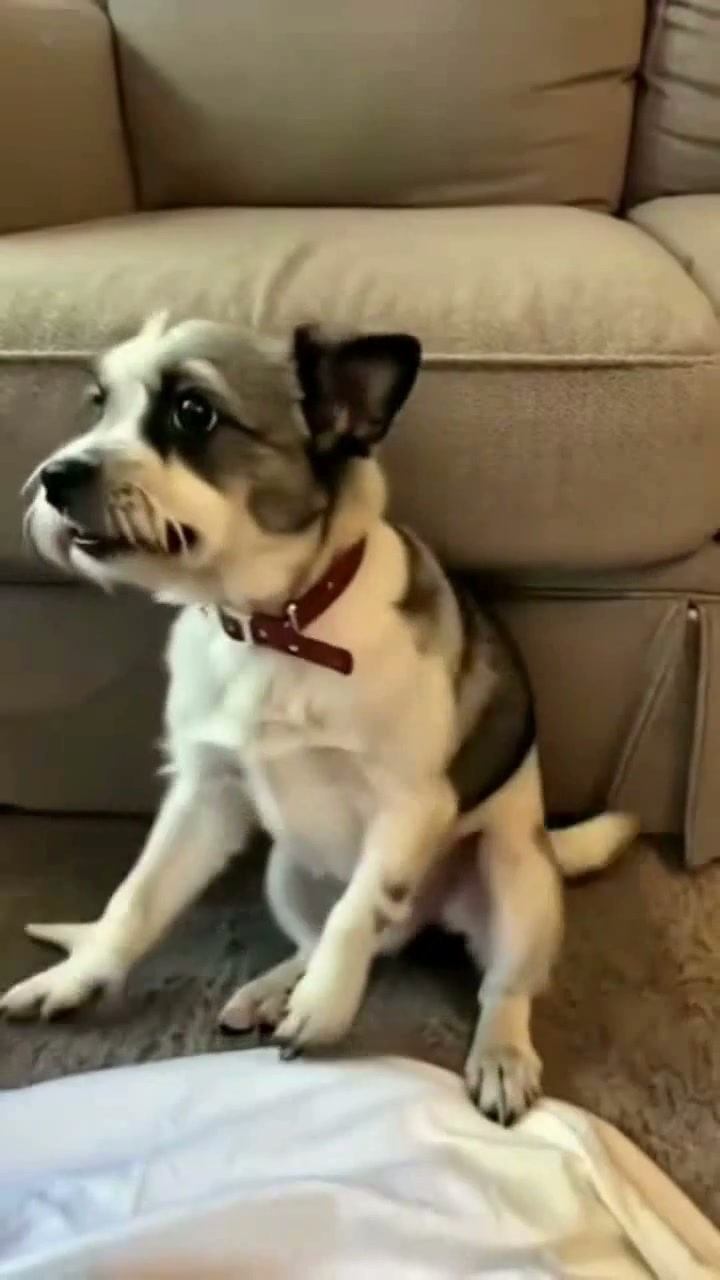
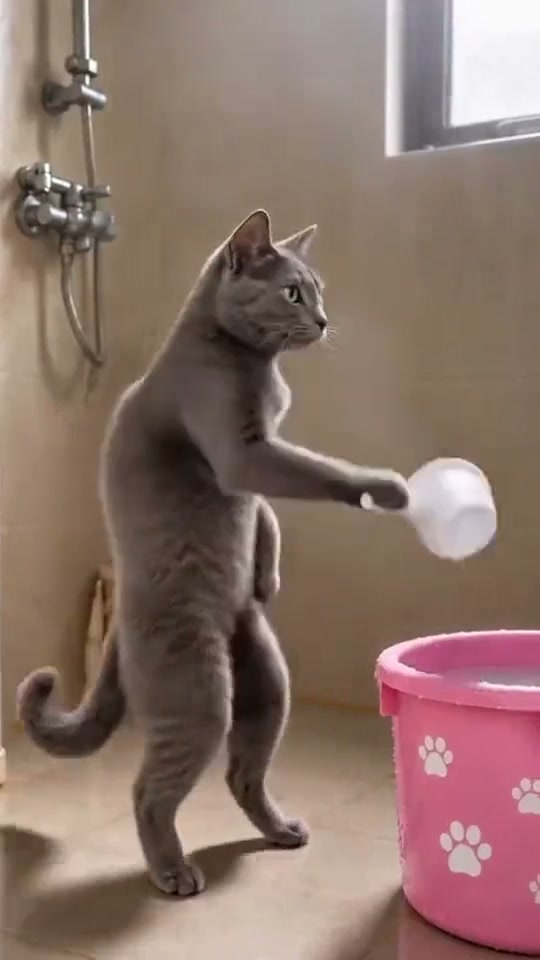
See Dog Washing Dishes AI in Action — No Prompt Writing Needed
Generated directly from clear pet portrait photos—no kitchen props, costumes, or prompt writing required.
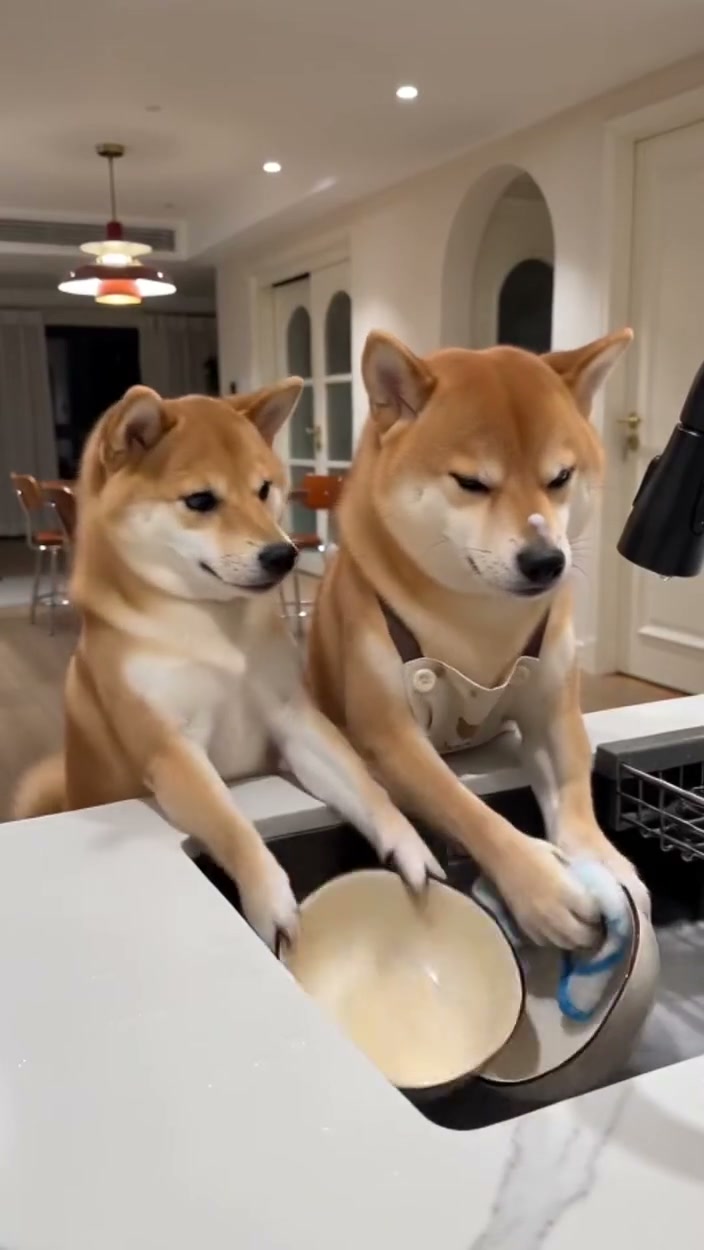
Dog Washing Dishes AI casts your pet in denim bib overalls standing at a kitchen sink scrubbing plates, before being pranked with a sponge hidden inside a gift box. Using pet photos on Viral AI Video generates a full 15-second MP4 starting at 8 credits (Standard 480p) with zero manual prompts.
- 1Input needed: 1 or 2 clear pet photos in even lighting showing eyes, snout, and distinct coat markings.
- 2Viral comedic arc: 0.0–3.0s dish scrubbing, 3.0–6.0s gift box offer, 6.0–9.0s sponge reveal, 9.0–12.0s comedic reaction, 12.0–15.0s playful chase.
- 3Flexible cast modes: cast your dog as the hardworking dishwasher, the gift prankster, or cast both roles from two photos.
- 4Formats & models: 9:16 vertical TikTok/Reels format across Standard, Fast, Pro, and Ultra rendering tiers.
- 5Transparent cost: begins at 8 credits for the 15s video with automatic credit refund on any task failure.
- Clip Length
- 15 Seconds
- Entry Cost
- 8 Credits (480p)
- Aspect Ratio
- 9:16 Vertical
- Photo Input
- 1 or 2 Pet Photos
Why the Sponge Prank Meme Works
Viral pet content thrives on humanizing animals in relatable household routines paired with classic slapstick misdirection. The Dog Washing Dishes AI trend exploded across TikTok and Instagram Reels because it subverts viewer expectations through three coordinated visual beats:
- Anthropomorphic chore setup: An upright dog diligently washing dishes in denim overalls immediately stops scrolling users in their feeds.
- The smartphone gift misdirection: Presenting an unbranded pink smartphone gift box builds suspense, suggesting an extravagant pet reward.
- The sponge reveal punchline: Discovering a cleaning sponge inside triggers an instant comedic twist, followed by exasperated canine barks and an energetic kitchen pursuit.
Because the AI model handles anatomical motion, soapy lather physics, and expressive canine eye contact on the server, creators get high-production slapstick comedy without training pets or staging messy practical jokes.
15-Second Shot-by-Shot Beat Breakdown
| Timestamp | Phase | What Happens on Screen | Why Your Photo Matters Here |
|---|---|---|---|
| 0.0s – 3.0s | Setup | Your dog stands upright at a kitchen sink wearing denim bib overalls, steadily scrubbing a yellow ceramic plate with a soapy sponge under running water. | A centered front-facing photo showing clear facial fur and snout markings ensures proper identity transfer into the upright chore posture. |
| 3.0s – 6.0s | Tension | The companion dog sneaks up holding an unbranded pink smartphone gift box and taps the dishwasher dog on the shoulder, prompting a surprised turn. | Contrasting fur tones between both pets help distinguish the two characters during the shoulder tap and close greeting. |
| 6.0s – 9.0s | Twist | The dishwasher dog enthusiastically lifts the gift box lid expecting a new mobile device, revealing another yellow cleaning sponge. | Clear eye reflections in source portraits preserve expressive anticipation during the box lid unboxing moment. |
| 9.0s – 12.0s | Reaction | Realizing the prank, the dishwasher dog drops the sponge into the soapy water in exasperation and barks in vocal protest. | High-resolution headshots allow the model to animate believable comedic mouth and brow gestures during the protest beat. |
| 12.0s – 15.0s | Payoff | The dishwasher dog playfully chases the giggling prankster companion dog out of the kitchen through the back doorway. | Evenly lit photos without heavy background shadows ensure natural paw and tail silhouettes during rapid exit movement. |
How to Pick the Best Pet Photos (Zero-Prompt Workflow)
Because Viral AI Video manages motion reference and scene dynamics server-side, you never have to engineer complex prompt descriptions. Uploading clear, uncluttered source photos is the single factor that determines crisp likeness and natural paw anatomy.
High-Accuracy Pet Photos vs. Common Mistakes
Because this effect runs on a locked motion preset with zero prompt typing, photo selection accounts for most of the final quality.
Upload Photos Like This
- Clear eye-level portrait with both eyes, nose, ears, and facial whiskers visible in even light.
- Natural indoor daylight or soft outdoor lighting showing authentic coat color and fur texture.
- Plain neutral background behind your pet with no clutter or human hands.
- Single pet in each uploaded photo to prevent identity mixing across character slots.
- Natural relaxed expression without sunglasses, hats, or digital filters.
Avoid These Mistakes
- Photos with human fingers or hands holding or cradling the pet face.
- Two animals in the same photo when using a single-character upload slot.
- Harsh overhead shadows or dark underexposed rooms where fur details are lost.
- Extreme motion blur, sideways angles, or low-resolution compressed crops.
- Photos of celebrities, public figures, or copyrighted trademark logos.
Ready to Cast Your Pet? Launch the Dishwashing Studio
Select your pet photos to open the Dog Washing Dishes AI studio pre-loaded—review your transparent credit calculation starting at 8 credits (480p) and generate your 15s viral video.
 1 or 2 Pet Photos15s MP4
Preset Video vs. CapCut Templates: Which Should You Use?
Creators exploring "dog washing dishes CapCut template" often look for an effortless route into this viral trend. While CapCut offers template overlays, AI motion generation provides a fully integrated synthetic narrative:
Dog Washing Dishes AI Preset vs. CapCut Templates
| What Matters | Viral AI Video Preset | Typical CapCut Template |
|---|---|---|
| Character integration | Synthesizes realistic full-body chore and prank movement with your pet naturally wearing overalls and handling props. | Places 2D cutouts or static image masks on top of pre-rendered background video footage. |
| Props & interaction | Generates organic paw contact with the running tap, soapy sponge, ceramic dishes, and gift box lid. | Static photo overlays cannot interact physically with kitchen props or running water. |
| Script & prompting | Zero prompt writing required—upload your photo, select your model tier, and generate directly. | Requires finding compatible templates, manually adjusting crop boxes, and timing audio tracks. |
| Aspect ratio & quality | Dedicated 9:16 vertical MP4 format rendered at clean resolutions up to 1080p on Pro+ models. | Video quality depends on third-party template source assets and export compression settings. |
| Pricing & credit system | Transparent pay-as-you-go starting at 8 credits per 15s clip; purchased credit packs never expire with auto-refund on failures. | Basic templates are free, while premium cloud tools and high-resolution exports require recurring subscriptions. |
Audio, Previewing & TikTok Tips
Before sharing your generated dishwashing prank video on social platforms, follow these practical publishing recommendations:
- Inspect video preview and audio timing: Review the full 15-second render to verify paw cleanliness, smooth box opening, and playful chase movement. The studio includes synchronized sound effects for seamless previews.
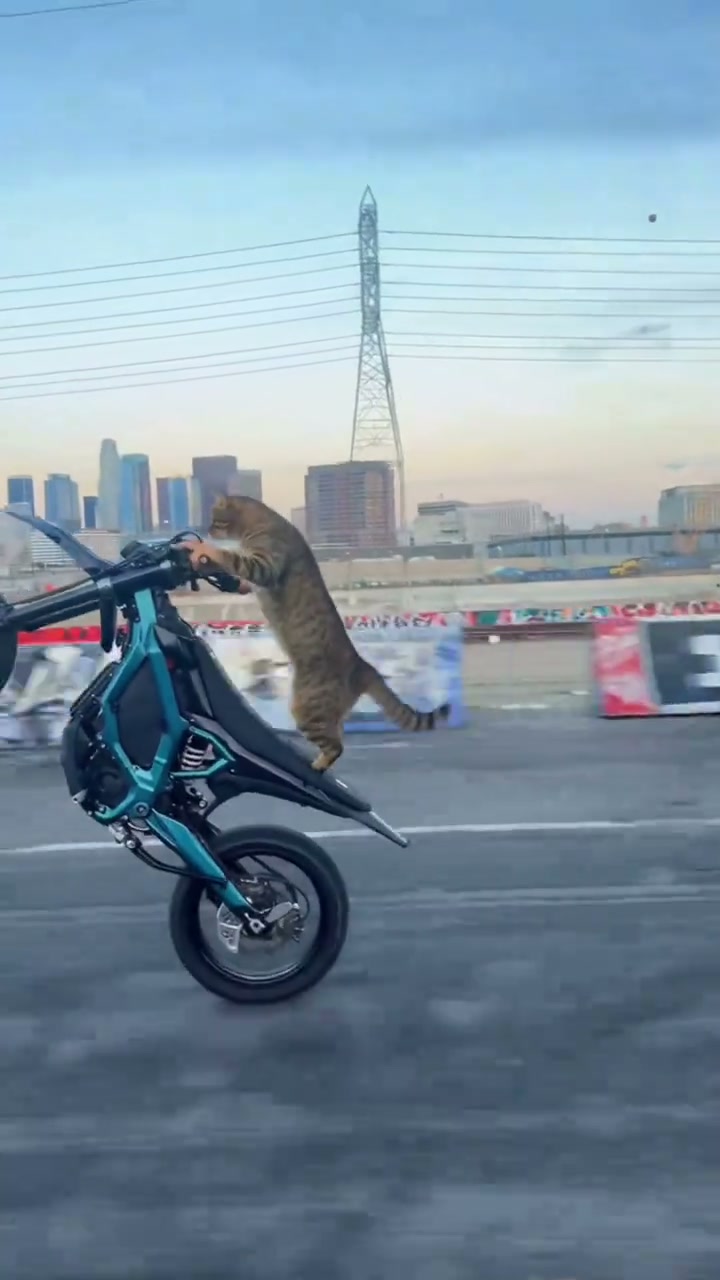
- Select trending social audio if desired: While your video downloads with custom comic sounds and canine audio effects, you can also overlay popular trending TikTok or Instagram Reels audio directly inside the native app for increased viral reach. Check out other viral pet trends like Cat Riding Dirt Bike AI for more animal comedy ideas.
- Enable synthetic media labels: Always toggle on the AI-generated content switch in TikTok and Instagram Reels publishing settings. This safeguards account distribution and keeps short-form content ethical and engaging.