See Chipmunk Dance AI in Action — No Prompt Writing Needed
Generated directly from one clear portrait photo—no dance rehearsals, no green screen, and zero manual prompt writing.
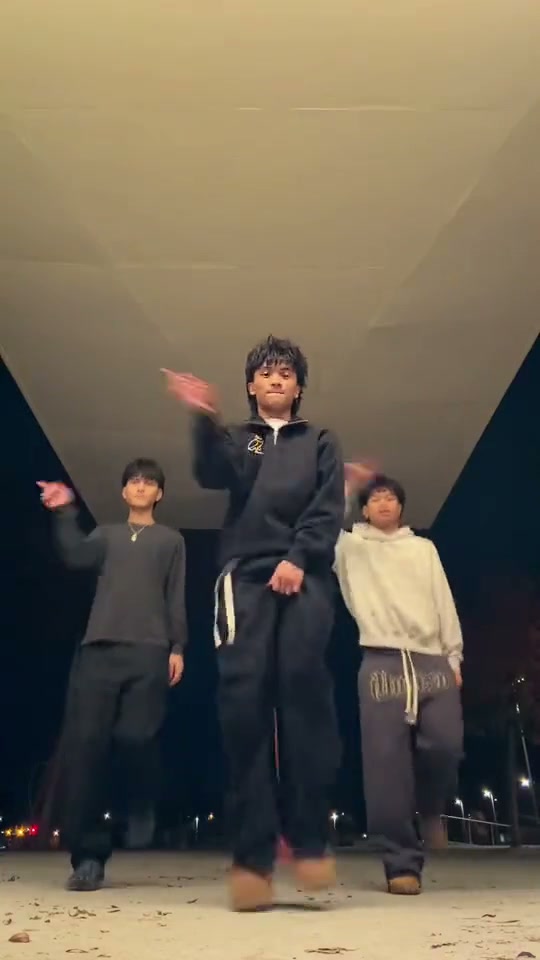
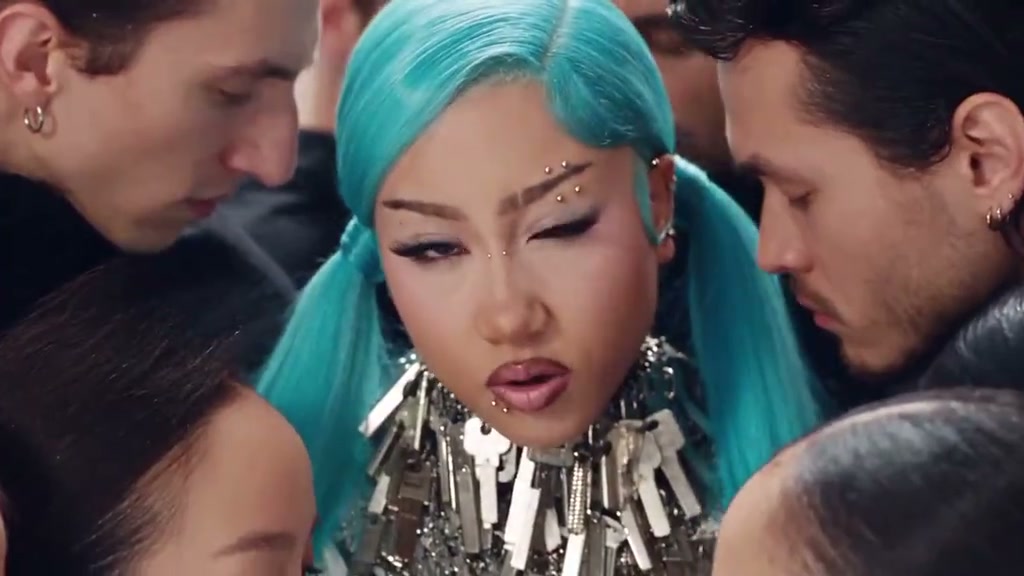
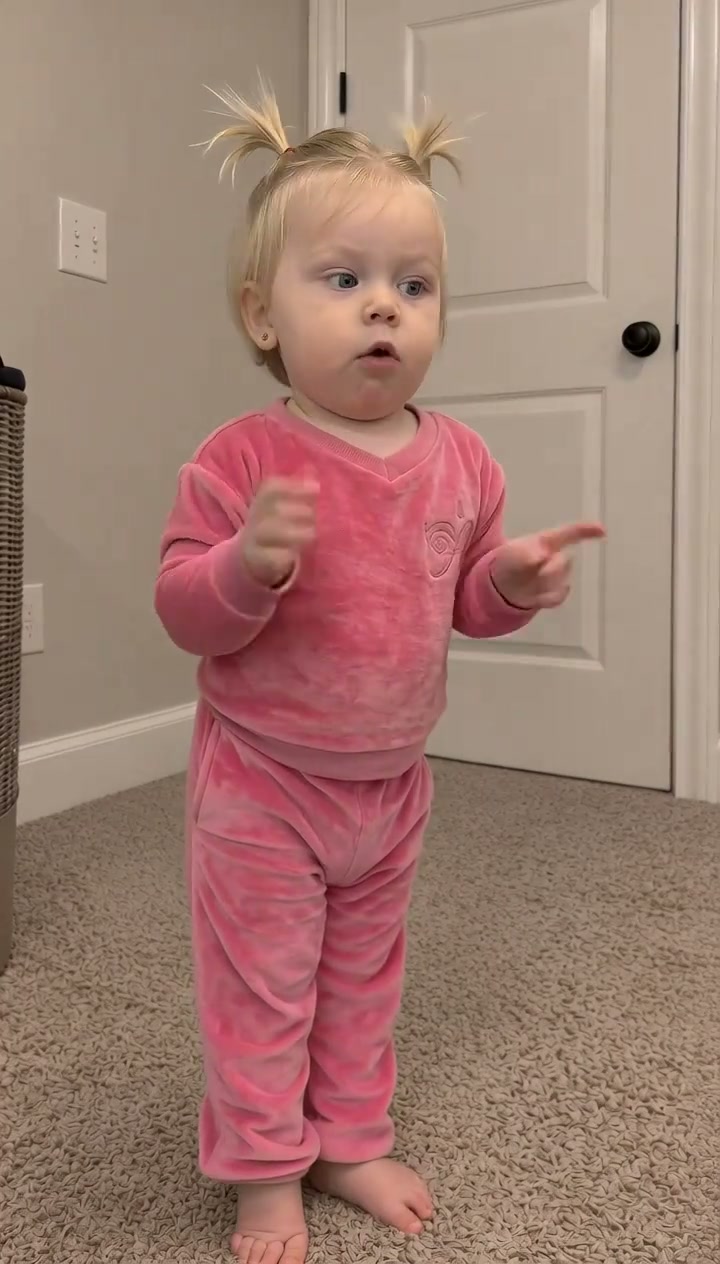
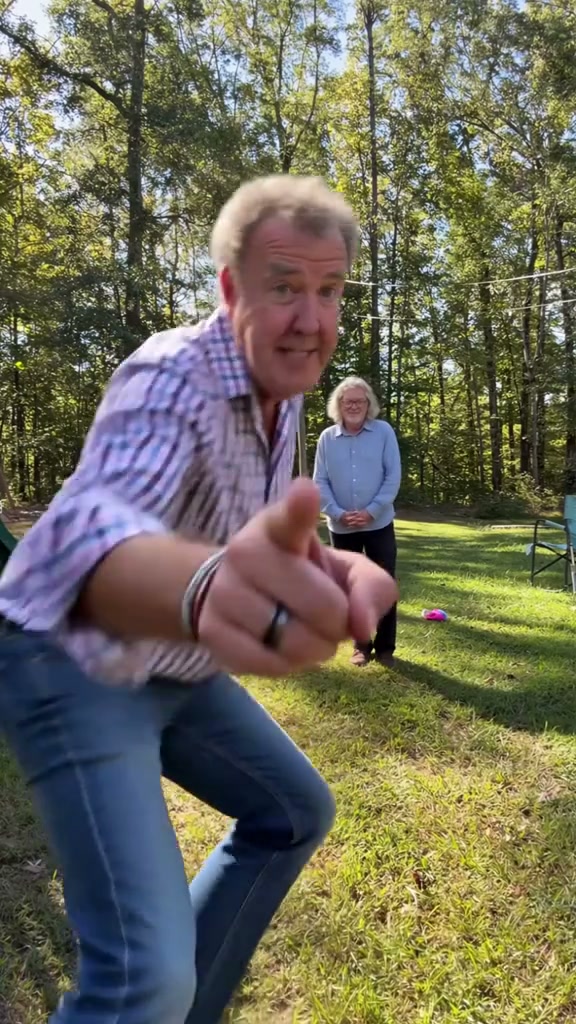
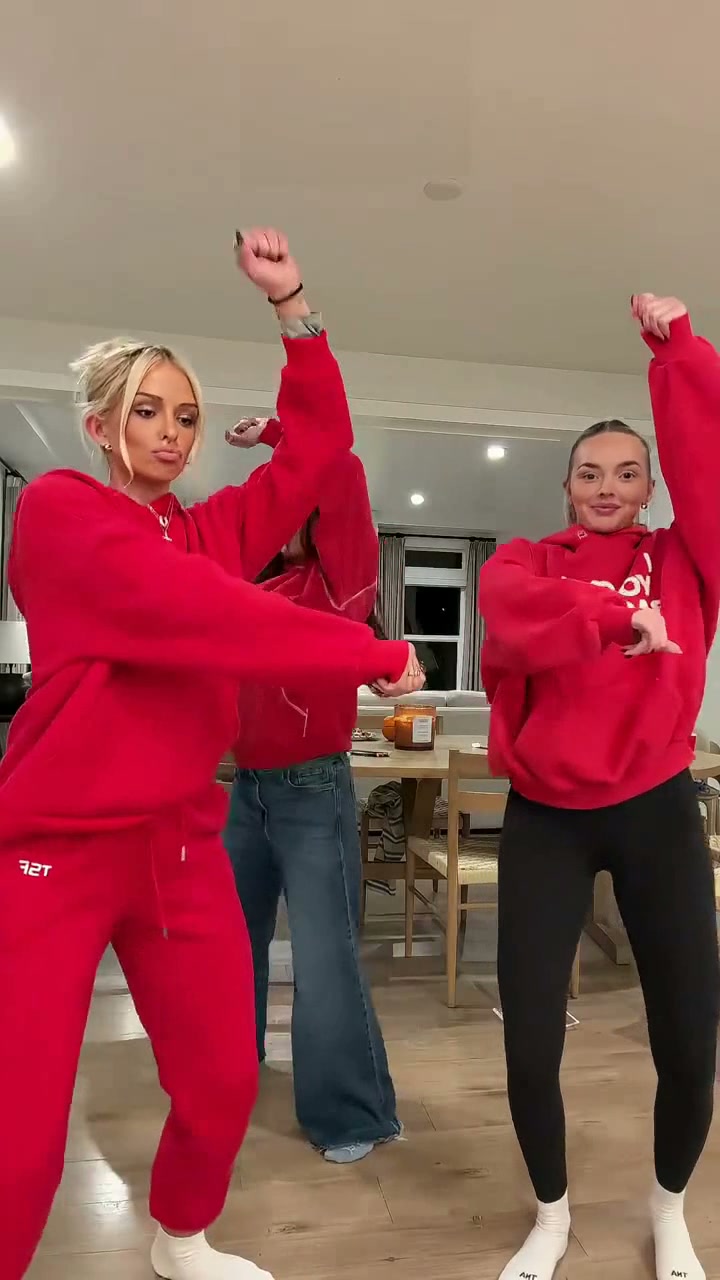
Chipmunk Dance AI casts your photo into the viral TikTok "You Spin Me Round" high-tempo dance trend. Uploading one clear portrait generates an authentic 12-second 9:16 vertical MP4 starting at 6 credits (Standard 480p) with zero prompt writing.
- 1Input needed: 1 clear front-facing portrait photo in even lighting (no hats or dark sunglasses).
- 2Instant visual hook: opens immediately with synchronized rhythm bouncing and dramatic 360-degree spins.
- 3Matched timeline: 0.0–3.0s opening rhythm bounce and spin, 3.0–6.0s rapid turns and shoulder shakes, 6.0–9.0s center solo, 9.0–12.0s synchronized finale.
- 4Scene versatility: choose between the 3-Person Trio Routine and the 2-Person Duo Routine.
- 5Transparent pricing: starts at 6 credits (12s, Standard 480p); failed tasks automatically return reserved credits.
- Clip Length
- 12 Seconds
- Entry Cost
- 6 Credits (480p)
- Aspect Ratio
- 9:16 Vertical
- Photo Input
- 1 Clear Portrait
Why the Chipmunk Dance Trend Works
Short-form dance videos perform exceptionally well when they combine high-tempo sped-up rhythms with accessible, punchy choreography. Instead of intricate professional routines that require weeks of rehearsal, the Chipmunk Dance format centers on playful rhythm bounces, full 360-degree spins, and theatrical center solos.
Two structural strengths make the preset instantly captivating for short-form viewers:
- Immediate kinetic hook: Viewers see synchronized bouncing and full body turns within the opening three seconds (
0.0–3.0s), hook-gripping viewers before they scroll past. - Dynamic depth changes: Moving from a wide group formation into a dynamic medium-close center solo creates narrative progression within a quick sequence.
12-Second Shot-by-Shot Beat Breakdown
| Timestamp | Phase | What Happens on Screen | Why Your Photo Matters Here |
|---|---|---|---|
| 0.0s – 3.0s | Setup & Spin | All performers bounce rhythmically in formation with hands on hips, then launch into a synchronized 360-degree spin with dynamic arm sweeps. | Even front lighting and clear eye contact in your photo help facial likeness stay consistent through rapid rotations. |
| 3.0s – 6.0s | Tempo Transition | Performers transition positions with arms raised high, kicking legs out, and turning their backs toward the camera while shaking to the fast chipmunk tempo. | A portrait showing natural hair length and silhouette gives the model clear motion boundaries during back-facing turns. |
| 6.0s – 9.0s | Center Solo | The center performer steps forward into a dynamic medium-close camera focus, executing expressive hand gestures and playful smiles. | An uncluttered background in your input photo prevents unwanted artifacts from bleeding into the foreground solo frame. |
| 9.0s – 12.0s | Group Finale | Performers rejoin in side-by-side synchronized alignment for a climactic head tilt, wave gesture, and smiling finale looking straight into the lens. | Clear natural expressions produce the cleanest smile rendering during the final front-facing freeze frame. |
How to Pick the Best Portrait (Zero-Prompt Workflow)
Because the studio orchestrates the group choreography and camera tracking on the cloud server, you never have to write a single prompt. Uploading a crisp, high-quality portrait is the single most effective way to guarantee sharp likeness and natural motion.
High-Accuracy Portraits vs. Upload Mistakes
Because this effect runs on a locked motion preset with zero prompt typing, photo selection accounts for most of the final quality.
Upload Photos Like This
- Front-facing portrait where both eyes, eyebrows, nose, and lips are clearly visible in even lighting.
- Natural indoor or daylight illumination without heavy shadows across the face or neck.
- Shoulders and chest visible with authentic clothing styling clearly depicted.
- Sharp focus with high resolution—no blur, pixelation, or heavy beauty smoothing filters.
- Natural hairstyle visible around the head contour without cropped edges.
Avoid These Mistakes
- Dark, backlit photos where facial features are lost in deep shadows.
- Sunglasses, novelty goggles, masks, or hands covering the mouth or chin.
- Extreme head tilts, distorted wide-angle fisheye angles, or profile-only shots.
- Crowded group photos where multiple faces confuse character mapping.
- Photos of celebrities or public figures you do not have permission to use.
Have Your Portrait Ready? Launch Straight Into the Studio
Pick your clear portrait here to load it into the Chipmunk Dance AI studio—choose between Trio or Duo routines, review your exact credit quote (from 6 credits at 480p), and render in seconds.
 1 Clear Portrait12s MP4
Preset Video vs. CapCut Templates: Which Should You Use?
Creators searching for "chipmunk dance CapCut template" or "you spin me round trio dance template" usually want a fast method to join the trend without manual editing skills. Here is how our zero-prompt AI preset studio compares to standard mobile templates:
Chipmunk Dance AI Preset vs. CapCut Templates
| What Matters | Viral AI Video Preset | Typical CapCut Template |
|---|---|---|
| How you appear in the video | Synthesizes an authentic 12-second motion video guided by your portrait and synchronized dance choreography. | Pastes static photo cutouts or head stickers onto fixed background video tracks. |
| Choreography & camera tracking | Full synchronized body motion: rhythm bounces, 360-degree spins, and dynamic center-stage camera pushes. | Relies on pre-recorded third-party actors with overlay effects or fixed 2D motion. |
| Manual editing required | Zero prompt writing or keyframing—upload 1 photo, choose your routine scene, and generate. | Requires manual face alignment, layer re-ordering, and audio beat matching inside the app. |
| Routine scene options | Native dual-scene switcher between 3-Person Trio (streetwear hoodies) and 2-Person Duo (holiday pajamas). | Each variation requires searching for and downloading a separate community template. |
| Credit model vs. subscription | Starts at 6 credits per 12s Standard 480p clip with automatic error refunds; Purchased credit packs never expire (subscription credits follow billing validity). | Basic templates are free with watermarks, while high-definition exports require recurring subscriptions. |
Audio, Previewing & Posting Tips
Before exporting and publishing your finished dance video to TikTok, Instagram Reels, or YouTube Shorts, keep these essential posting tips in mind:
- Preview the full motion before sharing: Rapid rotational motion can occasionally produce minor frame blending. Watch the complete preview to verify character likeness across all spins and the center solo.
- Synchronize with trending platform audio: While desktop studio downloads include the synchronized high-tempo chipmunk track, mobile algorithms favor videos linked to official in-app audio. Select the trending "You Spin Me Round / Chipmunks" sound inside TikTok or Instagram when uploading.
- Explore companion viral choreography: Looking for more high-energy group routines? Check out our Jingle Bell Rock Dance AI and Deck the Halls Dance AI studios, or read the holiday dance routine playbook for additional multi-character tips.