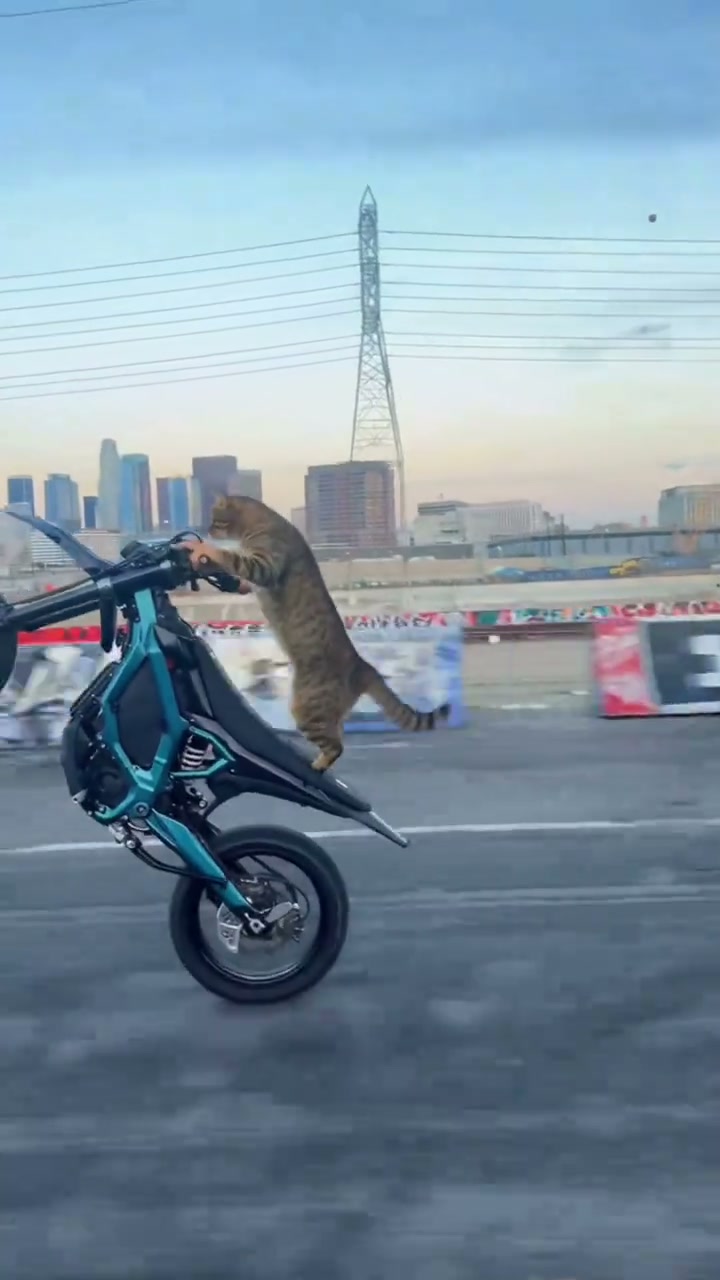
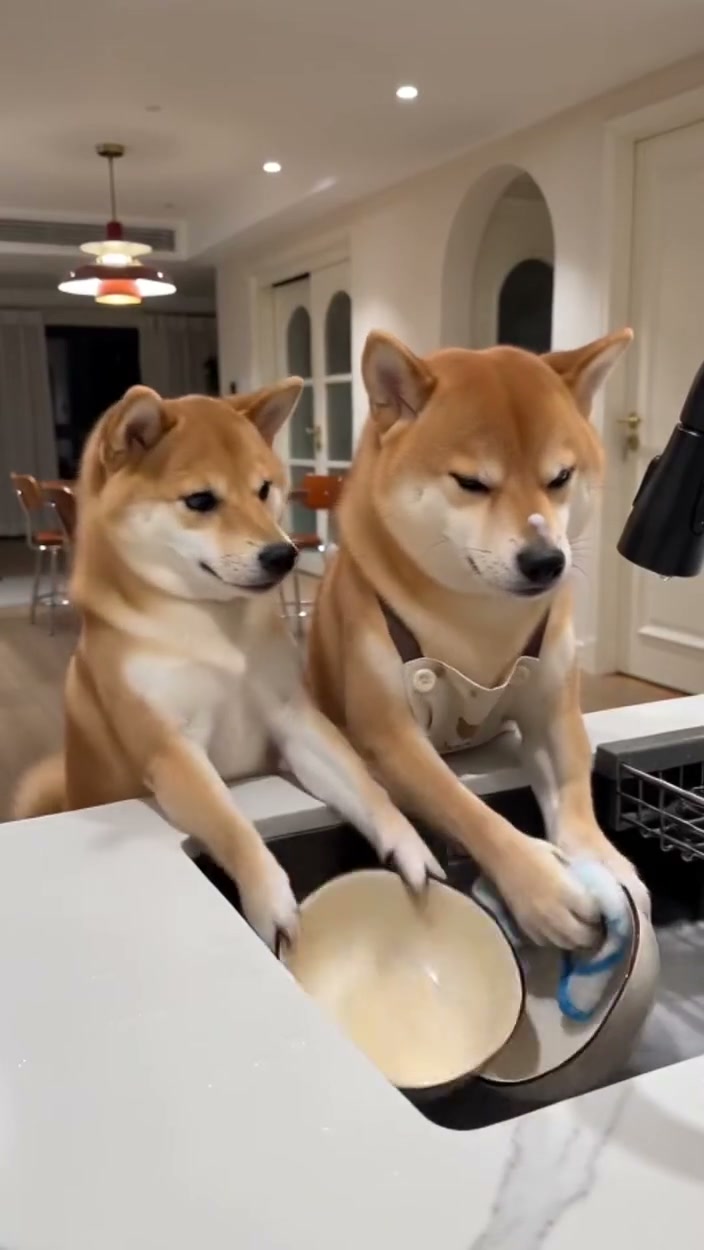
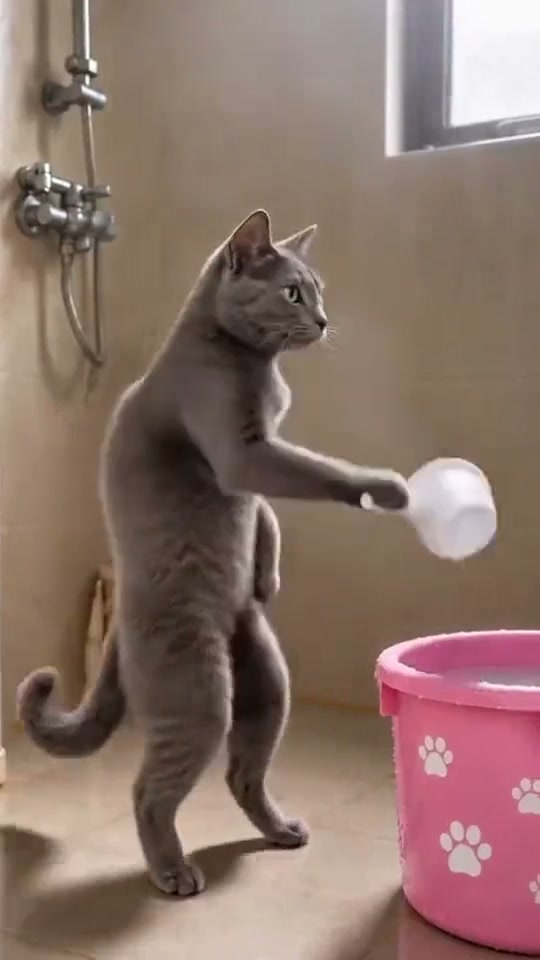
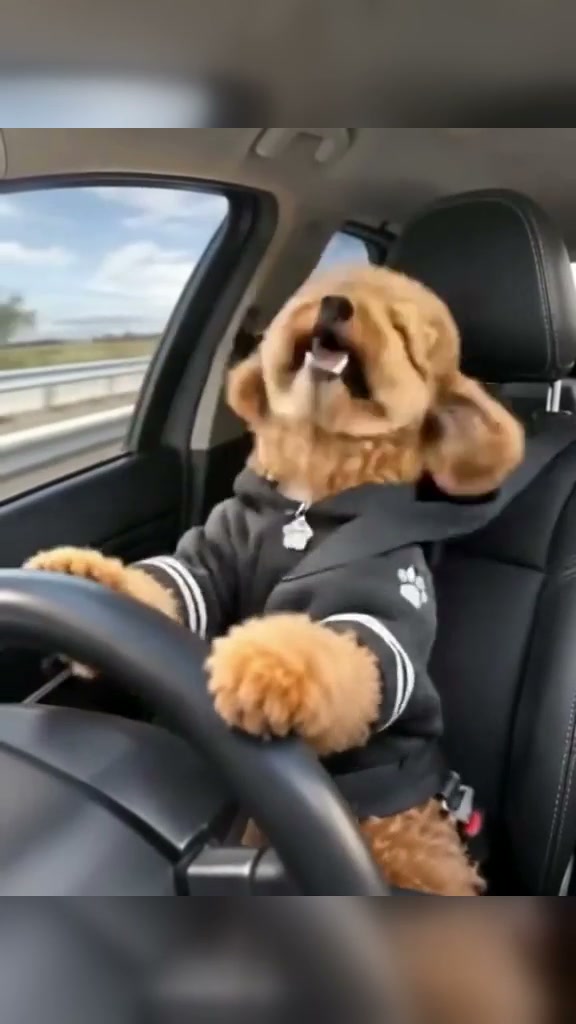
See Cat Taxi AI in Action — No Prompt Writing Needed
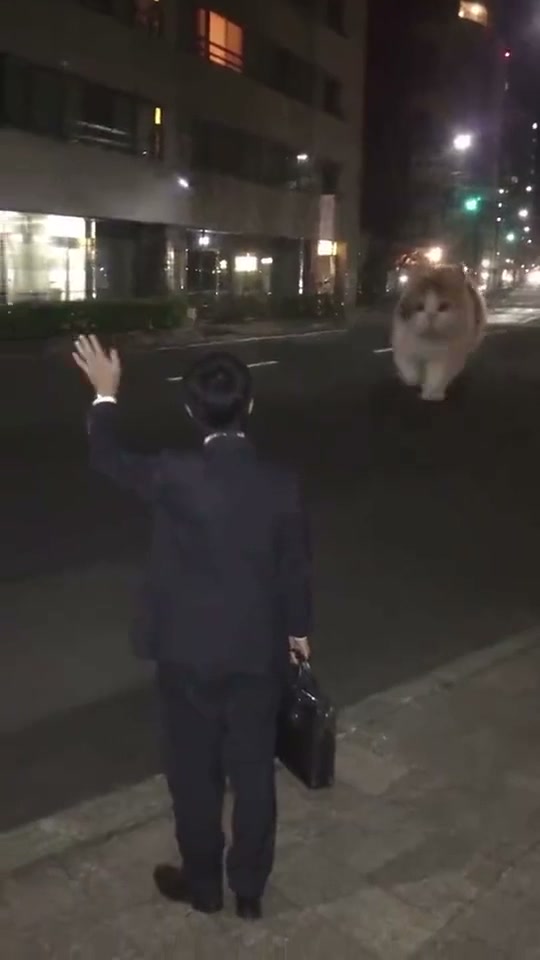
Hail a bus-sized giant cat from the evening sidewalk, pat its cheek fondly, hop onto its shoulders, and bolt down the lit avenue in 12 seconds.
Cat Taxi AI turns 1 or 2 everyday photos into the trending 12-second nighttime giant cat commute clip with synced audio starting from 6 credits.
- 1Three cast modes: You + Your Pet (2 photos), Your Pet Only (1 photo), or You Only (1 photo).
- 2Preserves authentic commuter outfits, hair, and full animal coat markings without awkward hand-like paws.
- 3Works for indoor cats, orange tabbies, Corgis, Huskies, and Golden Retrievers alike.
- 4Native 9:16 vertical ratio ready for TikTok, Instagram Reels, and YouTube Shorts.
- 5Starts at 6 credits (Standard 480p); non-expiring credit packs with zero monthly subscription.
- Duration
- 12 Seconds
- Entry Rate
- 6 Credits (480p)
- Cast Modes
- Duo / Pet / Commuter
- Aspect Ratio
- 9:16 Vertical
Duo vs. Pet Only vs. You Only
Unlike fixed single-subject filters, the Cat Taxi AI trend shines because you can aim the punchline at either your pet, yourself, or both together on a single evening sidewalk:
In You + Your Pet (2 photos), your portrait becomes the commuter hailing from the yellow tactile paving while your own cat or dog swells to double-decker bus scale beside the curb. In Your Pet Only (1 photo), the original suited businessman stays in place to react to your pet trotting up like a late-night cab. And if you do not have a pet photo ready, You Only places you straight onto the viral fluffy calico cat waving cheerfully back at the lens before sprinting into the night.
12-Second Night Curb Shot Map
| Timestamp | Phase | What Happens on Screen | Why Your Photo Matters Here |
|---|---|---|---|
| 0.0s – 3.0s | Sidewalk Curb Hail | The commuter grips a black briefcase along the yellow tactile sidewalk border and raises the left hand to hail the approaching bus-sized cat down the street. | Pick a human portrait facing forward with clear eyes and relaxed arms (avoid crossed arms or hands hidden deep in pockets). |
| 3.0s – 6.0s | Giant Cheek Pat Close-Up | The oversized pet lowers smoothly beside the curb facing left while the commuter affectionately pats its fluffy cheek and eyes close happily. | Choose a pet photo with full ears, muzzle, and distinct fur markings clearly lit so close-up fur textures stay crisp. |
| 6.0s – 9.0s | Climbing Up & Over-Shoulder Smile | The commuter climbs onto the giant cat’s shoulders, leans forward holding the fur, turns smiling toward the camera, and waves playfully. | Keep sunglasses, hats covering the eyes, and heavy fringe off the human portrait so the parting smile stays sharp. |
| 9.0s – 12.0s | Night Avenue Sprint Finale | The colossal pet stands cleanly on all four paws and sprints away down the dimly lit city street carrying the rider past warm shop windows. | Avoid heavily backlit dark silhouettes—bright daylight selfies let warm nighttime street lamps reflect naturally. |
Night Lighting & Photo Prep
Because the street backdrop is set after dark beside warm ground-floor windows and green traffic lights, picking clear high-contrast source photos prevents muddy facial tones or blended coat patches:
Selfie & Pet Photo Matrix for Night Street Rendering
Because this effect runs on a locked motion preset with zero prompt typing, photo selection accounts for most of the final quality.
Upload Photos Like This
- Evenly lit daylight or indoor lamp-lit portrait of the commuter facing forward with natural smile and clear attire.
- Crisp front-angle photo of your cat or dog showing both ears, bright eyes, and recognizable chest/cheek fur markings.
- Full upper-body or waist-up human framing showing real jacket, hoodie, or shirt texture for consistent street scale.
- Clean solid or softly blurred background behind both human and pet portraits.
- Distinct separate files for Photo 1 (Commuter) and Photo 2 (Pet Taxi) when running Duo casting.
Avoid These Mistakes
- Night club flash photos, heavy blue filters, or backlit silhouettes with shadowed eyes and cheeks.
- Extreme overhead pet angles where whiskers, ears, or muzzle proportions get hidden.
- Uploading identical duplicate images in both Duo slots or putting text stickers over faces.
- Photos showing heavy motion blur, sunglasses, or arms stuffed tight inside deep pockets.
- Minors, public figures, or screenshots cropped from split collage memes.
Send Your Best Shot Straight to the Studio
Preload Photo 1 directly into Cat Taxi AI—toggle between You + Your Pet, Your Pet Only, or You Only starting at 6 credits.
 12s MP4
Cat Taxi AI vs. Manual Editing
Staging a colossal bus-sized pet next to a night-street commuter in CapCut requires manual green-screen masking, multi-layer scale keyframes, shadow painting, and custom sound editing. Here is how automated portrait casting compares:
Cat Taxi AI vs. Manual Layer Keyframing
| What Matters | Viral AI Video Preset | Typical CapCut Template |
|---|---|---|
| Giant pet scale & interaction | Generates true bus-scale anatomy across 12s—including curb lying, cheek patting, and smooth sprinting—without manual masks. | Requires greenscreen cutouts, static stickers, and manual keyframe paths that rarely blend naturally. |
| Paws & facial consistency | Built-in animal guardrails preserve real tabby/calico/dog coats and natural paws from frame 0 to sprint. | Generic morph templates often distort fur patterns or attach human-looking hands to paws. |
| Three-way flexible cast | One toggle switches between You + Your Pet, Your Pet Only, and You Only without filming extra night B-roll. | Locked to whatever evening footage you recorded yourself along an empty sidewalk. |
| Clear pay-as-you-go billing | Standard 480p starts at 6 credits per clip with non-expiring credit packs and zero subscription lock-in. | Advanced generative effects sit behind recurring monthly Pro plans. |
Sound & Aspect Checks Before Posting
- Test framing first in Standard 480p: Preview your Duo or Pet-Only cast at 6 credits before upgrading important keepsake clips to 720p HD.
- Double-check lighting contrast on night streets: If your commuter hair is dark, choose a crisp photo with warm or neutral background separation so your silhouette pops against the night asphalt.
- Explore sibling pet memes next: Watch pets pull off bike stunts with Cat Riding Dirt Bike AI or unleash playful chaos with our Groomer vs. Dog AI studio.