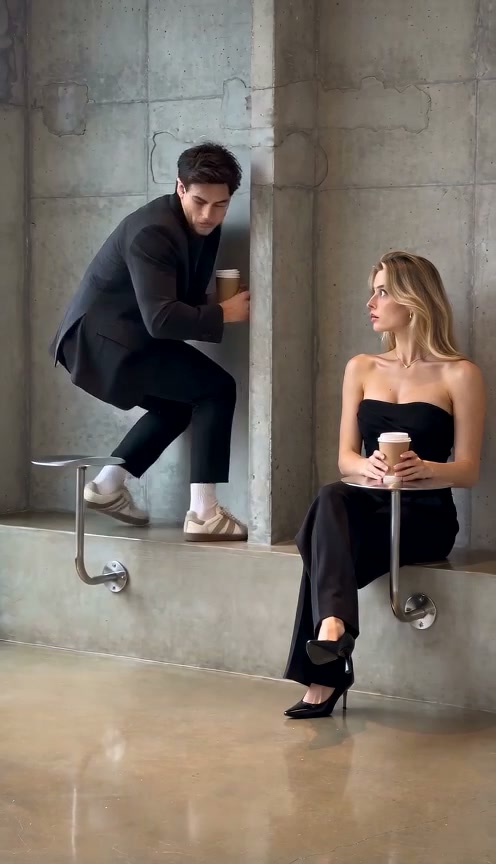
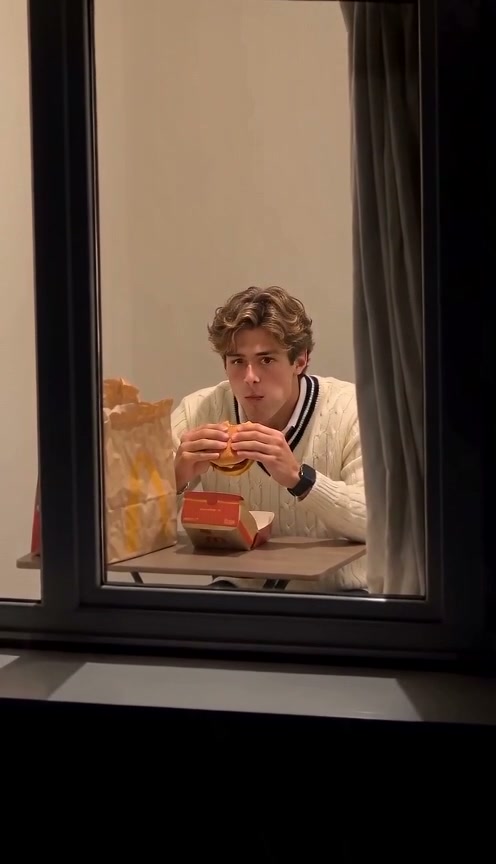
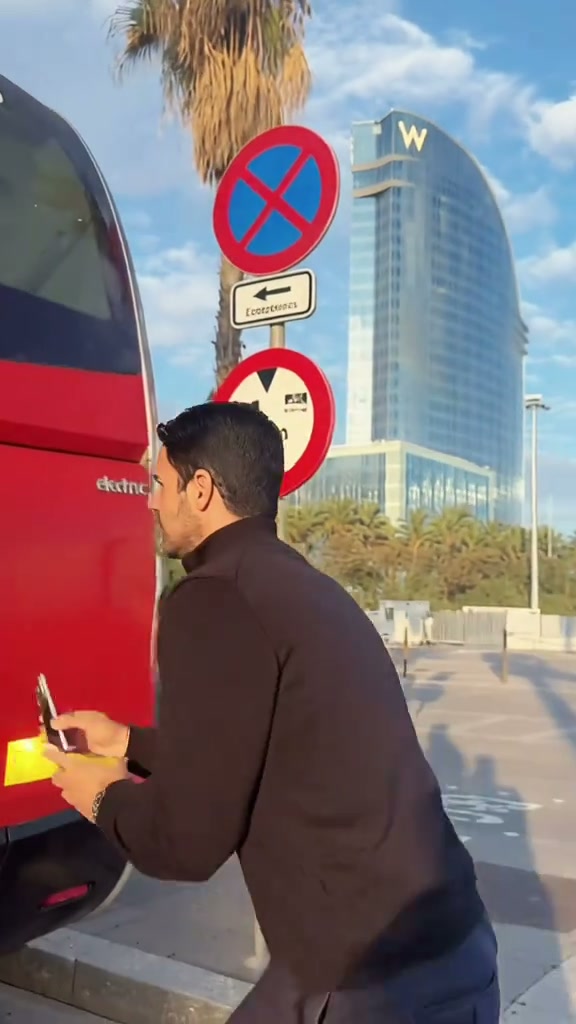
See Bicep Heart AI in Action — No Prompt Writing Needed
Natural chest-up doorway smirk transitions into an off-center bicep curl and smooth two-hand heart closure over 7 seconds.
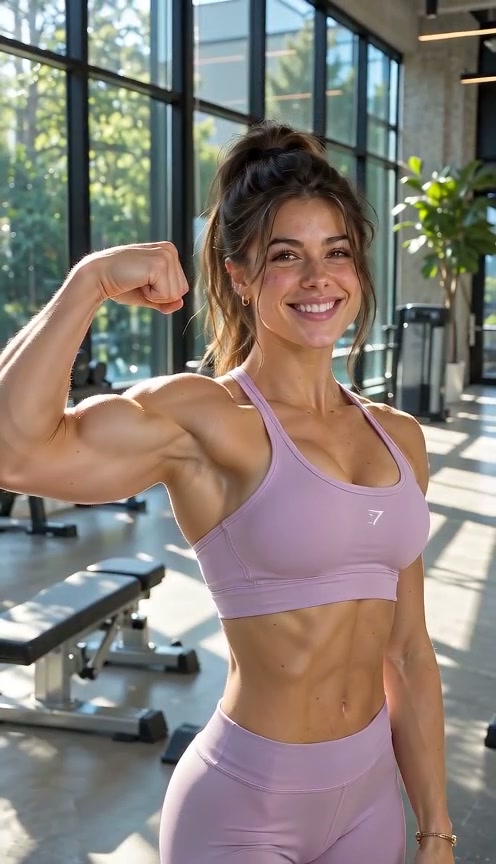
Upload one relaxed upper-body portrait into Bicep Heart AI and pick from four lighting backdrops to animate the viral 7-second shy-smirk bicep flex that smoothly locks both hands into a heart over the flexed arm peak—starting at just 4 credits.
- 1Six preset modes: 4 solo backdrops (Ambient Room, Gym, Sunlit Street, Studio) plus Couple Duo and Cute Pet.
- 2Works with everyday outfits—no pre-posed gym mirror photo or flex required.
- 3Clean 7-second gesture cadence from opening smirk to locked heart hold.
- 4Starts at 4 credits (480p); purchased credit packs never expire and failed tasks refund automatically.
- Default Input
- 1 Portrait (2 for Duo)
- Clip Length
- 7 Seconds
- Entry Rate
- 4 Credits (480p)
- Scene Presets
- 4 Solo + Duo & Pet
Why the Flex-to-Heart Twist Connects
Unlike rigid workout reels, the humor and charm sit in the sudden pivot from playful confidence to wholesome romance—all packed inside a brisk 7-second loop with zero wasted frames.
- Close-up eye contact first: Opening with a tight chest-up smile establishes personal warmth before the arm extends outward toward the side edge of the 9:16 frame.
- Silhouette clarity: Closing both curved hands directly around the bicep ridge creates a clear negative-space heart viewers spot instantly on tiny phone feeds.
With Bicep Heart AI, one static upper-body shot generates the smooth 7-second transition automatically. For bold walk-in confidence clips next to your flex video, pair it with Pimp Walk Entrance AI or read our Tsundere Dance AI guide.
7-Second Gesture Breakdown
| Timestamp | Phase | What Happens on Screen | Why Your Photo Matters Here |
|---|---|---|---|
| 0.0s – 2.5s | Opening Doorway Smirk | Subject faces camera with a relaxed smile and subtle shoulder drop, setting up an unassuming opening. | Avoid tight forehead crops so natural head-shift during the turn stays inside the frame. |
| 2.5s – 4.8s | Extended Arm Bicep Curl | Subject leans slightly left while lifting one arm out horizontally and bending the elbow upward into a firm bicep flex. | Short sleeves or rolled T-shirt sleeves give the upper arm clear skin-tone separation. |
| 4.8s – 6.0s | Free Hand Sweep-In | Opposite hand reaches behind the shoulder and curves downward toward the flexed fist without obscuring the bicep curve. | Unobstructed shoulders in your uploaded photo help both arms animate independently without clipping. |
| 6.0s – 7.0s | Symmetrical Heart Lock | Fingertips and thumbs touch cleanly above the peak of the flexed bicep to form a clean symmetrical heart. | Even indoor or soft daylight ensures crisp finger boundaries on the closing freeze. |
Framing & Sleeve Tips
Leaving clear space above the hairline and around shoulders prevents flexed elbows from clipping frame edges:
Portrait Framing for Clean Heart Geometry
Because this effect runs on a locked motion preset with zero prompt typing, photo selection accounts for most of the final quality.
Upload Photos Like This
- Use a well-lit chest-up or waist-up portrait with headroom and relaxed shoulders.
- Wear short sleeves, a fitted tee, or sleeveless top so the bicep outline stays obvious.
- Keep hands hanging naturally at your sides or cropped below chest rather than folded over arms.
- Stand in front of a clean wall or soft backdrop with sharp focus on eyes and jawline.
Avoid These Mistakes
- Do not upload an extreme face-only headshot cropped right at the collar—shoulders need room to move.
- Do not wear bulky puffers, scarves, or heavy hoodies that hide arm flexion completely.
- Do not cross your arms or hold a drink directly across your chest in the source image.
- Do not use group photos or heavily stylized sunglasses that break eye warmth.
Launch Bicep Heart AI Studio
Drop one clear chest-up portrait below to pre-load Bicep Heart AI, pick your favorite lighting environment, and render your 7-second clip from 4 credits at Standard 480p.
 7s MP4
Filming Takes vs. AI Preset
Lining up both thumbs and wrist arcs over an off-center bicep curl on a tripod usually takes endless retakes:
Bicep Heart AI vs. Live Tripod Retakes
| What Matters | Viral AI Video Preset | Typical CapCut Template |
|---|---|---|
| Hand Alignment & Framing | Automated 7-second flex-and-closure path centered cleanly in 9:16. | Requires repeated tripod tests so fingers align cleanly without clipping frame edges. |
| Scene Variety | Includes 6 presets (4 solo backdrops plus Couple Duo and Cute Pet modes). | Locked to whatever room or gym lighting you physically filmed in. |
| Cost Predictability | Starts at 4 credits (480p), zero subscription required. | Recurring monthly app fee just to unlock AI retouching or export tools. |
| Failed Task Protection | Instant automatic credit return if any render fails. | Zero compensation for failed exports. |
Background Selection & Audio Pairing
- Match Backdrop to Outfit: Short-sleeve casual tees shine in Natural Ambient Portrait or Sunlit Outdoor Street, while athletic tank tops pop with sharper rim contrast inside Athletic Fitness Gym.
- Short 7-Second Loop Timing: At 7 seconds, every beat hits fast—trim zero frames off the intro smirk because that half-second anticipation pause sells the flex reveal.
- Pair with Warm Mid-Tempo Audio: Add gentle R&B, playful acoustic guitar, or trending TikTok heart-gesture sounds directly in-app after downloading your MP4.