See Babydoll Dance AI in Action — No Prompt Writing Needed
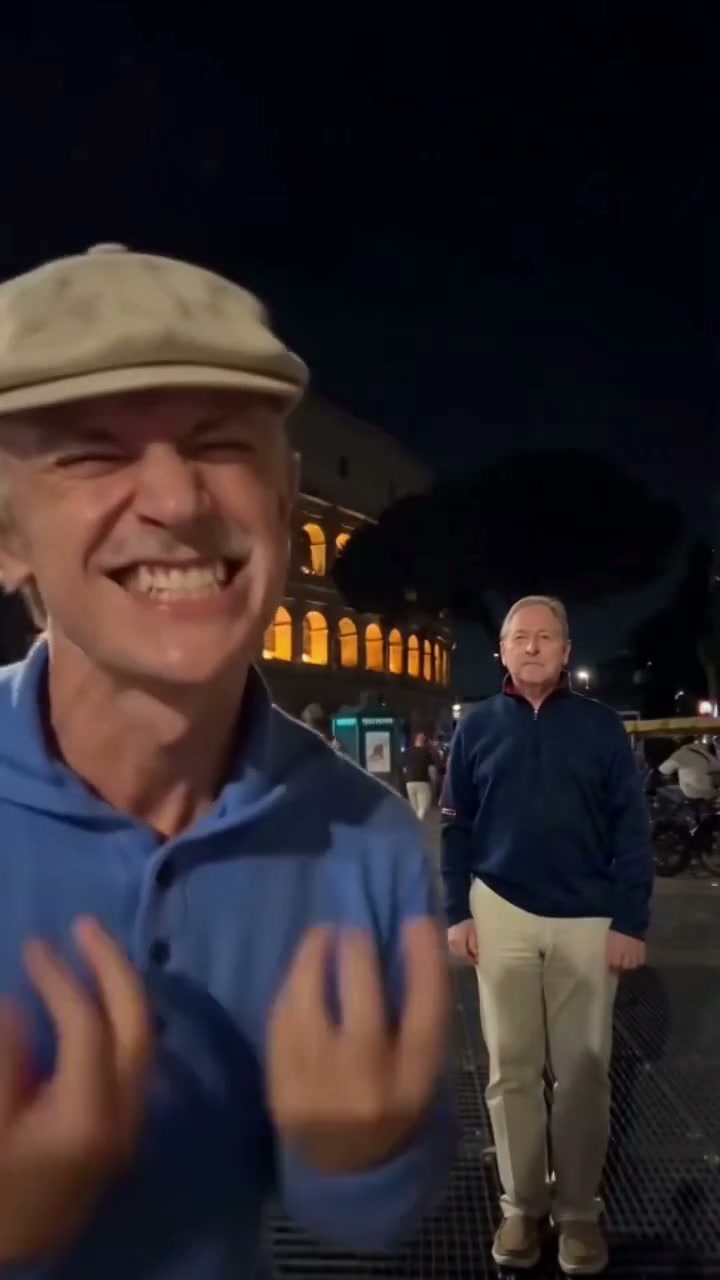
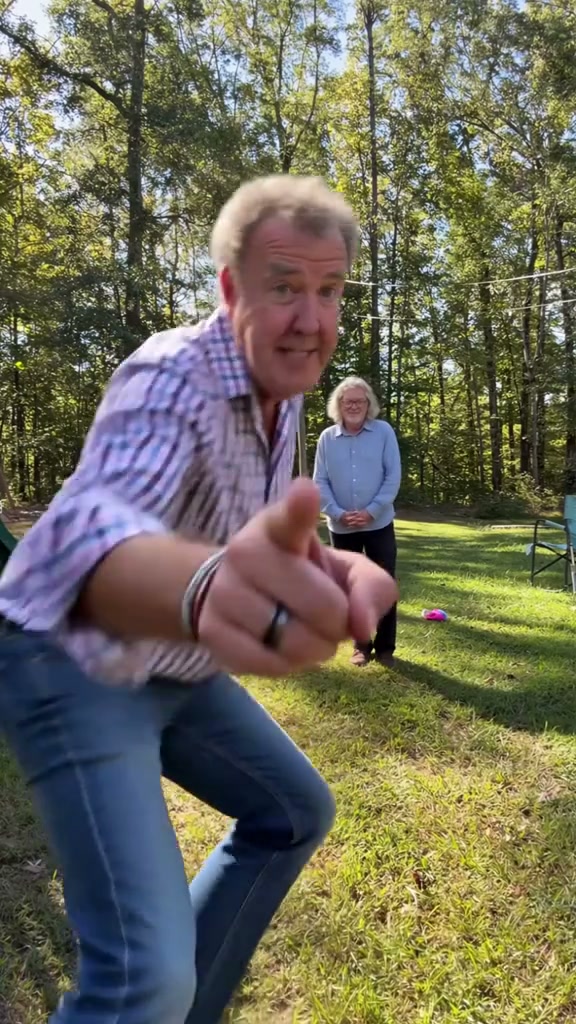
Watch the 13-second sunlit backyard routine: foreground camera point, playful arm tap, bouncy skipping steps, and synchronized left-hand peace signs from 1 or 2 photos.
Babydoll Dance AI places one or two uploaded portraits into the viral 13-second sunlit backyard dance inspired by the viral "Babydoll" trend. Render in Duo or Solo mode starting at 7 credits (Standard 480p) with zero manual prompt writing.
- 1Three cast modes: Both Dancers (2 photos), Left Lead Solo (foreground pointer), or Right Partner Solo.
- 2Signature opening hook: Photo 1 leans right into the lens pointing before jogging back to tap Photo 2.
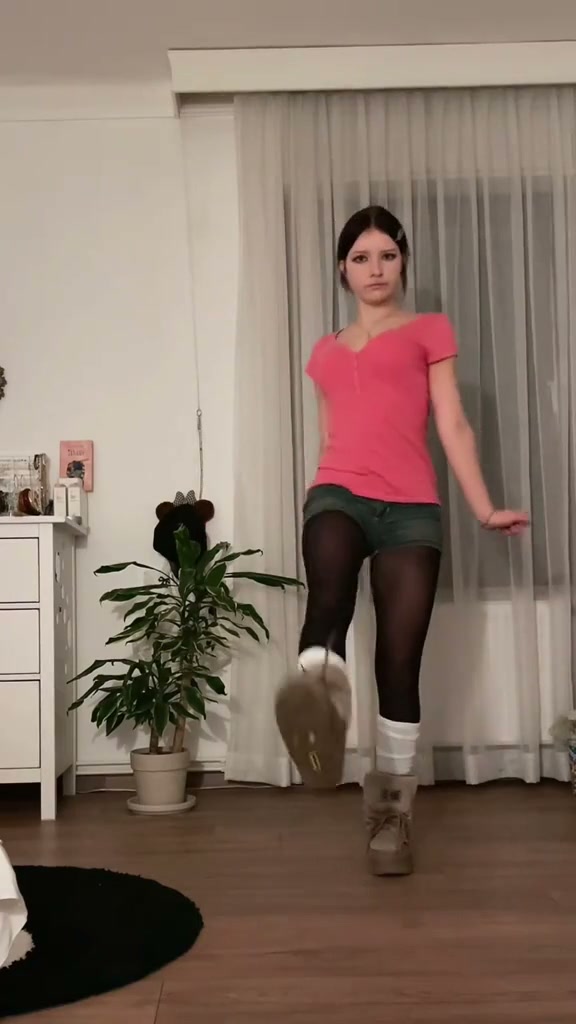
- 3Full 13-second choreography: bouncy skipping kicks, waist-height arm swings, 11s twin peace signs, and high-knee hops.
- 4Clean 9:16 vertical framing built for TikTok, Reels, and Shorts (plus 1:1 and 16:9 export choices).
- 5Pay-as-you-go pricing: starts at 7 credits at 480p; purchased credit packs never expire.
- Duration
- 13 Seconds
- Entry Rate
- 7 Credits (480p)
- Cast Setup
- 1 or 2 Portraits
- Format
- 9:16 Vertical
Why the Backyard Babydoll Routine Pops on Feeds
The “Babydoll” dance trend exploded on TikTok because it feels effortless and unfiltered—two people horsing around on afternoon grass rather than hitting complex studio choreography. The gag starts immediately in frame one when the left lead dancer leans close to the tripod camera pointing a finger, then trots back to nudge their smiling partner into bouncy skips and twin peace signs.
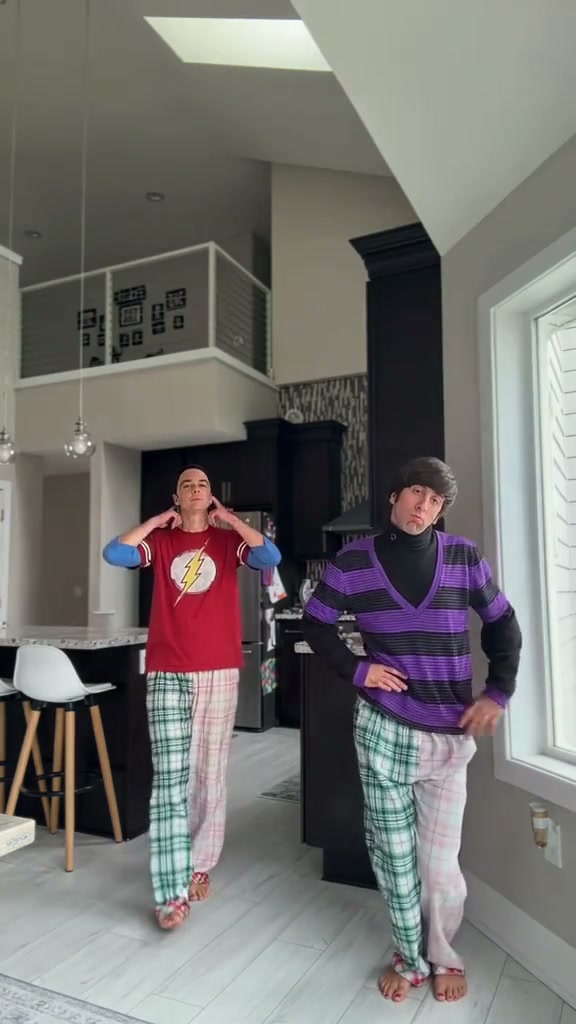
Because creators frequently pair the trend with “made my parents dance” or long-distance best-friend captions, running the choreography from everyday portraits saves hours of convincing camera-shy friends to memorize footwork. If you want another multi-person routine after this backyard clip, check out Can I Ride Dance AI or explore a holiday duet in our Deck The Halls Dance guide.
13-Second Backyard Beat Sheet
| Timestamp | Phase | What Happens on Screen | Why Your Photo Matters Here |
|---|---|---|---|
| 0.0s – 3.0s | Lens Point & Arm Tap | Left Lead leans into the left foreground pointing at the camera while Right Partner waits with clasped hands in the yard, then Left Lead jogs back and bows to tap their partner on the arm. | Use a crisp, well-lit front portrait for Photo 1 so the close-up foreground frame holds sharp eye and hair detail. |
| 3.0s – 6.0s | Side-by-Side Skip Entry | Both performers hop into left-and-right alignment on the sunlit lawn and kick off bouncy skipping steps with bent arms swinging at waist height. | Choose upper-body or full-body shots showing natural shirts or jackets so clothing stays consistent when stepping back. |
| 6.0s – 10.0s | Cheer & Hopping Kicks | The duo keeps alternating skipping kicks in place with open-mouthed laughs and cheers as long afternoon shadows stretch across the grass. | Avoid sunglasses or hands blocking faces so cheerful expressions transition smoothly without stiffness. |
| 10.0s – 13.0s | Peace Signs & High Knees | Both dancers flash two-finger peace signs toward the camera with their left hands mid-step, then finish with rapid high-knee hops and pumping arms. | Single-person portraits without overlapping crowd hands help the model render clean five-finger peace signs. |
Picking Crisp Duo & Solo Photos
Because afternoon backyard lighting hits both subjects evenly from the trees above, matching brightness across your uploads keeps the side-by-side cast believable:
Best Portraits vs. Common Upload Mistakes
Because this effect runs on a locked motion preset with zero prompt typing, photo selection accounts for most of the final quality.
Upload Photos Like This
- Two separate daytime or evenly lit front-facing portraits with clear eyes and natural smiles.
- Head-to-waist or full-body shots so shirts, collars, and sleeves carry smoothly into the outdoor dance.
- Uncluttered backgrounds where hairlines and shoulders separate cleanly from behind.
- Two distinct adult faces for Duo mode—or one clean portrait if you choose Left Lead Solo or Right Partner Solo.
Avoid These Mistakes
- Submitting the exact same image in both Photo 1 and Photo 2 slots (blocked before upload).
- Heavy neon club lighting on one portrait paired with flat midday sunlight on the other.
- Dark sunglasses, hats pulled low over eyebrows, or fingers covering cheeks and mouth.
- Tightly cropped group selfies with stray elbows or extra faces peeking into the frame edge.
Ready to Try the Backyard Dance? Load Photo 1 Straight Into the Studio
Pick Photo 1 here to carry it straight into Babydoll Dance AI—add Partner Photo 2 for Duo mode or run Solo from 7 credits at Standard 480p.
 13s MP4
AI Backyard Motion vs. CapCut Edits
Creators searching for "Babydoll dance CapCut template" typically run into static photo-cutout slideshows that paste stiff heads onto someone else's lawn. Here is how full-motion generation compares against template splicing:
Babydoll Dance AI vs. Typical CapCut Templates
| What Matters | Viral AI Video Preset | Typical CapCut Template |
|---|---|---|
| Full-body motion & shadows | Animates both dancers from frame 0 across 13 seconds with natural sunlight shadows on the grass. | Drops cut-out faces or static photo stickers over pre-recorded video footage. |
| Solo or Duo flexibility | Switch freely between Both Dancers (2 photos), Left Lead Solo, or Right Partner Solo inside one workspace. | Locked to fixed template slots requiring manual masking for each person. |
| Opening foreground gag | Recreates the close-up camera point and jog-back arm tap seamlessly from ordinary standing portraits. | Requires filming real foreground-to-background walking clips yourself. |
| Aspect ratio choices | Exports in 9:16 vertical by default, plus 1:1 square or 16:9 widescreen across 480p, 720p, and 1080p. | Fixed to the original template author aspect ratio. |
| Pricing & credit rules | Pay-as-you-go from 7 credits per 13s clip; purchased credit packs never expire. | Free basic cuts while Pro AI cutouts and exports often require recurring subscriptions. |
Audio, Framing & TikTok Posting Tips
Before sharing your finished backyard dance clip on TikTok, Instagram Reels, or YouTube Shorts, run through three quick creator checks:
- Double-check the 01s point and 11s peace signs: Watch the full 13-second preview carefully to confirm facial likeness during the close-up point and finger clarity when both dancers raise peace signs.
- Pair with the official TikTok sound on upload: Desktop studio previews and phone QR downloads sync the companion rhythm track automatically; when publishing to TikTok or Reels, attach the trending “Babydoll” sound from the app's music picker so your clip enters sound discovery feeds.
- Add a clean top-third caption and AI label: Keep jokes centered in the upper sky/tree band above the dancers' heads (such as “POV: we finally learned a TikTok dance without leaving the couch”), and toggle the platform's AI-generated content label before posting.