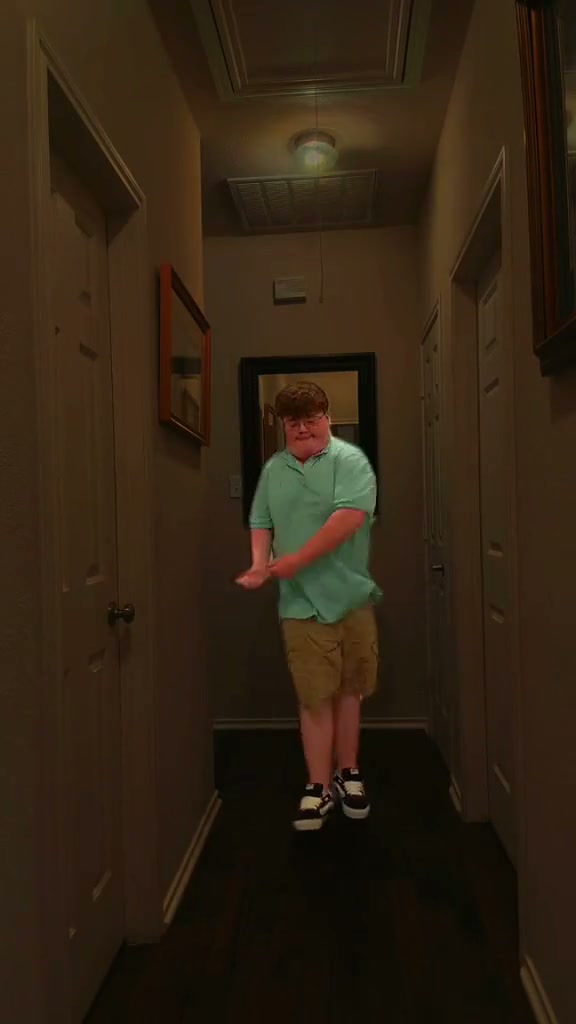
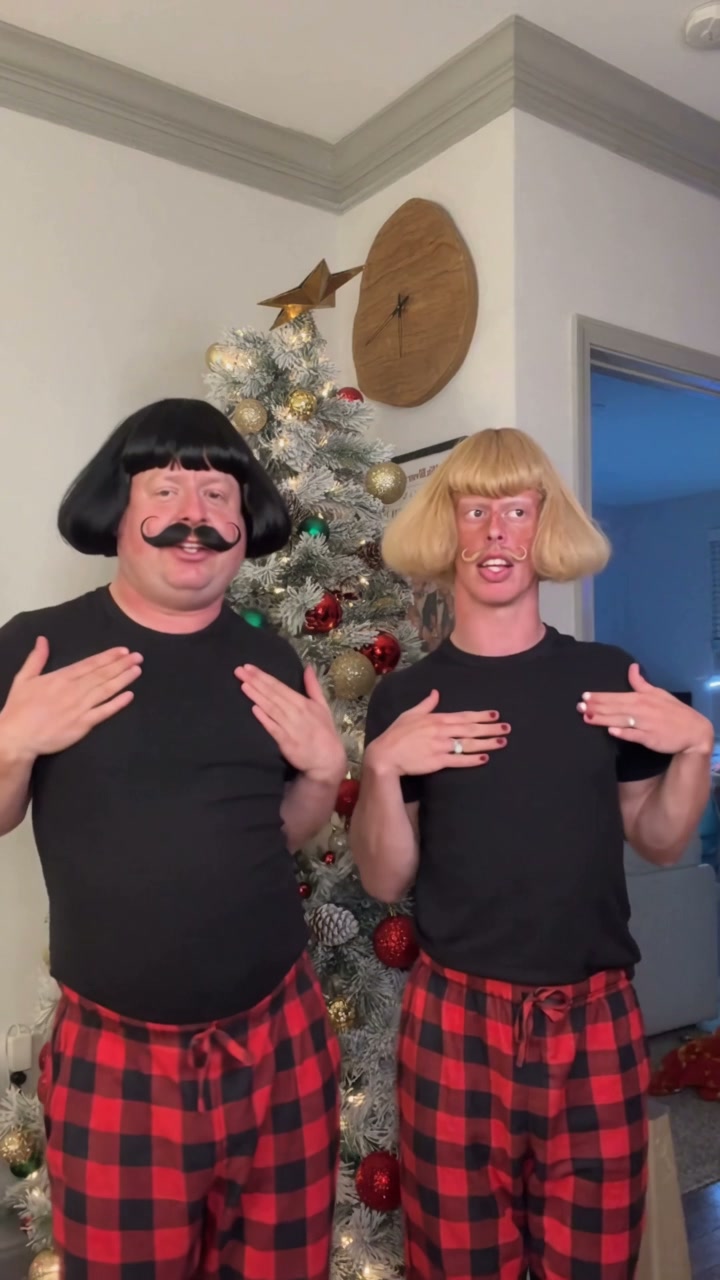
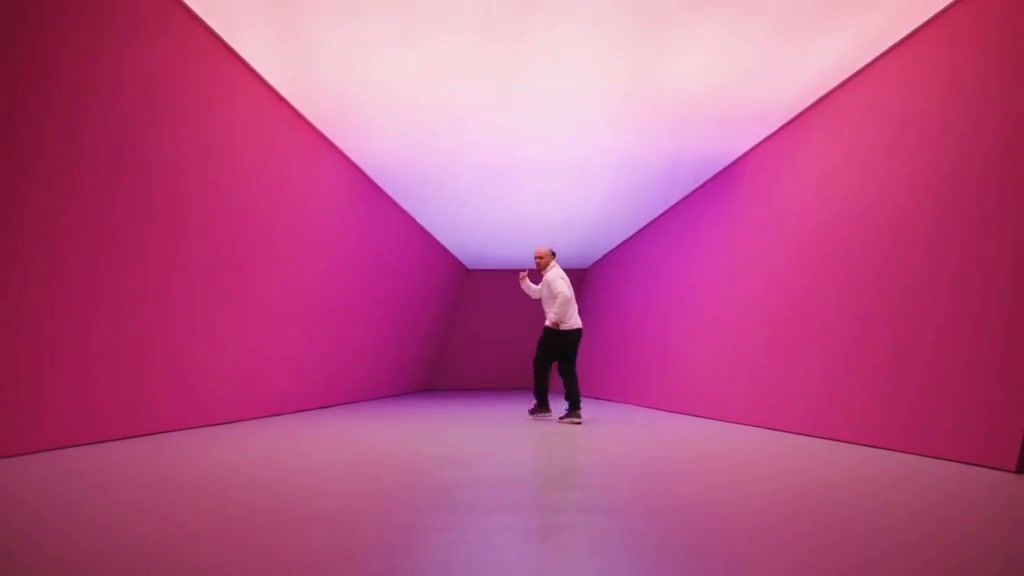
See Baby Dancing AI in Action — No Prompt Writing Needed
Generated directly from one clear baby portrait—no props, no green screen, and zero prompt engineering needed.
Baby Dancing AI animates any baby or toddler portrait into iconic viral social dance routines. Using one clear photo generates an authentic 15-second 9:16 MP4 starting at 8 credits (Standard 480p) with synchronized upbeat music and zero manual editing.
- 1Input needed: 1 front-facing photo of your baby or toddler with clear eyes and smile.
- 2Three viral scenes: Pink Velvet Tracksuit (Mia dance), Minnie Mouse Headband, and Grey Onesie Steps.
- 3Choreographed motion: rhythmic hip sways, knee bounces, singing head bobs, and clapping.
- 4Format & delivery: 9:16 vertical MP4 with synchronized music, ready for TikTok, Reels, and Shorts.
- 5Transparent pricing: starts at 8 credits (15s, Standard 480p); failed tasks automatically return reserved credits.
- Clip Length
- 15 Seconds
- Entry Cost
- 8 Credits (480p)
- Aspect Ratio
- 9:16 Vertical
- Photo Input
- 1 Clear Baby Photo
Why the Baby Dancing Format Works
Short-form baby dance clips consistently capture viral traction because they combine the natural innocence of infants and toddlers with rhythmic social choreography. Instead of static photo collages, short-form viewers want to see fluid arm waves, joyful bouncing knees, and genuine giggles that lock onto upbeat music drops.
Three key factors drive viral engagement across this meme format:
- Instant emotional hook: The clip opens right away on the dancing toddler (
0.0–4.0s), establishing personality and cuteness without any boring preamble. - Rhythmic movement sync: The hips, shoulders, and tiny feet move in tight synchronization with the percussion, creating high replay value on loop-based feeds like Reels and TikTok.
- Relatable family comedy: Parents love turning ordinary infant photos into cheerful dance clips that can be shared with grandparents, family chat groups, or social followers. Looking for more family dance fun? Check out Babydoll Dance AI or explore Cat Riding Dirt Bike AI for pet stunts.
15-Second Shot-by-Shot Beat Breakdown
| Timestamp | Phase | What Happens on Screen | Why Your Photo Matters Here |
|---|---|---|---|
| 0.0s – 4.0s | Setup & Opening Groove | The baby performer balances center-frame on carpet, smiling warmly with joyful eyes and bouncing knees to the opening percussion rhythm. | A front-facing portrait with open eyes and even lighting anchors facial likeness before motion kicks in. |
| 4.0s – 8.0s | Over-the-Shoulder Hip Shake | Leaning forward playfully, the toddler shakes hips side-to-side and glances over their shoulder with an adorable cheeky giggle. | Upper-body or waist-up photos give the model clean clothing and shoulder silhouettes that stay stable through spins. |
| 8.0s – 12.0s | Arm Circles & Singing Bobs | Standing tall, the baby sways little hands in rhythmic circles, shifts tiny feet, and rocks shoulders to the catchy chorus melody. | Clear bare faces without pacifiers or large hats help facial expressions and smiles animate naturally. |
| 12.0s – 15.0s | Final Bounces & Closing Pose | The routine finishes with energetic baby knee bounces, a sweet little shoulder shimmy, and a beaming smile held cleanly into the loop. | Single-subject photos prevent background family members from bleeding into the primary dancer anatomy. |
How to Pick the Best Baby Photo (Zero-Prompt Workflow)
Because the studio handles all dance choreography, lighting, and camera direction on the server, you never need to write a prompt. Choosing a clear input photo is the main step you control to ensure high-accuracy likeness and natural movement.
High-Accuracy Baby Photos vs. Animation Mistakes
Because this effect runs on a locked motion preset with zero prompt typing, photo selection accounts for most of the final quality.
Upload Photos Like This
- Front-facing photo where both eyes, cheeks, and baby smile are clearly visible.
- Even indoor room lighting or soft daylight without harsh facial shadows.
- Natural face without large pacifiers, heavy sunglasses, or oversized hats covering the forehead.
- Single child in the picture with uncluttered surroundings.
- Clear headshot or waist-up framing that displays shoulder and chest contours.
Avoid These Mistakes
- Multiple siblings or parents holding the baby with hands blocking the face.
- Heavy pacifiers or bibs that conceal the mouth and chin structure.
- Blurry motion snapshots or pixelated screenshots from distant cameras.
- Sleeping photos with closed eyes buried in blankets or pillows.
- Heavily filtered images with cartoon stickers, dog ears, or artificial skin smoothing.
Have Your Baby’s Photo Ready? Launch Straight Into the Studio
Pick one clear baby portrait here to carry it into the Baby Dancing AI studio pre-loaded—review your exact credit estimate (from 8 credits at 480p) and generate in seconds.
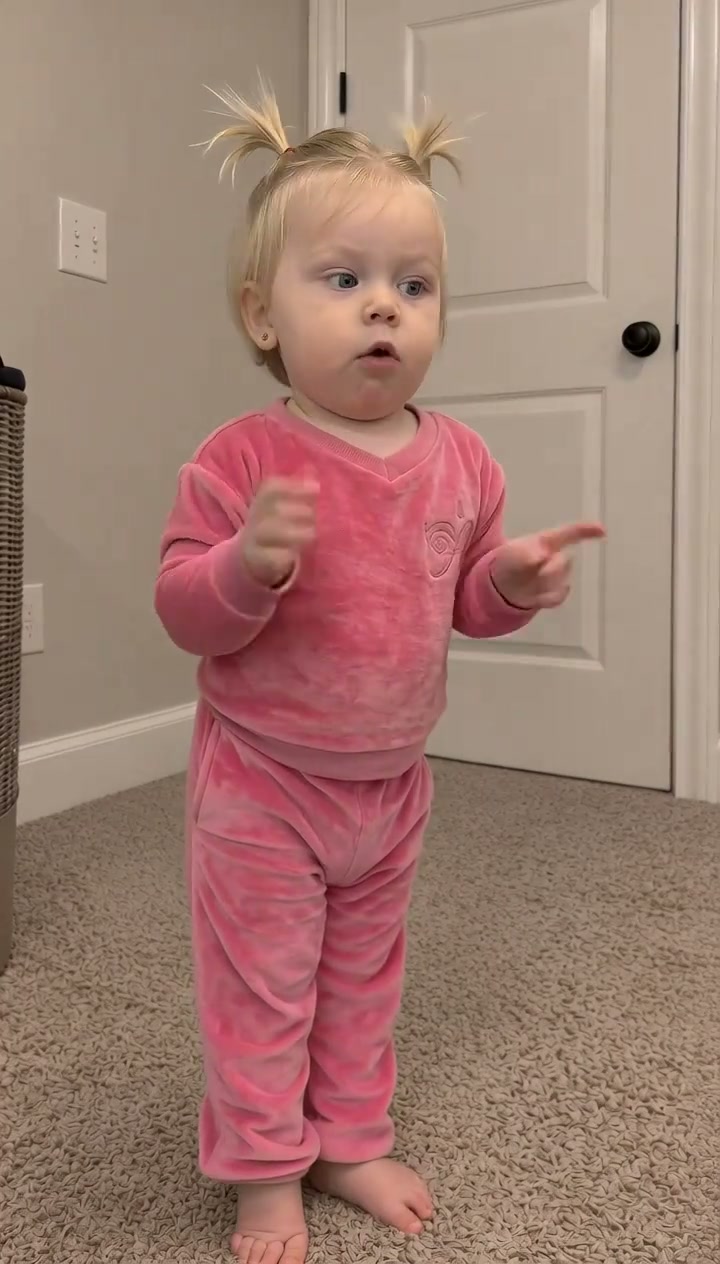 15s MP4
Preset Video vs. CapCut Templates: Which Should You Use?
Parents searching for "baby dancing CapCut template" often look for a quick way to join the viral meme without learning video editing software. Both tools serve different creative goals depending on whether you want genuine AI animation or quick photo cutouts:
Baby Dancing AI Preset vs. CapCut Templates
| What Matters | Viral AI Video Preset | Typical CapCut Template |
|---|---|---|
| How your baby appears | Synthesizes full-motion dance choreography where facial expressions and body posture follow the rhythm frame-by-frame. | Pastes a 2D cutout head or photo sticker over pre-recorded stock dance footage. |
| Expression and motion realism | Generates natural toddler smiles, singing mouth movements, and rhythmic head bobs automatically. | Static photo sticker remains rigid or uses simple 2D mesh pin-stretching. |
| Manual editing required | Zero editing or prompt writing—upload 1 photo, pick a scene, and generate. | Requires finding template IDs in the app, cropping cutouts, and replacing clips. |
| Resolution & format options | Outputs 9:16 vertical MP4 across Standard 480p, 720p, and high-definition Pro 1080p. | Depends on template export resolution and whether user subscribes to CapCut Pro. |
| Credit pricing vs subscription | Pay-as-you-go from 8 credits per render; purchased credit packs never expire. | Free with basic templates; premium export filters require recurring monthly subscriptions. |
Audio, Previewing & Posting Tips
Before sharing your finished baby dance clip on TikTok, Instagram Reels, or YouTube Shorts, keep these three practical recommendations in mind:
- Preview motion and audio before sharing: Watch the generated preview to confirm your baby face and clothing animated smoothly through the hip wiggles and bounces. Finished desktop downloads include synchronized dance beats, while phone task downloads let you save directly to your camera roll.
- Pair with trending TikTok audio: While your MP4 exports with a clean rhythmic dance track, you can amplify reach on TikTok and Instagram by selecting the official trending sound from the in-app audio library when publishing.
- Toggle AI disclosure on social platforms: When sharing synthetic family comedy, turn on the platform AI-generated content toggle. This maintains transparency, complies with community guidelines, and keeps your account in good standing.