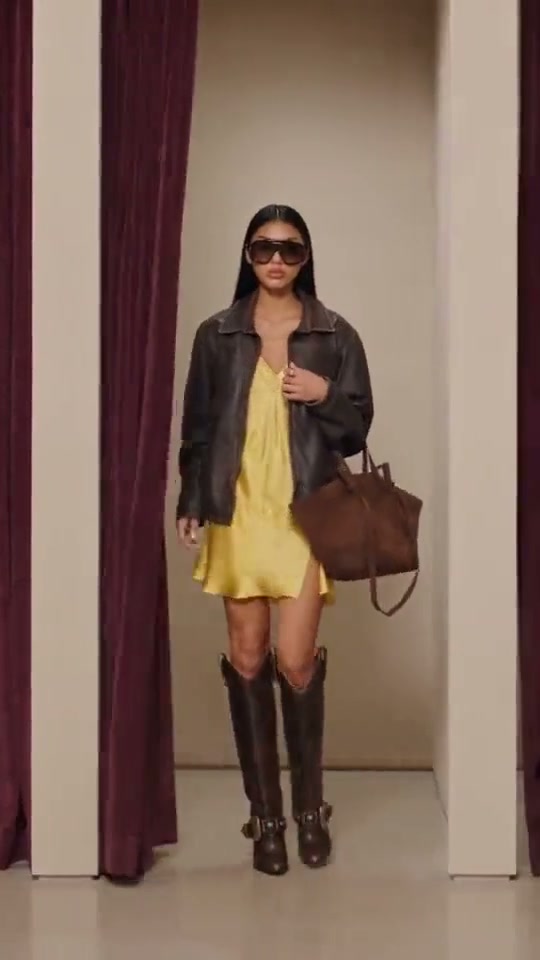
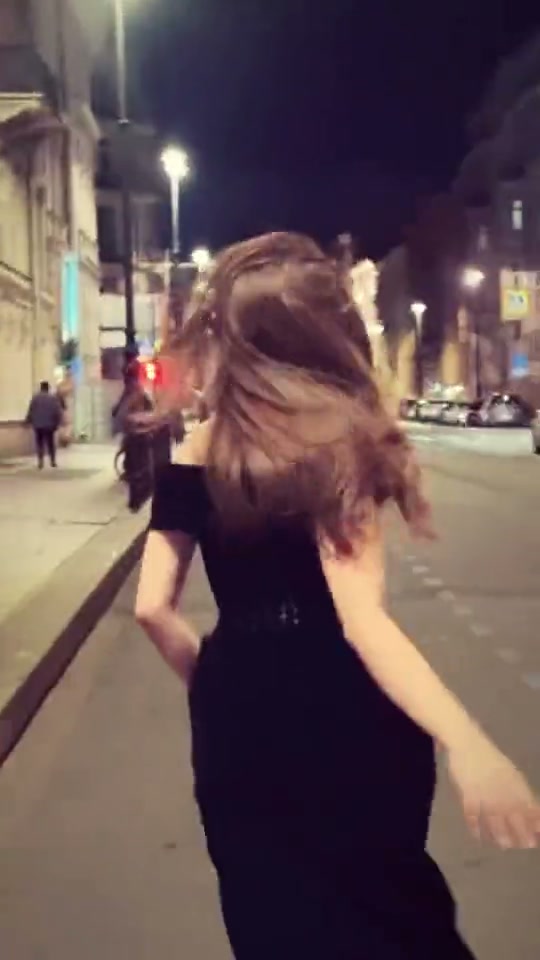
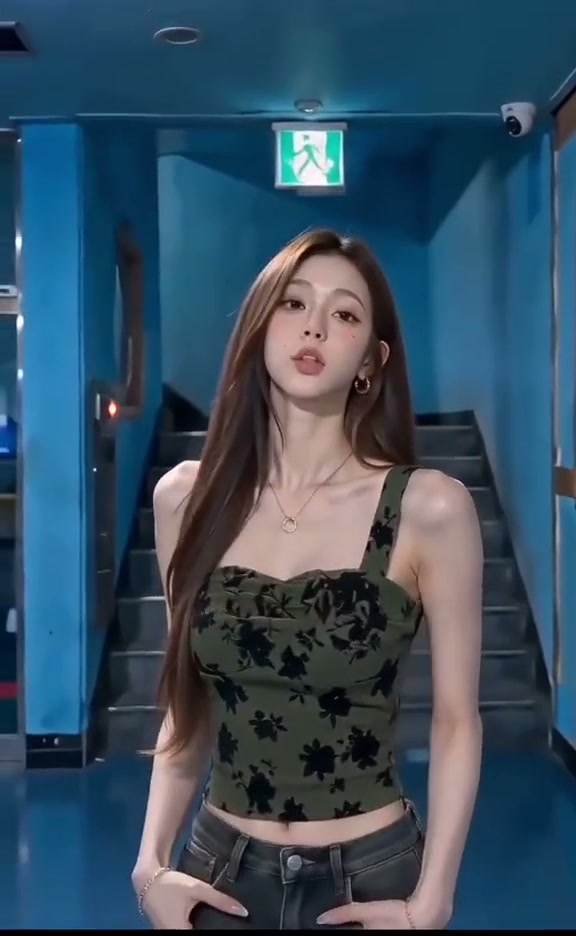
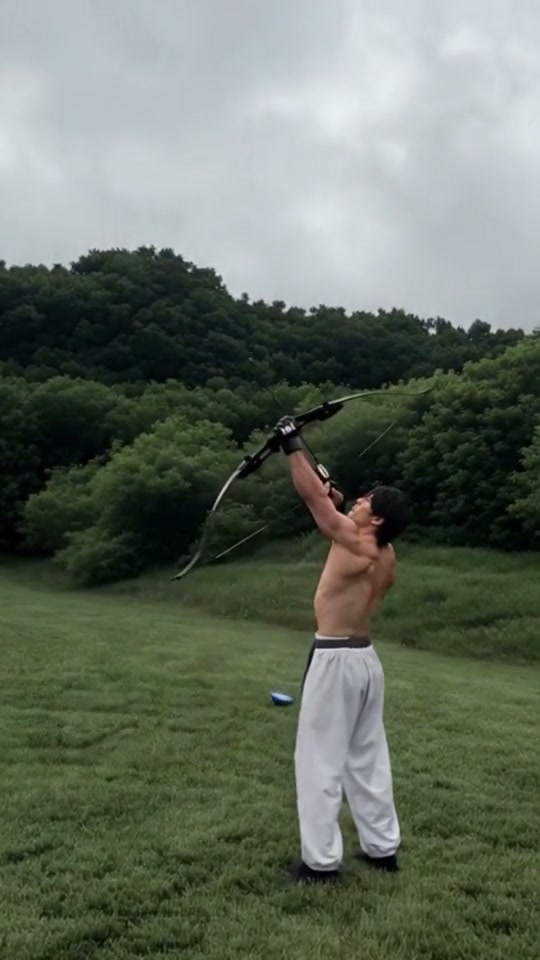
See Baby Boom AI in Action — No Prompt Writing Needed
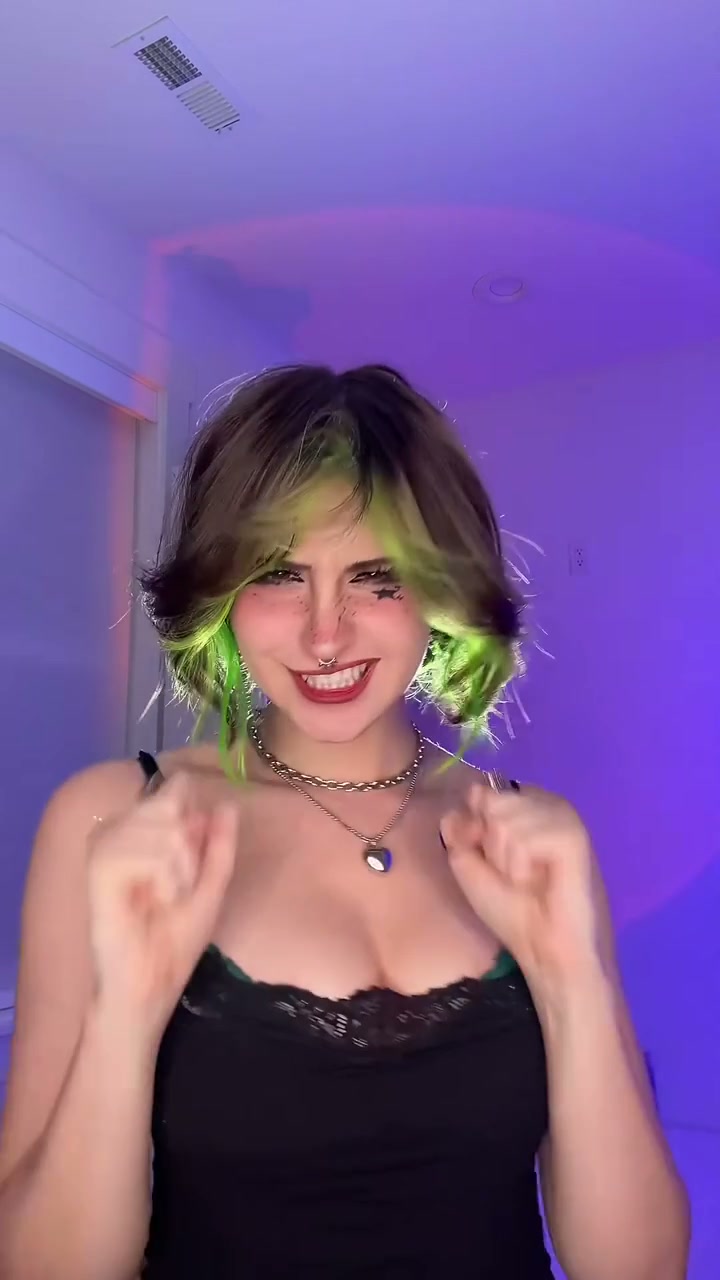
Preview the 11-second Baby Boom Neon Rebel routine: introductory sway, party popper burst, and celebratory beat-drop lip-sync.
Transform one portrait photo into the viral 11-second Baby Boom celebratory confetti video starting at 6 credits with zero party popper cleanup.
- 1Two built-in aesthetic editions: vibrant Neon Rebel bedroom lighting or soft Golden Glam pastel tones.
- 2Animates one front-facing portrait through an explosive party popper burst and synchronized lip-sync routine.
- 3Keep eyes open, hair visible, and facial lighting balanced so drifting confetti flakes map naturally.
- 4Exports a high-definition 9:16 vertical MP4 in 11 seconds with matched beat-drop audio.
- 5Starts at 6 credits (Standard 480p) with zero monthly subscription and automatic error refunds.
- Duration
- 11 Seconds
- Entry Rate
- 6 Credits (480p)
- Editions
- Neon Rebel & Golden Glam
- Aspect Ratio
- 9:16 Vertical
Neon vs. Glam Timing: Choosing Your Aesthetic
Creators searching for Baby Boom AI or the TikTok Shipuchka confetti challenge love the high-energy contrast between a quiet introductory camera lock and a sudden, explosive shower of glittering party popper flakes.
Rather than forcing creators to choose between multiple separate tools, the Baby Boom AI effect studio lets you toggle between Neon Rebel Edition (bold cyberpunk bedroom lighting with dynamic multi-colored flakes) and Golden Glam Edition (warm pastel vanity glow with drifting star foil confetti) inside the exact same studio workflow. Both options preserve your genuine facial structure, skin tone, and hair styling while delivering authentic celebratory movement.
11-Second Confetti Shot Map
Unlike simple looping clips, this 11-second celebratory routine follows four precise musical beats choreographed to the viral hyperpop drop:
11-Second Baby Boom Confetti Storyboard
| Timestamp | Phase | What Happens on Screen | Why Your Photo Matters Here |
|---|---|---|---|
| 0.0s – 2.5s | Playful Camera Lock & Intro Sway | You face the lens directly with an engaging, playful expression, swaying gently as the introductory rhythm builds anticipation. | Ensure comfortable headroom above your hairstyle so falling confetti has space to enter the top of the frame. |
| 2.5s – 5.0s | Explosive Confetti Shower & Hook Drop | Right as the "Baby boom" vocal hits, a burst of glittering metallic flakes detonates overhead and cascades downward as you smile and push open palms toward the camera. | Use an open-eyed, smiling portrait to capture the celebratory energy of the beat drop. |
| 5.0s – 8.0s | Fingers Through Hair & Rhythmic Tilt | With shimmering confetti caught in your hair and fluttering through the ambient glow, you tilt your head teasingly and groove shoulder-to-shoulder. | Wear your hair down or in a natural style so finger-combing gestures flow smoothly. |
| 8.0s – 11.0s | Radiant Camera Interaction & Finale | You maintain radiant eye contact with the viewer, flashing a confident grin as glittering particles drift slowly and settle around your shoulders. | Avoid heavy dark makeup or sunglasses so facial expressions remain crisp through the finale. |
Photo Selection for Confetti Renders
Because the AI synthesizes both dynamic celebratory lighting and hundreds of fluttering metallic confetti flakes, clear facial contours and balanced lighting in your uploaded photo are essential. Dark shadows under the eyes or harsh direct flash can make the drifting glitter appear disconnected from your silhouette.
For best results, use a sharp, front-facing selfie taken in soft daylight or diffused indoor lighting. This provides clean tonal separation so the AI can drape confetti convincingly over your shoulders—similar to the portrait lighting best practices used in Bad Aim Edit AI.
Portrait Prep Checklist: Clean Confetti & Lip-Sync Mapping
Because this effect runs on a locked motion preset with zero prompt typing, photo selection accounts for most of the final quality.
Upload Photos Like This
- Clear front-facing upper-body portrait or selfie with even, diffused lighting.
- Natural open-eyed gaze with a relaxed smile or neutral friendly expression.
- Unobstructed forehead, eyebrows, and cheeks with hair styled naturally.
- Casual everyday clothing such as tank tops, t-shirts, dresses, or knitwear without corporate logos.
- Single adult subject centered in the frame with plenty of breathing room around shoulders.
Avoid These Mistakes
- Dark sunglasses, costume masks, or heavy hats that conceal eyes and hair edges.
- Hands already resting on your face, in pockets, or covering your mouth.
- Extreme side-profile angles or low-angle chin shots that distort facial geometry.
- Severe backlighting, harsh spotlight glares, or grainy low-resolution screenshots.
- Photos containing multiple people, pets, children, or heavy beauty filters.
Send Portrait Straight to Studio
Try Baby Boom AI Now · 6 Credits
Bring your everyday portrait directly into the 11-second Baby Boom studio starting at 6 credits.
 11s MP4
AI Video vs. CapCut Sticker Overlays
Attempting to recreate this trend with traditional video editing apps like CapCut usually means downloading static 2D confetti sticker overlays, green-screen effects, or trying to film yourself with real party poppers while cleaning up glitter for days:
Baby Boom AI vs. CapCut Confetti Sticker Overlays
| What Matters | Viral AI Video Preset | Typical CapCut Template |
|---|---|---|
| Confetti physics & depth integration | Synthesizes genuine 3D metallic flakes that drift through hair and interact with body movement across 11s. | Pastes flat 2D sticker animations over existing video that fail to interact with depth or lighting. |
| Real-world cleanup required | 100% zero mess—confetti physics and lighting are rendered completely in software. | Requires buying real party poppers and spending hours vacuuming glitter out of rugs and furniture. |
| Facial animation & lip-syncing | Animates authentic facial lip movements, head tilts, and hair gestures from a single still photo. | Requires recording multiple live takes with precise musical lip-sync timing yourself. |
| Transparent pay-as-you-go pricing | Starts at 6 credits with zero recurring monthly subscription; purchased packs never expire. | Key video templates and export options are locked behind recurring monthly Pro tiers. |
Ready to explore more viral trends after celebrating with confetti? Check out our high-energy choreographies in Cat Riding Dirt Bike AI or browse trending templates in the studio catalog.