
WAKE UP IN THE MORN AI VIDEO GENERATOR: VIRAL 3-PERSON DANCE STUDIO
Star in the trending “Wake Up In The Morn” 3-person TikTok dance from your portrait photo. Choose the Elevated Wall Trio or Garage Crew scene to animate a 12-second clip with synchronized viral audio ready for TikTok and Reels. Pay-as-you-go video generation starts at just 6 credits with zero monthly subscription.
CREATE YOUR WAKE UP IN THE MORN AI VIDEO
Choose version & upload your photo
Tip: Upload Photo 1 for Left Floor Dancer, Photo 2 for Elevated Center Ledge, and Photo 3 for Right Floor Dancer.
Video Options
By generating you confirm compliance with our Terms · Privacy · Acceptable Use
12-second video · 6 credits per generation · One-time packs, no subscription
WATCH EXAMPLES FREE · REVIEW THE COST · FAILED-TASK CREDIT RETURN
WHAT IS THE WAKE UP IN THE MORN AI TREND?
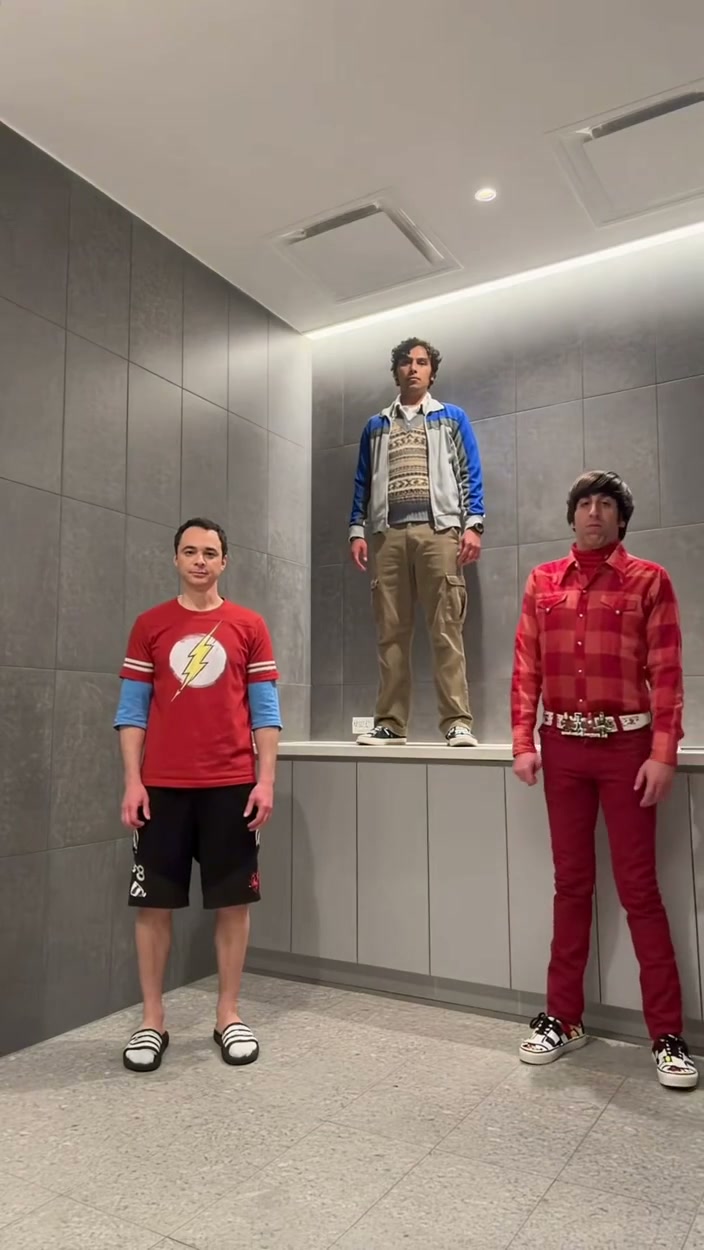
Wake Up In The Morn AI is a dedicated multi-person dance video generator built around the viral TikTok "Wake up in the morning" standoff-to-dance beat drop trend. Choose between Scene 1 (Elevated Wall Trio with a center performer elevated on a back ledge) and Scene 2 (Garage Crew Trio with a front lead and two backup wings), upload photos, and animate a 12-second full-body dance routine with pre-synced viral audio.
Popularized across short-form feeds as “wake up in the morning dance”, the trend pairs a frozen deadpan stance with an explosive burst of synchronized hip-hop footwork, arm grooves, and energetic smiles when the beat drops.
Elevated Wall or Garage Crew · 1 to 3 Photos In
Switch between the Elevated Wall Trio scene and the urban Garage Crew setting inside Step 1. Both routes map your facial identity, hairstyle, and outfit styling cleanly onto the choreography with zero manual keyframing.
Explore trending creator remixes on TikTok trending trio dance search results.
Content reviewed by Viral AI Video · . Independent AI creative tool, not affiliated with TikTok, Instagram, YouTube, or ByteDance.
Dance & Music Templates
Explore More Viral AI Video Templates
Jump into related trending formats in this category or browse the full directory.
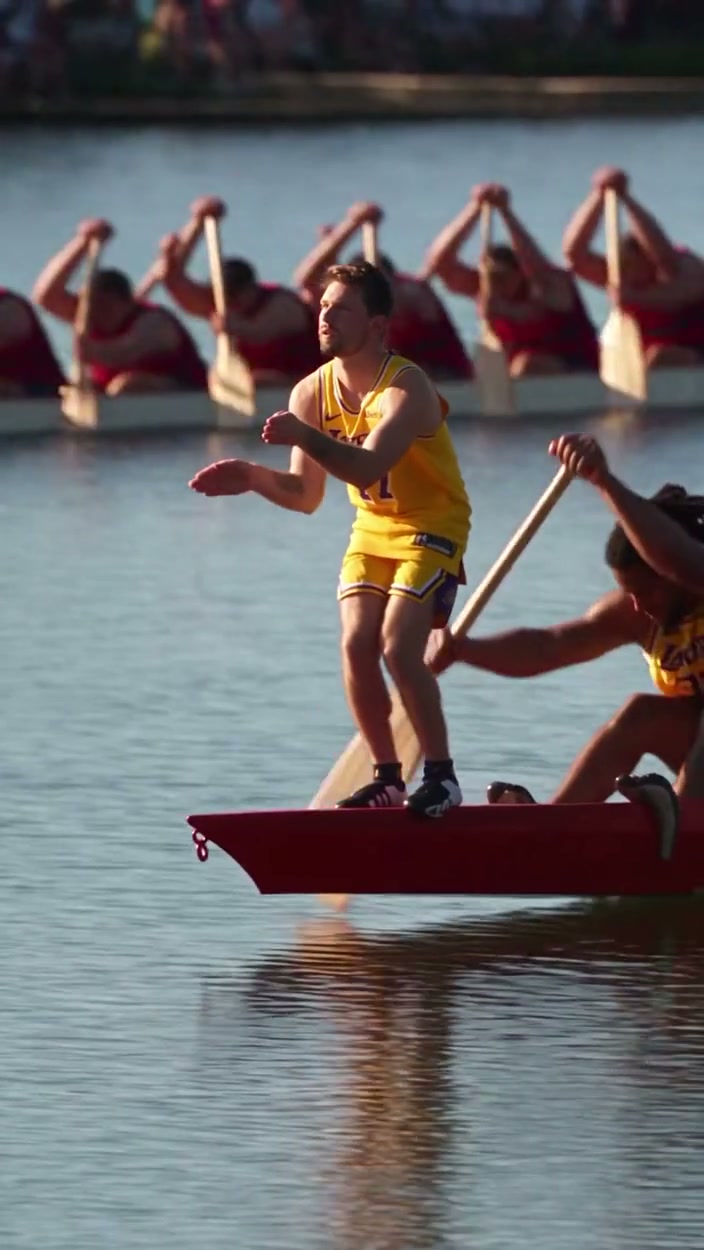
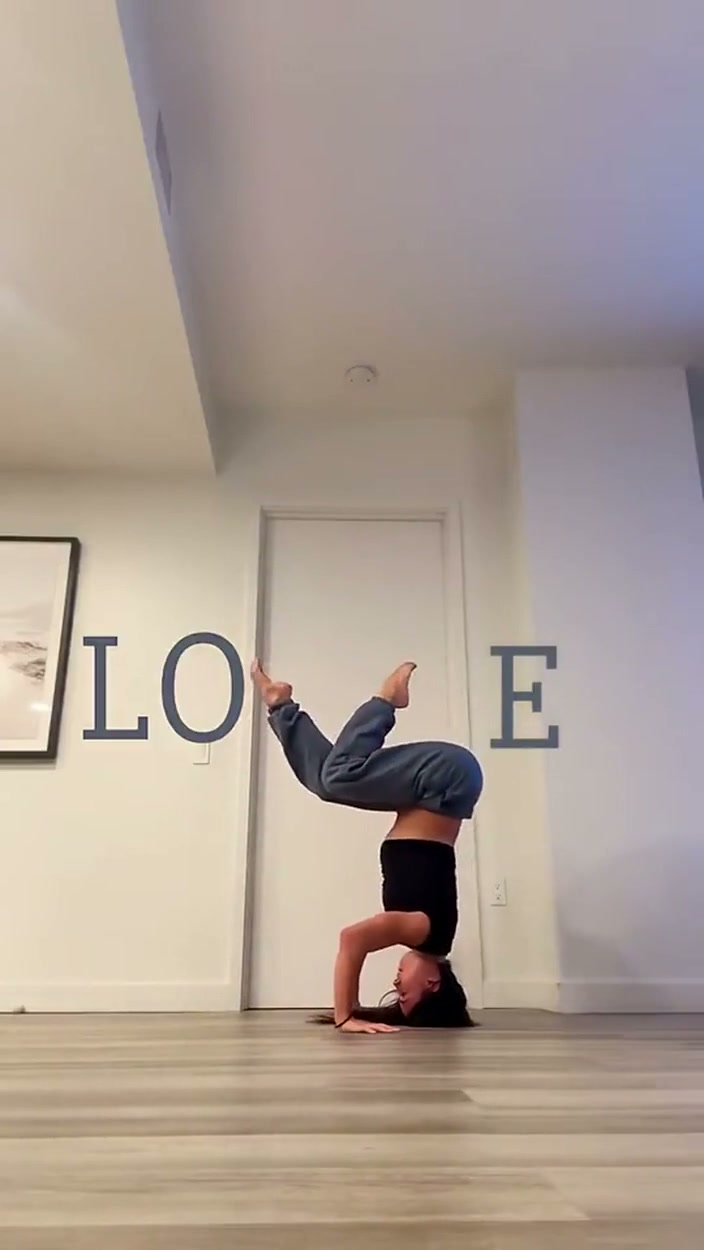
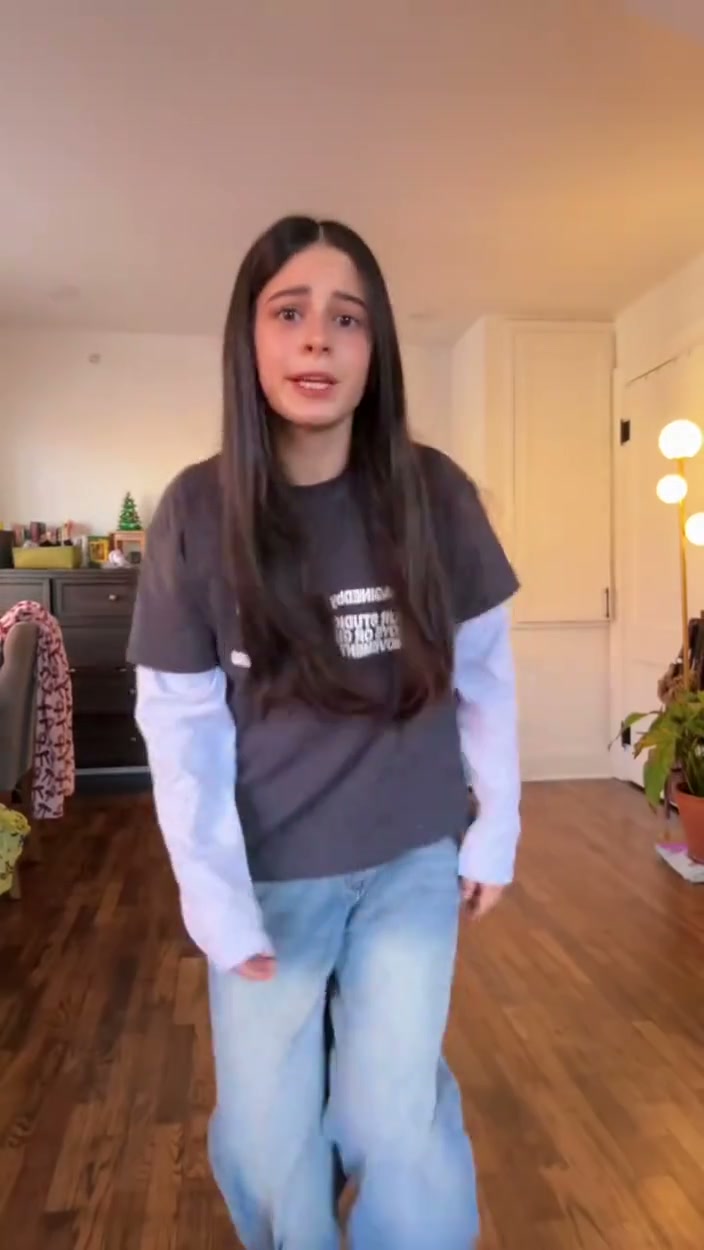
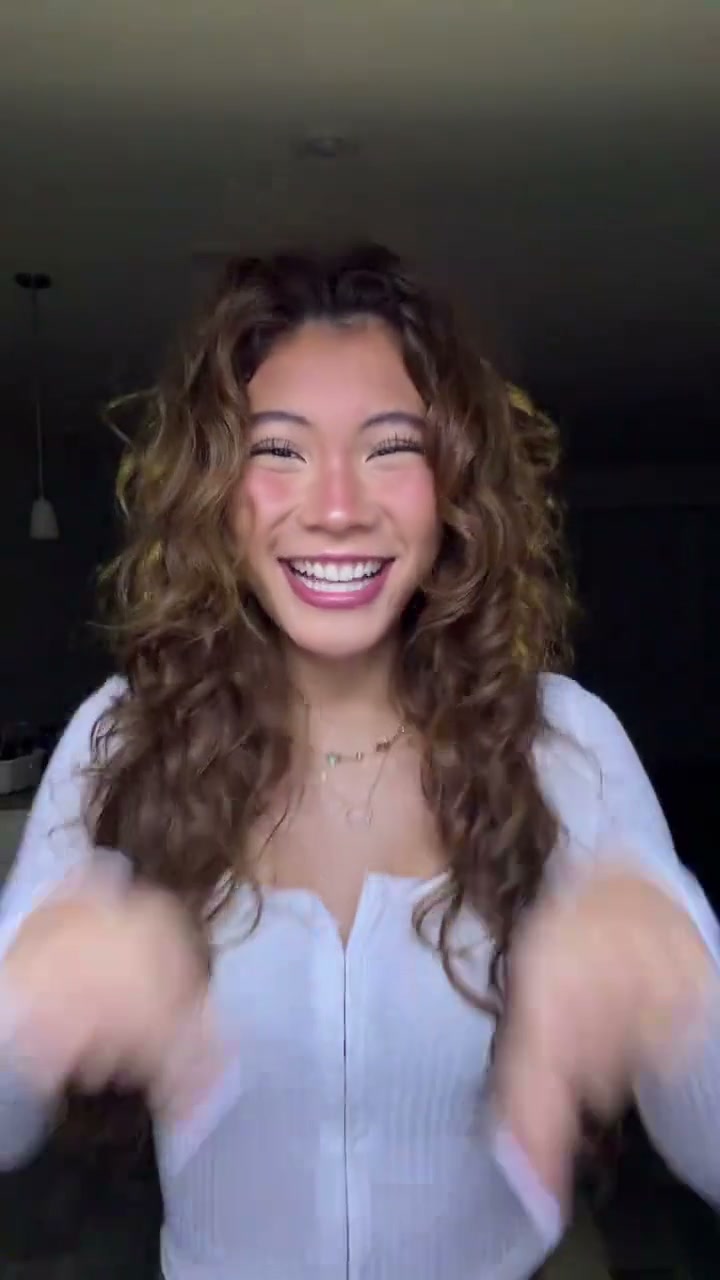
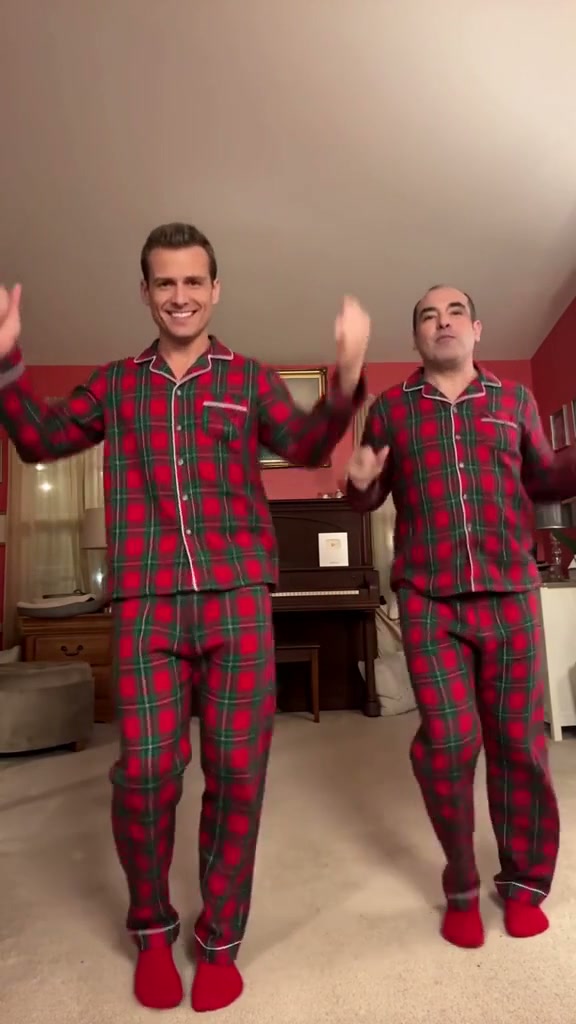
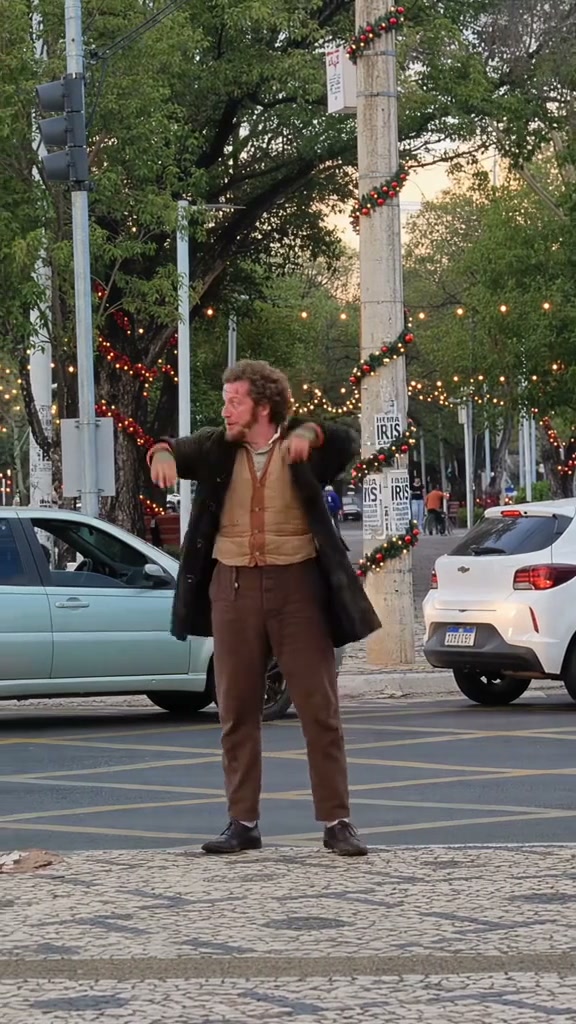
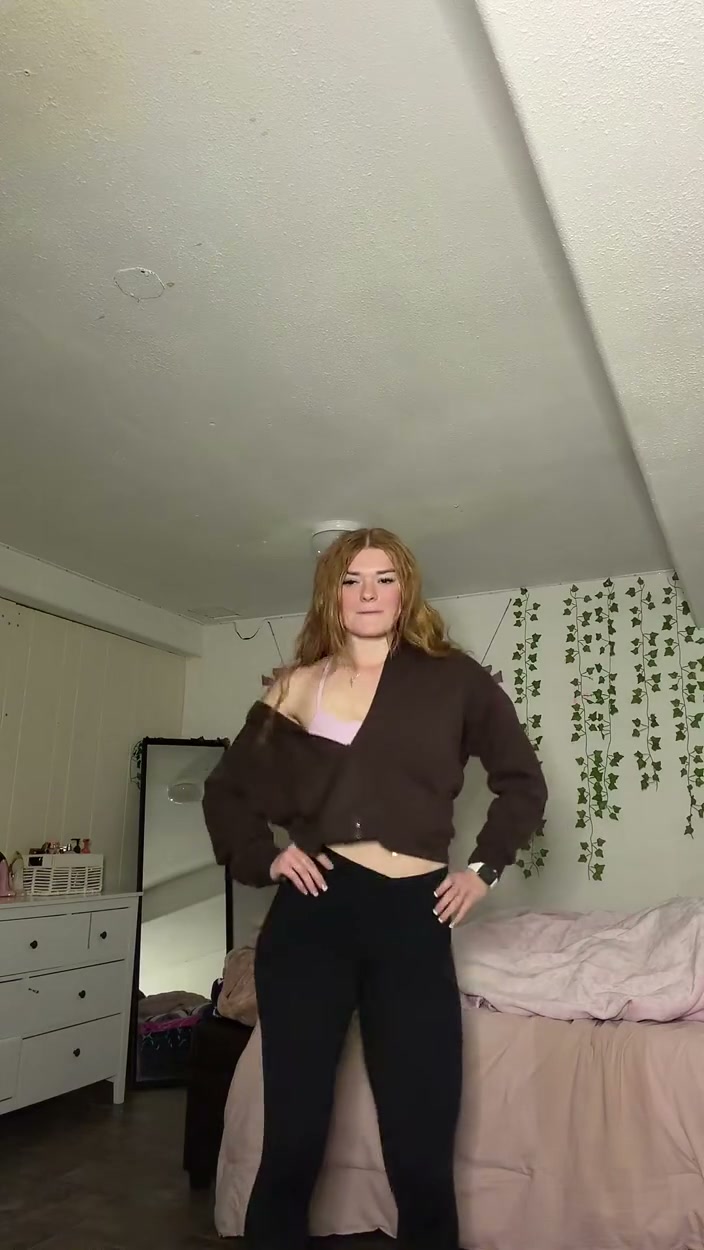
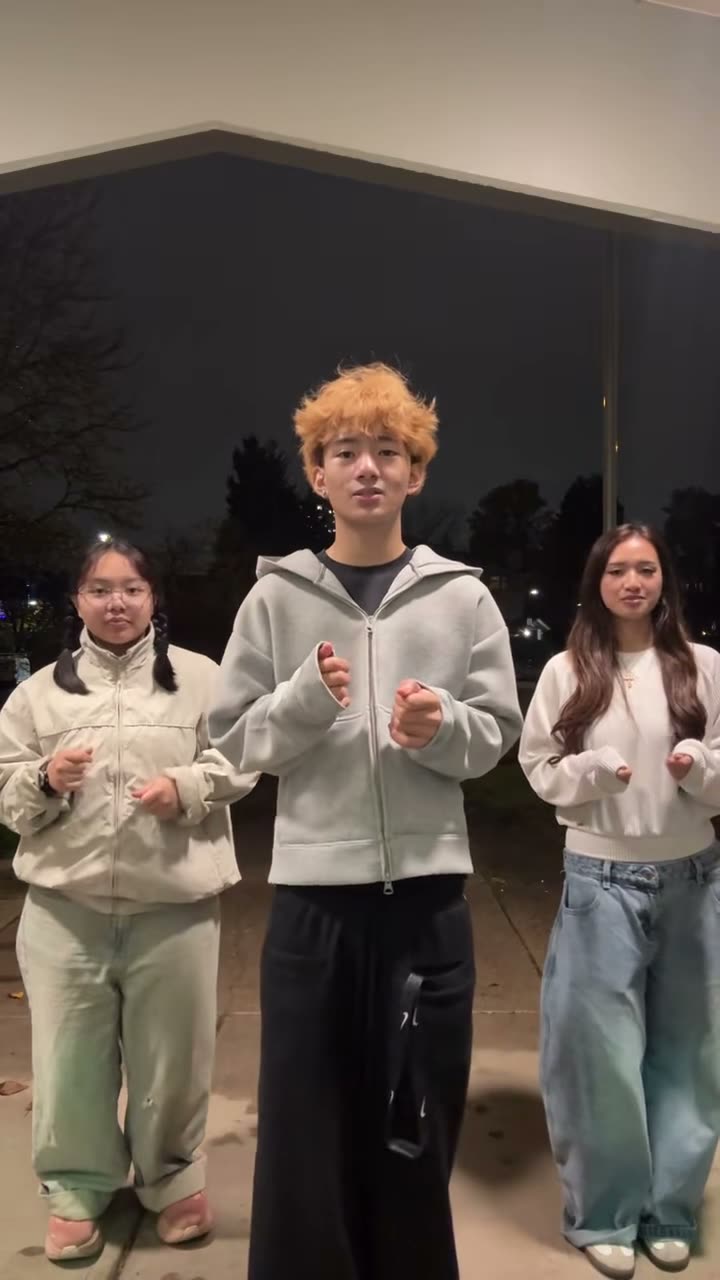
How to Create Your Trio Dance Video in 3 Steps
Pick your preferred dance scene and drop in your portrait. Every standoff keyframe and synchronized beat drop choreography is animated automatically without manual splicing.
Pick Scene & Add Photo
Choose between Elevated Wall Trio or Garage Crew timing, then upload your portrait from your device or via mobile QR scan—no dance experience or studio space needed.
Select Resolution & Format
The preset locks the viral TikTok standoff and energetic beat drop together. Choose 480p, 720p, or 1080p plus your preferred framing before confirming permissions.
Download With Beat Audio
Follow live render progress until your 12-second clip arrives with synced trending audio attached. Save straight to computer or send via phone QR.
Creative Angles for Your 3-Person Dance Video
Use creative trio dynamics and catchy TikTok captions to turn any everyday photos into viral short-form dance gold.
Friend Group & Family Collab
Cast yourself and two friends or family members into the standoff-to-dance routine for hilarious group chat banter.
Solo Performer Clone Routine
Upload three different photos of yourself in different outfits or expressions to star as the entire dance crew.
Two Distinct Scenes to Test
Compare the Elevated Wall ledge standoff against the urban Garage Crew choreography without manual beat markers.
Why Create Your Trio Dance Edit Here
Compare both dance scenes, verify credit totals upfront, and render with automatic error refunds.
100% Automatic Refund On Errors
Cloud task failures return reserved credits to your balance automatically—no support tickets needed.
Elevated Wall & Garage Crew Ready
No clip hunting or template splicing required. Switch scenes inside Step 1 from your still portraits.
Flexible Resolution & Format
Export 480p, 720p, or 1080p across 9:16, 1:1, or 16:9 with live upfront credit pricing.
Instant MP4 & Phone QR Save
Download the synced MP4 on desktop or scan the QR code directly to your phone.
Non-Expiring Sitewide Credits
Purchased pack credits never expire and work across every studio preset on site.
Transparent Privacy & Retention
Uploaded portraits follow our Privacy Policy safely and are never shared publicly.
Inside the 12-Second Trio Dance Storyboard
Every render follows the viral routine from the opening frozen deadpan standoff to the energetic beat drop hip-hop finish.
Frozen Deadpan Standoff
All three performers face the lens motionless in fixed spatial positions with neutral expressions as the intro builds.
Viral Beat Drop Explosion
The beat drops, initiating synchronized energetic weight shifts, ledge balance hops, and dynamic arm swings in lockstep.
Synchronized Torso Groove
Tight unison hip-hop groove featuring rhythmic chest pops, double arm pumps, and shoulder rolls to the infectious beat.
Alternating Footwork & Swagger Finale
Playful forward leans and shuffle steps ending in joyful full-body swagger, open palm gestures, and wide finishing grins.
Photo Guidelines & Quality Tips
Keep likeness crisp through both the frozen deadpan standoff and the fast synchronized dance moves with these framing tips.
Give Your Portrait the Best Edge
- Even Front LightingClear frontal illumination keeps facial likeness sharp across wide formations and choreography.
- Visible Shoulders & OutfitInclude head, neck, and shoulders clearly without cropped chins or hands obscuring the face.
- Skip Sunglasses & Heavy FiltersUnobstructed facial features ensure authentic likeness throughout the dance routine.
- Single Subject Per SlotUpload one centered adult photo per slot so the AI assigns each performer correctly.
Check the Cost and the Finished Motion
- iLive Credit EstimatesSwitching models or resolution updates upfront pricing before rendering (6 credits on 480p).
- iInspect Preview FirstWatch the standoff and beat drop choreography in result playback before downloading.
- iAutomatic RefundsFailed cloud tasks instantly credit reserved tokens back to your account balance.
- iFree Reference PlaybackPreview Elevated Wall and Garage Crew reference clips freely before generating.
How Does This 3-Person Dance Generator Work?
Your uploaded portraits supply facial structure, hair, skin tone, and clothing cues. The selected scene animates every frame from the initial standoff through the full-body synchronized dance across the full 12-second vertical clip.
Zero separate clip splicing or manual audio syncing is required. Upload portraits, review the credit total (6 credits at Standard 480p), and export an MP4 with trending audio ready for TikTok, Reels, and Shorts.
Check current credit options, failed-task and payment refund rules, and photo processing and retention before generating.
Frequently Asked Questions
QHow do I create a Wake Up In The Morn AI video from my photo?
QCan I create the Wake Up In The Morn AI dance for free or do I need a paid plan?
QHow much does this 12-second generation cost, and what if it fails?
QWhat photo works best for the elevated ledge performer vs the floor dancers?
QWhat are the differences between the Elevated Wall Trio and the Garage Crew scenes?
QWhy use this studio instead of a manual CapCut template?
QDoes the generated video include the viral TikTok beat-drop music track automatically?
QWhat camera orientation and aspect ratio does the generated dance video use?
QCan I cast myself in all three performer positions using three different selfies?
QHow long does it take for Seedance 2.0 to animate the 12-second choreography?
Make Your Trio Dance Clip Tonight
Pick Elevated Wall or Garage Crew, upload your portrait, check the upfront credit cost (6 credits at 480p), and export a 12s MP4 with trending audio ready for TikTok & Reels.
MP4 download · Phone QR option · Sitewide credits