
BOOM CLAP AI VIDEO GENERATOR: VIRAL CONFETTI PARTY DANCE
Star in the viral Boom Clap confetti party dance trend to Charli XCX's hit song. Upload one photo to generate an authentic 13-second celebration clip ready for TikTok and Reels. Pay-as-you-go video generation starts at just 7 credits with zero monthly subscription.
CREATE YOUR BOOM CLAP CONFETTI VIDEO
Upload your photo
Tip: Use a clear front-facing portrait with visible eyes and facial features in even light. No party props or confetti needed.
Video Options
By generating you confirm compliance with our Terms · Privacy · Acceptable Use
13-second video · 7 credits per generation · One-time packs, no subscription
WATCH EXAMPLES FREE · REVIEW THE COST · FAILED-TASK CREDIT RETURN
WHAT IS THE BOOM CLAP AI TREND?
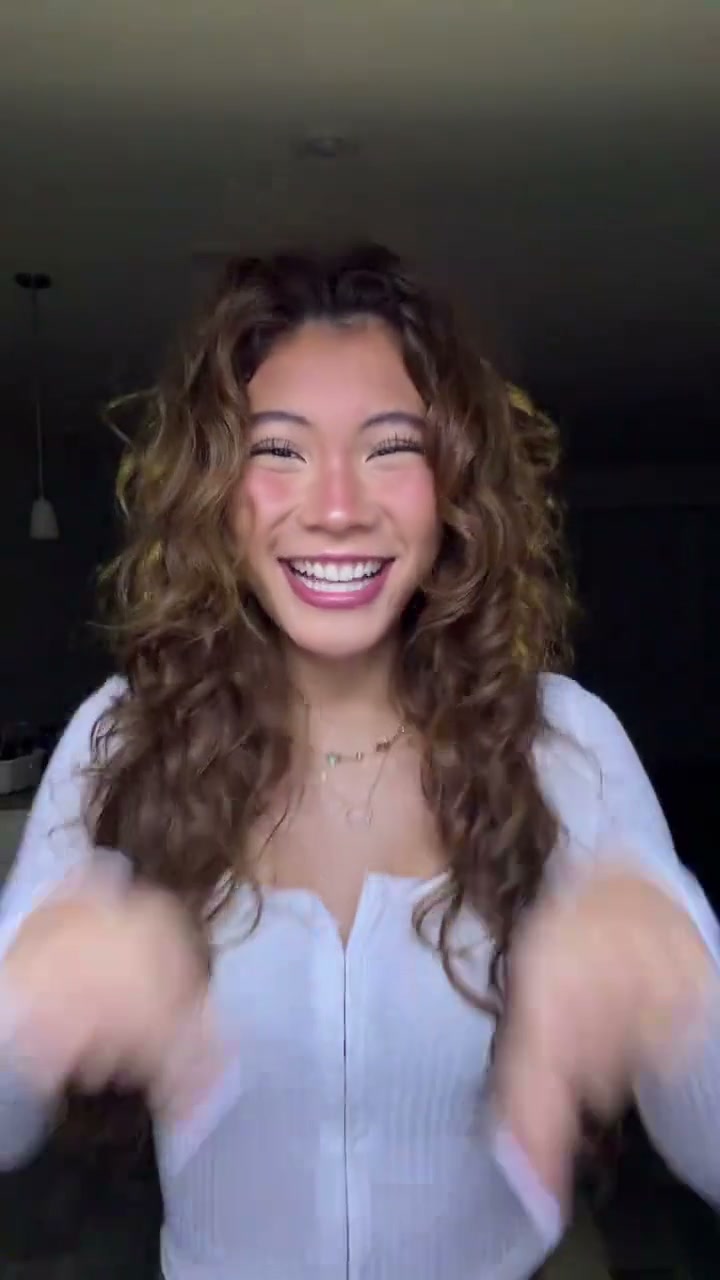
Boom Clap AI is a photo-to-video generator based on the viral TikTok confetti party dance trend set to Charli XCX's hit song "Boom Clap". Upload 1 portrait photo to star as the center soloist, executing an anticipatory smile, joyous double thumbs-up, and hair-shaking celebration right as multicolored confetti cascades down on the beat drop across an authentic 13-second 9:16 vertical MP4 with synchronized music.
Known across TikTok and Instagram Reels as the TikTok Boom Clap confetti trend, this viral dance pairs Charli XCX's heartbeat rhythm with an anticipatory smile, double thumbs-up, and celebratory confetti shower on the beat drop.
One-Click Viral Celebration Generation
Upload 1 portrait. Our engine casts you directly as the solo celebration dancer with viral choreography and camera motion, without cleanup, filming, or prompt engineering.
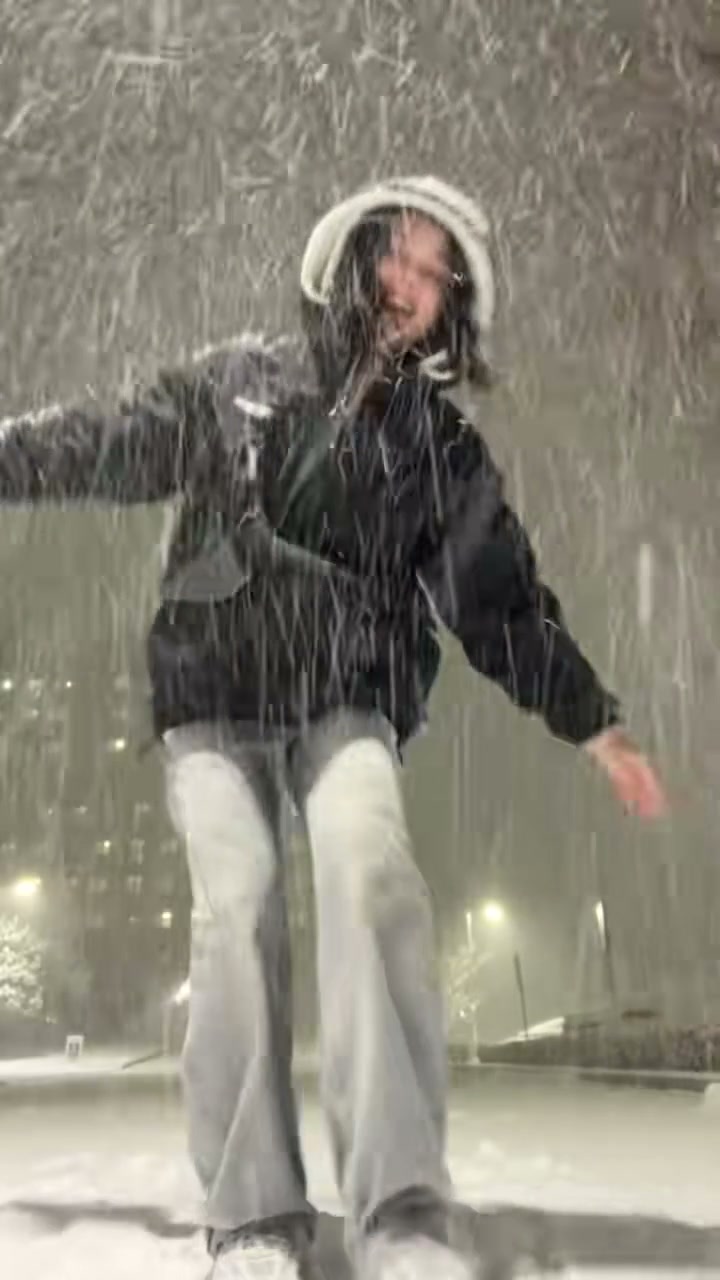
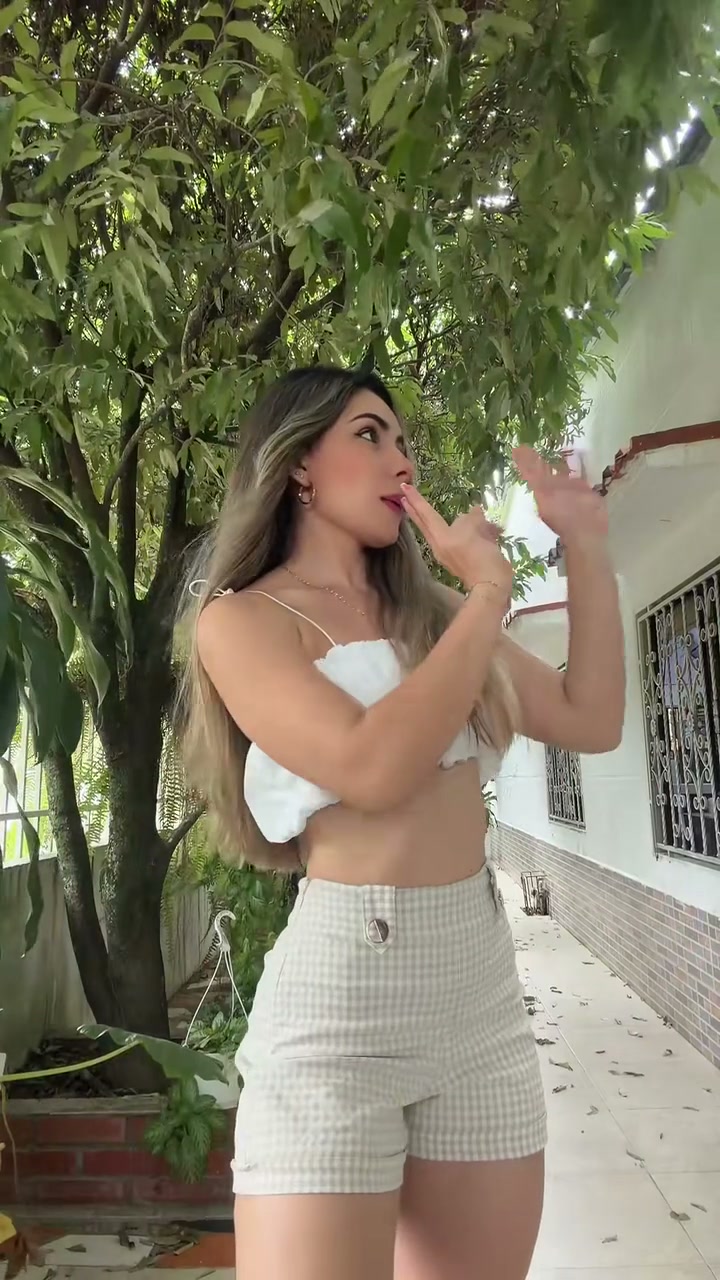
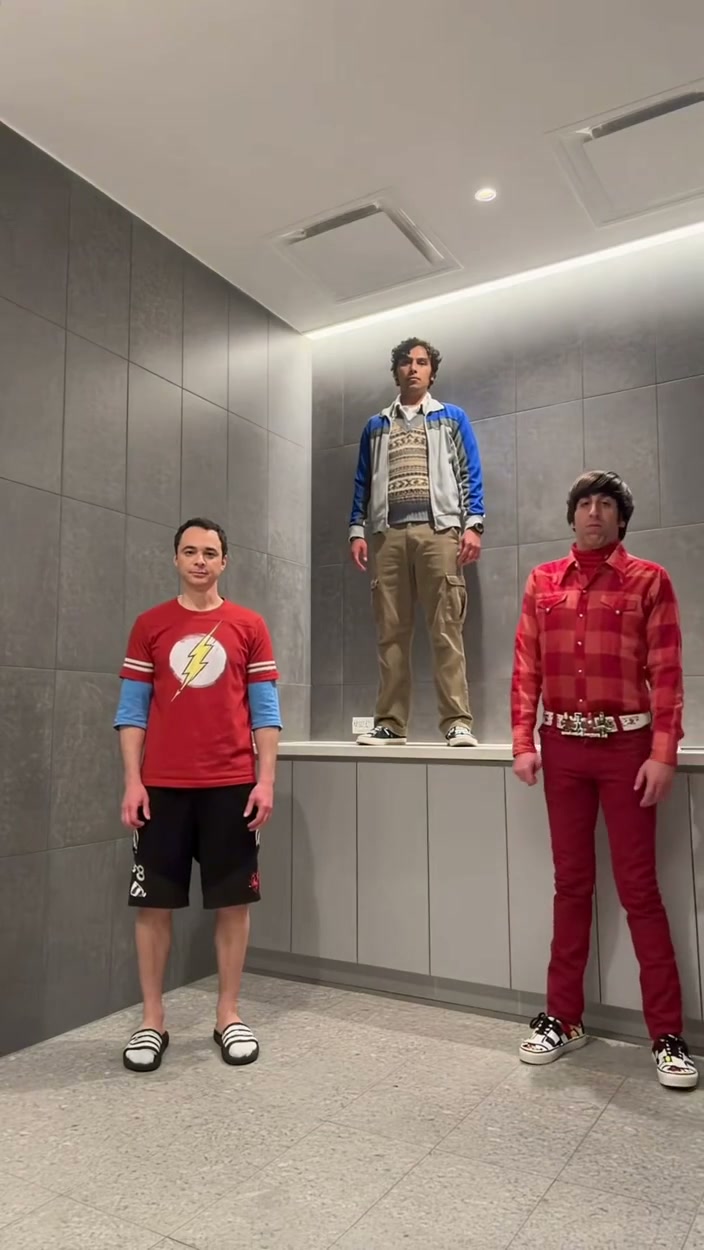
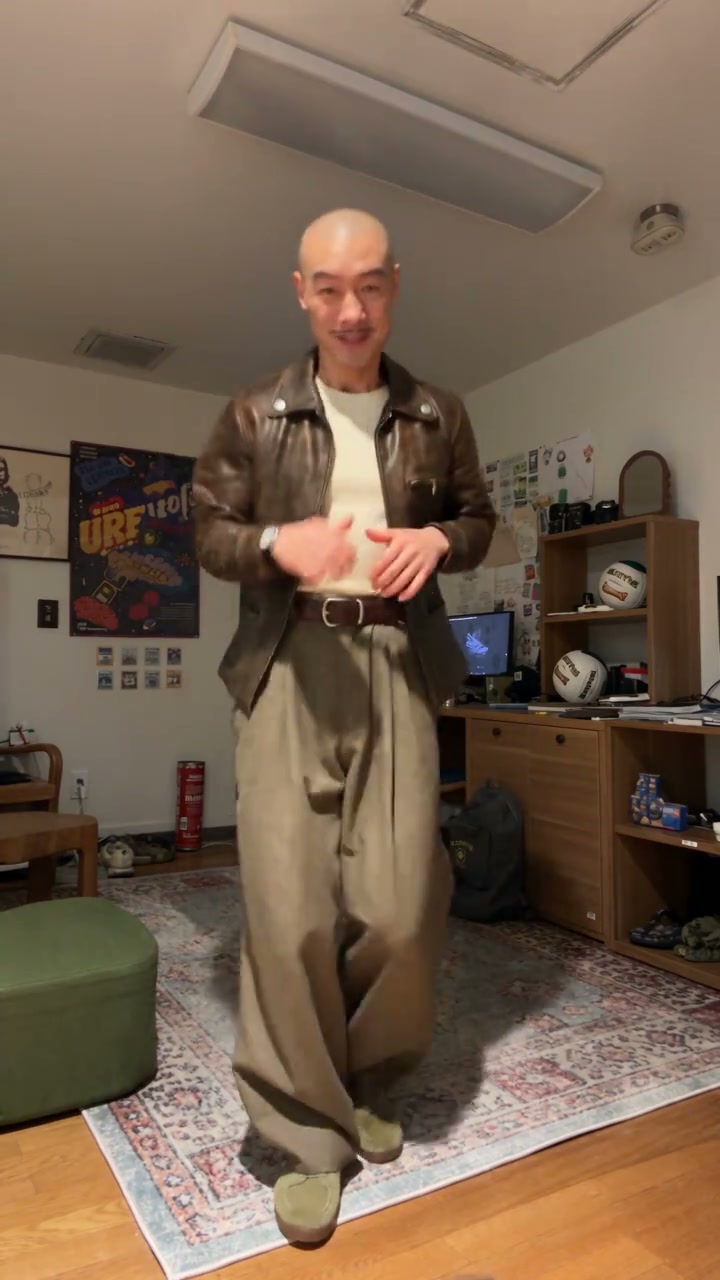
Compare viral clips trending across TikTok Boom Clap search results.
Content reviewed by Viral AI Video · . Independent AI creative tool, not affiliated with TikTok, Instagram, YouTube, or CapCut.
Dance & Music Templates
Explore More Viral AI Video Templates
Jump into related trending formats in this category or browse the full directory.
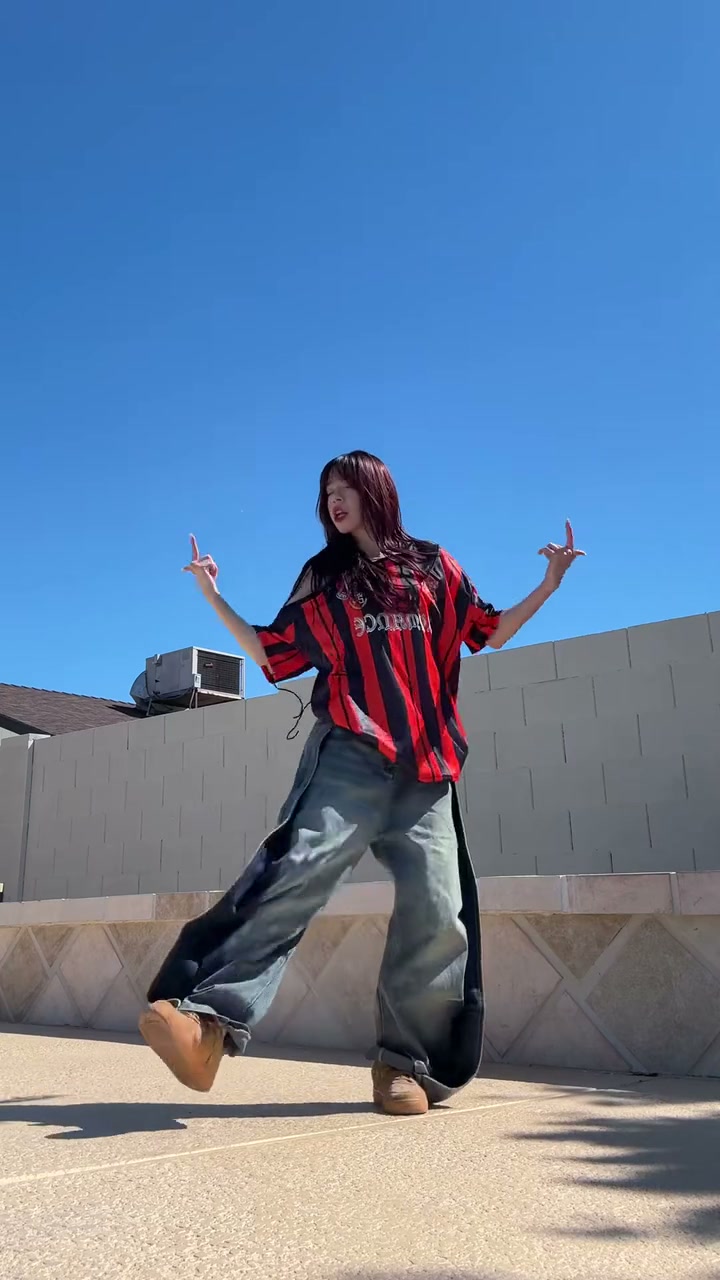
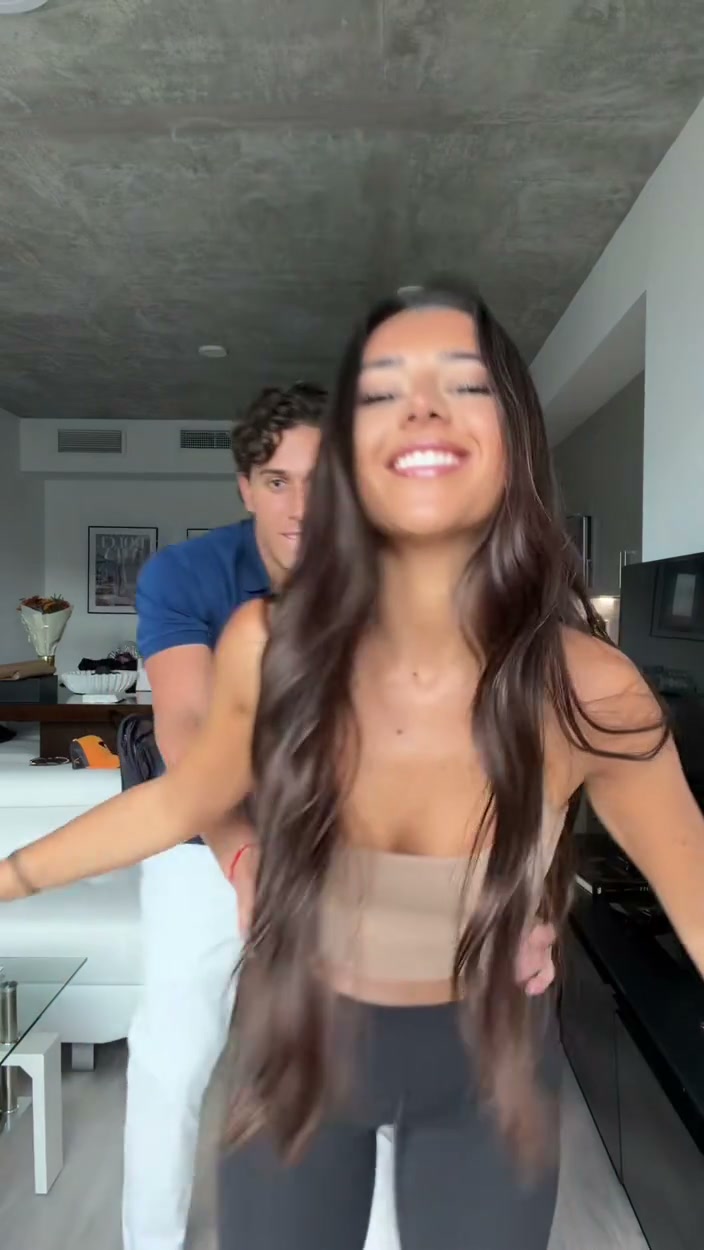
How to Create Your Celebration Video in 3 Steps
Start with one portrait. The choreography is locked; pick your resolution and model. No video editing or prompt writing required.
Upload Your Portrait Photo
Upload one clear portrait with visible face and hair. Use your current device or scan the QR code from mobile. No party props or confetti required.
Original Scene & Review Cost
The preset applies the celebration setting. Choose your model, resolution (480p, 720p, 1080p), and format. Review credits and confirm consent before rendering.
Render & Download MP4
Track generation progress in real-time. Preview your finished 13s video with synchronized audio and download the MP4 on computer or phone.
Creative Angles for Your Viral Video
Whether posting to TikTok, Instagram Reels, or Shorts, these three creator angles maximize watch time and comedic engagement.
The Beat-Drop Confetti Burst
Anticipating the drop with rhythmic nods and bursting into celebratory laughter as confetti showers down delivers the ultimate viral celebration punchline.
Birthday & Milestone Celebration
For birthdays, graduations, or personal milestones, the radiant double thumbs-up and falling confetti make this clip the ultimate celebratory announcement.
The Hair-Shake Celebration
Running your hands through your hair as confetti swirls creates high-energy dynamism and peak viewer engagement.
Why Create Your Celebration Video Here
Upload your photo, check the transparent credit total, and create your version of the viral TikTok confetti dance. The choreography is locked for you; review the generated MP4 before sharing.
Failed-Task Credit Return
A failed task returns its reserved credits. A return can temporarily show as pending; check the task status.
One-Click Direct Preset
No reference upload or breakdown step. The preset supplies the party choreography, beat drop reaction, and cascading confetti shower.
Flexible Resolution & Format
Render in 480p, 720p, or 1080p across 9:16, 1:1, or 16:9 formats. Credit totals adapt dynamically to your chosen settings.
MP4 Download & Phone Handoff
Save the task MP4 on desktop or scan its phone download QR code. Both deliver the same generated file.
Non-Expiring Sitewide Credits
Purchased pack credits work across effects and do not expire. Check the render total; subscription credit rules differ.
Transparent Privacy & Expiry
Save before the account download expiry. The Privacy Policy explains uploaded photos, provider processing, and retention.
Inside the 13-Second Confetti Celebration Storyboard
This is the choreography requested by the preset, mirroring the viral TikTok celebration trend. Watch the full result to check the anticipatory smile, beat-drop burst, double thumbs-up, and hair-shaking celebration.
Anticipation Smile & Head Nod
The solo performer directly faces the camera with a warm smile, rhythmically nodding their head and pointing upward in anticipation of the beat drop.
Beat Drop & Confetti Cascade
The beat drops as a vibrant cascade of multicolored paper confetti showers down from above while the performer raises hands to their curls laughing with joy.
Double Thumbs-Up & Rhythm Sway
Confetti continues showering around their shoulders as the performer flashes an enthusiastic double thumbs-up while swaying to the party rhythm.
Hair Shake & Celebration Flutter
Multicolor confetti swirls across foreground and background while the performer joyfully runs their hands through their hair with energetic celebration.
Beaming Grin & Final Confetti Glow
The performer brushes curls behind their ears as confetti gently flutters down, holding a camera-locked beaming close-up grin with stray confetti flakes in frame.
Photo Guidelines & Quality Tips
Get the sharpest facial likeness and cleanest confetti celebration dance results by following these straightforward photo suggestions.
Give Your Portrait the Best Edge
- Use Even Light and Visible Facial FeaturesCapture your portrait in balanced light. No party props or hats needed; the AI synthesizes the celebration setting and cascading confetti.
- Frame Head & Upper Torso ClearlyKeep your face, hair, and shoulders visible. Avoid excessive crops or heavy blur filters.
- Avoid Obscured Faces & Heavy FiltersAvoid harsh shadows over the eyes, sunglasses, or stickers covering facial features.
- Single Person in the Source PhotoThis preset features one solo performer. Upload a single portrait for optimal likeness.
Check the Cost and the Finished Motion
- iReview the Displayed Credit TotalModel and resolution choices update the credit cost. Review before confirming; each generation uses credits.
- iWatch Hands, Props & Scene CutsCheck the anticipation smiles, thumbs-up, and confetti swirls in the full preview before posting.
- iKnow What a Failed Task MeansIf a generation task encounters a server error, reserved credits return automatically to your balance.
- iPrepare First, Generate When ReadyExperiment with settings and preview clips for free. Sign in and confirm credit balance before generating.
How Does the Confetti Dance Video Engine Work?
Your portrait provides facial likeness, hairstyle, skin tone, and outfit styling. The preset supplies the celebratory party choreography: anticipation smile, double thumbs-up, hair-shaking celebration, and cascading confetti. The video model synthesizes authentic motion from this reference frame-by-frame.
Zero complex setup: upload one portrait, check the transparent credit total (7 credits on Standard 480p), and render. Download the MP4 with synchronized music on desktop or phone for instant sharing to TikTok, Reels, and Shorts.
Check current credit options, failed-task and payment refund rules, and photo processing and retention before generating.
Frequently Asked Questions
QHow do I create a Boom Clap AI video from a single photo?
QIs Boom Clap AI free to use, and when do I pay?
QHow much does this 13-second generation cost, and what if it fails?
QWhat photo works best for the confetti celebration animation?
QDoes the generated video include the original audio track and beat drop?
QHow does this video creator differ from CapCut templates?
QWill the AI preserve my hair, facial features, and clothing during the confetti shower?
QWhat aspect ratio and resolution options are available?
QCan I use this celebration video for birthdays and party announcements?
QCan I export and post the video directly to TikTok, Instagram Reels, and YouTube Shorts?
Star in the Viral Confetti Dance Tonight
Upload your portrait photo, review the transparent credit cost (7 credits at 480p), and generate your celebration video. Watch the confetti celebration, download the 13s MP4, and share directly to TikTok & Reels.
MP4 download · Phone QR option · Sitewide credits