
DIP ON EM AI DANCE STUDIO
Star in the SouthMemphisHypeman viral TikTok challenge as a plaza lead or promenade night duo. Upload one or two photos to render an 14-second routine with synced beat audio. Standard starts at just 7 credits with zero subscription.
CREATE YOUR VIRAL DANCE VIDEO
Upload photo · Plaza Lead Performer
Tip: Upload Photo 1 for Center Guy, Photo 2 for Left Girl (Red Top), and Photo 3 for Right Girl (Black Top). Relaxed arms and uncropped heads keep outfit styling consistent across every move.
Video Options
By generating you confirm compliance with our Terms · Privacy · Acceptable Use
14-second video · 7 credits per generation · One-time packs, no subscription
WATCH EXAMPLES FREE · TRANSPARENT CREDITS · 100% AUTO-REFUND ON FAILED TASKS
WHAT IS THE DIP ON EM AI DANCE TREND?
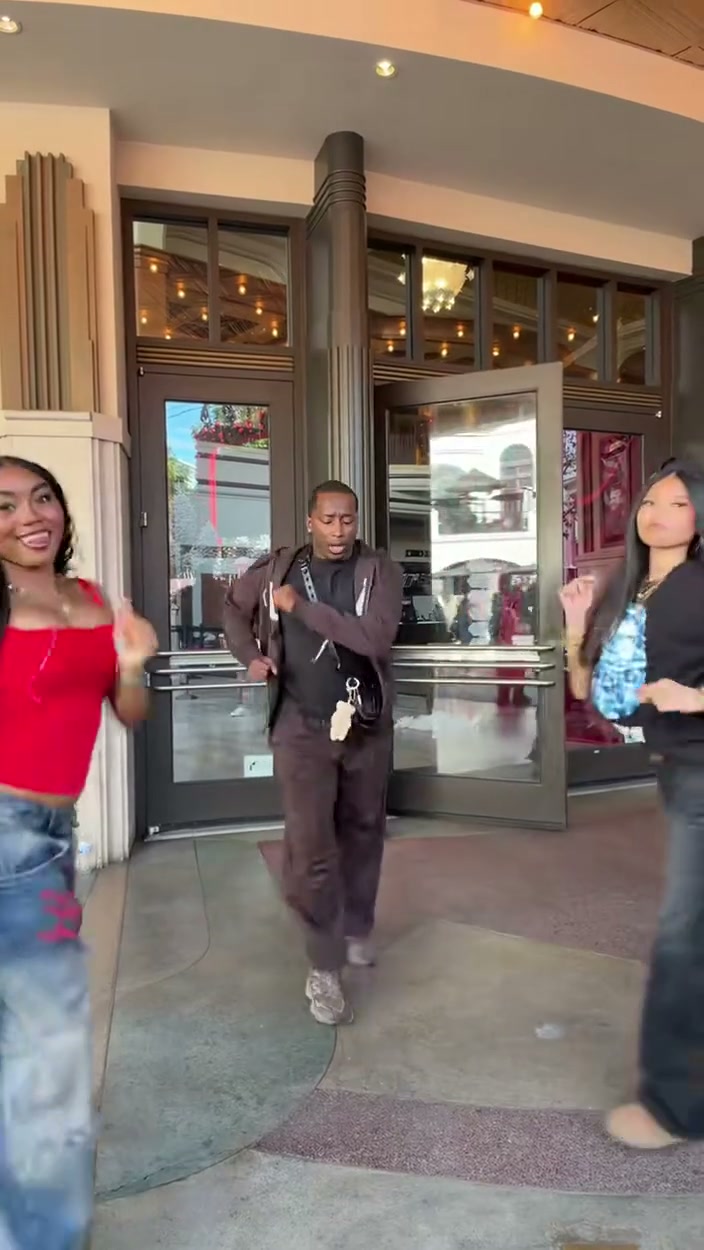
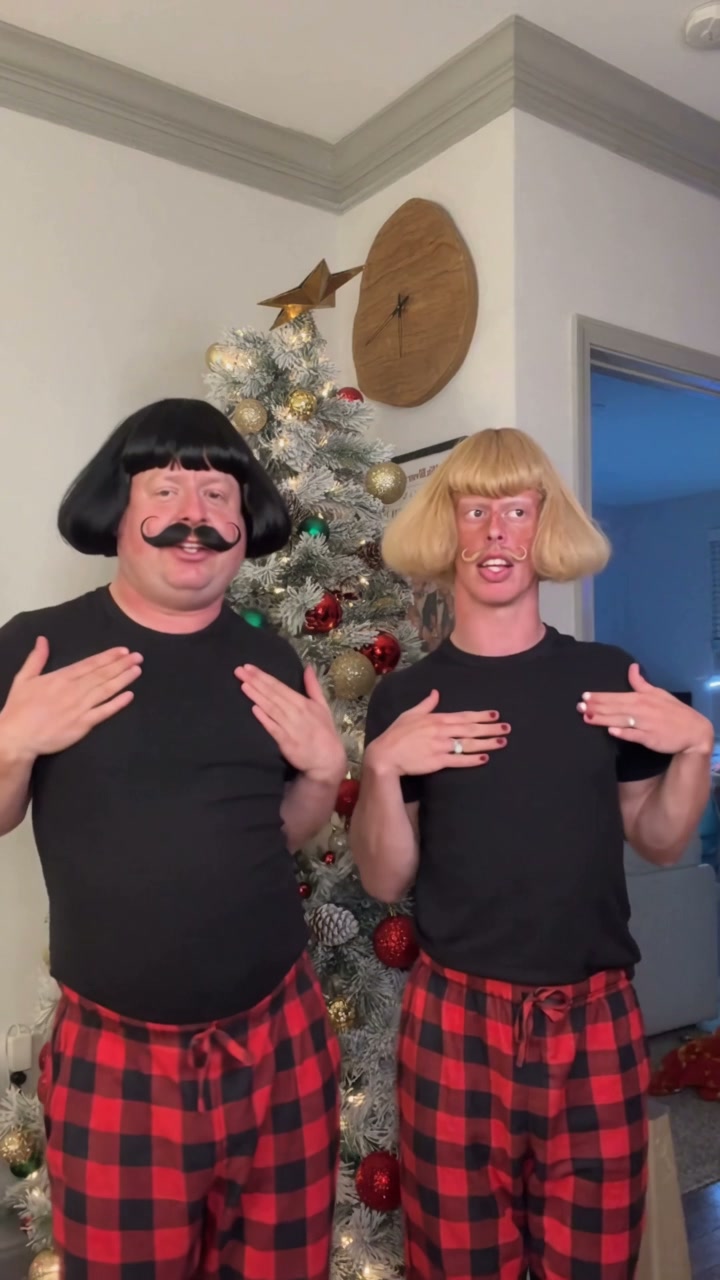
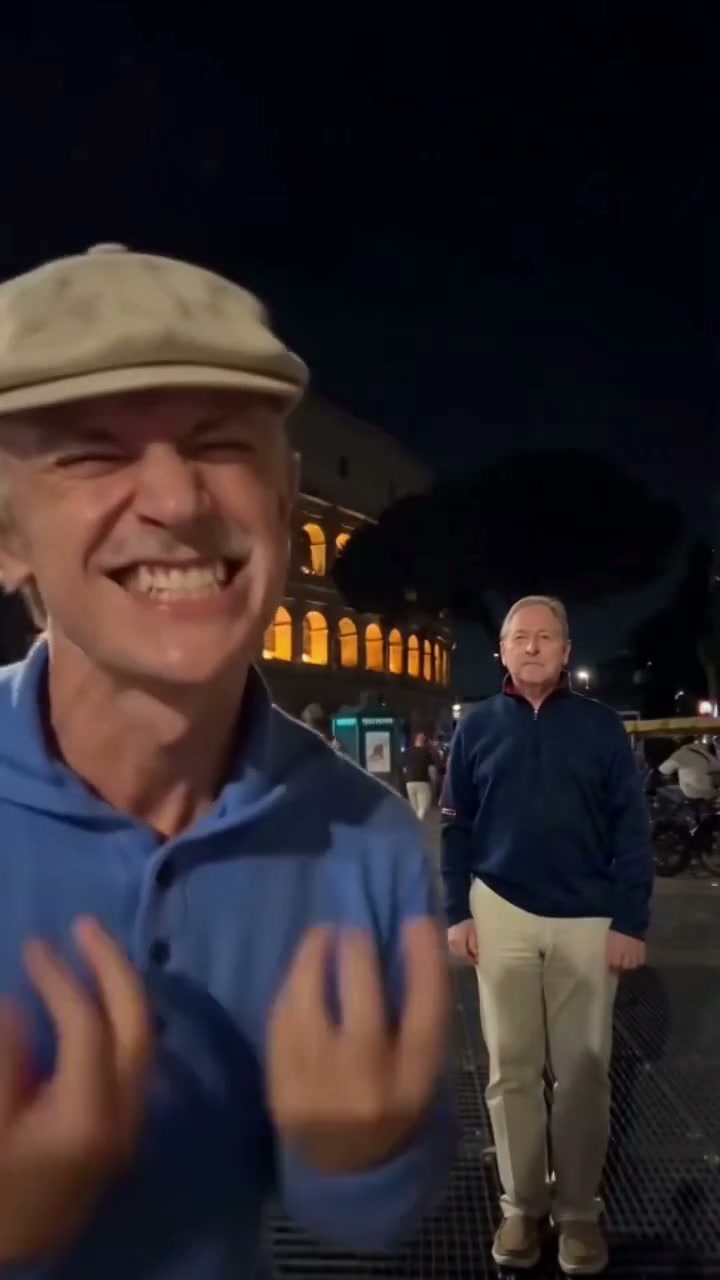
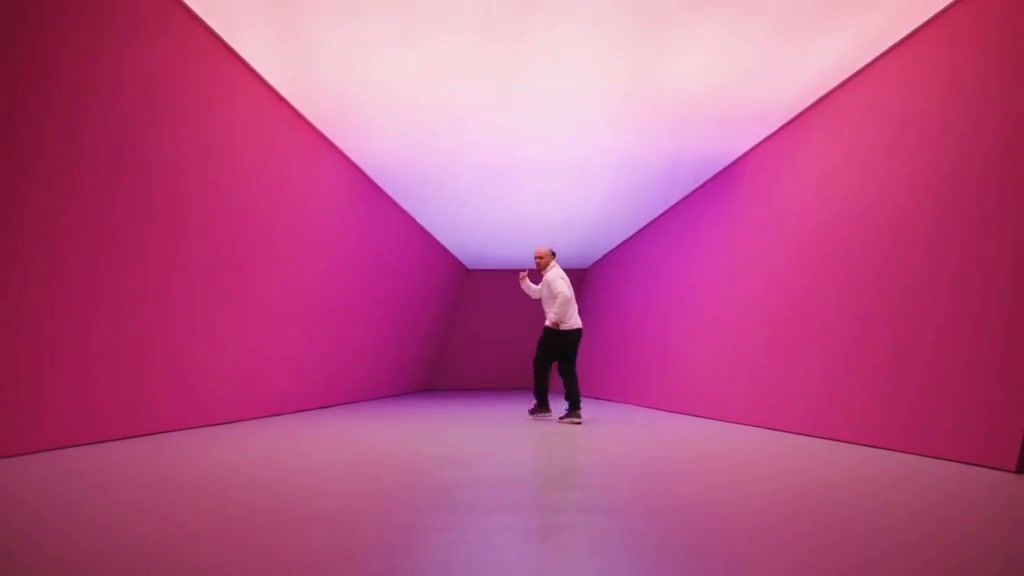
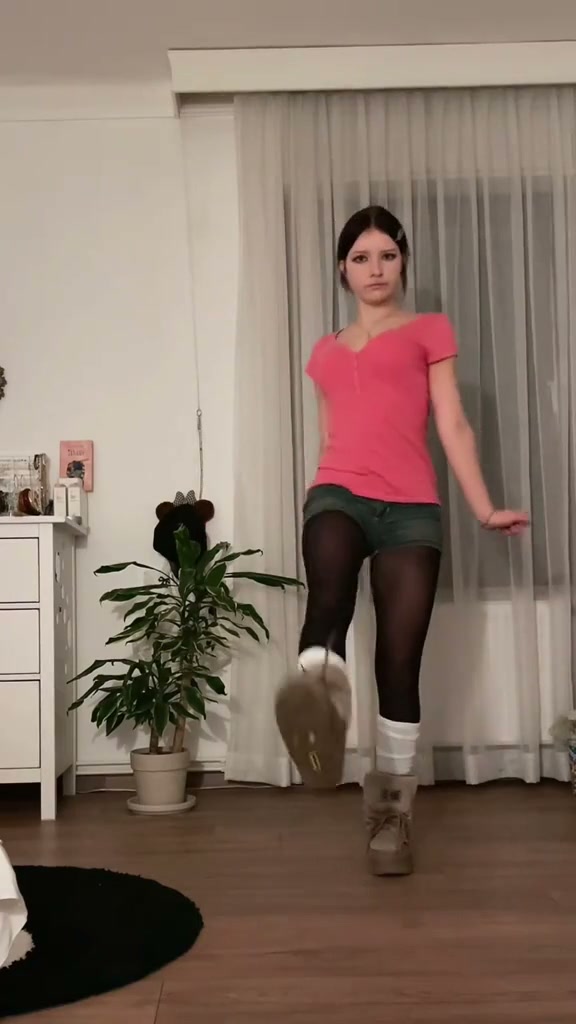
Dip On Em AI Dance is a multi-scene viral dance video generator modeled after the trending TikTok SouthMemphisHypeman "Dip On Em" dance challenge. Upload 1 portrait to headline the outdoor commercial plaza routine with backup dancers, or select the night promenade scene to cast 1 or 2 dancers side-by-side—animating the signature rhythm walk, prayer-style arm raise, horizontal sway, and the iconic beat-drop crouch across a crisp 14-second vertical MP4 without filming a single take.
Set to SouthMemphisHypeman's viral hit and the NLE Choppa remix, creators share energetic group moves—or use our Plaza Trio and Promenade Duo presets—to hit rhythm walks, prayer arm raises, and the signature beat-drop crouch.
Explore trending clips in the TikTok search results.
Content reviewed by Viral AI Video · .
Dance & Music Templates
Explore More Viral AI Video Templates
Jump into related trending formats in this category or browse the full directory.
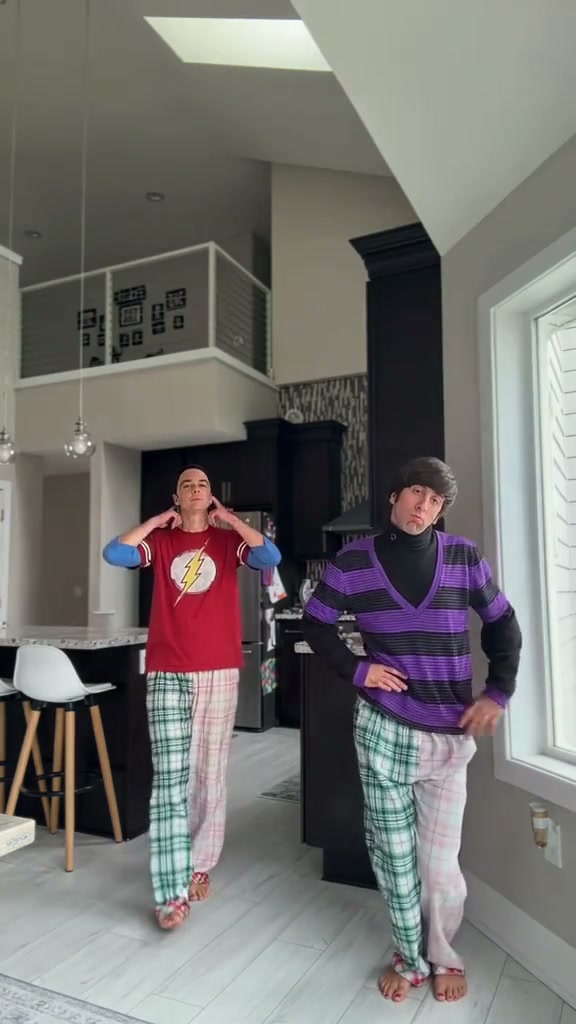
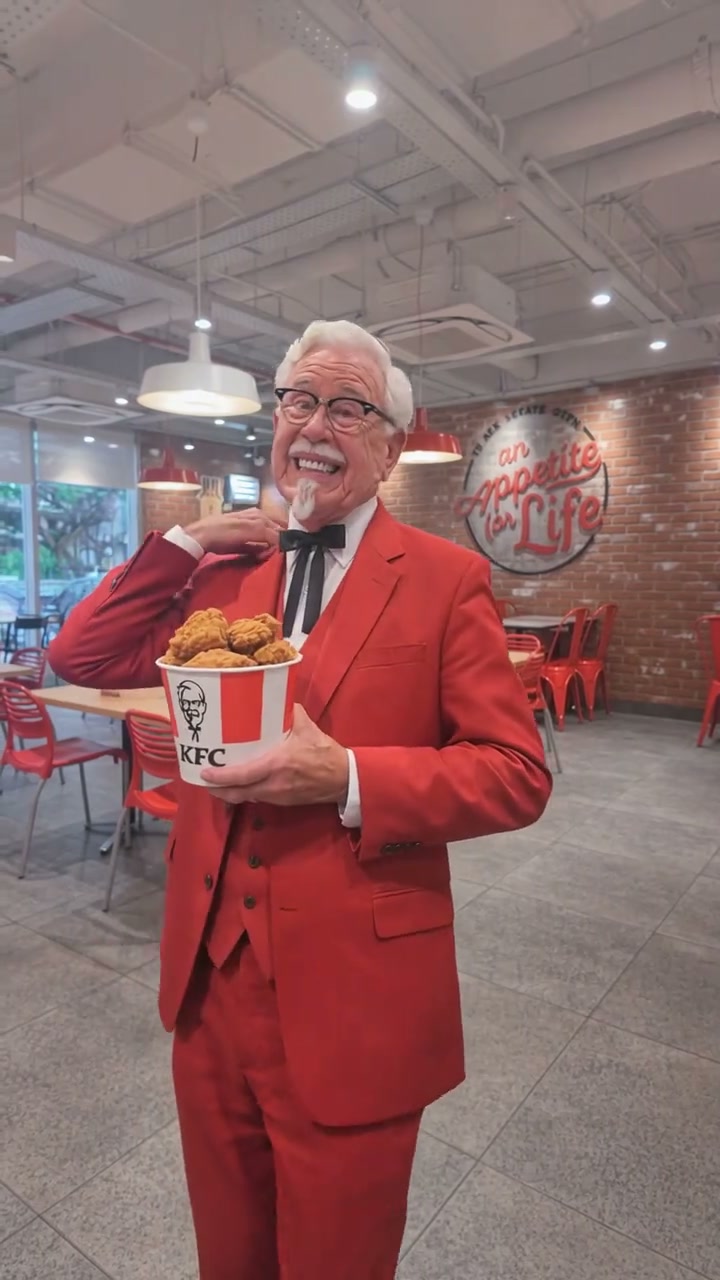
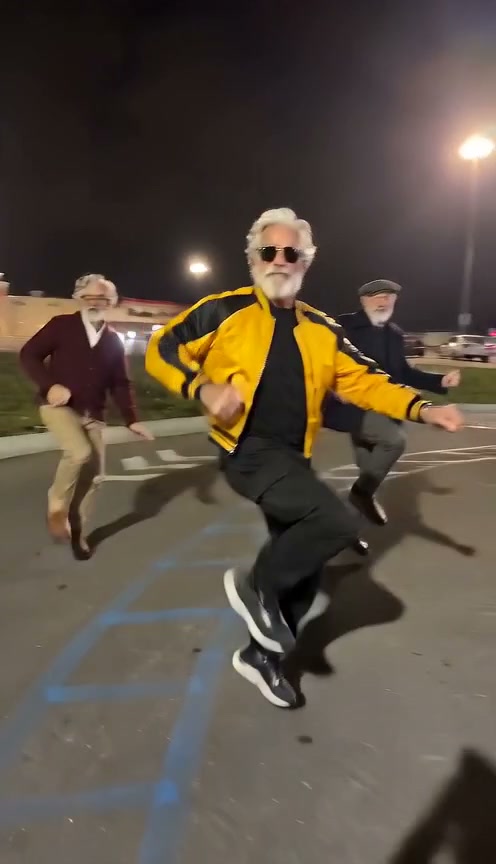
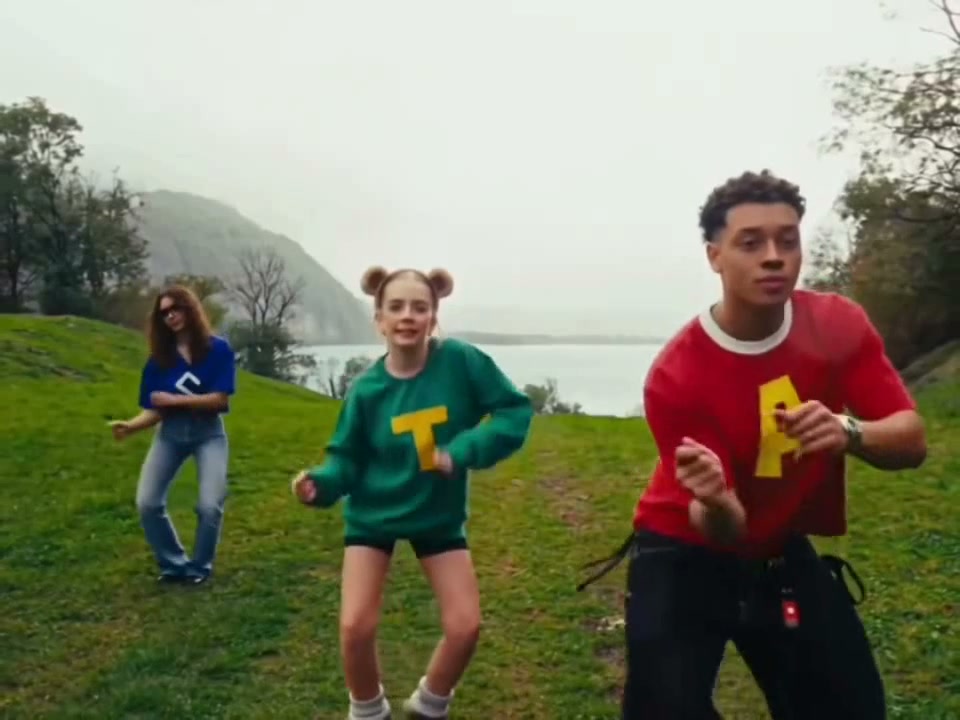
How to Create Your Viral Dance Video in 3 Steps
Pick your Plaza Trio or Promenade Duo preset, upload portraits, and export an MP4 for TikTok or Reels.
Pick Cast Mode & Upload Photos
Choose Plaza Lead Trio, Promenade Duo, Left Dancer, or Right Dancer. Drop 1 or 2 clear portraits or scan from your phone camera roll.
Review Model & Credit Cost
Keep 9:16 vertical for Feeds or pick 1:1 or 16:9. Standard 480p starts at 7 credits for the full 14-second clip.
Download 14s MP4 With Sound
Preview with synchronized music and download the final MP4 on desktop or scan the QR code to save directly to your phone.
Four Ways Creators Cast This Viral Trend
Switch between plaza lead edits and promenade duo clips with zero rehearsal.
Solo Main-Character Edits
Drop one clear portrait into Plaza Trio mode to deliver the energetic doorway entrance, shoulder bounces, and camera-facing beat-drop crouch with bright outdoor lighting and sharp fit visibility.
Best-Friend & Couple Duos
In different cities? Upload two portraits into Promenade Duo to perform synchronized prayer arm raises, horizontal sways, and beat drops side by side along the evening pedestrian walkway.
Surprise Co-Star Collabs
Pick Promenade Left or Promenade Right to keep one reference dancer beside you, or trade Photo 1 and Photo 2 between friends to compare each remix.
Why Make Your Dip On Em AI Dance Here
Access Plaza Trio and Promenade Duo in one studio. Standard starts at 7 credits for the full 14-second clip.
100% Automatic Refund If Cloud Task Fails
Your balance stays safe on every render. If any cloud generation fails, reserved credits return straight to your account automatically.
Dual-Scene Preset Switcher
Switch between Plaza Lead Trio, Promenade Duo, Promenade Left, and Promenade Right in one click without searching for separate clips or templates.
Ready for Every Feed Format
Export 9:16 vertical for TikTok, Reels, and Shorts, or switch to 1:1 or 16:9. Standard and Fast offer 480p/720p; Pro and Ultra add 1080p.
Synced Audio & Phone QR Save
Includes matched Memphis hip-hop dance audio synced directly to your MP4 download on desktop, plus fast QR scanning to save straight to your phone.
Purchased Credit Packs Never Expire
Use your credits freely across all dance challenges and viral meme templates with upfront pricing shown before every generation.
Private Uploads & Clear Retention
Save your completed MP4 before your task download window closes. Review our Privacy Policy anytime for upload handling details.
Inside the 14-Second Beat Timeline
Both scenes follow this exact choreography cadence across all 14 seconds.
Rhythm Entrance & Shoulder Bounces
Stepping into frame on the outdoor plaza or evening promenade with energetic rhythmic steps and shoulder bounces into the opening Memphis hip-hop groove.
Side-Step & Prayer Hand Raise
Synchronized lateral footwork with rhythmic arm swinging and overhead prayer-style hand raise pointing upward in time with the tempo.
Horizontal Arm Sway & Wide Bounce
Fluid horizontal arm sway to the left paired with shoulder rolls and wide-stance rhythmic bouncing.
Signature Beat Drop & Crouch Dip
The viral choreography punchline: hitting a deep synchronized crouch bending low towards the camera with wide arm extension on the beat.
Overhead Sweep Turn & Exit Pose
Mirrored pivot turns sweeping arms overhead into a final rhythmic bounce and high-energy exit pose.
Photo Guidelines & Quality Tips
Keep facial detail and outfit continuity crisp during rapid neck snaps, arm weaves, and the ending pivot.
Best Photos for Crisp Dance Results
- Relaxed Arms Visible Outside PocketsChoose photos where arms hang naturally so shoulder pops and crisscrossing hands animate smoothly from frame 0.
- Show Complete Hair & TopwearInclude from waist up or full body so jackets, tops, and hairstyles carry cleanly through the turn.
- Avoid Sunglasses or Face OcclusionsClear eyes and bare hands near your chin avoid motion blur during the hand-sweep across the face.
- Distinct Portraits for Duo ModeUpload two separate adults for Photo 1 and Photo 2 in Sunset Duo mode so identities stay separated.
What to Check Before Sharing
- iUpfront Live Credit QuoteStandard 480p starts at 7 credits for the full 14-second routine.
- iCheck the Over-Shoulder Finale PointWatch the final walk-away turn to confirm your face and outfit look clean before exporting to TikTok or Reels.
- i100% Automatic Credit RefundFailed cloud tasks automatically return 100% of reserved credits back to your balance right away.
- iPreview Either Scene FreeWatch both the Plaza Lead Trio and Promenade Night Duo previews above without spending credits before generating.
How Does This AI Dance Studio Work?
Your uploaded photos supply each performer's face, hairstyle, and outfit styling, while our built-in choreography drives every rhythm step, arm raise, and beat-drop crouch across all 14 seconds—delivered with synchronized sound.
Review current credit packs, failed-task refund rules, and photo handling policies, and copyright & takedown policy before running your task.
Dip On Em AI Dance — Frequently Asked Questions
QHow do I create a Dip On Em AI dance video from photos?
QCan I try the Dip On Em AI dance generator for free, and when do I pay?
QHow many credits does a 14-second Dip On Em generation cost, and what happens if it fails?
QWhat is the difference between this AI generator and a CapCut template?
QCan I choose between duo and trio dance scenes?
QHow should I choose and prepare photos for the dancers?
QDoes the generated video include the viral SouthMemphisHypeman soundtrack?
QCan I cast myself and my friends into specific dancer positions?
QWhat aspect ratio and resolution is the final Dip On Em video delivered in?
QDo purchased credits ever expire?
Make Your Viral Dance Clip Now
Pick Plaza Trio or Promenade Duo above, upload your photos, and render your 14-second video with synced beats—ready for TikTok and Reels.
MP4 download · Phone QR option · Sitewide credits