
54321 DANCE AI: STAR IN THE VIRAL COUNTDOWN DUO
Transform your photos into the viral 15-second 54321 countdown hip-hop dance routine. Star as a synchronized duo with your friend or choose solo casting with 8 credits on pay-as-you-go.
CREATE YOUR 54321 DANCE VIDEO
Upload 2 photos
Tip: Upload Photo 1 for Left Dancer and Photo 2 for Right Dancer to star as both performers.
Video Options
By generating you confirm compliance with our Terms · Privacy · Acceptable Use
15-second video · 8 credits per generation · One-time packs, no subscription
WATCH EXAMPLES FREE · REVIEW THE COST · FAILED-TASK CREDIT RETURN
Master the Viral 54321 Countdown Dance in Seconds
54321 Dance AI is a dedicated photo-to-video generator based on the viral TikTok countdown rhythm dance challenge ("5-4-3-2-1 Dance"). The generator transforms one or two photos into the complete 15-second vertical 9:16 hip-hop dance routine, featuring alternating solo showcases and synchronized duo bounce footwork with pre-synced viral audio.
The 5-4-3-2-1 countdown choreography went viral across TikTok showcasing sharp alternating solo struts followed by an explosive synchronized duo bounce. Our dedicated motion engine transposes your portrait photos onto the dancers while preserving realistic body kinetics, clothing styling, and expressive smiles.
Flexible Duo or Solo Cast Selection
Star with a best friend using 2 photos, or insert yourself into either the left or right dancer position with just 1 photo.
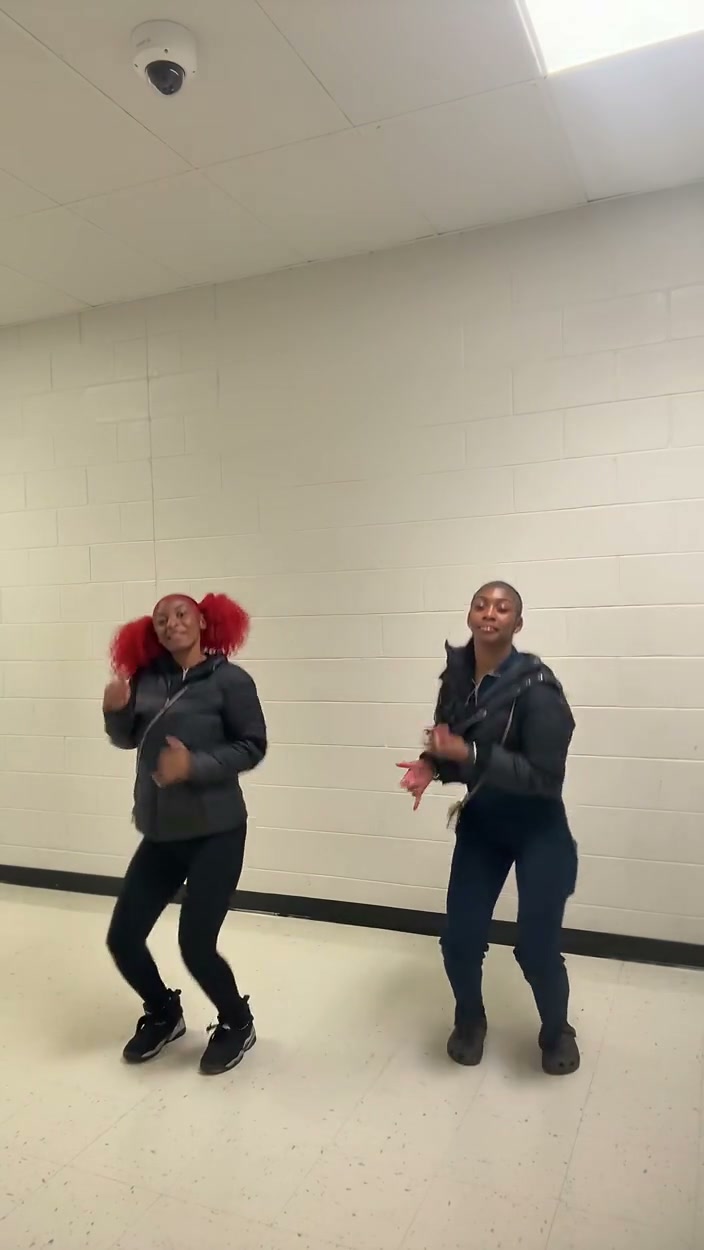
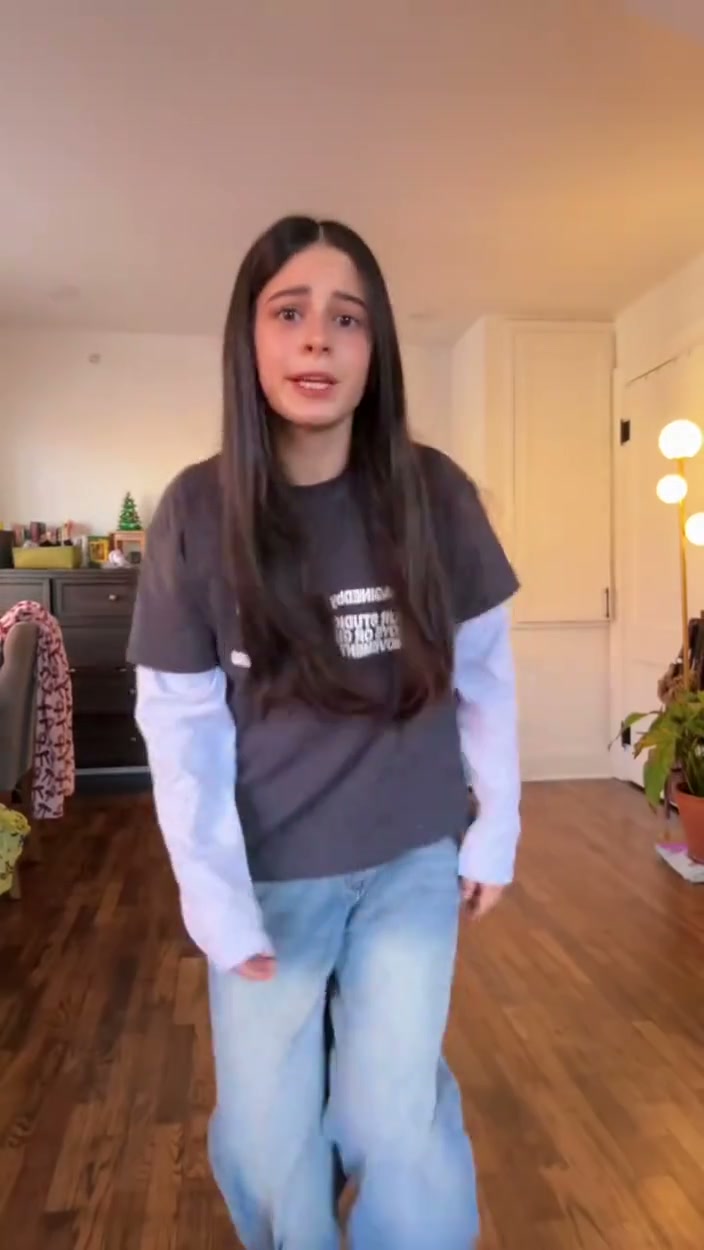
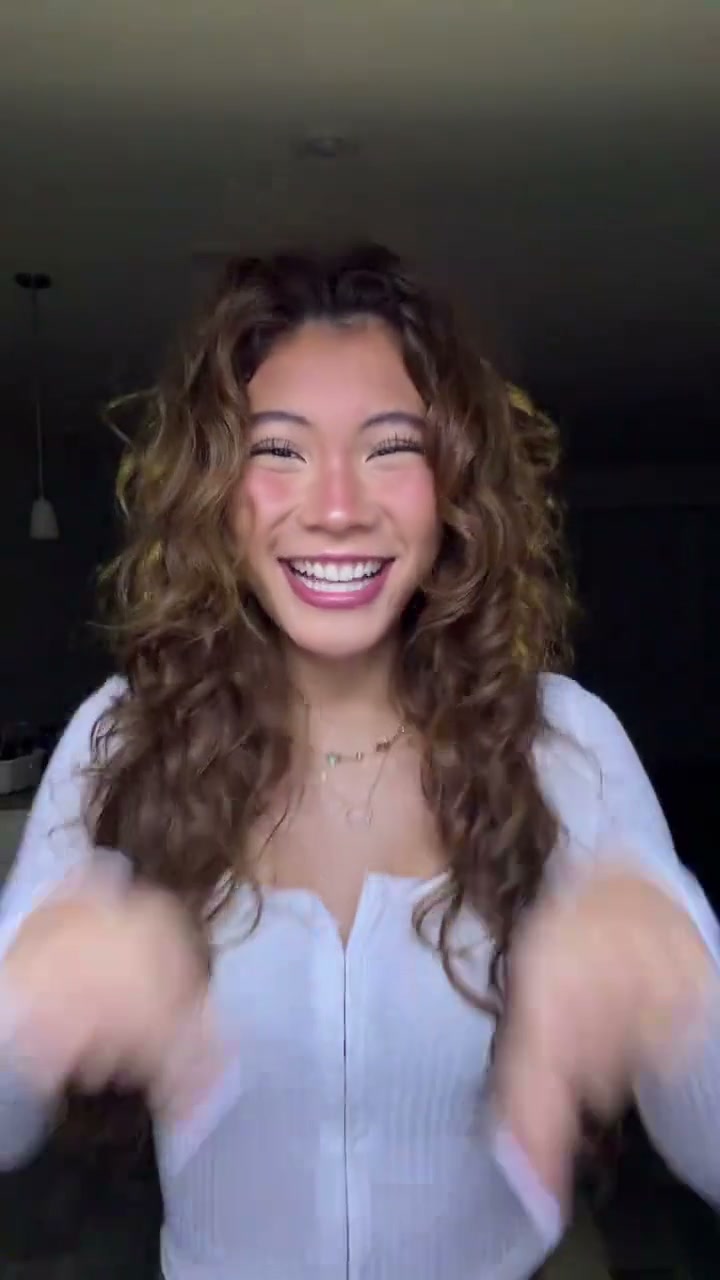
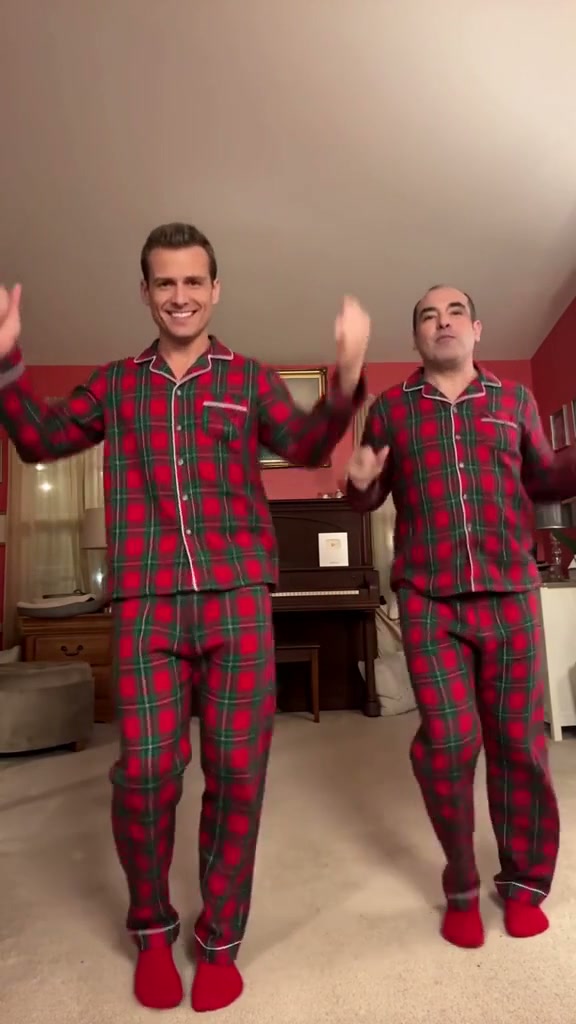
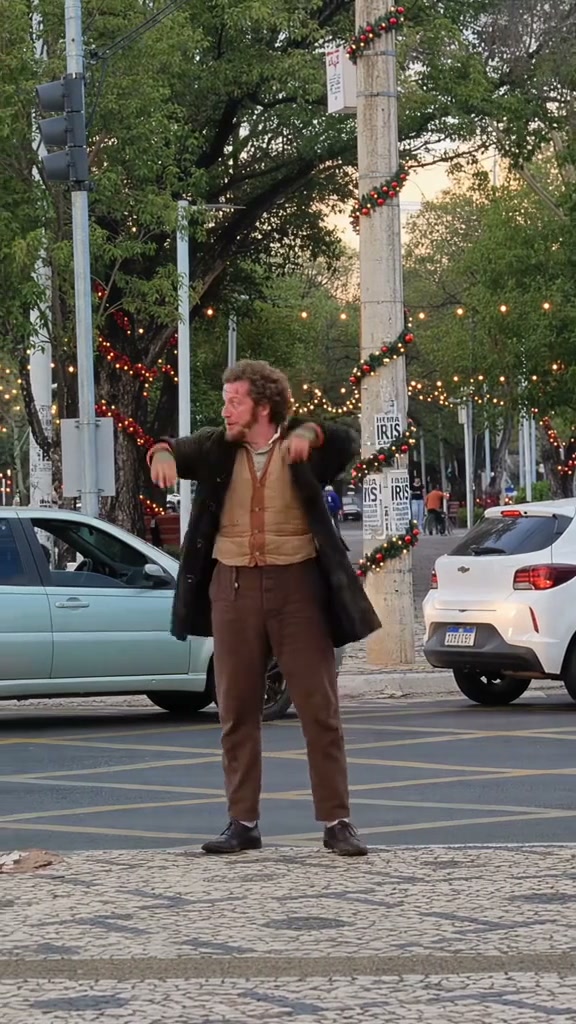
Compare viral clips trending across TikTok #54321dance.
Content reviewed by Viral AI Video · . Independent AI creative tool, not affiliated with TikTok, Instagram, YouTube, or CapCut.
Dance & Music Templates
Explore More Viral AI Video Templates
Jump into related trending formats in this category or browse the full directory.
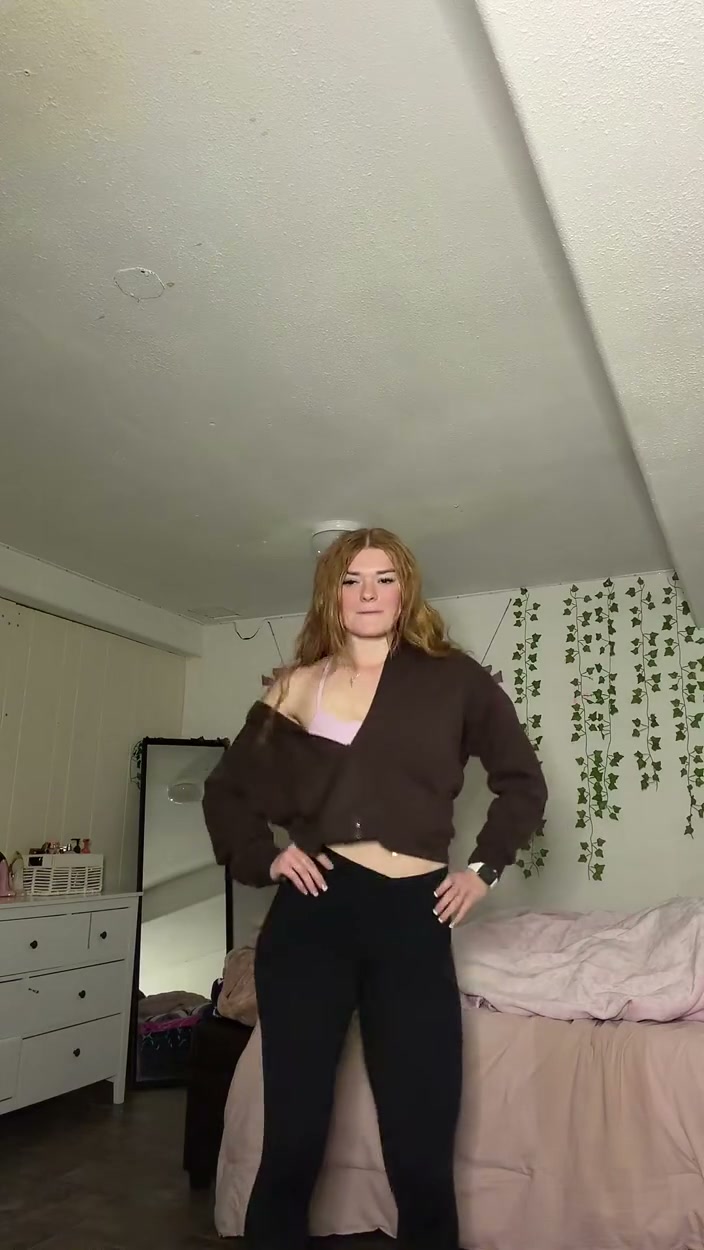
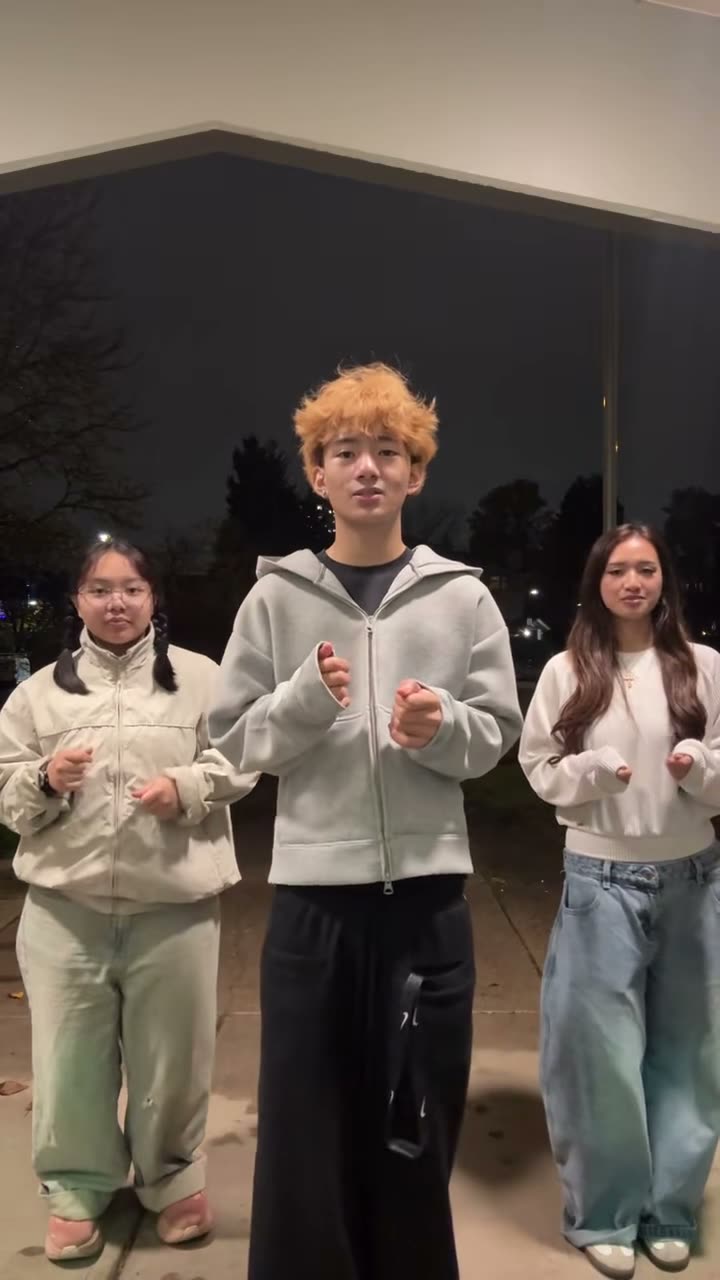
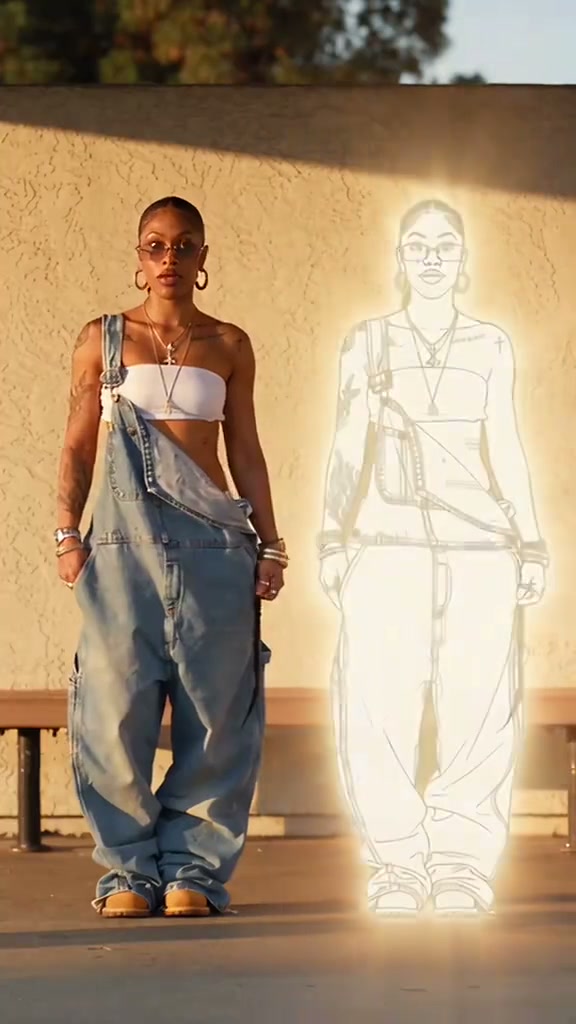
HOW TO MAKE YOUR 54321 DANCE VIDEO
Three simple steps to star in the viral TikTok countdown dance routine.
Choose Casting & Upload Photos
Select Both Dancers (2 photos) or single dancer (Left or Right only).
Select Model & Credits
Choose Standard 480p (8 credits) or Standard 720p with instant preview.
Generate & Share
Download your 15-second countdown dance clip with pre-synced audio ready for TikTok.
3 Creative Ways to Star in the 54321 Dance Trend
Match every finger countdown beat with high-energy synchronized hip-hop.
Besties Duo Countdown Trend
Upload 2 photos to perform alternating solo struts and unison bouncing steps together.
Solo Dancer Challenge
Choose the Left Dancer or Right Dancer slot with a single photo.
Fast-Paced Rhythm Showcase
Capture sharp hip-hop shoulder rolls and celebratory smiles synced to the 5-4-3-2-1 lyrics.
WHY MAKE YOUR COUNTDOWN VIDEO WITH VIRAL AI VIDEO ?
Get studio-grade viral dance videos in under 2 minutes without practicing steps or video editing.
Sharp Hip-Hop Timing
Faithfully preserves rhythmic finger snaps, bouncy struts, and shoulder rolls matched to the 54321 beat.
Synchronized Countdown Audio
Pre-muxed with the authentic TikTok countdown track perfectly timed to each movement.
Native 9:16 Vertical Video
Optimized dimensions for TikTok, YouTube Shorts, and Instagram Reels with zero letterboxing.
Flexible Cast Selection
Star with a bestie using 2 photos, or insert just yourself into either role seamlessly.
Transparent Pay-As-You-Go
Only 8 credits per 15-second generation with no recurring monthly subscriptions.
100% Automatic Refund
If any cloud generation task fails or gets stuck, your credits are refunded instantly to your balance.
FRAME-BY-FRAME 54321 DANCE TIMELINE
Walk through the 15-second synchronized countdown dance routine.
Countdown Beat Intro
Left Dancer bows playfully while Right Dancer begins rhythm snaps on the 5-4-3-2-1 beat.
Right Dancer Center Strut
Right Dancer steps into center with a bouncy strut, arm waves, and playful nods.
Left Dancer Shoulder Rolls
Left Dancer steps forward to center executing fluid hip-hop shoulder rolls and footwork.
Synchronized Duo Bounce
Both dancers reunite in unison executing high-energy bounce footwork.
Triumphant Final Pose
Synchronized ending pose smiling confidently at the camera before cut.
Photo Tips for Best Countdown Dance Results
Ensure high visual realism and smooth choreography execution in your video.
Ideal Photos for This Trend
- Upload clear, well-litUpload clear, well-lit portrait photos facing the camera
- Keep hair, facialKeep hair, facial features, and neck completely unobstructed
- Natural smiling orNatural smiling or energetic expressions match the countdown energy best
- Upload at leastUpload at least 512x512 resolution for sharp rendering
Avoid These Common Pitfalls
- iDo not uploadDo not upload blurry, heavily filtered, or dark selfies
- iAvoid sunglasses, hats,Avoid sunglasses, hats, or masks that cover facial features
- iAvoid extreme side-profileAvoid extreme side-profile angles
- iDo not cropDo not crop off foreheads or chins
How Motion Transfer Animates Countdown Dance Routines
Our pipeline tracks 3D skeletal dance kinematics and facial landmarks from the reference video, projecting your uploaded portraits onto the dancers while maintaining natural lighting and depth.
Unlike simple 2D overlays, the AI preserves the natural folds of clothing, hair dynamics, and joint motion during quick shoulder shrugs and bouncy struts.
Check current credit options, failed-task and payment refund rules, and photo processing and retention before generating.
Frequently Asked Questions
QHow do I create a 54321 dance video from photos?
QIs 54321 Dance AI free to use, and when do I pay?
QHow much does this 15-second generation cost, and what if it fails?
QCan I generate the dance with just 1 photo or do I need 2 photos?
QDoes the video include the viral 54321 countdown audio track?
QWill the dance preserve our uploaded outfits and hair styling?
QHow long does the AI take to generate the countdown dance video?
QWill my uploaded photos be stored or used for model training?
Ready to Star in the 54321 Dance Trend?
Upload your photos now and create your viral 15-second countdown video in under 2 minutes. (8 credits at 480p)
MP4 download · Phone QR option · Sitewide credits