
YOU ROCK MY WORLD AI VIDEO GENERATOR
Transform from casual loungewear into stunning formal evening wear in the viral Michael Jackson dance transition trend. Upload 2 photos for Partner 1 and Partner 2 to generate a beat-synced 9:16 vertical MP4 across Gala Hallway, Garden Patio, or Paris Eiffel Tower scenes with instant audio. Pay-as-you-go generation starts at just 7 credits with zero monthly subscription.
CREATE YOUR YOU ROCK MY WORLD VIDEO
Upload 2 partner portraits · Dedicated casting


Tip: Use crisp front-facing indoor or daylight photos with visible face, hair, and shirt styling. Distinct adult portraits give the cleanest car seat separation.
Video Options
By generating you confirm compliance with our Terms · Privacy · Acceptable Use
13-second video · 7 credits per generation · One-time packs, no subscription
WATCH EXAMPLES FREE · TRANSPARENT CREDITS · 100% AUTO-REFUND ON FAILED TASKS
WHAT IS THE YOU ROCK MY WORLD AI TREND?
You Rock My World AI is a viral couple video generator inspired by the Michael Jackson beat-drop transition trend on TikTok and Instagram Reels. Upload two photos to transform from casual loungewear into stunning formal evening wear in a Gala Hallway, Garden Patio, or Paris Eiffel Tower setting. Exports a 13-second 9:16 vertical MP4 with synchronized beat-drop music and zero manual timeline editing.
Soundtracked by Michael Jackson's classic rhythm, couples start in casual everyday loungewear before executing a beat-synced camera swipe on the percussion drop, transforming into glamorous formal evening wear across a Gala Hallway, Garden Patio, or Paris Eiffel Tower plaza.
2 Portraits In · Gala, Patio, or Paris Out
Switch between Gala Hallway (13s), Garden Patio (11s), or Paris Eiffel Tower (13s) with synchronized beat timing and zero manual editing.
Explore couple transition remakes in the TikTok You Rock My World trend search results.
Content reviewed by Viral AI Video · . Independent AI creative tool, not affiliated with TikTok, CapCut, or ByteDance.
Dance & Music Templates
Explore More Viral AI Video Templates
Jump into related trending formats in this category or browse the full directory.

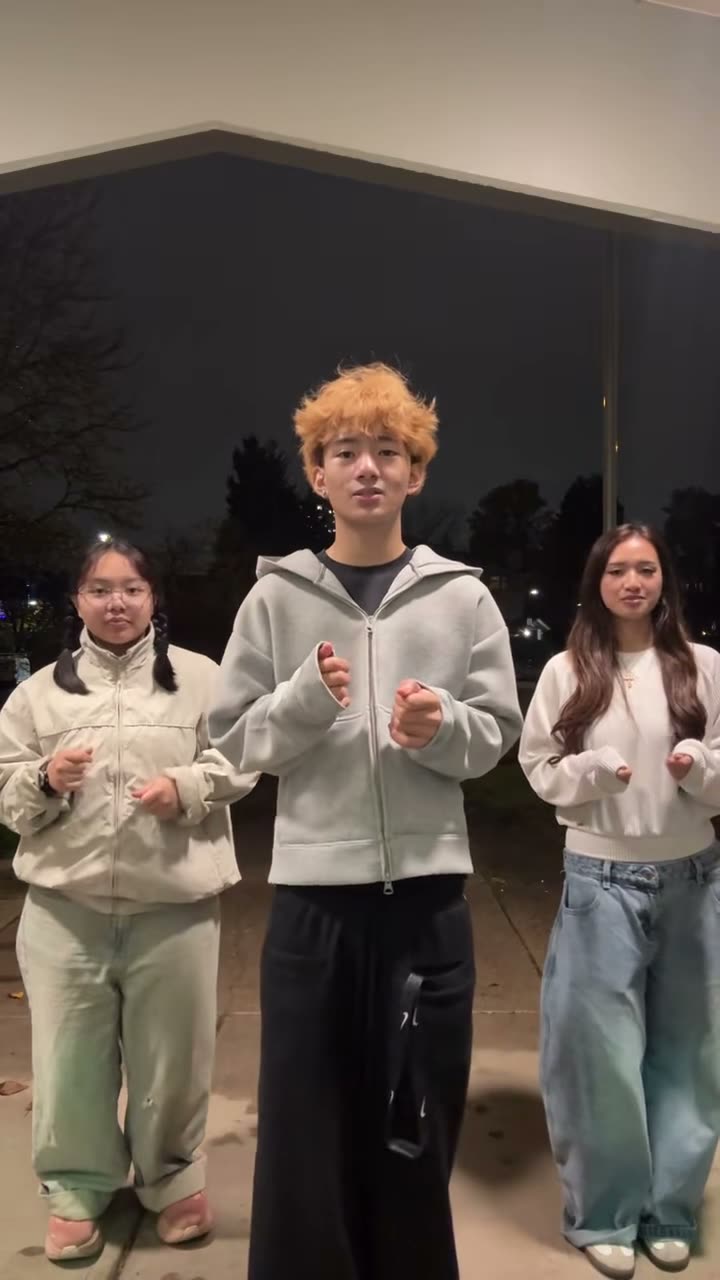
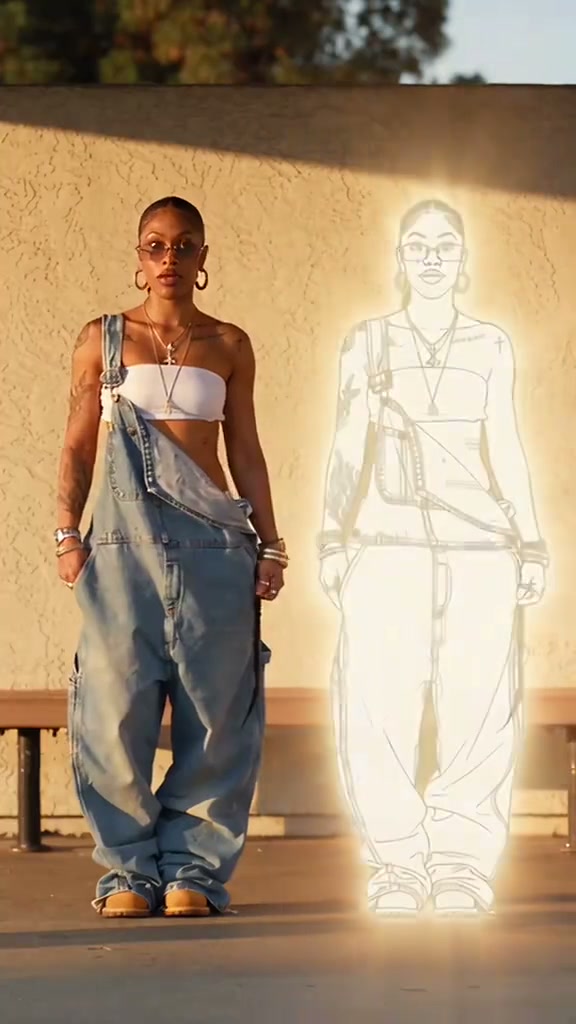
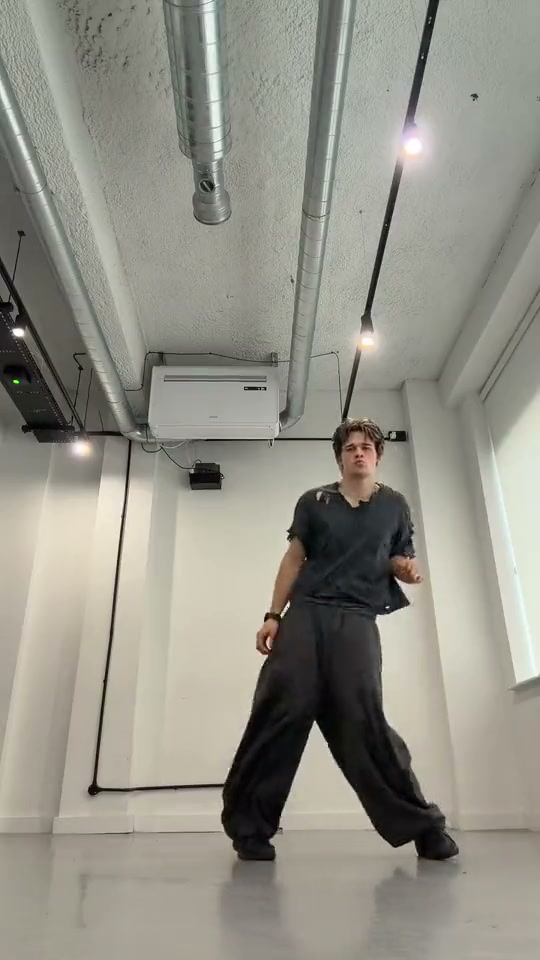
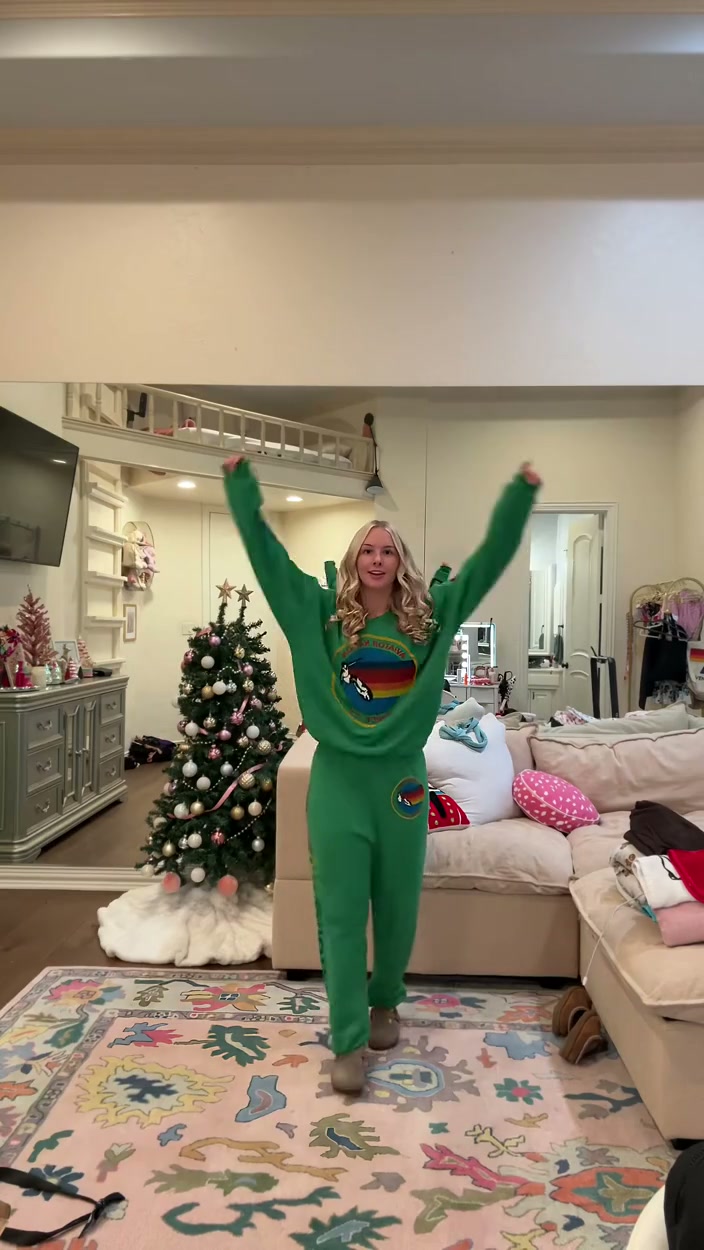
How to Create Your Couple Transition Video in 3 Steps
Select your scene, upload partner portraits, and export your beat-synced MP4.
Pick Cast Size & Upload
Pick Trio (3 photos), Duo (2 photos), or Solo (1 photo), then upload portraits from desktop or mobile QR.
Set Quality & Credits
Stay on 9:16 vertical or switch framing. Standard 480p starts at 7 credits for 13s.
Save 13s MP4 With Music
Play back with synced beat music and save directly to your computer or phone.
Three Viral Couple Scenes From Everyday Portraits
Zero video editing or filming setups needed. Cast yourself and your partner across three stunning locations.
Gala Hallway Transformation
Groove indoors before a camera swipe reveals you both in luxury formal attire in a grand marble hallway.
Sunny Garden Patio Transition
Start in casual oversized tees before a beat drop cut reveals you dancing together on a bright outdoor patio.
Paris Eiffel Tower Reveal
Transform from a modern kitchen setting straight into an iconic romantic Paris skyline backdrop.
Why Create Your You Rock My World Video Here
Upload 2 partner portraits, pick your scene setting and AI model, and let preset beat choreography drive the casual-to-formal reveal. Standard 480p starts at just 7 credits with zero subscription lock-ins.
100% Automatic Refund If Cloud Task Fails
Your balance stays safe on every run. Any failed cloud render triggers an automatic full refund back to your account.
One-Click Beat Timing Preset
No complex prompts, green screens, or multiple takes needed. Portraits transition smoothly on the iconic beat drop.
9:16 Vertical & Up to 1080p HD
Default 9:16 vertical matches TikTok, Reels, and Shorts natively, plus 1:1 or 16:9 options and crisp 1080p on Pro and Ultra.
Synced Music & Phone QR Save
Exports with matched Michael Jackson beat audio built in, plus fast QR scanning so you can save directly to iPhone or Android.
Non-Expiring Sitewide Credits
Credit packs work across every viral dance and comedy generator on the site with exact upfront credit quotes.
Consent-First & Clear Retention
Download your MP4 before temporary storage expires. Review our Privacy Policy anytime for retention and cleanup details.
Inside the 13-Second Remix Routine
How each beat unfolds across all 13 seconds from the opening forearm rolls to the closing beat turn.
Casual Intro Groove & Setup
The couple grooves in everyday loungewear inside a contemporary home space, sharing playful smiles and moving to the smooth opening rhythm.
Dynamic Beat-Drop Camera Swipe
A swift hand gesture swipes across the lens exactly on the percussion drop, creating an energetic cinematic transition cut.
Glamorous Formal Reveal & Finale
The camera cuts to the glamorous reveal—stepping forward side-by-side in tailored formal evening wear in a luxury hallway, garden patio, or Paris Eiffel Tower plaza.
Photo Guidelines & Quality Tips
Keep faces, hair, and outfits crisp through fast forearm rolls and side head turns with these quick portrait checks.
Best Photos for Crisp Dance Renders
- Front-Facing Eyes & Balanced LightClear daylight or bright indoor lighting helps keep eyes, smiles, and facial features sharp across night village lights or store spotlights.
- Waist-Up or Full-Body FramingShow clothing from chest to waist or head-to-toe so jackets, sweaters, and silhouettes stay consistent through every spin and step.
- Skip Heavy Filters & SunglassesLeave out tinted sunglasses or cluttered props across the chest so fast forearm rolls track naturally.
- One Person Per Upload SlotUpload separate single-person photos for Trio and Duo lanes so left, center, and right identities stay cleanly anchored.
What to Check Before Sharing
- iLive Credit Quote Before RenderStandard 480p starts at 7 credits upfront for the full 13s dance.
- iConsenting Adults OnlyOnly include yourself or consenting friends aged 18+ who agreed to appear in your video clip.
- i100% Automatic Credit RefundAny failed cloud render automatically returns all reserved credits directly to your balance.
- iSwitch Previews Free FirstTest Trio Village, Duo Aisle, and Solo Hallway previews and compare resolution costs free before clicking Generate.
How Does This Couple Beat Transition Generator Work?
Your uploaded portraits carry each partner's face, hair, and personal style across the entire casual-to-formal transition with synchronized Michael Jackson music.
Check current credit options, failed-task and payment refund rules, and photo processing and retention before generating.
You Rock My World AI — Frequently Asked Questions
QHow do I create a You Rock My World couple transition video?
QIs You Rock My World AI free to use, and when do I pay?
QHow much does this 13-second generation cost, and what if it fails?
QWhich photo styles produce the cleanest results for both partners?
QHow does the casual-to-glam outfit transition work in the AI model?
QCan I choose between different scenes like the Paris Eiffel Tower or Garden Patio?
QIs the iconic Michael Jackson music pre-synced to the video export?
QDo both partners need to be in the same photo or should we upload separate individual pictures?
QCan I generate a solo version if I only upload one photo?
QWhat video resolution and format does the generator produce?
QHow long does the video generation process take?
Make Your Couple Transition Video Tonight
Pick your scene, preview your exact credit total, and render a 13-second 9:16 couple transition clip with matched Michael Jackson audio—ready for TikTok, Reels, and Shorts.
MP4 download · Phone QR option · Sitewide credits