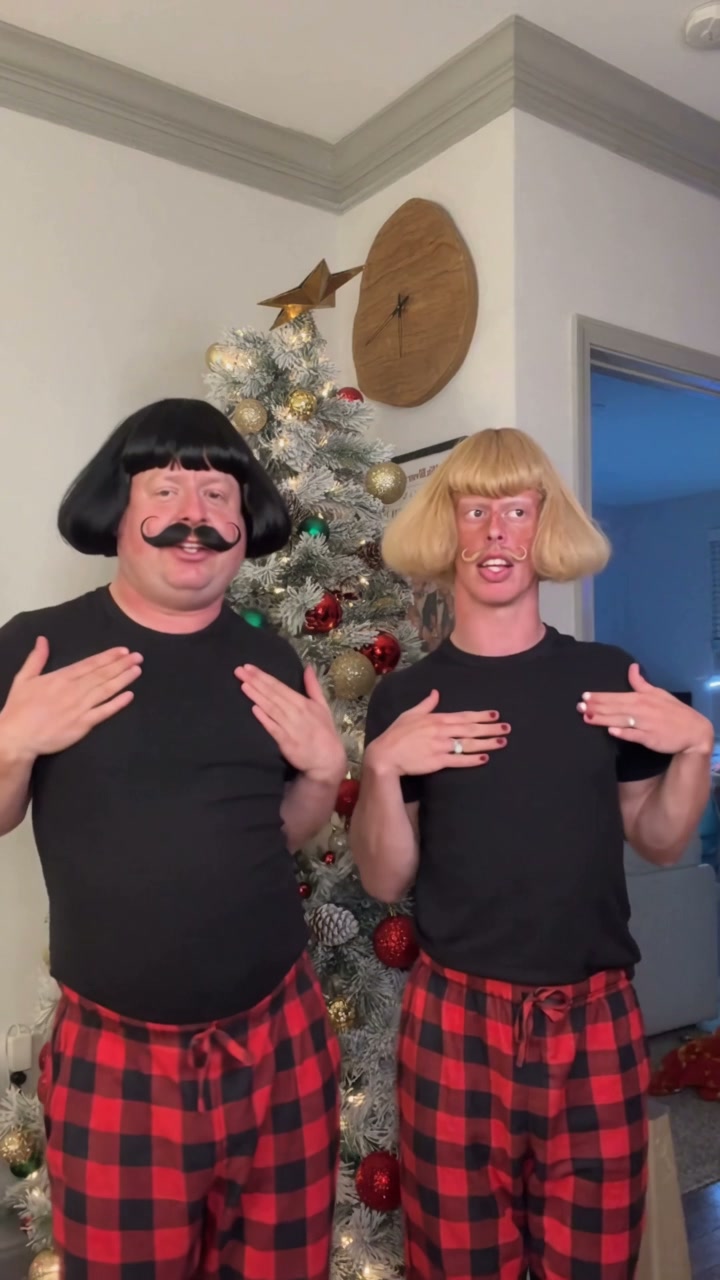
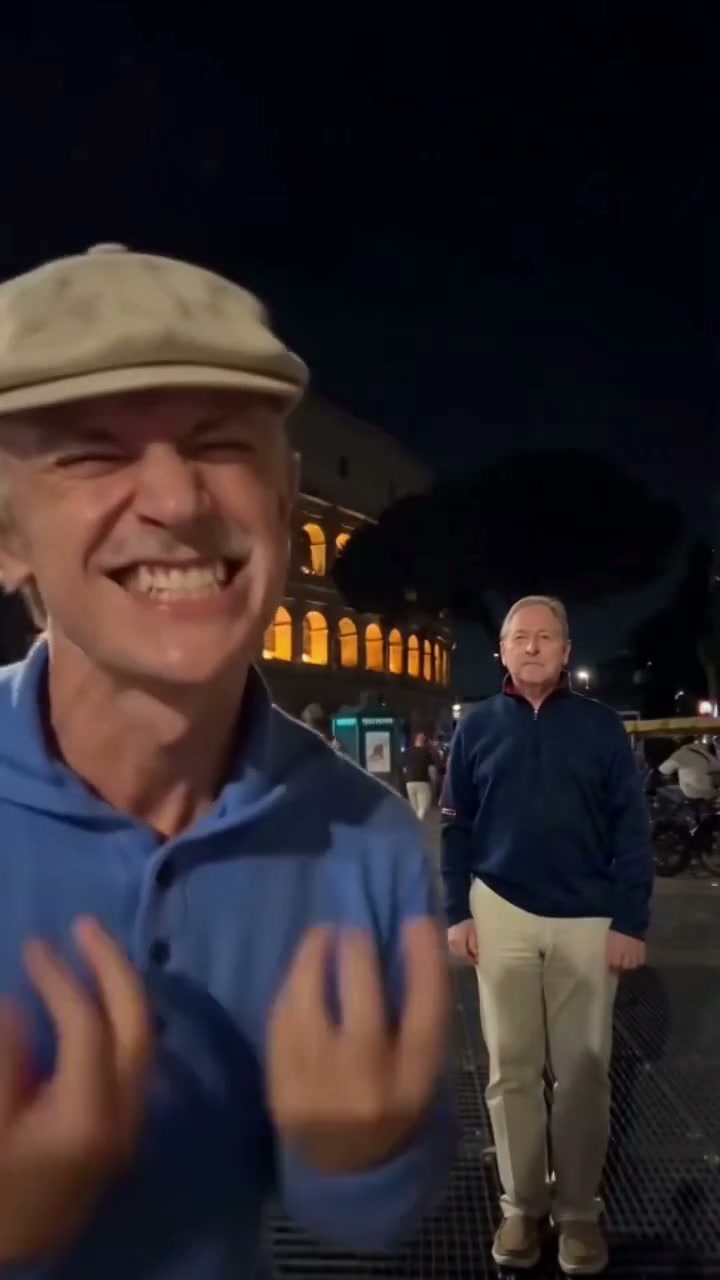
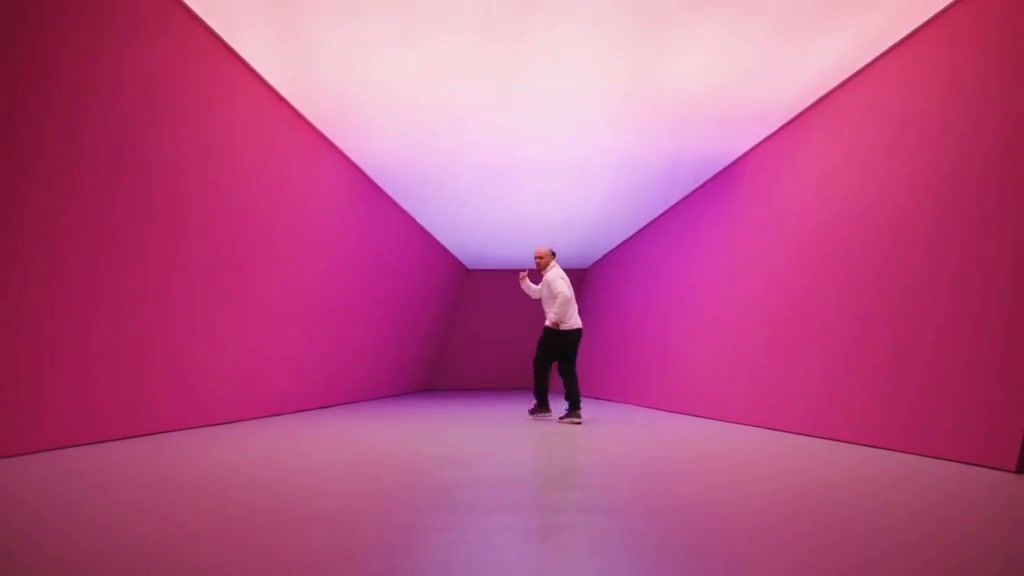
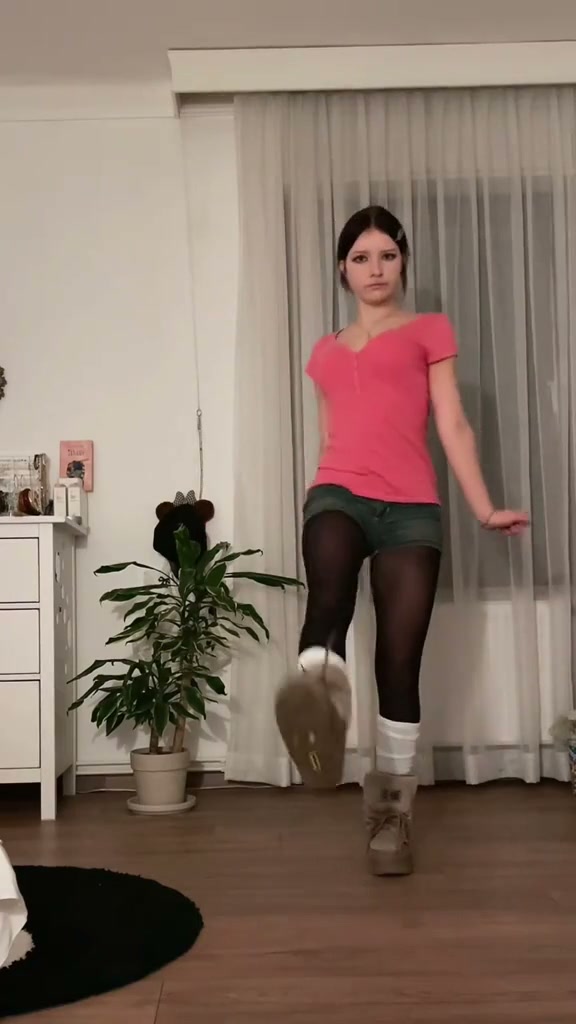
See Dip On Em AI Dance in Action — No Prompt Writing Needed
Generated directly from portrait photos—no dance rehearsal, no camera crew, and zero manual prompt writing.
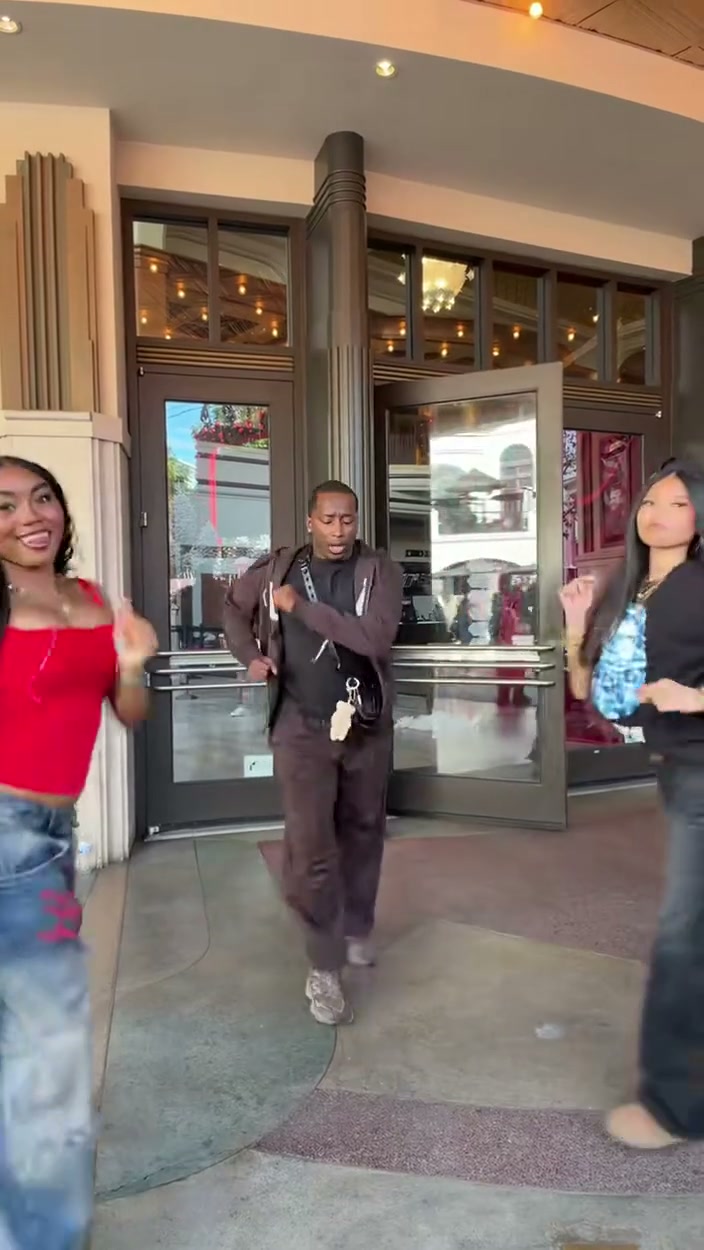
Dip On Em AI Dance casts your photo into the viral SouthMemphisHypeman TikTok dance challenge. Using 1 or 2 portraits on Viral AI Video generates a 14-second MP4 starting at 7 credits (Standard 480p) with zero prompts.
- 1Input needed: 1 or 2 clear front-facing adult portraits with relaxed expressions (no hands in pockets).
- 2Instant visual hook: opens immediately with synchronized rhythm walking and shoulder bounces into the groove.
- 3Choreography timeline: 0.0–3.0s rhythm walk-in, 3.0–6.0s prayer arm raises, 6.0–9.0s horizontal sway, 9.0–12.0s beat-drop crouch dip, 12.0–14.0s exit turn.
- 4Formats & options: 9:16 vertical portrait natively optimized for TikTok, Instagram Reels, and YouTube Shorts.
- 5Transparent pricing: starts at 7 credits (14s, Standard 480p); failed tasks automatically return reserved credits.
- Clip Length
- 14 Seconds
- Entry Cost
- 7 Credits (480p)
- Aspect Ratios
- 9:16 Vertical Portrait
- Photo Input
- 1 or 2 Clear Portraits
Why the Dip On Em Format Works
Short-form dance clips capture attention when sharp, rhythmic choreography pairs with an infectious beat drop. The viral SouthMemphisHypeman track "DIP ON EM" built massive TikTok engagement because it combines a recognizable walking groove with the punchy "bend, BEND, dip on em" crouch.
Two structural elements inside the preset ensure high viewer retention right from the studio:
- Immediate opening momentum: Performers enter on beat during the opening sequence (
0.0–3.0s), establishing rhythm and personality without any slow lead-in. - Accented beat-drop punchline: The choreography builds anticipation through prayer arm raises and horizontal sways before executing the deep synchronized crouch dip (
9.0–12.0s) right as the vocal hook lands.
14-Second Shot-by-Shot Beat Breakdown
| Timestamp | Phase | What Happens on Screen | Why Your Photo Matters Here |
|---|---|---|---|
| 0.0s – 3.0s | Rhythm Entrance | Performers enter the frame with confident forward steps and synchronized shoulder bounces matching the opening Memphis hip-hop groove. | Clear front-facing portraits with open necklines anchor identity before dynamic arm gestures begin. |
| 3.0s – 6.0s | Prayer Arm Raise | Synchronized side-stepping accompanied by lateral arm swings and an overhead prayer-style hand raise pointing upward on beat. | Even daylight or balanced indoor lighting keeps facial silhouette and hairstyle clean during overhead arm sweeps. |
| 6.0s – 9.0s | Horizontal Sway & Bounce | Performers execute smooth horizontal arm sways to the left paired with relaxed shoulder rolls and wide-stance rhythmic bouncing. | Portraits with unobstructed eyes and natural smiles preserve expressive facial character through wide movement. |
| 9.0s – 12.0s | Signature Beat-Drop Crouch | Hitting the viral punchline: performers drop low into a deep synchronized crouch facing the camera with wide arm extensions on the accented downbeat. | Natural standing source photos allow the motion engine to generate fluid full-body crouching anatomy without distortion. |
| 12.0s – 14.0s | Turn & Exit Pose | A sharp pivot turn with arms sweeping overhead, concluding in a final rhythmic bounce and high-energy exit pose. | Avoid photos with hands inside pockets to ensure clean, plausible hand and wrist rendering across turns. |
How to Pick the Best Portrait Photo (Zero-Prompt Workflow)
Because our cloud engine directs all choreography, camera tracking, and pacing, you never write a prompt. Choosing a clear input photo is the most impactful step you control for likeness accuracy and motion quality.
High-Accuracy Portrait Photos vs. Common Mistakes
Because this effect runs on a locked motion preset with zero prompt typing, photo selection accounts for most of the final quality.
Upload Photos Like This
- Front-facing adult portrait with direct eye contact and neutral or light smiling expression.
- Clear, even daylight or studio lighting where eyes, hair texture, and jawline are distinct.
- Relaxed standing posture with arms resting naturally at sides (hands free and visible).
- Plain, uncluttered background with only one person in the uploaded photo frame.
- Authentic casual or streetwear outfit styling that reflects your personal fashion.
Avoid These Mistakes
- Hands tucked deep into pockets or arms crossed tightly over the chest.
- Sunglasses, heavy face filters, wide-brim hats, or accessories obscuring eyes.
- Two people cropped closely together in a single photo frame for a solo dancer slot.
- Extreme low-angle or high-angle perspective crops that warp natural facial proportions.
- Celebrity portraits, public figures, or images you do not have permission to cast.
Have Your Photos Ready? Launch Straight Into the Studio
Pick your portraits here to carry them into the Dip On Em AI Dance studio pre-loaded—review your exact credit estimate (from 7 credits at 480p) and generate in seconds.
 1 or 2 Photos
 14s MP4
Preset Video vs. CapCut Templates: Which Should You Use?
Creators searching for "dip on em CapCut template" often want an effortless way to participate in the TikTok challenge without spending hours editing clips. Both approaches serve different production workflows:
Dip On Em AI Dance Preset vs. CapCut Templates
| What Matters | Viral AI Video Preset | Typical CapCut Template |
|---|---|---|
| How you appear in the video | Synthesizes a continuous 14-second AI dance performance guided by your portrait photo and the authentic motion reference. | Puts static photo cutouts, pan-and-zoom slides, or requires pre-filmed video footage. |
| Choreography & beat synchronization | Full-body motion synthesis with rhythm walk, prayer arm raises, and synchronized crouch dips. | Relies on timeline transition cuts, zoom effects, or user-provided dance execution. |
| Scene and casting flexibility | Switch between Plaza Lead Trio and Promenade Night Duo with granular role assignment in 1 click. | Locked to fixed template slots created by individual CapCut community authors. |
| Resolution & format output | Generates clean 9:16 vertical MP4s at 480p, 720p, or 1080p without template watermarks. | Varies by template author; free exports often include CapCut branding or require Pro tiers. |
| Credit pricing vs. recurring subscription | Pay-as-you-go starting at 7 credits per clip with zero monthly commitments; failed tasks refund automatically. | Basic templates are free, while premium export resolutions require recurring subscription tiers. |
Audio, Previewing & Posting Tips
Before publishing your finished dance video to TikTok, Instagram Reels, or YouTube Shorts, keep these three production tips in mind:
- Watch the full preview before downloading: Fast dynamic movements like the beat-drop crouch benefit from a quick check. Review the full 14-second video to confirm smooth footwork and natural styling before sharing.
- Audio is synchronized automatically: Desktop studio downloads include pre-muxed high-fidelity Memphis hip-hop audio. When uploading to social platforms, you can also select the official trending "DIP ON EM" sound from the platform music library to boost algorithmic reach.
- Turn on the AI content disclosure: Enabling TikTok's AI-generated content badge keeps your short-form dance posts compliant and transparent with social distribution rules. Want to try another synchronized viral routine? Star in Christian Dior Dance AI or read our Dior dance routine guide.