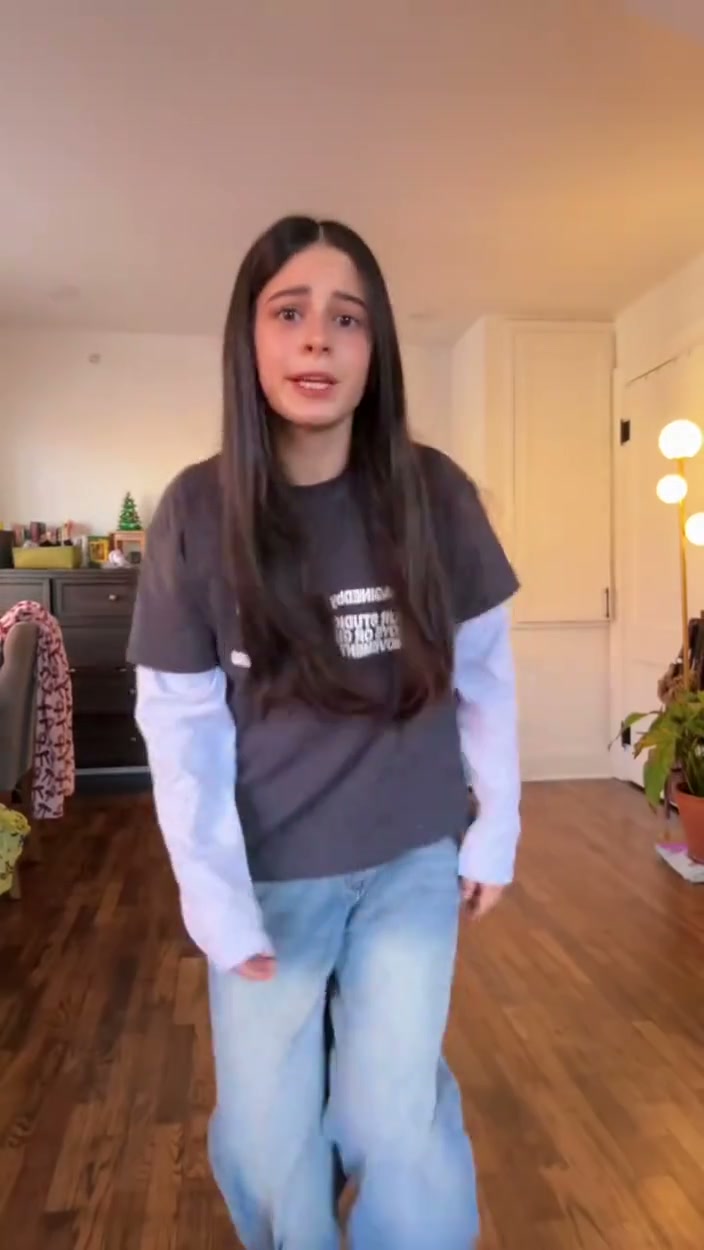
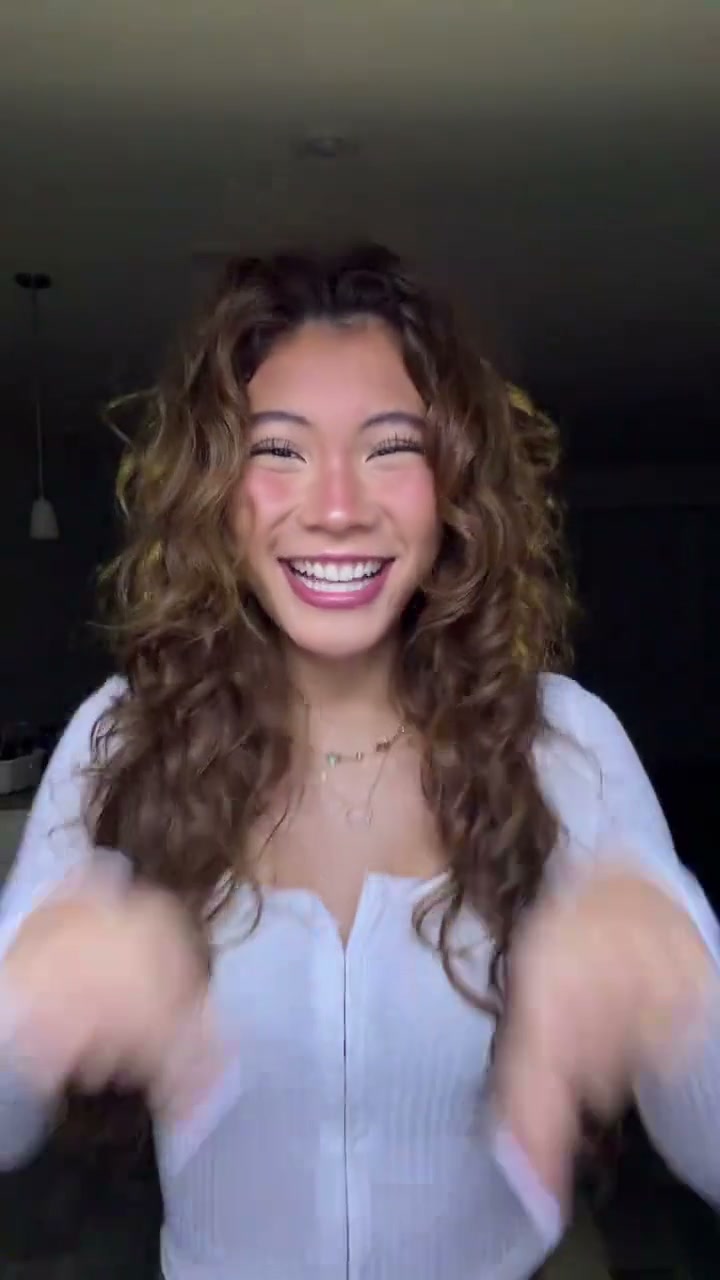
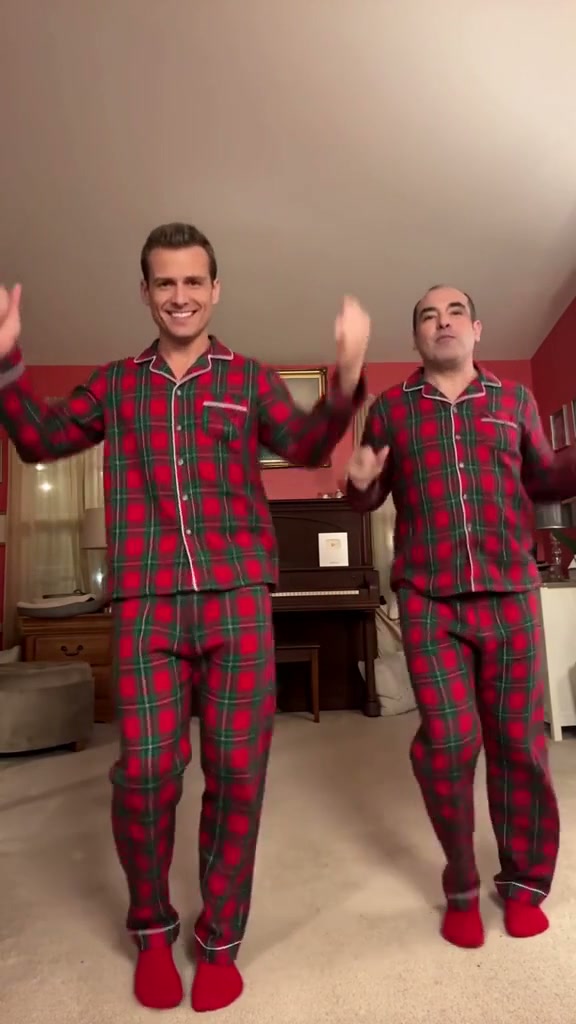
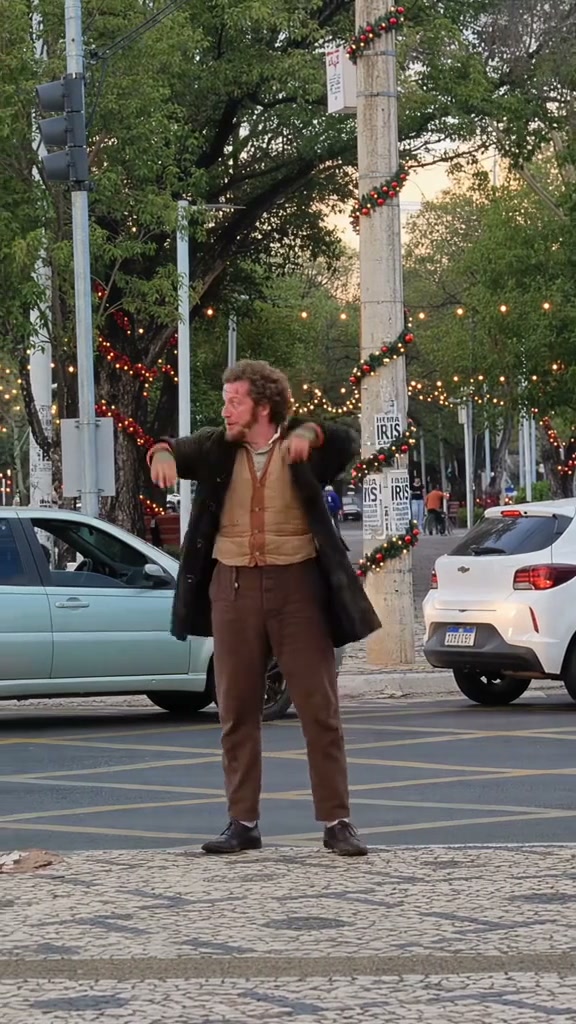
See CORTIS GO AI in Action — No Prompt Writing Needed
Generated directly from 1 or 2 ordinary portrait photos—no dance rehearsal, no green screen, and zero prompt editing.
CORTIS GO AI casts you in the viral K-Pop dance sensation by rookie boy group CORTIS. Uploading 1 or 2 clear photos on Viral AI Video generates an 15-second MP4 starting at 8 credits (Standard 480p) with synchronized beat audio and zero manual prompts.
- 1Input needed: 1 or 2 clear front-facing adult portraits with visible faces and natural lighting.
- 2Dual-scene support: choose Daylight Rooftop Solo or Nighttime Parking Lot Duo (with Lead and Wingman casting).
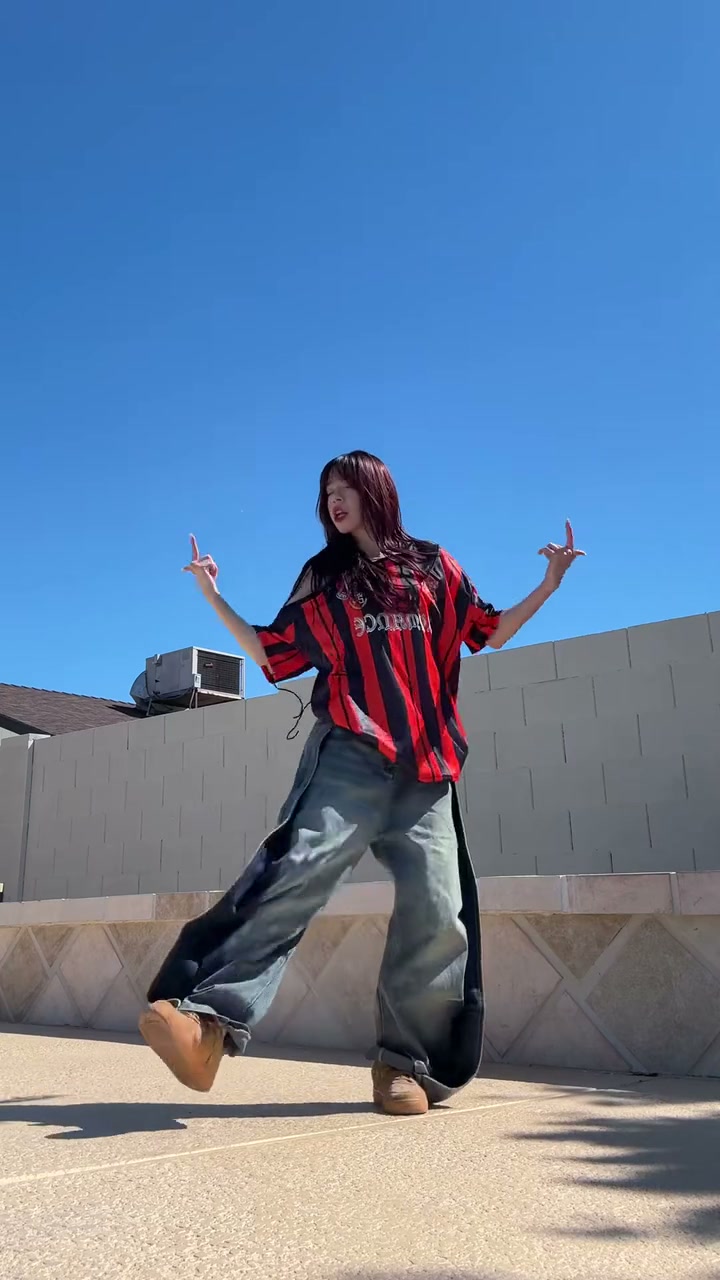
- 3Matched timeline: 0.0–3.0s opening knee hop, 3.0–6.0s high knee reach, 6.0–9.0s chest pop, 9.0–12.0s watch me go pulses, 12.0–15.0s finger point finale.
- 4Formats & options: native 9:16 vertical for TikTok and Reels, 1:1 square, or 16:9 widescreen across Standard, Fast, Pro, and Ultra models.
- 5Transparent pricing: starts at 8 credits (15s, Standard 480p); failed tasks automatically refund reserved credits.
- Clip Length
- 15 Seconds
- Entry Cost
- 8 Credits (480p)
- Aspect Ratios
- 9:16 · 1:1 · 16:9
- Photo Input
- 1 or 2 Clear Portraits
Why the CORTIS GO Format Works
Short-form dance clips hold viewer attention when they combine approachable bounce rhythms with high-energy choreography hooks. Driven by rookie boy group CORTIS and their viral debut track "GO!", the challenge exploded on TikTok with celebrity endorsements and tens of millions of views.
Two structural traits inside the preset make the clip perform immediately:
- Instant opening hook: The routine jumps straight into forward knee hops and chest pulses within the first two seconds (
0.0–3.0s), eliminating slow pre-rolls that lose mobile viewers. - Iconic vocal beat alignment: The rhythm locks directly into the famous "watch me go" hook (
9.0–12.0s), delivering high-retention visual sync for TikTok and Instagram Reels algorithms.
15-Second Shot-by-Shot Beat Breakdown
| Timestamp | Phase | What Happens on Screen | Why Your Photo Matters Here |
|---|---|---|---|
| 0.0s – 3.0s | Opening Stance | Centered performer locks eye contact with the camera, crosses arms at chest level, and steps forward into a bouncy knee hop on the opening vocal cue. | A straight-on front portrait keeps eye contact sharp and facial symmetry balanced from the very first frame. |
| 3.0s – 6.0s | High Knee Reach | Dynamic high knee kick into an explosive wide-leg drop, throwing both arms wide horizontally while leaning back with the rhythm. | Unobstructed upper-body framing ensures arm sweeps and shoulder tilts track smoothly without clipping at the edges. |
| 6.0s – 9.0s | Chest Pop & Drops | Sharp, rapid chest isolations and rhythmic shoulder snaps dropping into a low center of gravity on the heavy trap bassline. | Natural posture without hands tucked in pockets allows the torso and shoulder isolations to flex cleanly. |
| 9.0s – 12.0s | Watch Me Go Hook | Both hands pulse rhythmically against the chest on the iconic "watch me go" vocal hook, paired with deep knee flexes and sideways weight shifts. | Clear face visibility and even lighting ensure expression continuity during rapid rhythmic bounces. |
| 12.0s – 15.0s | Finale Finger Point | Expansive side lunge with sweeping arm extension, finishing in a confident standing pose pointing one finger skyward on the final track beat. | Preserving personal clothing from the source photo ensures your unique streetwear style headlines the final pose. |
How to Pick the Best Portrait Photo (Zero-Prompt Workflow)
Because the studio handles the full choreography, camera direction, and lighting on the server, you never need to write a prompt. Choosing a clean source photo is the single step you control that directly determines visual likeness and movement quality.
High-Accuracy Portrait Photos vs. Common Mistakes
Because this effect runs on a locked motion preset with zero prompt typing, photo selection accounts for most of the final quality.
Upload Photos Like This
- Front-facing or slight three-quarter adult portrait where both eyes, nose, and mouth are clearly visible.
- Even, natural daylight or bright indoor lighting with distinct facial contours and skin texture.
- Neutral, uncluttered background without other people or photobombers.
- Upper-body or full-body casual photo with natural posture and arms visible.
- Natural hairstyle and expression without heavy sunglasses, costume masks, or obscuring hands.
Avoid These Mistakes
- Group photos with multiple faces where the system cannot determine the primary subject.
- Dark, backlit selfies or extreme shadows where eye and mouth features are obscured.
- Heavy sunglasses, thick beanies covering eyebrows, or hands covering the mouth.
- Extreme low-angle or high-angle tilted phone snapshots with lens distortion.
- Minor children, celebrities, or copyrighted public figures.
Have Your Photo Ready? Launch Straight Into the Studio
Pick Daylight Rooftop Solo or Nighttime Parking Lot Duo to carry your portraits into the CORTIS GO AI studio pre-loaded—review your exact credit estimate (from 8 credits at 480p) and generate in seconds.
 1 or 2 Photos15s MP4
Preset Video vs. CapCut Templates: Which Should You Use?
Creators searching for "CORTIS GO CapCut template" usually want a fast way to join the dance challenge without spending hours learning the routine. Both approaches serve different creator workflows depending on whether you want genuine synthetic full-body dancing or manual clip stitching:
CORTIS GO AI Preset vs. CapCut Templates
| What Matters | Viral AI Video Preset | Typical CapCut Template |
|---|---|---|
| How you appear in the video | Synthesizes a complete 15-second full-body dance routine directly from 1 or 2 still photos with authentic motion tracking. | Requires pre-recorded video clips of yourself dancing or pastes static 2D cutouts onto fixed video tracks. |
| Choreography & scene synthesis | Renders full K-Pop moves, chest pops, high knee hops, and stage lighting automatically without filming. | Relies on manual timeline keyframes, transition effects, and existing user-submitted clips. |
| Casting flexibility | Offers Daylight Rooftop Solo and Nighttime Parking Lot Duo (cast both lead and wingman dancers or star solo). | Fixed to single-clip slots or awkward multi-panel cuts with rigid crop ratios. |
| Aspect ratio options | Native 9:16 vertical (720x1280) for TikTok and Reels, 1:1 square, or 16:9 widescreen across Standard, Fast, Pro, and Ultra tiers. | Frequently restricted to 9:16 or letterboxed 3:4 crops depending on user template setup. |
| Pricing & credit fairness | Starts at 8 credits per 15s Standard 480p clip with 100% automatic refund on failed tasks and no monthly lock-in. | Basic app is free, while high-tier cloud exports and Pro templates require recurring subscriptions. |
Audio, Previewing & Posting Tips
Before publishing your finished dance clip to TikTok, Instagram Reels, or YouTube Shorts, keep these three creator guidelines in mind:
- Preview motion and timing before posting: Review the full 15-second generation in the studio player. Make sure arm sweeps and chest pulses flow smoothly, and download the pre-muxed video with the synchronized CORTIS "GO!" audio track.
- Tag the sound on social platforms: When uploading to TikTok or Reels, pair your video with the official trending sound from the music library to boost organic algorithmic reach.
- Explore companion viral dance presets: Ready for more choreography hits? Check out our Christian Dior dance creator guide or test your moves in Hotline Bling AI.