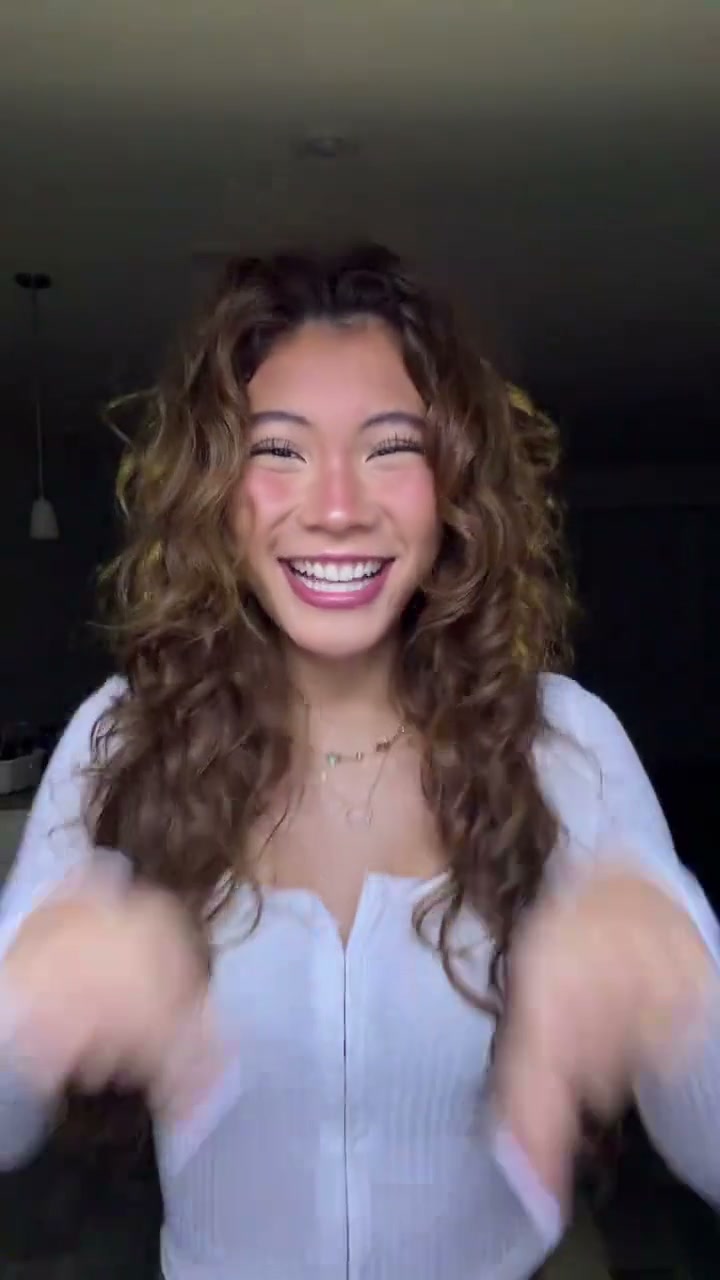
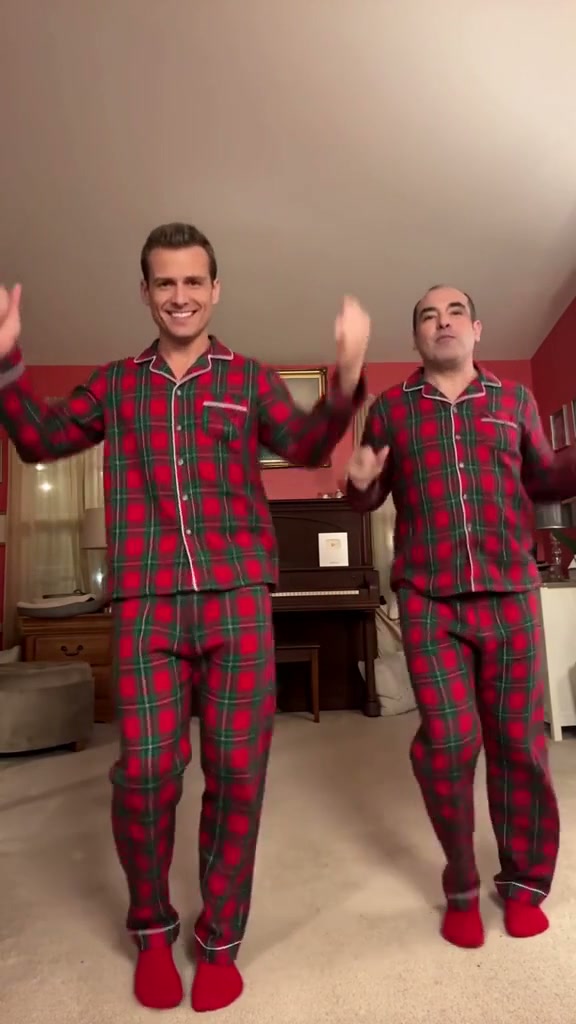
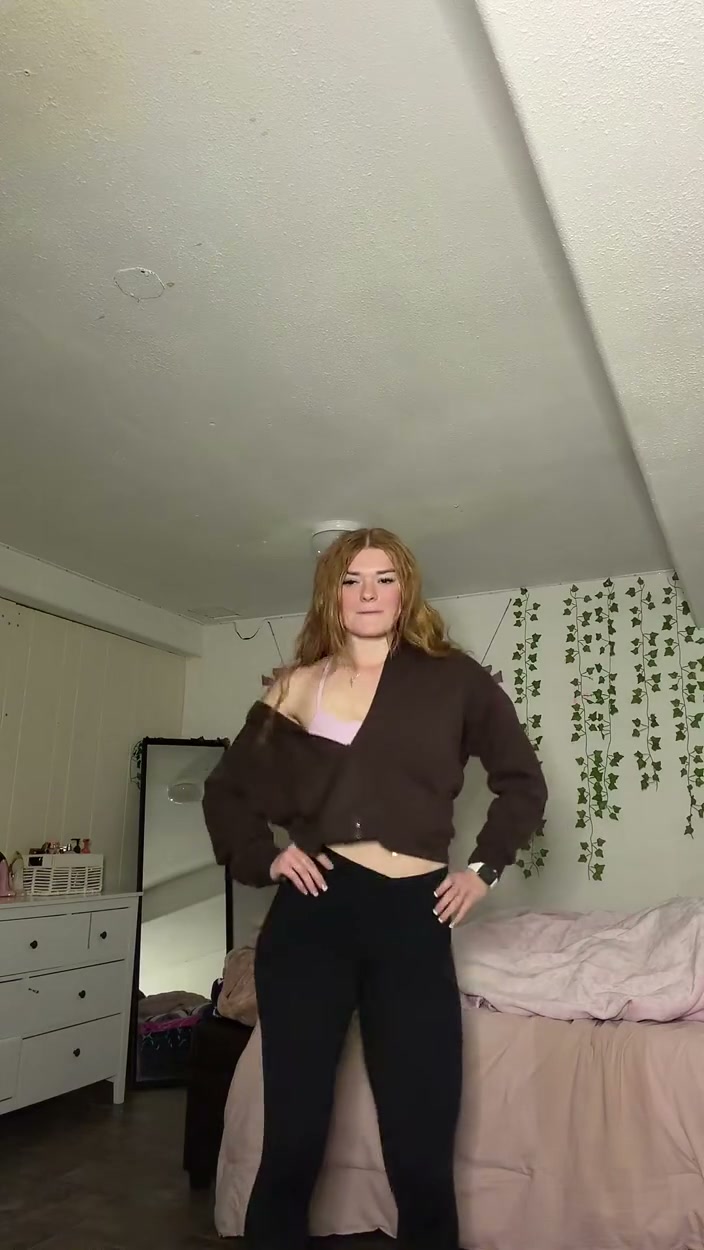
See You Rock My World AI in Action — No Prompt Writing Needed
Generated directly from two partner portraits—no green screens, no video editing software, and zero manual prompt writing.
You Rock My World AI casts two partners in the viral Michael Jackson beat-drop transition trend, transforming from casual indoor loungewear into stunning formal evening attire. Using two partner photos on Viral AI Video generates an 13-second MP4 starting at 7 credits (Standard 480p) with zero prompts.
- 1Input needed: 2 front-facing portrait photos (Partner 1 and Partner 2) in even lighting with clearly visible faces.
- 2Instant visual hook: opens with casual home grooving before a dramatic hand-swipe transition on the beat drop.
- 3Multi-scene flexibility: choose between Gala Hallway (13s), Garden Patio (11s), or Paris Eiffel Tower (13s).
- 4Formats & options: native 9:16 vertical MP4 optimized for TikTok, Instagram Reels, and YouTube Shorts.
- 5Transparent pricing: starts at 7 credits (13s, Standard 480p); failed tasks automatically return reserved credits.
- Clip Length
- 13 Seconds (or 11s)
- Entry Cost
- 7 Credits (480p)
- Aspect Ratios
- 9:16 Vertical
- Photo Input
- 2 Partner Photos
Why the Couple Beat Transition Format Works
Short-form couple transition videos capture high viewer engagement because they combine relatable everyday casualness with an aspirational glamorous transformation. Instead of simple lip-syncing or static slideshow cuts, the You Rock My World format relies on an energetic opening groove followed by a physical camera-swipe motion timed precisely to the Michael Jackson percussion drop.
Two structural traits inside the preset make the clip work right out of the studio:
- Rhythmic physical transition: Viewers see a fast hand motion covering the camera lens at mid-clip (
6.0–7.5s), creating a seamless, motivation-driven transition into luxury formal wear. - Dedicated dual-role fidelity: Assigning Partner 1 and Partner 2 to separate spatial lanes guarantees that both individuals embody their exact roles without identity confusion or facial warping.
Beat-by-Beat Shot Breakdown
| Timestamp | Phase | What Happens on Screen | Why Your Photo Matters Here |
|---|---|---|---|
| 0.0s – 6.0s | Casual Groove | The couple grooves in everyday loungewear inside a contemporary home space, moving rhythmically with joyful smiles. | Clear eye and hair visibility in both photos anchors identity before the camera transition begins. |
| 6.0s – 7.5s | Camera Swipe Transition | A dynamic hand gesture reaches forward to swipe across the lens directly on the Michael Jackson beat drop. | Even lighting ensures clean edge separation between both subjects and the surrounding interior. |
| 7.5s – 13.0s | Glamorous Reveal | Instant reveal in high-end formal attire stepping forward side-by-side with poised smiles in a luxury hallway, garden patio, or Paris Eiffel Tower plaza. | Avoid photos with heavy sunglasses or hats so both formal reveals look natural and expressive. |
How to Pick the Best Partner Photos (Zero-Prompt Workflow)
Because the studio handles the camera direction, choreography, and scene transition on the server, you never write a prompt. Selecting clear, well-lit portrait photos is the single factor you control that visibly elevates likeness and clothing quality.
High-Accuracy Partner Photos vs. Common Mistakes
Because this effect runs on a locked motion preset with zero prompt typing, photo selection accounts for most of the final quality.
Upload Photos Like This
- Individual front-facing or slight three-quarter portraits with even natural lighting.
- Clear eye, hairstyle, and facial expression visibility for both partners.
- Separate photo uploads for Partner 1 and Partner 2 so each identity stays distinct.
- Uncluttered, neutral backgrounds without heavy shadows or lens flare.
- Natural expressions that match both the casual intro and celebratory reveal.
Avoid These Mistakes
- Uploading the same group photo into both slots where bodies overlap.
- Dark backlit selfies where facial features blend into dark room corners.
- Heavy sunglasses, face masks, or novelty filters covering the eyes.
- Extreme close-ups where forehead, hair outline, or chin are cut off.
- Celebrity portraits or images you do not hold rights to use.
Have Your Partner Photos Ready? Launch Straight Into the Studio
Upload your photos into the Partner 1 and Partner 2 slots to carry them into the You Rock My World studio—review your exact credit estimate (from 7 credits at 480p) and generate in seconds.
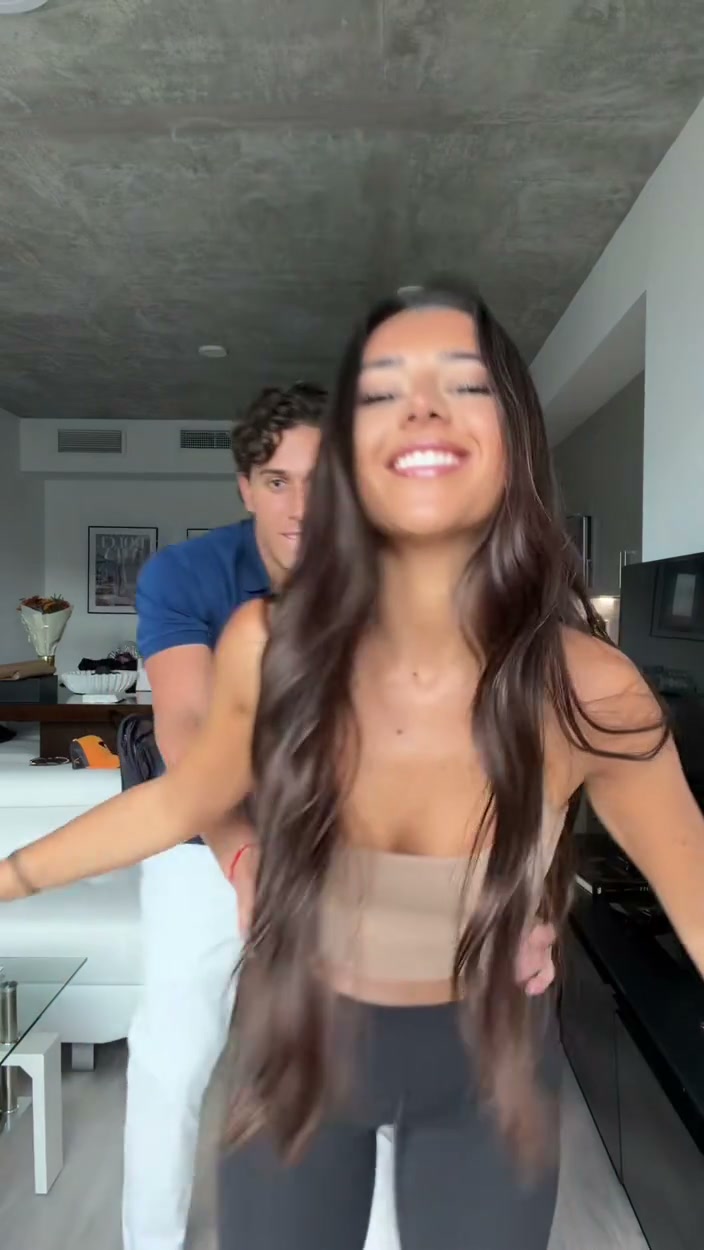 2 Partner Photos13s MP4
Preset Video vs. CapCut Templates: Which Should You Use?
Creators searching for "You Rock My World CapCut template" usually want a fast way to join the viral transition without learning complex editing software. Here is how our dedicated AI studio compares against generic template apps:
You Rock My World AI Preset vs. CapCut Templates
| What Matters | Viral AI Video Preset | Typical CapCut Template |
|---|---|---|
| How both partners appear | Synthesizes full-body AI motion guided by your photos and the viral choreography with authentic identity preservation. | Places static photo cutouts or sticker overlays onto pre-existing stock videos. |
| Transition & scene synthesis | Generates the casual-to-formal camera swipe cut and luxurious setting automatically from your photos. | Requires manual split-screen cuts or relies on rigid, non-customizable template slots. |
| Manual editing required | Zero prompts or timeline editing—upload 2 photos, select your scene, review credits, and generate. | Often requires manual keyframing, timeline audio alignment, and cutout masking. |
| Scene versatility | Switch effortlessly between Gala Hallway (13s), Garden Patio (11s), and Paris Eiffel Tower (13s). | Locked to a single background clip unless you rebuild the template from scratch. |
| Credit model vs. subscription | Starts at 7 credits per 13s Standard 480p clip with zero monthly lock-ins and automatic refund protection. | Free basic templates gate premium exports behind recurring monthly subscription paywalls. |
Audio, Previewing & Posting Tips
Before downloading and sharing your finished clip to TikTok, Instagram Reels, or YouTube Shorts, keep these three studio tips in mind:
- Preview video and audio carefully before exporting: Fast camera transitions and clothing changes can occasionally show minor AI motion artifacts. Watch the full preview and verify the beat synchronization before downloading.
- Use permitted sound on the publishing app: Desktop previews include synchronized beat audio, but when publishing commercially on TikTok, Instagram Reels, or YouTube Shorts, you can attach the official sound directly from the platform library. Save your MP4 before account retention cleanup.
- Toggle AI content disclosure where required: Turning on the platform’s AI-generated content label keeps synthetic creator transitions transparent and compliant with community distribution policies. Looking for more viral dance and outfit trends? Explore our Jingle Bell Rock Dance guide or read our fitting room outfit change tips.