
SANTA TELL ME AI DANCE GENERATOR: VIRAL HOLIDAY TIKTOK DANCE
Star in the viral Ariana Grande “Santa Tell Me” holiday dance trend from one photo. Choose between the Asphalt Court Duo or Living Room Squad choreography to render a 15-second clip with synchronized festive audio ready for TikTok and Reels. Pay-as-you-go generation starts at just 8 credits with zero forced monthly subscriptions.
CREATE YOUR HOLIDAY DANCE VIDEO
Upload two portraits · Asphalt Court Duo
Tip: Use a clear front-facing portrait with visible face and outfit styling in even light. Upload Photo 1 for Left Dancer and Photo 2 for Right Dancer in the asphalt court duo.
Video Options
By generating you confirm compliance with our Terms · Privacy · Acceptable Use
15-second video · 8 credits per generation · One-time packs, no subscription
WATCH EXAMPLES FREE · REVIEW THE COST · FAILED-TASK CREDIT RETURN
WHAT IS THE SANTA TELL ME AI DANCE TREND?
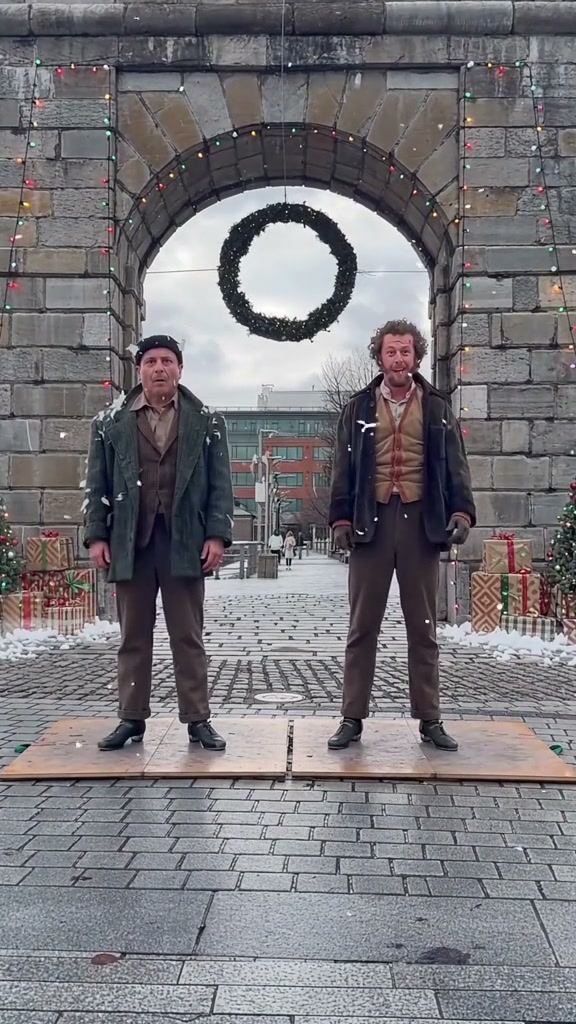
Santa Tell Me AI is a dedicated holiday dance video generator built around the viral TikTok and Instagram "Santa Tell Me" trend set to Ariana Grande's festive hit. Choose between two reference choreography scenes—the Asphalt Court Duo or the Living Room Squad—and upload one front-facing portrait to star in synchronized hip sways, hair flips, and upbeat holiday dance moves across a 15-second vertical MP4.
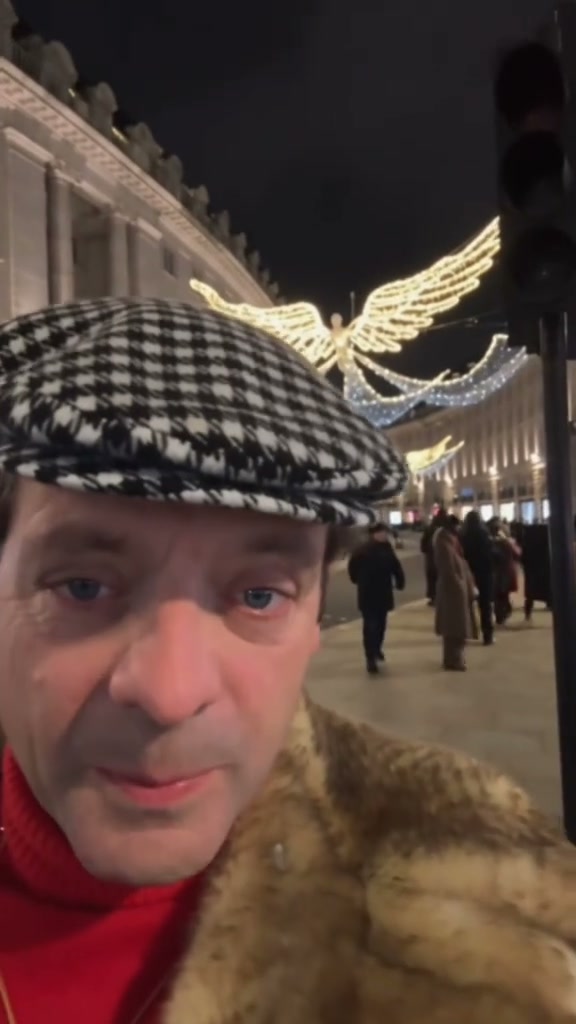
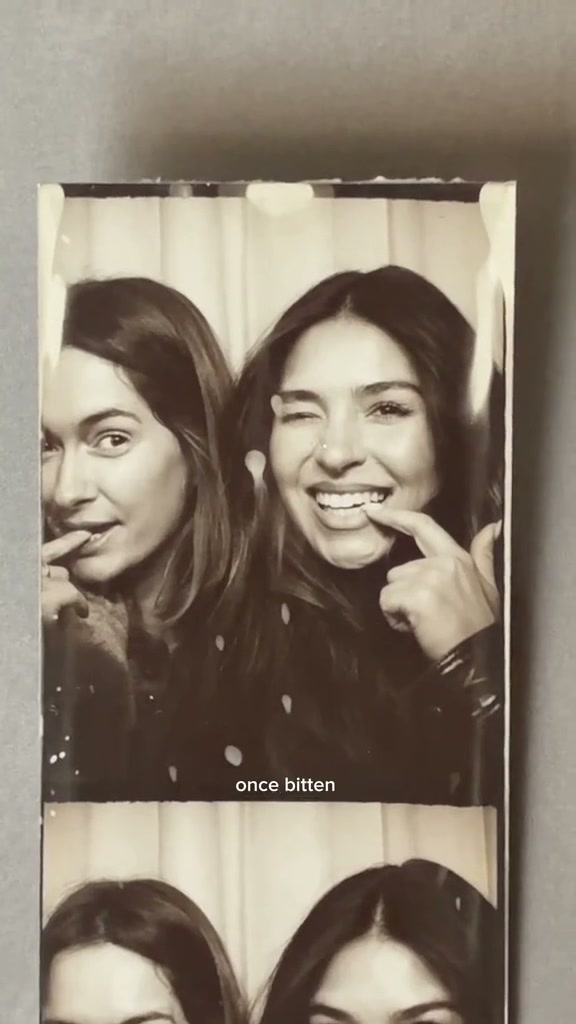
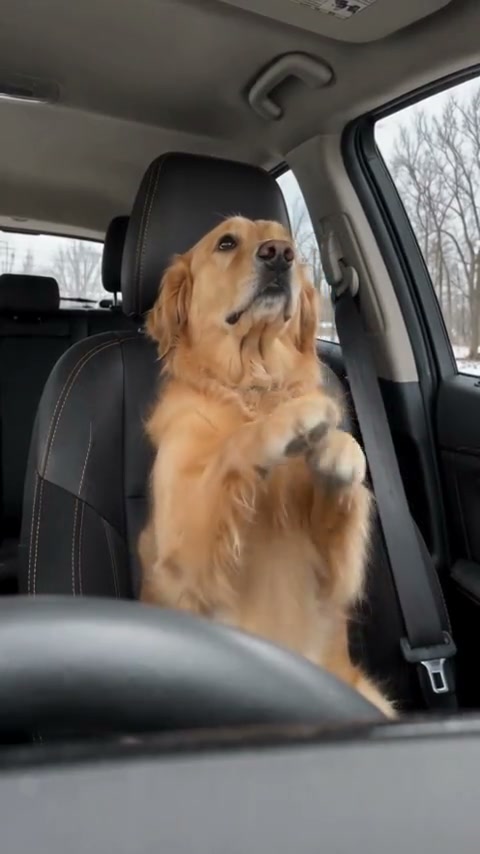
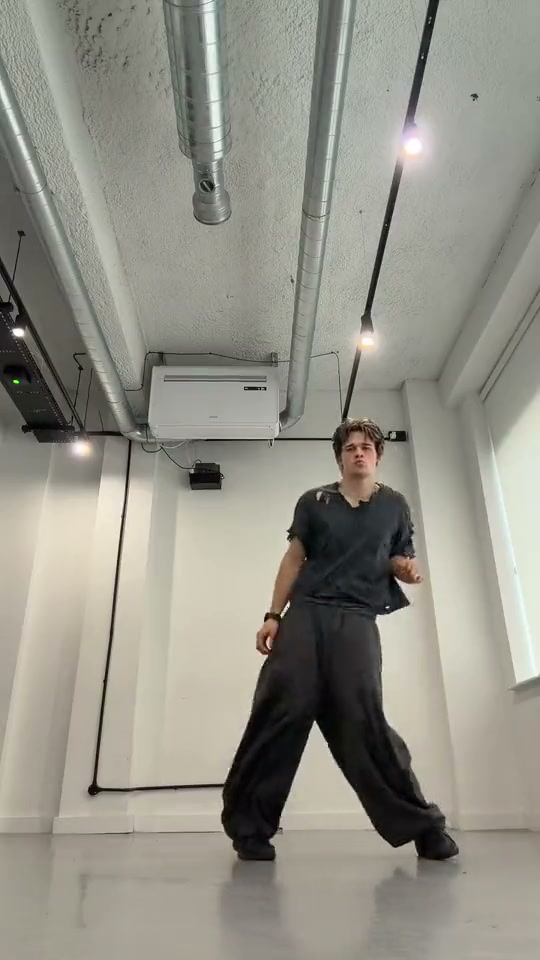
Popularized on TikTok by creators like @carlsuffrin and @oopsitssoojie to Ariana Grande's iconic 2014 holiday anthem, the Santa Tell Me dance challenge garners tens of millions of views every November and December. The viral routine pairs playful entrance hip sways and wide rhythmic bounces with dynamic unison hair flips and an overhead reach finale.
Duo or Squad Choreography · 1 Photo In
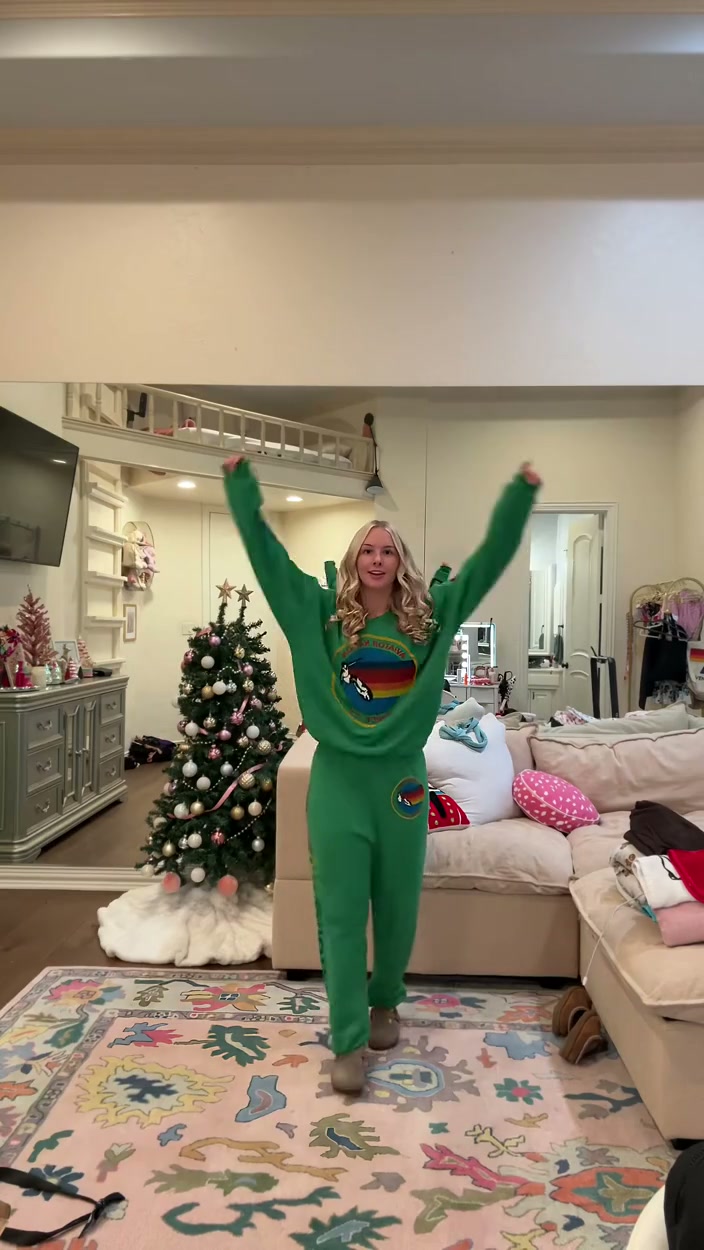
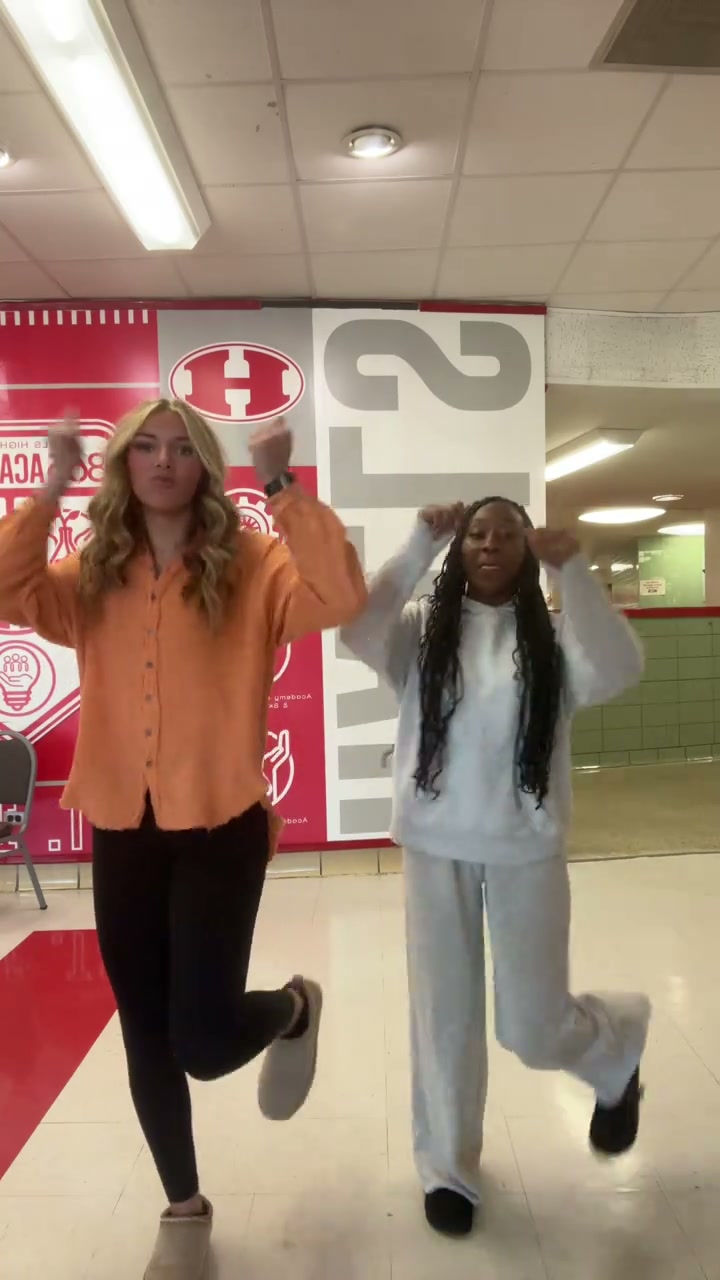
Switch between the 2-dancer Asphalt Court Duo scene and the 4-dancer Living Room Squad scene in Step 1. Both options capture the full festive energy and timing of the viral trend while preserving your facial identity, hairstyle, and authentic outfit styling across every wide shot and close-up.
Explore trending creator remixes on TikTok holiday dance search results.
Content reviewed by Viral AI Video · . Independent AI creative tool, not affiliated with TikTok, Instagram, YouTube, or Republic Records.
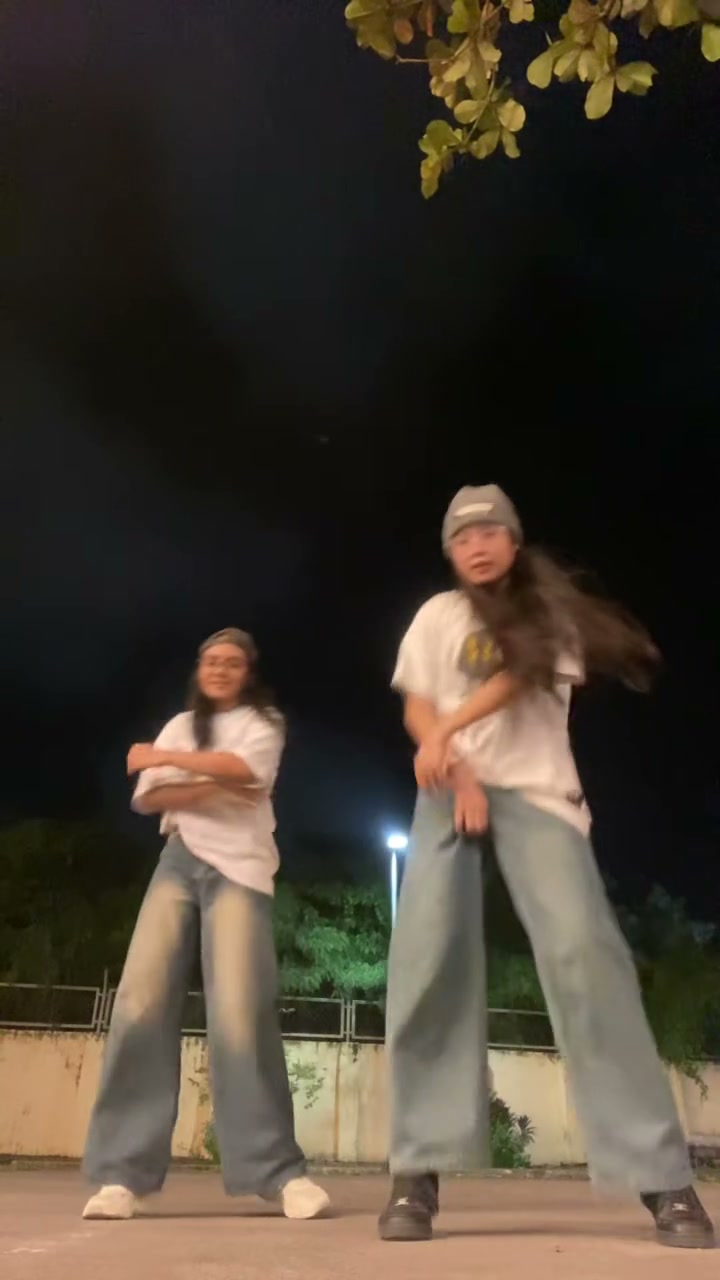
Holiday & Festival Templates
Explore More Viral AI Video Templates
Jump into related trending formats in this category or browse the full directory.
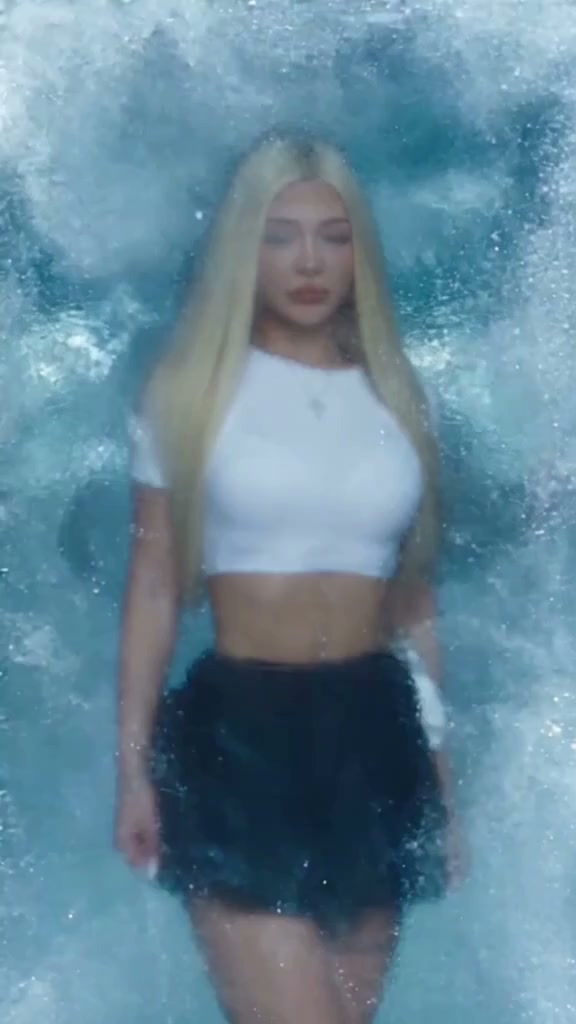
How to Create Your Holiday Dance Video in 3 Steps
Pick your preferred holiday dance scene and upload one clear portrait. The generator animates the full choreography and syncs the music automatically without manual video editing.
Pick Scene & Add Photo
Choose between the Duo or Squad scene, then upload one sharp adult portrait from your device or via mobile QR scan—no dance skills or costumes needed.
Select Resolution & Format
The preset locks the full 15-second choreography and music timing. Choose 480p, 720p, or 1080p plus your preferred framing before confirming permissions.
Download With Synced Music
Follow live render progress until your 15-second clip arrives with synced holiday music attached. Save straight to computer or send via phone QR.
Creative Ideas for Your Holiday Dance
Turn any portrait into a viral holiday hit across TikTok, Instagram Reels, and YouTube Shorts.
Holiday Duo With Your Bestie
Cast yourself into the Asphalt Court Duo routine alongside the companion dancer for a festive dance clip to share.
Festive Group Celebration
Choose the Living Room Squad scene to dance front-and-center with a festive holiday squad wearing red sunglasses.
Two Scenes to Test
Compare the night outdoor duo against the bright living room squad version without manual editing or choreography practice.
Why Create Your Holiday Dance Here
Compare both choreography scenes, verify credit totals upfront, and render with automatic error refunds.
100% Automatic Refund On Errors
Cloud task failures return reserved credits to your balance automatically—no support tickets needed.
Duo & Squad Scenes Ready
No clip hunting or video splicing required. Switch scenes inside Step 1 from one still portrait.
Flexible Resolution & Format
Export 480p, 720p, or 1080p across 9:16, 1:1, or 16:9 with live upfront credit pricing.
Instant MP4 & Phone QR Save
Download the synced MP4 on desktop or scan the QR code directly to your phone.
Non-Expiring Sitewide Credits
Purchased pack credits never expire and work across every studio preset on site.
Transparent Privacy & Retention
Uploaded portraits follow our Privacy Policy safely and are never shared publicly.
Inside the 15-Second Holiday Dance Storyboard
Every render follows the viral holiday dance choreography from opening hip sways and dynamic hair flips to the high-energy overhead reach finale.
Opening Groove & Hip Sways
Staggered entrance and rhythmic side-to-side hip sways in perfect sync with the opening Santa Tell Me beat.
Wide-Stance Rhythmic Bounces
Wide-stance energetic weight transfers and synchronized outward arm sweeps with upbeat holiday energy.
Dynamic Hair Flip & Chorus Drop
Signature synchronized head whip and dynamic hair flip in rhythm with the chorus vocal crescendo.
Knee Bends & Torso Rolls
Deep rhythmic knee bend drop, smooth body rolls, and expressive forward gesturing toward the camera lens.
Lateral Turn & Overhead Finale
90-degree lateral turn, celebratory bounce walk, and high right-arm reach overhead for the final pose.
Photo Guidelines & Quality Tips
Keep likeness crisp through rapid dance moves, side bounces, and energetic hair flips with these portrait framing tips.
Give Your Portrait the Best Edge
- Even Front Lighting Without Heavy ShadowsChoose a sharply lit front portrait so facial identity, smiles, and eye expressions hold crisp detail during energetic choreography.
- Show Shoulders & Natural OutfitInclude head, neck, shoulders, and torso styling clearly without cropped chins, hoodies up, or hands near your face.
- Skip Sunglasses, Masks & StickersUncovered eyes and unobstructed jawline ensure believable head tilts while tracking the falling arrow and sip glance.
- Single Centered Adult SubjectAvoid group selfies or bystanders behind you so the AI keeps full focus on the solo archer throughout.
Check the Cost and the Finished Motion
- iVerify Live Credit TotalsChanging model tier or output resolution updates the exact credit amount immediately above the submit button.
- iInspect Both Transition BeatsWatch the grass bow release, arrow drop, glass sip, and finger-to-lips close-up in the result preview before downloading.
- i100% Automatic Refund on Failed TasksIf a cloud render fails for any technical reason, the system automatically returns reserved credits back to your balance.
- iPreview Free, Generate When ReadyWatch both Fighter and Cartoon reference clips freely before signing in and starting a paid render.
How Does This Holiday Dance Generator Work?
Your uploaded portrait supplies your facial structure, hair, skin tone, and clothing cues. The selected version animates every frame from the opening hip sways through the synchronized hair flips and celebratory finale across the full 15-second vertical clip.
Zero separate clip splicing or manual audio syncing is required. Upload one portrait, review the credit total (8 credits at Standard 480p), and export an MP4 with trending audio ready for TikTok, Reels, and Shorts.
Check current credit options, failed-task and payment refund rules, and photo processing and retention, and copyright & takedown policy before generating.
Frequently Asked Questions
QHow do I create a Santa Tell Me AI holiday dance video from photos?
QIs the Santa Tell Me AI dance generator free to try or paid?
QHow many credits does generating a Santa Tell Me dance video cost, and what happens if it fails?
QCan I make a duet with a friend or cast a 4-person group dance?
QWhat kind of photos work best for the holiday dance choreography?
QDoes the generated video include the original Ariana Grande music track?
QHow does the AI preserve facial likeness and holiday outfits without distortion?
QCan I export the video in 9:16 vertical format directly for TikTok and Instagram Reels?
Make Your Holiday Dance Clip Tonight
Pick Duo or Squad scene, upload one portrait, check the upfront credit cost (8 credits at 480p), and export a 15s MP4 with festive audio ready for TikTok & Reels.
MP4 download · Phone QR option · Sitewide credits