See Santa Tell Me AI in Action — No Prompt Writing Needed
Generated directly from one clear portrait photo—no dance skills, no costumes, and zero prompt writing required.
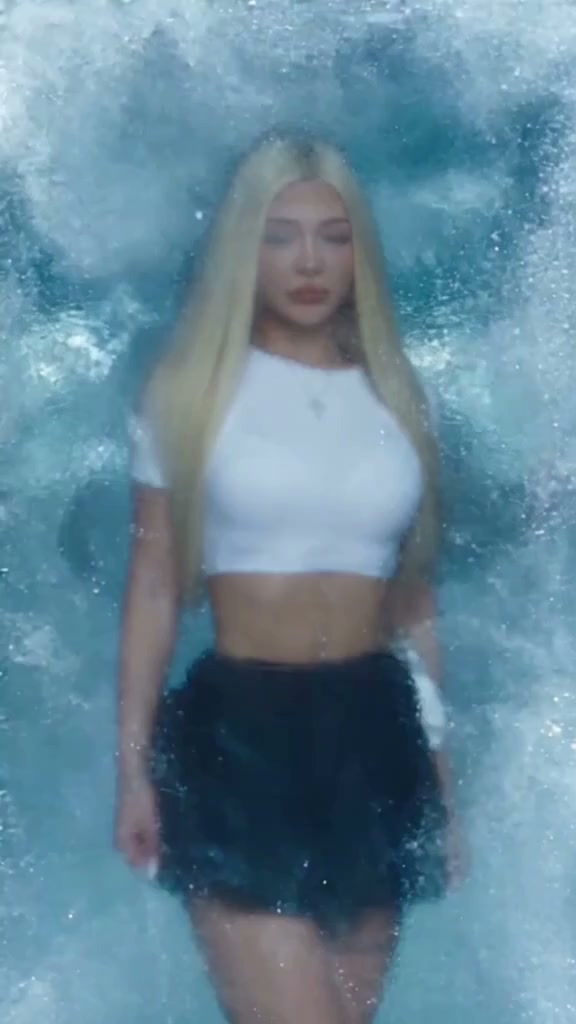
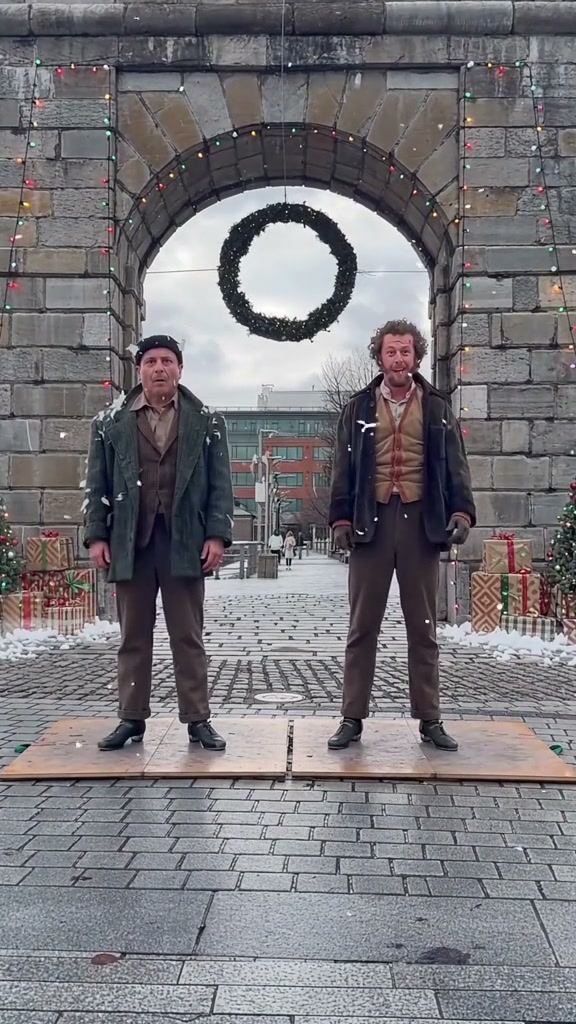
Santa Tell Me AI casts you in the viral Ariana Grande holiday dance challenge. Using one front-facing portrait on Viral AI Video generates an 15-second MP4 starting at 8 credits (Standard 480p) with zero prompt writing.
- 1Input needed: 1 clear front-facing portrait of yourself or a consenting friend in even lighting.
- 2Choreography choices: Asphalt Court Duo (2 dancers) or Living Room Squad (4 dancers) with coordinated holiday energy.
- 3Matched timeline: 0.0–2.5s opening groove, 2.5–5.5s rhythmic bounces, 5.5–8.5s dynamic hair flip, 8.5–12.0s knee bends, 12.0–15.0s overhead finale.
- 4Formats & options: native 9:16 vertical portrait, 1:1 square, or 16:9 widescreen across Standard, Fast, Pro, and Ultra models.
- 5Transparent pricing: starts at 8 credits (15s, Standard 480p); failed tasks automatically return reserved credits.
- Clip Length
- 15 Seconds
- Entry Cost
- 8 Credits (480p)
- Aspect Ratios
- 9:16 · 1:1 · 16:9
- Photo Input
- 1 Front Portrait
Why the Santa Tell Me Dance Trend Works
Short-form holiday videos achieve explosive reach when they tap into recognizable festive soundtracks paired with synchronized upbeat choreography. Ariana Grande's annual holiday anthem “Santa Tell Me” re-enters trending charts every November and December, creating an immediate nostalgic hook that holds audience retention.
Two core elements make the format compelling on TikTok and Instagram Reels:
- Instant musical hook: The routine opens immediately on the energetic vocal beat (
0.0–2.5s), greeting viewers with upbeat hip sways without any slow introductory delay. - Dynamic unison hair flip: The chorus vocal build triggers a signature synchronized hair whip (
5.5–8.5s) that drives high visual replay value across mobile feeds.
15-Second Shot-by-Shot Beat Breakdown
| Timestamp | Phase | What Happens on Screen | Why Your Photo Matters Here |
|---|---|---|---|
| 0.0s – 2.5s | Opening Groove | Staggered entrance and rhythmic side-to-side hip sways in perfect sync with the opening Santa Tell Me beat. | Clear eye contact and relaxed facial expression in your input photo establish strong identity likeness right from the opening beat. |
| 2.5s – 5.5s | Rhythmic Bounces | Wide-stance energetic weight transfers and synchronized outward arm sweeps with upbeat holiday bounce. | Well-defined shoulders and upper torso styling in your photo help maintain clean clothing proportions during full-body motion. |
| 5.5s – 8.5s | Chorus Drop & Hair Flip | Signature synchronized head whip and dynamic hair flip in rhythm with the chorus vocal crescendo. | Even front lighting without harsh shadows ensures that rapid head turns and hair movements remain sharp without warping. |
| 8.5s – 12.0s | Knee Bends & Body Rolls | Deep rhythmic knee bend drop, smooth body rolls, and expressive forward gesturing toward the camera lens. | Unobstructed facial features without hats or heavy sunglasses let expressive smiles register clearly. |
| 12.0s – 15.0s | Celebration Finale | 90-degree lateral turn, celebratory bounce walk, and high right-arm reach overhead for the final pose. | Single-subject portraits prevent accidental blending with background figures during wide camera tracking. |
How to Pick the Best Portrait (Zero-Prompt Workflow)
Because the AI dance preset coordinates all camera movements and choreography on the server, you never have to write complex prompts. Choosing a high-quality input photo is the key factor that determines your final likeness and visual sharpness.
High-Accuracy Portraits vs. Common Upload Mistakes
Because this effect runs on a locked motion preset with zero prompt typing, photo selection accounts for most of the final quality.
Upload Photos Like This
- Clear front-facing portrait or selfie with full face, eyes, hair, and shoulders visible.
- Even indoor or natural daylight without deep shadows across the eyes and jawline.
- Neutral, uncluttered background with only one person in the frame.
- Relaxed, open facial expression with a natural smile matching the festive dance tone.
- Authentic casual or holiday attire with clean shoulder definition.
Avoid These Mistakes
- Group photos with multiple faces where the AI system cannot determine the primary subject.
- Heavy backlighting or dark silhouettes where hair texture and eye color are obscured.
- Extreme head tilts, sleeping angles, or crops that cut off the chin or forehead.
- Sunglasses, beanies, or hands covering the mouth and cheeks.
- Heavily airbrushed or beauty-filtered snapshots that flatten natural skin texture.
Ready to Join the Holiday Dance Challenge? Launch Into the Studio
Select your portrait photo now to pre-load it into the Santa Tell Me AI studio—review your upfront credit estimate (from 8 credits at 480p) and generate your dance video in seconds.
 1 Portrait Photo
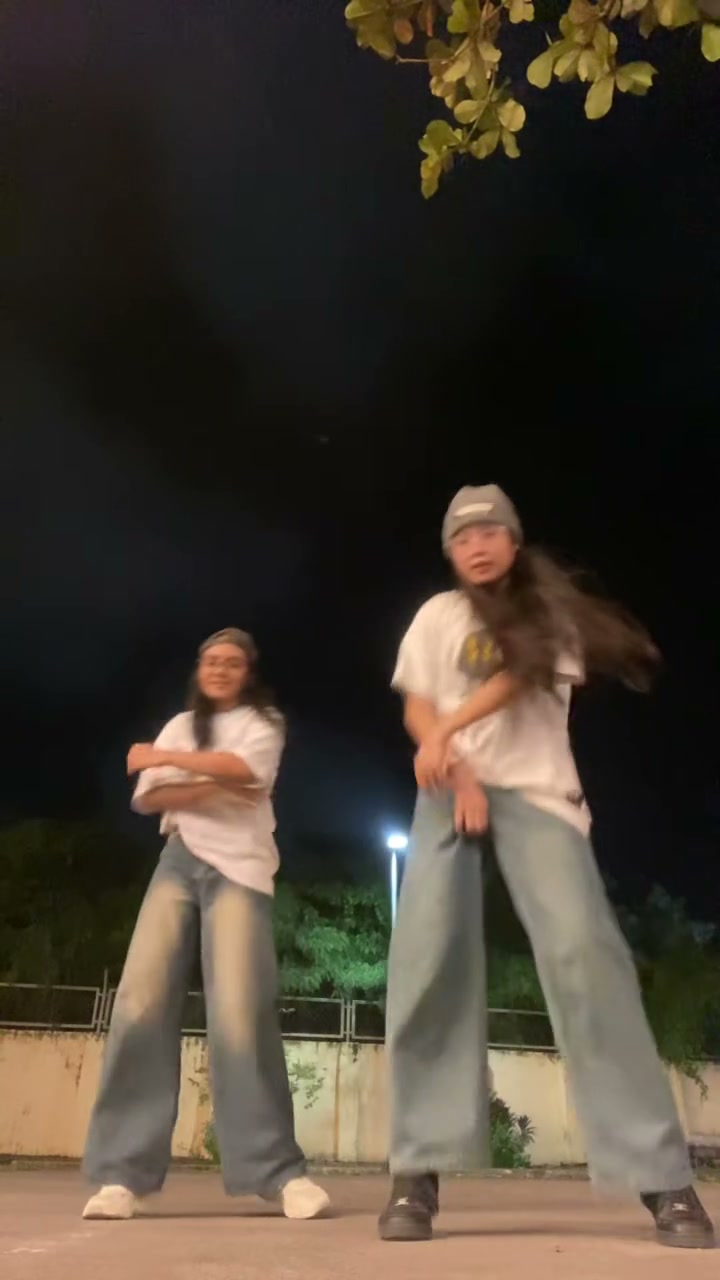 15s MP4
AI Motion Preset vs. CapCut Templates: Which Should You Use?
Creators searching for "Santa Tell Me CapCut template" are usually looking for a quick way to participate in the holiday trend. Both approaches offer unique advantages depending on whether you want genuine generative dance animation or simple photo montage cuts:
Santa Tell Me AI Preset vs. CapCut Templates
| What Matters | Viral AI Video Preset | Typical CapCut Template |
|---|---|---|
| How you appear in the video | Synthesizes an authentic 15-second dance performance guided by your portrait and the reference choreography. | Inserts static cutouts, photos, or pan-and-zoom stickers onto pre-existing footage. |
| Choreography & body motion | Renders complete synchronized dance moves including hip sways, side bounces, and hair flips automatically. | Requires manual filming of your own dancing or relies on fixed video placeholders. |
| Manual editing required | Zero editing or prompts—upload 1 photo, pick Duo or Squad scene, and render. | Requires installing external mobile apps, adjusting clip timings, and manual trimming. |
| Resolution & aspect ratio options | Native 9:16 vertical MP4 for TikTok/Reels, plus 1:1 square and 16:9 widescreen across multiple AI models. | Fixed by the original creator template format, often with export tier restrictions. |
| Credit model vs. subscription | Starts at 8 credits per 15s Standard 480p clip; purchased credit packs never expire (subscription credits follow the 31-day billing validity) with automatic failure refunds. | Free basic tier with recurring monthly subscription traps for premium features. |
Audio, Previewing & Posting Tips
Before publishing your finished dance video to TikTok, Instagram Reels, or YouTube Shorts, keep these three creator best practices in mind:
- Preview your full render: Check the transitions between opening hip sways, dynamic hair flips, and the overhead finale to verify that facial identity and hair continuity stay crisp throughout the routine.
- Sync the official audio track on social platforms: While finished desktop downloads include synchronized audio, linking the official trending sound directly on TikTok or Reels boosts algorithmic discovery in holiday feeds. For more holiday dance inspiration, try our Jingle Bell Rock Dance AI preset or check the Jingle Bell Rock holiday guide.
- Toggle platform AI disclosure labels: Turn on the AI-generated content setting during upload to maintain transparency and comply with community distribution standards.